-
-
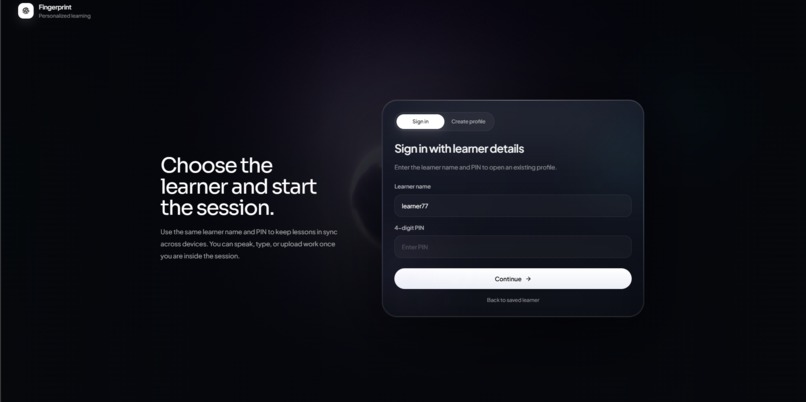
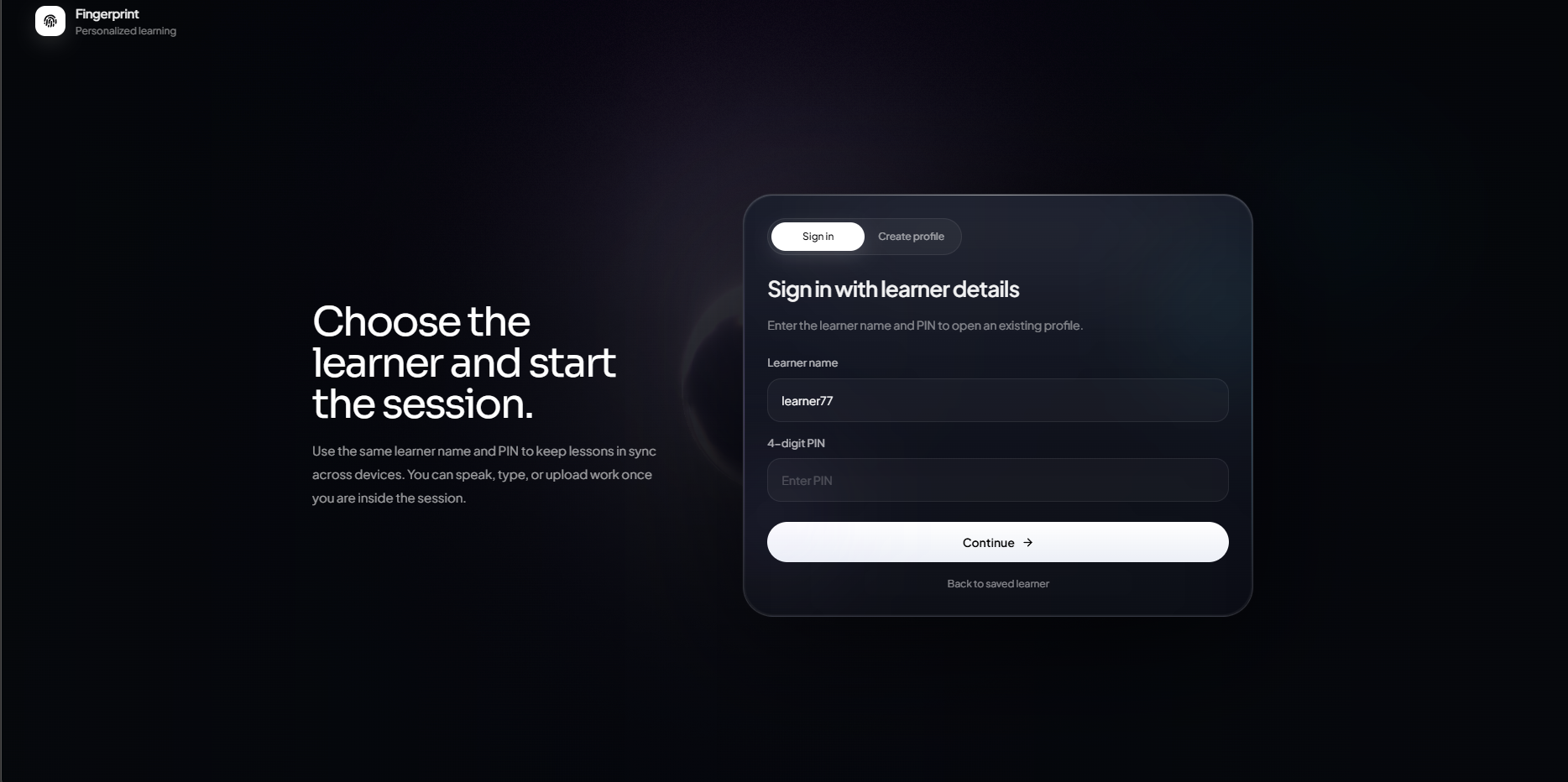
signup /create account landing page
-
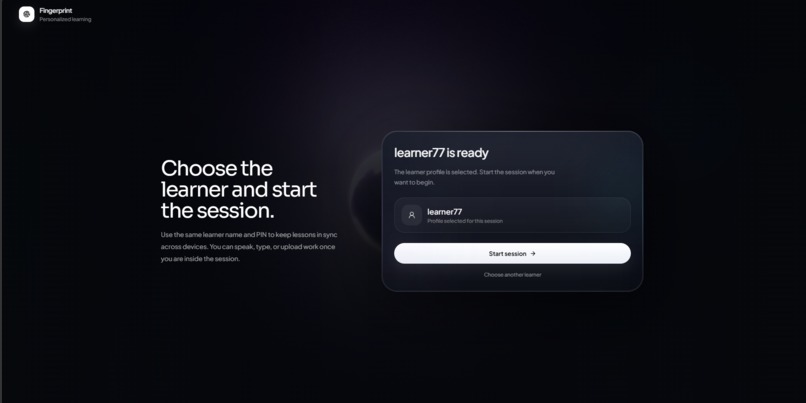
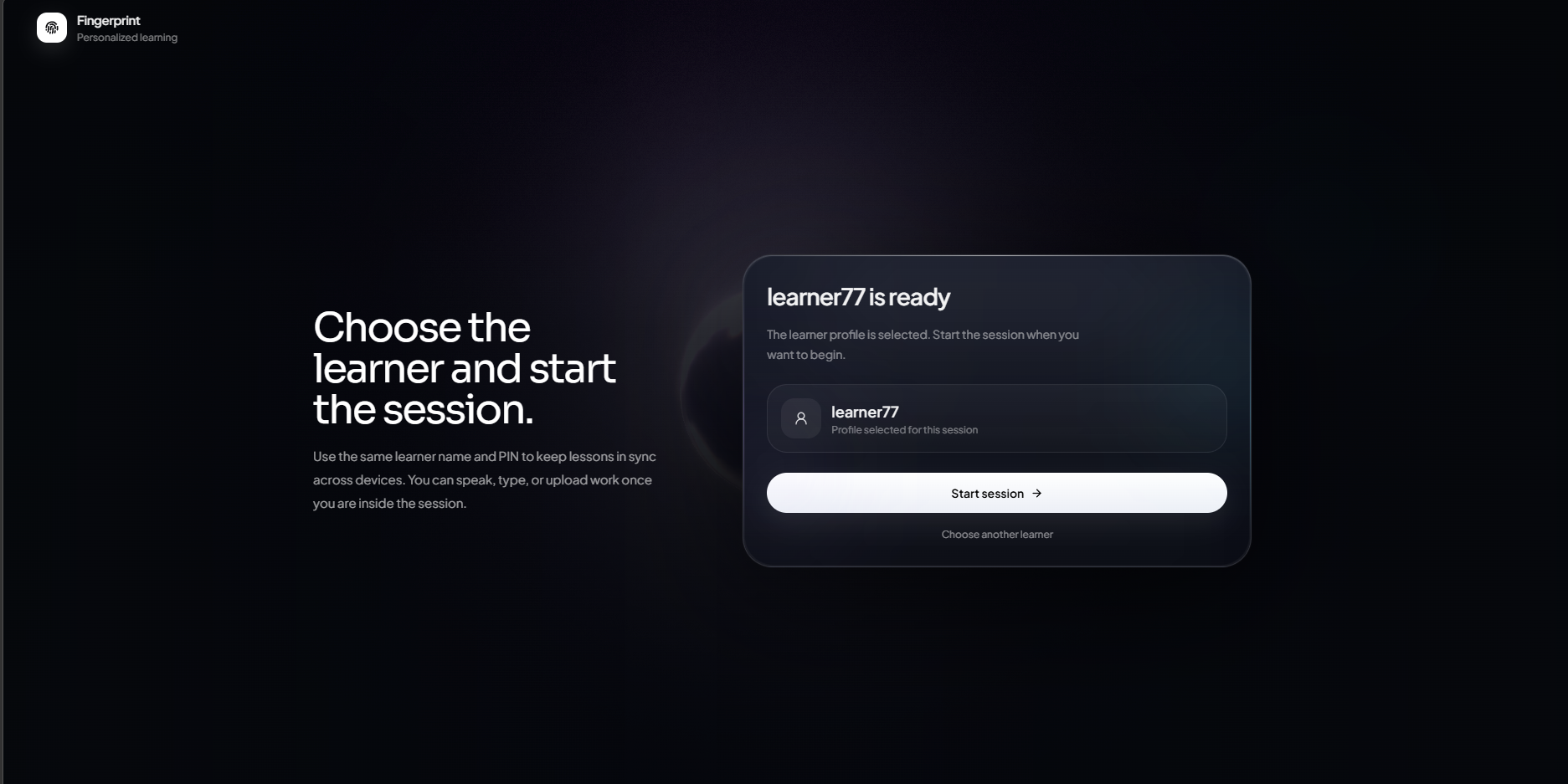
start session page
-
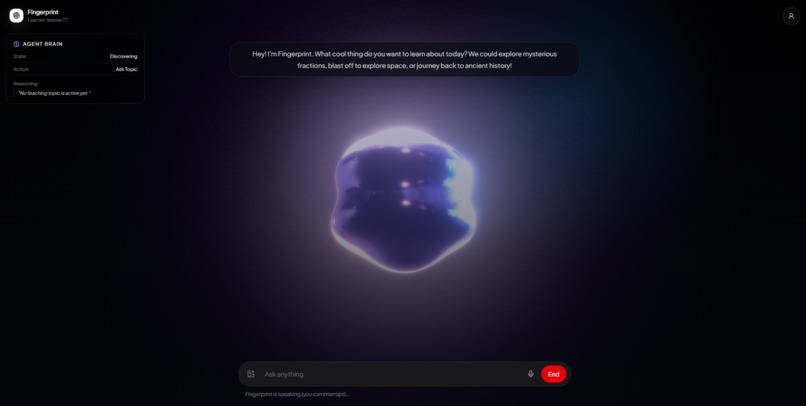
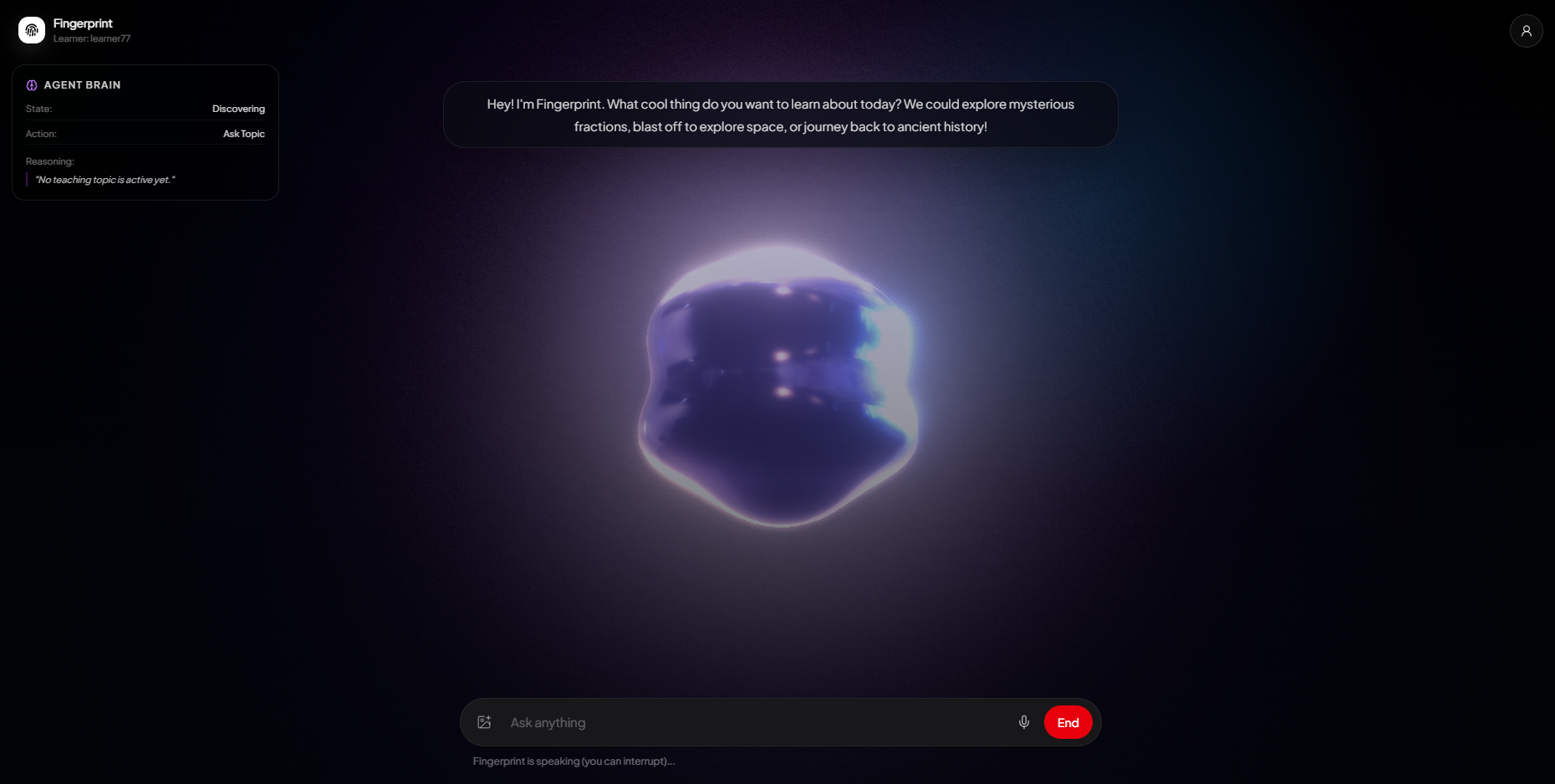
session window when agent is talking
-
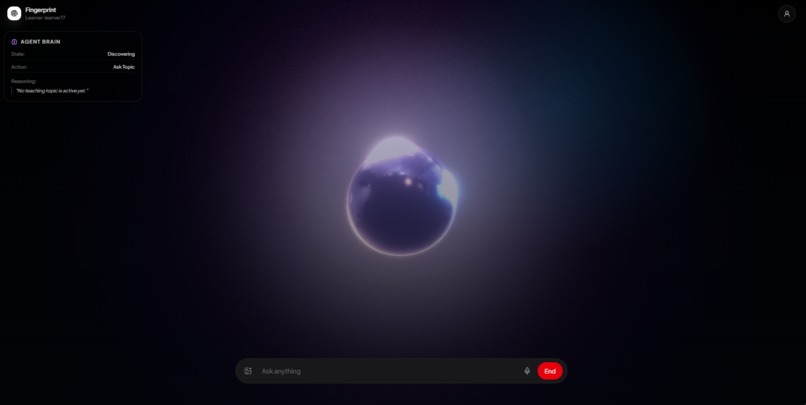
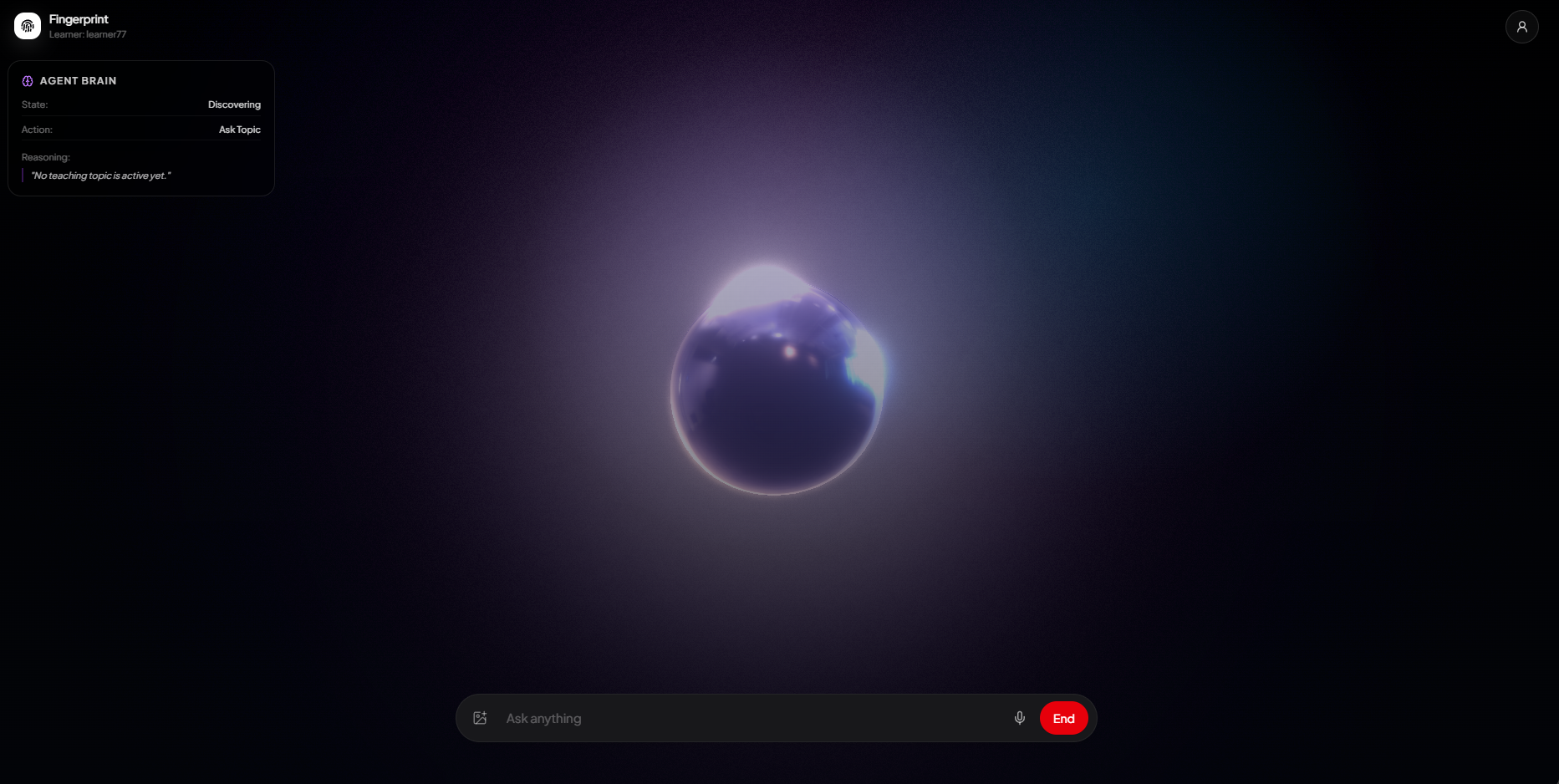
session window
-
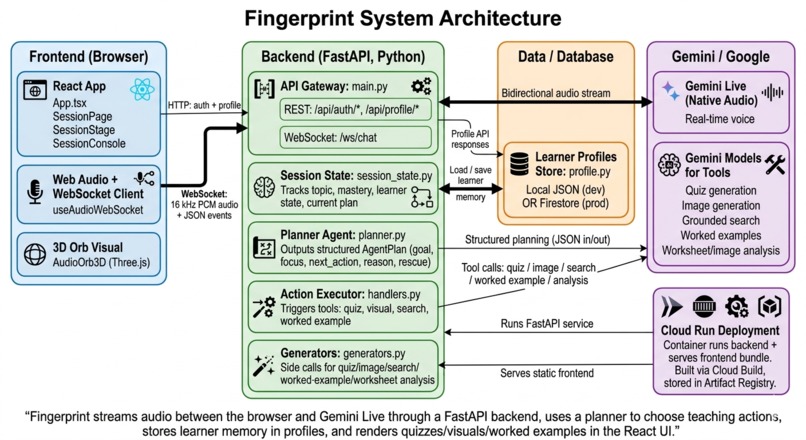
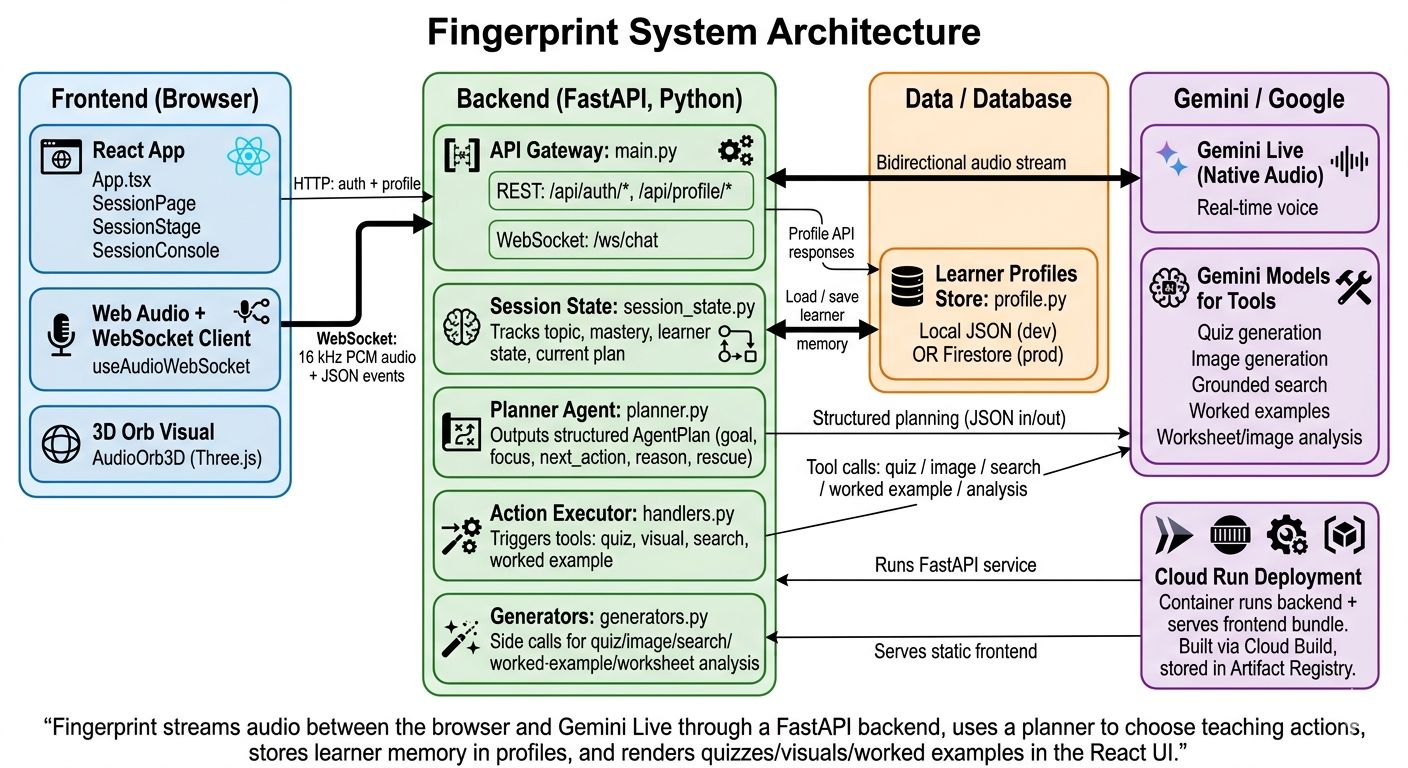
complete architecture
Inspiration
Kids do not all learn the same way, but most AI tutors still behave like linear chatbots. I wanted something closer to a real teacher: listening in real time, noticing when a child is confused or bored, and choosing the next move on purpose, whether that is explaining again, showing a picture, asking a question, or slowing down. Gemini Live plus a small planning “brain” felt like the right stack to explore that idea.
What it does
Fingerprint is a voice first AI learning companion for kids.
It holds real time conversations using Gemini Live audio and keeps an internal “Agent Brain” plan with fields like goal, focus, next_action, learner_state and rescue. Based on that plan it decides whether to keep explaining, generate a visual diagram, create a quiz, show a step by step worked example, or search for grounded facts.
The app can also understand uploaded worksheets and images, convert them into structured analysis, and then teach from that context. On the frontend, the child sees a 3D audio orb, content cards for visuals, quizzes and worked examples, and an Agent Brain panel so adults can see what the tutor is thinking. At the end of a session, Fingerprint shows a summary of topic, subtopics, mastery, learning style signal and how the learner responded.
How I built it
Backend
- A FastAPI WebSocket endpoint streams 16 kHz PCM audio from the browser to Gemini Live and receives audio and transcription events back.
- A
SessionStateobject tracks topic, quiz history, mastery, learner state, reactions and visual context. planner.pycalls Gemini with structured prompts to produce anAgentPlanJSON
({\text{goal}, \text{focus}, \text{next_action}, \text{reason}, \text{learner_state}, \text{rescue}, \dots}).- An actions module executes the moves suggested by the planner (quiz, illustration, search, worked example, topic set) and emits JSON events to the frontend.
- After each tool call, the backend sends a short “your task” system instruction back into Gemini Live so the spoken explanation matches whatever appeared on the screen.
Frontend
- React with TypeScript and Vite drives the UI.
- A custom
useAudioWebSockethook manages the WebSocket connection, microphone capture using the Web Audio API and an AudioWorklet, gap free scheduled playback of Gemini audio, and React state for plans, quizzes, visuals, search results, captions and progress. SessionPagecomposes the live session view:- a Three.js
AudioOrb3Dthat reacts to input and output audio, - an Agent Brain panel with the current plan,
- a
SessionStagethat renders the current content card (visual, quiz, worked example, search, analysis), - a
SessionConsolefor typed input, emoji reactions and worksheet upload.
- a Three.js
- Tailwind CSS and Framer Motion handle layout and animations with a focus on keeping the experience clean and kid friendly.
Challenges I ran into
- Synchronizing audio, captions and visual cards so they feel like one experience. This required scheduling playback based on the AudioContext clock, buffering captions until the matching audio chunk actually plays, and resetting audio graphs correctly between sessions.
- Pacing backend tools with native audio models that do not support arbitrary mid stream function calls, so the backend has to orchestrate tools itself and steer the live model with small, well timed system hints.
- Detecting when a child has really chosen a topic instead of just chatting, and avoiding wrong topics in the Agent Brain. This needed a mix of model based detection and conservative text heuristics.
- Managing multi session memory while keeping data safe. Learner profiles are accessed through a repository abstraction with a local JSON implementation and an optional Firestore backend so it is easier to control what is stored.
Accomplishments that I am proud of
- Building a planner driven tutor instead of a single long prompt. The Agent Brain plan explicitly encodes the next move and the reason for it.
- Making the agent’s reasoning visible through the Agent Brain panel, which shows learner state, chosen action and the reason in near real time.
- Letting worksheet uploads influence both the visual context and the next teaching move, so a rough photo of homework can turn into a focused plan.
- Reaching a point where a child can talk naturally while the agent chooses visuals, quizzes and worked examples at the right moments, so it feels closer to a real teacher than a chat window.
What I learned
- Separating “talking” (Gemini Live) from “thinking and acting” (planner plus tools) gives more predictable and debuggable behavior than trying to do everything in one model call.
- Short, specific system notes such as “A quiz is now on the child’s screen, read it aloud and wait for an answer” are very effective at steering a live model.
- UX details matter a lot for kids: how long a quiz stays visible, when a card disappears, and how quickly captions fade out affect perceived quality more than small changes in benchmark scores.
- Explicit state machines for phase, learner state and last backend action make it much easier to tune and reason about an agentic system.
What is next for Fingerprint
Next I want to build a richer math board that acts as a dedicated workspace for equations and step by step derivations, instead of relying only on static worked example cards. I plan to add deeper parent and teacher dashboards that show trends across sessions, such as mastery by concept and how learning style signals evolve. On the interaction side, I want to support short written answers, drawings and code snippets as artifacts the agent can analyze. Longer term, a classroom mode where a teacher runs Fingerprint for a group and the planner adapts to whole class signals and saved lesson plans is a natural extension.
Built With
- fastapi
- firestore
- gemini-live-api
- google-cloud-run
- google-gen-ai-(python-sdk)
- python
- react
- tailwind-css
- three.js
- typescript
- vite
- web-audio-api
- websockets

Log in or sign up for Devpost to join the conversation.