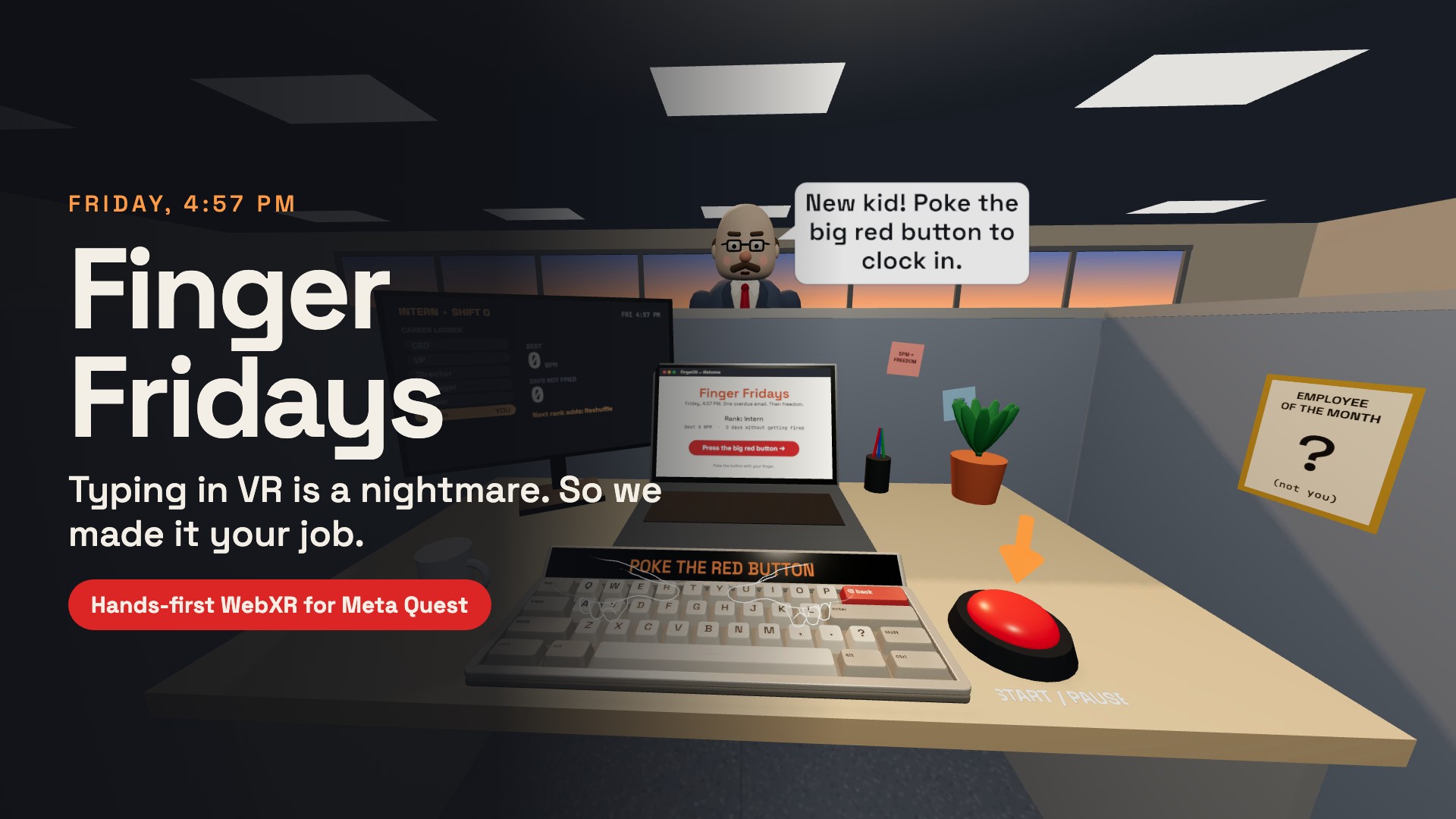
Finger Fridays
Typing in VR is a nightmare. So we made it your job.
Play on Meta Quest: https://icy-darkness-116f.kaigets123.workers.dev
Inspiration
Typing in VR is famously bad. Your fingers have no keys to rest on, you hit two keys at once, and you can't see what you typed. Instead of fixing that, we leaned into it: what if the clumsy typing was the game?
Everyone knows the feeling of 4:57 PM on a Friday: one overdue email, a boss who keeps walking past, and a strong urge to look busy. Finger Fridays turns that into a hands-first office comedy. You type with your real fingertips, slam your laptop shut with your real palm, and get promoted, warned or fired by Gary, your regional manager.
What it does
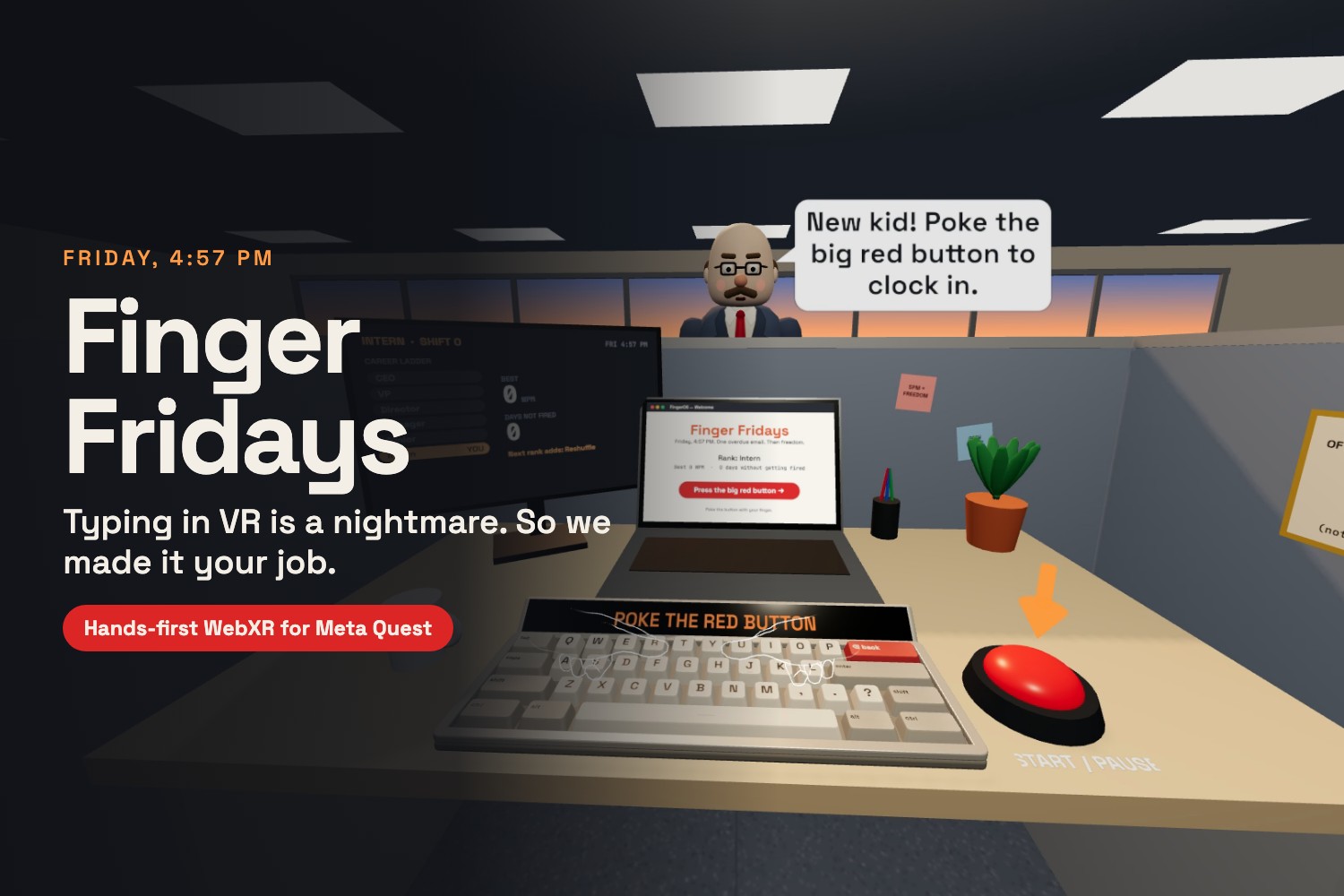
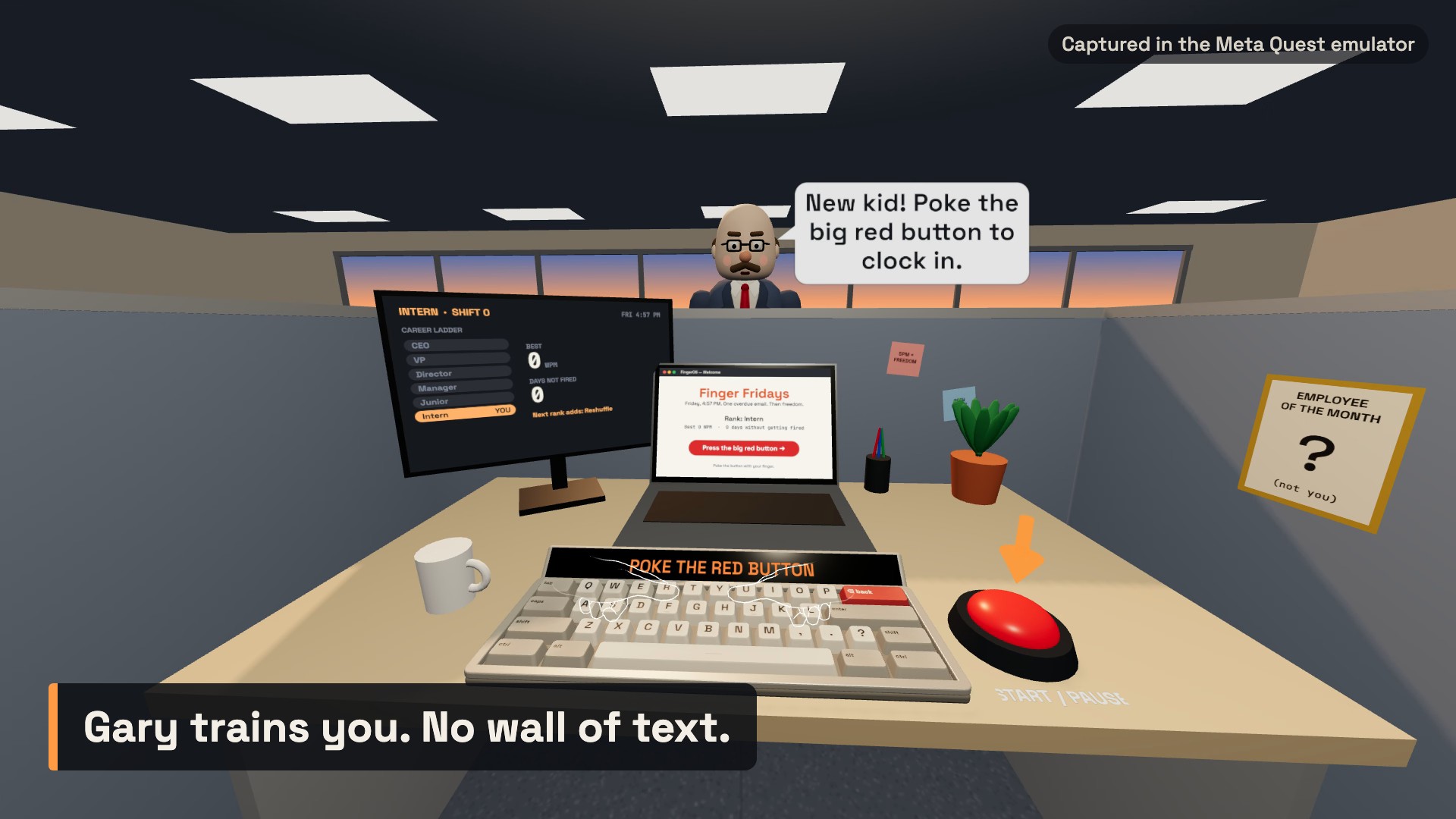
You sit at a desk with a big, forgiving keyboard, a laptop, a status monitor and a big red button.
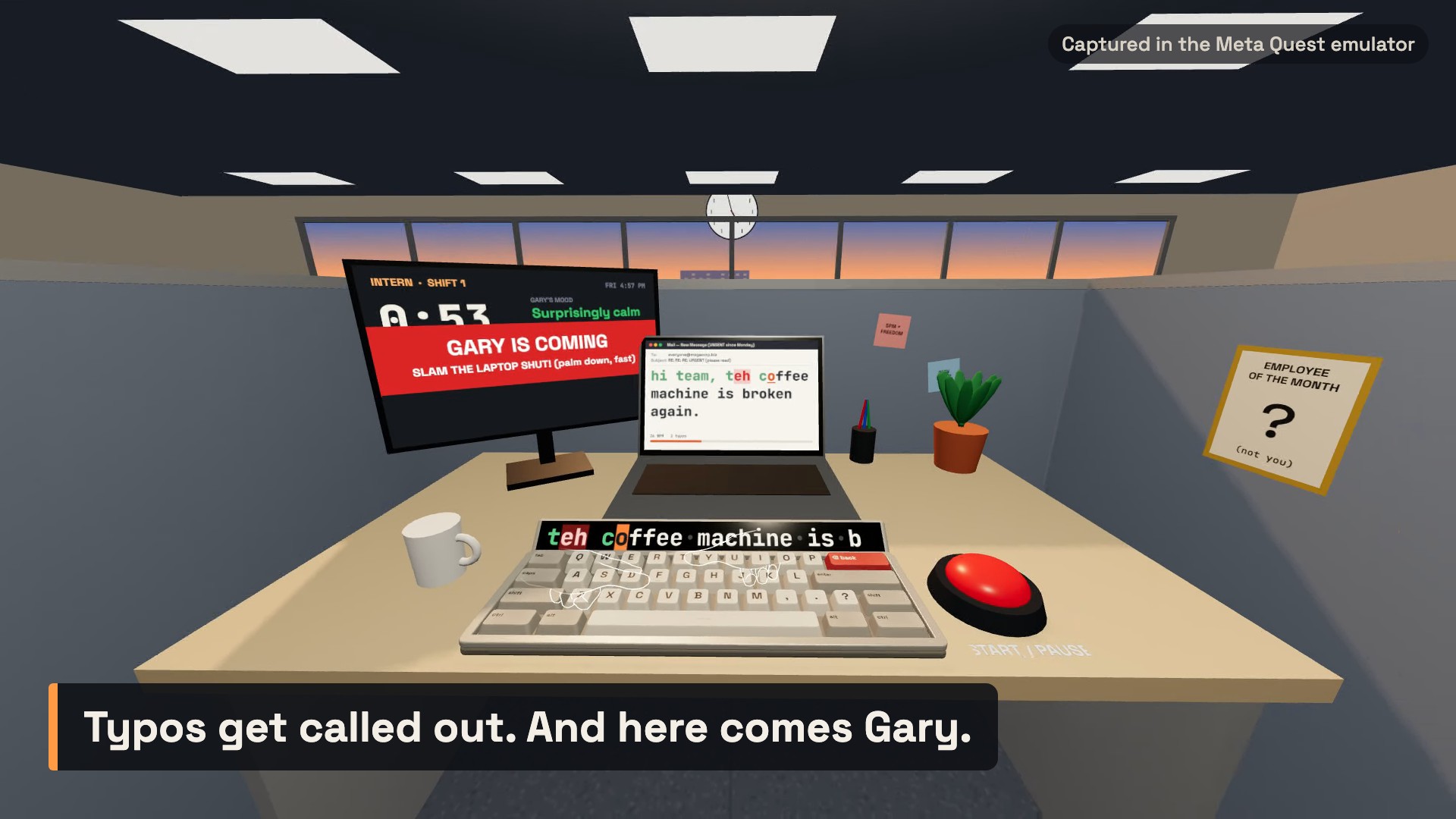
- Type the email with your fingertips. Each key fires only when a fingertip pushes down through it. A display strip above the keys shows the next words in large type, with the next letter highlighted, so you never have to look away from your hands.
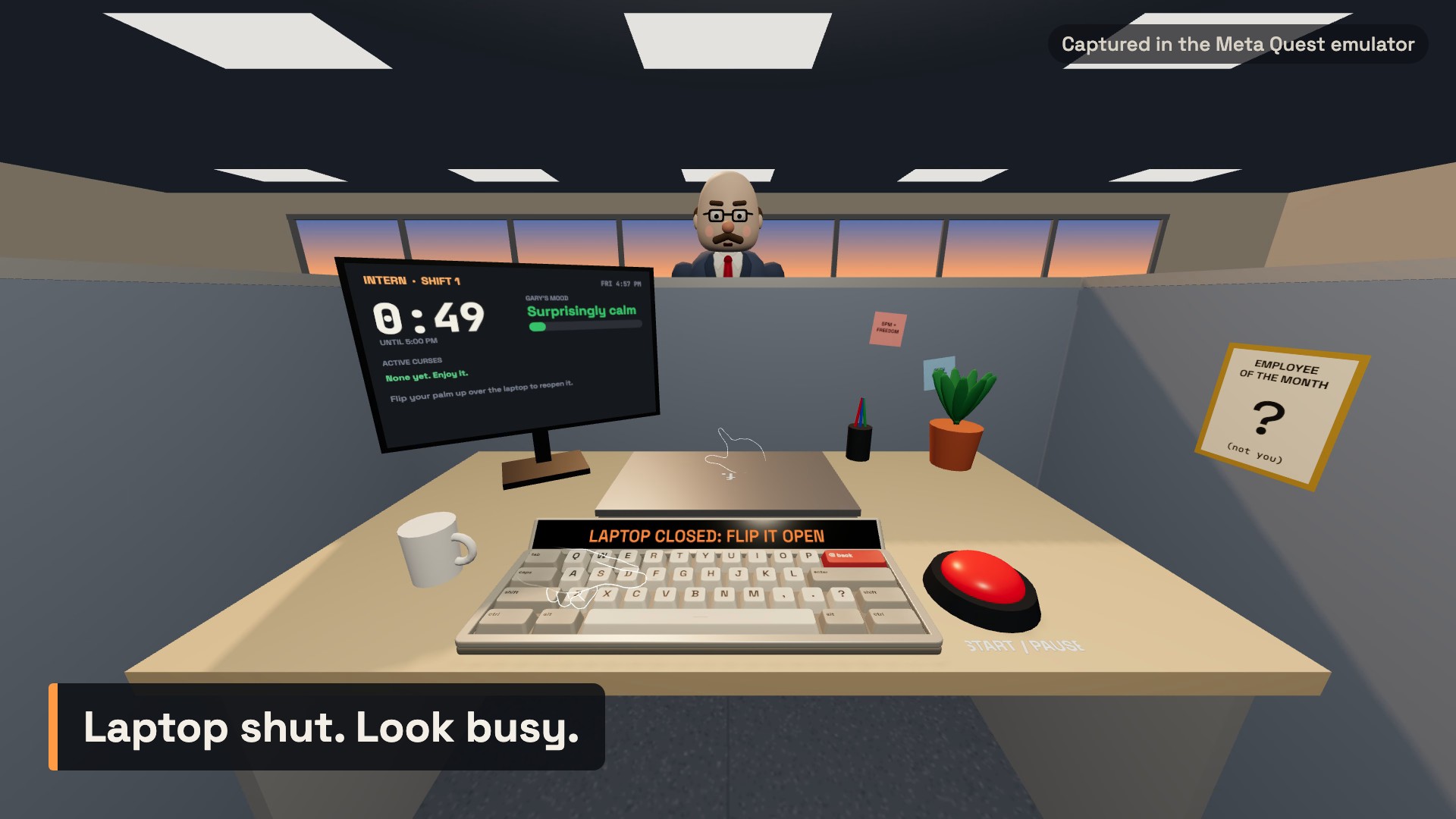
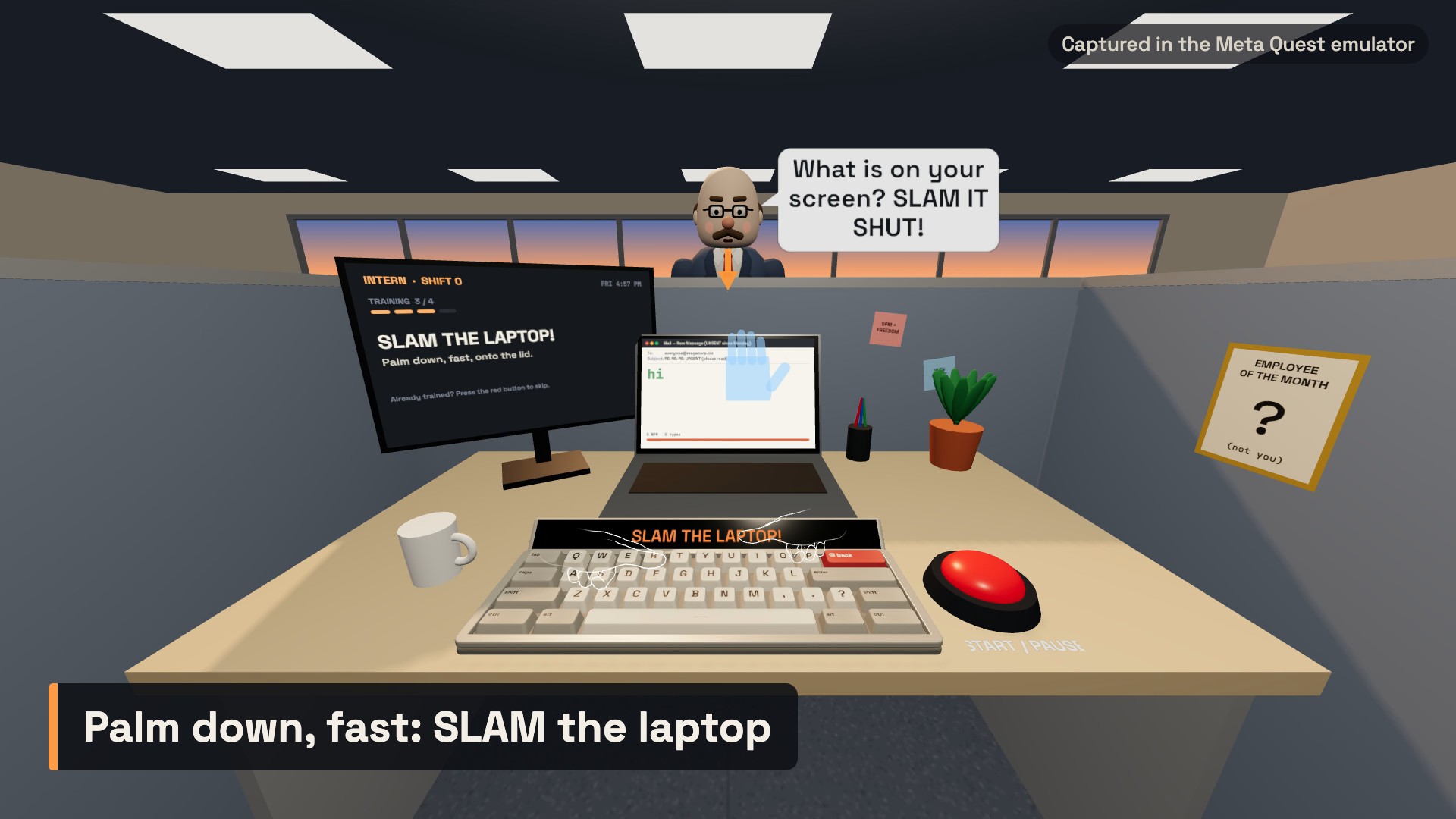
- Slam the laptop when Gary walks by. A fast palm-down swipe shuts the lid. A palm-up flick opens it again. If Gary catches your screen open, his mood bar jumps.
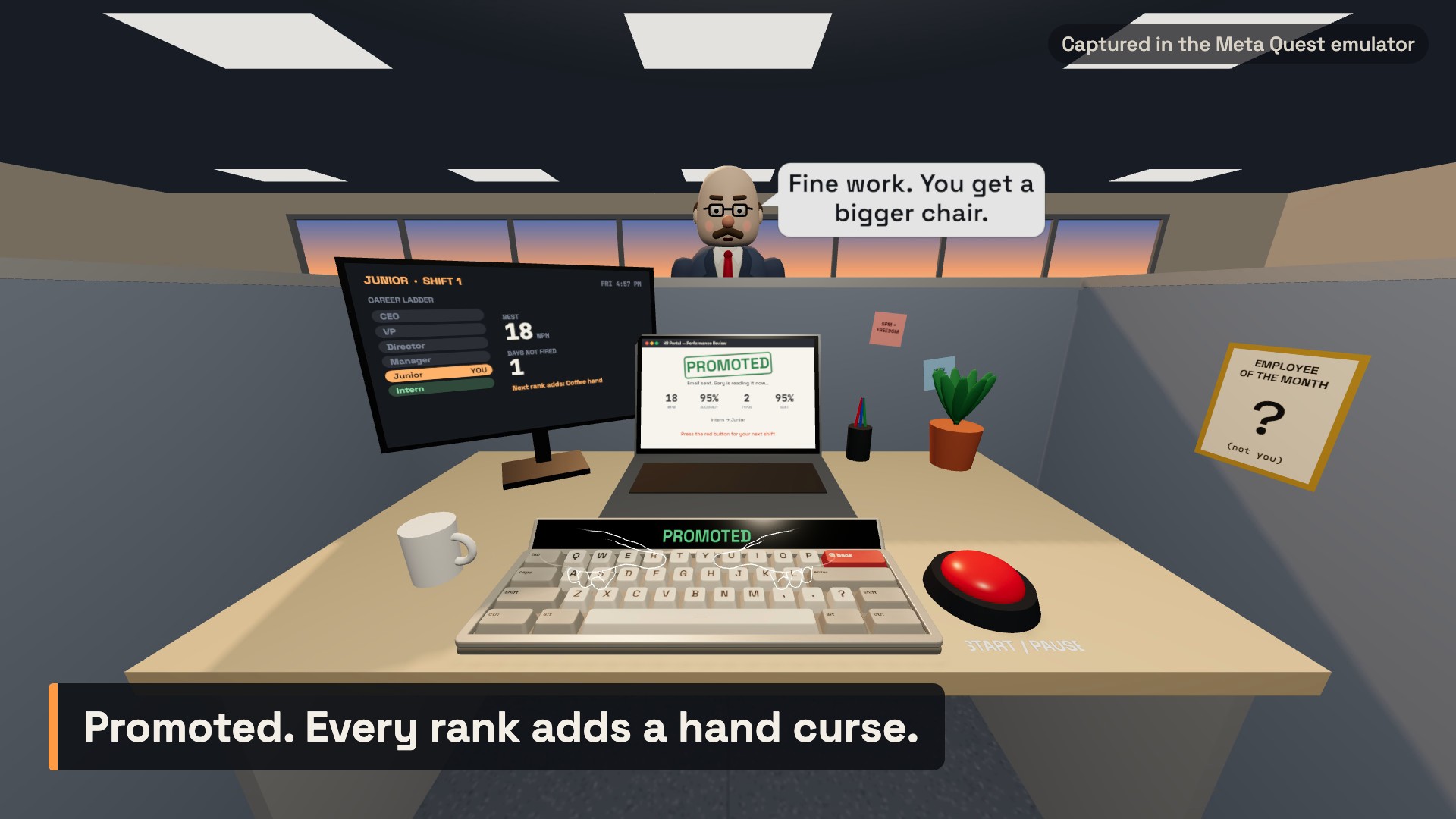
- Gary reacts to everything. He calls out your typos out loud ("Did you just type... THAT?"), peers over the partition, and ends every shift with a verdict: PROMOTED, WARNING or FIRED.
- Climb the career ladder. Intern to CEO. Each rank adds a hand curse: the keyboard reshuffles when Gary yells, one hand holds a coffee mug, or you type in oven mitts.
- Learn by doing, not by reading. New players get a short training shift. Gary talks you through four moves (poke the button, type "hi", slam the lid, flip it open) while an arrow and a ghost hand show each gesture. No wall of text.
- Two ways to play:
- VR office: a full cubicle with a sunset skyline and a wall clock ticking to 5:00.
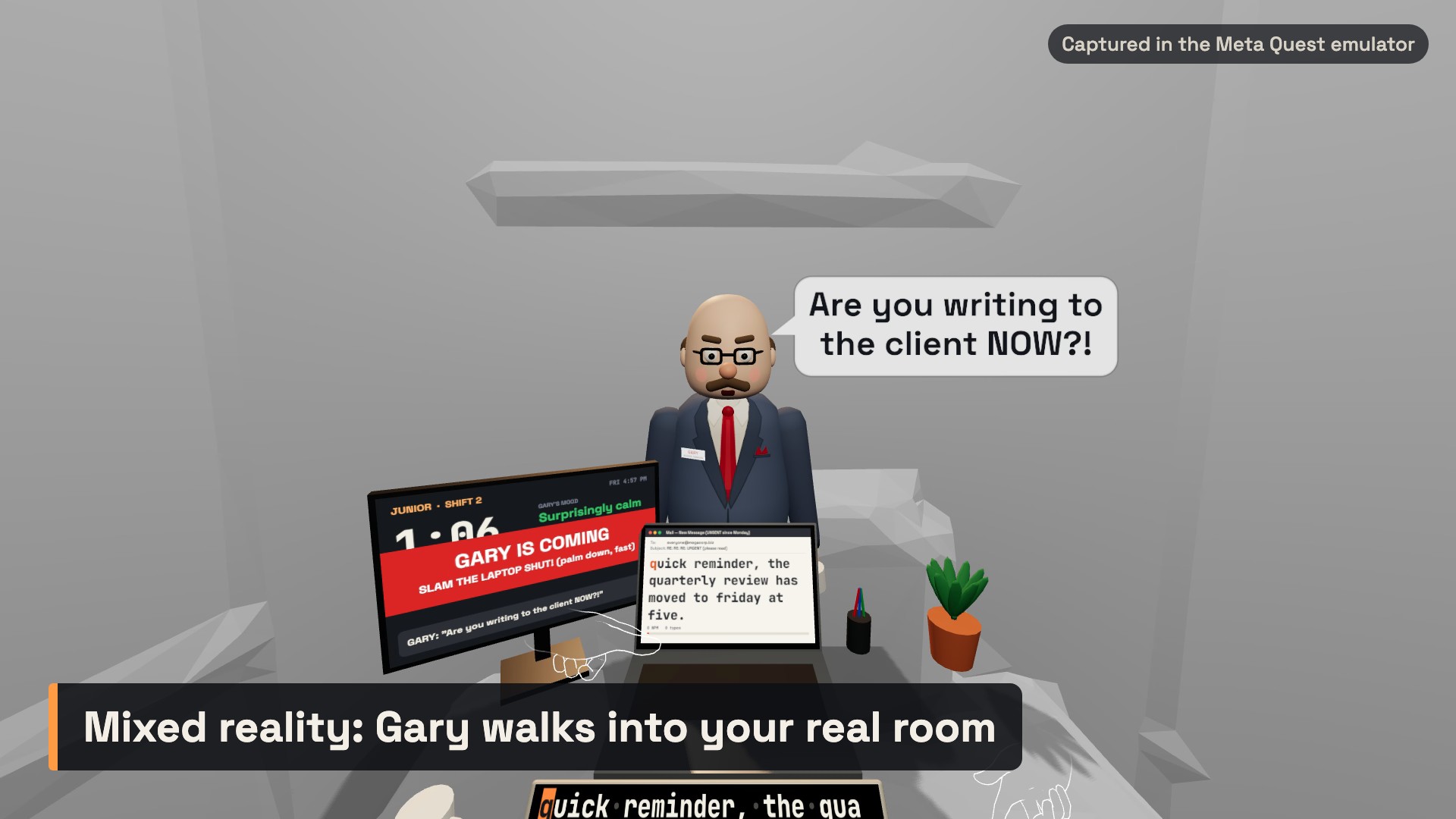
- Mixed reality, your real desk: with passthrough, the keyboard, laptop and button land on your real table. The game finds the table from the room scan, or you lay a hand flat on it. Gary walks in through your real room, coming in from the door when one is detected.
How we built it
- Meta's Immersive Web SDK (IWSDK) for the WebXR session, hand tracking, the player rig and scene understanding (planes and meshes for the real-desk mode). The whole game runs as one IWSDK system, so it opens straight from a link in the Meta Quest browser with nothing to install.
- three.js (through IWSDK) for everything you see. There are no art files: the office, Gary, the keyboard and every screen are built in code, with screens drawn on canvas textures.
- WebXR hand joints read every frame for fingertip colliders and palm direction and speed, which drive key presses and the slam and flip gestures. Controllers work too, with a small stylus as the fingertip.
- ElevenLabs for Gary's voice: 29 lines recorded ahead of time with delivery directions (shouting, sighing, sarcastic), shipped as small audio files. Sound effects are synthesised with the Web Audio API.
- Vite for the build. The site is fully static, with fonts, hand models and voice clips bundled, and is hosted on Cloudflare.
- Testing without a headset: we scripted the IWSDK Quest emulator (IWER) to move virtual hands and press keys, slam and flip through the game's real gesture detection. Our gameplay video was recorded the same way.
Challenges we ran into
- Fat fingers. Early on, one poke often pressed two keys. We made the keys 4.2 cm wide (a real key is about 1.8 cm) and changed press detection so a key only fires when a fingertip crosses down through it. A finger resting on a key or sliding between keys no longer types.
- Reading text in a headset. Text that looks fine on a monitor is tiny from a metre away in VR. The laptop email was unreadable until we enlarged it, darkened the ink, and added the display strip right above the keys, about 30 cm closer than the laptop.
- Telling a slam from a wave. The lid closes only for a fast, palm-down movement over the laptop, and opens only for a palm-up flick, so normal typing never triggers it.
- Finding a real desk. Not every room scan labels a table, so mixed reality falls back to "lay your hand flat on your desk", and Gary's walking path is fitted to the real walls so he doesn't stand inside your laptop.
- Quest performance. We cut draw calls roughly in half by merging static meshes, drawing each key in two calls instead of six, using cheaper shadows and foveation in the headset, and redrawing screens only when their content changes.
Accomplishments that we're proud of
- A complete loop: training, typing shifts, a boss with a mood, verdicts, a career ladder and hand curses, all controlled with bare hands.
- The first five minutes teach every interaction through play, with Gary as the tutor.
- Mixed reality that changes the game, not just the background: the desk is your desk, and the boss walks through your room.
- Gary himself: a voiced, animated character built entirely in code, whose face turns red and whose brows furrow as he gets angrier.
What we learned
- In VR, readability is a design problem, not a font-size setting. Put essential text where the player is already looking.
- Hands-first input needs forgiving targets and deliberate gestures. Precision has to come from the design, not from the player.
- Scripting the emulator to drive real hand input let us test every gesture end to end without a headset.
- Passthrough is most fun when the virtual world reacts to the real one.
What's next for Finger Fridays
- On-device tuning: frame rate, key size and slam thresholds tuned on Quest hardware across a range of real rooms and desks.
- More of Gary: more voice lines, and reactions to what you actually wrote.
- More curses and ranks, plus daily emails and a weekly challenge.
- Persistent anchors so your MR desk stays where you put it between sessions.
- Shared leaderboards and office pranks for friends.
- Target launch: [add your target launch date] as a free WebXR experience, then a Meta Horizon Store release.
Built With
- canvas-2d
- cloudflare
- css
- elevenlabs
- gsap
- html
- hyperframes
- iwer-(immersive-web-emulator)
- javascript
- meta-immersive-web-sdk-(iwsdk)
- meta-quest-browser
- node.js
- playwright
- three.js
- vite
- web-audio-api
- webxr
