-
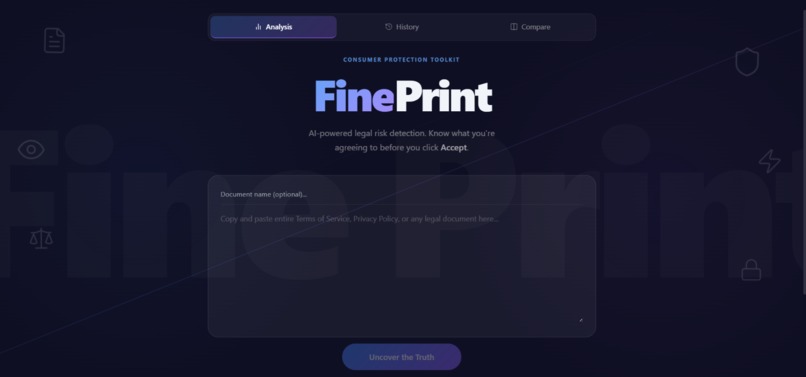
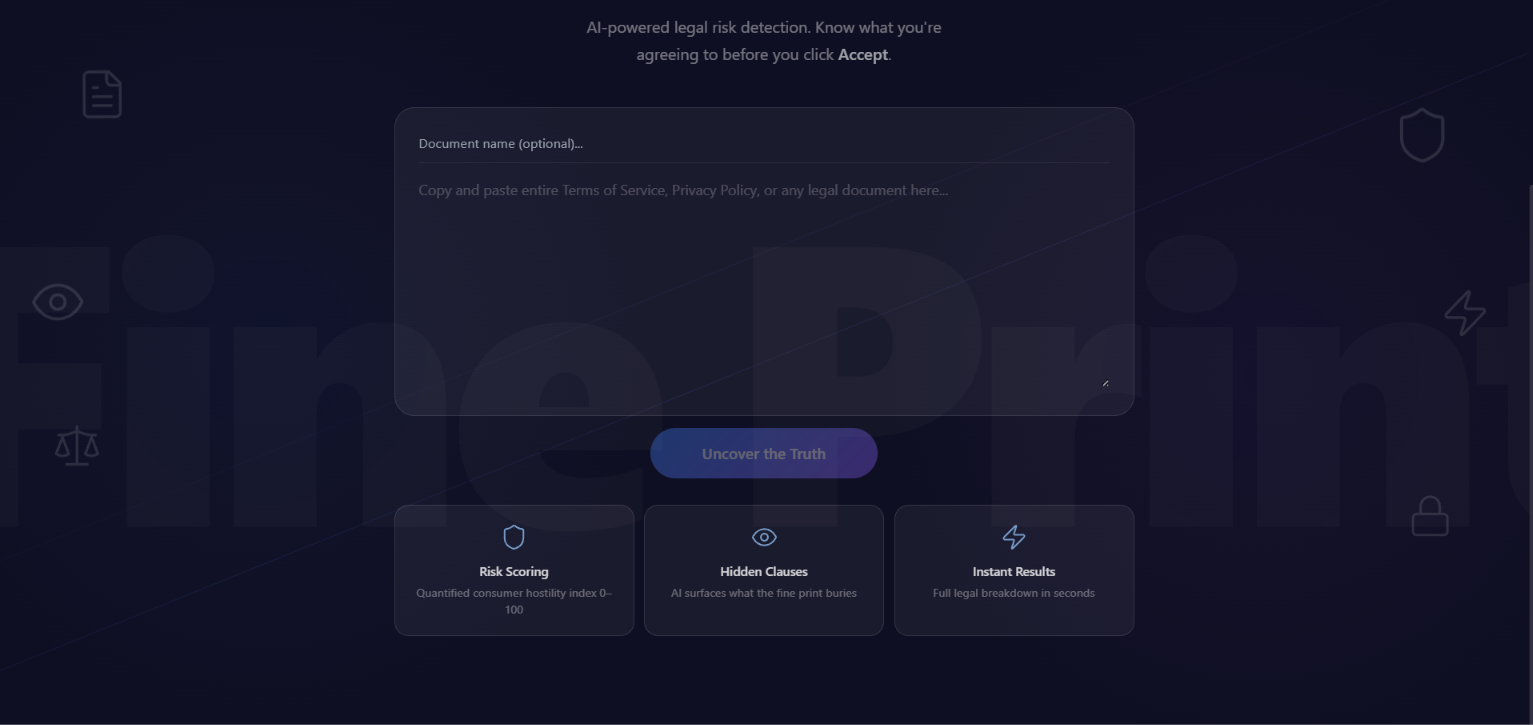
Frontpage #1
-
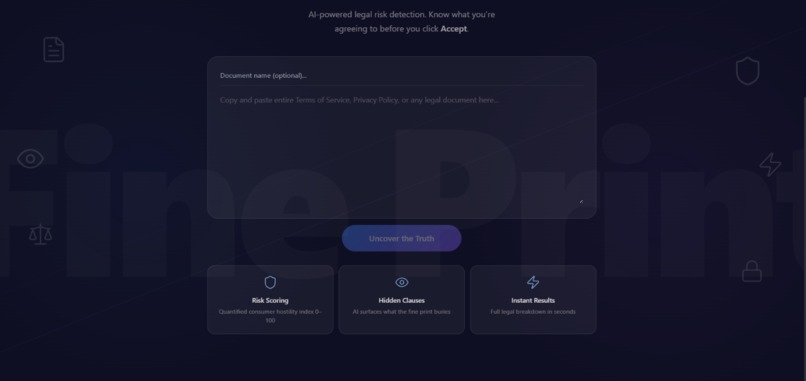
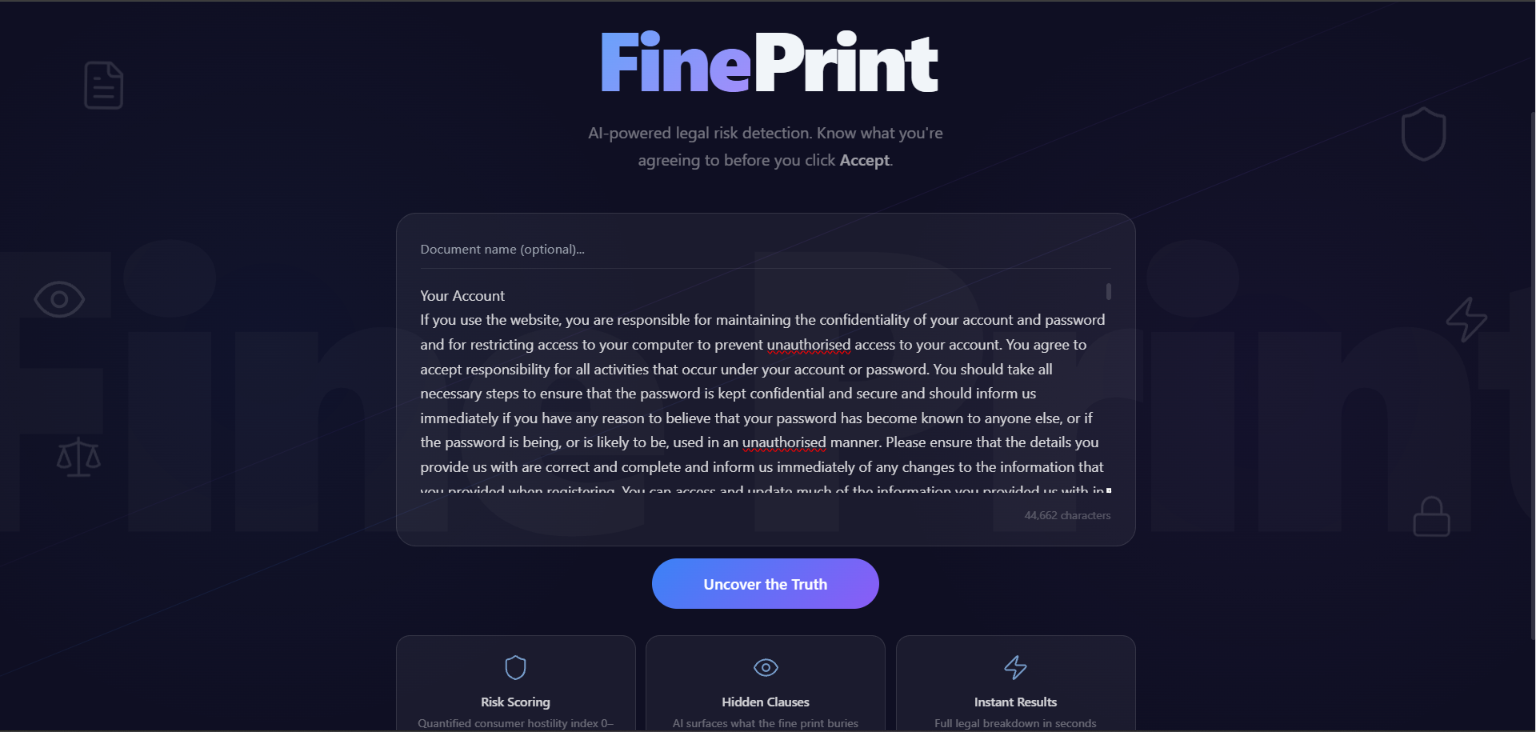
Frontpage #2
-
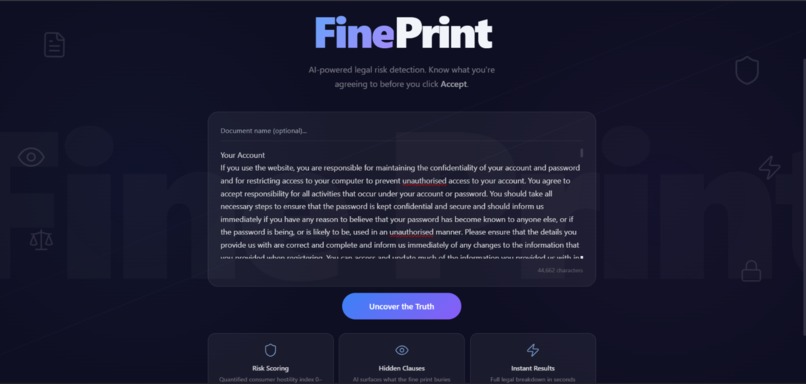
Privacy policy entering
-
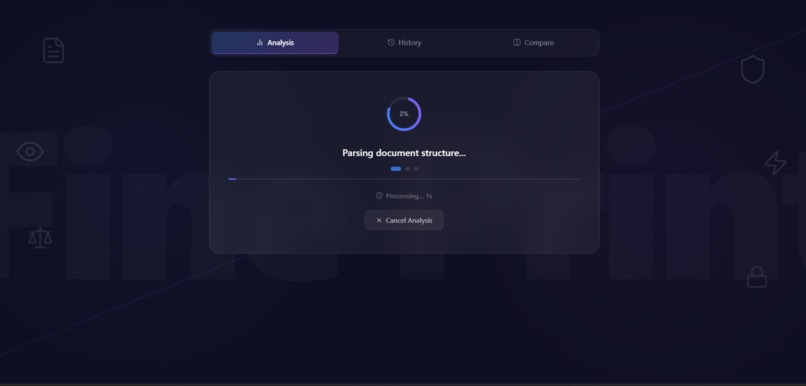
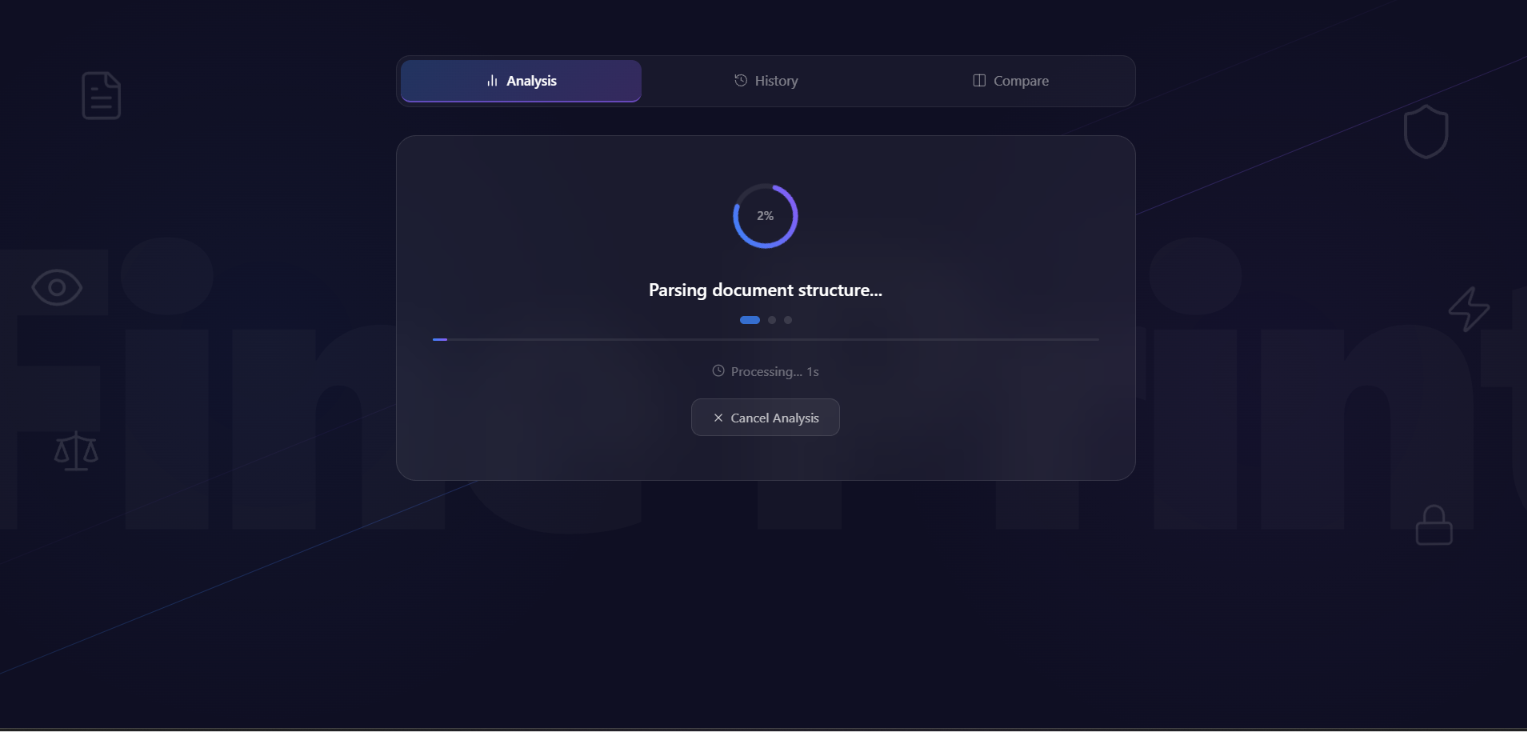
Loading page...
-
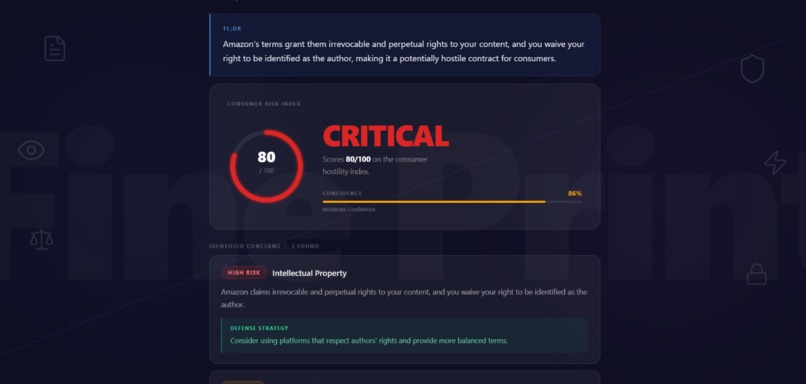
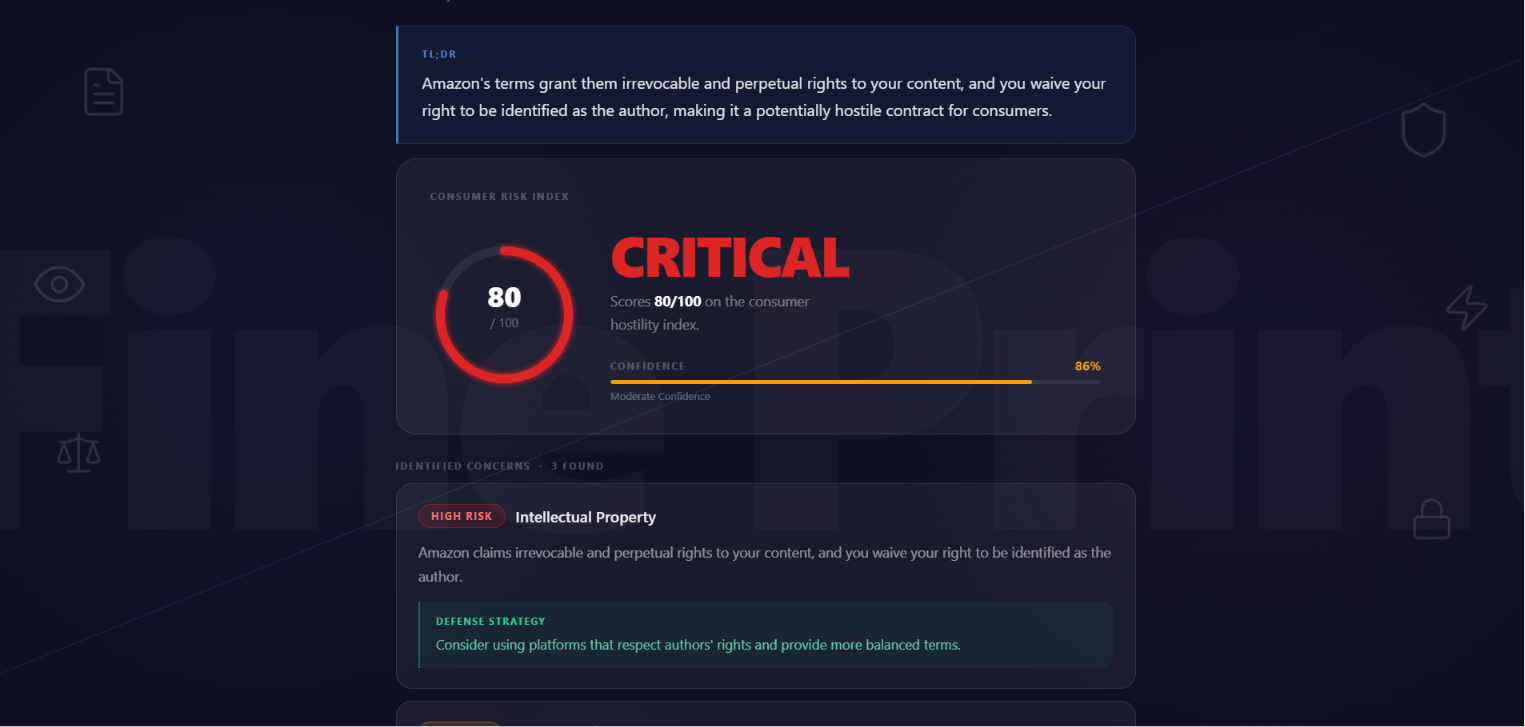
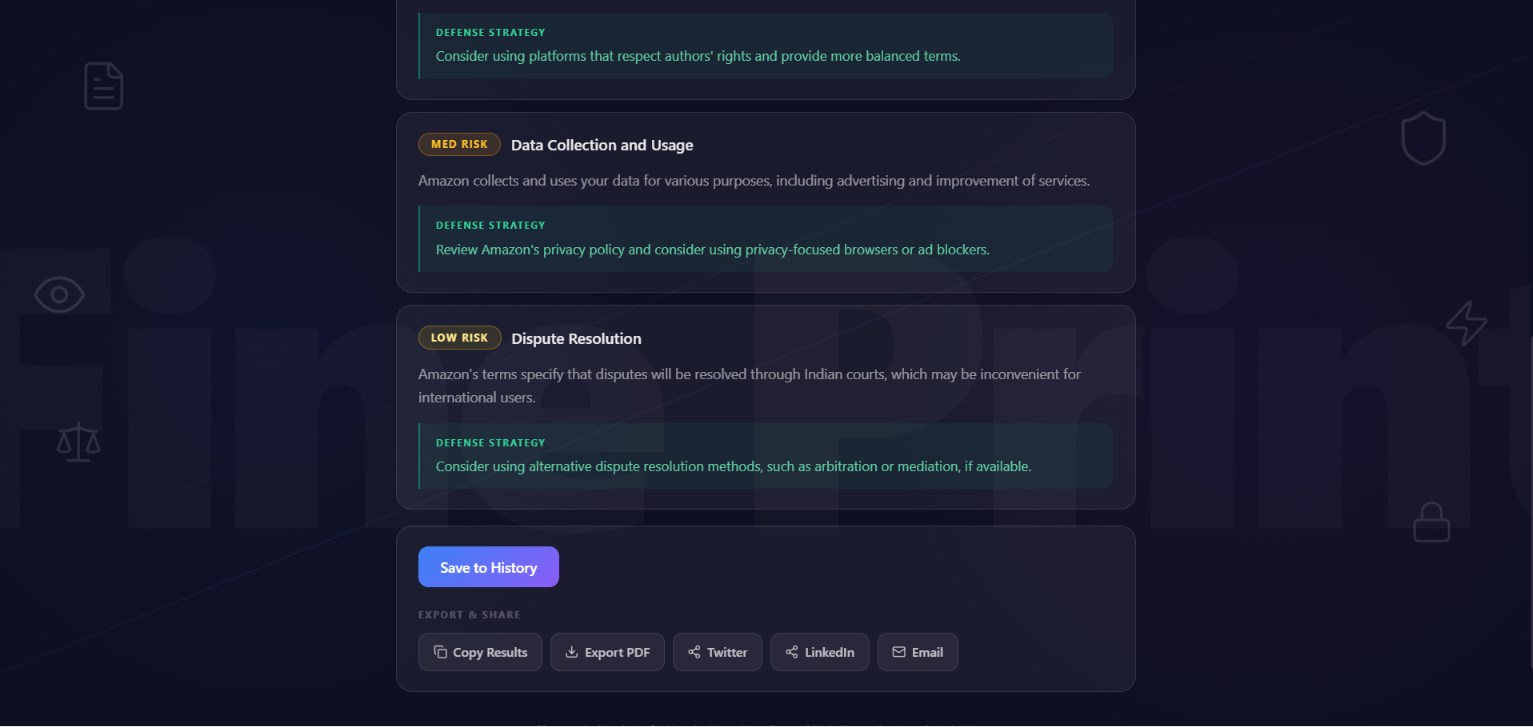
Result page #1
-
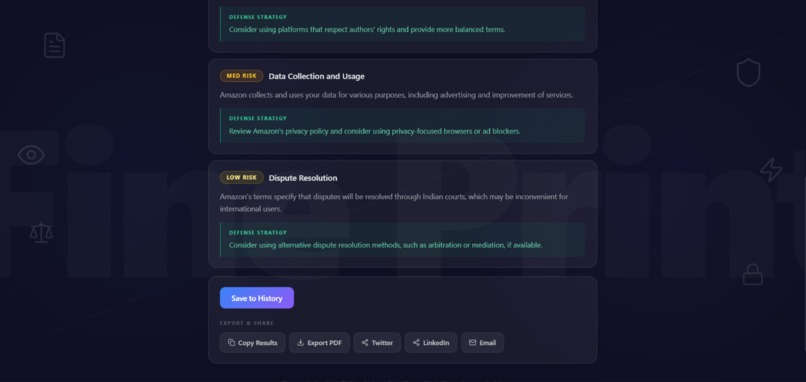
Result page #2
-
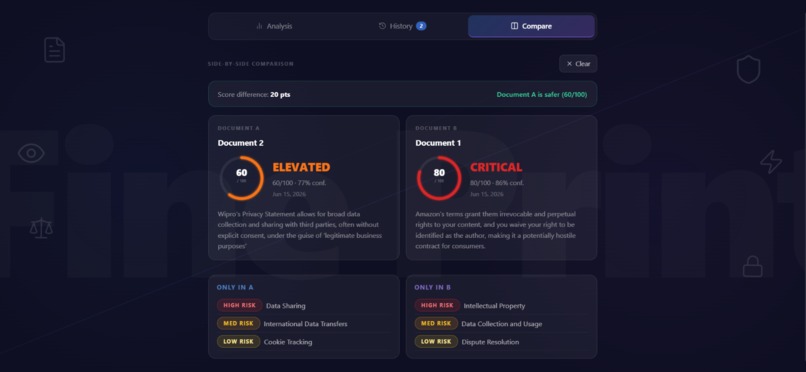
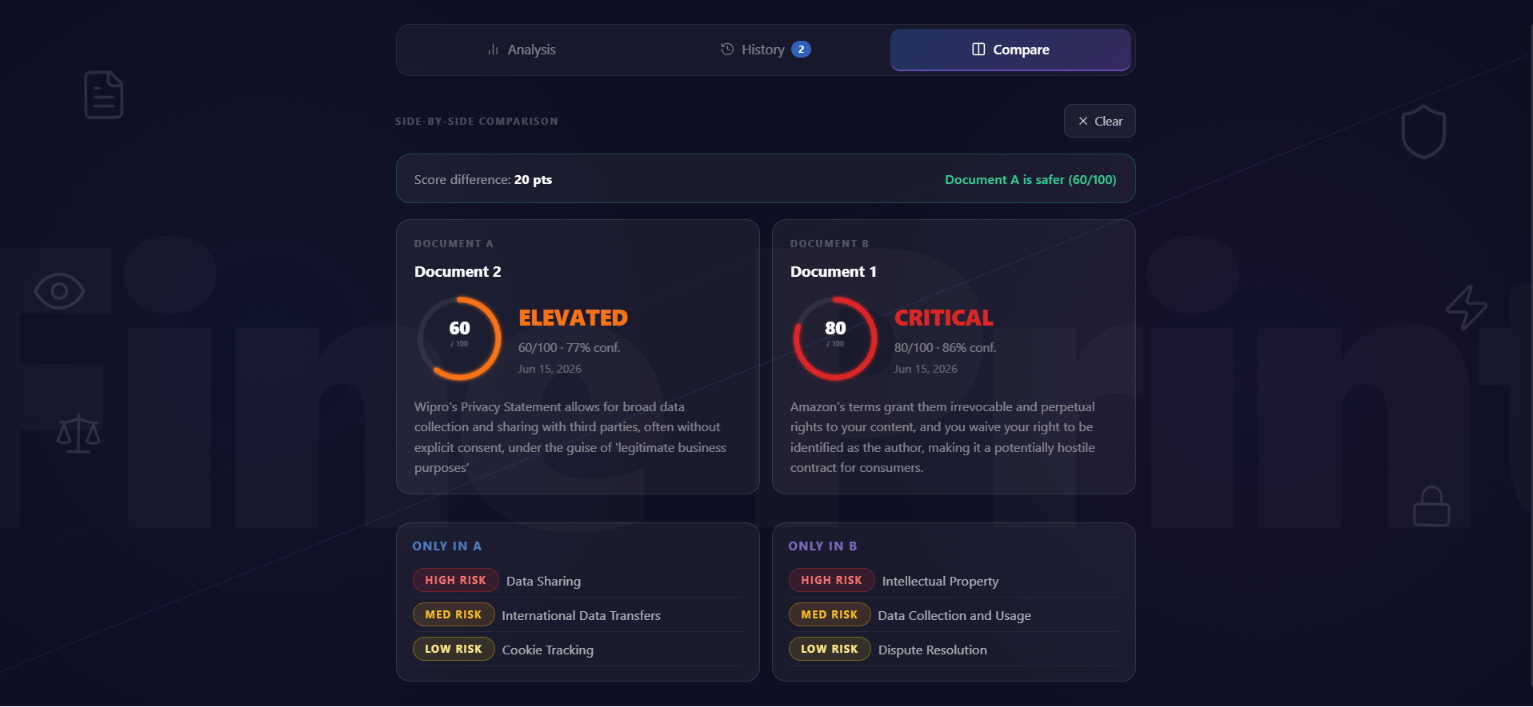
Comparison of two companies
Inspiration
FinePrint: AI Legal Risk Detector
About The Project
You've seen the notification: "We updated our Terms of Service" or "This is our privacy policy." When you open it to take a glance, you realize that the average ToS is 5,000+ words. At 250 words/minute, that's 20+ minutes to read.
In this fast-moving world, nobody has time to read thousands of words or large numbers of pages. Hence, we ignore it or just agree to it with a 5-second read.
What we don't realize is that with a single click of "agree" to the terms of companies or organizations, we are essentially selling our own private data around the world.
According to a 2024 study, 68% of Terms of Service contain clauses allowing companies to sell or share your personal data with third parties without explicit consent. Meanwhile, data breaches expose millions of records annually—often because of overly broad data access clauses buried in fine print.
But here's the real question: Who has time to read a 500-page document? Nobody. And every application and organization has privacy policies with hundreds of potential risks. So do we just stop using them?
That's where FinePrint steps in.
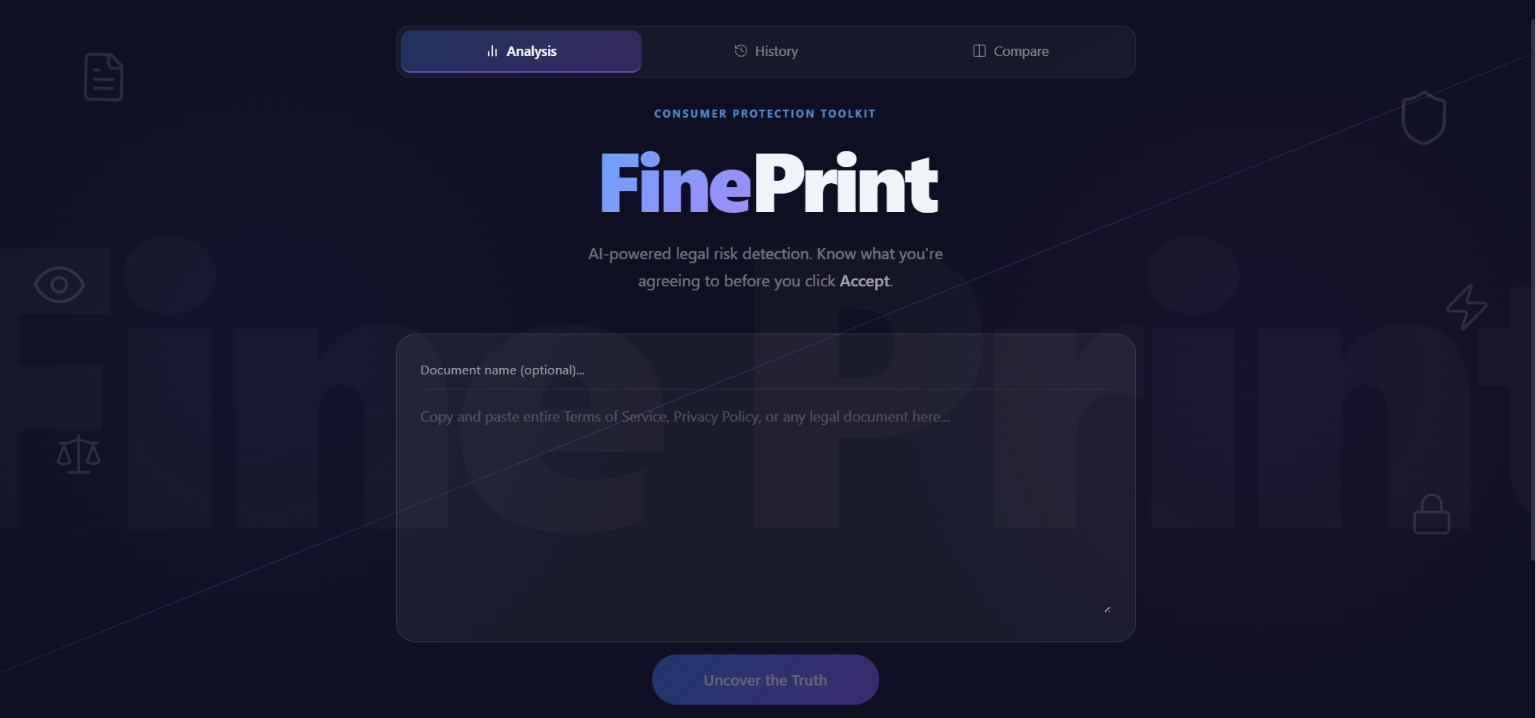
FinePrint is an AI-powered application that allows you to paste any legal document and analyzes it instantly. It can read those 500+ pages of legal documents and contracts, surface all the risks involved, and rate how critical they are. It provides users with different defense strategies to avoid getting their data breached. It also features a comparison tool that lets you compare legal documents from multiple organizations and see which is safest to use.
Inspiration
The idea of creating FinePrint came from one of the applications I use in my daily life. It used to change its privacy policies frequently, and whenever I tried to read them, they had millions of words and hundreds of pages.
I realized: Do companies make their policies and terms of use deliberately lengthy to discourage reading? I believe they do.
This realization motivated me to create an application that could help not just me, but millions of people facing the same problem—making legal documents understandable without requiring a law degree or hiring an attorney.
My Learnings
During the creation and refinement of FinePrint, I learned several critical lessons:
People Don't Read Legal Documents—By Design
People don't skip legal documents because they're lazy, but because they're designed to be unreadable. This is intentional. Most people don't realize how much data they're giving away with a single "Accept" button. While any AI chatbot can identify critical problems, FinePrint goes further—it provides solutions alongside the risks.
Model Selection Matters
Different LLMs have different strengths:
- Llama 70B → More nuanced but slower
- Qwen 2.5-72B → Faster, nearly as detailed
- Qwen 2.5-7B → Smallest, still functional
Getting models to output valid JSON consistently requires careful prompt design. When one model fails (cold start, rate limit, timeout), having a backup strategy is essential to keep your app reliable.
Backend API Design & Frontend Communication
- How to structure the
/api/analyzeendpoint and handle errors gracefully - Returning consistent JSON responses
- Frontend-backend communication via Fetch API
- Error handling, timeouts, and AbortController for cancellations
How I Built FinePrint
Architecture Overview
I chose a full-stack web approach: a Flask backend handling AI analysis, and a React frontend providing a beautiful and responsive interface. This separation allowed me to iterate on the UI independently while experimenting with different LLM models on the backend.
Backend: Smart Model Fallback Chain
The heart of FinePrint is a 3-model fallback chain using Hugging Face's Router API:
- Llama 3.3-70B — For nuanced legal analysis (most capable)
- Qwen 2.5-72B:fastest — Backup (nearly as good, faster)
- Qwen 2.5-7B — Final fallback (smaller, but functional)
Request Flow:
User Input → Flask API → Model Fallback Chain → JSON Response → React Frontend
The API accepts raw document text and returns structured JSON:
- Risk Score (0–100 scale)
- TL;DR Summary (one-sentence catchline)
- Red Flags Array (with severity levels and defense strategies)
To handle LLM output unreliability, I implemented three-tier JSON parsing:
- Parse directly
- Strip markdown fences
- Regex extraction as last resort
Frontend: React + Vite + Tailwind CSS
I built the UI in React with Vite and Tailwind CSS because I needed:
- Fast development cycles with hot module reloading
- A modern dark-theme aesthetic
- Legal documents are intimidating—the UI needed to feel approachable and engaging
Performance & Reliability
FinePrint analyzes documents in under 30 seconds with high reliability, even under load. The combination of:
- Smart fallbacks
- Honest error communication
- Thoughtful UX design
...makes legal document analysis accessible to anyone—no law degree required.
Challenges While Building
Challenge 1: Cold Starts & Rate Limiting
Problem: Hugging Face serverless endpoints return 503 errors during model warm-up. Free tier has rate limits, making users wait frustratingly long.
Solution: I built a 3-model fallback chain + exponential backoff retry logic. If Llama times out, automatically try Qwen 72B, then Qwen 7B.
Result: Near-100% uptime with minimal user-facing delays.
Challenge 2: Testing with Real Legal Documents
Problem: Hard to test with diverse legal documents. Dummy data doesn't work—legal language is complex and specific.
Solution: I manually tested with real ToS from major companies (Amazon, TikTok, etc.), found patterns, and built test cases around them.
Result: Robust analysis across different document types and industries.
Challenge 3: Confidence Scoring Without False Certainty
Problem: How do you tell users "This is risky" without claiming false certainty? One wrong score can mislead someone into signing a bad contract.
Solution: I created a heuristic-based confidence score capped at 97%, never 100%. It combines:
- Flag count
- Severity levels
- Document length
This honest approach actually builds more trust—users appreciate candor about uncertainty.
Challenge 4: Making the UI Engaging
Problem: Simply telling users "This is highly risky" or "This is low risk" made the UI feel boring and text-heavy.
Solution: I improved the UI with color-coded risk levels (red/amber/green) for quick visual scanning. Combined with detailed explanations, this makes risk assessment both clear and compelling.
Conclusion
When you read about FinePrint, you might ask: "Why not just use any AI/LLM to do the same thing?"
The answer lies in prompt engineering. Generating detailed results, comparing legal documents, categorizing risk levels, and determining critical thresholds requires specialized, time-intensive prompt design. This is where FinePrint excels—it's not just an interface to an LLM, it's a purpose-built consumer protection tool.
FinePrint delivers exactly what users need:
- What risks are involved
- How critical each risk is
- Which company/service is safest when comparing policies
FinePrint gives consumers the power to understand what they're signing—and that changes everything.

Log in or sign up for Devpost to join the conversation.