-
-
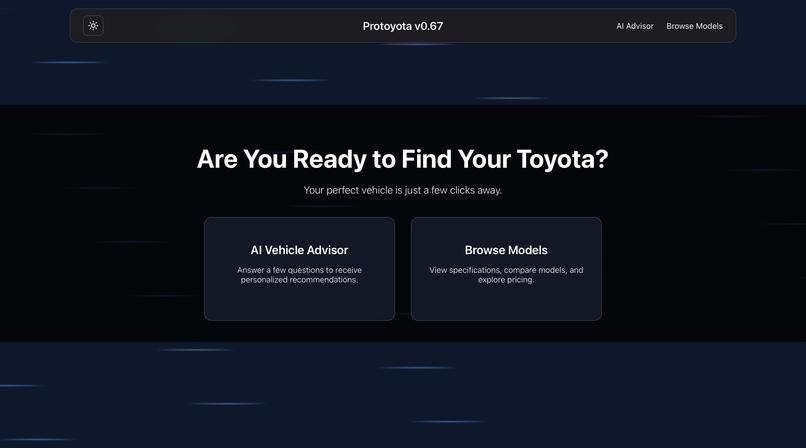
Homepage
-
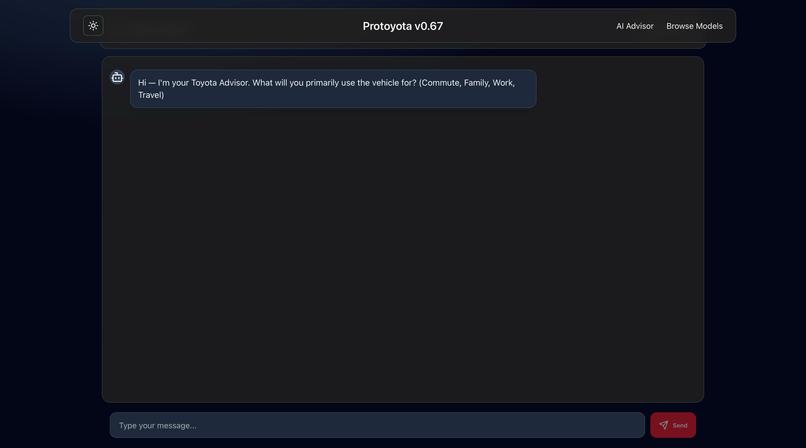
Ai Chatbot
-
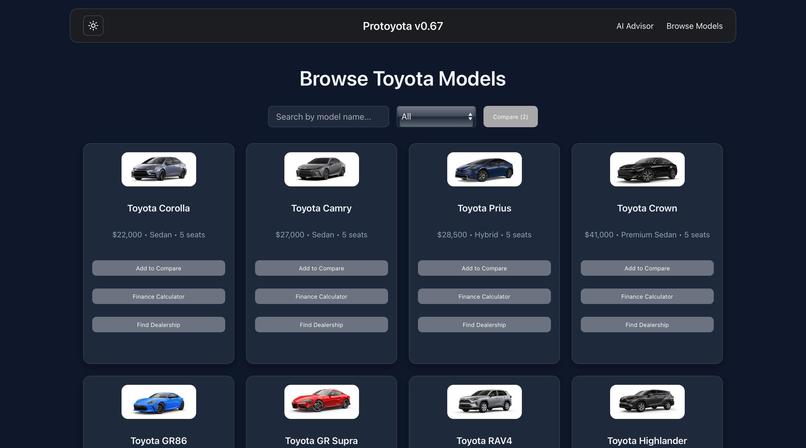
Cars Catalog
-
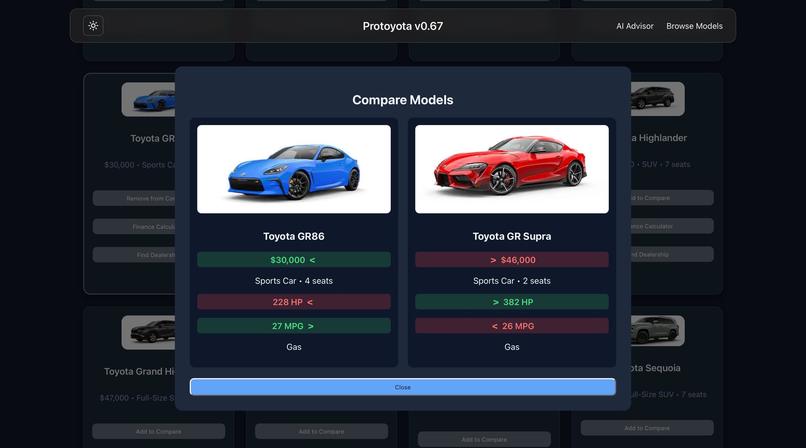
Car Comparison
-
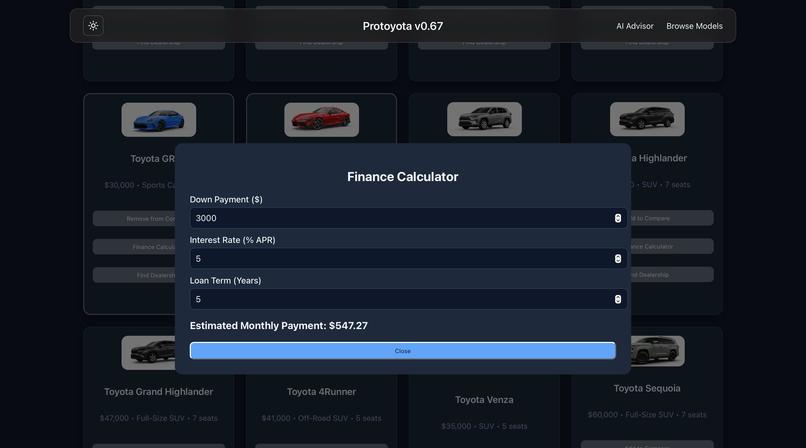
Finance Calculator
-
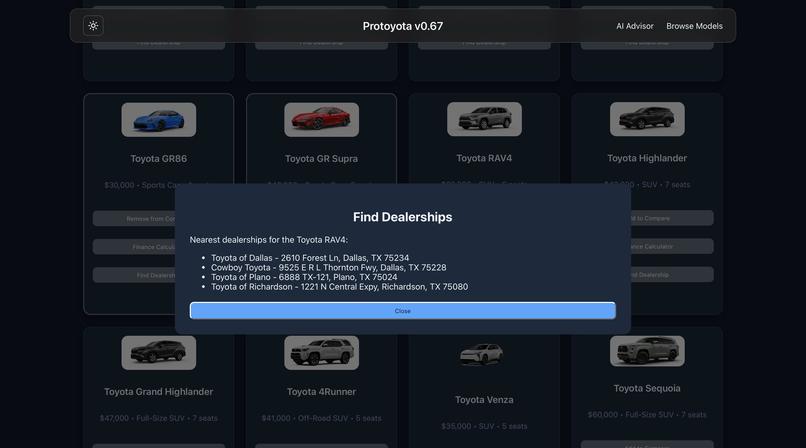
Dealership Finder
About the Project
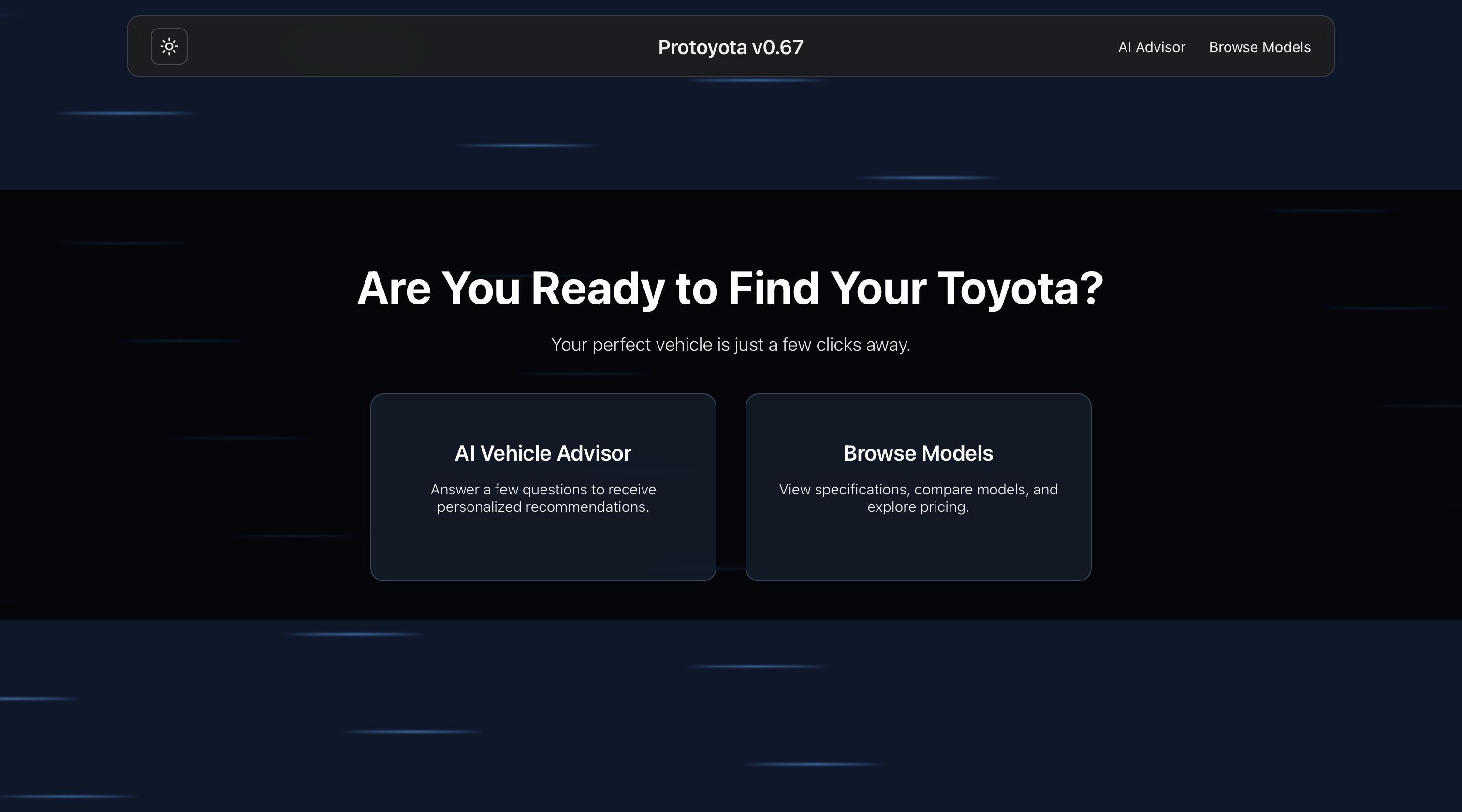
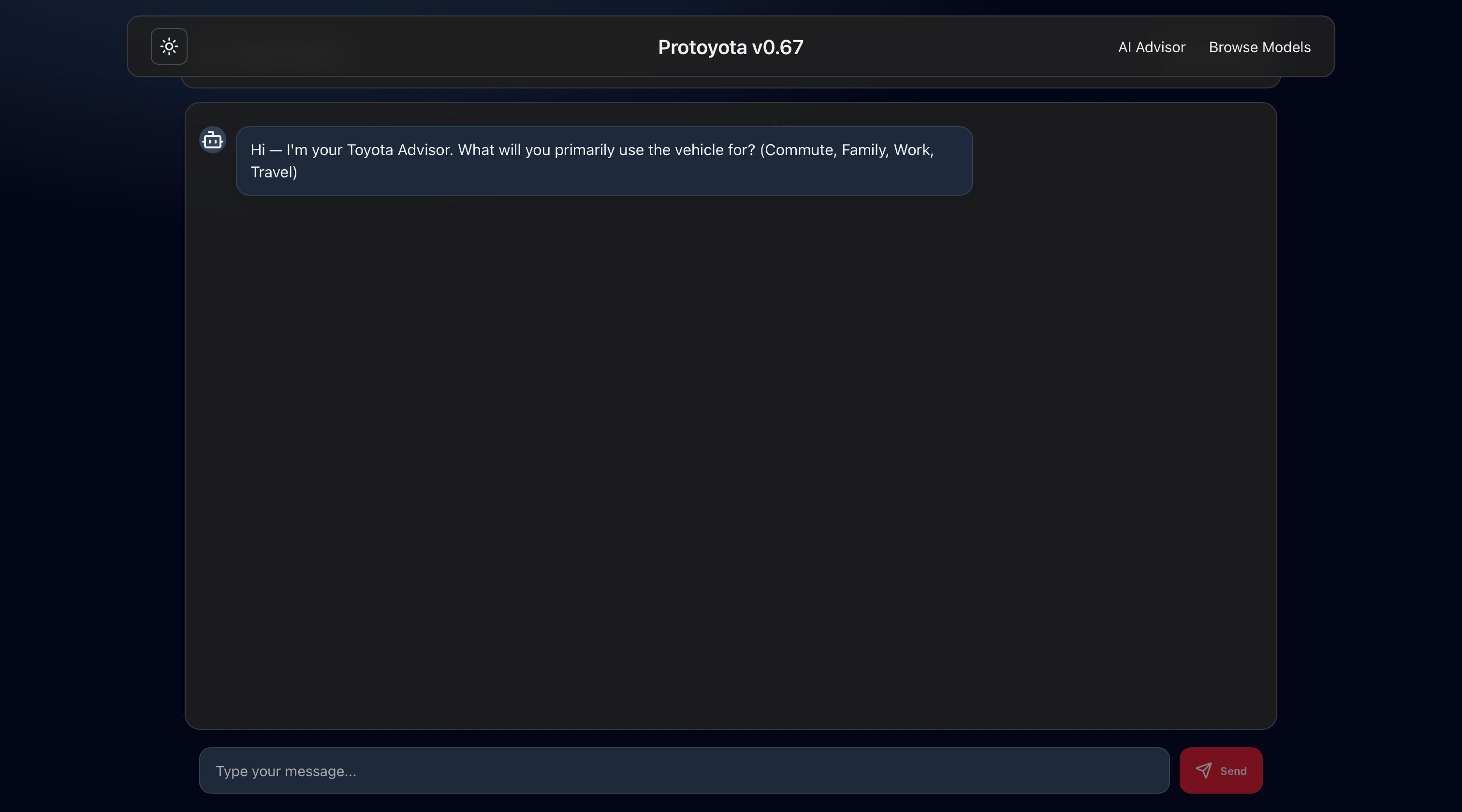
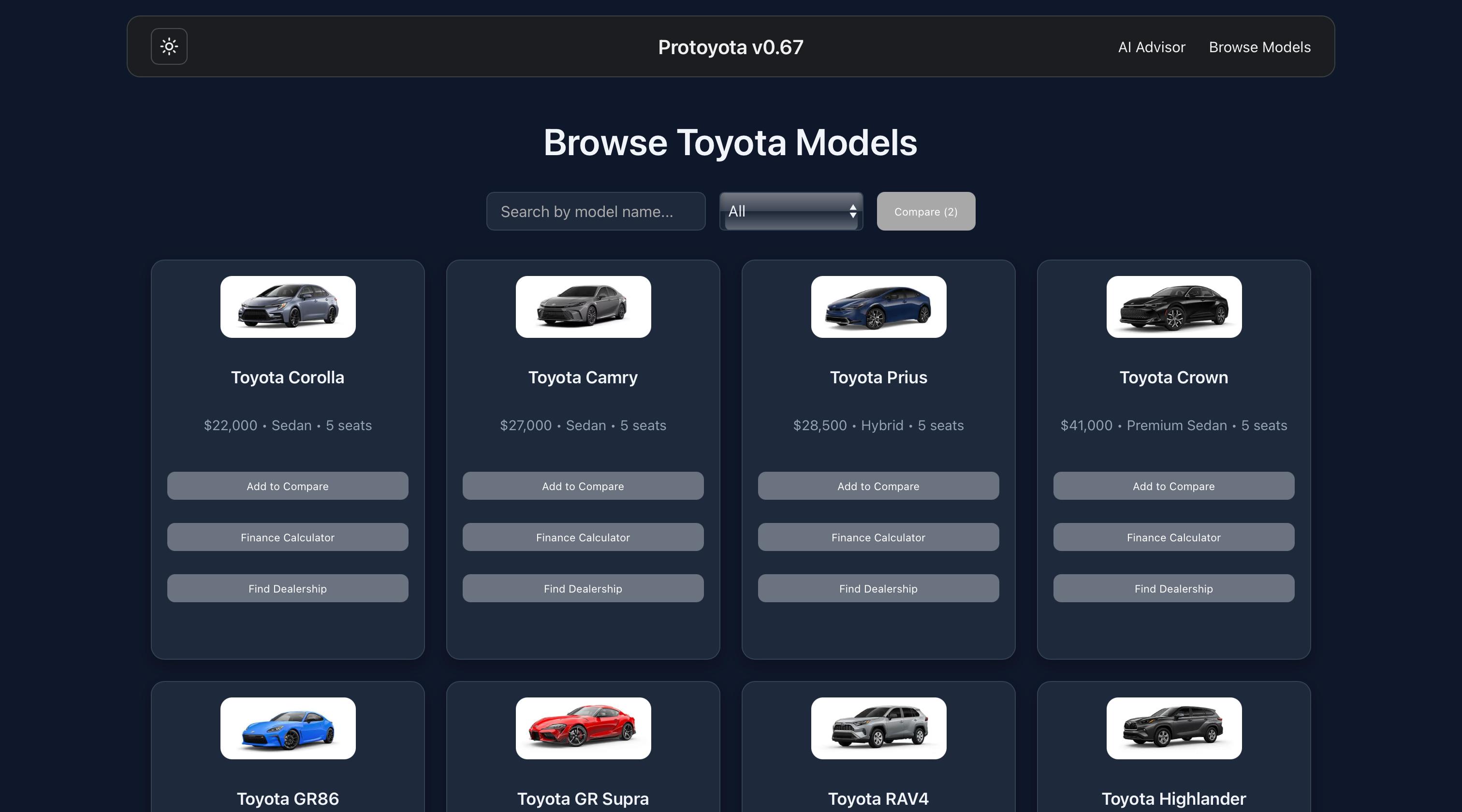
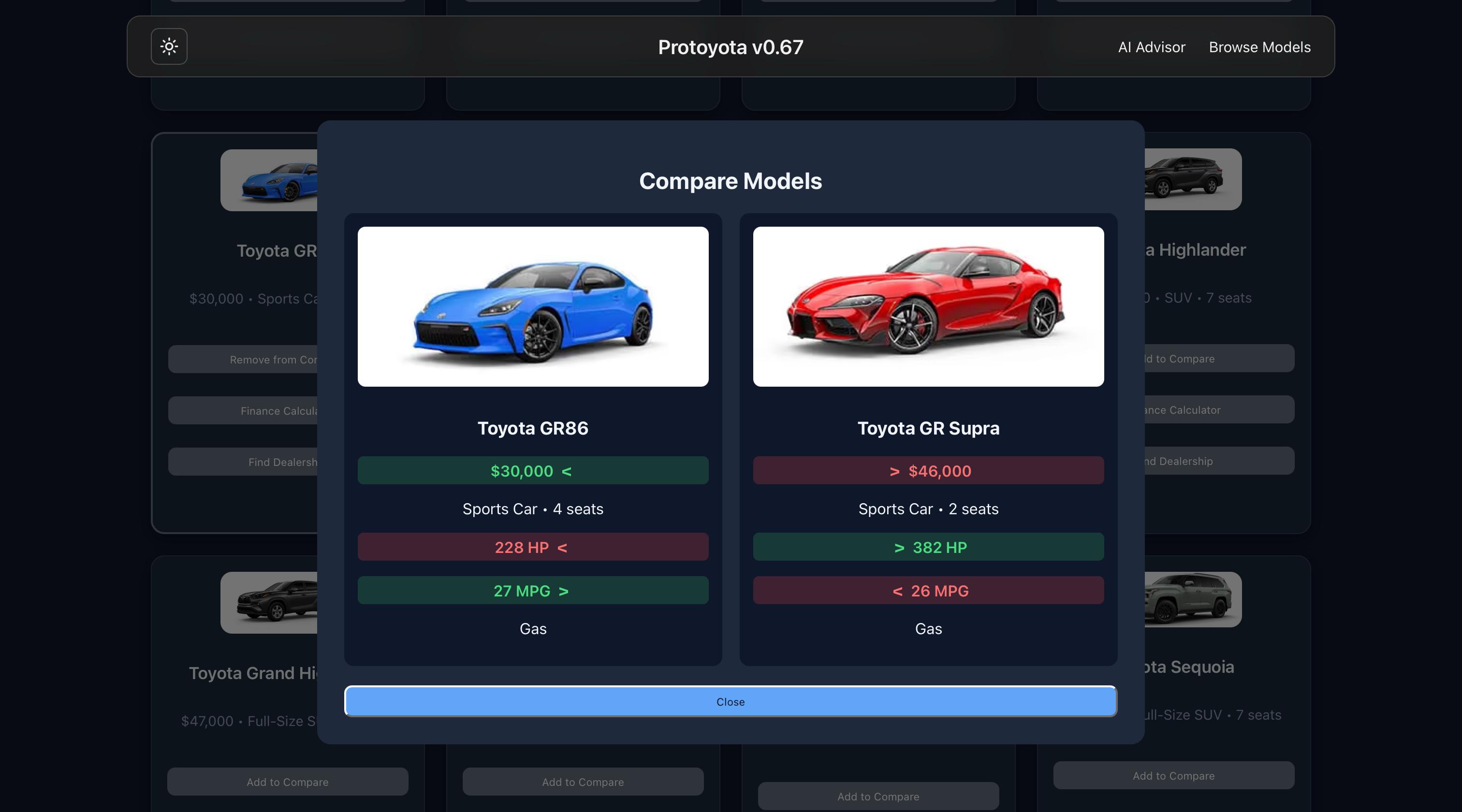
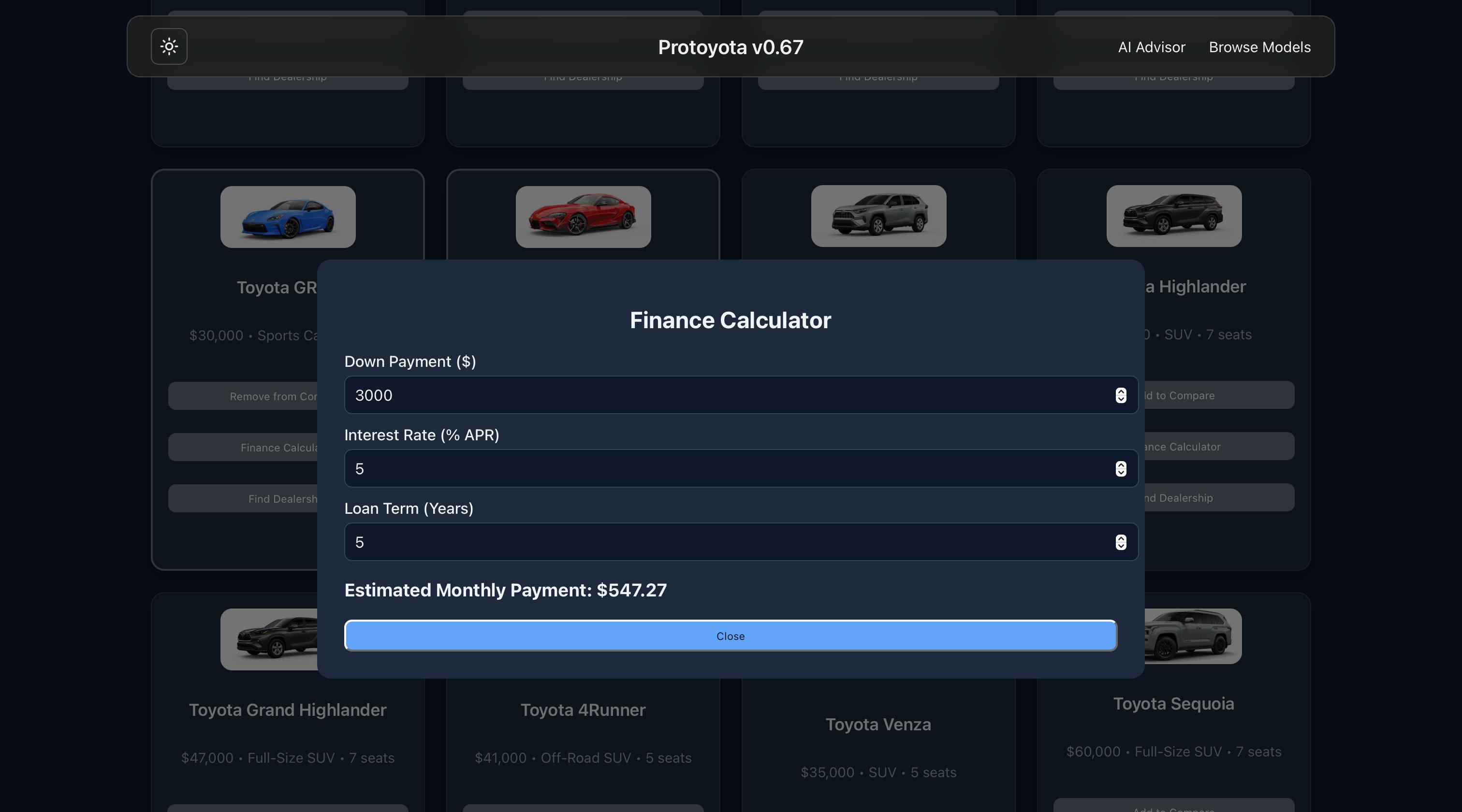
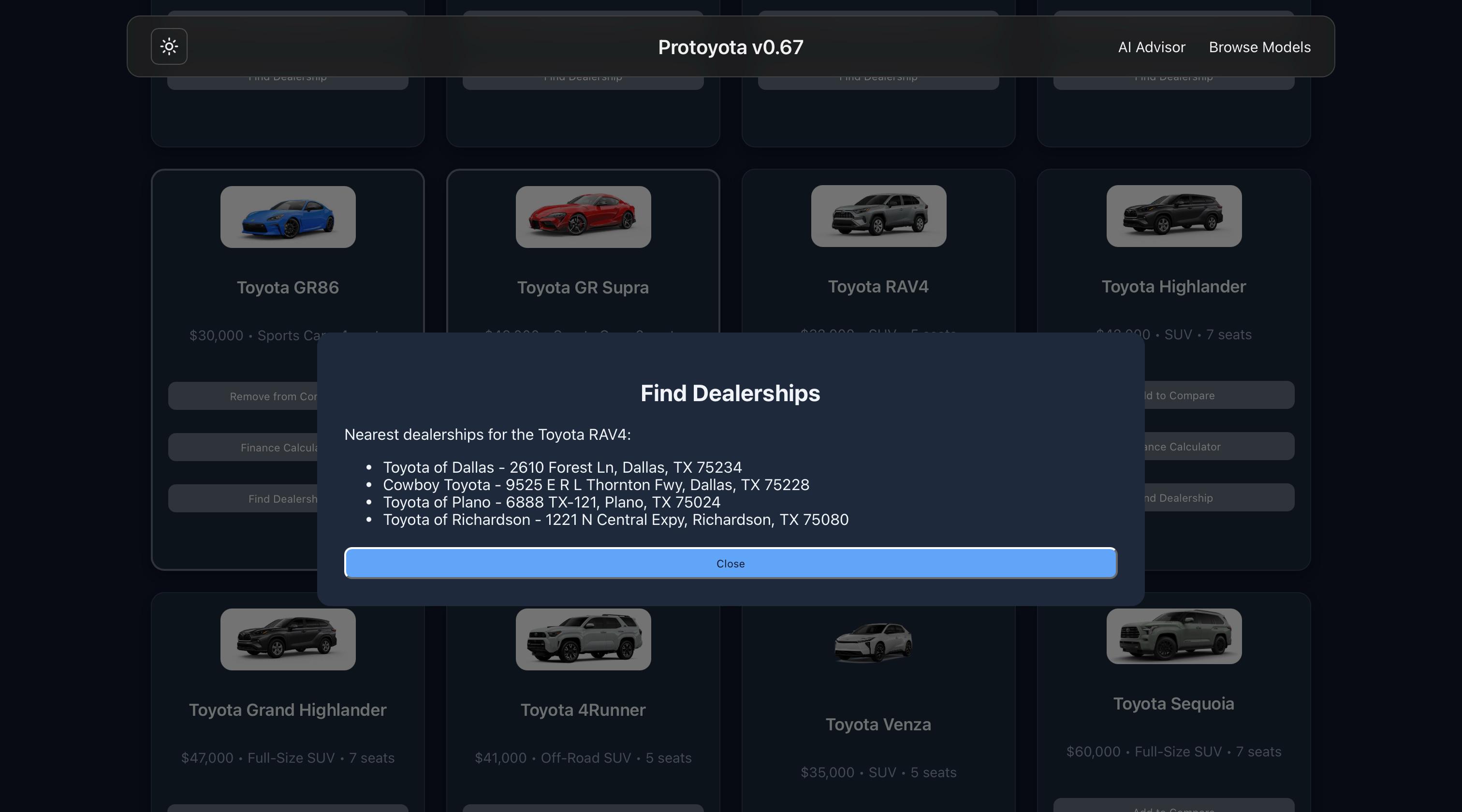
We created Protoyota to make the car buying experience easier and more personal. When people look for cars online, they often get overwhelmed by too many models, features, and technical terms. We wanted to build something that guides users in a simple and friendly way. Our project includes an AI-powered chatbot that helps users find the right Toyota based on their needs. Instead of scrolling through endless lists, users can answer natural questions like their budget, family size, or driving purpose. The chatbot then recommends the best model options. This creates a more conversational and comfortable experience, similar to talking to a dealership specialist. In addition to the chatbot, the user can browse Toyota models, search by category, compare two cars side-by-side, calculate estimated monthly finance payments, and locate nearby dealerships.
How We Built It
We built the project using React for the front-end, organizing the app into components, pages, and shared context for cleaner structure. Car data is stored in JSON inside the data folder and displayed dynamically in the catalog. The AI chatbot logic and API requests are handled through aiService.js in the Services folder. We used useState and props to pass information between components and manage UI interactions like comparing cars, opening modals, and updating the finance calculator. Styling was done with CSS, ensuring the interface stayed consistent and easy to use. For collaboration, we used Git and GitHub to track changes, create branches, merge updates, and resolve conflicts while working as a team.
What We Learned
We learned how to structure a React project more efficiently by separating components, pages, data, and services. Working with the chatbot taught us how to make and handle API calls in aiService.js, manage async functions, and integrate responses into the UI. As a team, we used Git and GitHub for version control, branching, and merging, which helped us collaborate smoothly without overwriting each other's work. We also strengthened our skills in: JavaScript and React CSS JSON Overall, we learned how to build a clean, interactive user experience while working together effectively as a team.
Challenges We Faced
One challenge was designing a clean and consistent UI while keeping all features easy to use. Managing component state for comparing cars, opening modals, and updating the chatbot also took careful planning. We also had to resolve merge conflicts and coordinate code changes while working together through GitHub. Finally, tuning the chatbot responses to feel helpful (not robotic) required testing and adjusting the question flow.


Log in or sign up for Devpost to join the conversation.