-
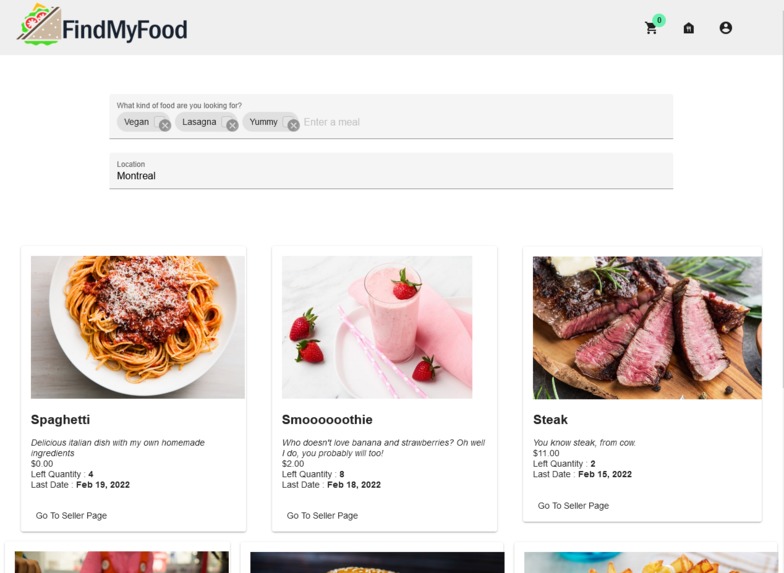
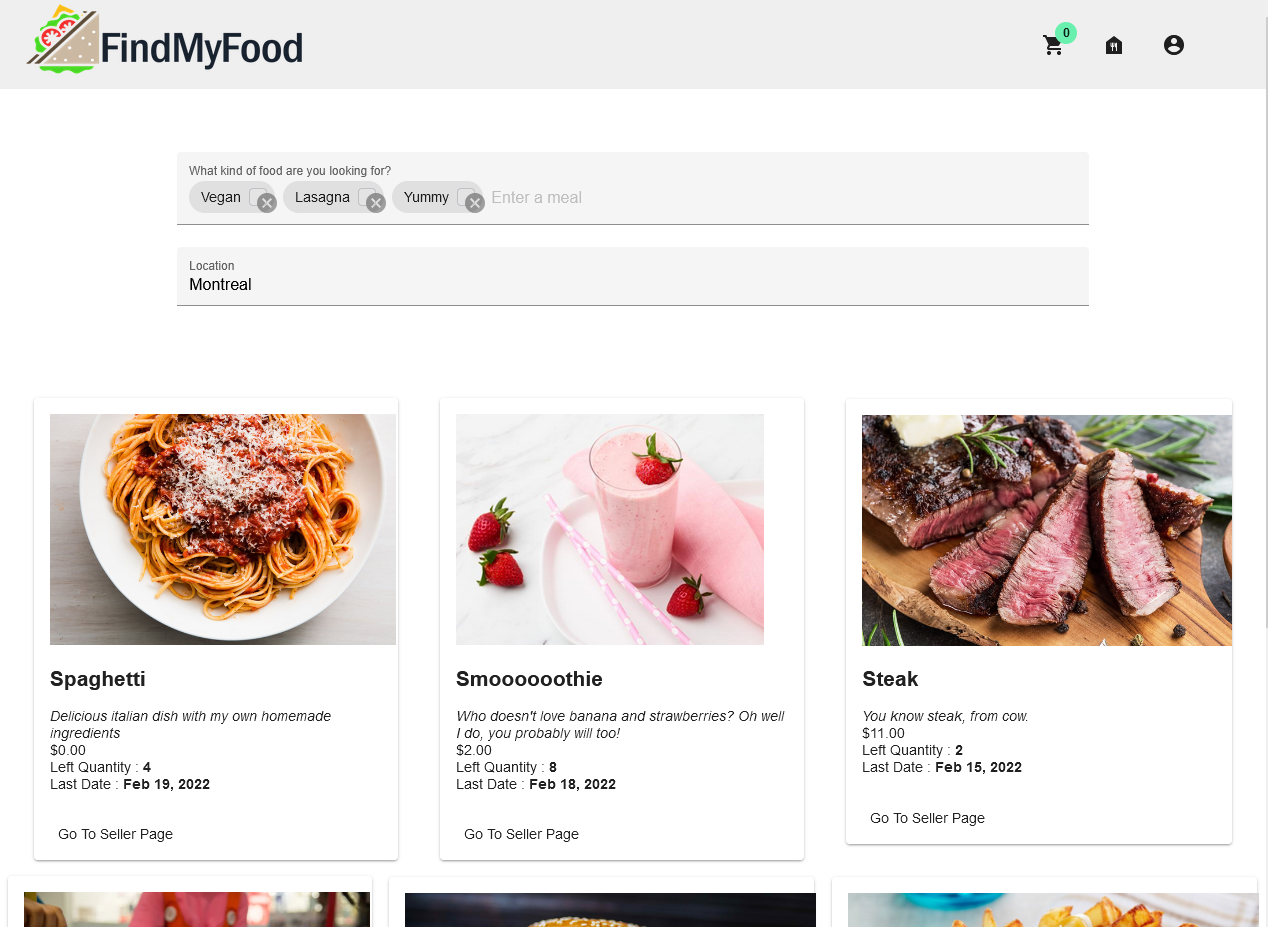
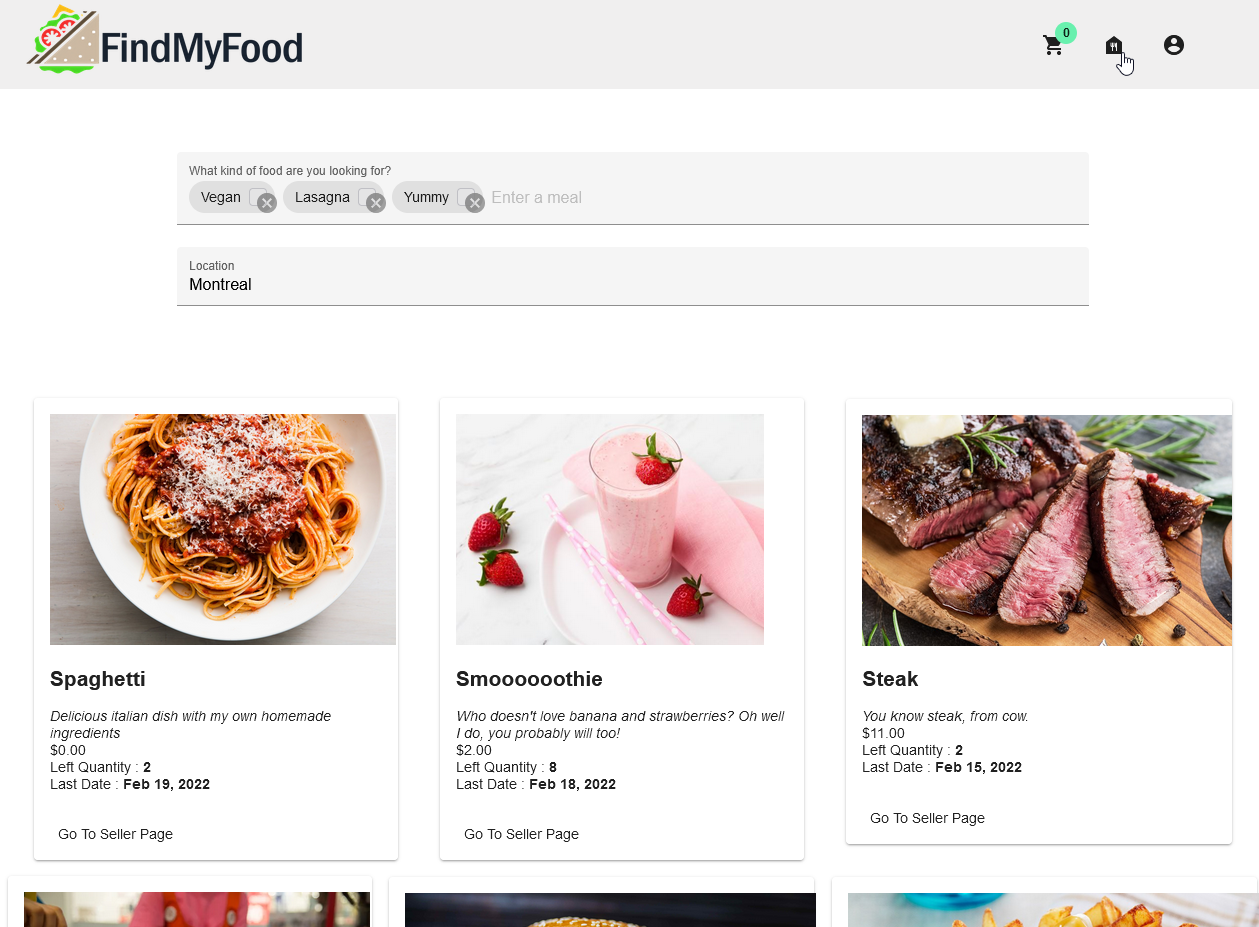
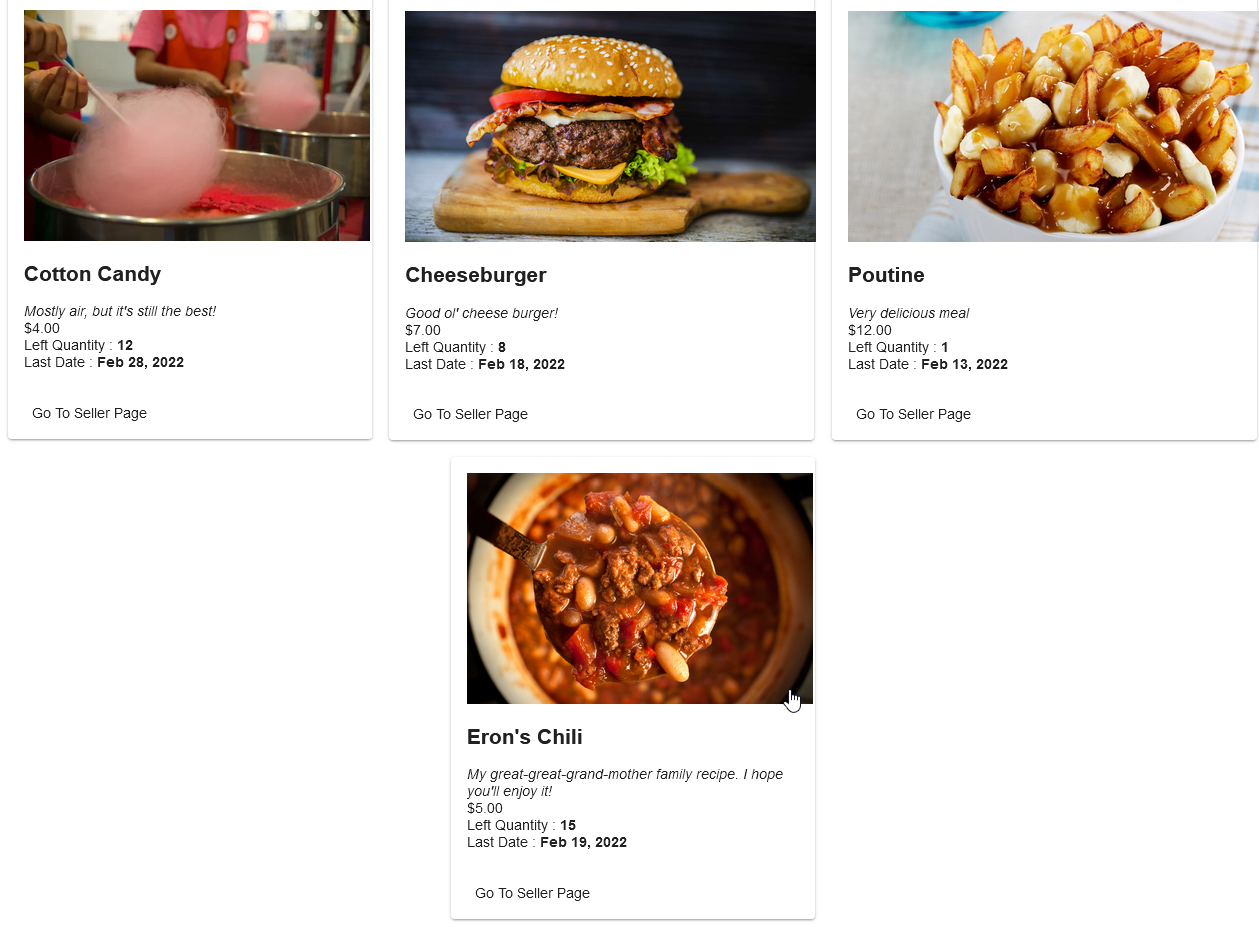
Home page for FindMyFood : Browse different meals, search a specific meal, locate meals "near" a specific area, etc.
-
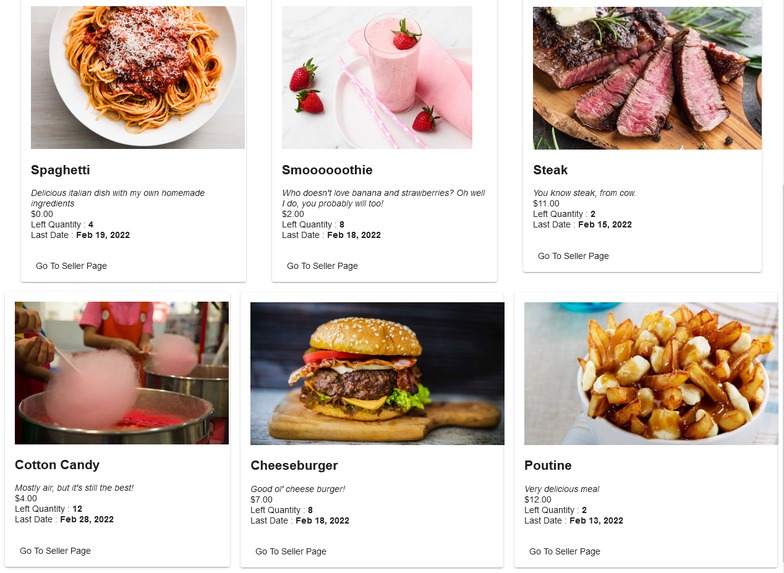
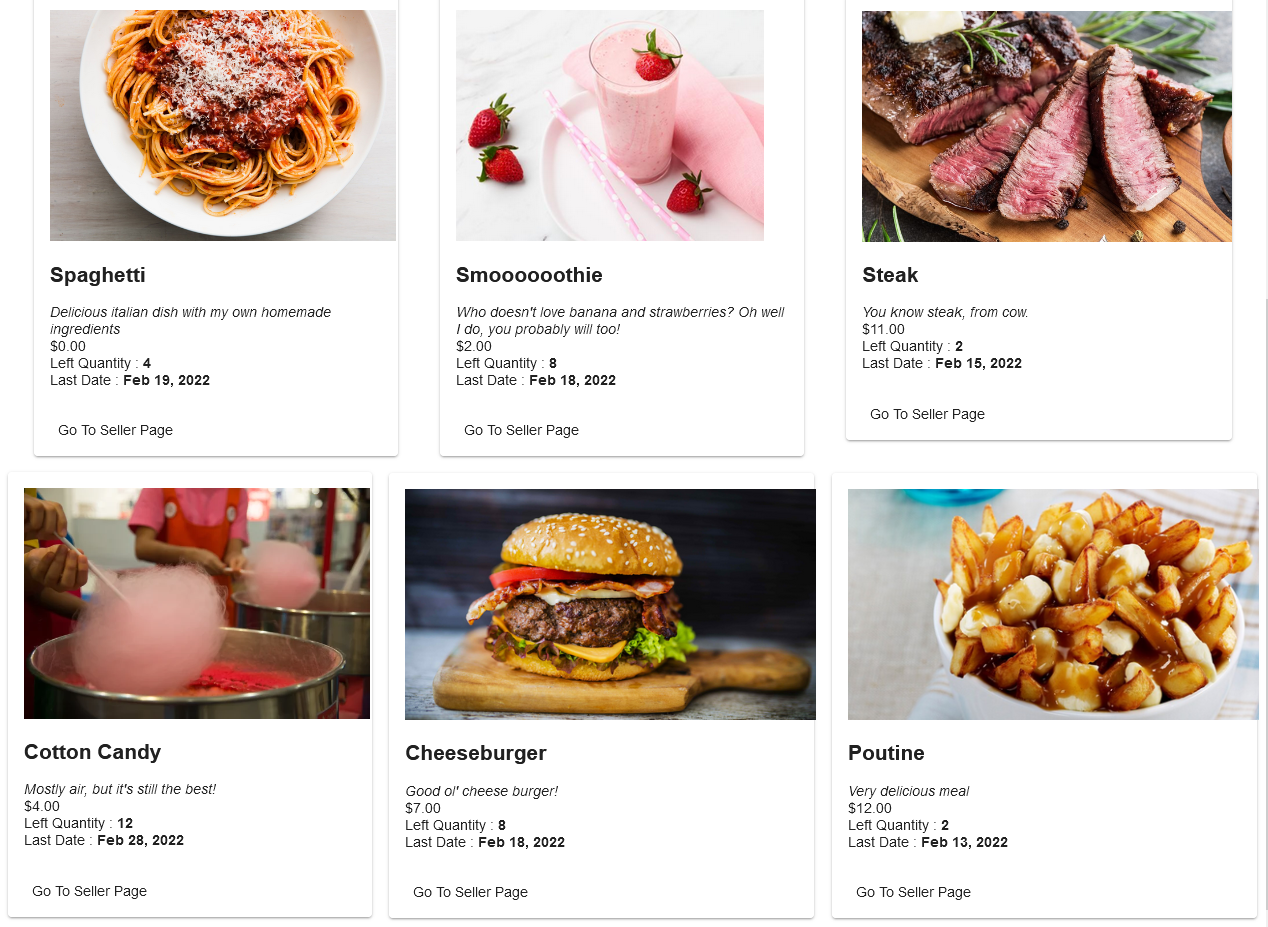
More of the available meals : As more and more sellers join the platform, the list of meals will grow exponentially!
-
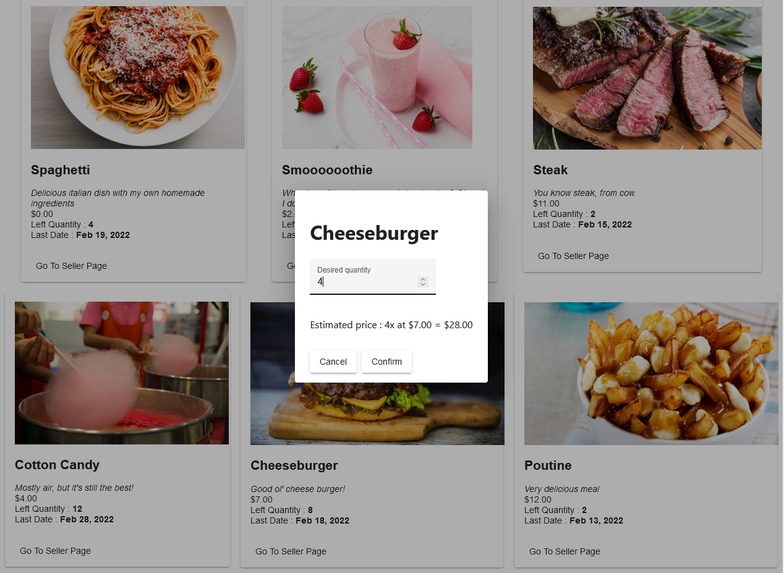
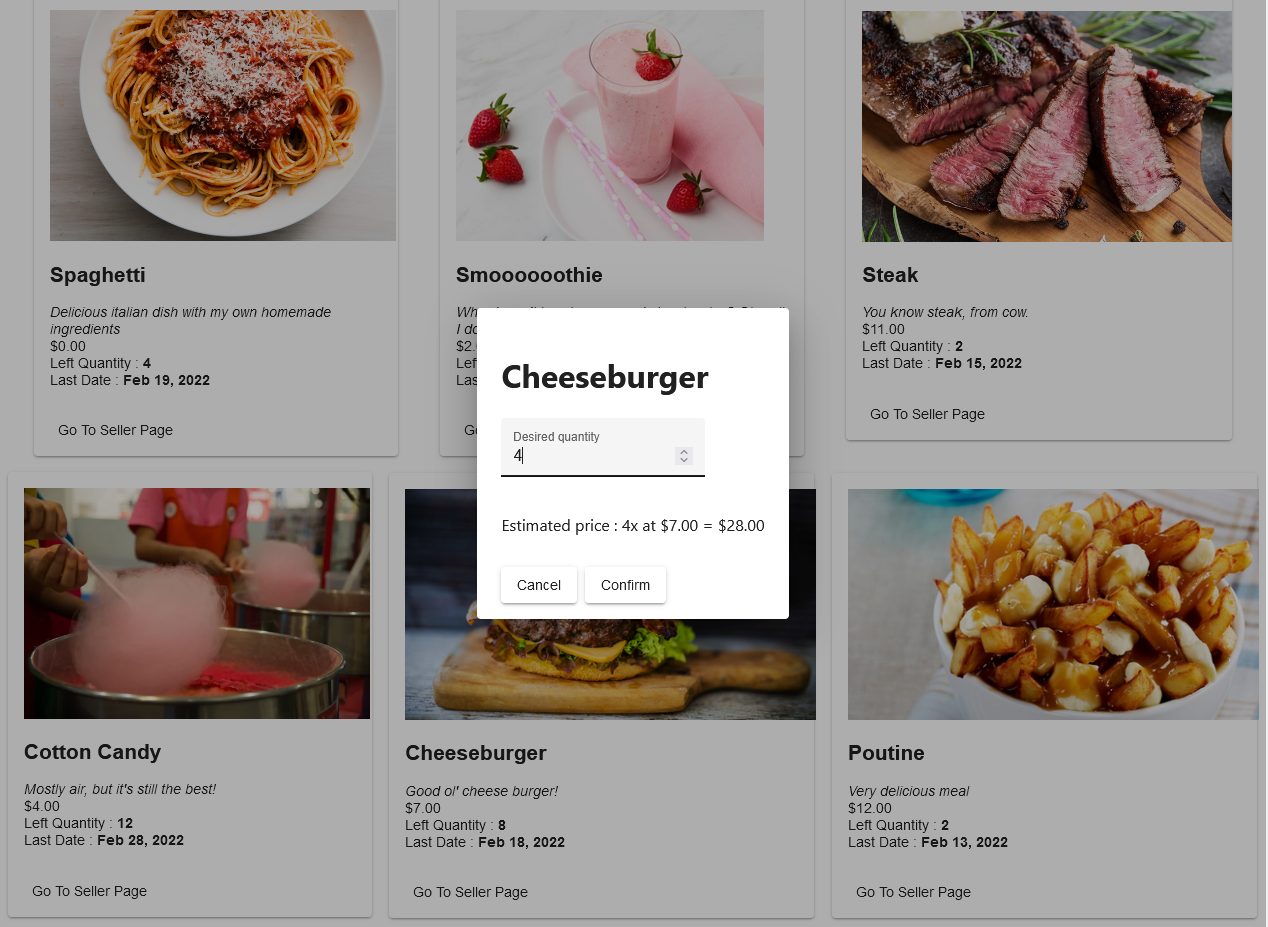
Select a quantity : When you've properly selected a meal you'd like to order, you can select a number of servings you desire.
-
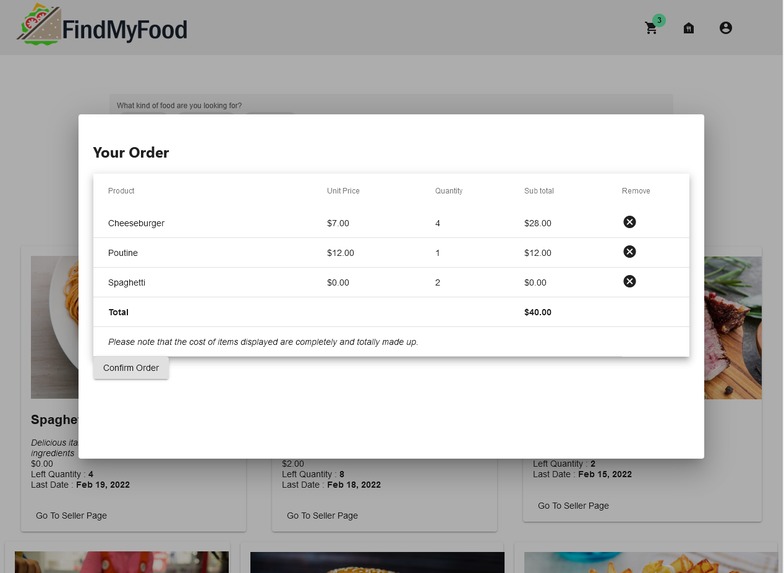
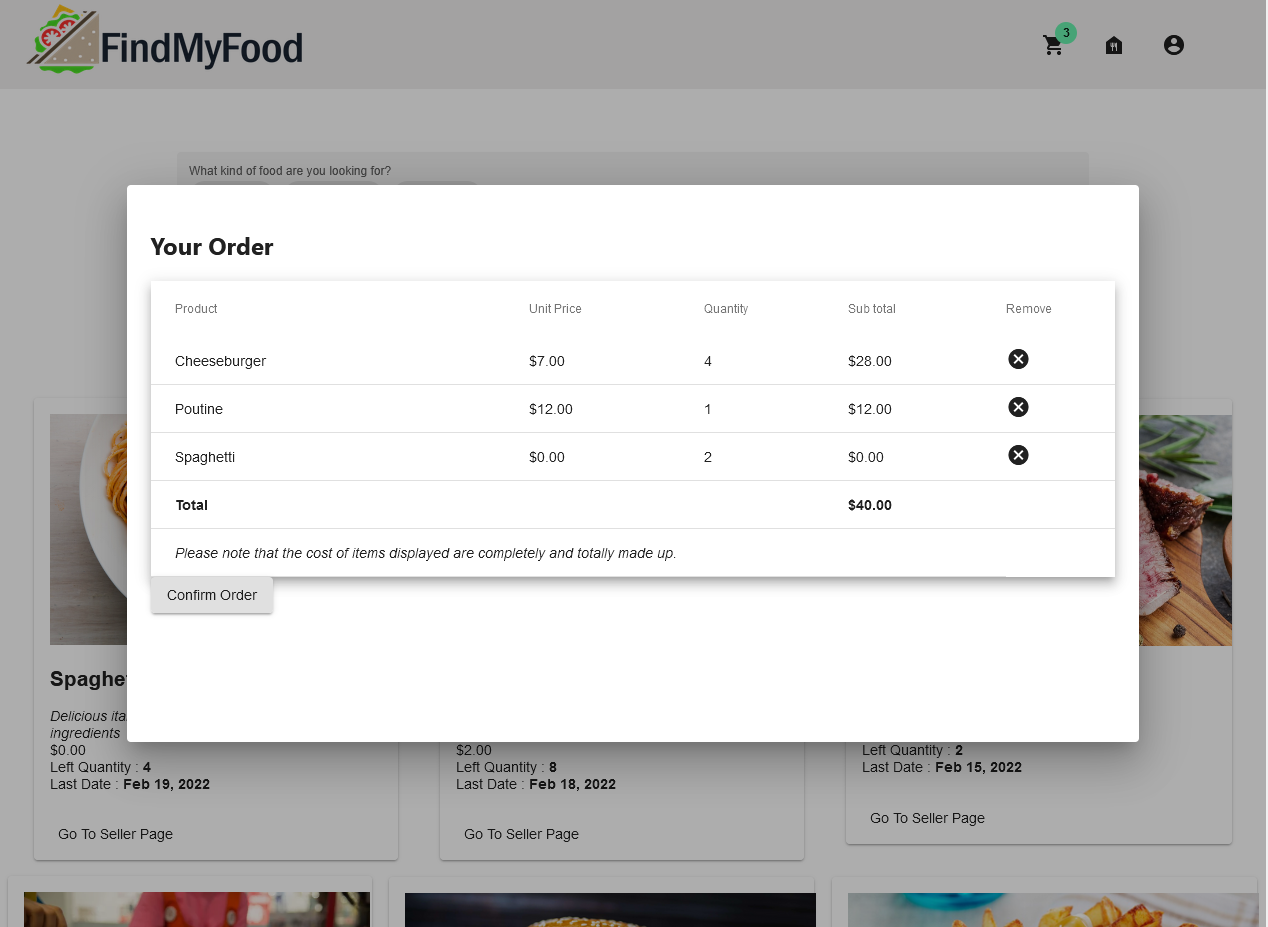
Cart : After you've selected all your meals, your cart will indicate your subtotal and the total cost of your order.
-
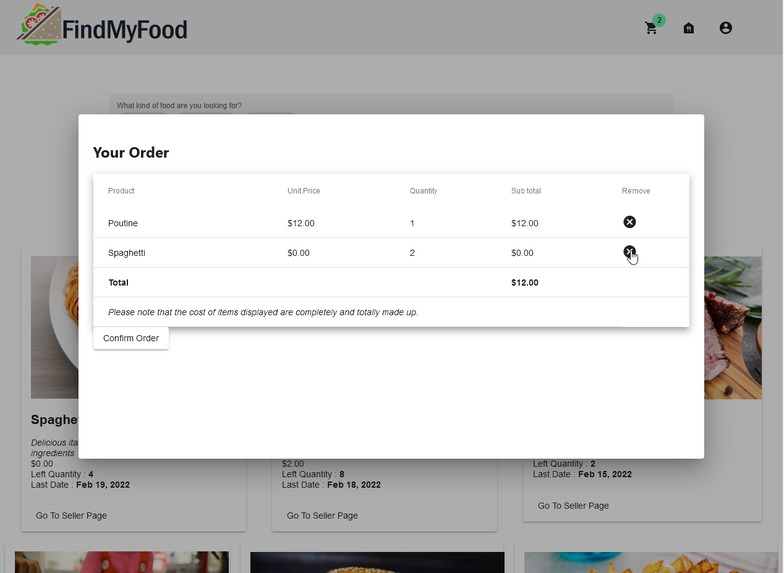
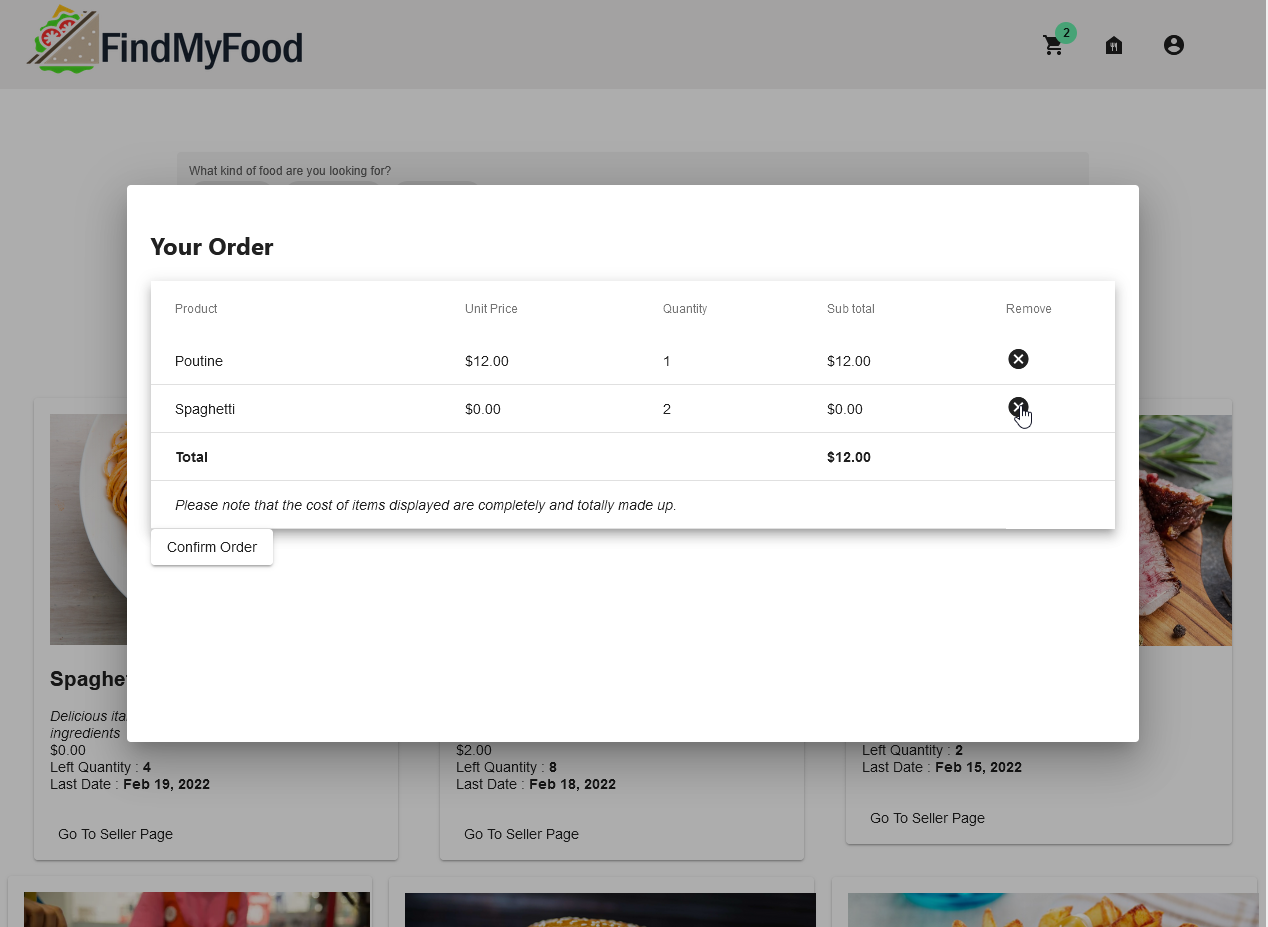
Removing items : At any moment during the process, you can remove a meal from your cart.
-
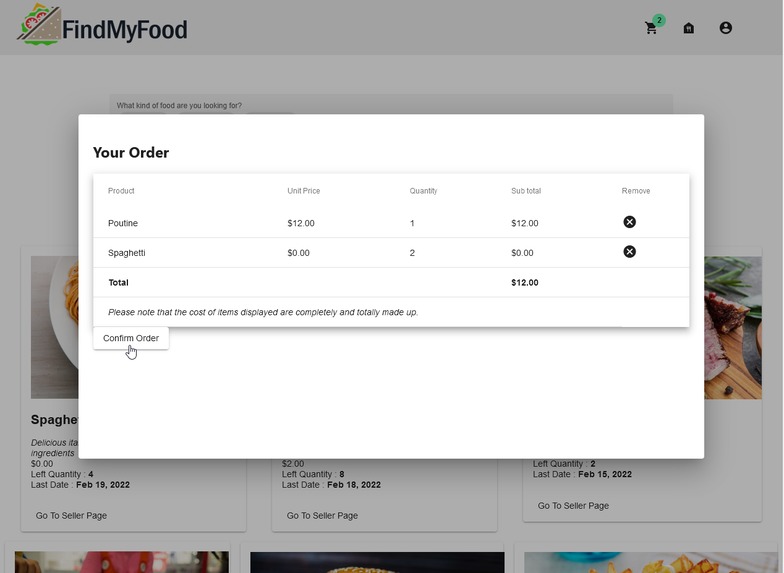
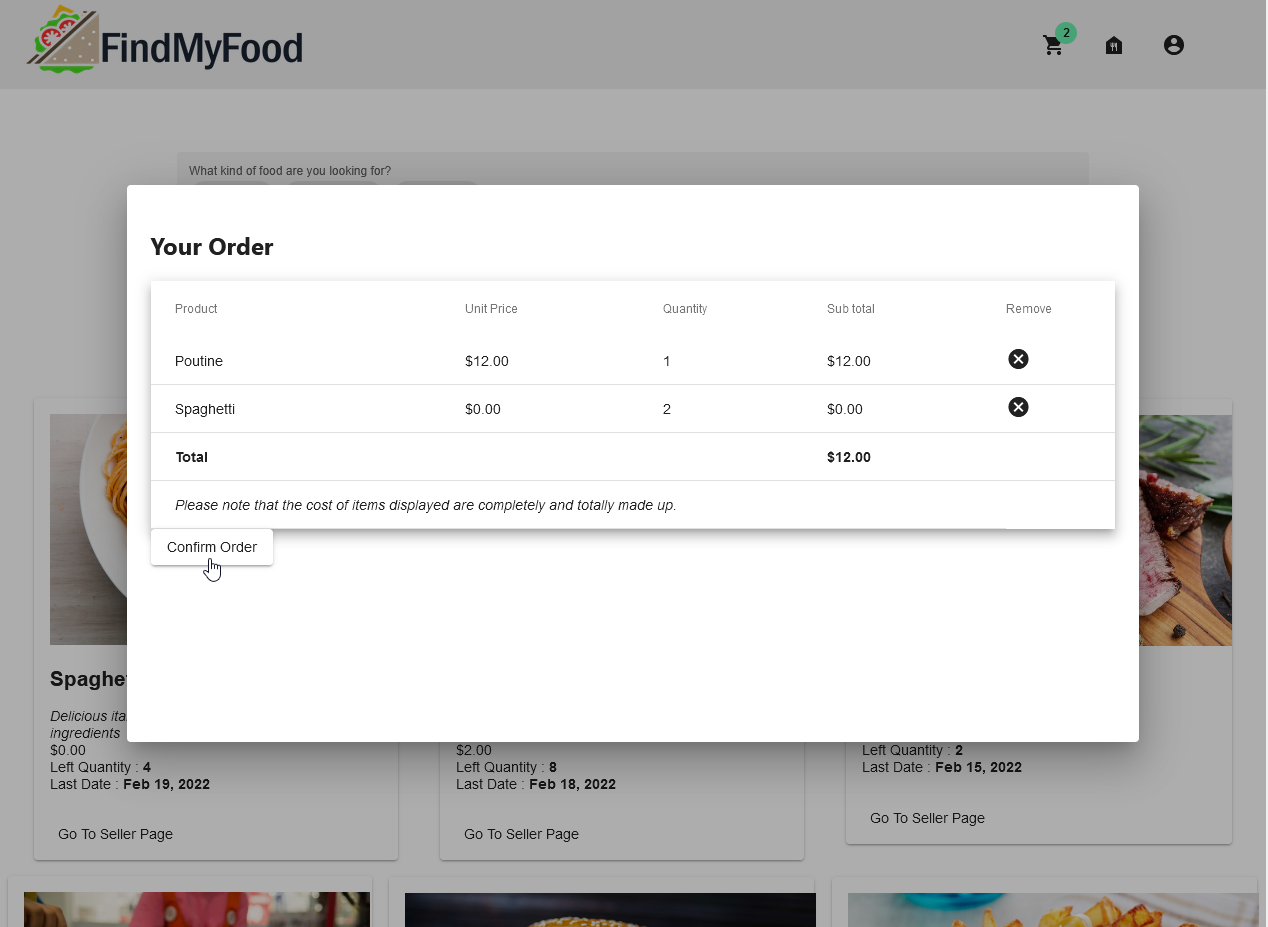
Confirm your order : When you're ready, click on the Confirm button. This will process your order and notify the appropriate sellers.
-
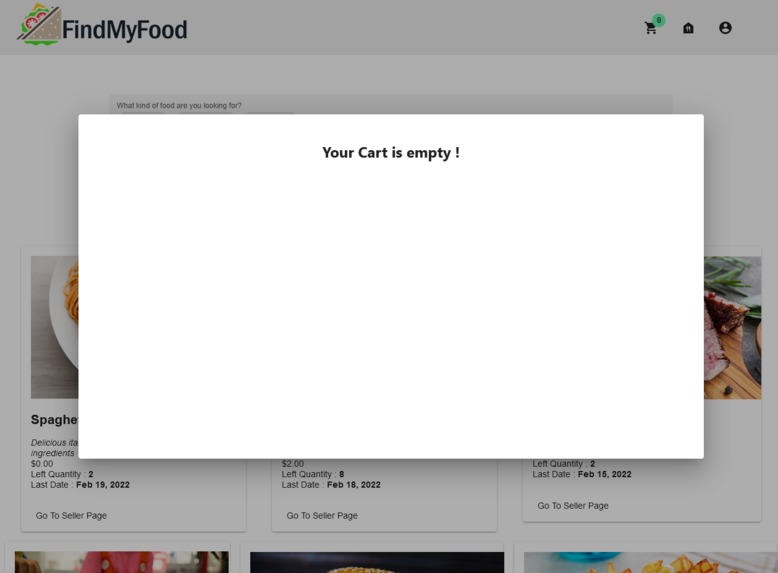
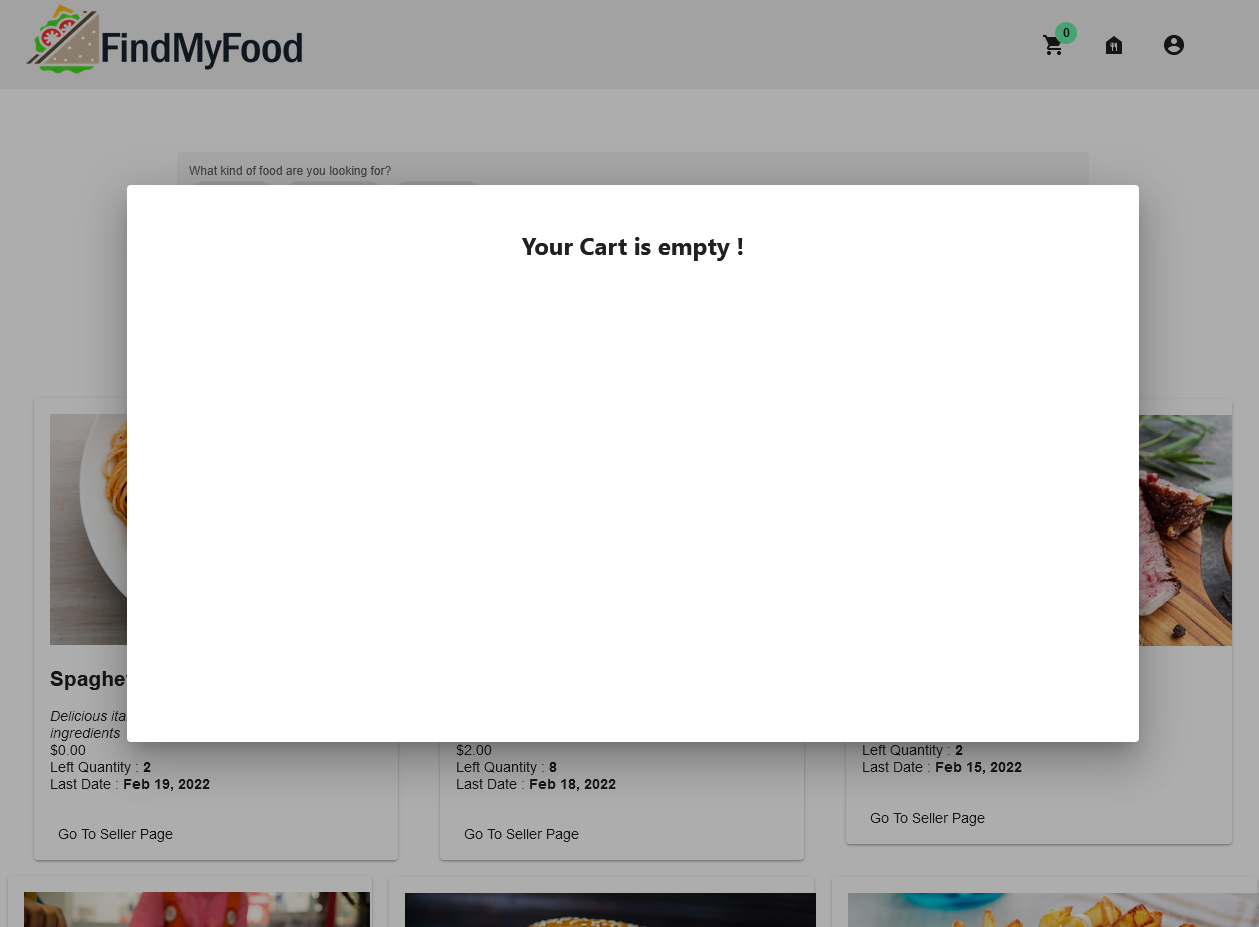
Empty cart : If you've just confirmed your order (or did not select any meals yet), your cart will be empty!
-
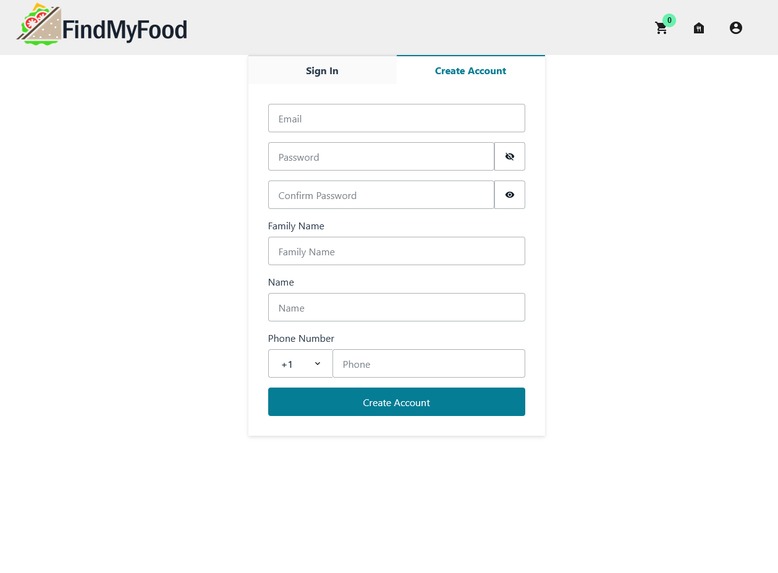
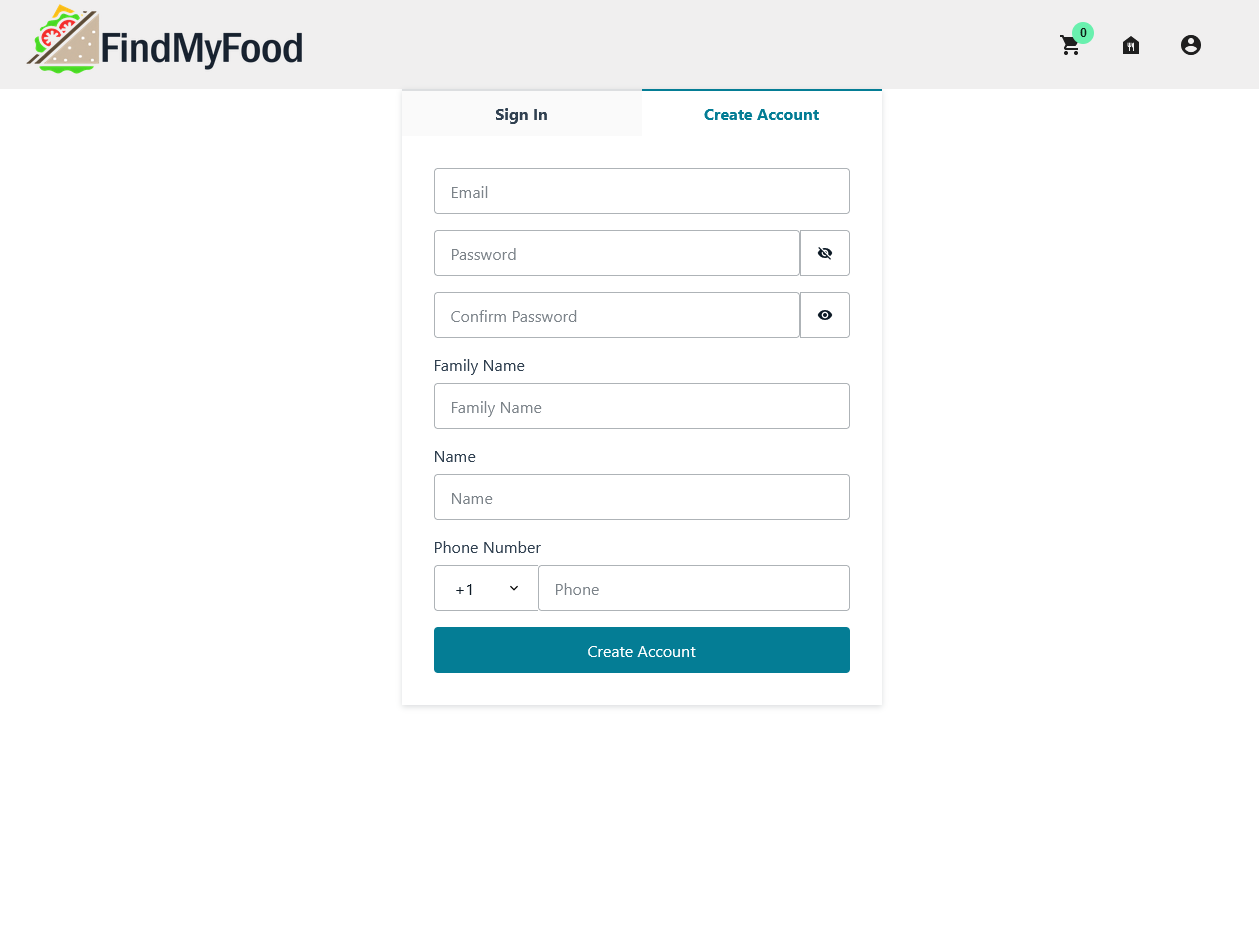
Create an account : Upon your first time on the site, you'll be prompted to create an account to enable more features.
-
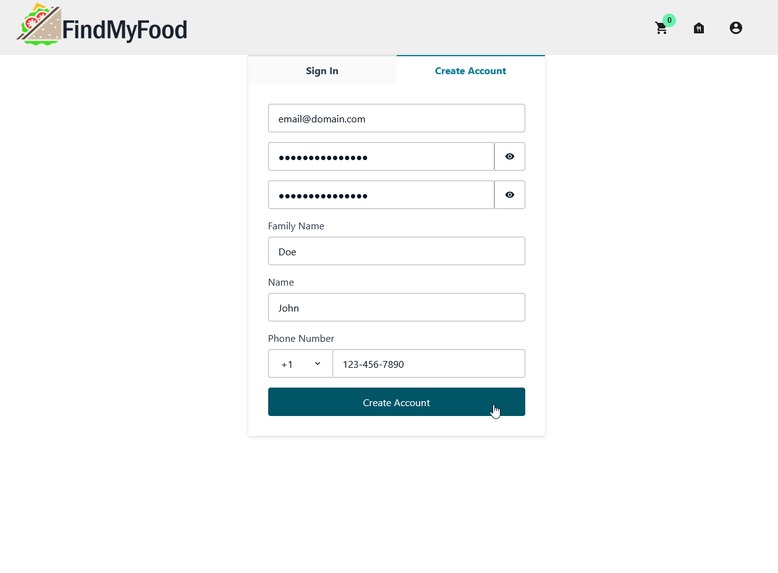
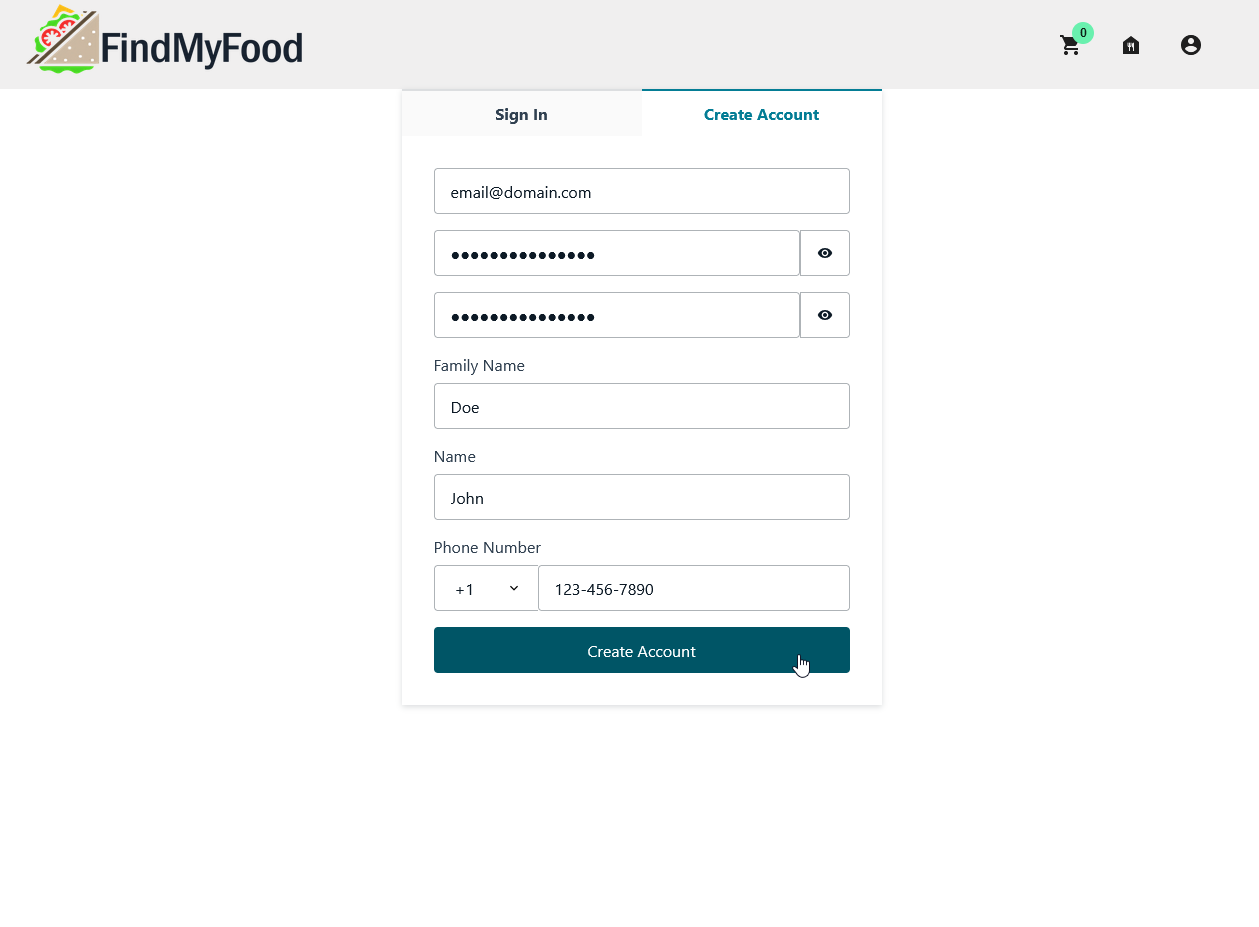
Account creation : You'll be required to fill in a form allowing other users to contact you regarding the orders you made.
-
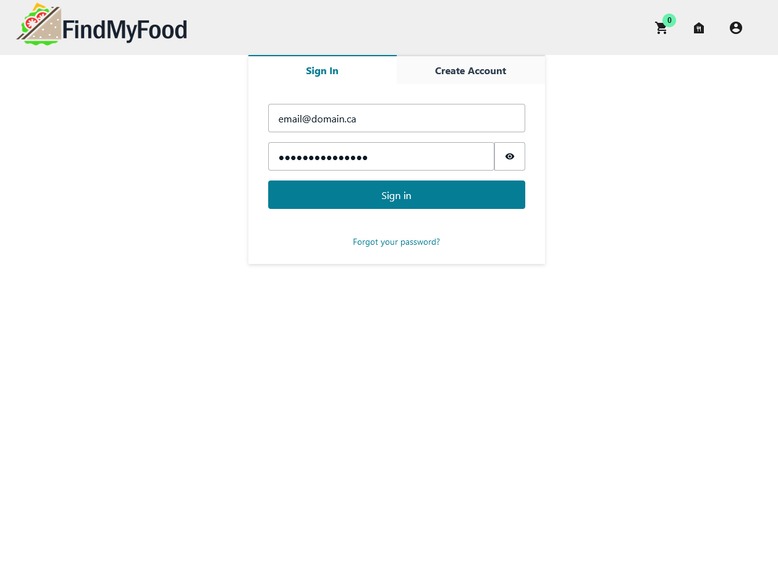
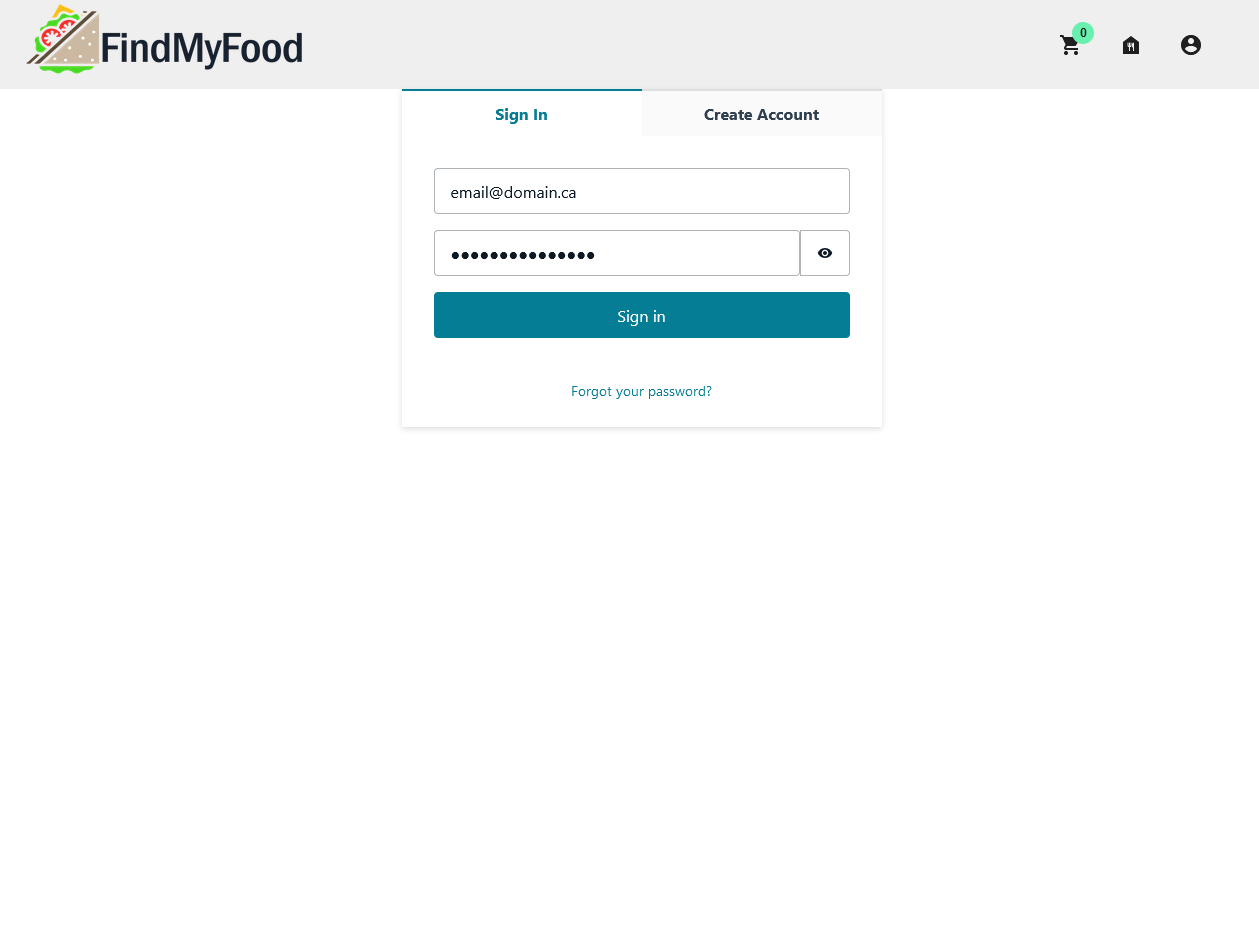
Log In : After verifying your account, you'll be able to log in directly on the platform.
-
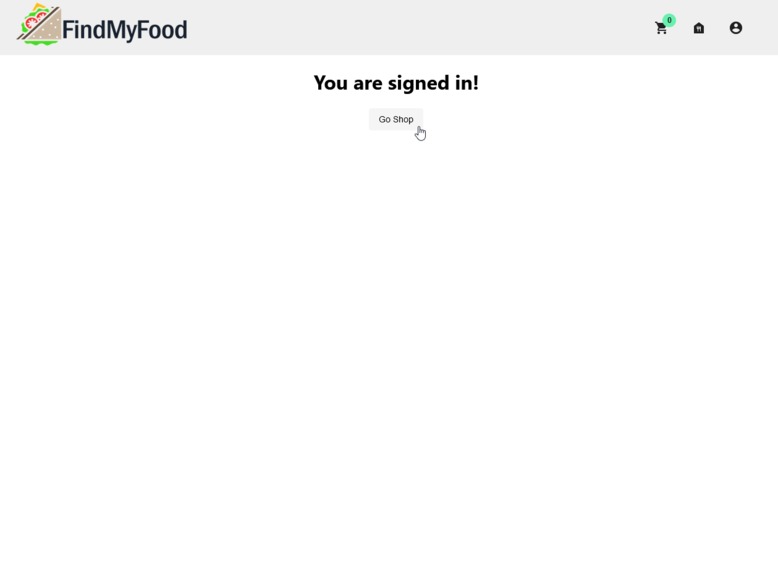
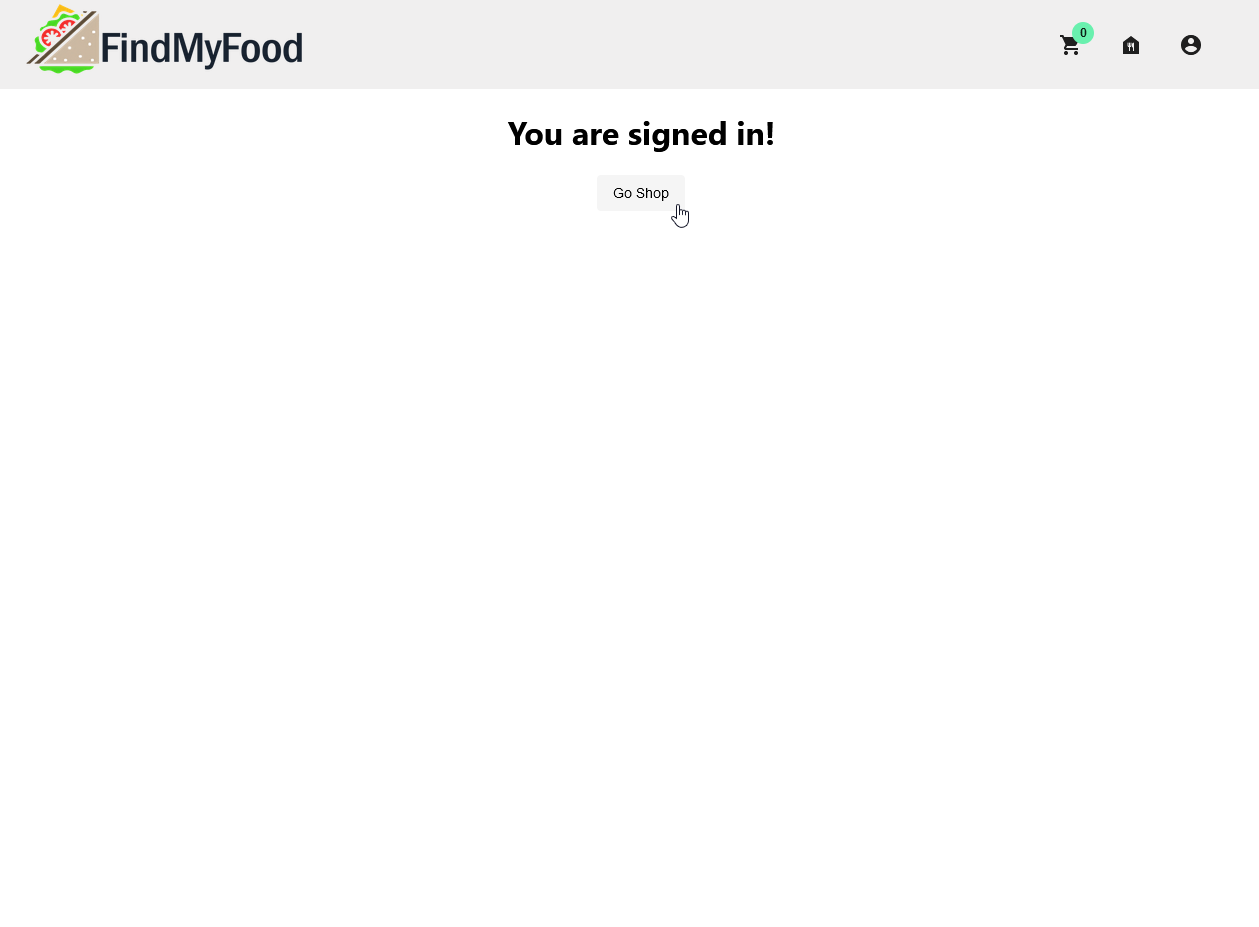
Signed In : If your credentials are verified, you'll be able to return to the main site. You'll now have the permission to create a shop.
-
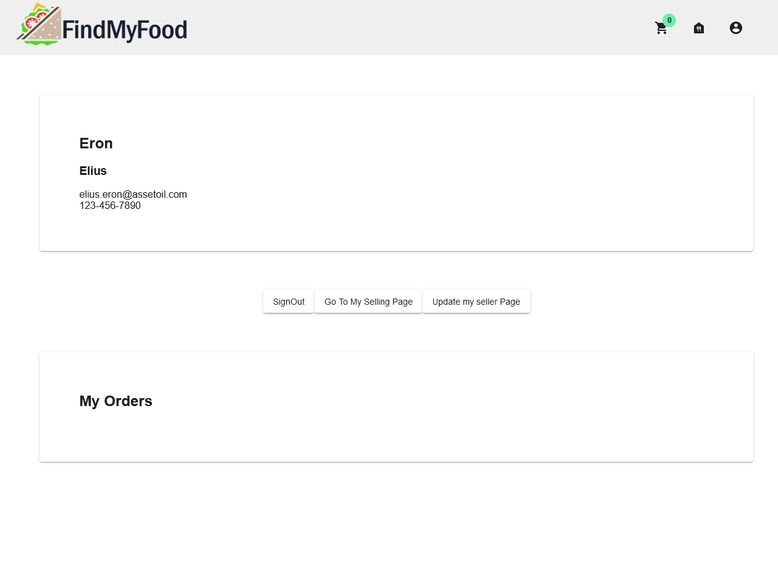
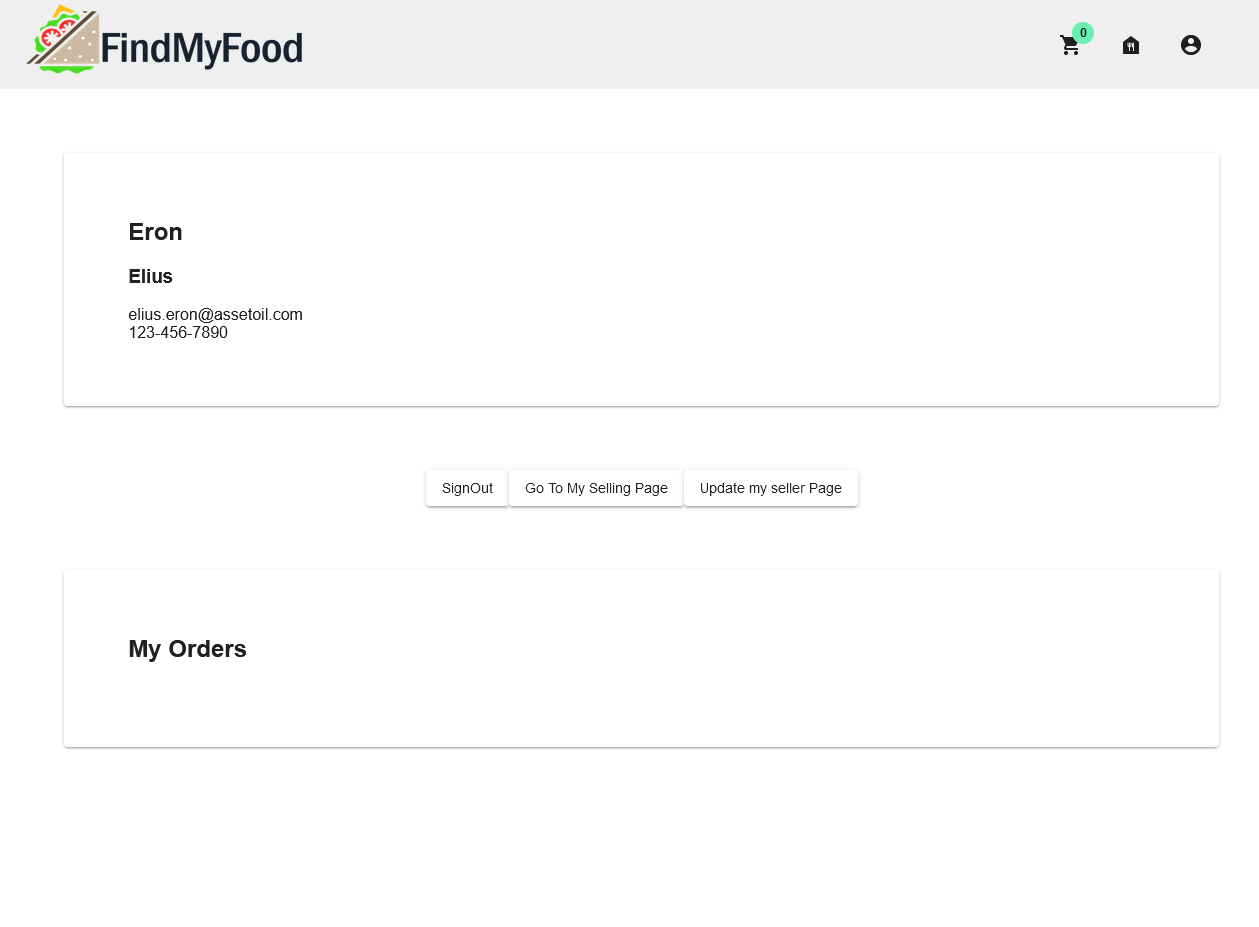
Account : When accessing your account, you'll now be able to see your profile and your orders. You can also create and view your shop.
-
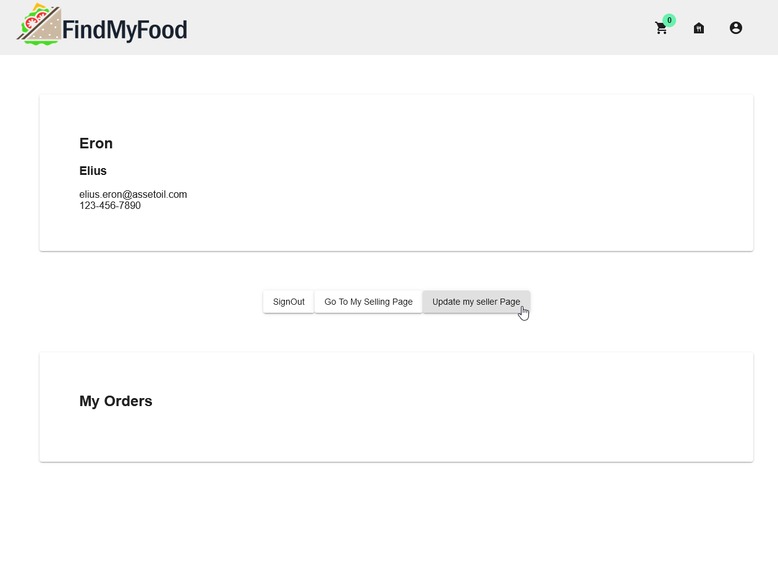
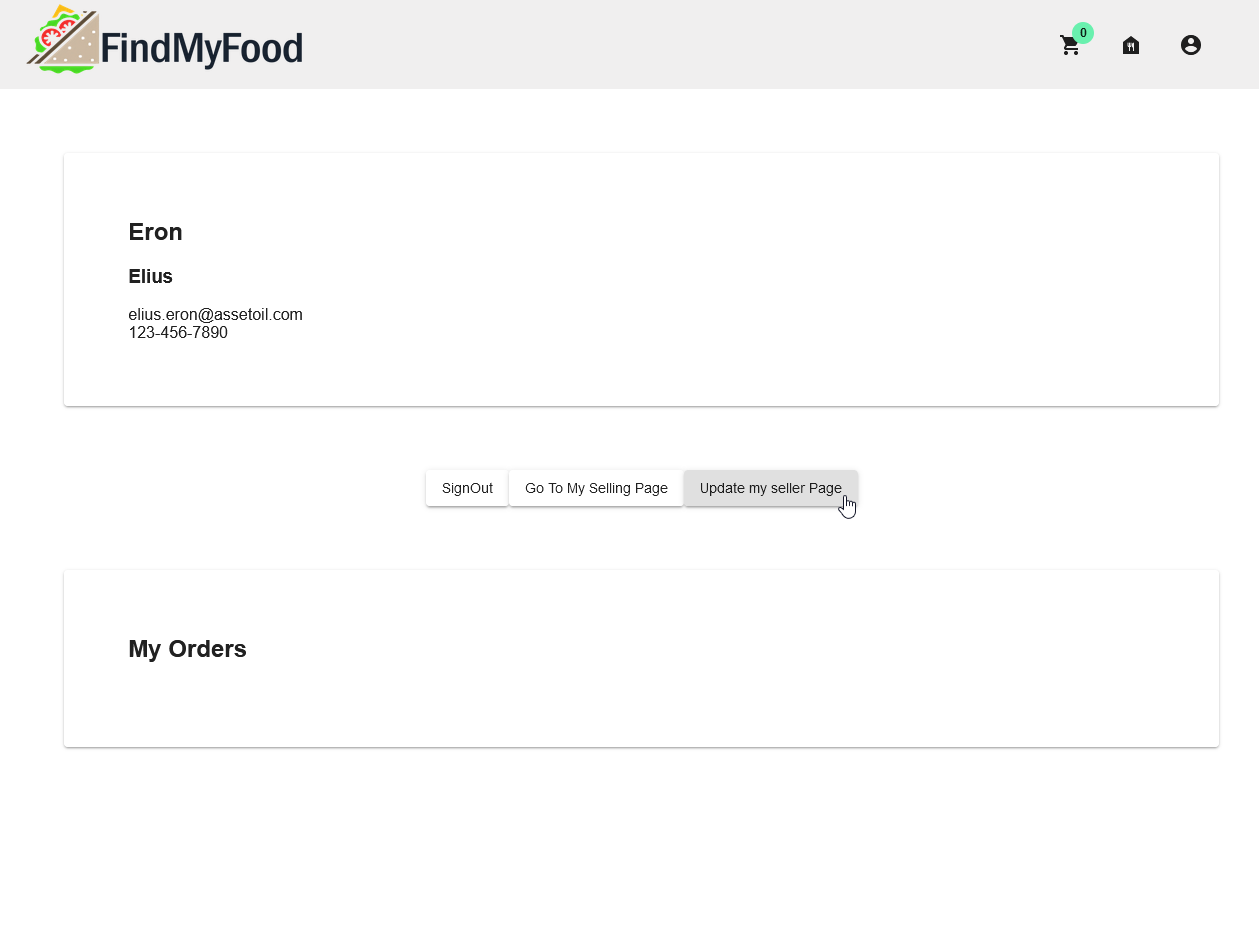
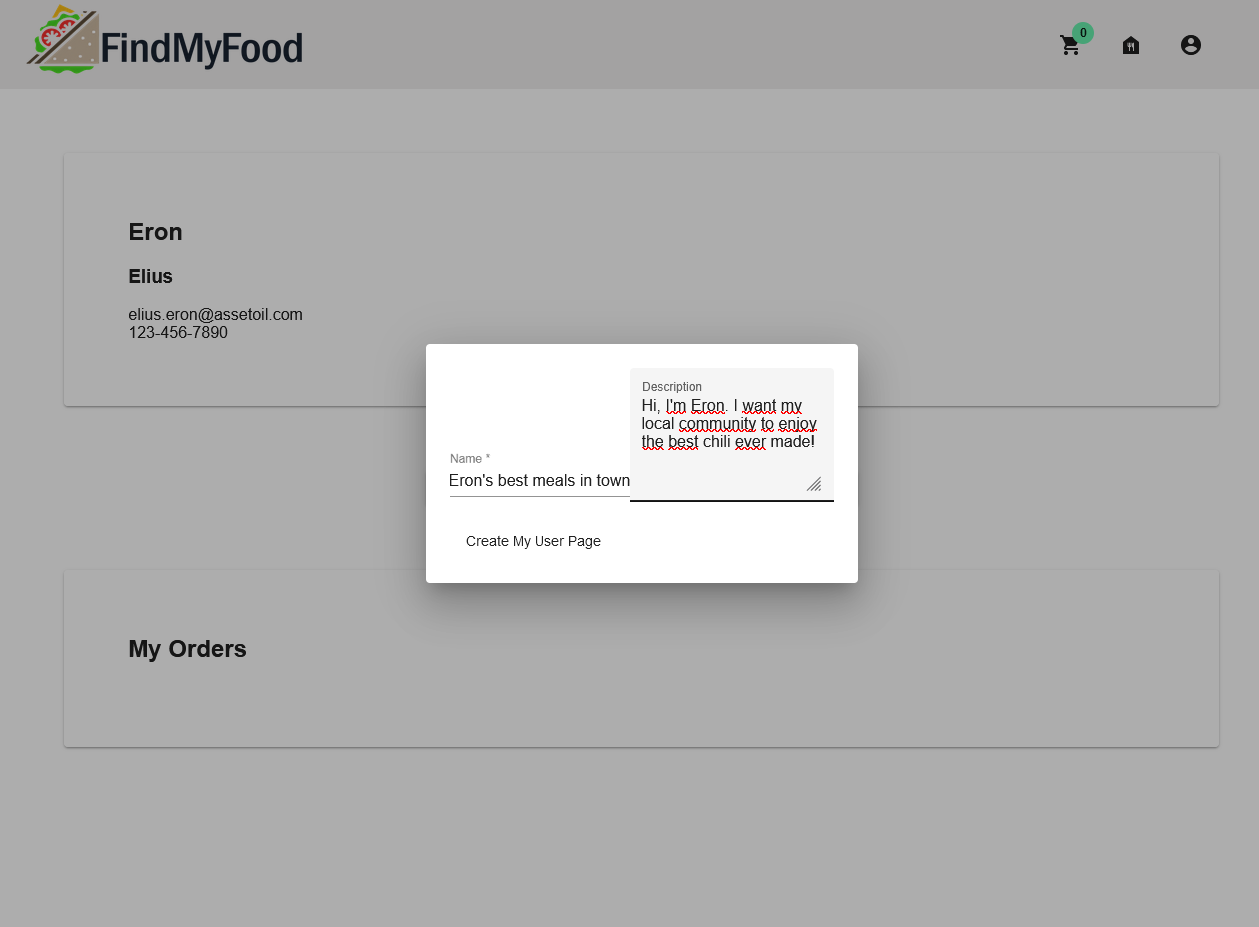
Create a seller page : As a verified user, you can now create, edit and manage a shop. This shop will list all the meals you offer.
-
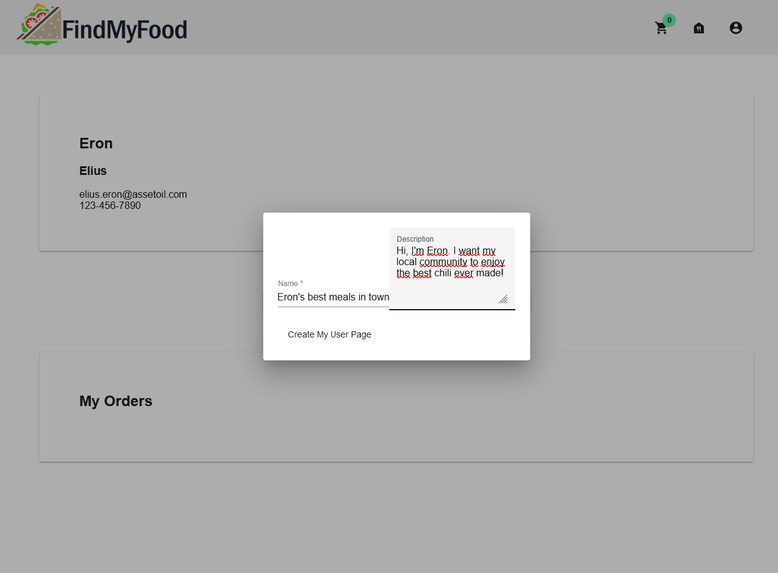
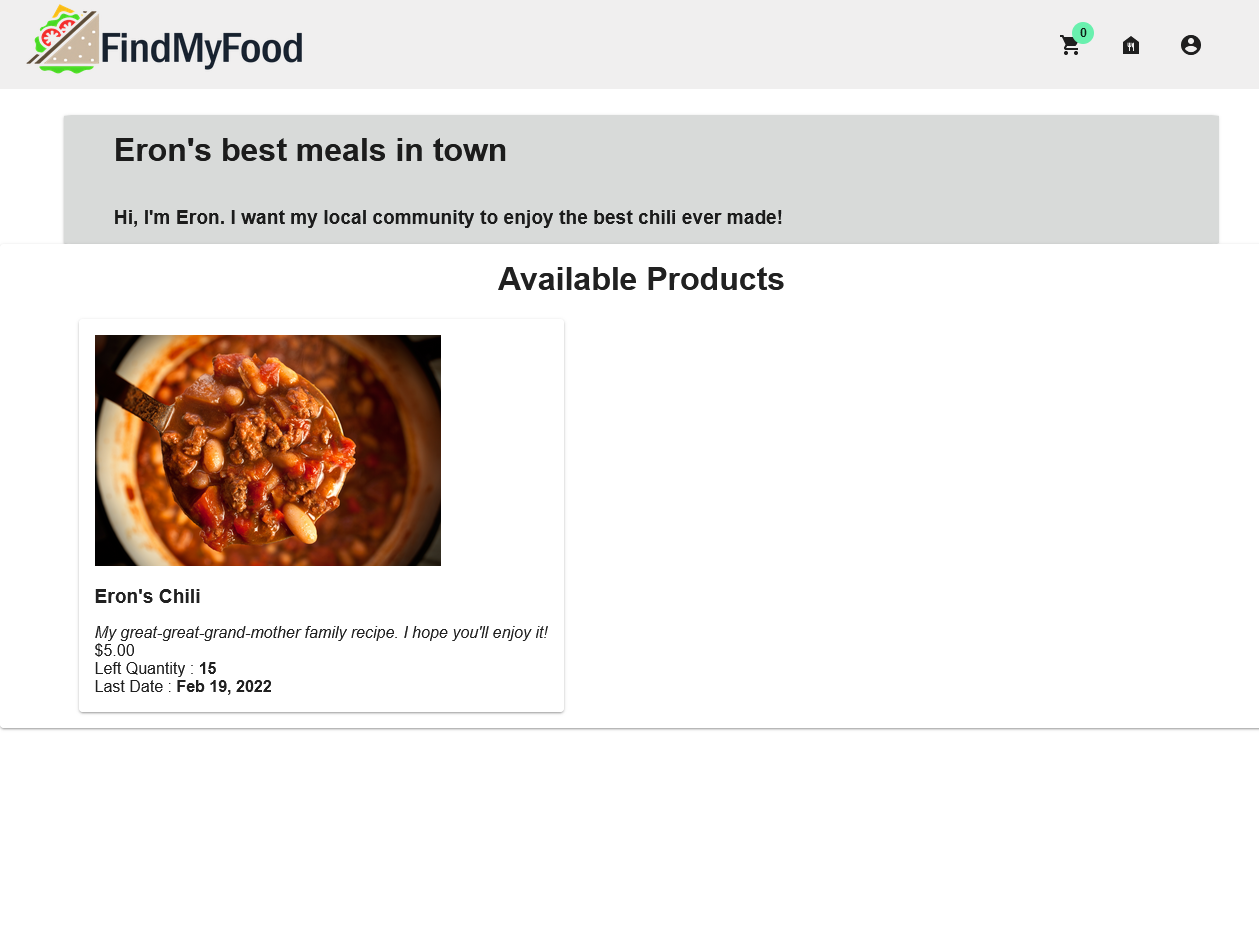
Seller page : Your seller page includes a name and a description for people to better know you and your recipes.
-
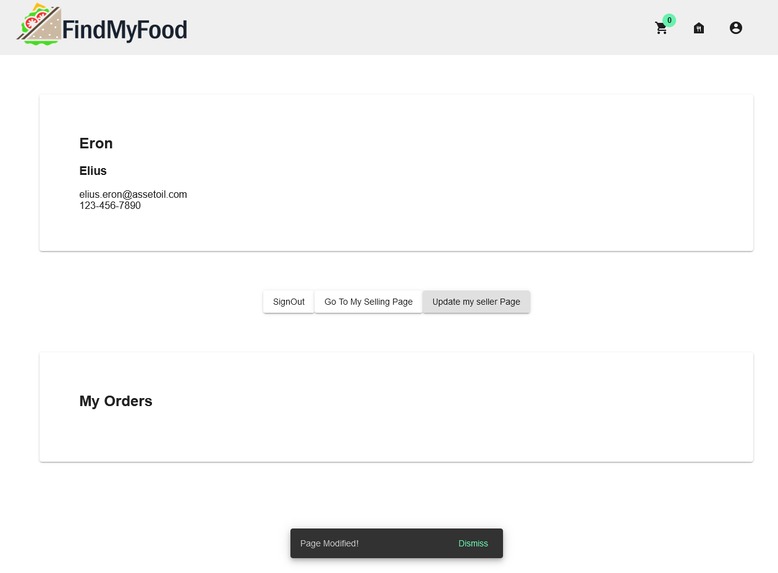
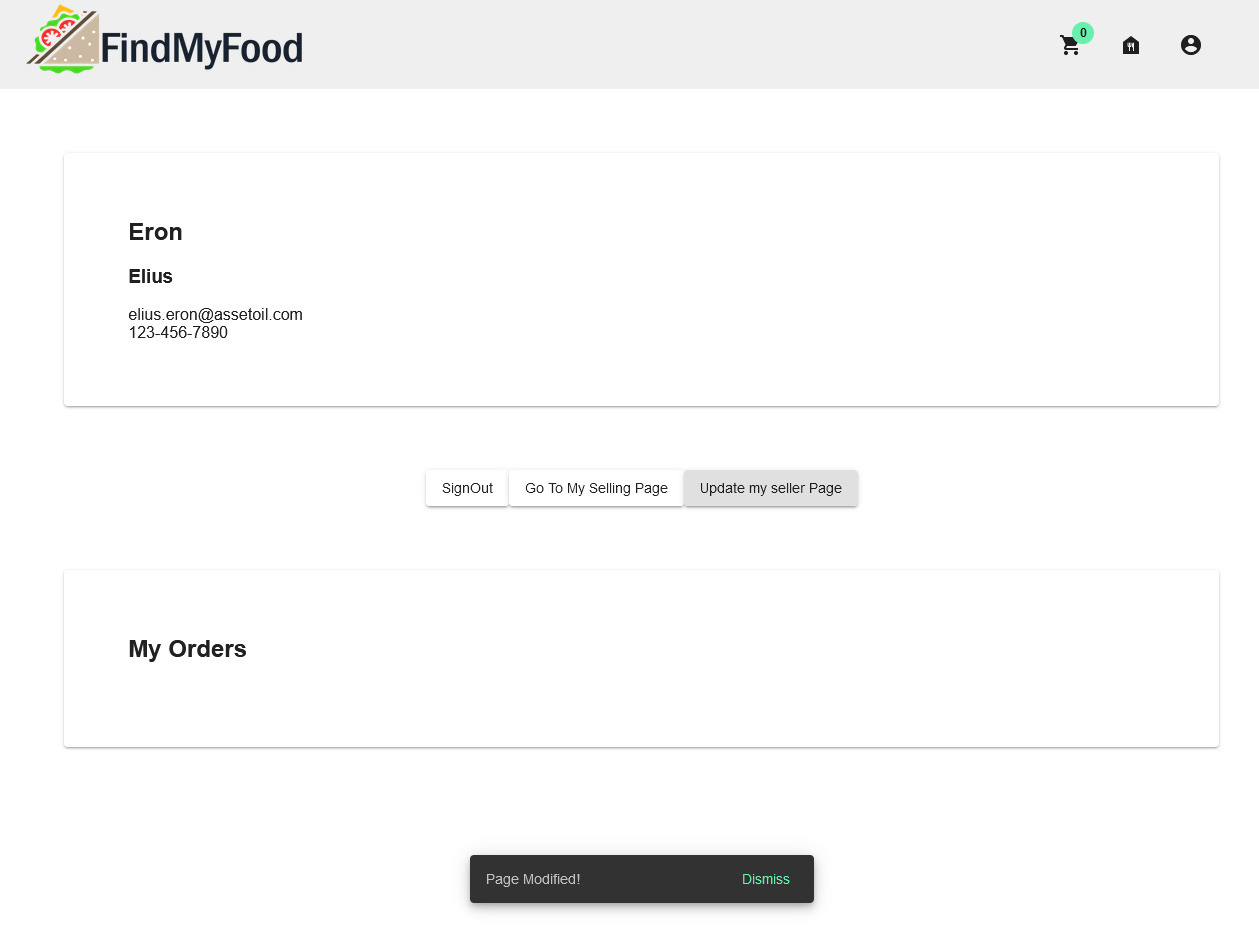
Seller page creation : When you've successfully created your shop, you'll be notified.
-
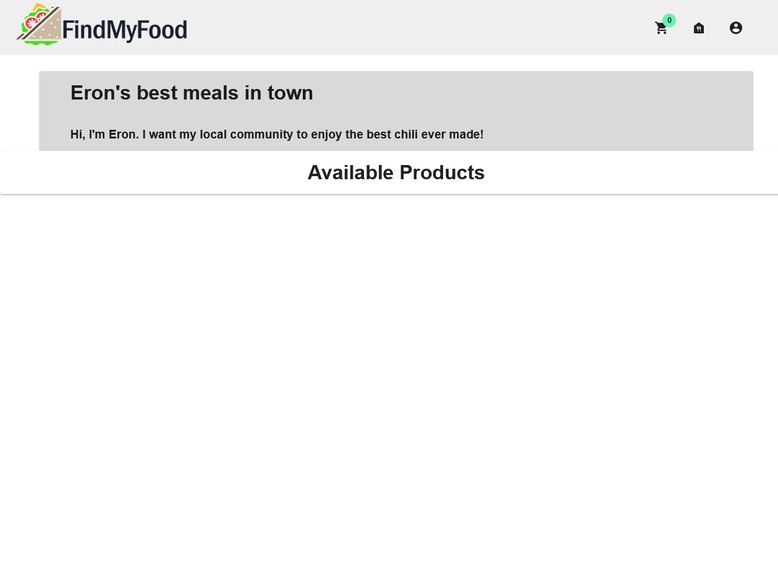
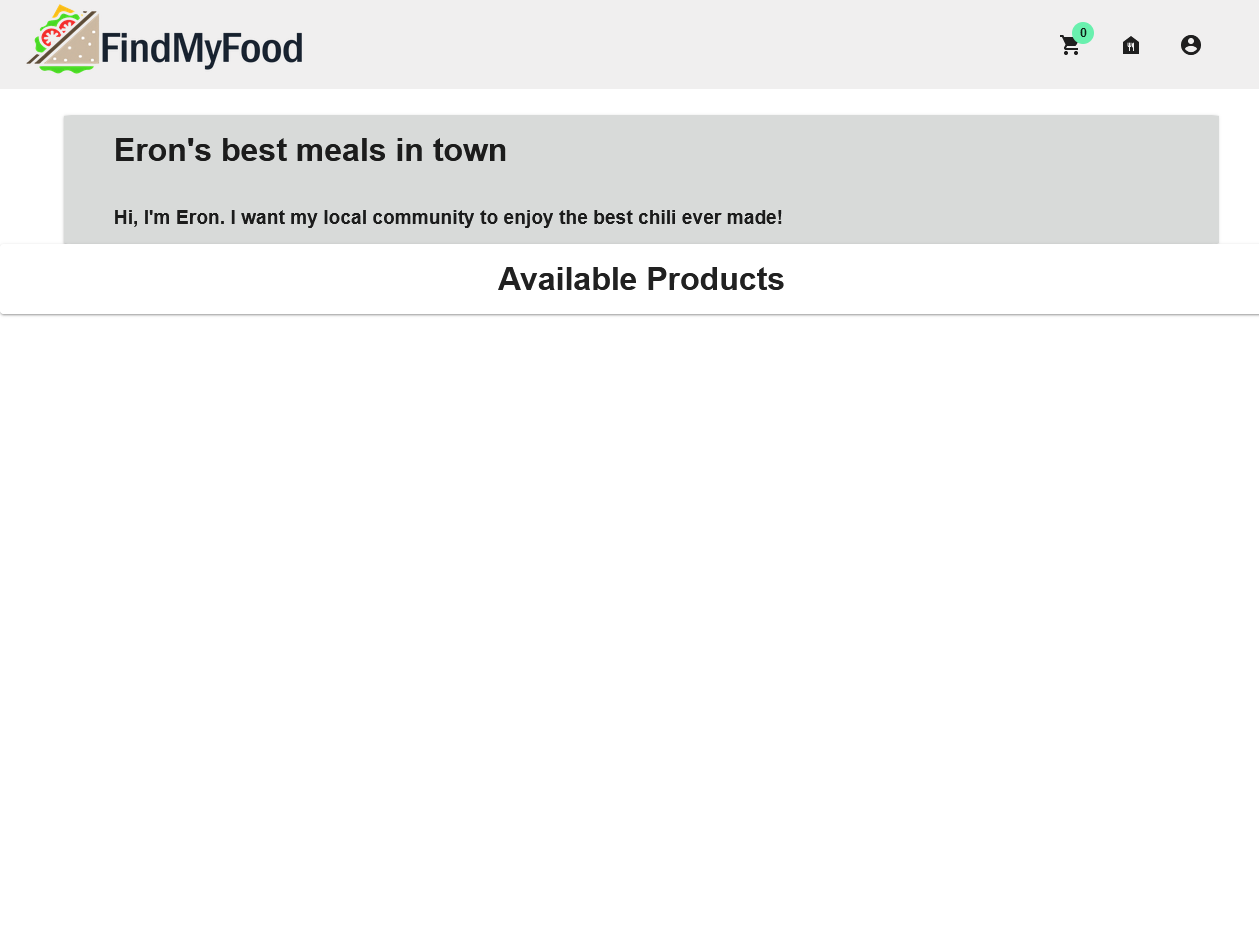
Your seller page : Upon going to your seller page, you'll see your shop name and your description. Time to add some meals!
-
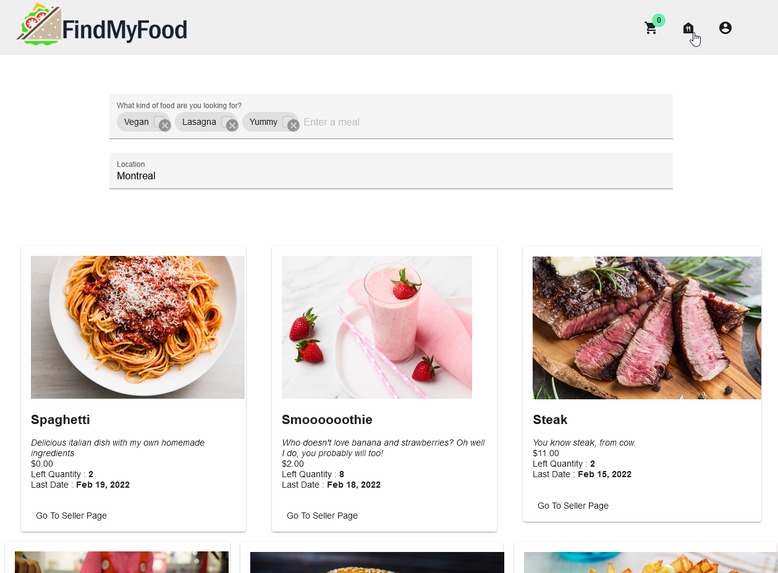
Create a new meal : The homepage meal button is now available.
-
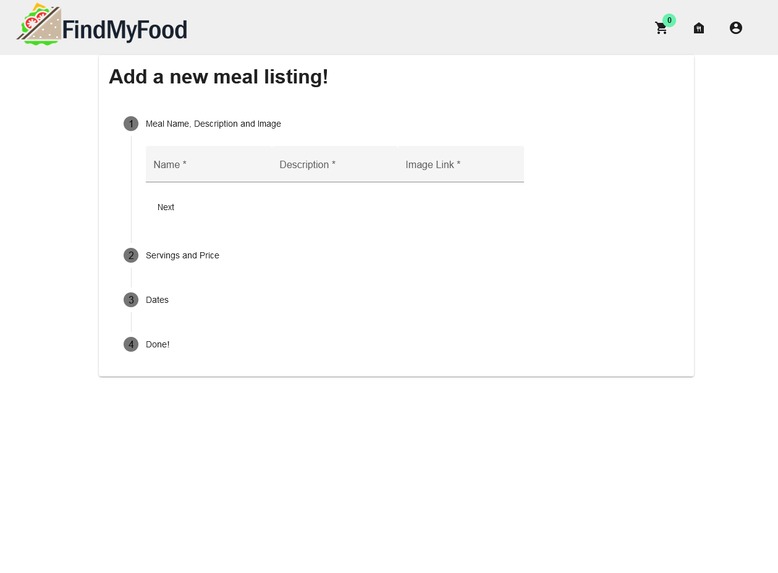
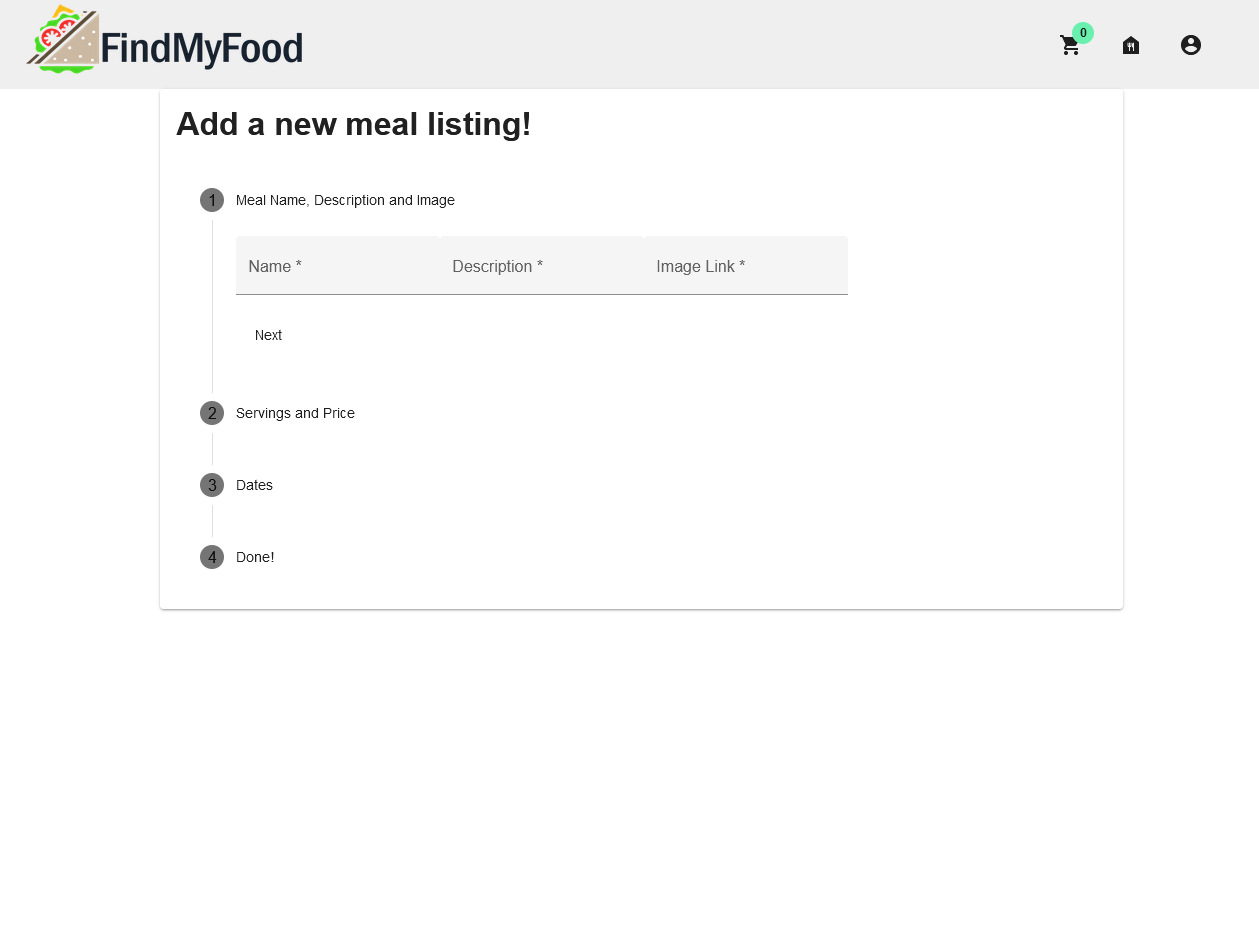
Meal creation 0/5 : The following form will allow you to define your meal name, description, price, image, number of servings, etc.
-
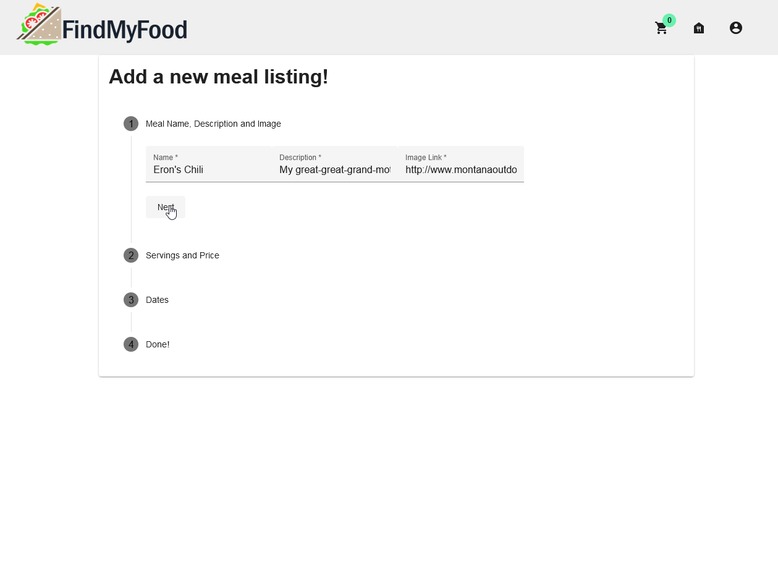
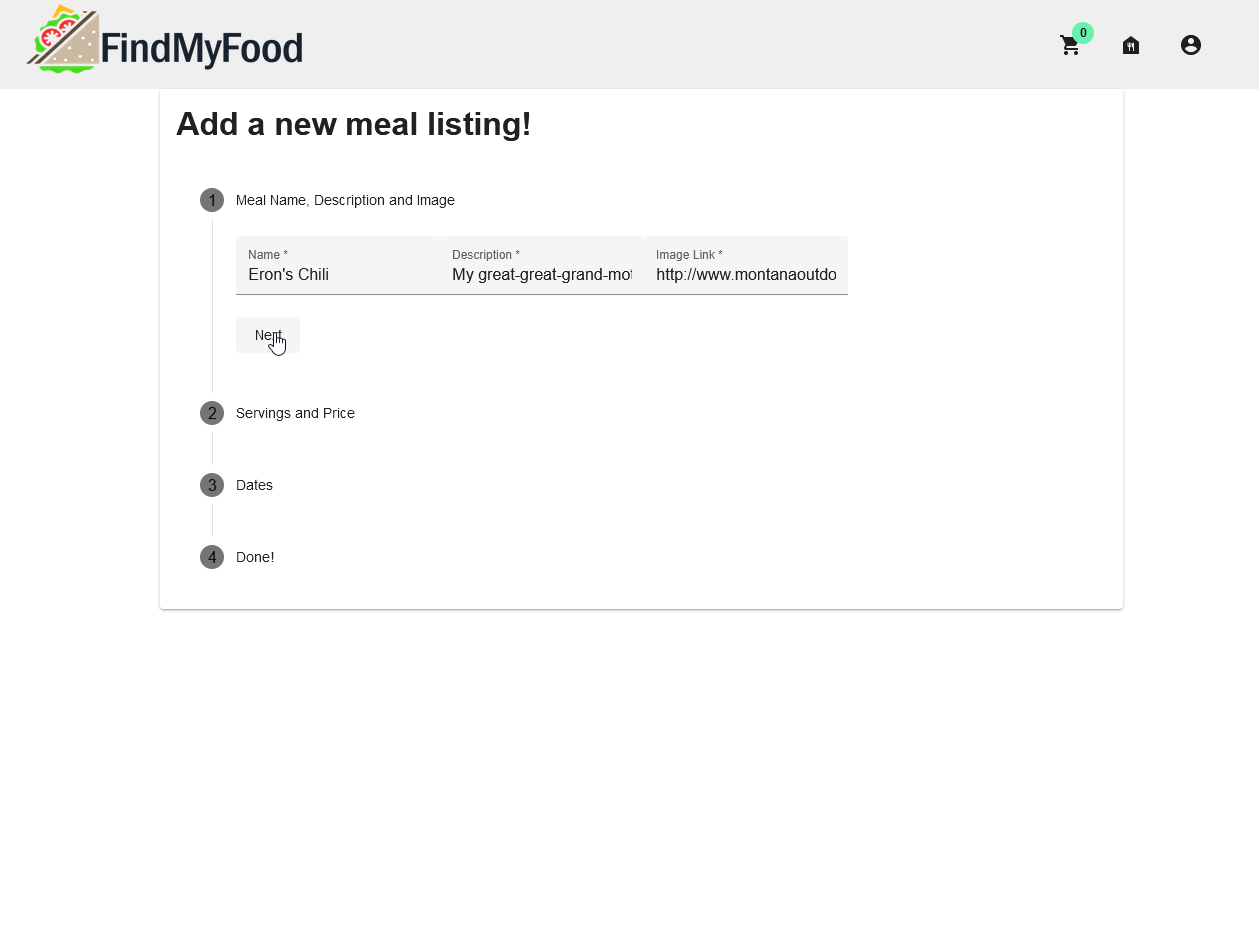
Meal creation 1/5 : After you've entered the correct name, description and image for your meal, you can now select 'next'.
-
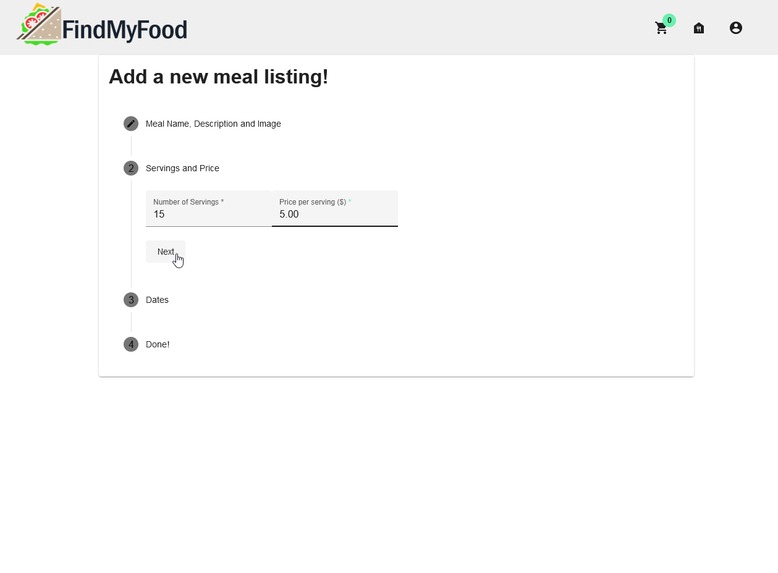
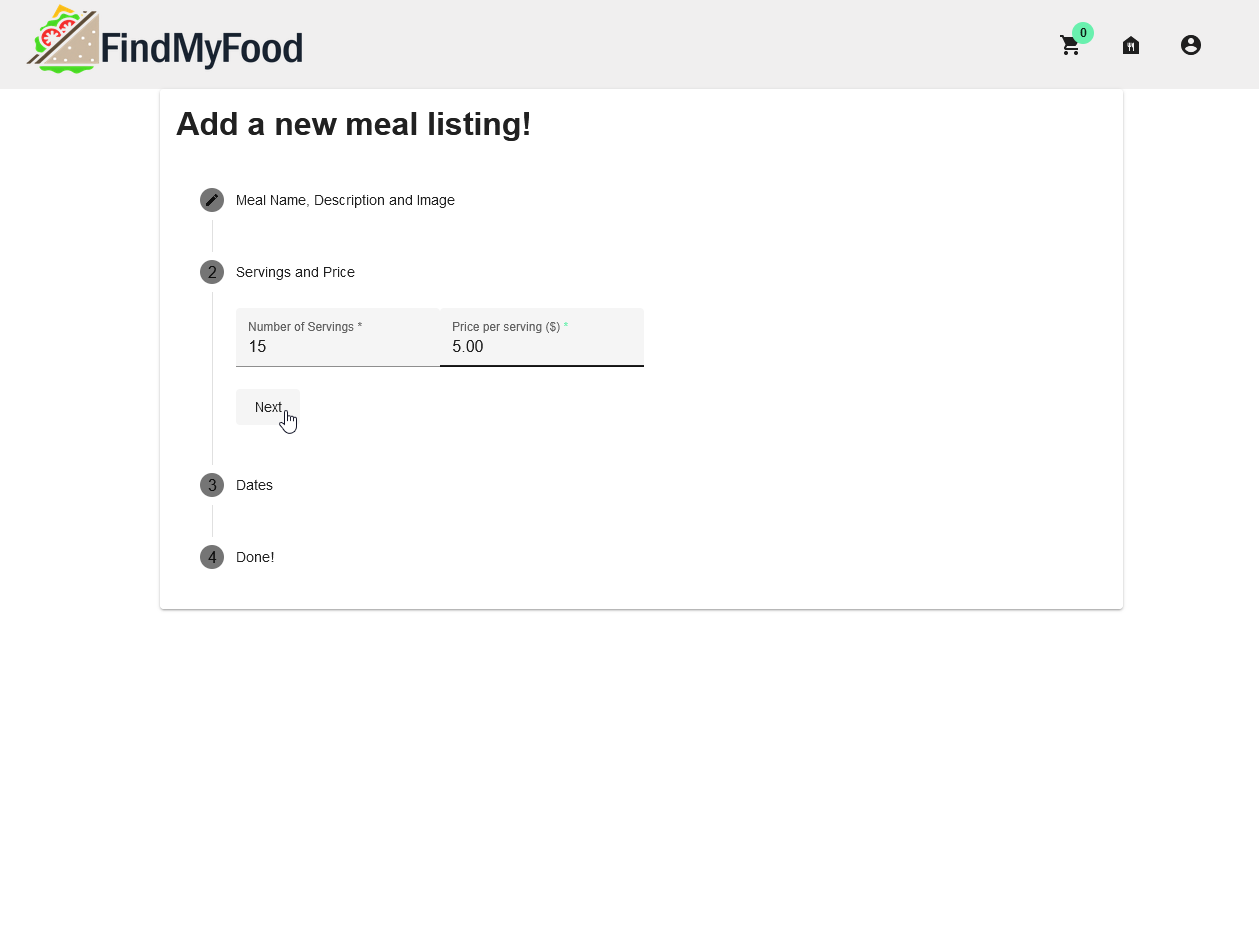
Meal creation 2/5 : You can now specify how many servings your meal provides and define the price per serving.
-
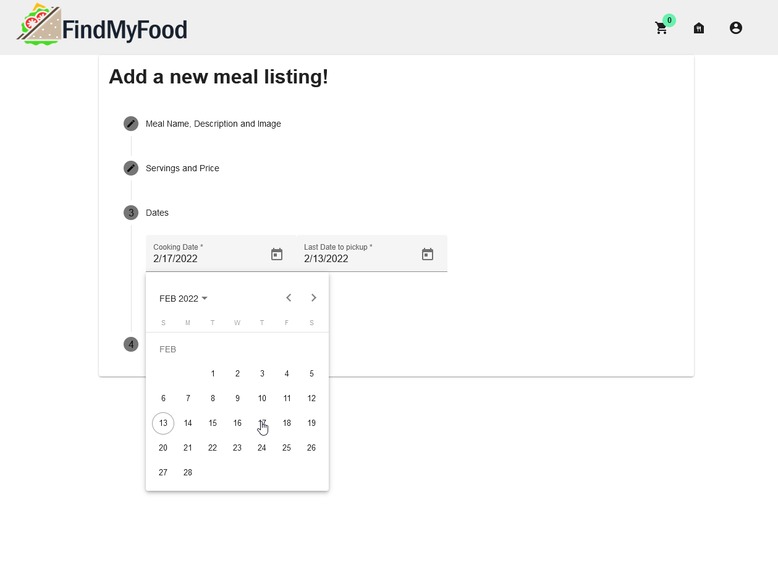
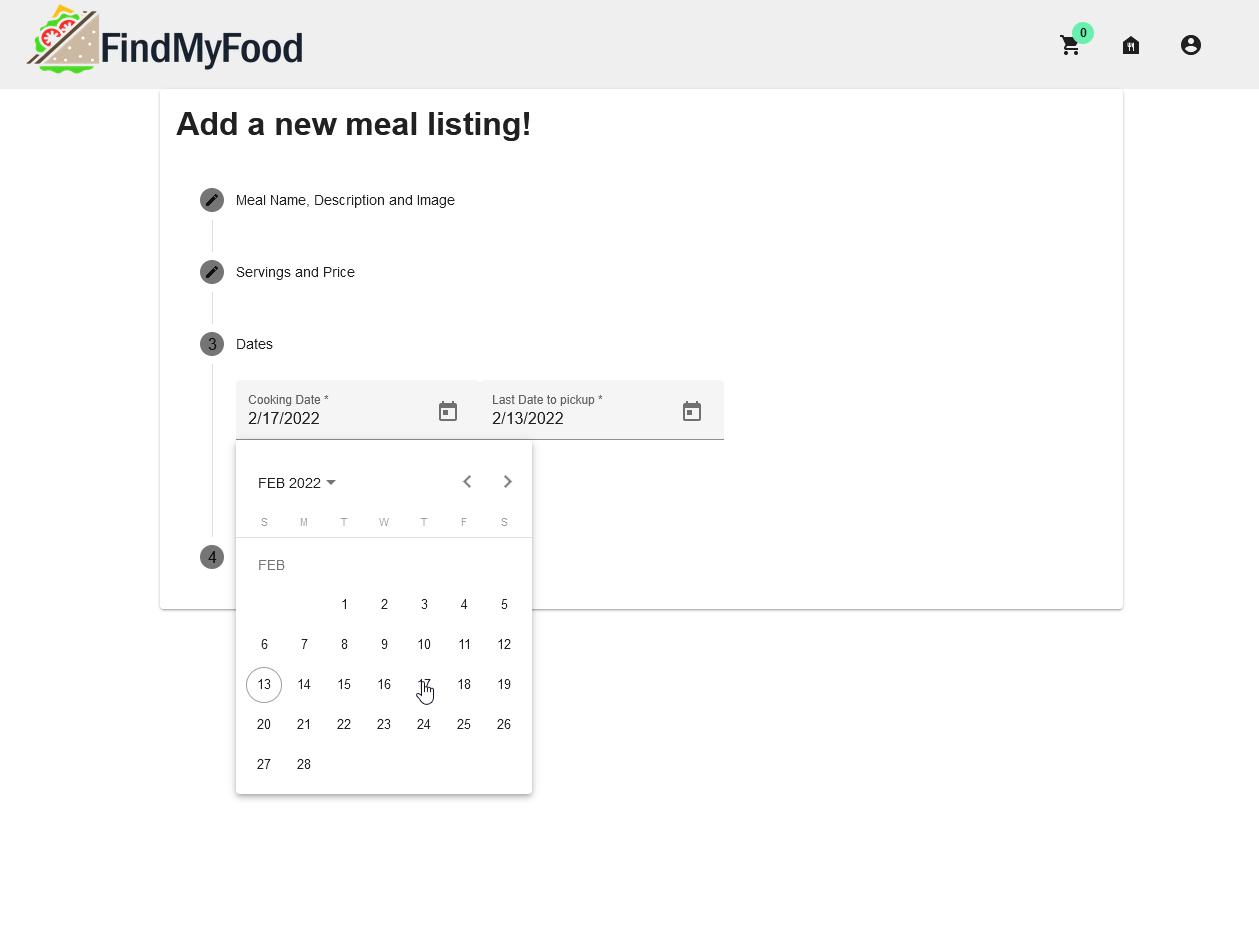
Meal creation 3/5 : You'll be able to define the cooking date, the moment you'll be cooking your meal.
-
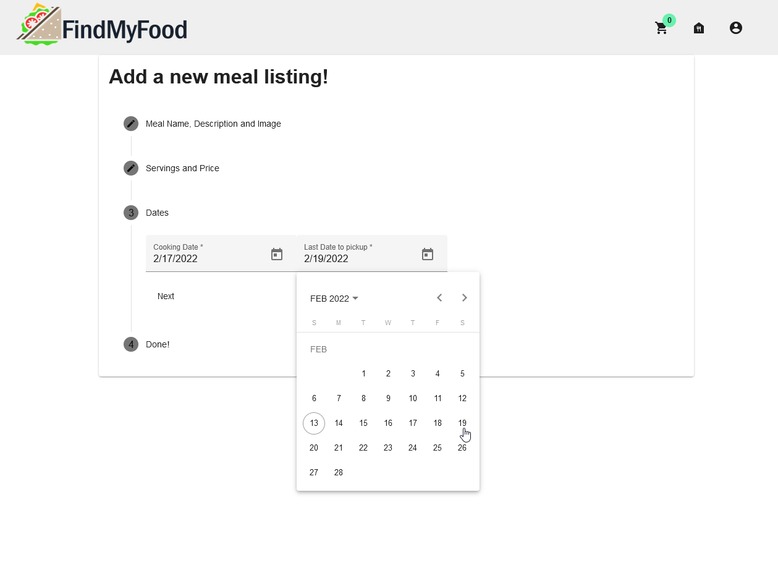
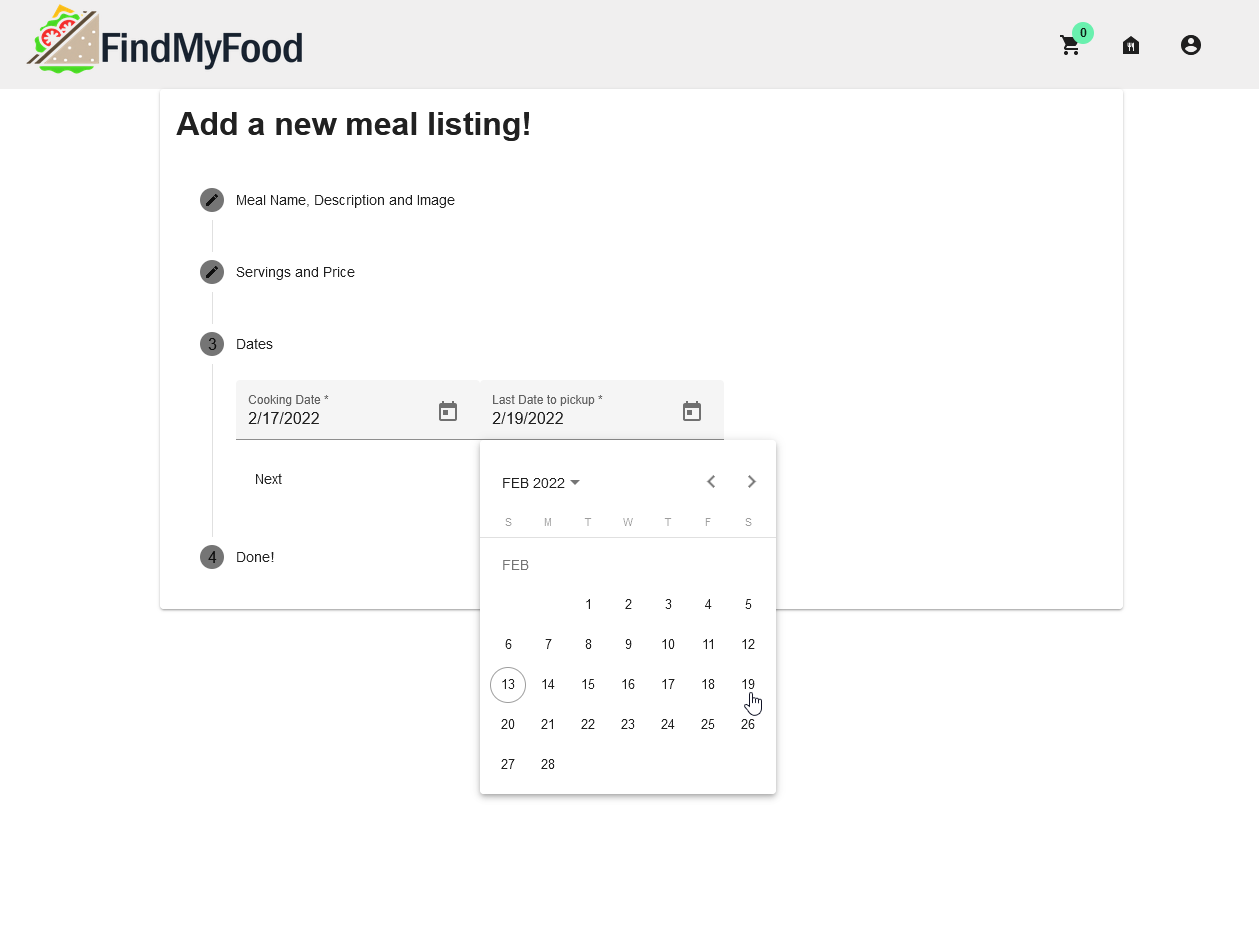
Meal creation 4/5 : You'll also be able to define the last pickup date at which people will be able to receive your meal.
-
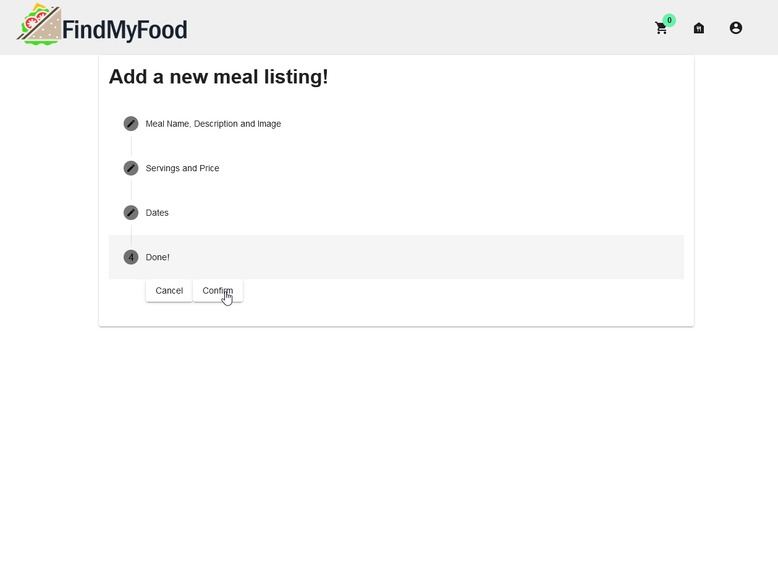
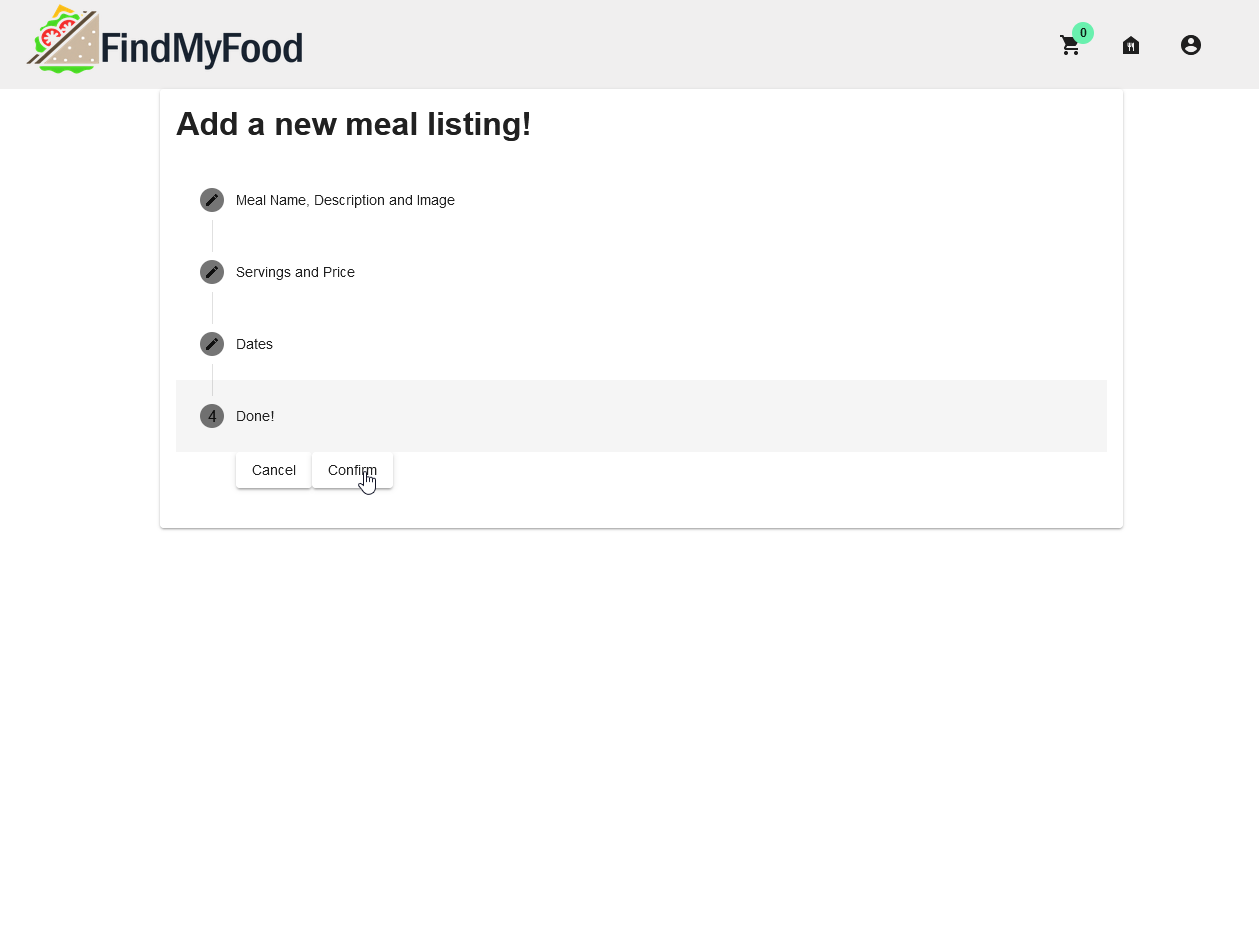
Meal creation 5/5 : When all your meal information is properly registered, you can now add your meal to your available products!
-
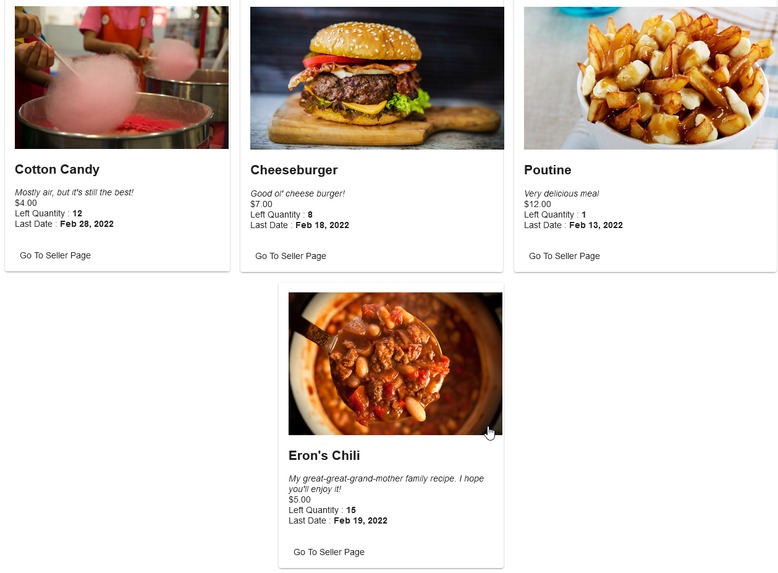
Products update : Your product is now available for people to enjoy in the main page!
-
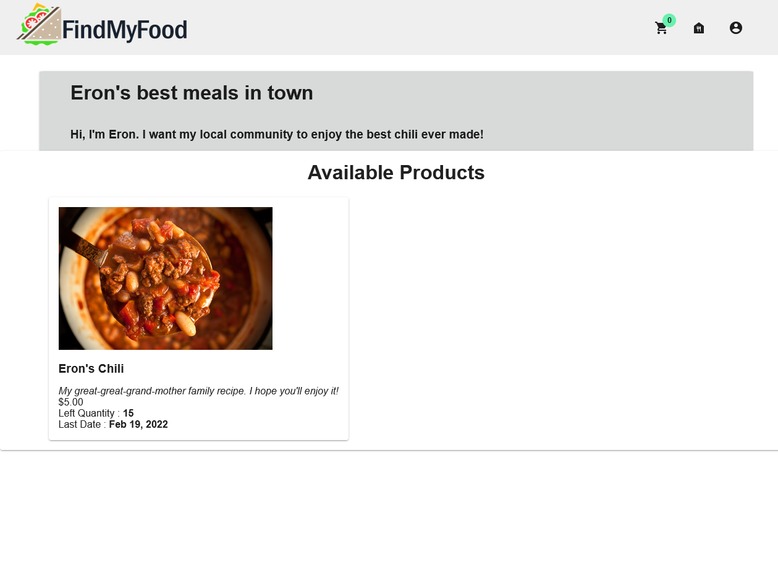
Shop update : Your shop has now been updated and now lists your new recipe!
Inspiration
Have you ever wanted to share your grand mother's family recipe with the world or wondered what kind of food lurks around the corner? Look no further! FindMyFood allows you to cook, sell, and find amazing food near you! The price of a modern-day meal has skyrocketed throughout the last months and years. It's not unusual to pay hundreds upon hundreds of dollars each month for groceries and takeouts. We wanted to give people a way to enjoy food, locally made and at a reasonable price. We also wanted to factor in everyone who would like to help their community by offering them a platform for their custom recipes.
What it does
FindMyFood is a platform that allows users to connect, buy and sell homemade food. A customer will be able to browse all kinds of meals on the website to find homemade dish and order directly from the seller. From the sellers' point of view, the application gives them a secure platform to make transactions with their client. They have access to their current orders and available meals.
How we built it
We used Angular, Node.js, Mongo DB, an AWS infrastructure, and a lot of caffeine.
Challenges we ran into
We tried implementing an image server to allow users to upload their own images for the meals, but we ran out of time getting it to work. So, for now, meal images need to be uploaded elsewhere and the URL need to be linked to the listing. Also, deploying the site with https has proven to be tricky. We ended up getting it working, but the certificates are deemed unsafe, so there are extra steps required to access the deployed website.
Accomplishments that we're proud of
We were able to implement an authenticator system for the users and deploy in https
What we learned
During this Hackatown, we learned to perfect our skills and abilities with Angular, Node.js and MongoDB. This allowed us to create a full-stack application in the span of 48h. We learned to develop, implement, test and deploy a website application to the Amazon Web Services and Github Pages.
What's next for FindMyFood
We would like to develop new features and improve the user experience :
- Filter meals by tags and personal user recommendation
- Add a user location map allowing people to locate sellers and see meals available nearby
- Complete the Seller Dashboard
- and much more!


Log in or sign up for Devpost to join the conversation.