-
-
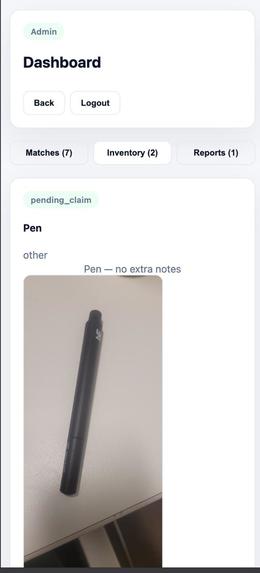
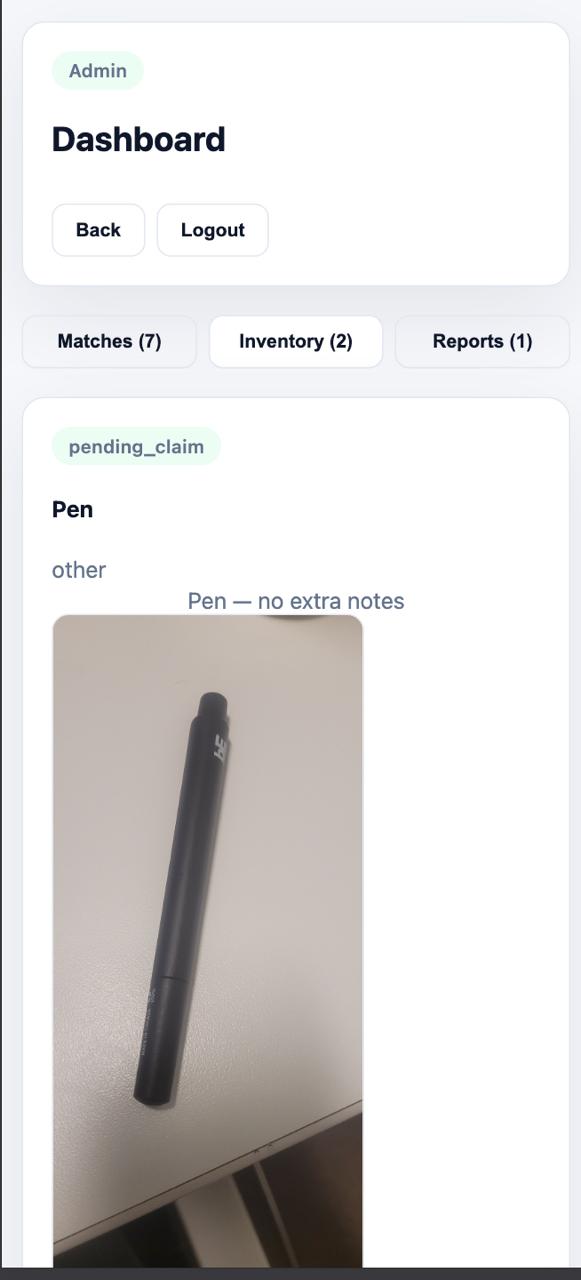
sample in mobile UI
-
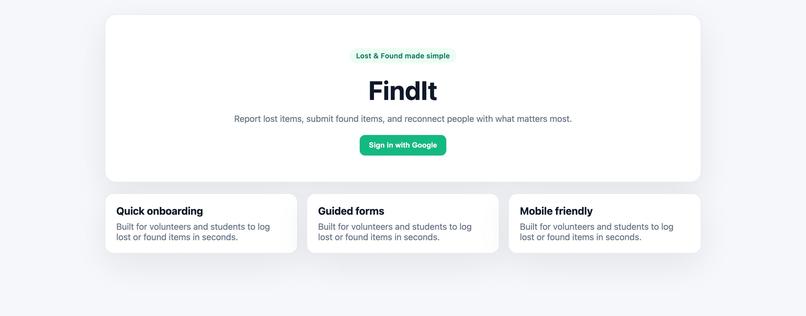
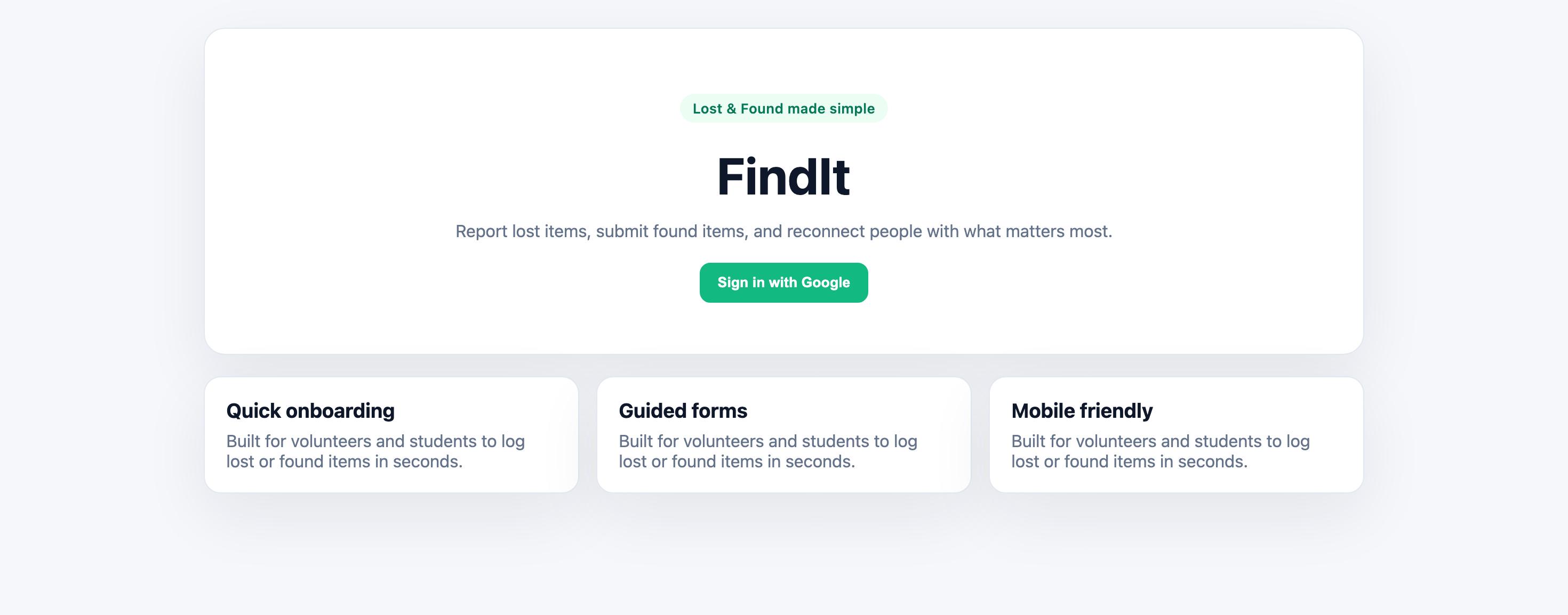
Main page
-
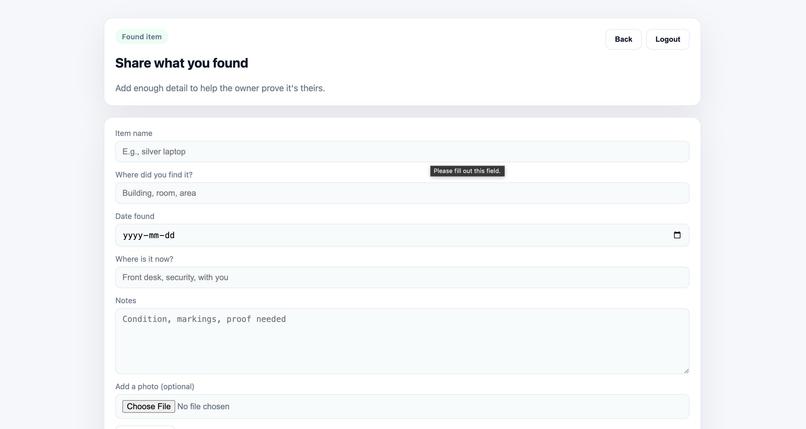
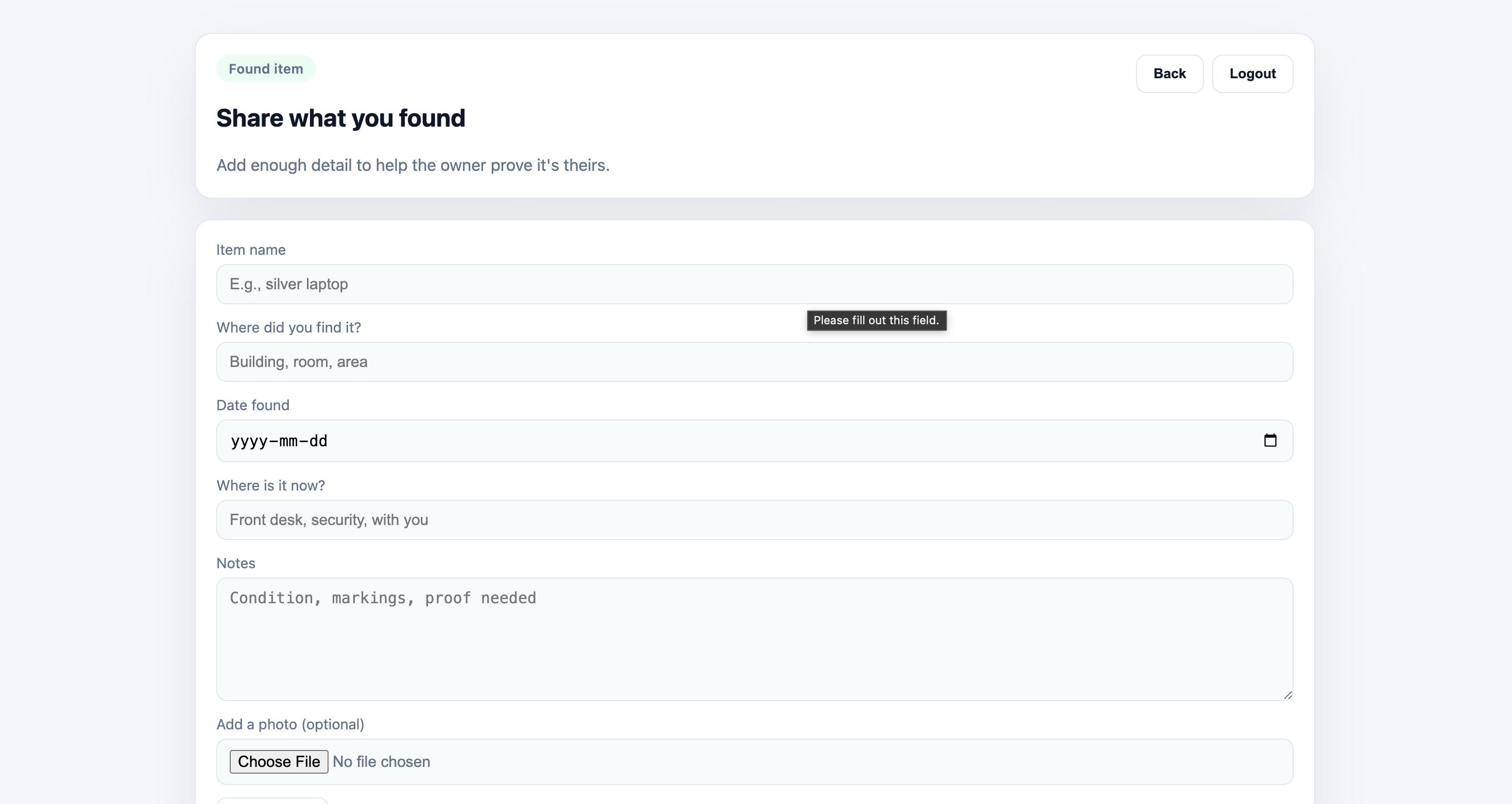
addition of a product
-
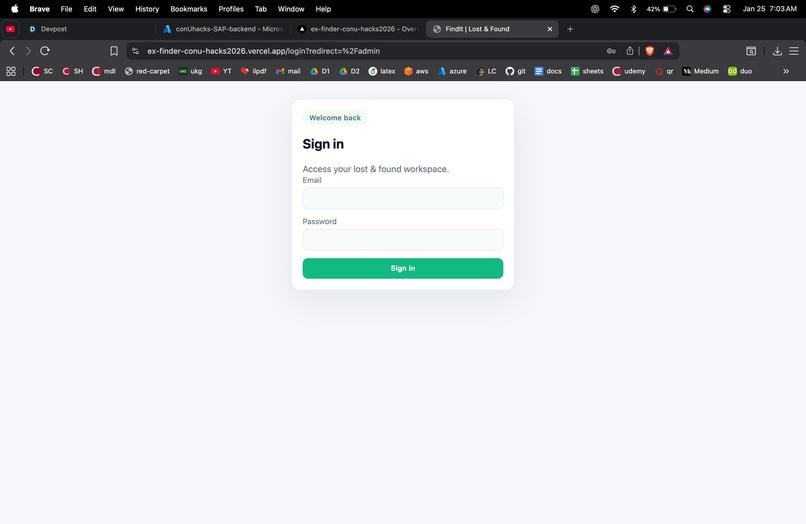
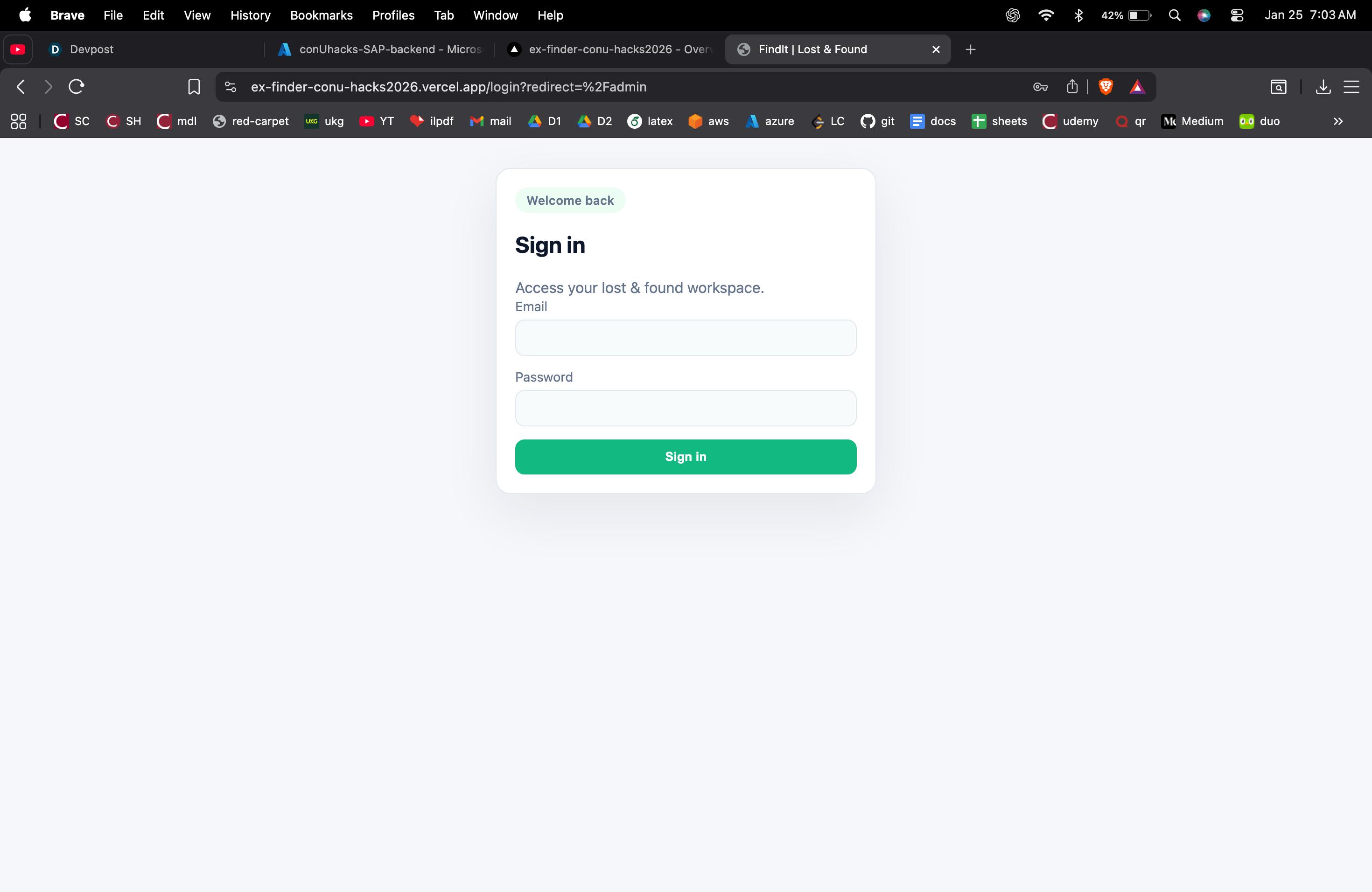
admin login
-
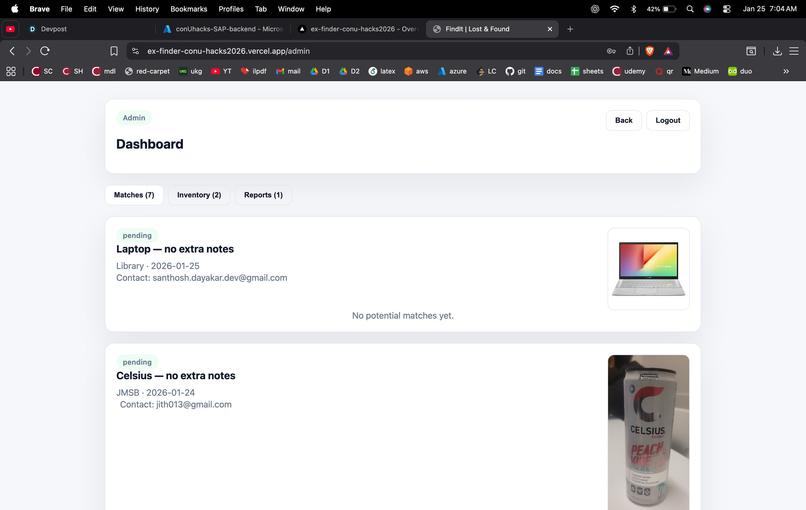
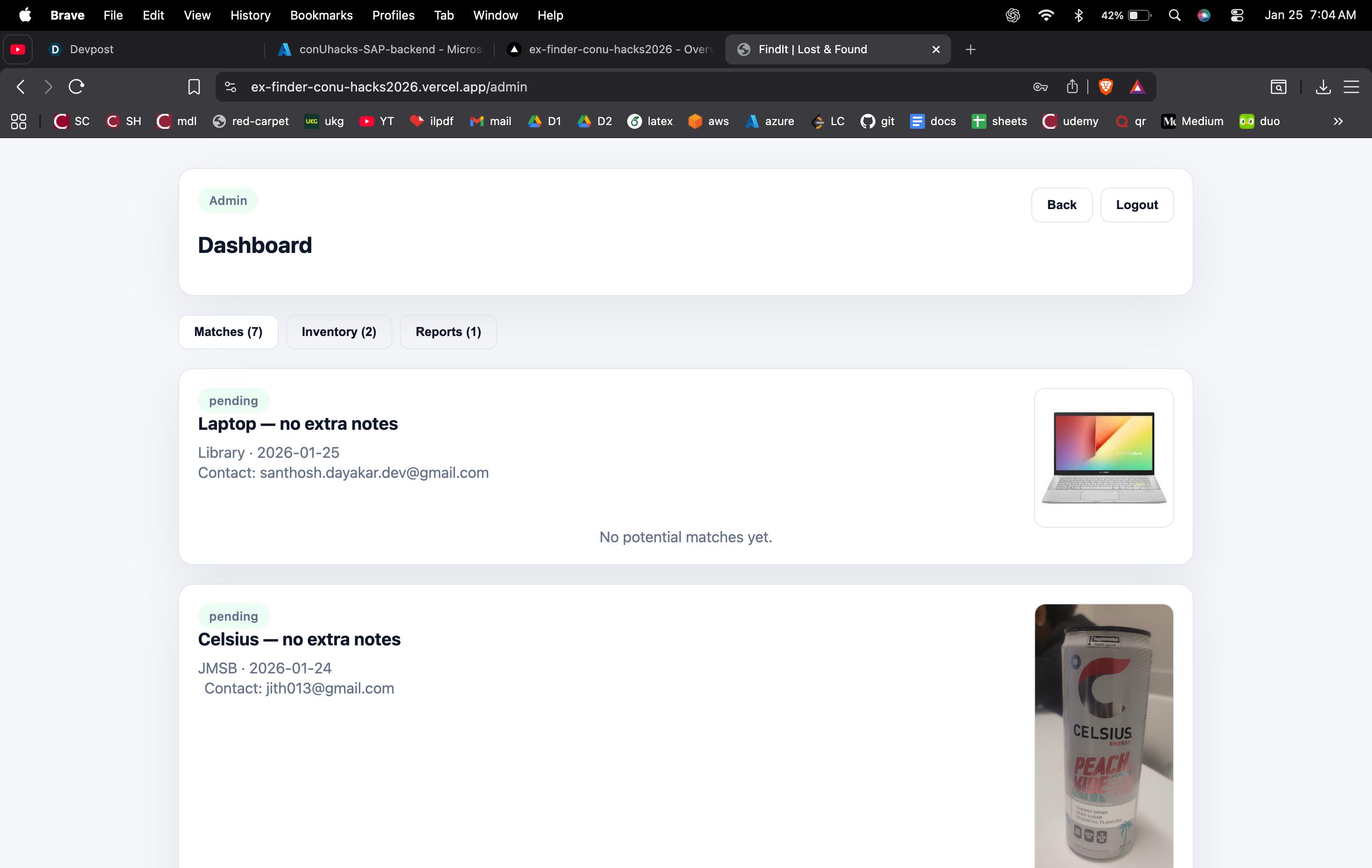
admin dashboard
FindIt: AI-Powered Lost & Found
Tagline: Recover what's yours with the power of semantic search and AI vision.
💡 Inspiration
Lost-and-found systems today are surprisingly inefficient. Most rely on manual descriptions ("blue bag"), basic keyword searches, or lucky human intervention. If you lose an "iPhone" but the finder lists it as a "smartphone," you might never match.
We wanted to solve this real, everyday problem by removing the ambiguity of human language. The inspiration behind FindIt was to use modern AI—specifically multimodal models and vector embeddings—to make matching smarter, faster, and reliable. We built a system that "sees" items the way humans do, bridging the gap between lost and found.
🚀 What it does
FindIt is a smart platform that automates the matching process using AI.
- 📸 Snap & Search: Users can upload photos or capture images directly from their camera.
- 🧠 AI Vision: Automatically generates detailed descriptions of items using Gemini (via OpenRouter), removing the need for users to type lengthy paragraphs.
- 🔗 Semantic Matching: Converts descriptions into vector embeddings, allowing the system to match items based on meaning and context, not just keywords.
- 🛡️ Fraud Prevention: Detects duplicate submissions from the same user to prevent spam.
- 🔐 Secure & Verified: Integrated Google Sign-In for secure authentication.
- 👨💻 Admin Power: A dedicated dashboard for admins to review high-confidence matches and approve returns.
⚙️ How we built it
We built FindIt as a full-stack application with a heavy focus on AI integration and cloud scalability.
Frontend 🎨
- Built with React (Vite) for a fast, responsive UI.
- React Router for seamless navigation between reporting flows and dashboards.
- Handles real-time camera capture and image processing.
Backend 🛠️
- Node.js & Express serving REST APIs for inquiries, found items, and admin controls.
- Role-Based Access Control (RBAC) to secure admin routes vs. user routes.
- Google OAuth for robust and secure user authentication.
The AI Engine 🧠
- Gemini (via OpenRouter): Used for "Multimodal Understanding"—analyzing uploaded images to generate rich text descriptions.
- Embeddings: We convert these descriptions into vectors.
- Cosine Similarity: The core algorithm that mathematically compares the "distance" between a lost item and a found item to determine a match.
Infrastructure & DevOps ☁️
- Database: MongoDB Atlas storing users, inquiries, vectors, and metadata.
- Hosting: Backend deployed on Azure App Service; Frontend deployed on Vercel.
- Security: Environment variables managed securely via Azure Configuration.
🛑 Challenges we ran into
- The "Base64" Struggle: Handling image data consistently across file uploads (from a drive) versus direct camera captures (from a browser) was tricky. We had to normalize base64 strings to ensure the AI received clean data every time.
- OAuth in the Cloud: Managing Google OAuth redirection URIs across three environments (localhost, local network for testing, and the live Azure deployment) required precise configuration.
- CORS & Azure: Deploying to Azure App Service introduced strict CORS policies that blocked our frontend initially. Debugging the "preflight" requests and aligning environment variables took significant effort.
🏆 Accomplishments that we're proud of
- Real Semantic Search: We didn't just build a database; we built a search engine that understands context.
- End-to-End Deployment: Going from
localhostto a live application on Azure and Vercel with a connected MongoDB Atlas cluster. - Integrated Multimodal AI: Successfully combining text and image understanding into a single workflow.
- Duplicate Detection: Implementing a clever use of vector similarity to auto-flag spam or duplicate reports.
🧠 What we learned
- Data Hygiene is King: AI models are powerful, but they are only as reliable as the format of the data you feed them.
- DevOps is a Feature: Environment variables and deployment configurations are just as critical as the application code itself.
- Embeddings > Keywords: We learned firsthand how much more powerful vector search is compared to traditional SQL
LIKEqueries. - Security First: Designing Authentication and Authorization early saved us from rewriting the entire backend later.
🔮 What's next for FindIt
- Vector Search Upgrade: Replacing our manual cosine similarity logic with native MongoDB Atlas Vector Search for better scale.
- Geo-Fencing: Adding location-aware matching (e.g., "only match keys lost within 5km").
- Multilingual Support: Making the platform accessible to non-English speakers.
- Chat Assistant: An AI chatbot to help users navigate the reporting process.


Log in or sign up for Devpost to join the conversation.