-
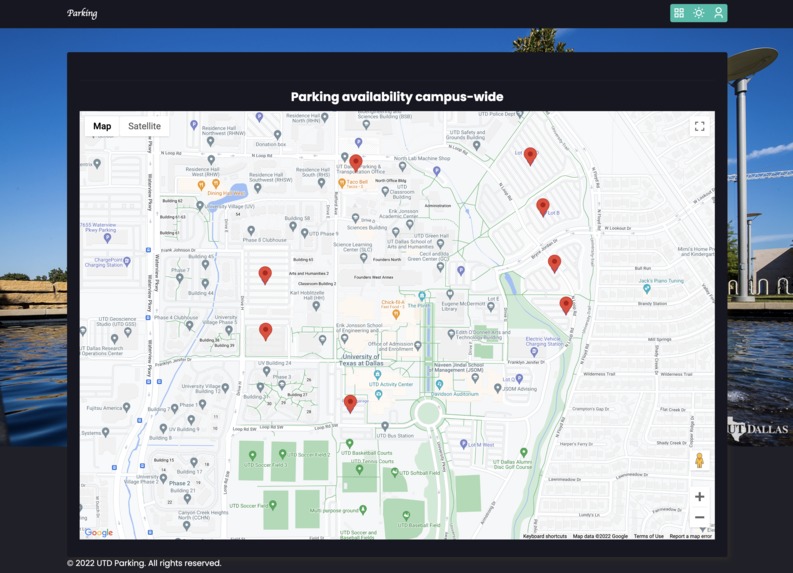
UTD Parking
-
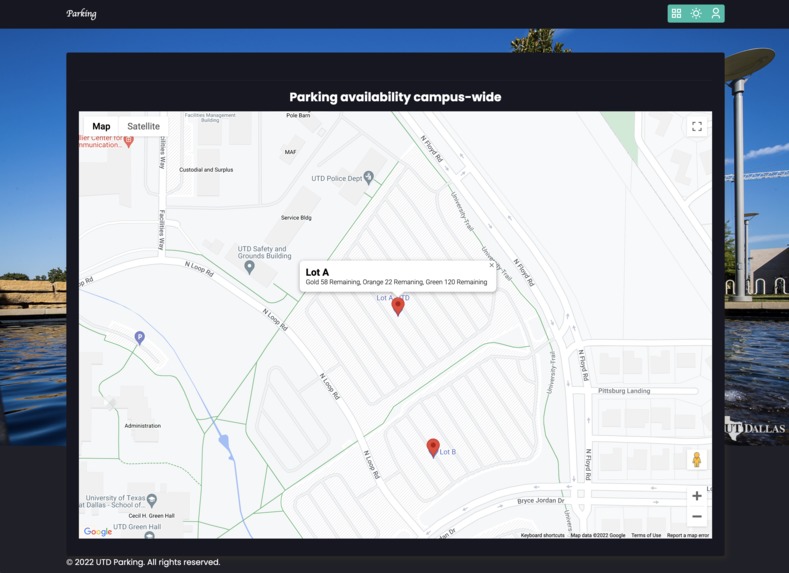
Specific Tags for Parking Lot
-
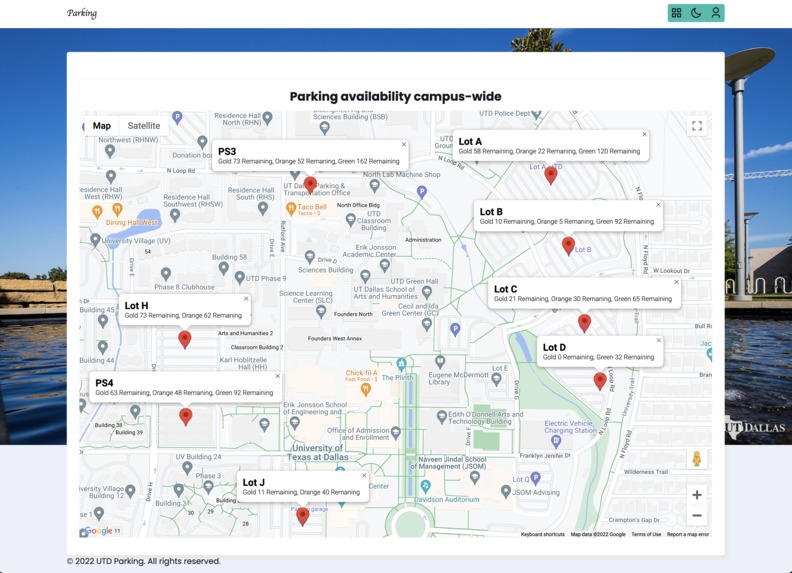
Showing all locations
-
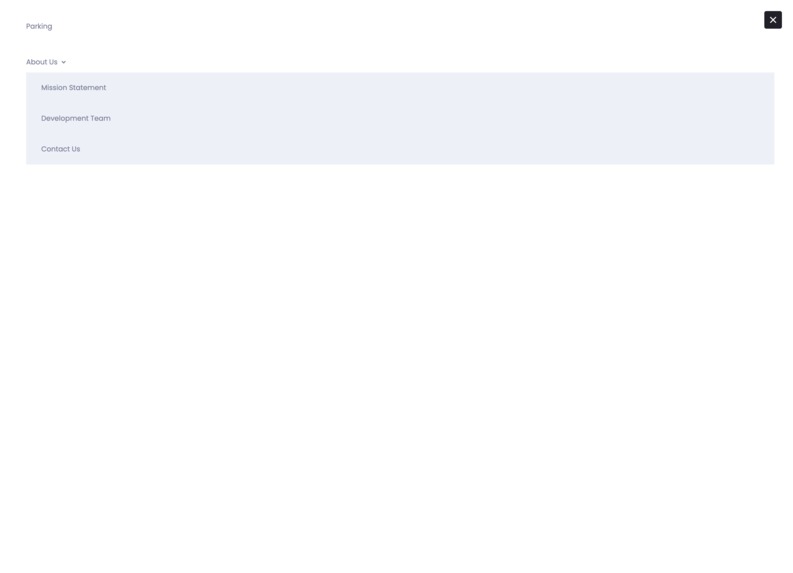
Miscellaneous items
Inspiration
Everyone has the problem while driving of being unable to ever find parking, especially with UTD students. As the years have passed, we wondered if any solutions would arise related to solving this issue. However, this has not been the case, thus inspiring us to tackle this problem.
What it does
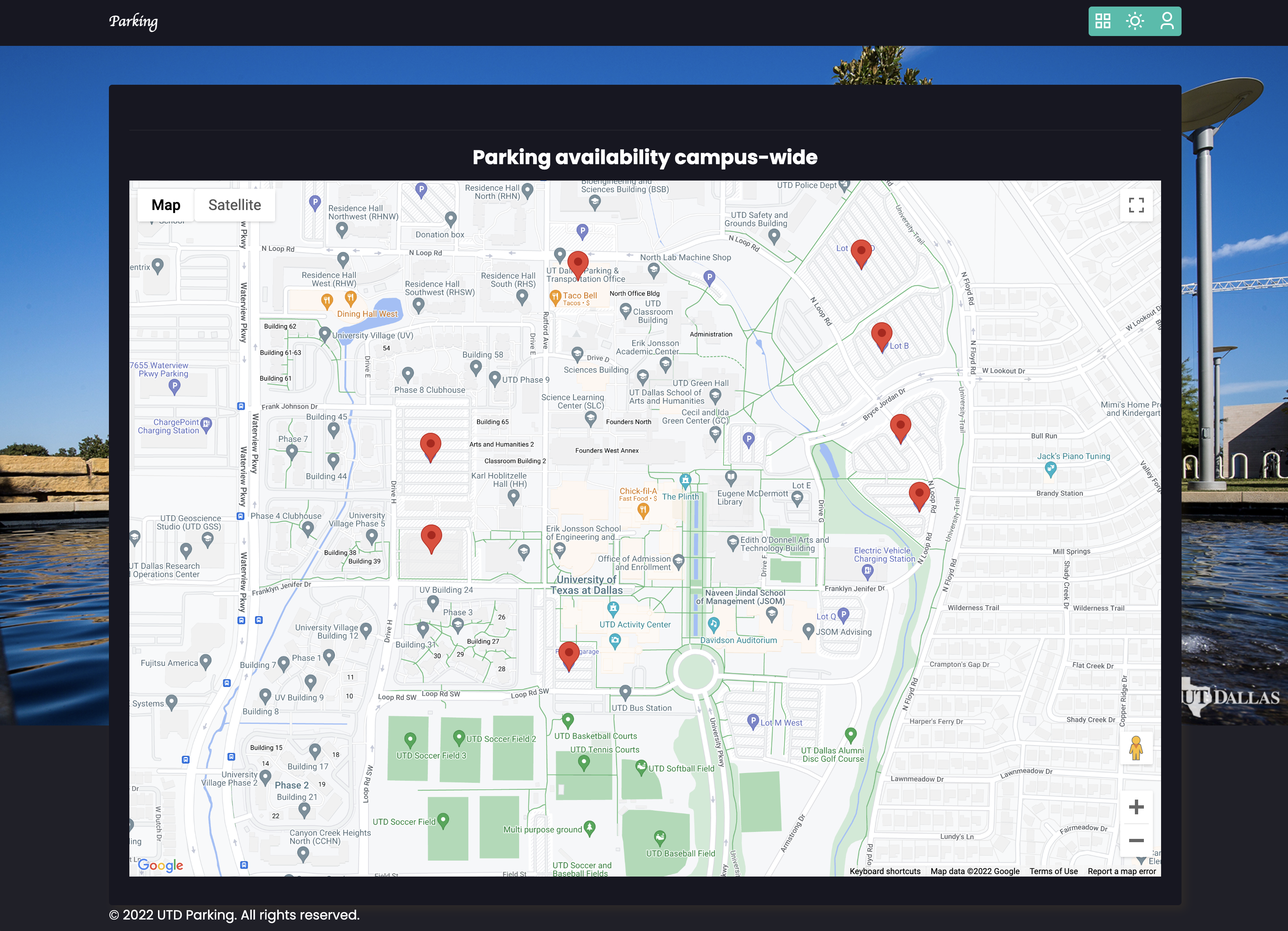
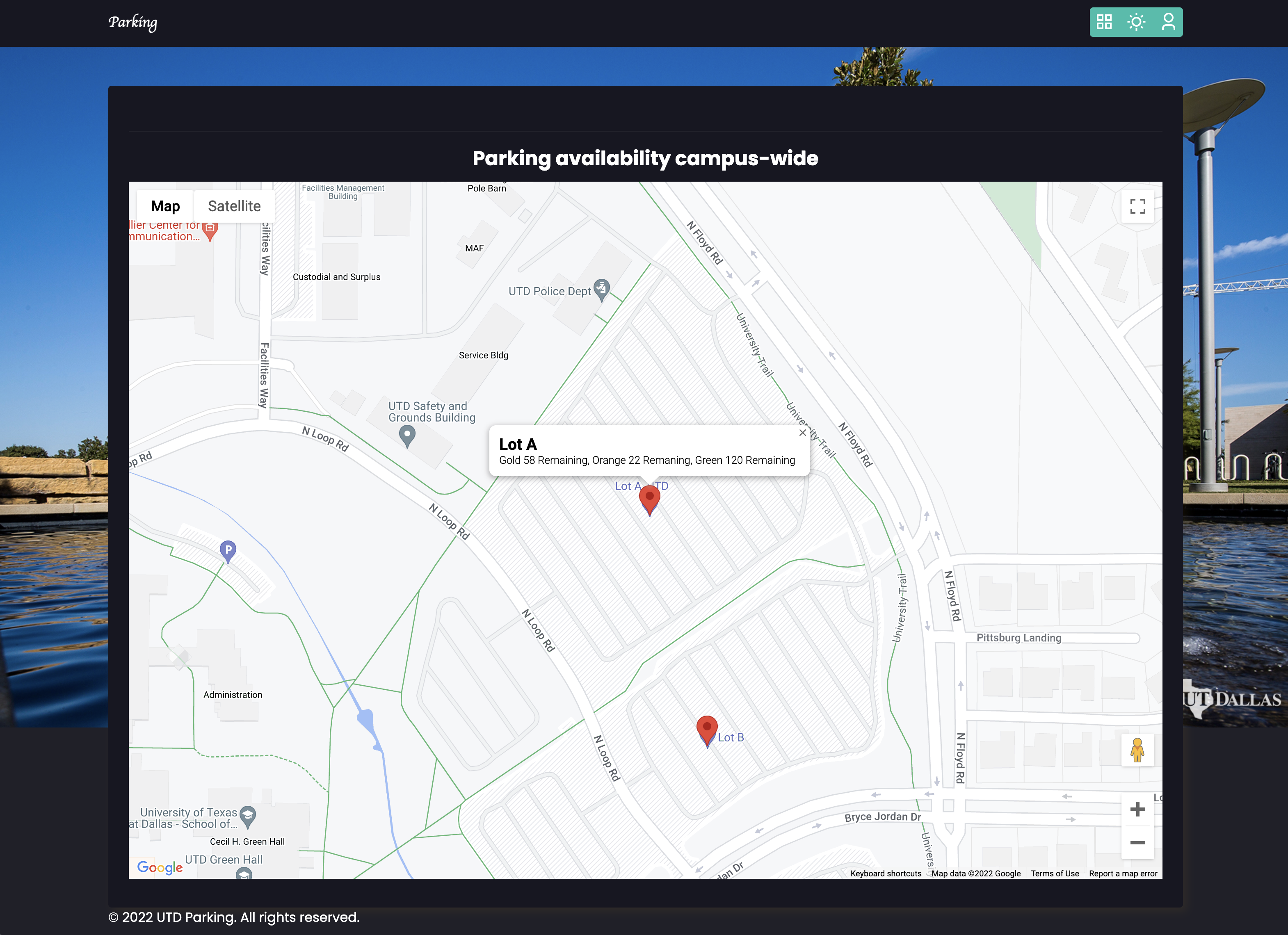
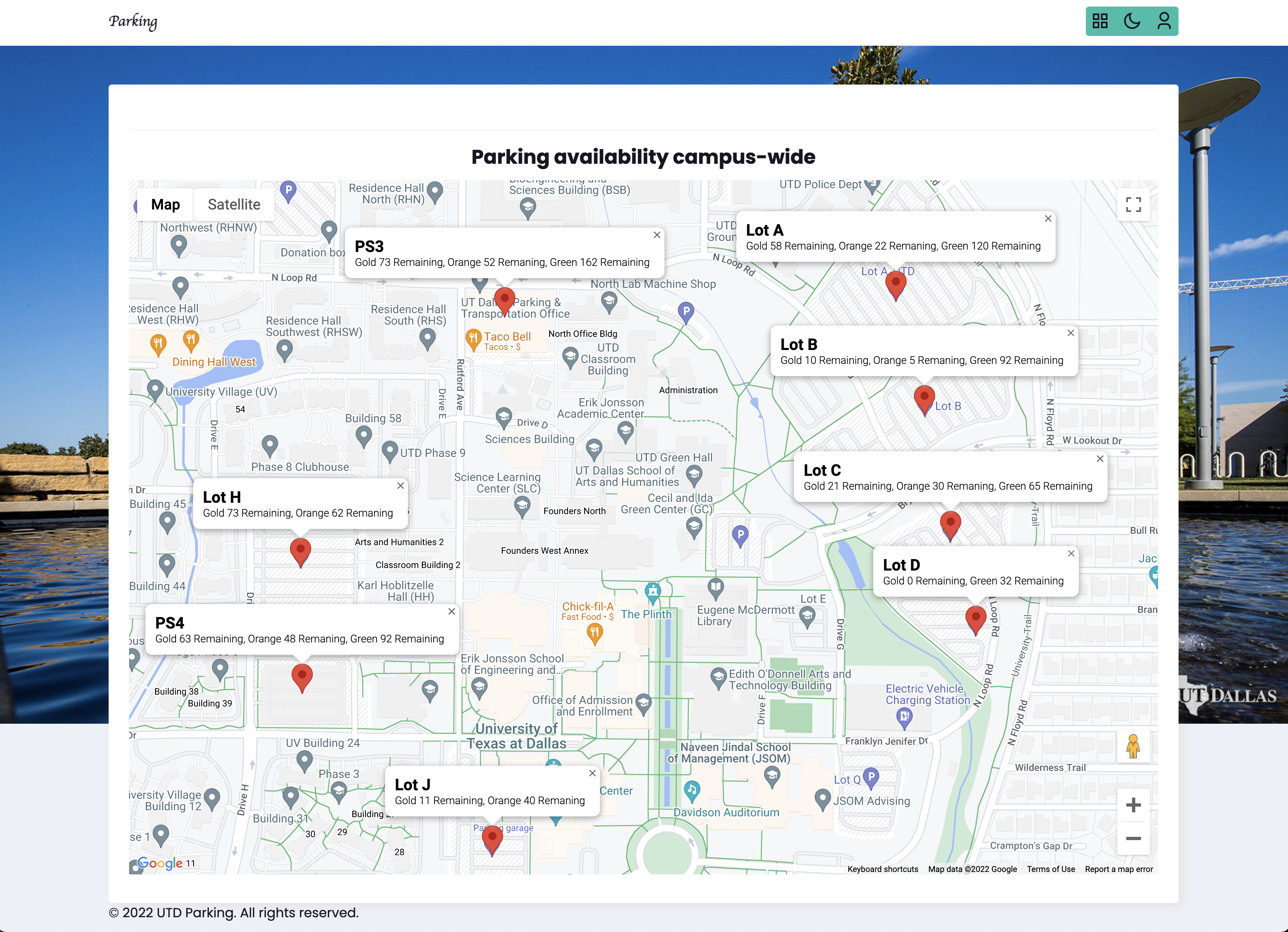
The UTD Parking website currently shows a map of the whole campus with markers over each parking lot, which you can click on in order to see additional information about the lot, such as the name and how many seats of each tier are available.
How we built it
We built the frontend using JavaScript, HTML, and CSS. For the map functionality, we used the Google Maps API to project a map with markers and information windows.
Challenges we ran into
One of the main challenges we ran into was trying to figure out how to access the information for which parking lot has how many spaces. We ended up coming to the conclusion that we would need to work in accordance with UTD to create an API that would give information about each lot, which could be implemented easily on our website.
Accomplishments that we're proud of
This was our first hackathon and gave us a glimpse of our future developer careers.. This was our first time incorporating APIs, as well as using JavaScript, so it was an exciting ride.
What we learned
As members with experience mainly in Java and C++, we learning how to develop a functioning website over the course of these 24 hours. In addition, we learning how to communicate better while working as a team by helping each other designate tasks and find bugs.
What's next for Find UTD Parking
The next thing for UTD Parking would be expanding into headquarters and offices and update it to show specific parking spots that are available that you can go to. The frontend and UX/UI design would be significantly improved as well to make it a seamless experience for students.

Log in or sign up for Devpost to join the conversation.