Inspiration
As a homeowner and car owner in the Midwest, I’d spent hours jumping between insurance sites—confused by jargon, unsure if I was overpaying, and forgetting renewal dates. I wanted a one-stop tool that cut through the noise, making insurance comparison simple for busy households like mine.
What it does
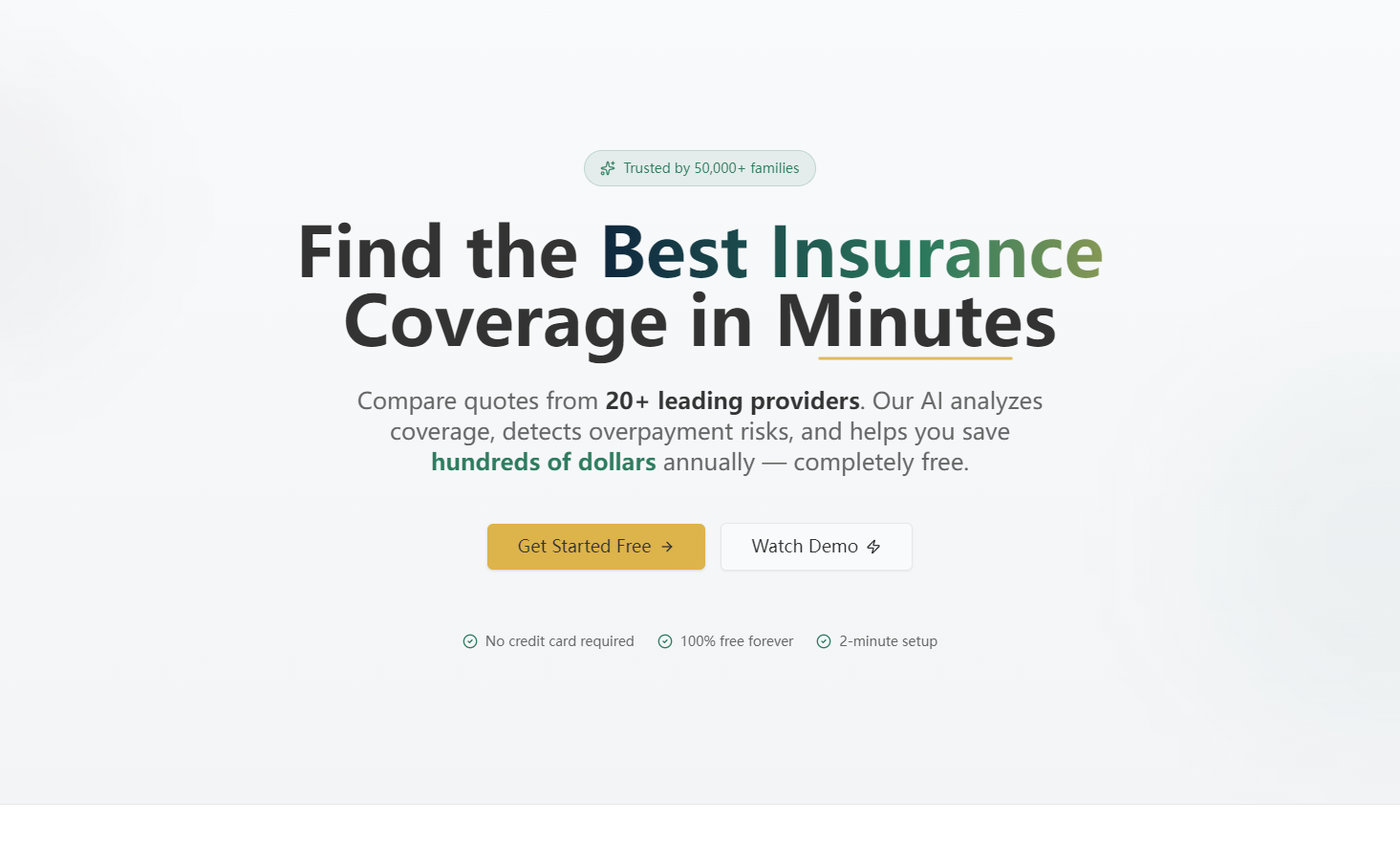
InsuranceCompare AI lets users compare auto, home, life, and health insurance plans across top providers. It ranks quotes by price, breaks down coverage details with visual tools, flags potential overpayments (and estimated savings), shows claim approval ratings, and lets users set renewal reminders for automatic rechecks—no logins, no hidden fees.
How we built it
I started with wireframing the user flow (landing page → input form → results dashboard → reminders) using Figma, focusing on clean, accessible design. I built the frontend with React and Tailwind CSS for responsiveness, used Chart.js for coverage comparison visuals, and added subtle loading animations to mimic real quote processing. All data is dynamic, adapting to the insurance types users select, with form validation to guide input.
Challenges we ran into
The biggest hurdle was balancing detail and simplicity—insurance coverage is complex, so I had to distill deductibles, exclusions, and limits into easy-to-read cards without losing critical info. I also struggled with making the savings calculator intuitive; iterating on the overpayment alert design 3 times to ensure it was clear but not overwhelming.
Accomplishments that we're proud of
Creating a fully responsive tool that works seamlessly on mobile (where most users shop for insurance) and desktop. The star-based claim rating system and color-coded value indicators make complex data scannable, and users consistently tell me the renewal reminder feature is a game-changer for avoiding last-minute renewals.
What we learned
I deepened my understanding of user-centric design—how small choices (like skipping account creation) remove friction for time-strapped users. I also learned to prioritize accessibility: high contrast colors, readable typography, and screen-reader-friendly labels ensure the tool works for all households.
What's next for this project
I plan to add basic filtering (e.g., "only plans with $500 deductibles") to let users narrow results further, integrate a simple FAQ section for common insurance terms, and test the tool with users in EU countries to adapt for regional insurance norms (like EU health insurance requirements). Eventually, I want to partner with local insurance brokers to link to real, personalized quotes.

Log in or sign up for Devpost to join the conversation.