-
-
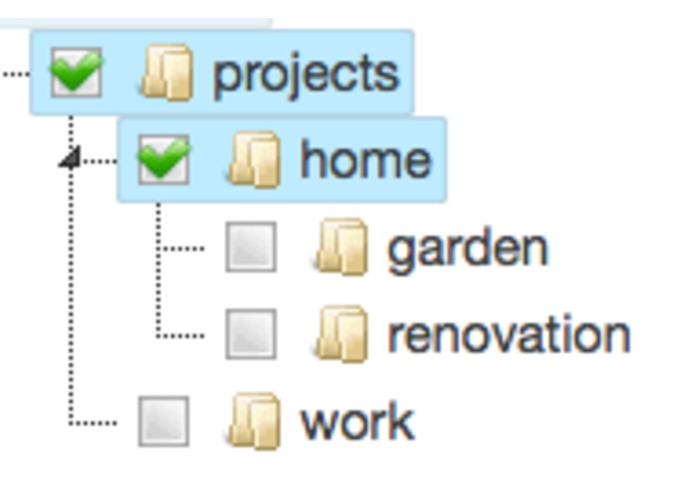
adding hierarchical tags
-
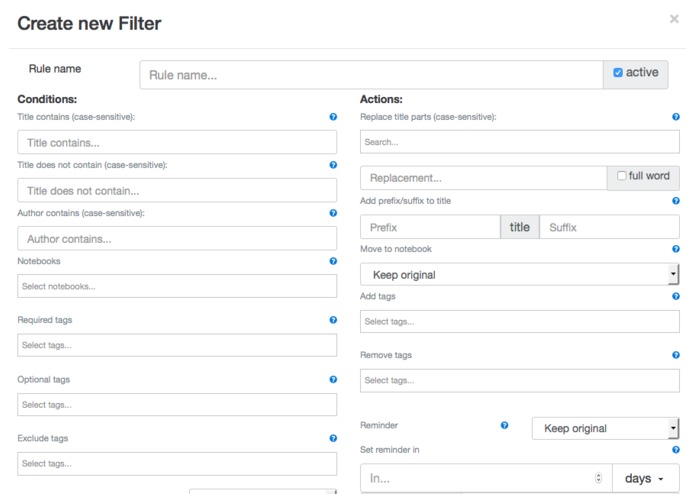
Note filter 1
-
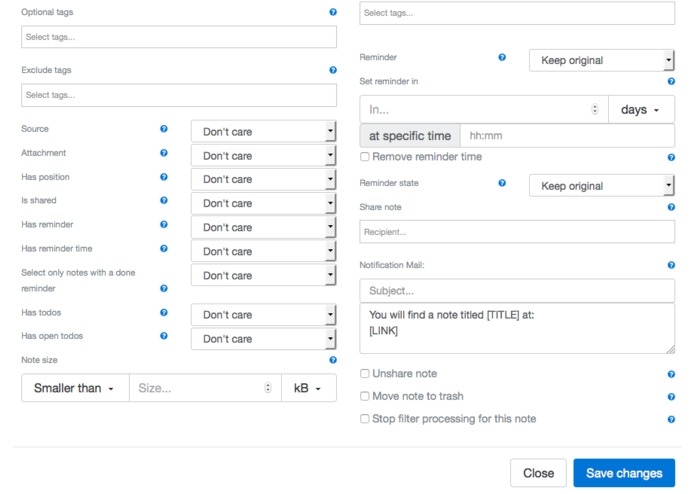
Note filter 2
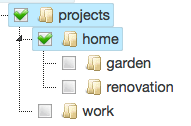
Inspiration
Evernote is great in storing all types of your digital stuff. You can put data from almost every place. But if you use this a lot your inbox gets messy. Filterize should help you to get rid of this and organize your Evernote.
What it does
Filterize provides three main features:
- adding parent tags: Evernote allows you to create a tag hierarchy. But if you add a lower level tag to your note you cannot search for higher level tags. With filterize you can automatically add higher level tags.
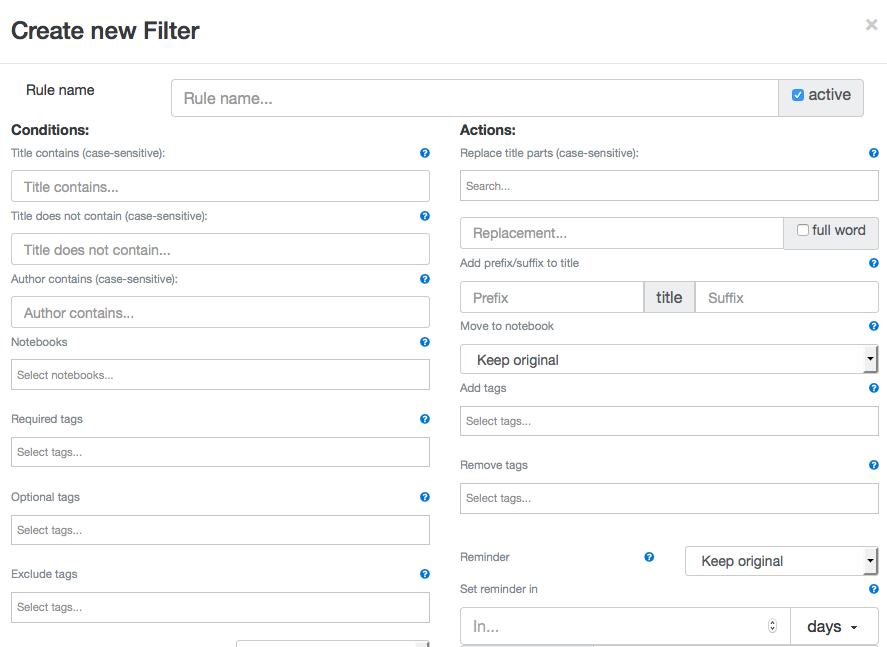
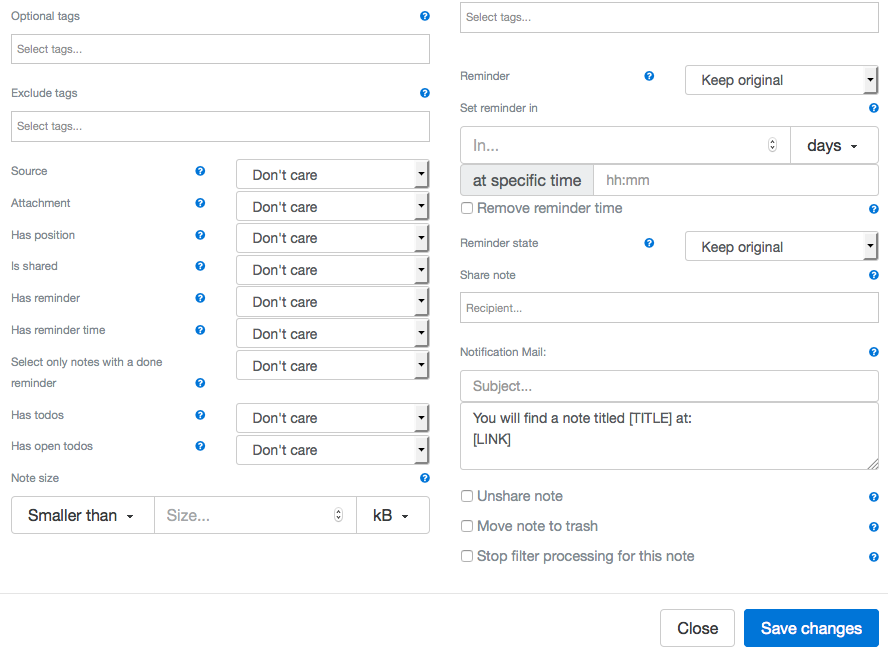
- note filter: Create rules to modify notes (change tags, move to notebook, organize reminders, share with friends, change title, ...) depending on configurable conditions, whenever notes are updated or created
- ical export: Export your reminders as *.ics file. These files could be subscribed or add to most common calendar applications. With this you can see all your evernote reminders in your calendar app.
How I built it
The service is purely written in python with the great django web framework.
Challenges I ran into
As I moved a lot of stuff into background processes I needed a message broker to handle open tasks. I found out that it is not so easy to configure a reliable system, so I finally switched to googles app-engine with reliable task queues.
Accomplishments that I'm proud of
I created tho whole service by myself parallel to my normal 9-to-5 job.
What I learned
What's next for filterize
I would like to extend the filter possibilities, including more complex conditions and further actions. If you have special requirements, just let me know.


Log in or sign up for Devpost to join the conversation.