-
-
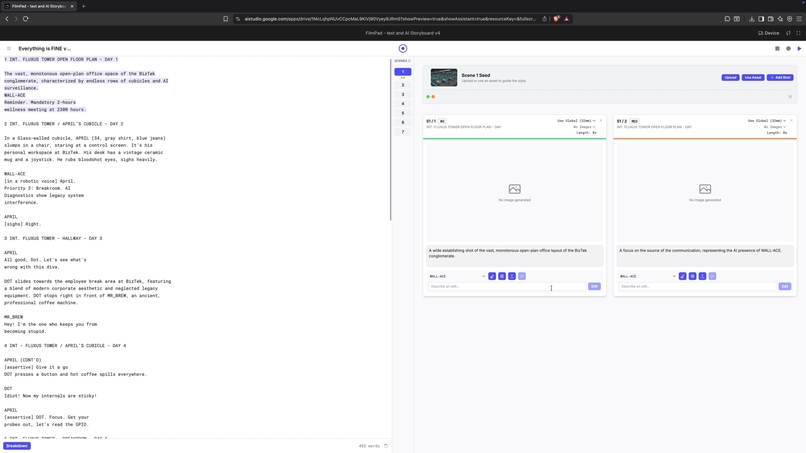
Light Theme, text editor + storyboard
-
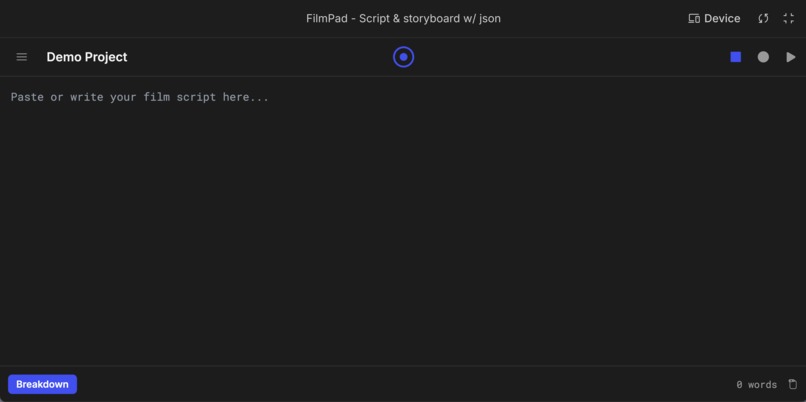
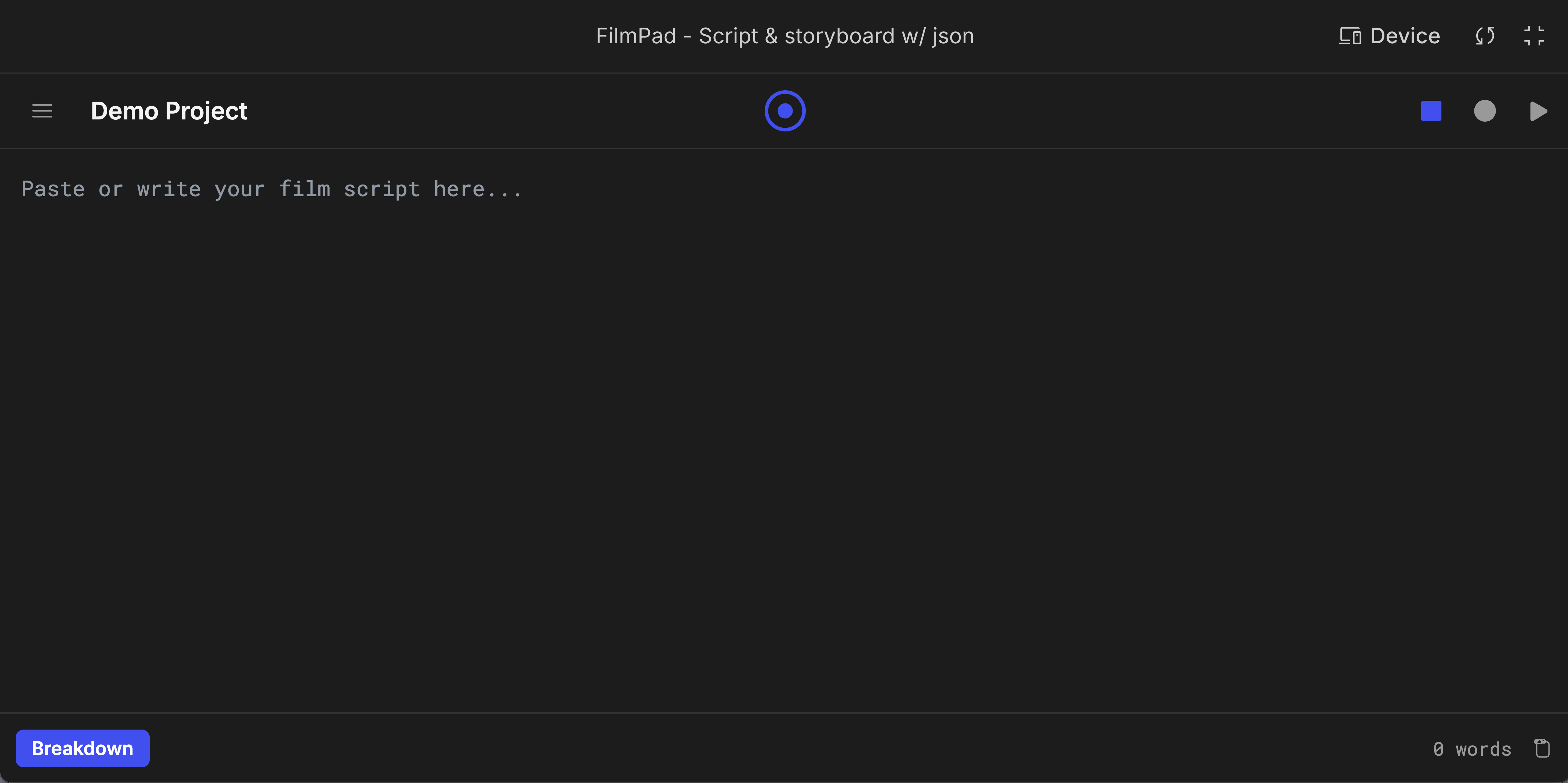
Dark Theme
Inspiration
I started sketching FilmPad as an app mostly because of the lack of precise dialogue and granular emotional cues when generating video using most platforms. After learning about the possibilities of structuring prompts as JSON, I thought of a tool that could automate some of this process, “understanding” and analyzing the seed image while providing a smooth UI experience. Later on, I was inspired by several workflows that used grids for improving consistency between shots, most notably the DOR Brothers Grid generator. Other sources of inspiration were clean and minimalistic text editors like iAWriter and Beat, a scriptwriting app.
What it does
FilmPad has 3 modes of operation:
1 - Text Editor (square icon):
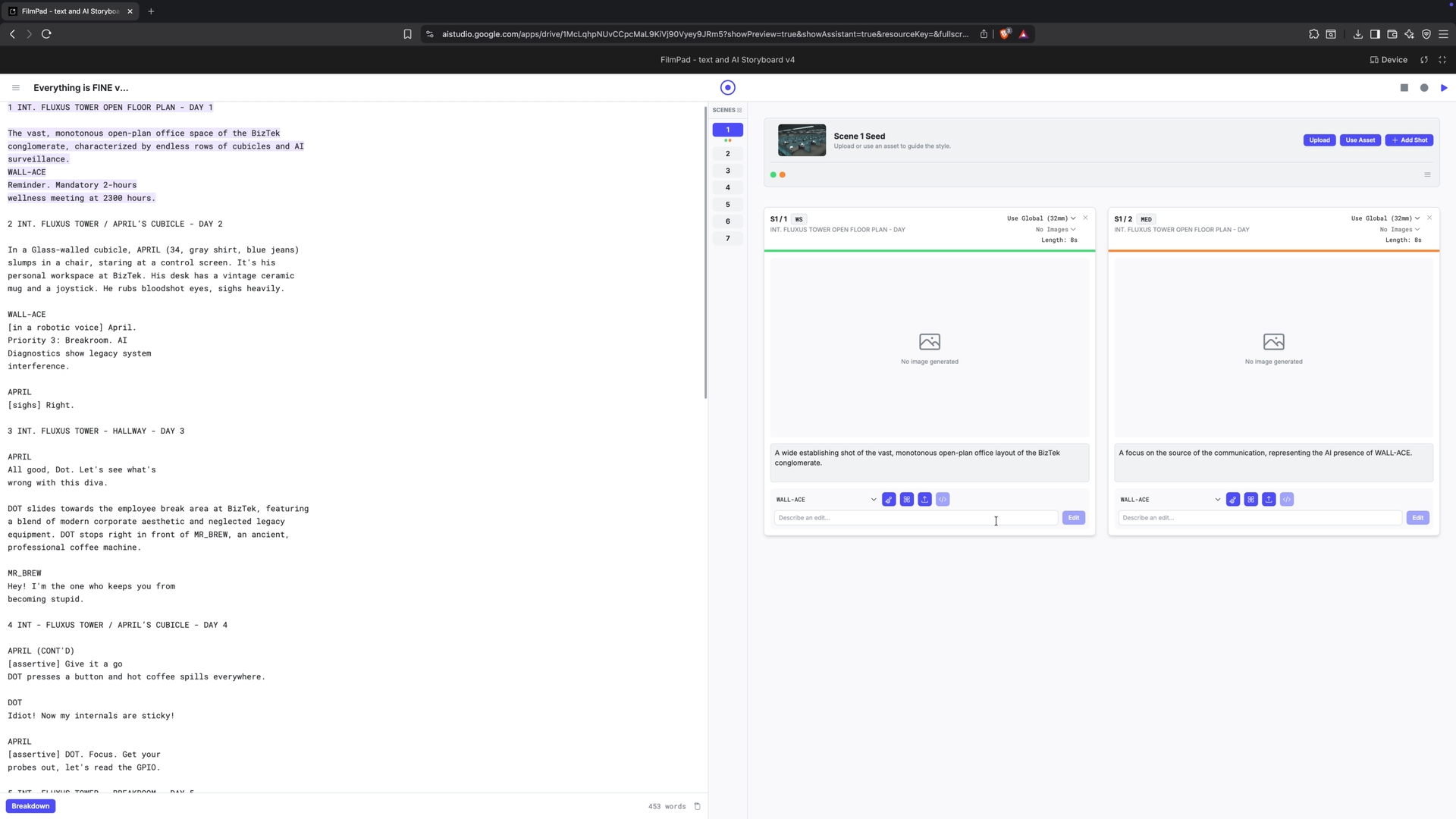
parses scripts that can be written in traditional or non-traditional formats. It understands scenes, characters, locations, and objects, then indexes them in an easy-access reference section before breaking down each scene into different shots, guided by the script.
2 - Storyboard (triangle icon): After the initial breakdown, shots can be created, generated, uploaded, edited, and cross-referenced, with a strong focus on consistency and color-coded organization.
Until here, the minimalism shines, but the innovative part comes next:
2B - Dialogue editor with SFX
(Another click on triangle icon):
A text box with character limits based on shot length offers a precise way to shape dialogue and lip-sync within a scene. Each line counts as a second and can be populated with dialogue, reaction, or emotional cues.
Those are then relayed to =>
3 - JSON compiler (round icon):
Aided by Gemini multimodal analysis, the JSON compiler consolidates scene information with technical settings (lens, aspect ratio) and dialogue cues. Offering a crafted prompt ready to shape video generation for EACH image.
This was my approach to owning up a more precise, controlled pipeline with NanoBanana and Veo, but ended up being useful for other processes too.
FilmPad also offers the ability to save/download projects and load them again.
How we built it
After initial experiments as a canvas tool, I ended up finding in AI Studio a better environment for developing FilmPad. The native AI integration for both image analysis and generation made this quite simple to iterate on, and I got to spend more time coming up with a new UI than with the challenges of integrating the endpoints.
Challenges we ran into
One of the biggest challenges still is to get proper consistency with a too diverse set of inputs. I believe the expansion to Nano Banana Pro will mitigate current issues. The dialogue editor integration with the JSON compiler was tough also, but ended up working remarkably well.
Accomplishments that we're proud of
Overall, I feel the UI is fresh and able to overcome some of the lack of precision and limitations of most standard tools around. The integration of timed dialogue is still unmatched and will serve as a foundation for an expansive set of functionalities once the shot length of video generations increases.
What I learned
That sometimes a holistic approach can work for a system once the obstacles and pain points are clearly understood. I believe this tool might make the life of some people easier because it did it for me. Even though my workflow can get very specific at times, there is plenty of use for the level of precision I’m going for.
What's next for FilmPad
- Integration of Nano Banana Pro
- Veo generation from within the shot cards
- Timeline / Shots Playlist for experimenting with cuts and juxtaposition
- Final Draft / Fountain / Markdown modes for parsing the scripts
- Live parsing with formatter helper
- Agent helper with chat box
Built With
- generative-ai
- google-gemini-api
- imagen-3
- json
- react
- tailwind-css
- typescript
- vite

Log in or sign up for Devpost to join the conversation.