FileFinder AI — Find Your Files with AI
Inspiration
Have you ever forgotten where you saved an important document, screenshot, PDF, or image on your computer? Searching through multiple folders and remembering file names can waste valuable time.
We built FileFinder AI to make finding files easier. Instead of manually exploring folders or remembering exact filenames, users can search for files using natural language and let AI help them discover relevant content.
What it does
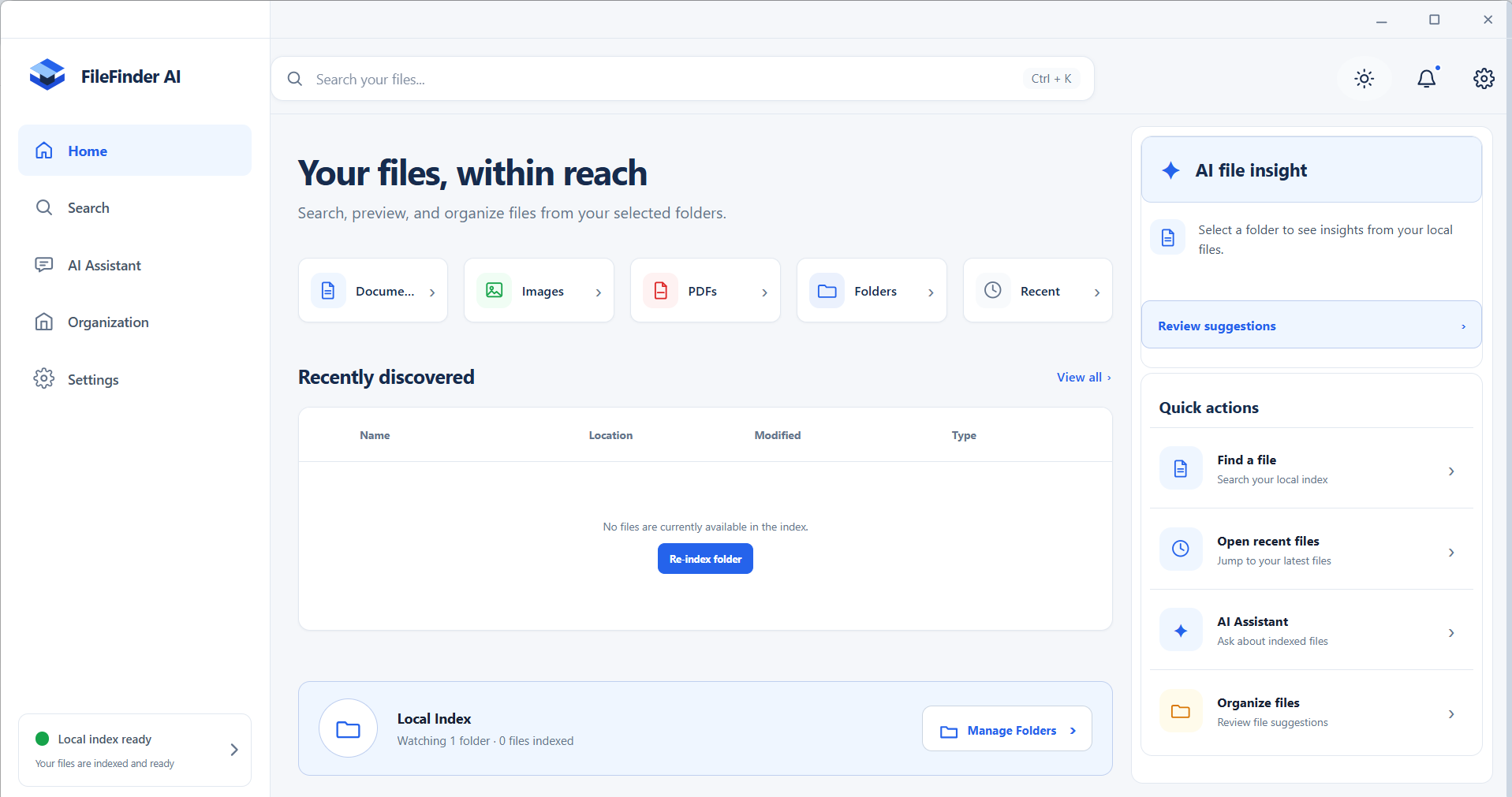
FileFinder AI is a desktop application that helps users find, preview, and organize files on their computers.
Key features include:
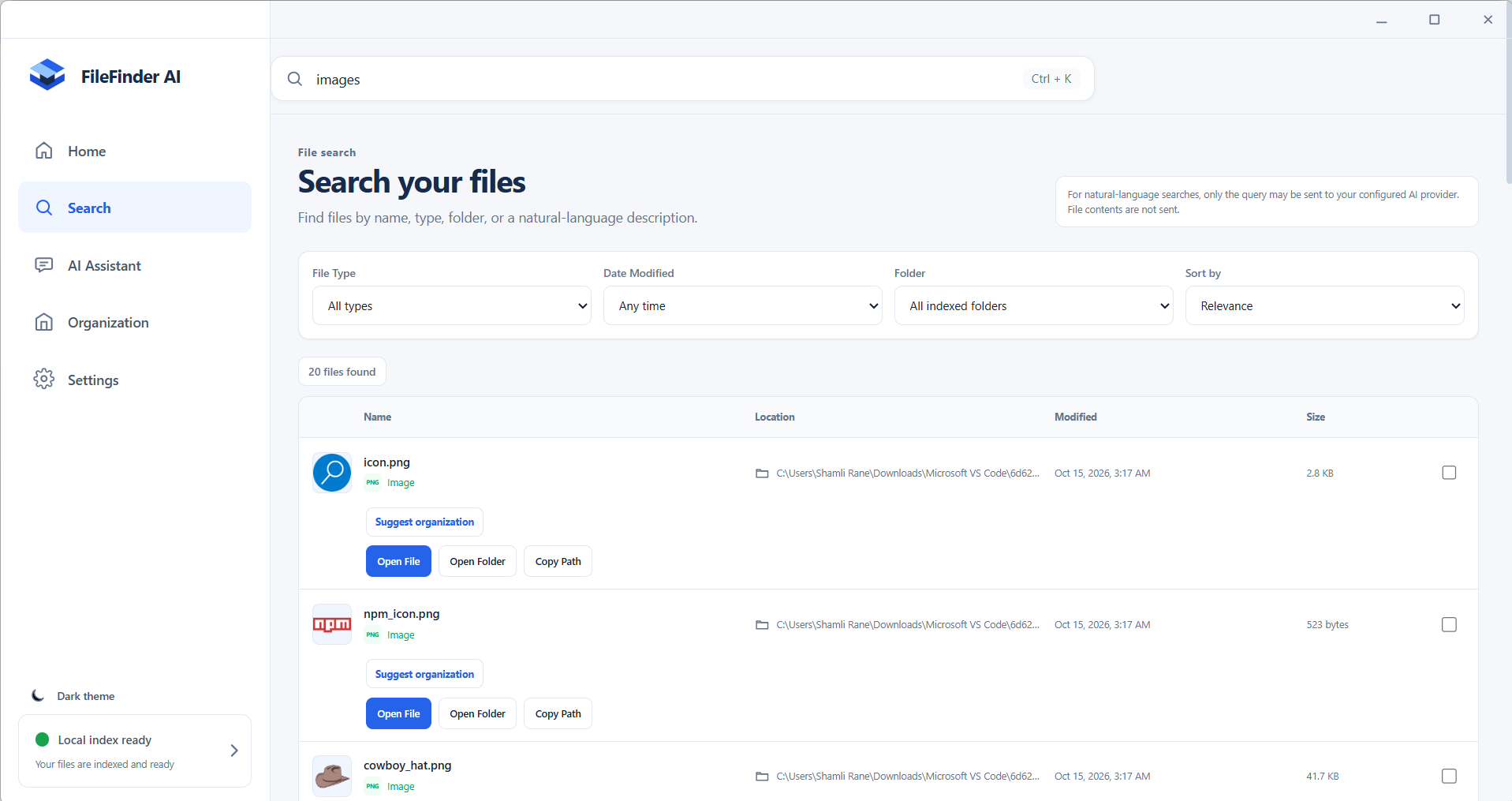
- Natural-language search: Search using everyday descriptions instead of relying only on exact filenames.
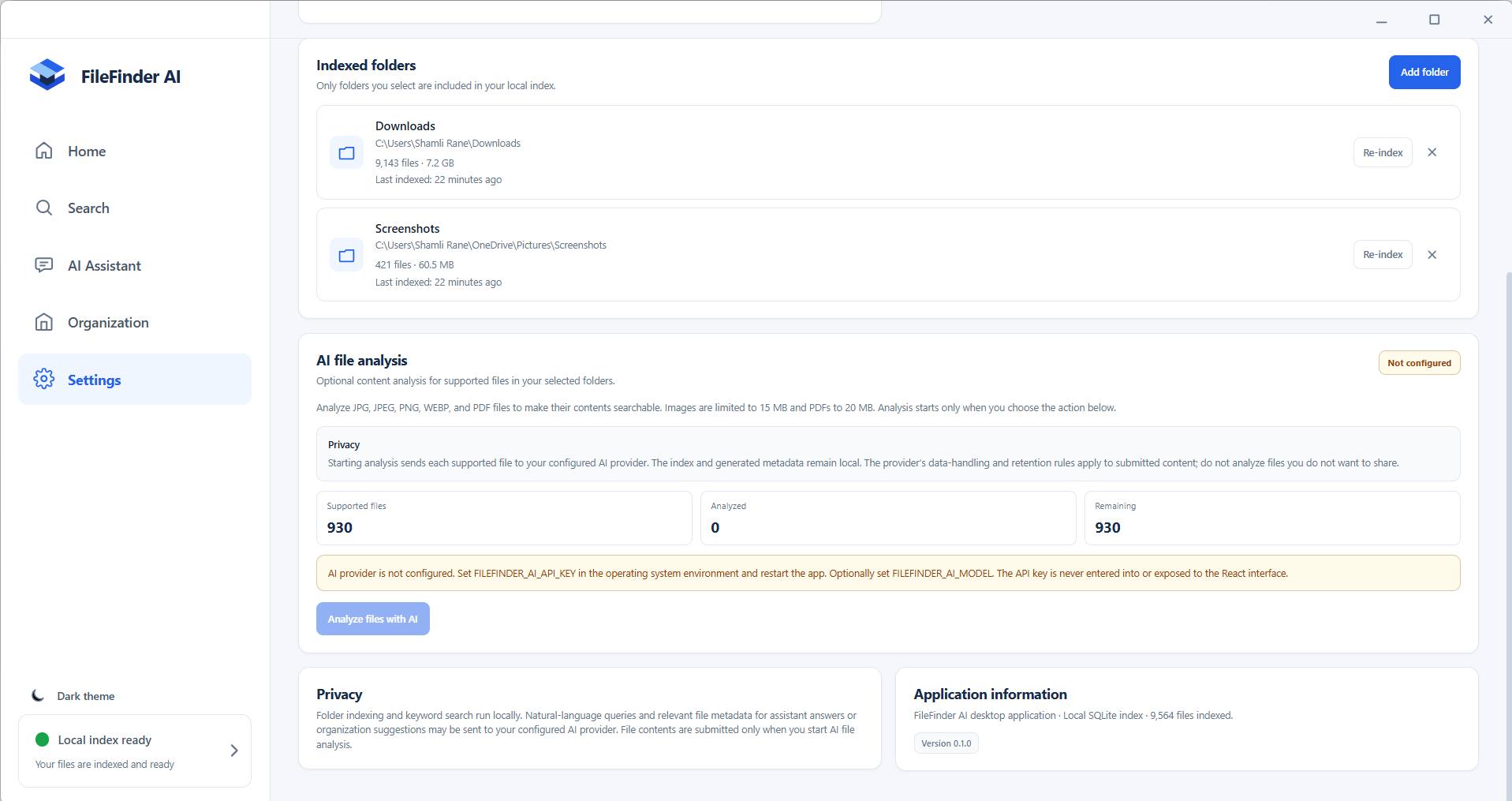
- AI-powered file understanding: Analyze supported images and PDFs to generate useful metadata that improves file discovery.
- Smart file previews: Preview supported files before opening them.
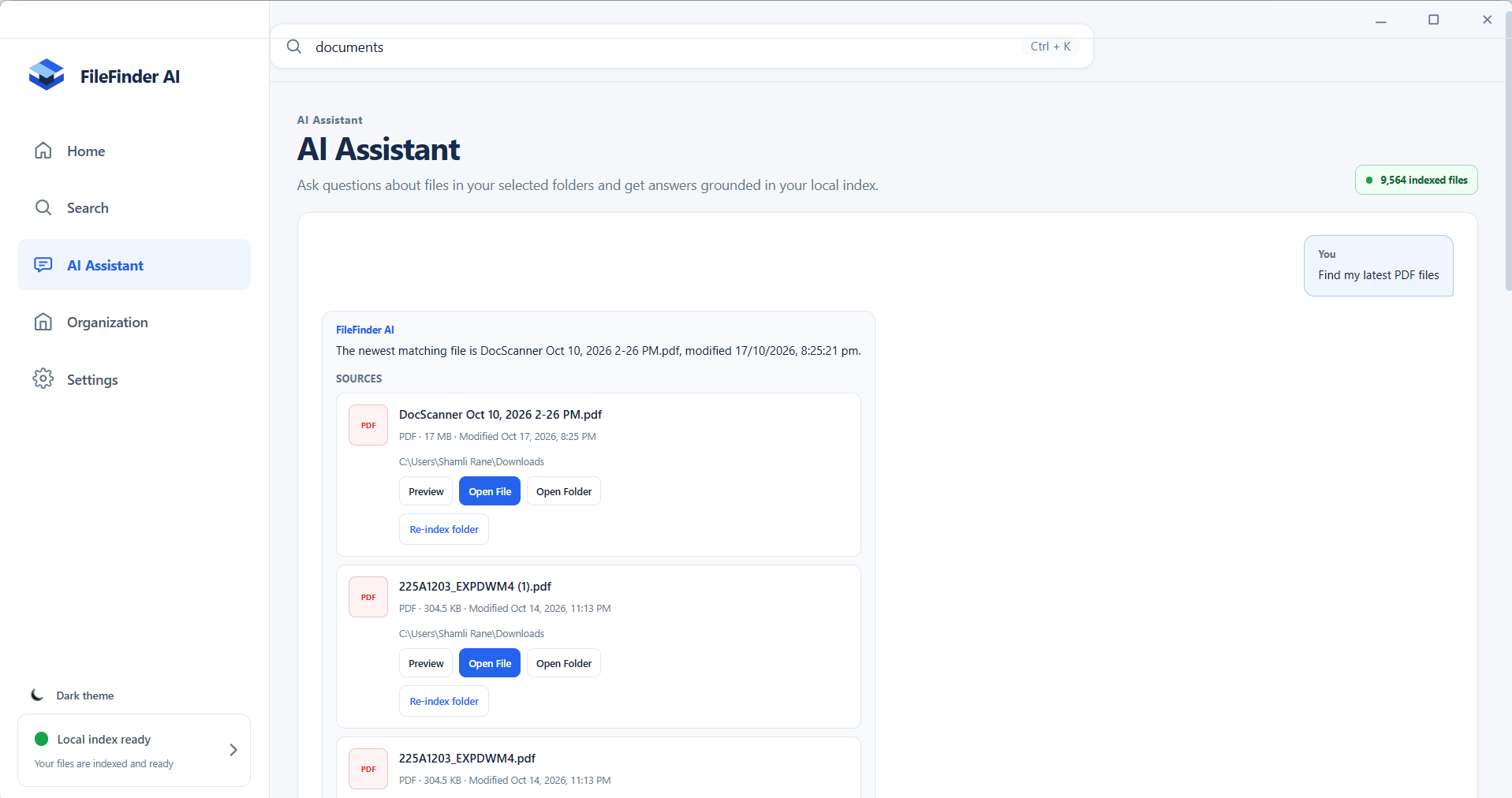
- AI Assistant: Ask questions about indexed files and receive answers grounded in available file information.
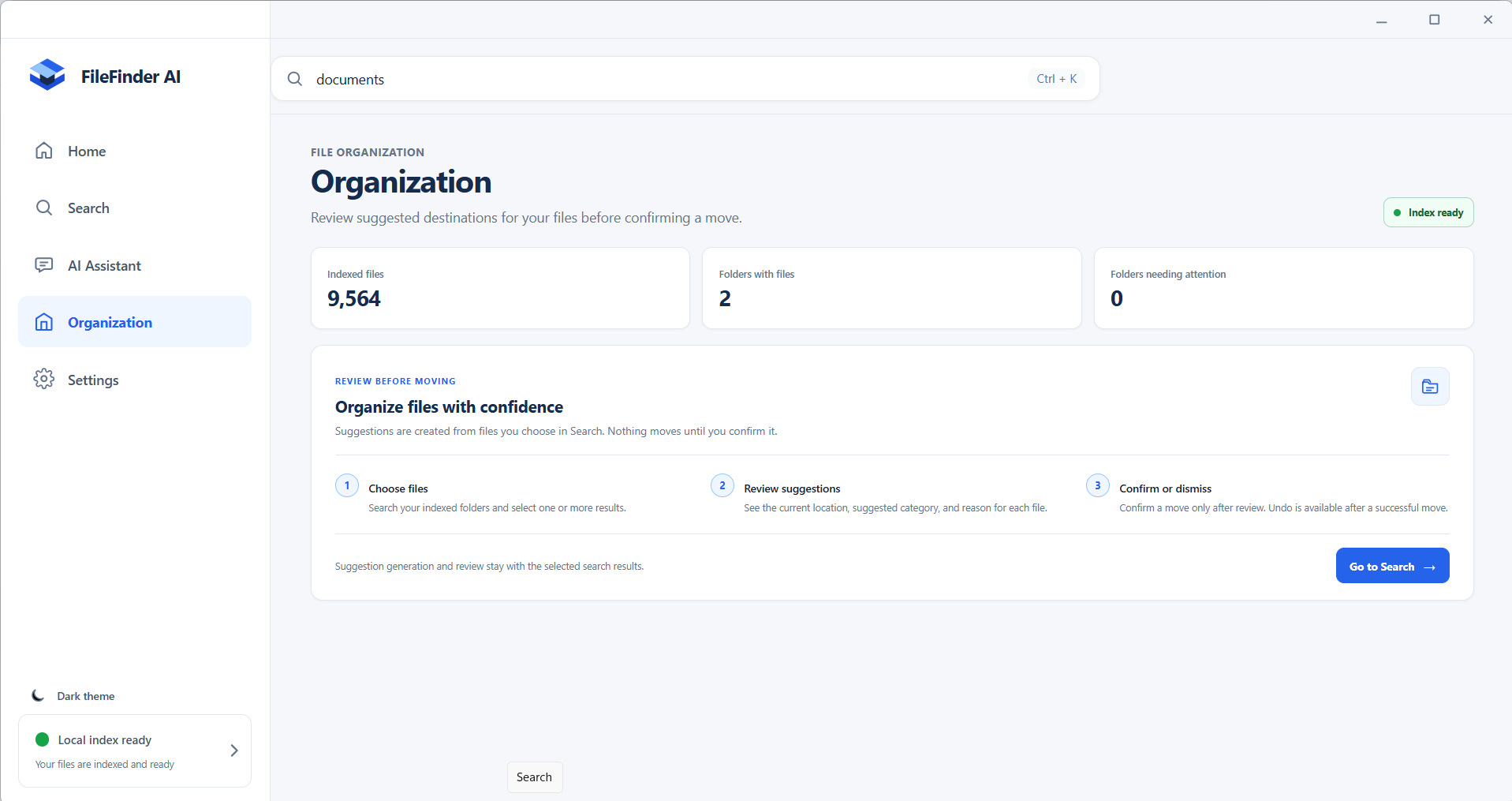
- File organization suggestions: Review suggested organization actions and approve or reject them where supported.
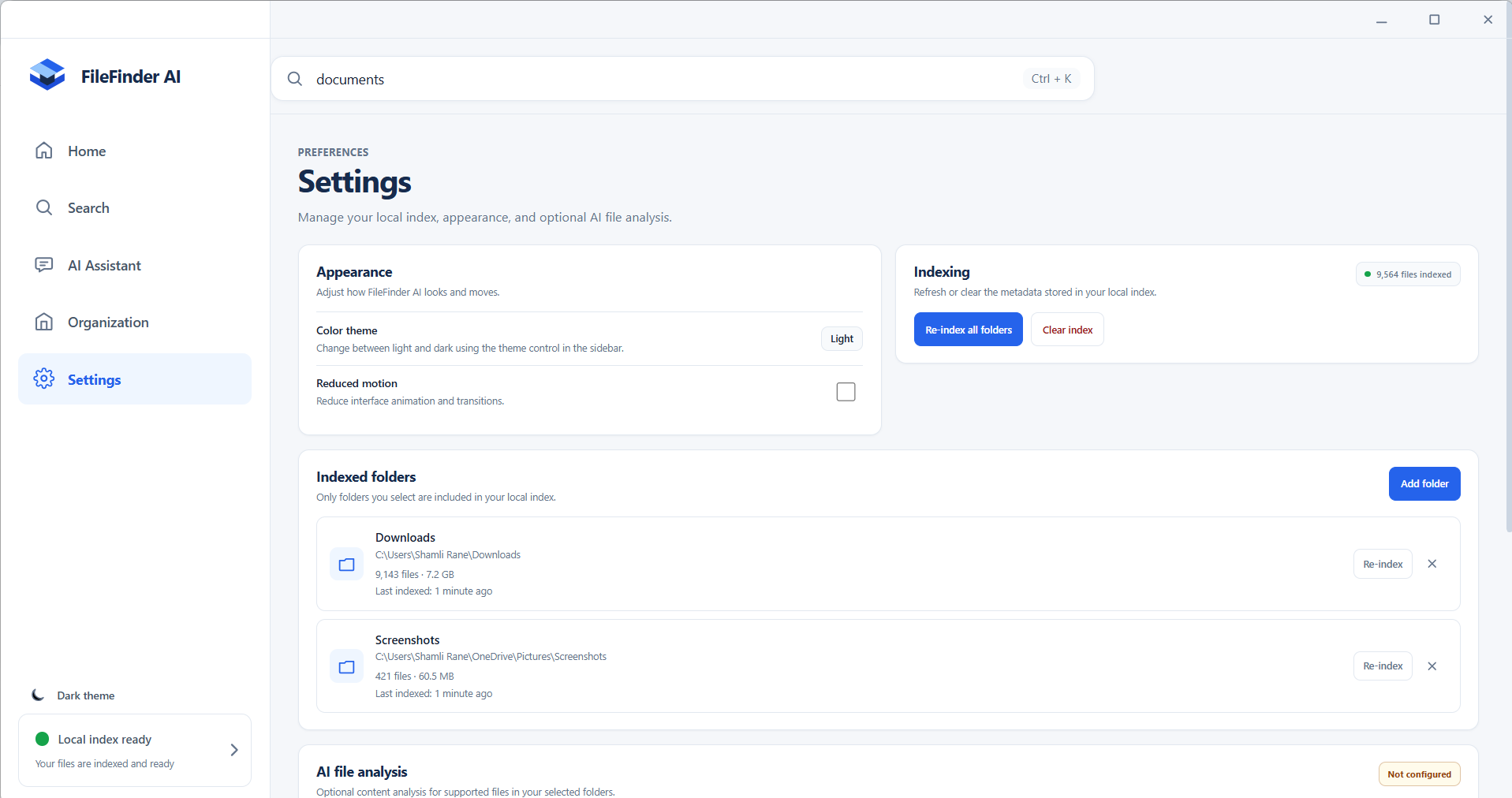
- Folder indexing: Index selected folders so files can be searched through a local database.
- Privacy-conscious design: AI analysis is opt-in, and API credentials are handled by the Electron main process rather than exposed to the renderer.
How we built it
We built FileFinder AI as a desktop application using Electron, React, Vite, and SQLite.
Electron provides the desktop environment, React and Vite power the user interface, and SQLite stores indexed file information and AI-generated metadata.
The application combines local file indexing and search with optional AI analysis. When users index selected folders, FileFinder AI records file information in its database. Its search system uses this indexed information to find relevant files. Optional AI analysis helps describe supported images and PDFs, while the Assistant uses existing indexed information and search functionality to answer questions.
We focused on connecting these features into one application while keeping file access controlled through the existing Electron architecture.
Challenges we faced
One of our main challenges was making file discovery useful even when users did not remember exact filenames. We worked on natural-language search, relevance ranking, and using additional file metadata to improve results.
Another challenge was integrating AI into a desktop application without exposing API credentials to the user interface. We kept provider calls and sensitive configuration in the Electron main process.
We also had to consider files that may have been moved or deleted, the time required to index files, and how to make different features work together without disrupting existing functionality.
What we learned
Building FileFinder AI helped us understand how desktop applications combine user interfaces, local databases, file-system operations, search logic, and AI services.
We learned the importance of keeping API credentials out of renderer code, designing useful search experiences, handling errors, and building AI features around real application data instead of relying on mock information.
What's next
We want to continue improving search relevance, file understanding, organization suggestions, and the overall user experience. Our goal is to make finding a file as simple as describing what the user remembers about it.
Built With
- artificial-intelligence
- desktop-app
- electron
- file
- javascript
- natural-language-processing
- openai-api
- react
- sqlite
- vite

Log in or sign up for Devpost to join the conversation.