Inspiration
We spend our days inside Google Workspace — Gmail, Docs, Sheets, Drive — switching between tabs, trying to remember what was in that last email, wondering if we missed something important. AI assistants exist, but they all wait for you to ask. We wanted something different: an AI that already knows your context and speaks up before you even realize you need it.
The idea was simple — what if your browser could think? What if it could watch your screen, know your inbox, and quietly say "hey, I found something relevant" at exactly the right moment?
What it does
Filament is a live AI agent that layers over your Google Workspace as a Chrome Extension. It:
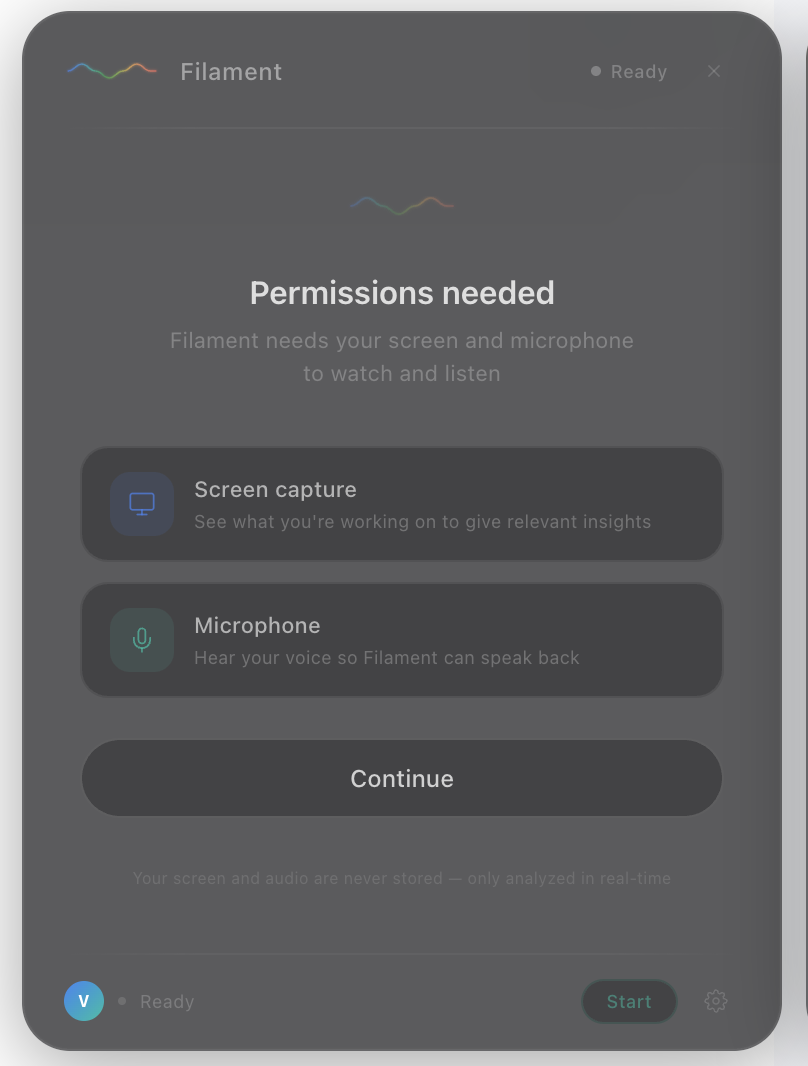
- Watches your screen in real time using screen capture (1 frame every 3 seconds)
- Listens to your voice via microphone and responds naturally in audio
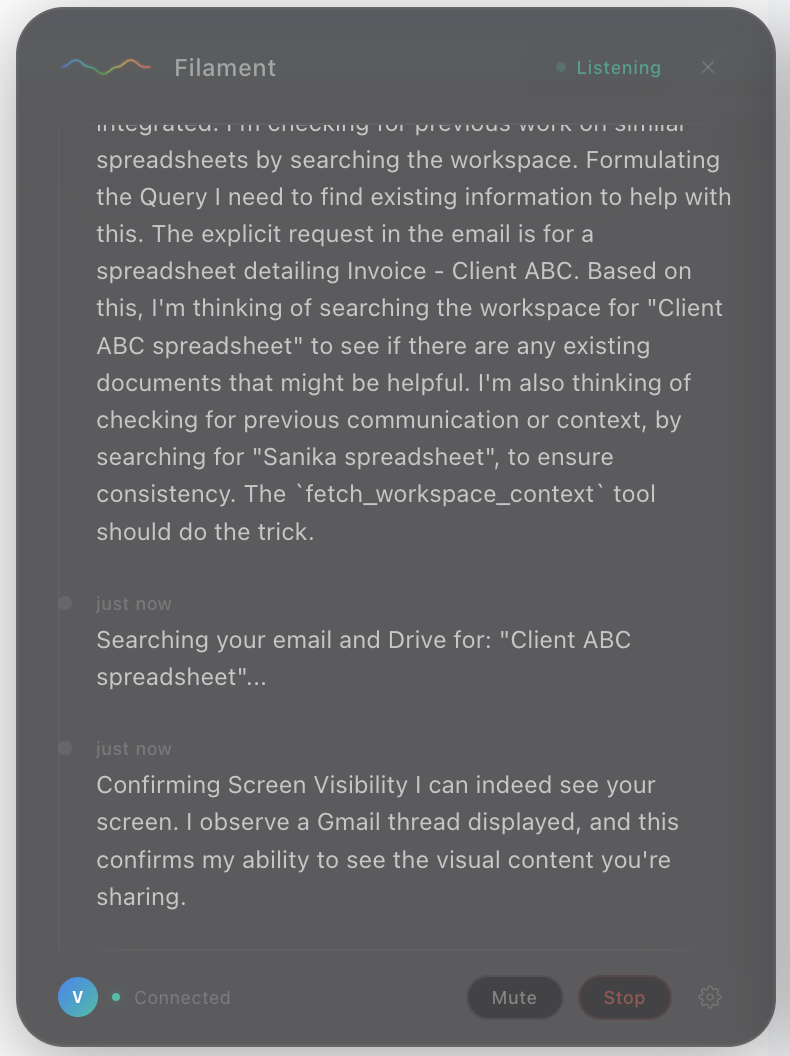
- Searches your Gmail and Google Drive when it spots something actionable on screen
- Speaks proactive nudges — short, relevant voice responses without you having to ask
No prompt. No button. Just presence.
You can also talk to it directly — ask about recent emails, files, or anything in your workspace — and it responds with voice instantly.
How we built it
Chrome Extension (Manifest V3)
Captures screen frames via getDisplayMedia(), audio via getUserMedia() → AudioWorklet → PCM Int16 at 16kHz, and streams both over a persistent WebSocket connection to the backend.
FastAPI Backend on Google Cloud Run
The WebSocket server receives frames and audio and feeds them into an ADK Runner via a LiveRequestQueue. The ADK Runner manages the Gemini Live session using run_live() — handling bidirectional audio streaming, tool calls, and session state.
Google ADK + Gemini Live API
The core agent is an ADK LlmAgent powered by gemini-2.5-flash-native-audio-latest. When the model spots something actionable on screen, it calls fetch_workspace_context — an ADK FunctionTool — which searches Gmail and Drive using the user's OAuth token stored in ADK session state.
Gmail API + Drive API
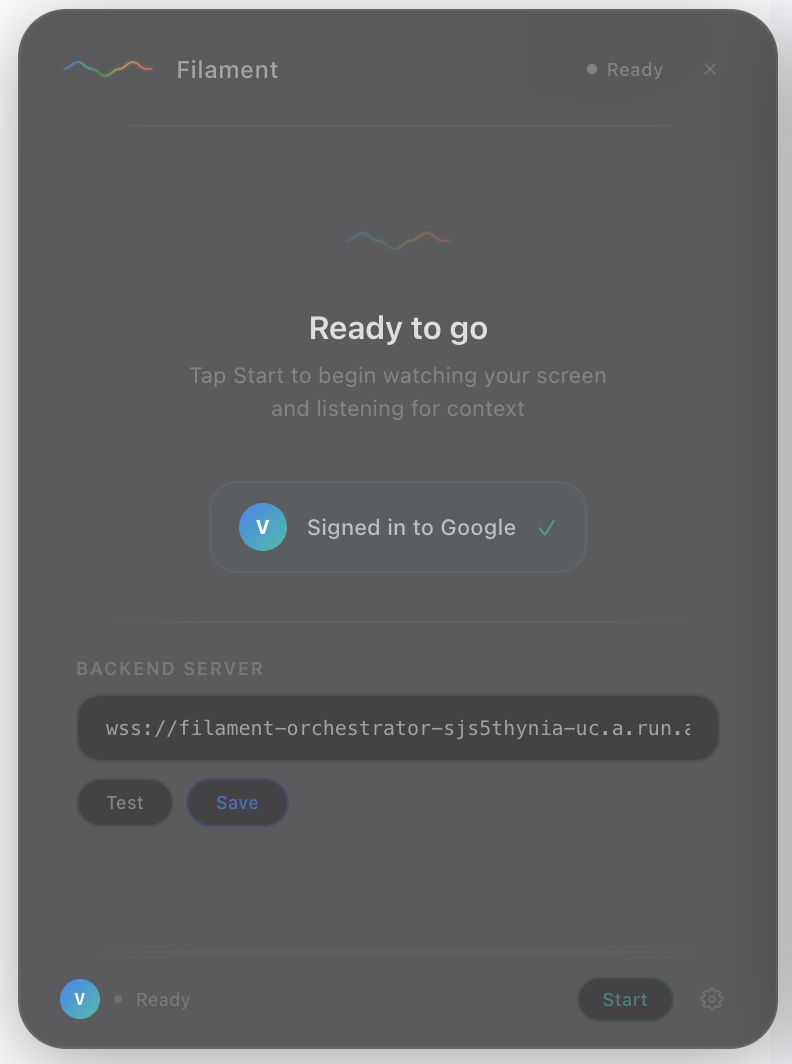
OAuth 2.0 implicit flow via launchWebAuthFlow. The token is passed from the extension to the backend and stored in the ADK session. Real API calls — no mock data.
Deployment
Four Cloud Run services (orchestrator, screen analyst, workspace agent, nudge composer) deployed via automated deploy.sh scripts using Google Cloud Build and Artifact Registry.
Challenges we ran into
- AudioWorklet blocked by Gmail's CSP — inline Blob URLs for the audio processor were rejected. Fixed by extracting the worklet to a separate file loaded via
chrome.runtime.getURL(). - OAuth token race condition — the Gemini session was starting before the auth token arrived from the extension. Fixed by pre-fetching the token before opening the WebSocket and waiting up to 10 seconds server-side.
- Gemini Live sessions closing after one response — built a transparent restart loop that keeps the user's WebSocket alive across multiple Gemini sessions.
- Remote mode dropping all audio — the microservice architecture silently ignored audio messages. Switched the orchestrator to direct ADK
run_live()mode which handles audio natively.
Accomplishments that we're proud of
- A truly ambient experience — no text box, no prompt, no button. It just works.
- Real multimodal input: simultaneous screen frames + live audio + workspace data, all flowing into a single Gemini Live session.
- Clean ADK integration — tool calls handled automatically, OAuth token injected via session state, zero manual dispatch code.
- Fully automated Cloud Run deployment with a single shell script.
What we learned
- Gemini Live API is powerful but opinionated — it expects specific audio formats, has session time limits, and the thinking feature needs explicit filtering.
- ADK's
run_live()+LiveRequestQueueis the right abstraction for WebSocket relay patterns — it handles the bidirectional streaming complexity cleanly. - Building ambient AI is harder than building reactive AI. Knowing when to speak (and when to stay silent) is the hardest design problem.
What's next for Filament
- Expand workspace integrations: Google Calendar, Meet, and Docs with edit suggestions
- Smarter proactive triggering — learn individual user patterns over time
- Publish to the Chrome Web Store for public access
- Explore Vertex AI for production-grade reliability and quota
Built With
- artifact-registry
- audioworklet
- chrome-extension-manifest-v3
- fastapi
- gemini-live-api-(gemini-2.5-flash-native-audio-latest)
- gmail-api
- google-adk
- google-cloud-build
- google-cloud-run
- google-drive-api
- google-genai-sdk
- javascript
- oauth
- python
- web-audio-api
- websocket

Log in or sign up for Devpost to join the conversation.