-
-
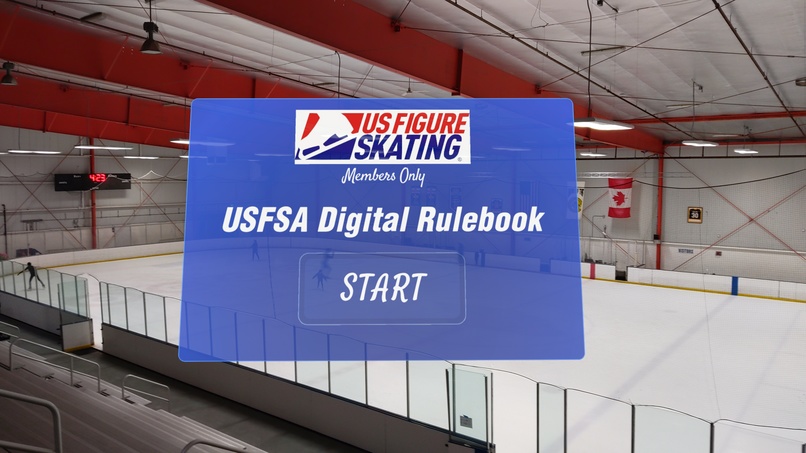
Start UI
-
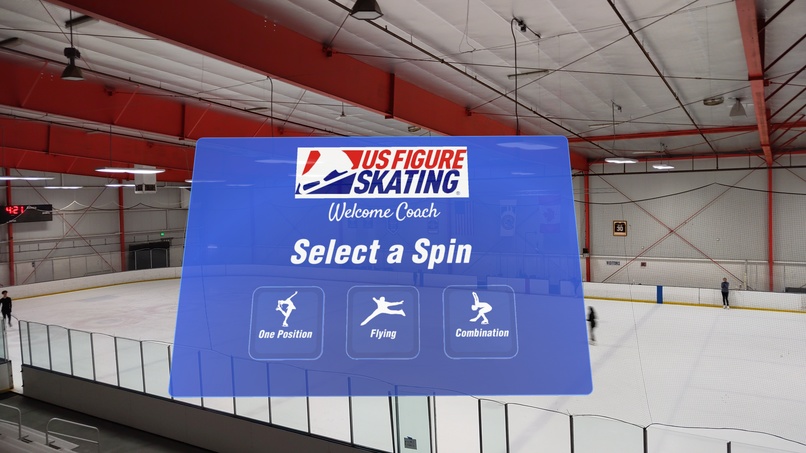
Select UI (large)
-
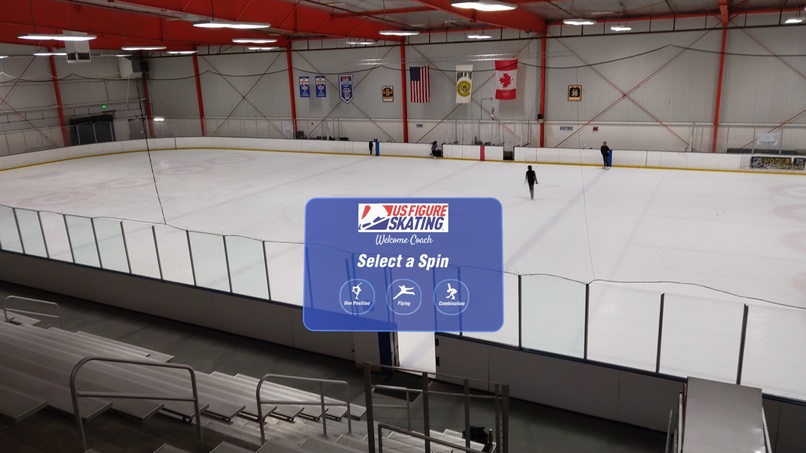
Select UI (small)
-
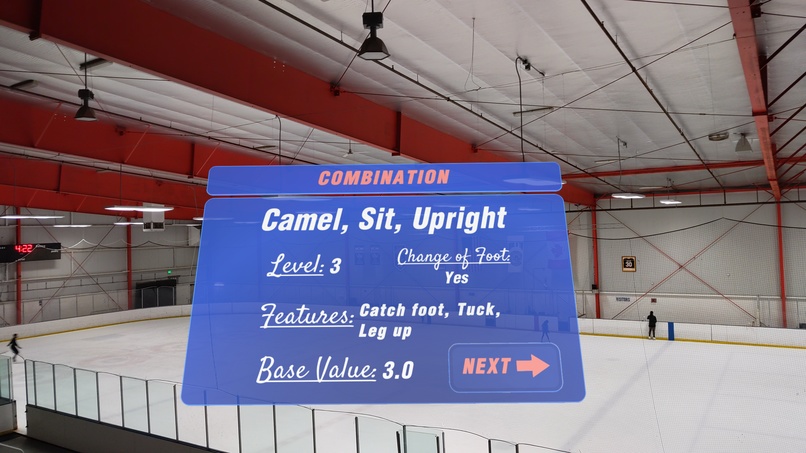
Results UI
-
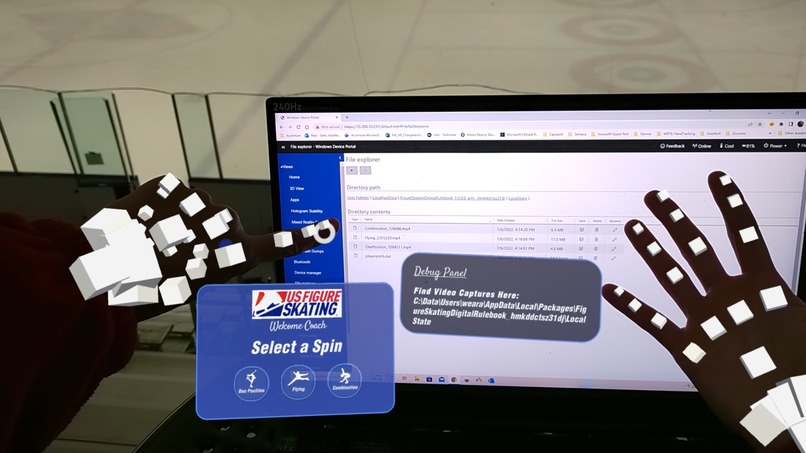
Debug UI
-
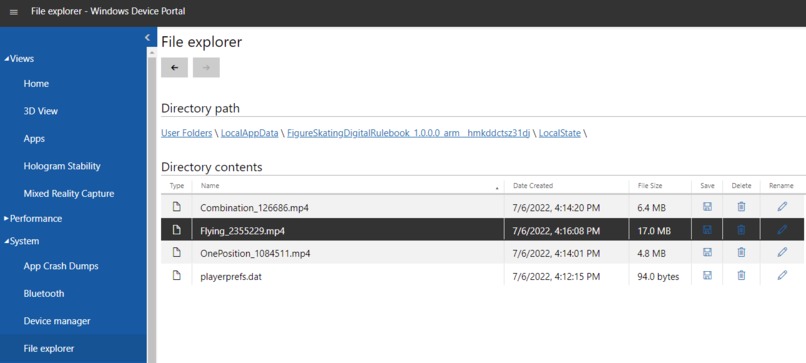
Video Capture Files
-
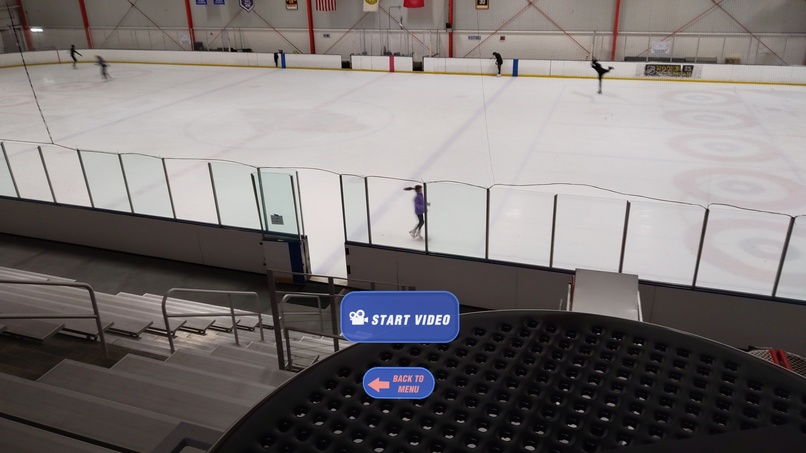
Start Video UI



Inspiration
I have been figure skating since I was 4 years old. Back in 2009 I decided to take a step back from skating and go to college, UNC Charlotte, to pursue a Software Engineering degree. Since shifting into the XR field, I have always wanted to combine 2 things I love- figure skating & XR. With the help of HoloLens2 and MRTK, I was finally able to accomplish that. While I have seen both VR and AR benefit athletes all over the world with sports like golf, baseball, basketball, football, and even hockey, I can't help but wonder, what about other sports like figure skating?
To be a coach, you have to be able to understand and know all the rules that are within the "USFSA Rulebook". This informs coaches of what a skater can perform when their student is ready to compete. What is surprising to me, I still see some coaches today at the ice rink use a physical rulebook as shown in the demo video. I decided to create this AR experience to help coaches receive "real-time" results without having to spend time reviewing the element in the rulebook during the lesson with their students. I felt inspired by efficient technologies like HoloLens2 and MRTK, to invite more skaters to become coaches one day without the hassle of understanding a 513 page book.
What it does
When a coach is unsure about their student's element, they can check to see if it meets the rules by:
- Launching the Figure Skating Digital Rulebook app
- Begin a session by pressing the Start button
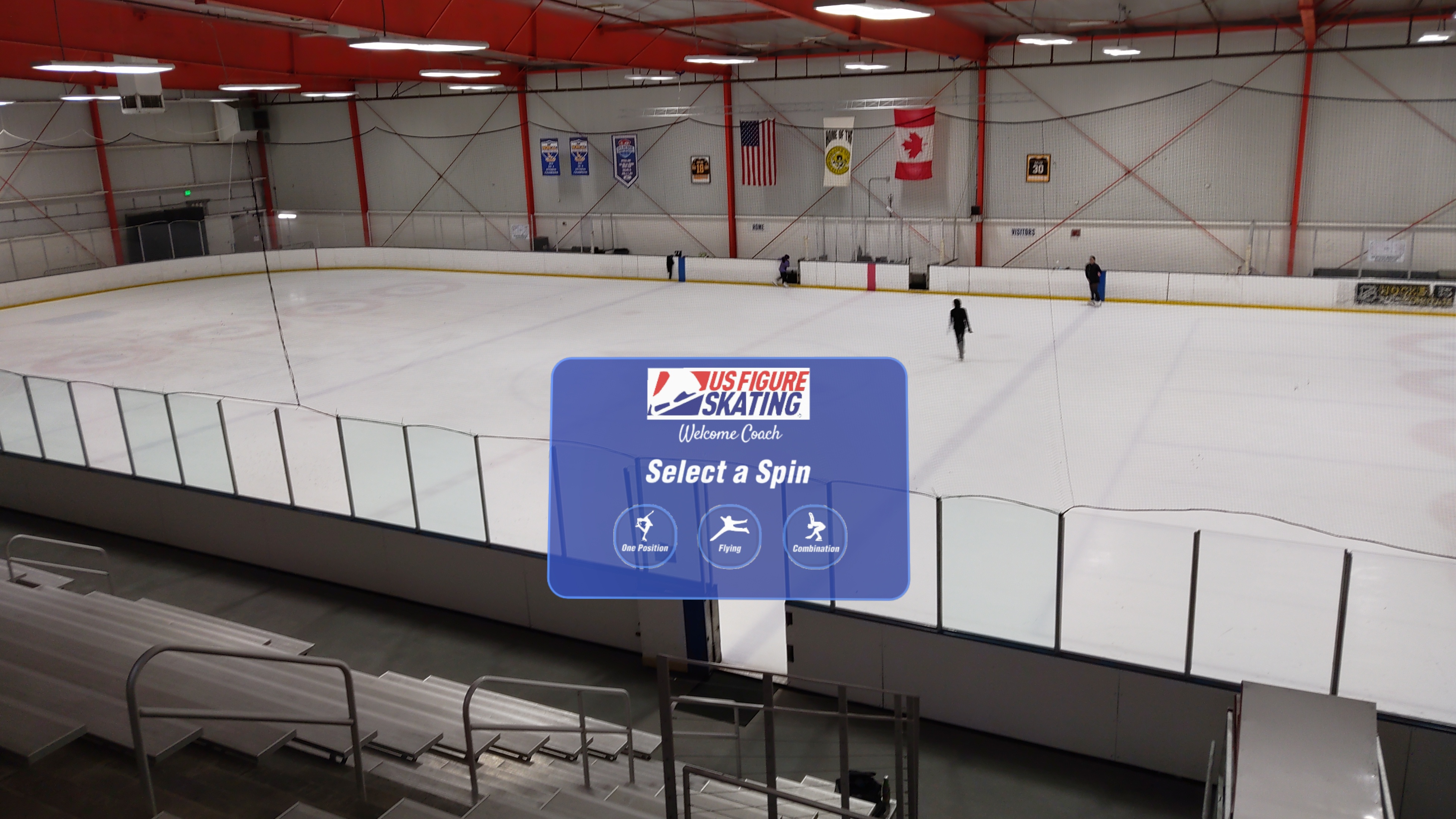
- Select the spin type (In this prototype I am focusing on Spins)
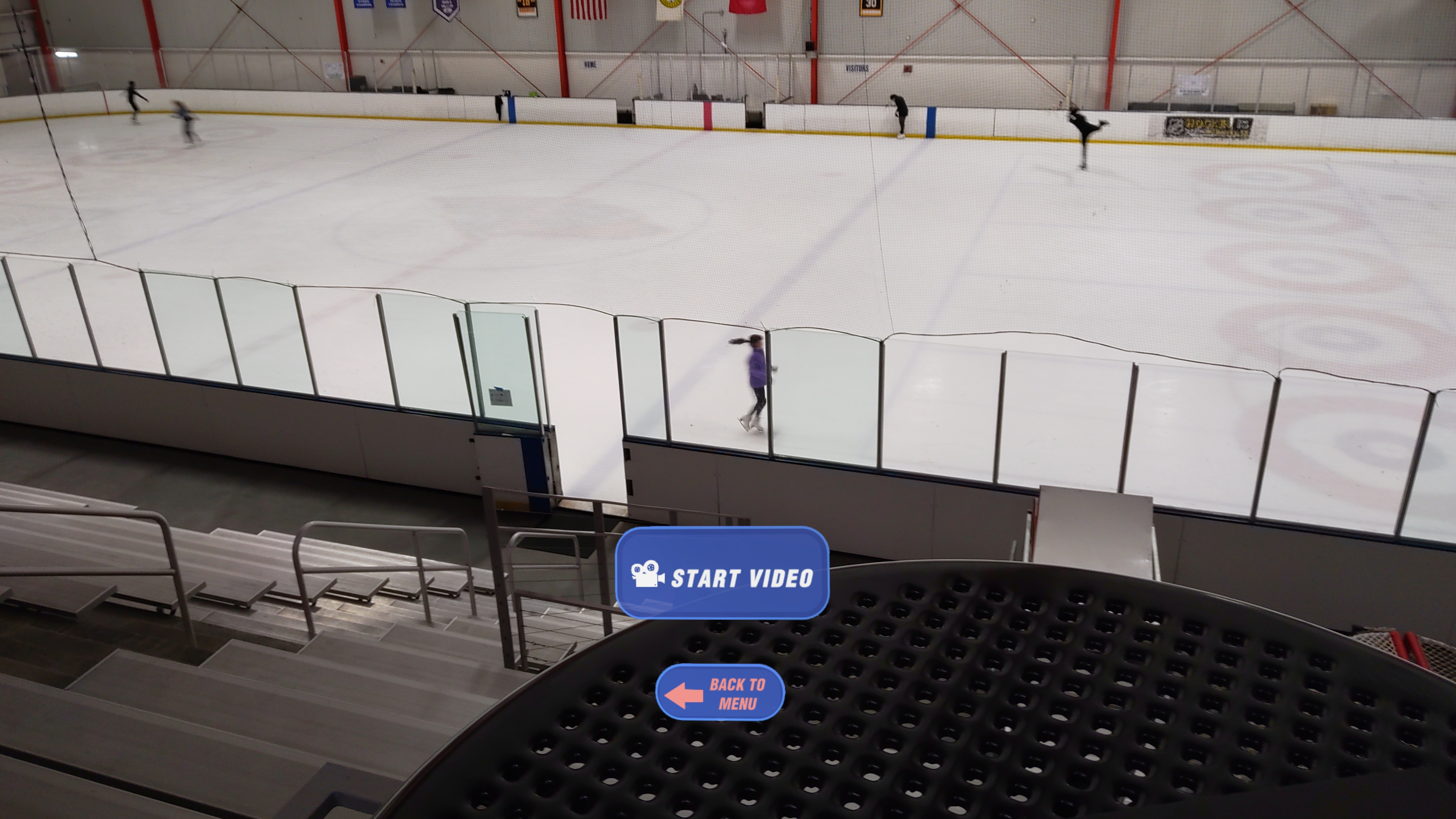
- When the skater is ready, press Start Video
- When the skater is finished, press Stop Video
- Results will show which spin was completed, the features of the spin, and the current "base value" the judges would score it by
- Email the video if either the coach or student would like to view it at a later time
Video capture was a must for this experience as coaches tend to film our elements within the lesson. The problem is, videos can look blurry or pixelated due to the coach wearing gloves or unfamiliar with smartphone technology. Luckily, with this application, the coach is able to take clear effective videos all hands free!
How I built it
I used MRTK3 with additional C# programming all within the Unity game engine. Most of the UI images and icons were modified and re-colored using Adobe Photoshop. Since I had a very small dataset, I stored the spin data in an excel file. In the future, I could see the Scoring Guide stored in a larger database system. For this prototype, there were only 3 spins that were able to be recorded. In the future, I would like to integrate Machine Learning to have results be more dynamic.
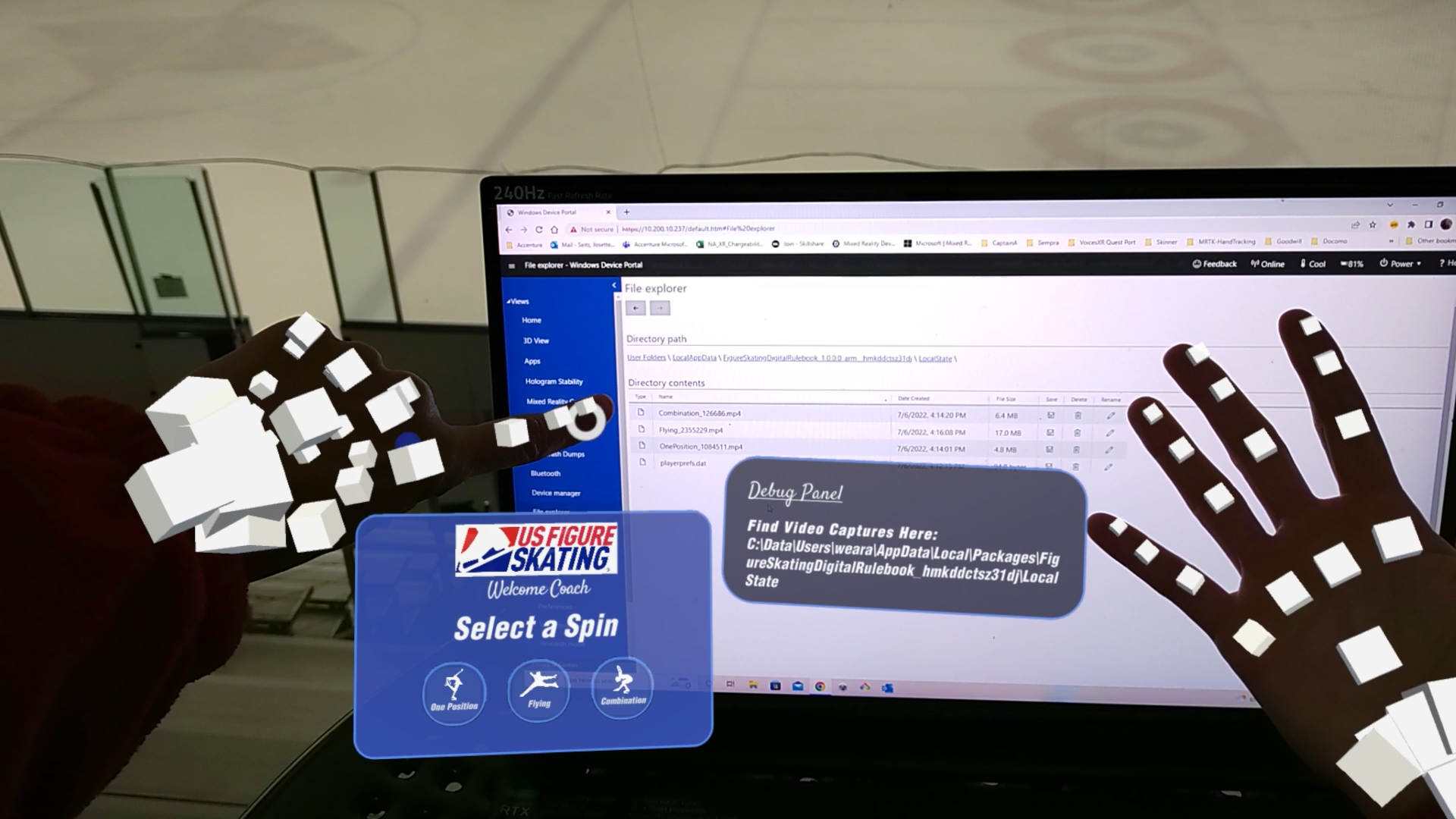
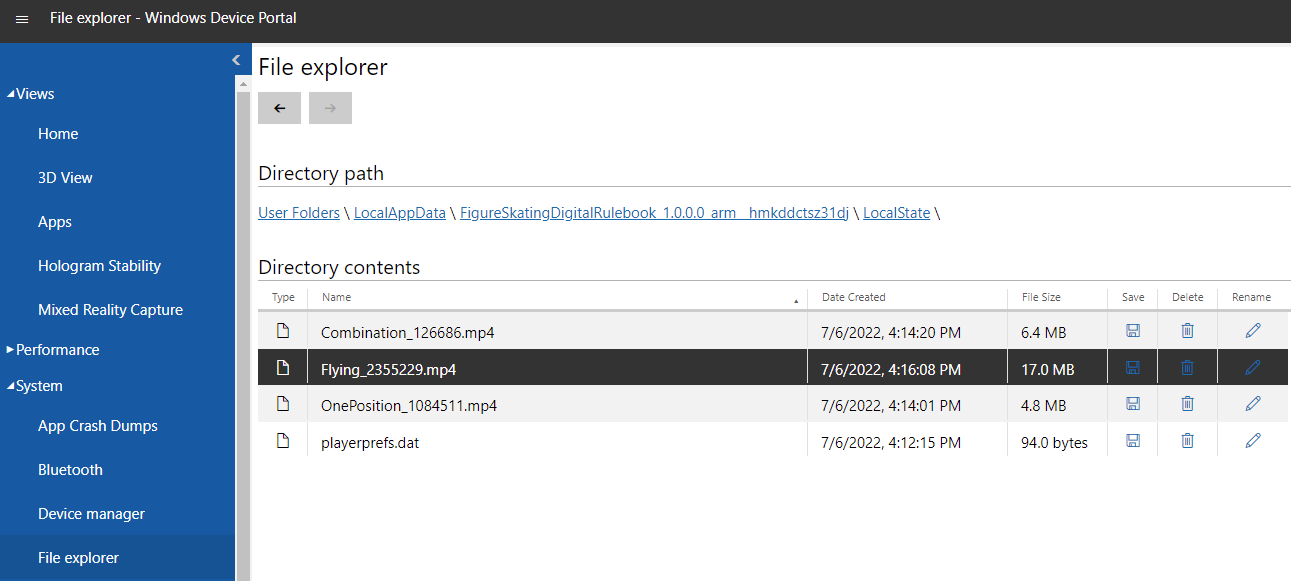
Currently, there is not an easy way to actually email the video as video captures are only stored on the device. The capability to easily email video captures is something I would like to see in the future. In the meantime, I had the opportunity to develop around and incorporate the MRTK3 keyboard. Since videos are stored on the device, I had a hard time locating the files both on my computer and HoloLens2 due to having 2 different long file paths. To help locate files quickly, I customized the Hand Menu and created a "Debug Panel" to make it simple to view the path where videos would be stored.
Challenges I ran into
I was not able to get the HoloLens2 Emulator to work with my Unity :( I could feel I was getting closer, but unfortunately was not able to activate. Besides using the Simulator, I did most of my development and testing using Oculus Link with Quest2. While this is not a cross-platform use case, I thought it was amazing I could test some features on a VR device even though it's an AR experience. If anyone has previous issues with their Emulator and was able to fix, please let me know as I'm curious.
The other challenge I had was displaying the app Logo in the HoloLens2 menu. Good news, I was able to get the Splash image to show when the coach launches the application. Bad news, the Logo gets overridden with the Unity default logo. I have the correct scale/pixel dimensions under Store Logo and Tiles and Logos in Project Settings, but very unclear why the Unity logo keeps showing up on the menu. Please contact me if you might have ideas on why this isn't working :)
Accomplishments that I am proud of
Between being a full-time XR developer for my clients, and actively figure skating almost everyday, I am very proud of myself for being able to complete the first iteration of the Figure Skating Digital Rulebook. As I have stated, I have been wanting to combine figure skating & XR for a long time and I'm thrilled I was able to create something practical and helpful to our amazing coaches.
Creating this project with MRTK3 has me already feeling accomplished in making my life easier when wanting to create more VR hand tracking applications. I have been using MRTK2 for quite some time, and in 2 weeks I will be debuting my first VR hand tracking storytelling experience at San Diego Comic Con. Switching from MRTK2 to MRTK3 is extremely exciting!
What I learned
One of the coolest things I learned was how easy and beautiful scaling objects were with MRTK3. When scaling most UI objects to a smaller size, the buttons would transform from square to circle. The other items, such as images and text within the panel would scale properly as well. Being able to scale objects either small or large is extremely impactful for users. For example, I received feedback from elderly coaches stating they need objects to be at a larger scale due to issues with their vision. Other coaches stated they liked having the UI objects scaled smaller so it's not too distracting to them while they are teaching. The flexibility of scaling objects was one of my favorite things to learn about with MRTK3.
I was a little nervous about how the spatial mapping of the HoloLens2 would react to clear walls and white ice on the ground. As you see in the demo video, I did not have any issues at all launching the experience within a complex environment which brought me much joy.
During development, I learned having nested buttons is not a good idea. For example, I tried to have the "Back to Menu" button as a child of "Start Video" button to see how that would work, and it was really buggy.
What's next for Figure Skating AR Digital Rulebook
While this application was based around MRTK3, I would like to incorporate other Microsoft technologies in future versions of this project.
- As stated above, I would like to be able to have the functionality to email video captures.
- Integrating Machine Learning so the experience isn't limited to static data.
- This first version is focused on spins, but would like to also include jumps as well.
- With the annocement of Microsoft Mesh, I would like to see this eventually integrated with this AR experience. Coaches can use Mesh when they are needing immediate advice from another coach in a different location. As well as the possibility for other coaches in various locations to have the ability to view the skater's element at the same time.
- If ice skating rinks were able to have only a small amount of HoloLens2, headsets could be shared properly with other coaches by having Single Sign-On (SSO) Active Directory. This could help maintain student data and videos only tied to the logged in coach.
Built With
- c#
- excel
- microsoft-hololens
- photoshop
- video-capture
- visual-studio


Log in or sign up for Devpost to join the conversation.