-
-
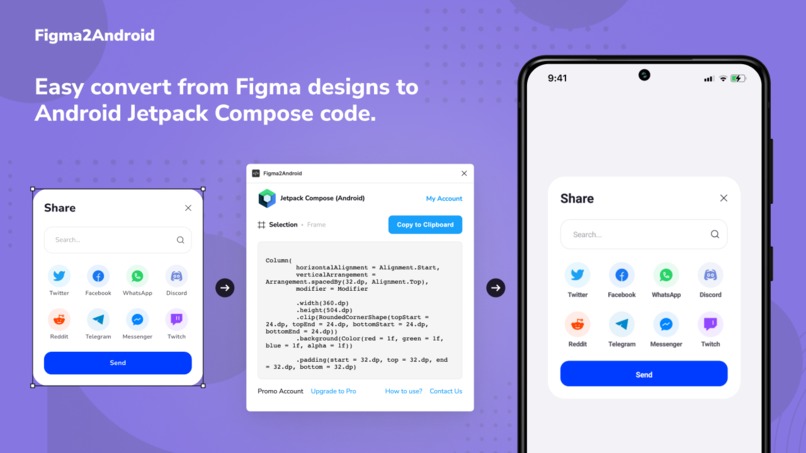
Cover
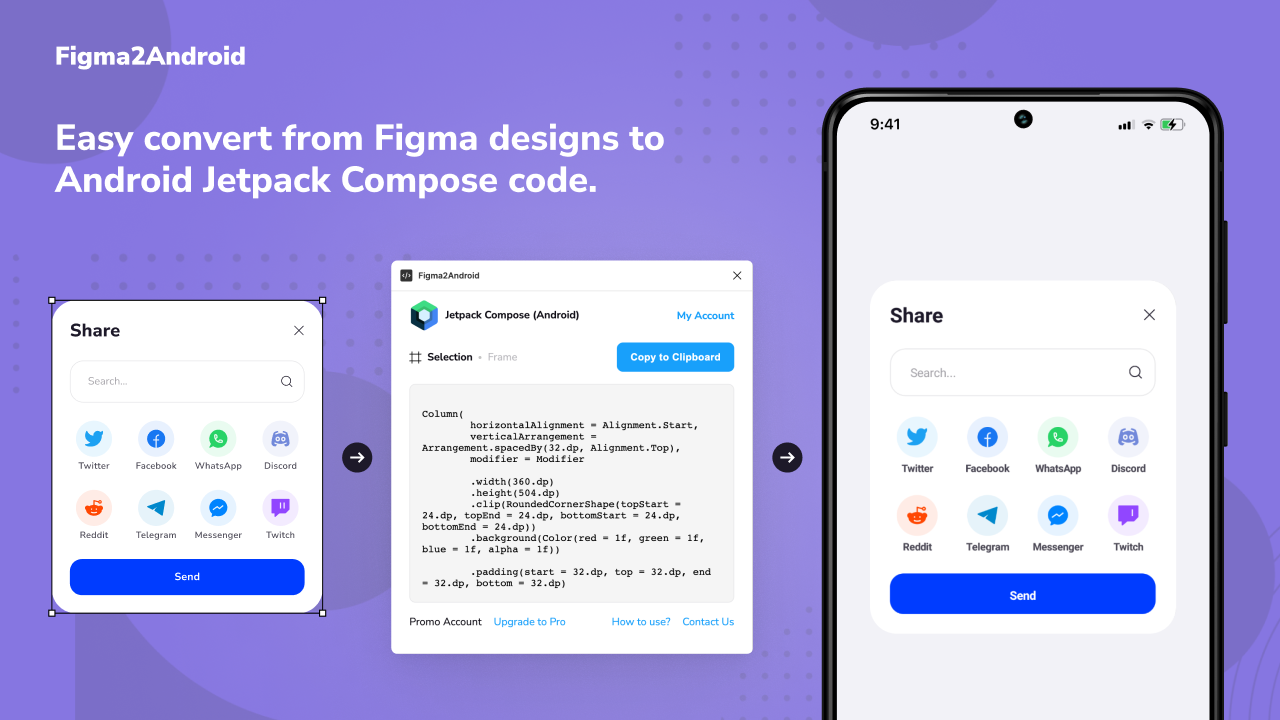
Inspiration
Very often designs contain many different properties for elements of distance, color, proportion, as well as their layout. Developing such projects can be very tedious, and inconsistencies in design and development can negatively affect the overall design view after development.
What it does
Easy convert from Figma designs to Android Jetpack Compose code
How I built it
In begin, we saw the plugin as a simple internal tool for converting the properties of a selected element into code, but with a deeper study of the Figma API, ideas began to appear that it is possible to export completely blocks and pages, including their properties and child elements. Then, of course, the fantasy played out and I wanted to immediately export a ready-made functional element, for example, it is not easy to Text, and also a TextField, but then the plugin would become more difficult to use and there would be more design requirements, which is a waste of time for us at the moment, in the future it is possible we will implement this one of the ideas for the development of the plug-in, about the ideas for the development of the plug-in will be described in more detail below.
What I learned
When creating the plugin, we used several different technologies, below is a list and a small description of what, where and how it was used. Jetpack Compose (Android) — well, of course, the first item is Jetpack Compose itself, now there is a lot of controversy about the pros and cons of this technology, but for me who develops and supports projects simultaneously on SwiftUI and Android Layout, the release of the stable version was a holiday, I think this is the future, if you understand how to use it correctly, you can do incredible things. Figma API + TypeScript + Visual Studio Code — Figma’s Plugins API is well documented, plus, of course, I had to use console output in order to better understand the content of each Figma element and its properties. Also, the Figma API documentation explains quite well how to deploy development tools in this case, Visual Studio Code and TypeScript as the development language of the plugin itself. Gumroad + Gumroad API + PHP — we used these tools for the future monetization of our product, plus see how difficult it will be to integrate a subscription into the plugin. More details on monetization will be given below. SVG Path Data — I had to study and add almost at the very end, since today icons are used a lot in any interface, and without them the converted result looked frankly bad, of course, as a developer, I recommend exporting icons separately and adding them to the project resources, but what can you do for the sake of a beautiful picture :)
What's next for Figma2Android
In future plans for the development of the Figma2Android plugin: Add the ability to select export with children or just the selected item. More complete support for Shapes Different types of export for example: export of the selected Instance element immediately into a separate component in the code. Ability to export ready-made functional elements such as TextField, CheckBox, etc. Release a similar plugin for SwiftUI and much more :)
Built With
- designtocode
- figma
- figma-plugin
- jetpackcompose


Log in or sign up for Devpost to join the conversation.