-
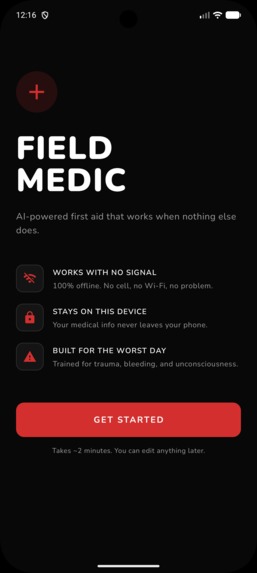
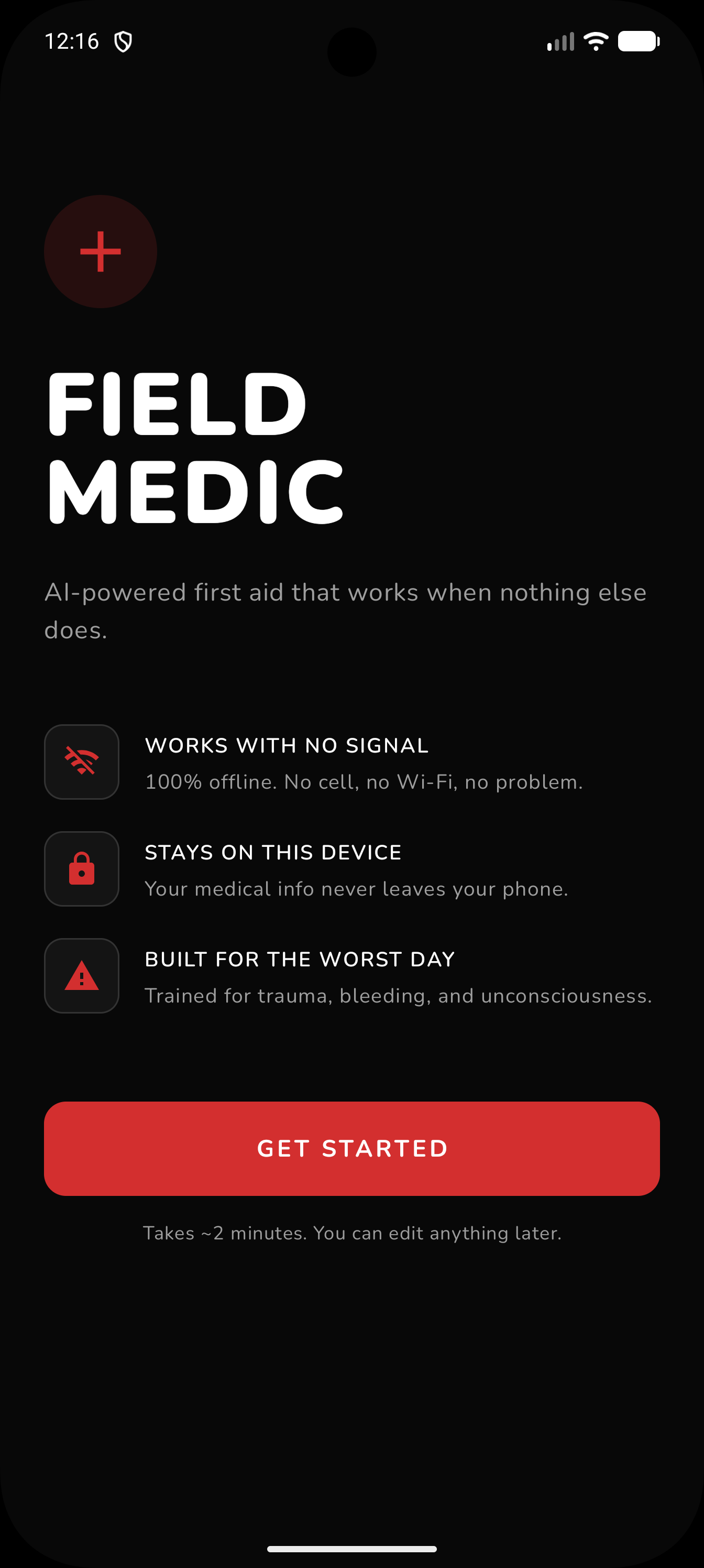
Home Page
-
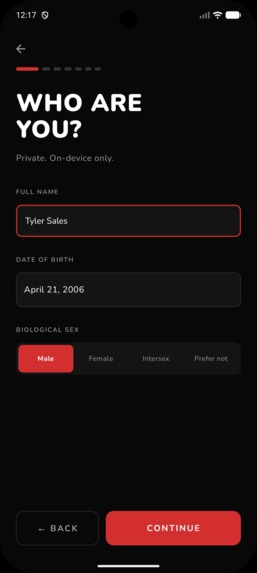
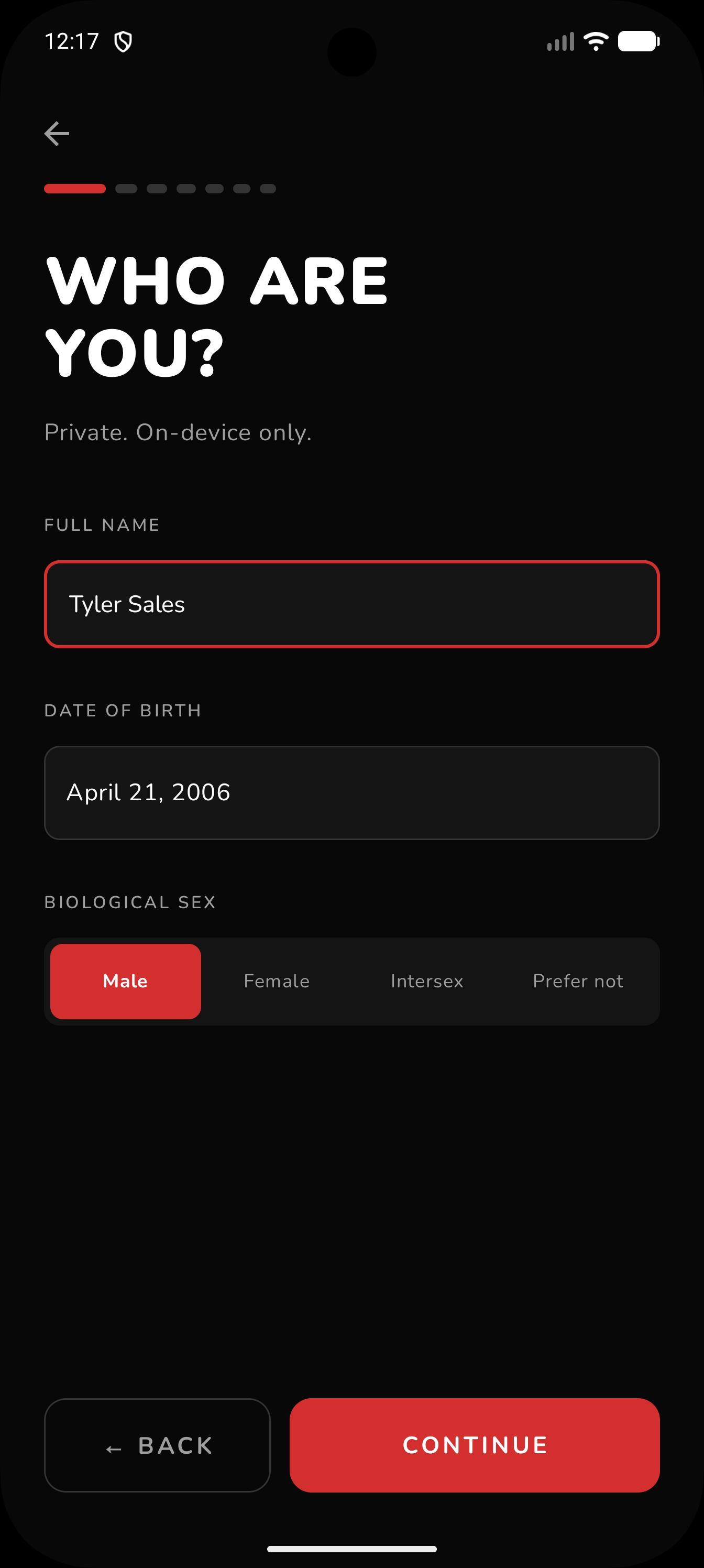
One Time Set Up: Basic info
-
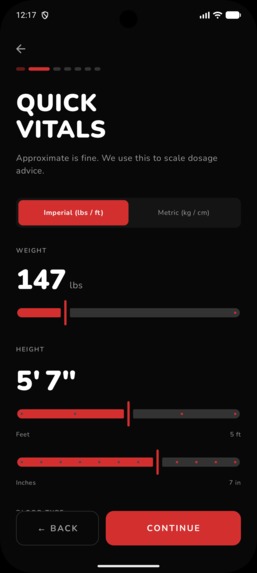
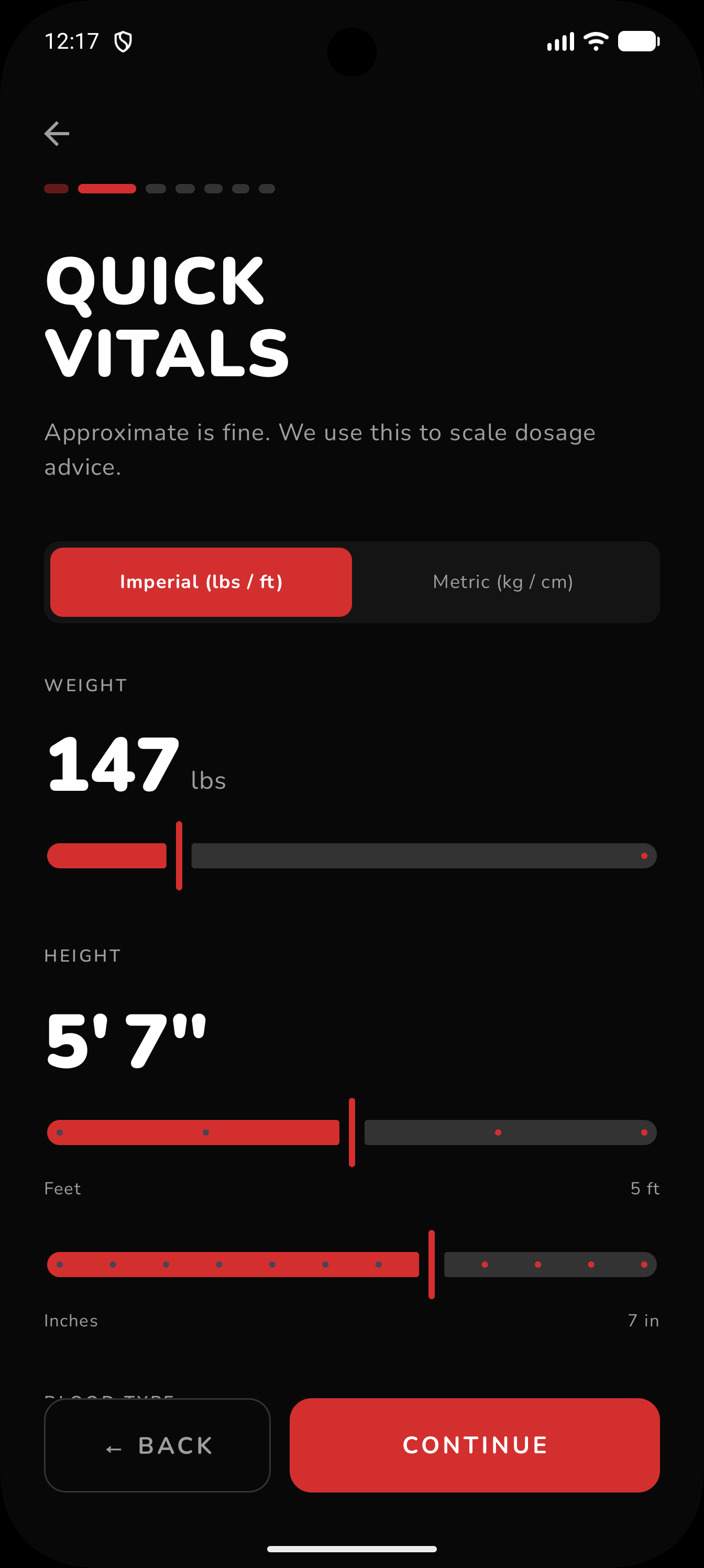
One Time Set Up: Quick Vitals
-
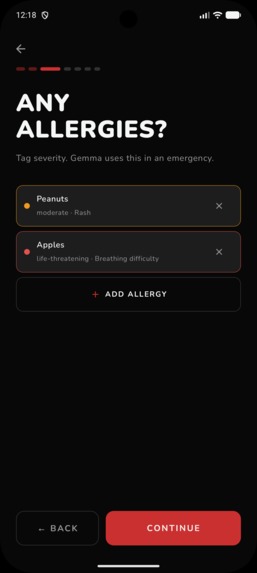
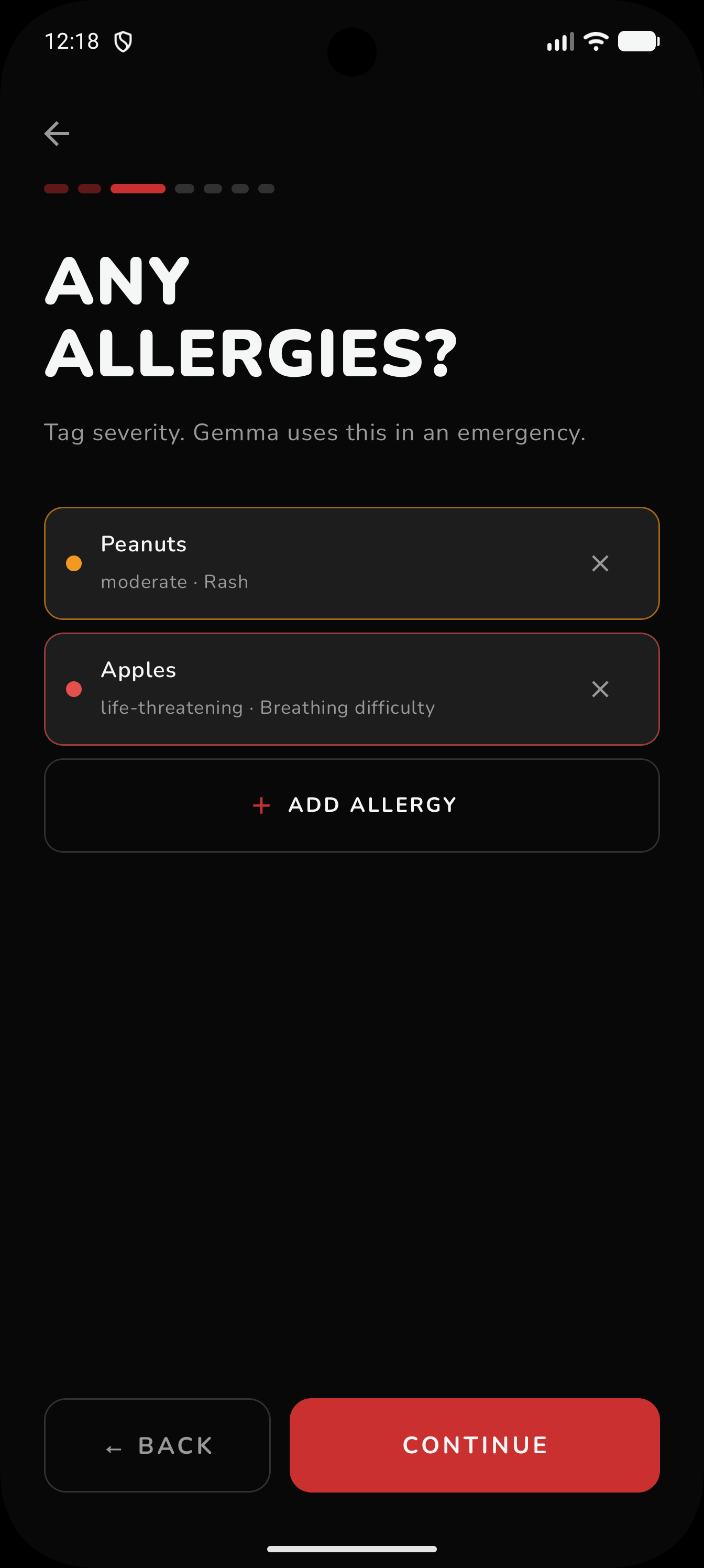
One Time Set Up: Allergies
-
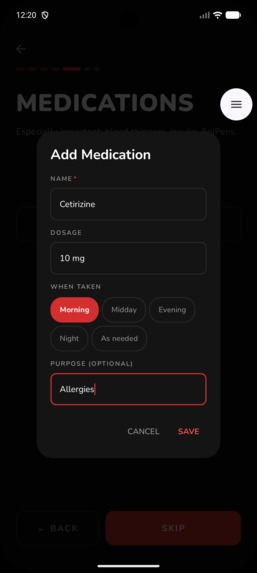
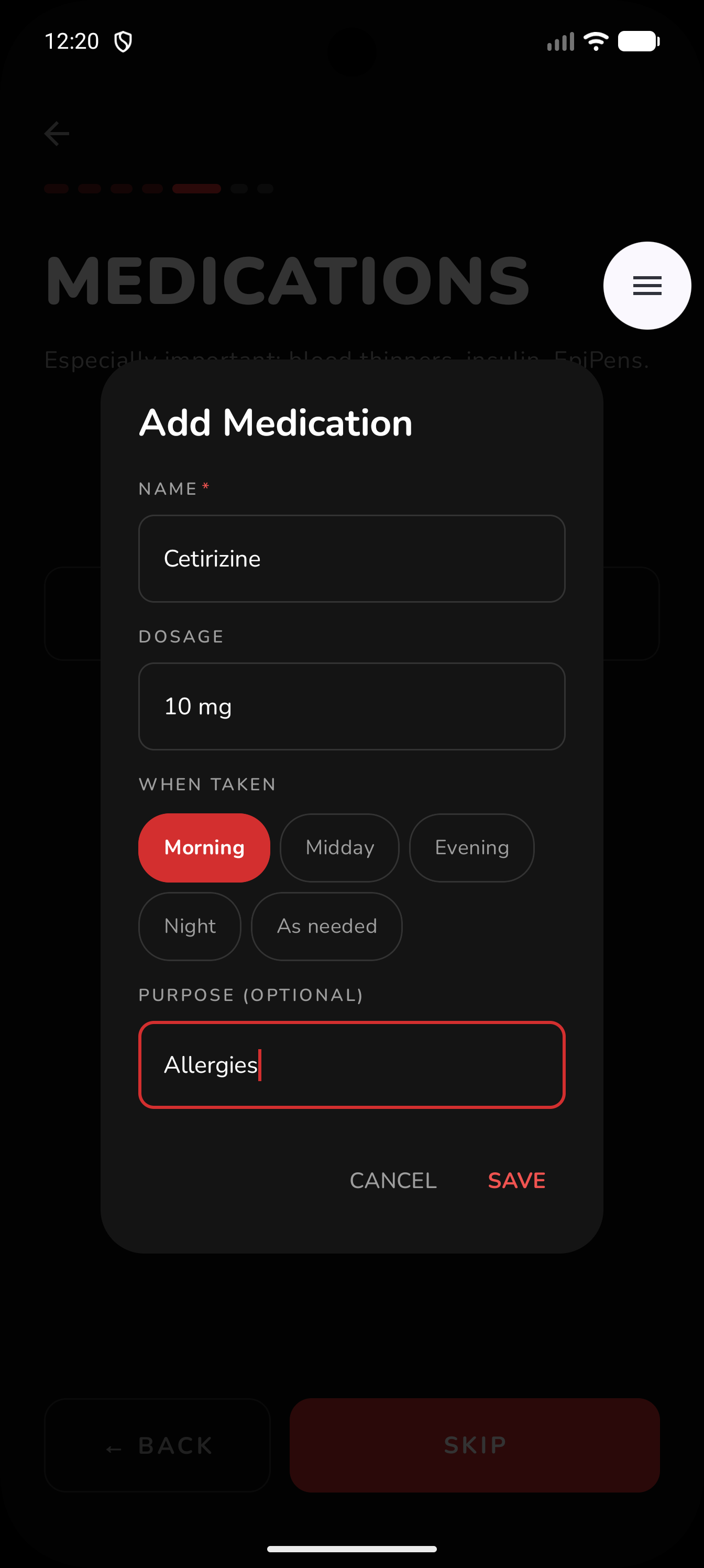
One Time Set Up: Add Medication
-
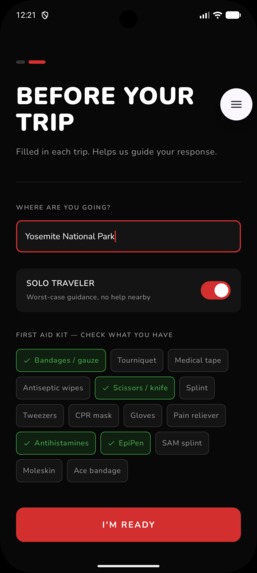
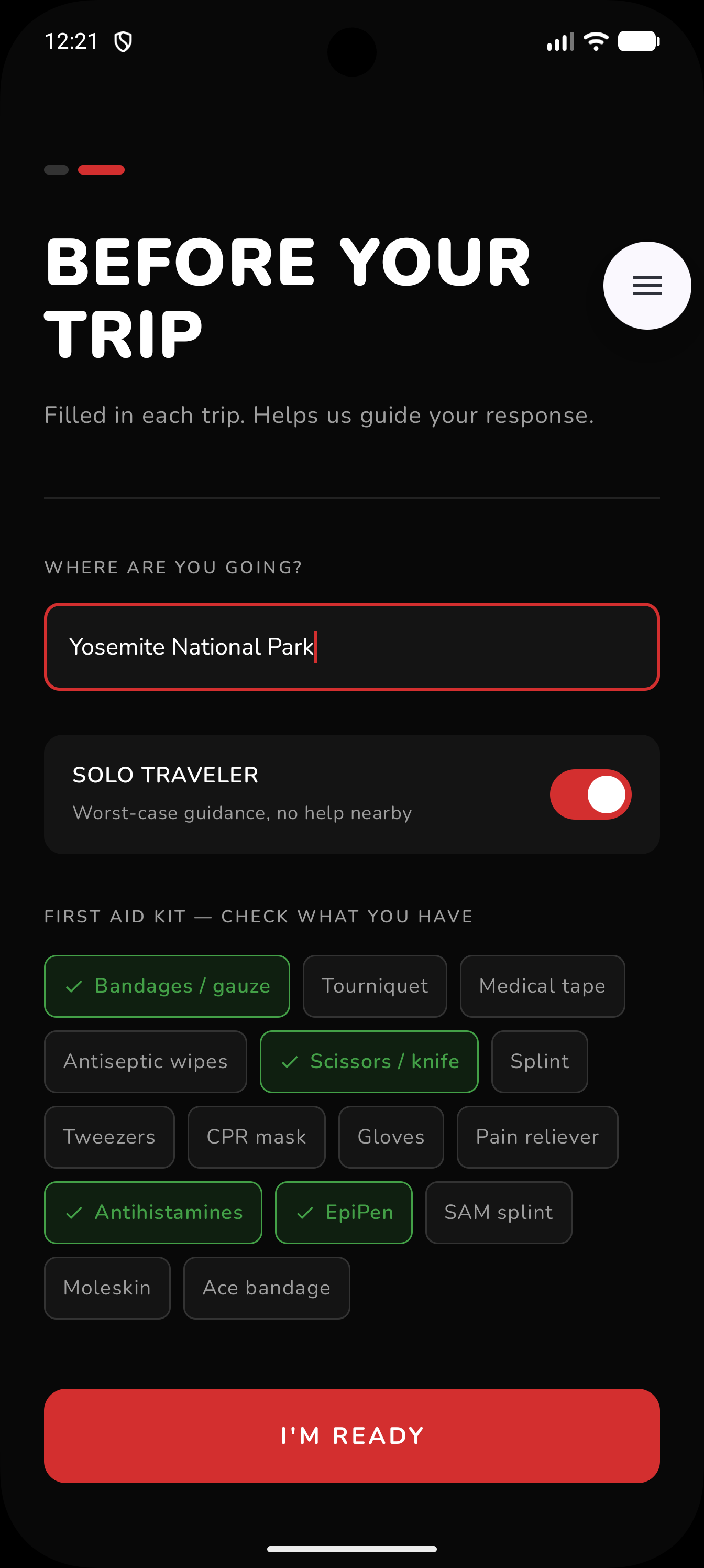
Per Trip Set Up: Location, Supplies
-
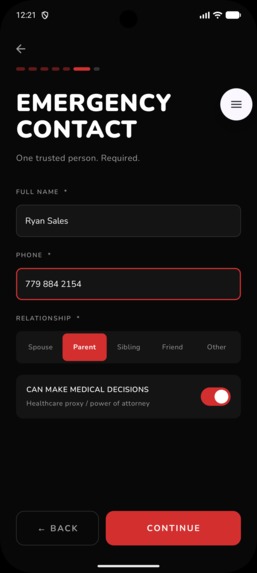
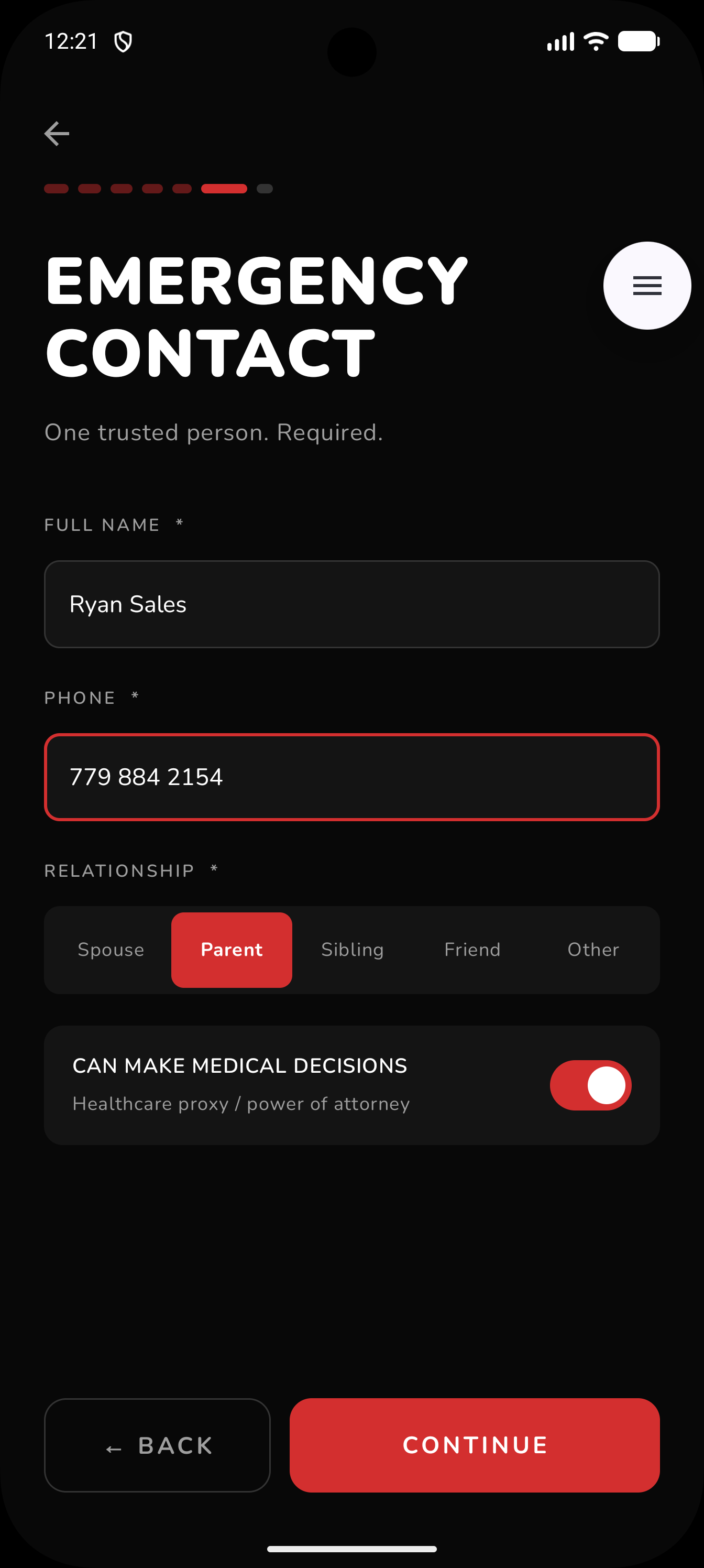
Per Trip Set Up: Emergency Contact
-
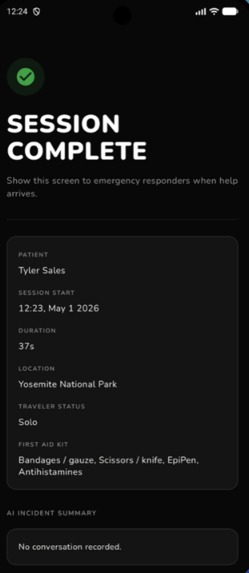
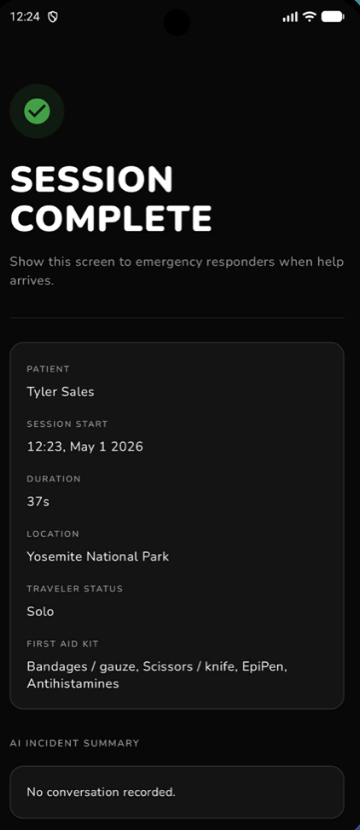
Set up Complete
Product Mission & Value Prop
Imagine you're miles into a hike, completely off the grid, and you suffer a serious injury. You have no medical training, no cell service, and no time to flip through a first-aid manual. Panic sets in.
Emergencies don't wait for Wi-Fi. Cloud-based AI and telehealth apps are useless without connectivity. Traditional first-aid apps are static, require manual searching, and have zero situational awareness. They don't know what they're looking at, and they can't talk you through it.
Field Medic changes that. It sees the injury through your camera, listens to you describe what happened, and talks you through exactly what to do.
Architecture
Input Pipeline
Vision: Live camera feed via CameraX, capturing frames at the start of each user's input Voice: Streaming microphone input via Android SpeechRecognizer (speech-to-text)
Processing Pipeline
- Each camera frame is passed through EfficientDet (via TFLite/ML Kit) for object detection to filter out useless frames that aren't relevant to the injury
- Valid frames + transcribed user speech are fed into FastVLM, which encodes the image into a sequence of visual embeddings
- These embeddings, combined with the continuous stream of text input, are passed into Gemma 4 E2B running locally via LiteRT for on-device inference
- The LLM classifies the injury type (severe bleeding, burn, fracture, etc.) and maps it to step by step guidelines of the first-aid protocols
Output
- Generates and speaks conversational guidance via Android TextToSpeech
- Displays instructions on screen simultaneously
- Logs the full session (transcript, timeline, actions) to a local SQLite Room DB
Challenges We Tackled
Overloading the Context Window
- Problem: Running Gemma 4 E2B on a phone means working within hard constraints: a 2048-token KV-cache ceiling for Gemma and a Samsung Galaxy's 12GB shared RAM. Overloading the LLM causes two failure modes: (1) Hard crash: exceeding the 2048-token ceiling forces the KV cache to allocate more GPU memory than the device can handle, killing the app at startup (2) Slow death where even below the ceiling, the AI can starve the OS and other processes of RAM, causing system-wide throttling
- Solution: Compressed token usage across the board by minimizing the system prompt, converted images to text captions via FastVLM instead of passing raw frames, and implemented a rolling summary that condenses prior Q&A context into each new message so conversation history stays compact without losing critical info. ## Beating Latency
- On-device inference with FastVLM and Gemma introduces latency. We overlap compute with output: the camera's 7-second image capture loop fires while the AI is speaking its previous response. The user perceives zero lost time. ## Prompt Engineering
- Tuned the system prompt to switch between two modes: question mode (gathering info) and emergency/diagnose mode (delivering immediate guidance), depending on severity signals. ## UX in Fight-or-Flight
- Designing UI for someone in panic. We stripped out complex menus and defaulted to prominent voice and camera buttons with minimal info, only what's necessary for the critical moment.
What's Next
- Run user interviews and get real feedback (on our next camping trip!)
- Improve classification accuracy by integrating a RAG pipeline using EmbeddingGemma against a local medical database for richer context during classification
- Refine the system prompt to research how people respond to guidance during fight-or-flight to optimize tone, pacing, and instruction delivery
- On hitting "End Session," a separate prompt compiles the full transcript, timeline, and actions taken into a clinical_summary.json that is ready to share with ER doctors the moment the user regains signal
- Guide the stabilized user toward the nearest point of cell service or help


Log in or sign up for Devpost to join the conversation.