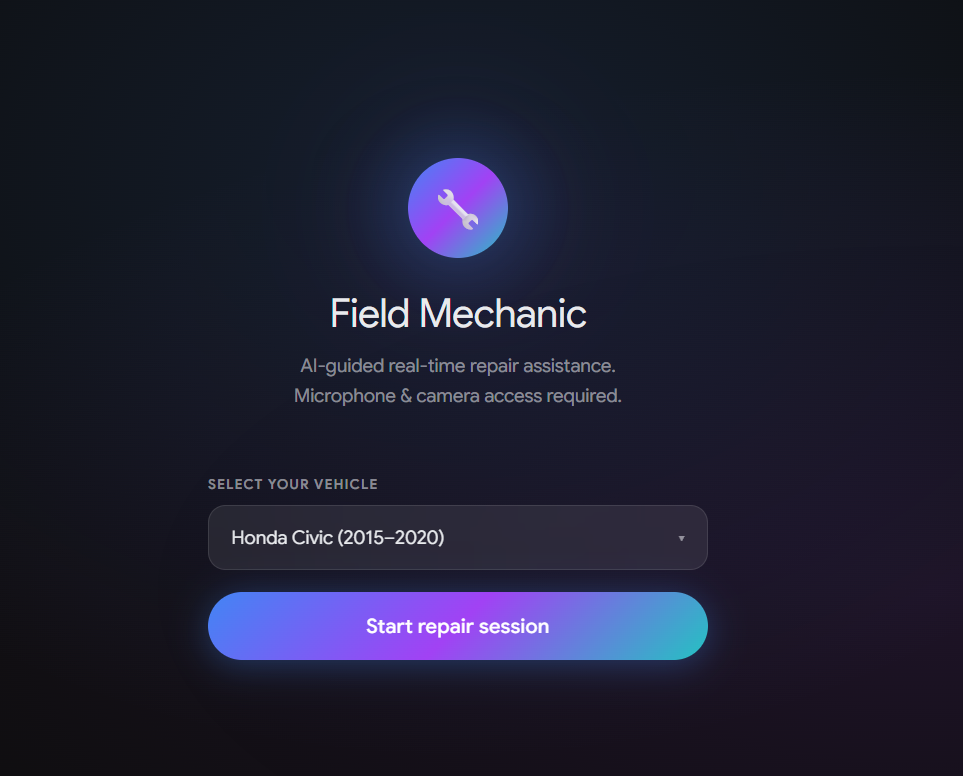
Summary of Features & Functionality: Field Mechanic is a real-time, multimodal AI agent that guides users step-by-step through car repairs (e.g., alternator swap, battery replacement). By using a web camera to "see" the engine and voice interactions to "hear" the user, the agent provides hands-free guidance. The standout feature is its <500ms voice interruption handling ("barge-in"): if the user asks a question mid-instruction, the agent instantly pauses, answers using contextual awareness of the video and conversation history, and then resumes the guidance.
Technologies Used:
Frontend: React 18, TypeScript, Web Audio API (for VAD), WebSockets. Backend: FastAPI (Python). AI/ML: Gemini Multimodal Live API (gemini-2.0-flash), Google Cloud Speech-to-Text (for low-latency Voice Activity Detection). Cloud & Infrastructure: Google Cloud Run (serverless backend), Firestore (session state checkpointing), Cloud Storage (photos & manuals), Cloud Logging/Monitoring, Terraform (IaC). Data Sources Used:
Real-time video/audio streams from the user's camera/microphone. Automotive repair manual PDFs (stored in Cloud Storage) parsed via Tool Calling. Car model configuration metadata. Findings and Learnings:
Latency is everything for a natural conversation. Relying solely on the LLM to detect interruptions was too slow. By integrating Google Cloud Speech-to-Text as a dedicated, low-latency Voice Activity Detector (VAD) alongside the Gemini Live stream, we achieved a response time of ~340ms for barge-ins. Adaptive Streaming: Constantly streaming high-fps video to the Live API can be costly and unnecessary for static repair scenes. We implemented adaptive frame rate sampling—streaming at a low 1fps baseline, but bursting to 5-15fps immediately when speech is detected, ensuring high visual context exactly when the user asks a question.
Public Code Repository https://github.com/gitmibrahim/field-mechanic-gemini-live-ai-agent
Spin-up Instructions (README.md) Status: ✅ Existing in
README.md under "🚀 Quick Start". Note: The instructions clearly define prerequisites (GCP billing, Docker, gcloud) and provide a 5-step process using the .infra/scripts/deploy.sh script to deploy to Cloud Run.
- Architecture Diagram Status: An ASCII diagram exists in ARCHITECTURE.md


Log in or sign up for Devpost to join the conversation.