-
-
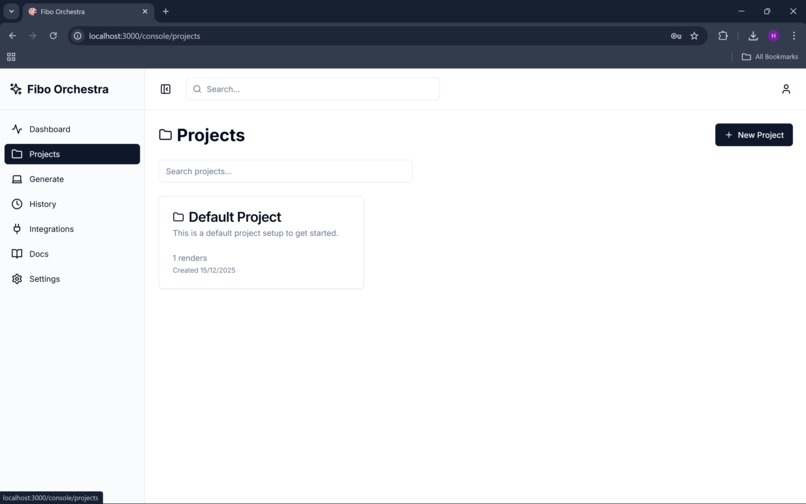
projects
-
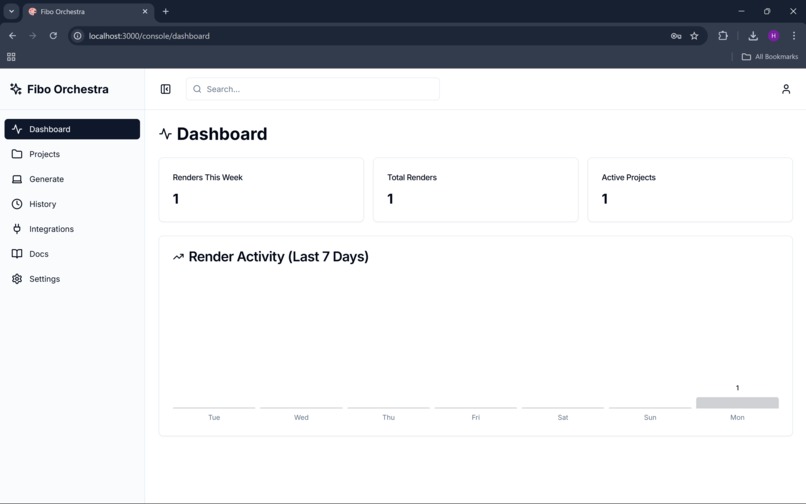
dashboard
-
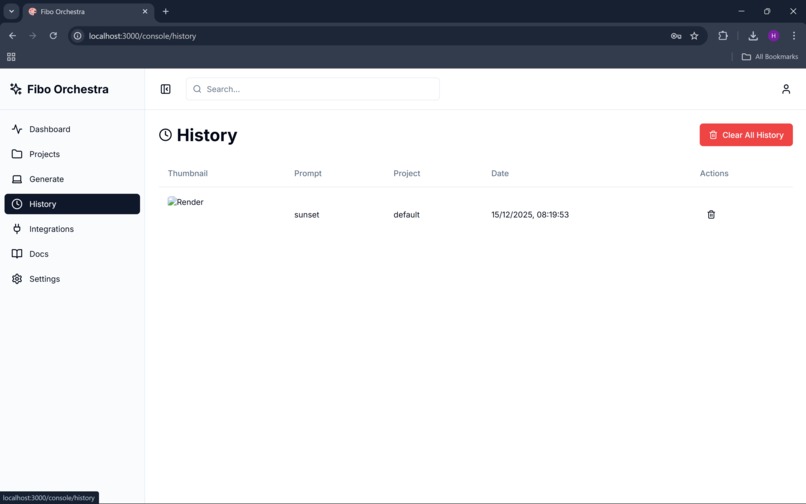
history
-
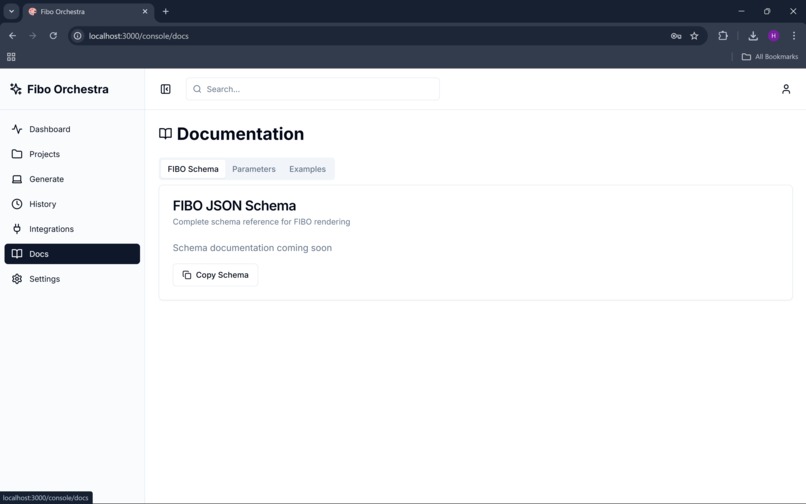
documentation
-
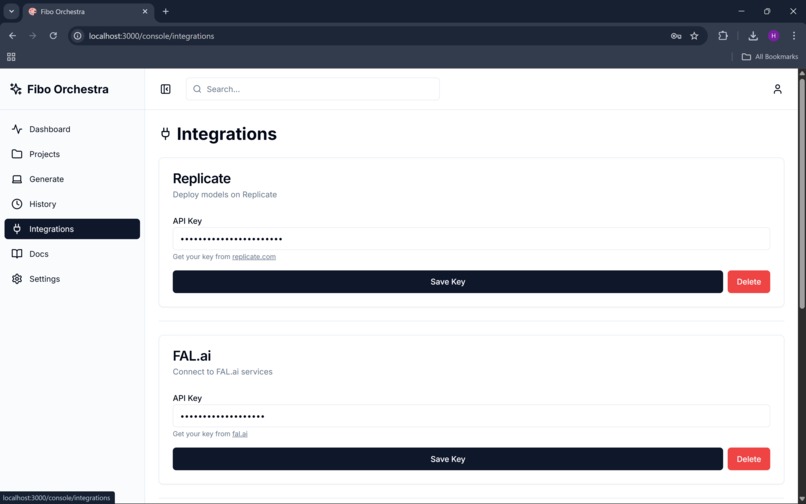
integrations
-
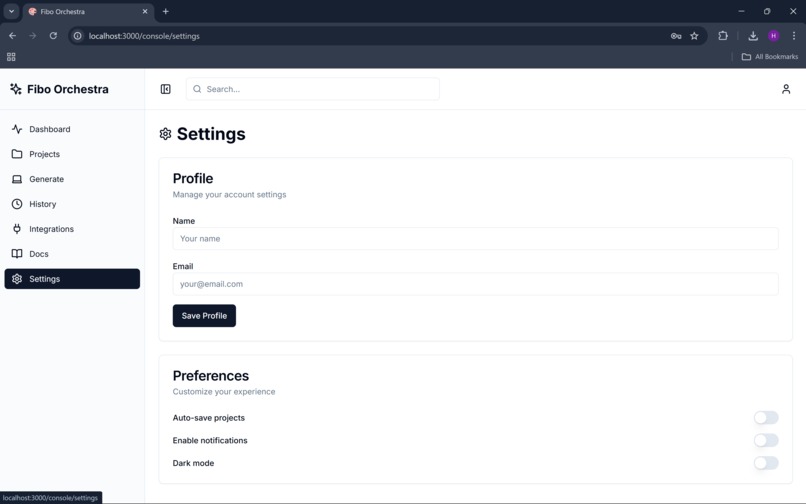
settings
-
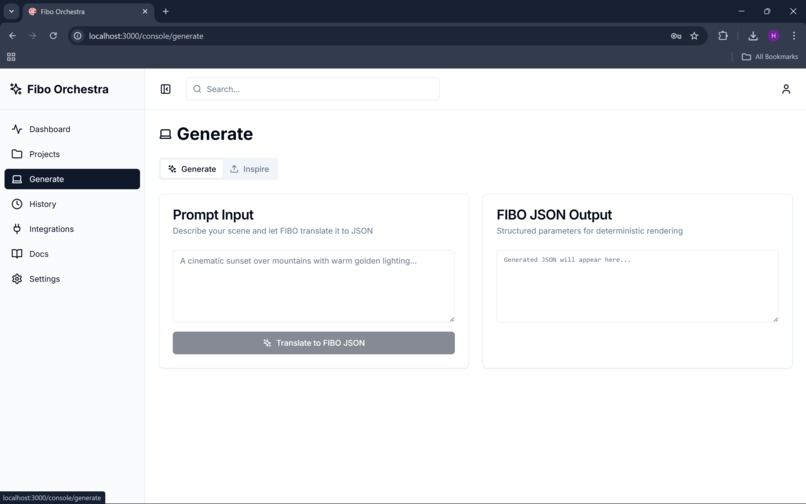
generate
-
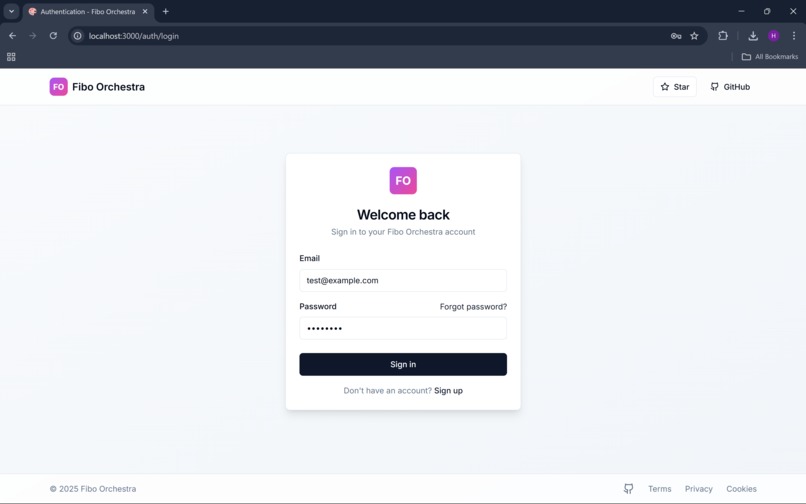
login
Fibo Orchestra - Project Details
Inspiration
The inspiration for Fibo Orchestra came from the frustration of working with traditional AI image generation tools that felt like "black boxes." As creators, we wanted deterministic control over our visual output - the ability to precisely adjust camera angles, lighting conditions, and color palettes without relying on prompt engineering tricks. When Bria released FIBO, the first JSON-native text-to-image model, we saw an opportunity to build the professional-grade interface this technology deserved.
What it does
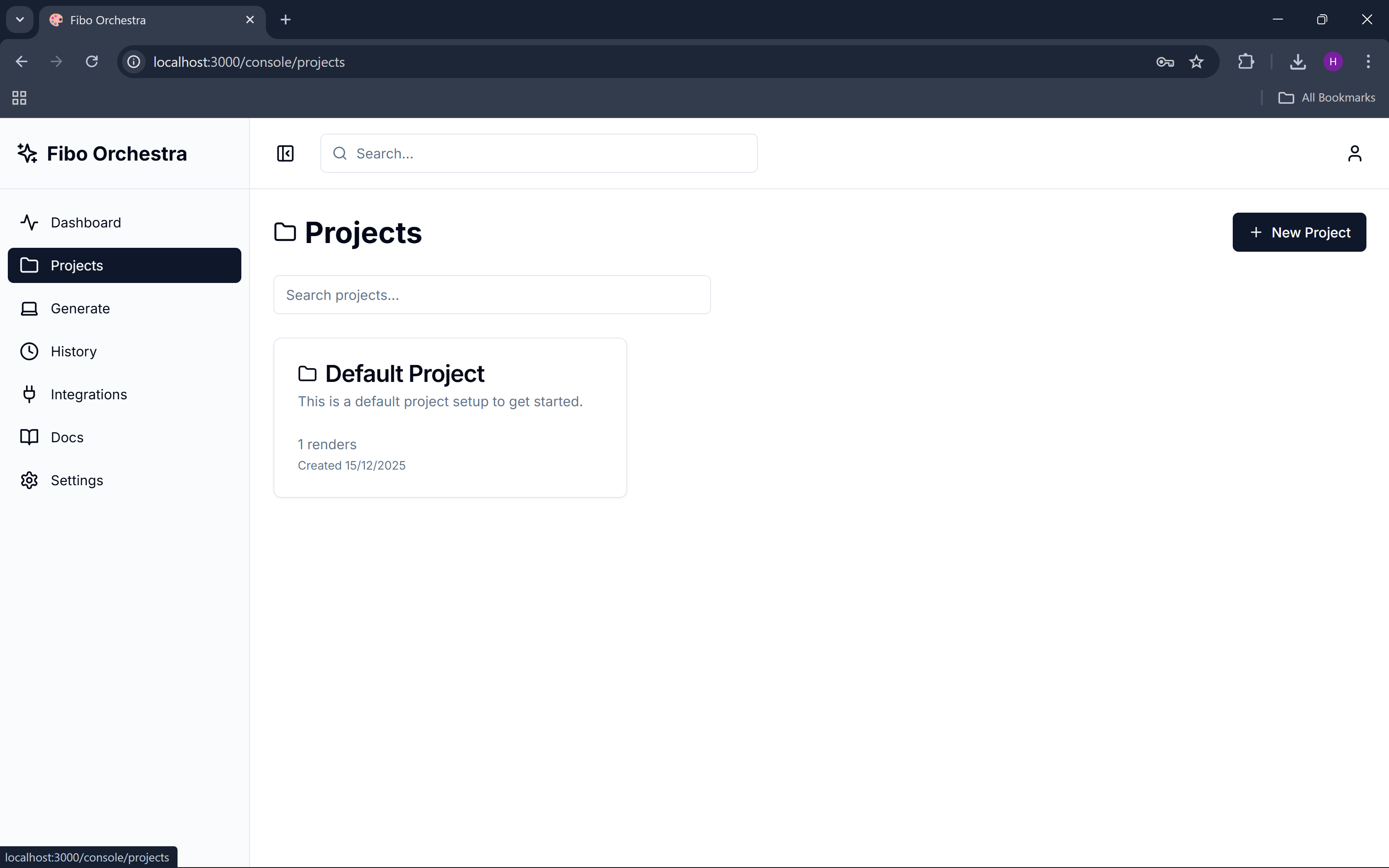
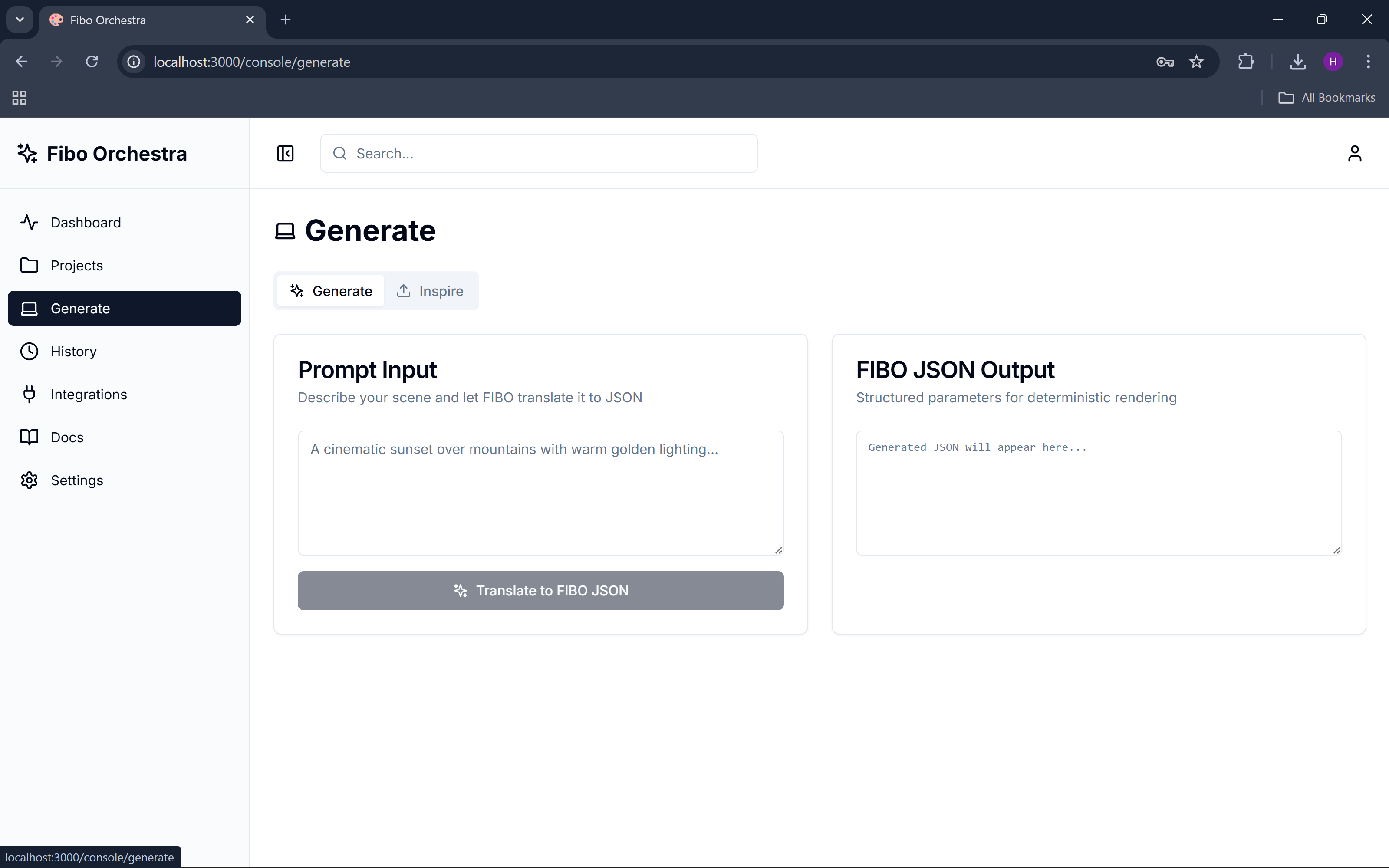
Fibo Orchestra is an open-source visual generation console that transforms natural language prompts into structured JSON parameters for precise image control. Users can:
- Generate images with deterministic control over camera ($\theta = 45°$), FOV, lighting, and HDR
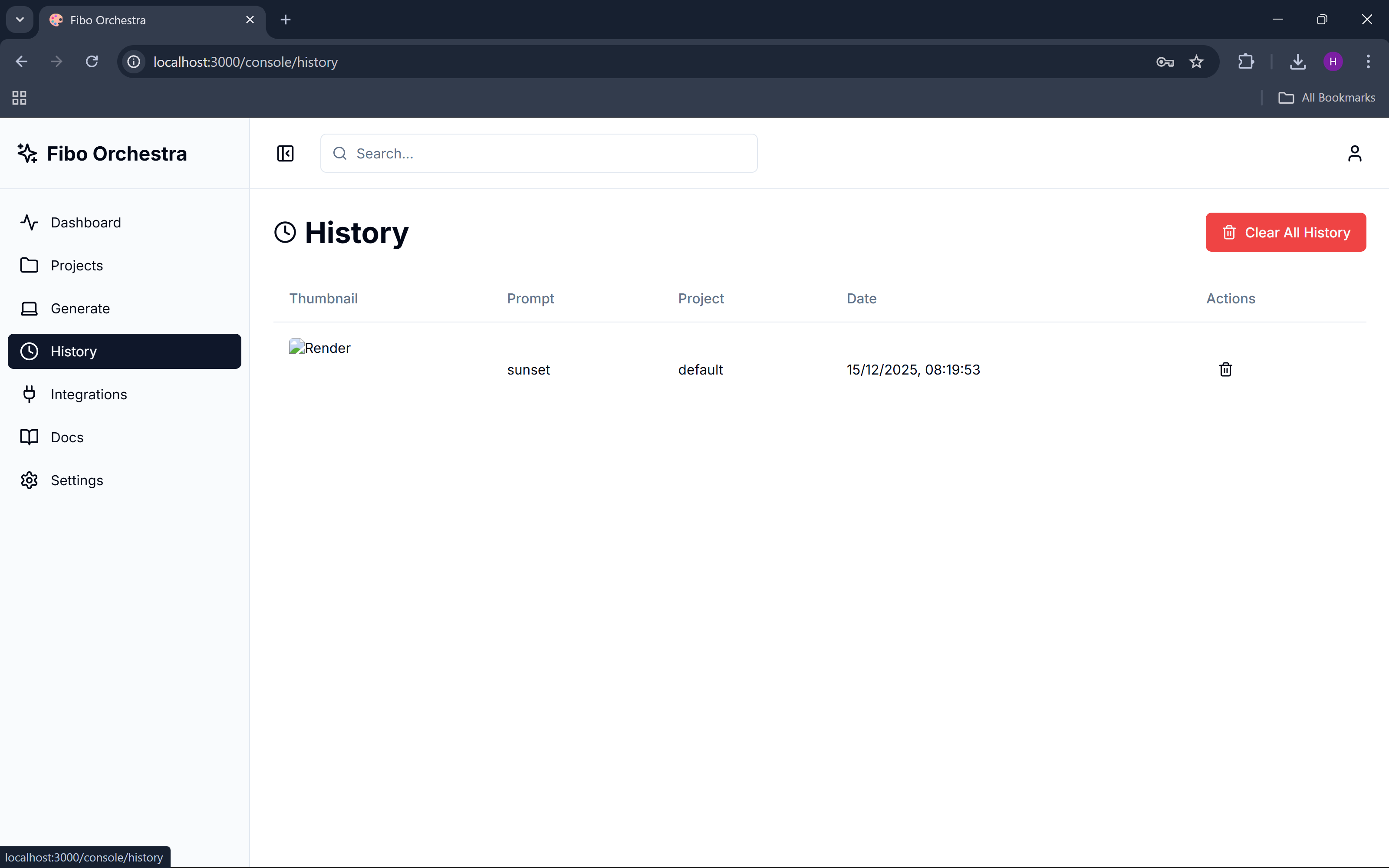
- Manage projects with full render history and batch processing capabilities
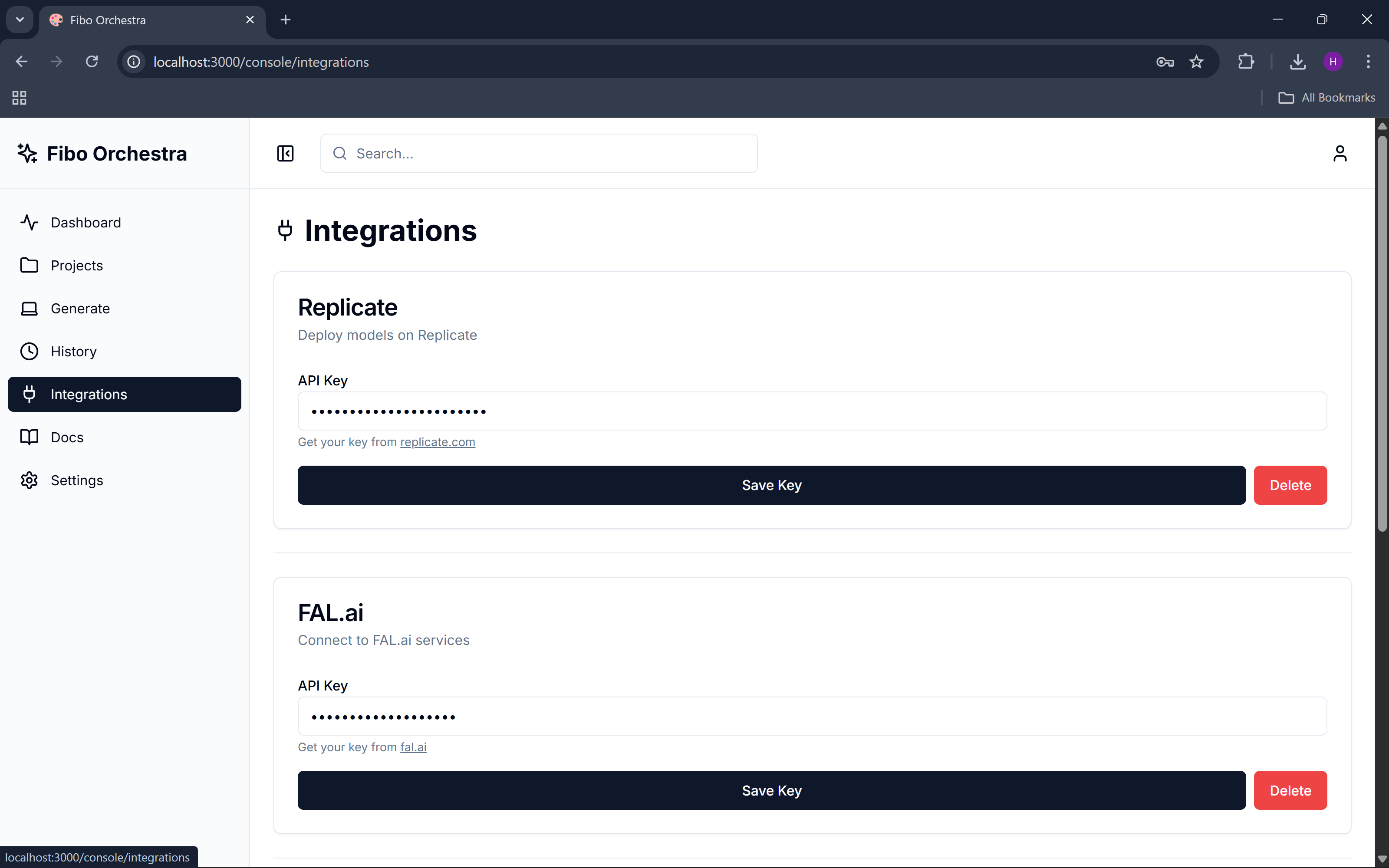
- Switch between providers (Bria FIBO, Replicate, FAL.ai, Runware) seamlessly
- Refine outputs using structured prompts for iterative improvement
- Inspire from existing images to extract and modify their visual parameters
The platform bridges the gap between creative intent and technical precision, making professional AI image generation accessible to everyone.
How we built it
Architecture: We chose a modern full-stack approach with Next.js 14 (React 18) for the frontend and FastAPI (Python 3.11) for the backend, ensuring both developer experience and performance.
Key Technical Decisions:
- JSON-first approach: Built around FIBO's structured parameter system rather than traditional prompt-based generation
- Multi-provider abstraction: Created a unified interface supporting 4 different AI providers with automatic fallback
- Client-side API key management: Enables rapid prototyping while supporting production environment variables
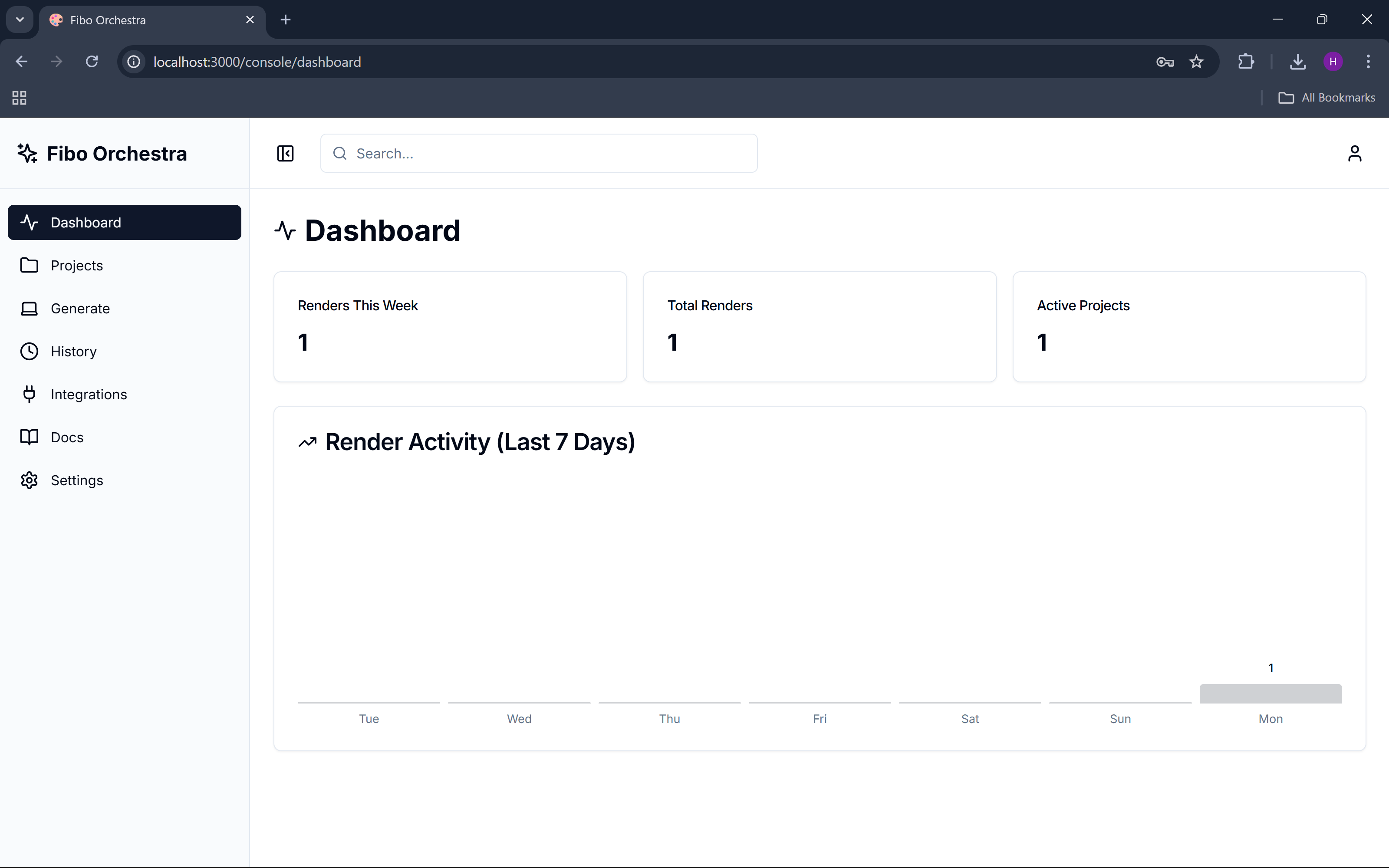
- Real-time caching: Implemented 30-second TTL caching for dashboard metrics and project data
Integration Challenges: Each AI provider has different APIs - Bria uses async polling, Replicate returns direct URLs, FAL.ai requires specific headers, and Runware uses WebSocket connections. We abstracted these differences behind a unified render_from_json() interface.
Challenges we ran into
Python Version Compatibility: Discovered that Python 3.14 breaks Pydantic V1 compatibility in the replicate package, forcing us to standardize on Python 3.11 across the project.
Async/Sync Integration: Runware's async WebSocket API required careful integration with FastAPI's sync endpoints, solved using asyncio.run() for isolated async execution.
State Management: Balancing client-side API key storage (for development) with secure backend environment variables (for production) while maintaining a seamless user experience.
Provider-Specific Quirks: Each AI service has unique response formats, timeout behaviors, and error handling requirements that needed to be normalized.
Accomplishments that we're proud of
- First open-source FIBO console: Created the first comprehensive interface for Bria's groundbreaking JSON-native model
- Multi-provider architecture: Successfully abstracted 4 different AI APIs behind a unified interface
- Professional workflow: Built enterprise-grade features like project management, batch processing, and render history
- Developer experience: Achieved sub-second page loads with intelligent caching and optimized API calls
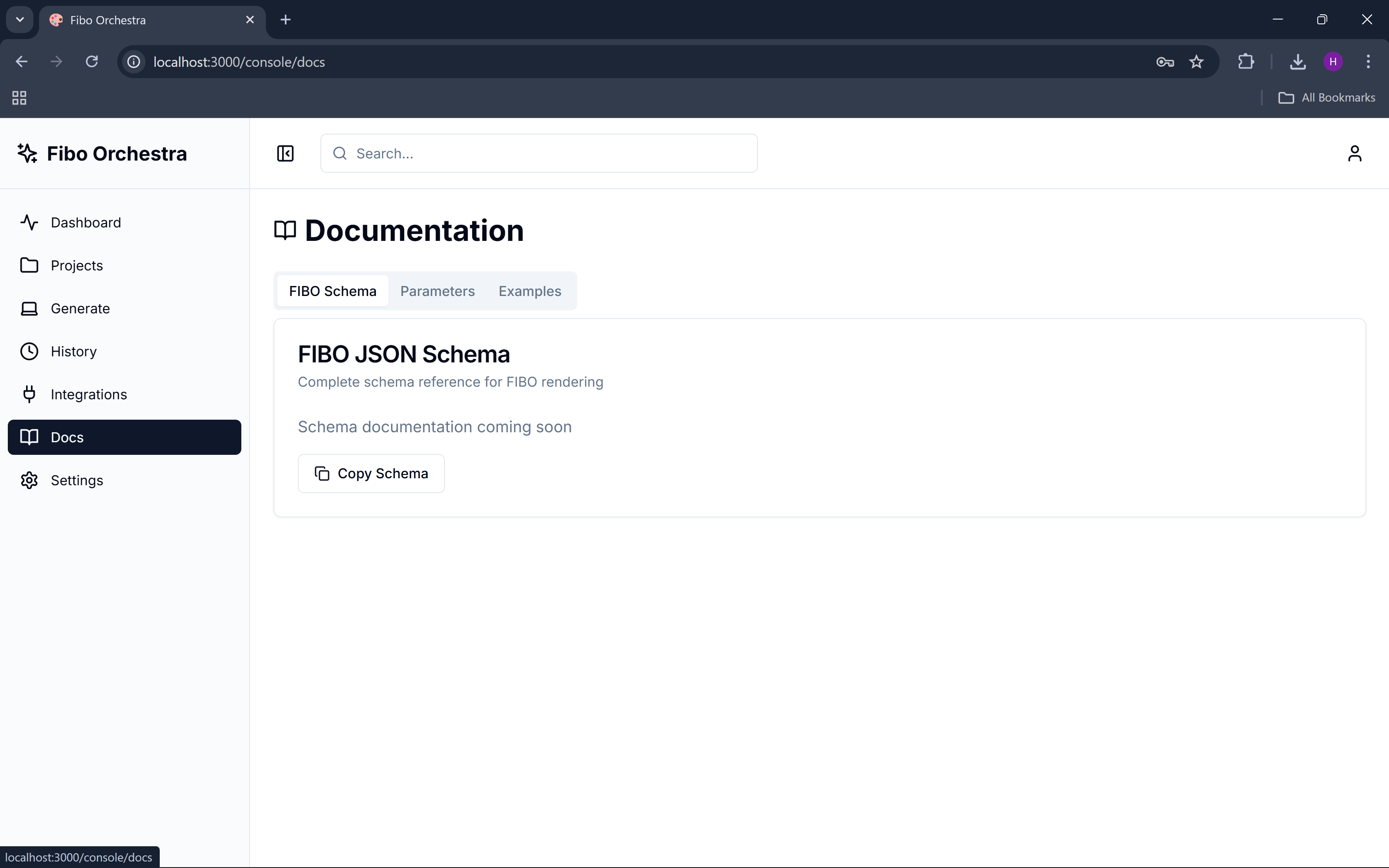
- Community-first: Released everything under MIT license with comprehensive documentation
What we learned
Technical Insights:
- JSON-structured prompts provide significantly more control than traditional text prompts
- Async/sync boundaries in Python require careful design when integrating multiple APIs
- Client-side caching (30s TTL) dramatically improves perceived performance for dashboard applications
- TypeScript + Pydantic creates excellent type safety across the full stack
Product Insights:
- Creators want deterministic control over AI outputs, not just "better prompts"
- Multi-provider support is essential - no single AI service meets all use cases
- Professional workflows (projects, history, batch processing) are as important as the core generation features
What's next for Fibo Orchestra
Short-term:
- Advanced parameter controls: Implement fine-grained camera positioning with 3D visualization
- Batch parameter sweeps: Enable systematic exploration of parameter spaces
- Export capabilities: Add support for exporting parameter sets and render collections
Medium-term:
- Custom model support: Allow users to upload and integrate their own fine-tuned models
- Collaborative features: Multi-user projects with shared parameter libraries
- API marketplace: Connect with additional AI providers as they emerge
Long-term Vision: Transform Fibo Orchestra into the industry standard for professional AI image generation, where creators have the same level of control over AI-generated visuals as they do with traditional 3D rendering software. We envision a future where every creative professional can achieve pixel-perfect results through structured, deterministic AI generation.
The ultimate goal: democratize professional-grade AI image generation while maintaining the precision and control that creative professionals demand.
Technical Architecture
Frontend Stack
// Core Technologies
Next.js 14 + React 18 + TypeScript
Tailwind CSS + shadcn/ui + Radix UI
Lucide React (icons)

// Key Features
- Server-side rendering with App Router
- Client-side caching (30s TTL)
- Real-time state management
- Responsive design system
Backend Stack
# Core Technologies
FastAPI + Python 3.11 + Pydantic
Redis + RQ (background jobs)
S3/MinIO (storage) + local fallback

# AI Provider Integrations
- Bria FIBO (async polling)
- Replicate (direct API)
- FAL.ai (REST API)
- Runware (WebSocket)
Database Schema
{
  "projects": {
    "id": "uuid",
    "name": "string",
    "description": "string",
    "created_at": "timestamp"
  },
  "renders": {
    "id": "uuid",
    "project_id": "uuid",
    "image_url": "string",
    "fibo_json": "object",
    "metadata": "object",
    "created_at": "timestamp"
  }
}
API Endpoints
Core Generation
POST /api/v1/translate- Convert prompt to FIBO JSONPOST /api/v1/render-preview- Generate image from JSONPOST /api/v1/batch-render- Batch processingGET /api/v1/job-status/{id}- Check job status
FIBO-Specific
POST /api/v1/refine- Refine with structured promptPOST /api/v1/inspire- Generate from imagePOST /api/v1/structured-prompt- Generate structured prompt
Project Management
GET /api/v1/projects- List projectsPOST /api/v1/projects- Create projectPUT /api/v1/projects/{id}- Update projectDELETE /api/v1/projects/{id}- Delete project
Render History
GET /api/v1/renders- List rendersDELETE /api/v1/renders/{id}- Delete renderDELETE /api/v1/renders- Clear all renders
Performance Optimizations
Frontend
- Caching Strategy: 30-second TTL for API responses
- Code Splitting: Dynamic imports for heavy components
- Image Optimization: Next.js Image component with lazy loading
- Bundle Analysis: Tree shaking and dead code elimination
Backend
- Connection Pooling: Reuse HTTP connections for AI providers
- Background Jobs: Redis queue for batch processing
- Storage Optimization: S3/MinIO with local fallback
- Error Handling: Graceful degradation with placeholder images
Security Considerations
API Key Management
# Development (localStorage)
localStorage.setItem('bria_api_key', 'key')

# Production (environment variables)
BRIA_API_KEY=secure_key_here
CORS Configuration
origins = ["http://localhost:3000"]  # Development
# origins = ["https://yourdomain.com"]  # Production
Input Validation
- Pydantic models for request validation
- JSON schema validation for FIBO parameters
- File upload size limits and type checking
Deployment Guide
Local Development
# Frontend
cd frontend && npm run dev

# Backend
cd backend && uvicorn app.main:app --reload
Production Deployment
# Docker Compose
docker-compose up -d

# Manual Deployment
# Frontend: Vercel/Netlify
# Backend: Railway/Render/AWS
# Storage: S3/MinIO
# Queue: Redis Cloud
Contributing Guidelines
Code Style
- Frontend: ESLint + Prettier + TypeScript strict mode
- Backend: Black + isort + mypy type checking
- Commits: Conventional commits format
Testing Strategy
# Frontend
npm run test        # Jest + React Testing Library
npm run test:e2e    # Playwright

# Backend
pytest              # Unit tests
pytest --cov       # Coverage report
Pull Request Process
- Fork repository
- Create feature branch
- Add tests for new functionality
- Ensure all tests pass
- Update documentation
- Submit PR with clear description
License & Legal
Project License
MIT License - Full commercial and personal use permitted
FIBO Model License
- Non-commercial: Free under Bria FIBO License
- Commercial: Contact Bria AI for licensing
Third-Party Dependencies
All dependencies use permissive licenses (MIT, Apache 2.0, BSD)
Built with ❤️ by the open-source community
Democratizing professional AI image generation, one JSON parameter at a time.
Built With
- 14
- api
- bria
- css
- docker
- fal.ai
- fastapi
- fibo
- httpx
- lucide
- next.js
- pydantic
- python
- radix
- react
- render.com
- replicate
- runware
- shadcn/ui
- tailwind
- typescript
- uvicorn
- vercel


Log in or sign up for Devpost to join the conversation.