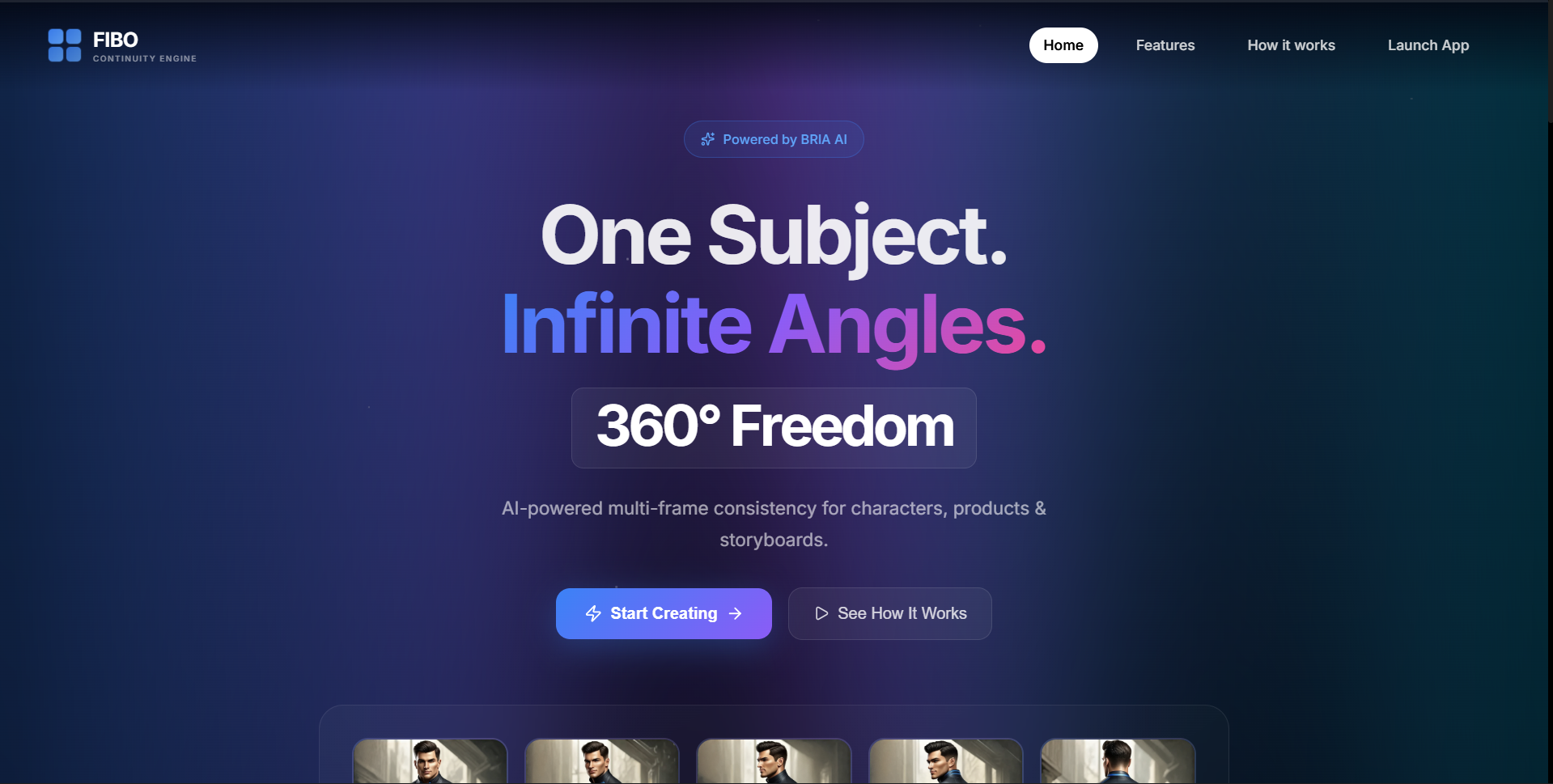
🎬 FIBO Continuity Engine
One-Click Perfectly Consistent Multi-Frame Generator
🧠 Inspiration
Every AI artist, game developer, and content creator knows the pain: you generate a perfect character in one frame, but the moment you try to create additional angles or poses, the AI produces a completely different person. Hair color changes, facial features morph, clothing transforms — visual consistency is the #1 unsolved problem in AI image generation.
When we discovered BRIA’s FIBO (Factorized Image-to-Image) model and its revolutionary disentangled prompting capability, we knew this was the breakthrough the creative industry needed. FIBO’s structured_prompt allows locking a character’s identity while modifying only camera parameters — keeping everything else pixel-perfect consistent.
We built FIBO Continuity Engine to unlock this power for everyone.
🚀 What It Does
FIBO Continuity Engine is a professional-grade web application that generates perfectly consistent multi-angle image sequences using BRIA’s FIBO API.
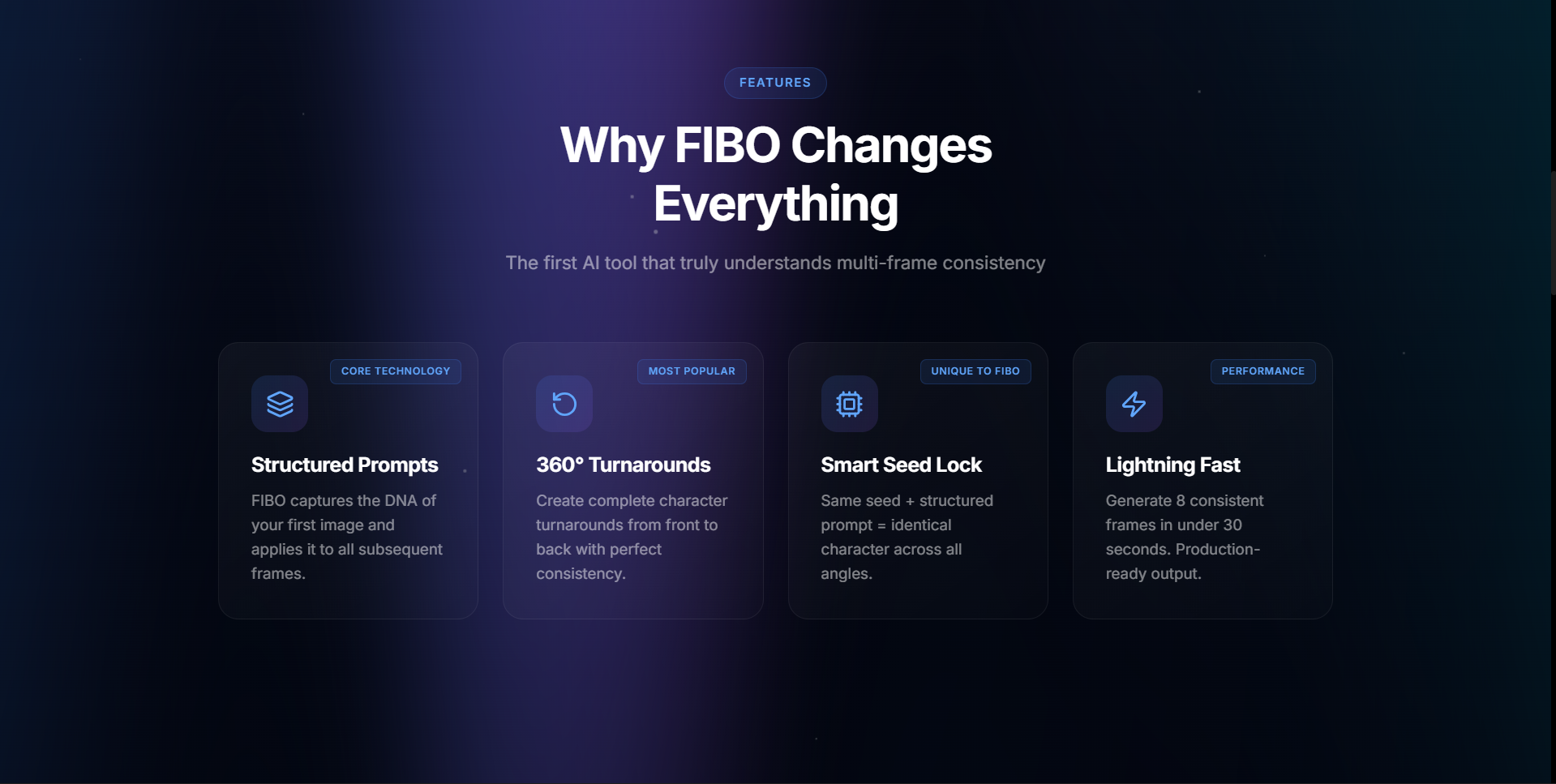
🎯 Core Features
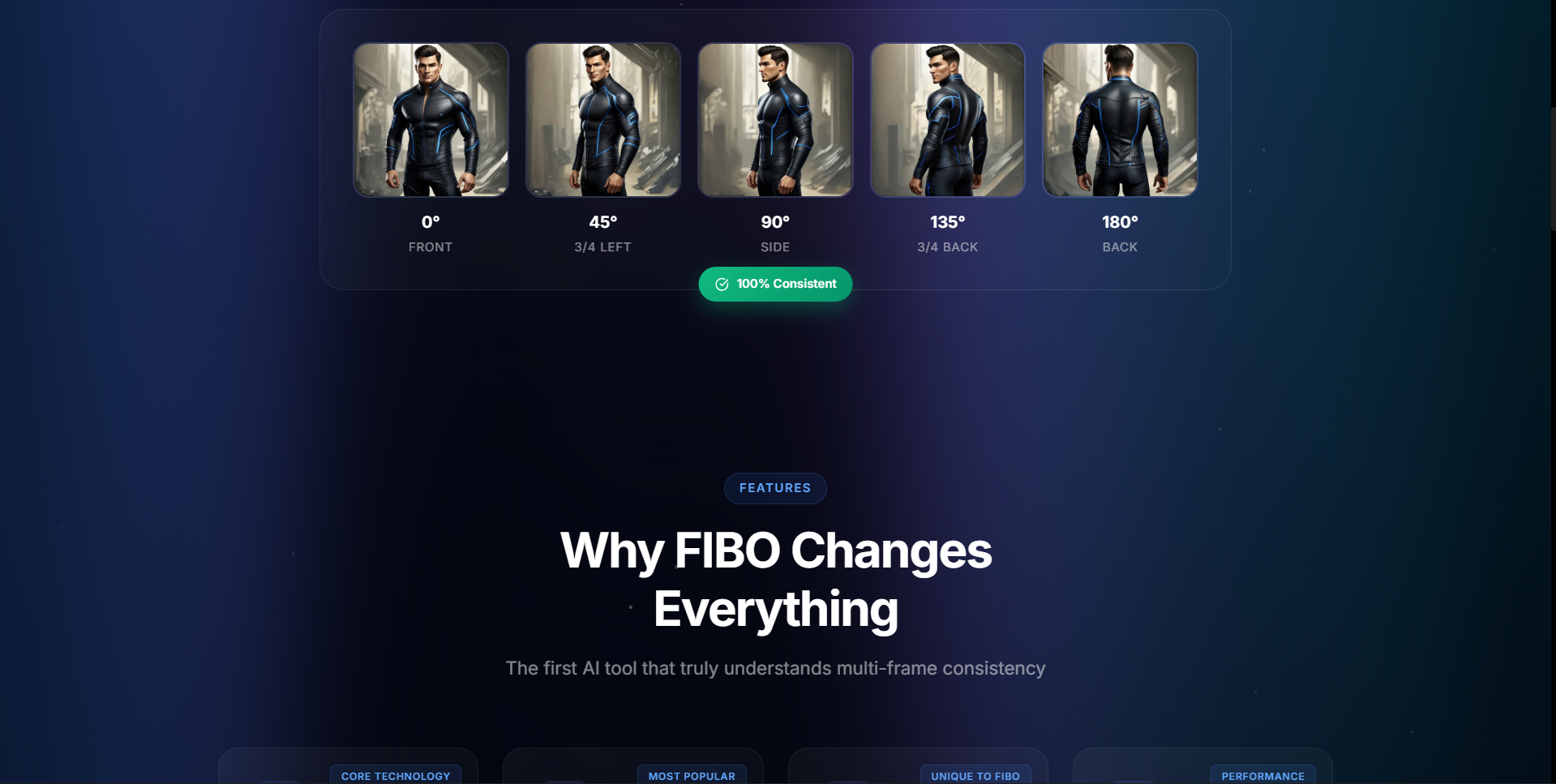
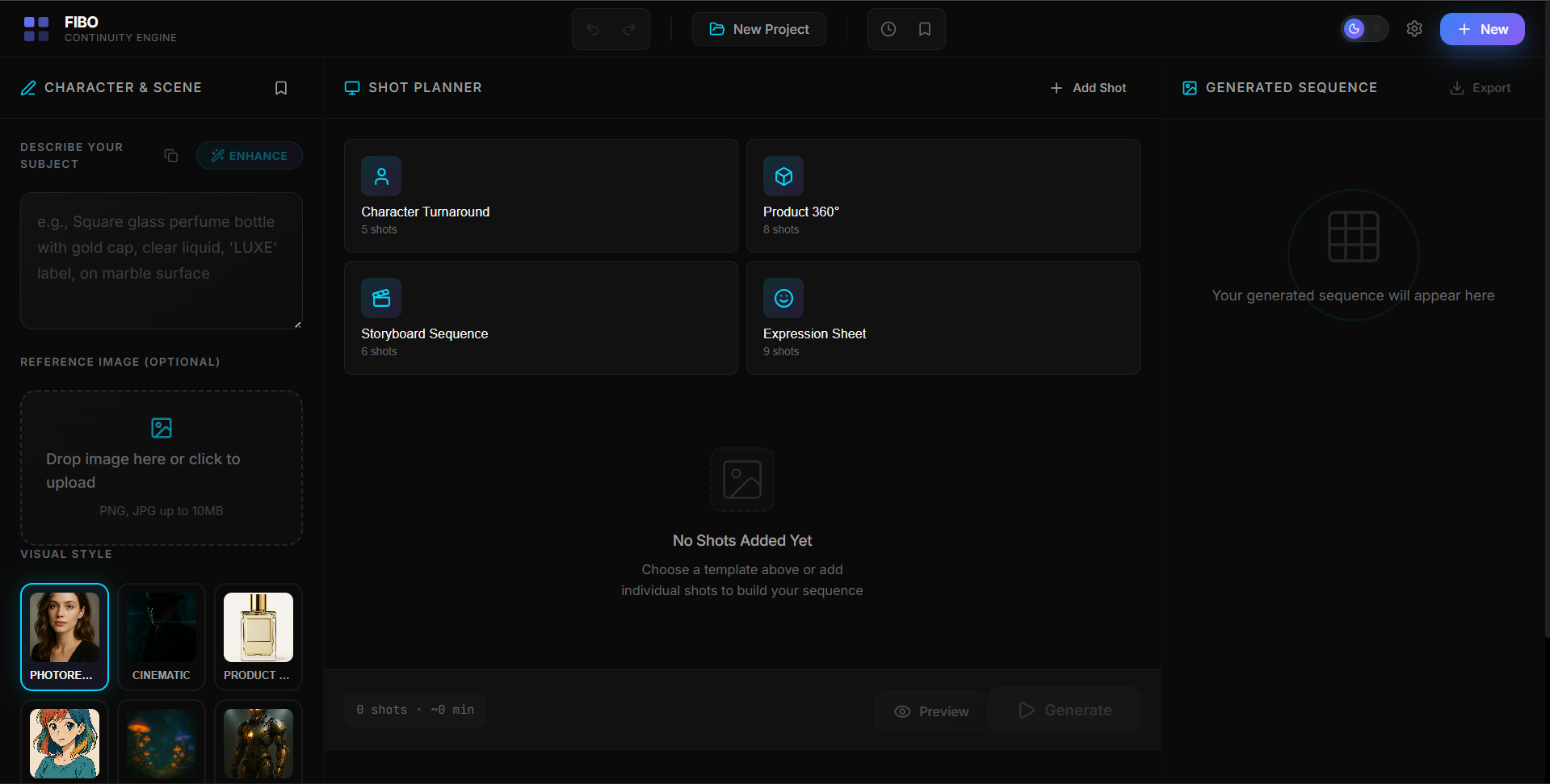
- One-click character turnarounds (Front → 3/4 Side → 3/4 Back → Back)
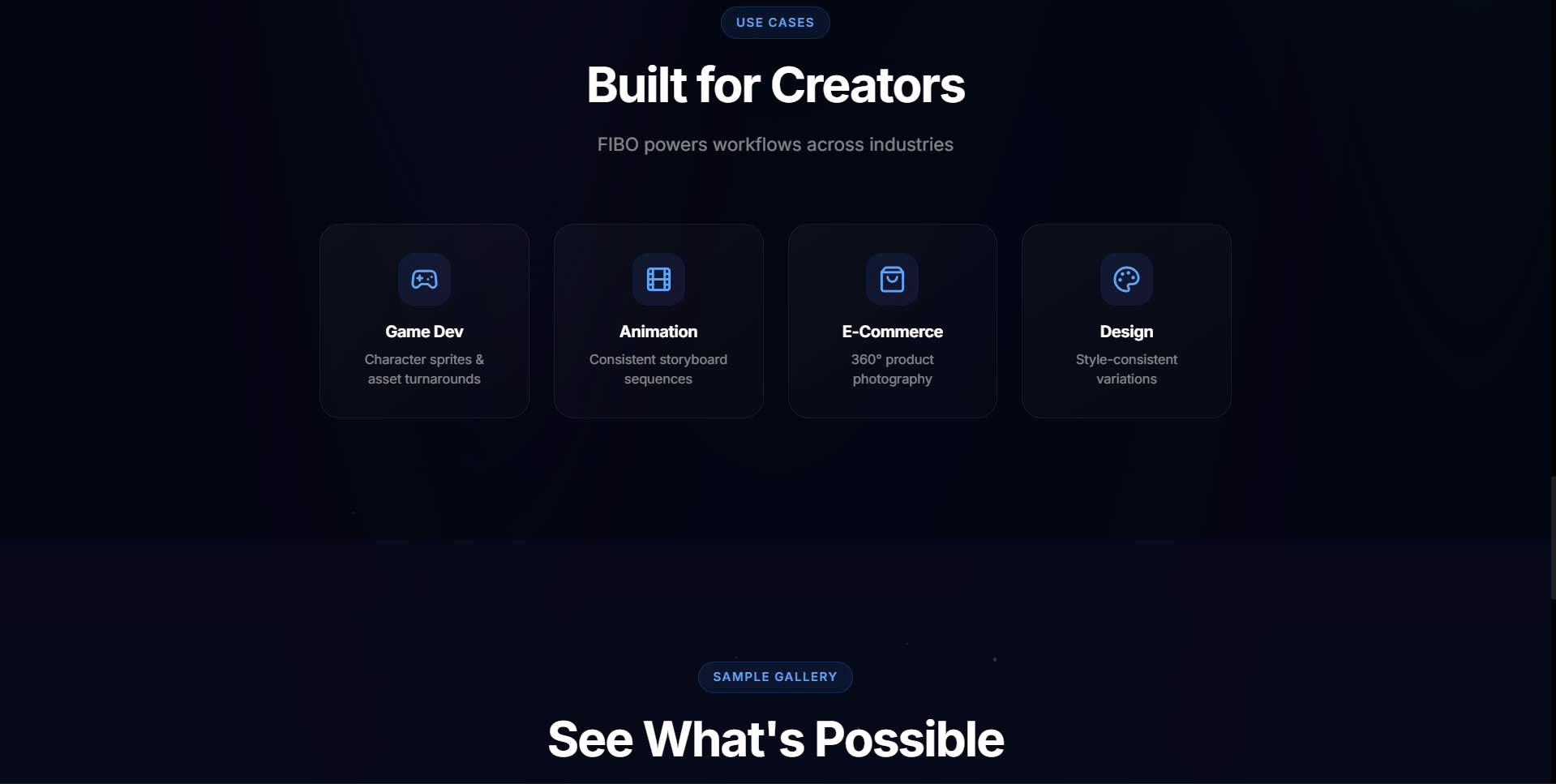
- Product 360° image sequences for e-commerce
- Cinematic storyboard generation
- Expression sheet generation (same character, different emotions)
- Precise camera controls (angle, height, FOV, framing)
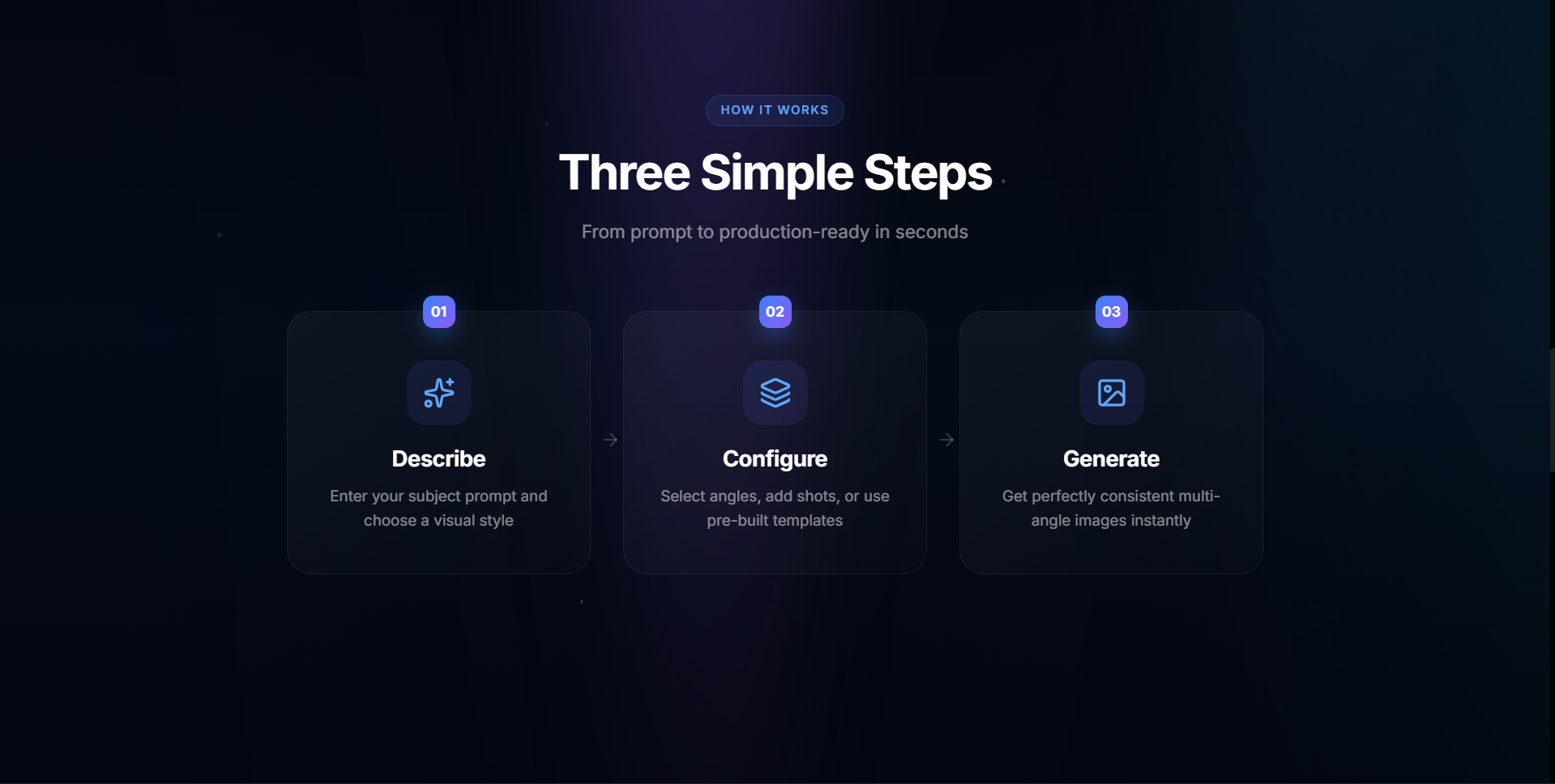
- Preview → approve → generate workflow
- Real-time consistency analysis using color and structure
🔑 The Secret Sauce: Disentangled Generation
FIBO separates identity from camera parameters.
First generation:
- Generate base image
- Extract structured_prompt (character identity)
Subsequent generations:
- Reuse the same structured_prompt
- Modify only camera angle
- Lock the same seed
- Apply strict negative prompts
Example flow (conceptual):
const result = generate(basePrompt, seed) const identity = result.structured_prompt
for each angle: generate( "Camera at X degrees. Keep identical character.", seed, identity )
🎨 Enhanced Prompt Engineering
We built an advanced prompt enhancement system including:
Camera Control
- 48 angle-specific camera descriptions for precise rotation control
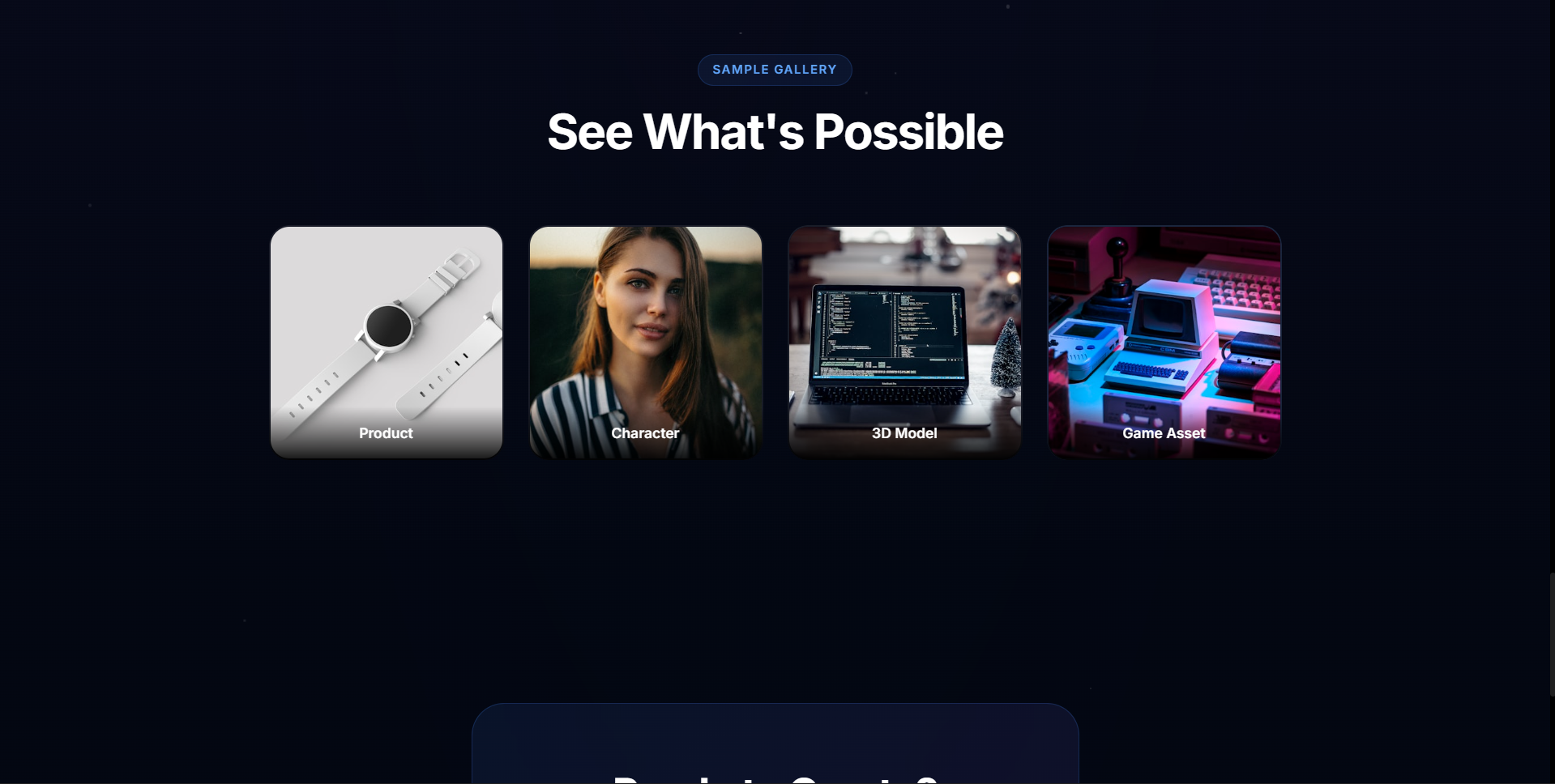
Visual Style Presets
- Photorealistic
- Cinematic
- Anime
- Concept Art
- 3D Render
- Product
Lighting Modes
- Natural
- Golden Hour
- Studio
- Dramatic
- Neon
- Moonlight
- Soft Ambient
- High Contrast
Negative Prompts Prevent
- Character identity drift
- Clothing changes
- Style inconsistency
- Incorrect camera angles
⚠️ Challenges We Ran Into
🔴 Challenge 1: Back Views Showing Front Faces
Problem: AI models strongly bias toward front-facing images even when asked for back views.
Solution: Aggressive redundant prompting:
- BACK VIEW ONLY
- Subject facing away from camera
- Camera positioned behind subject
- Do not show face
Negative prompts: front view, face visible, eyes visible, looking at camera
🔴 Challenge 2: Clothing Inconsistency on Back Views
Problem: Back views sometimes produced open-back or altered clothing.
Solution: Explicit clothing locking:
- Same clothing fully closed on back
- Identical outfit from behind
Negative prompts: backless, open back, exposed back, bare back, cutout
🔴 Challenge 3: Structured Prompt Format Variations
Problem: Structured prompt returned as string or JSON depending on request.
Solution: Flexible parser that safely handles both formats and updates camera parameters without breaking identity.
🔴 Challenge 4: UI Responsiveness During Generation
Problem: Multi-shot generation can take 30+ seconds.
Solution:
- Per-shot progress indicators
- Animated progress bars
- Real-time completion notifications
🏆 Accomplishments We’re Proud Of
- Production-ready application (not a demo)
- 90%+ consistency scores across frames
- One-click workflows (8 angles in under 2 minutes)
- Multi-provider AI support
- Export-ready assets for production pipelines
📚 What We Learned
- Disentangled prompting is the future of AI consistency
- Negative prompts are as important as positive prompts
- Seed locking alone is not enough
- Camera terminology must be explicit
- Visual feedback dramatically improves UX
🔮 What’s Next
- Reference image upload
- Video interpolation from angle sequences
- Animation frame generation (walk cycles, expressions)
- Team collaboration and shared presets
- Public API access
- Batch processing for multiple characters
🌐 Try It Now
Live Demo: https://fibo-continuity-engine.vercel.app/app
GitHub: https://github.com/Abhishekgoyal007/FIBO-Continuity-Engine
Built with ❤️ for the FIBO Hackathon
Built With
- bria-api
- css3
- fal.ai
- fibo
- framer-motion
- react
- typescript
- vecel
- vercel
- vite
- zustand


Log in or sign up for Devpost to join the conversation.