💡 Inspiration
Good tutors are expensive, and most study tools just hand you an explanation to read. The real problem isn't reading — it's that we think we understand something until we try to explain it and freeze. Richard Feynman's technique nails this: if you can't explain it simply, you don't really understand it. I wanted to turn that into a free Python app any student could use.
🚀 What it does
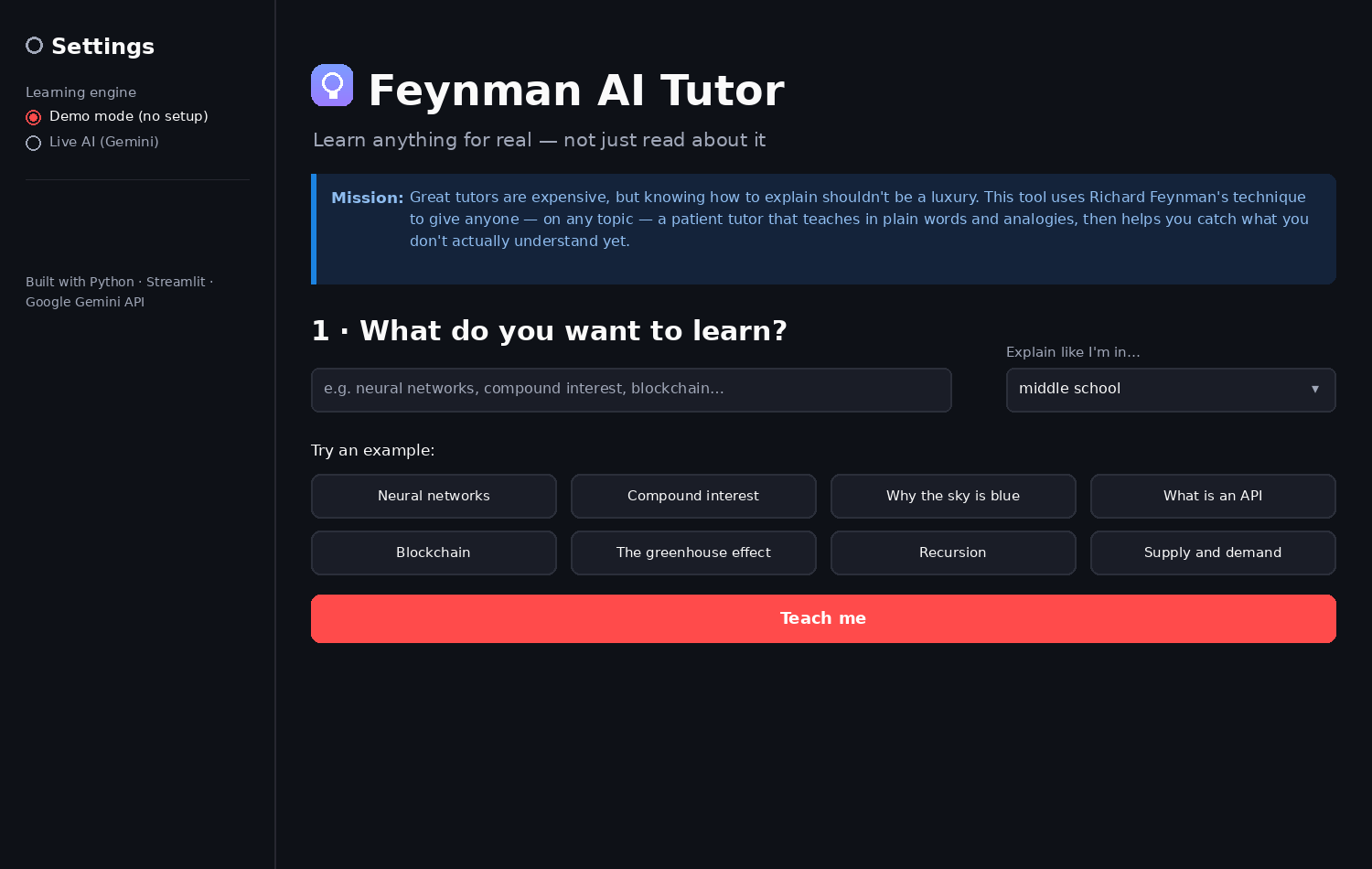
A Streamlit web app that runs the 4 steps of the Feynman Technique:
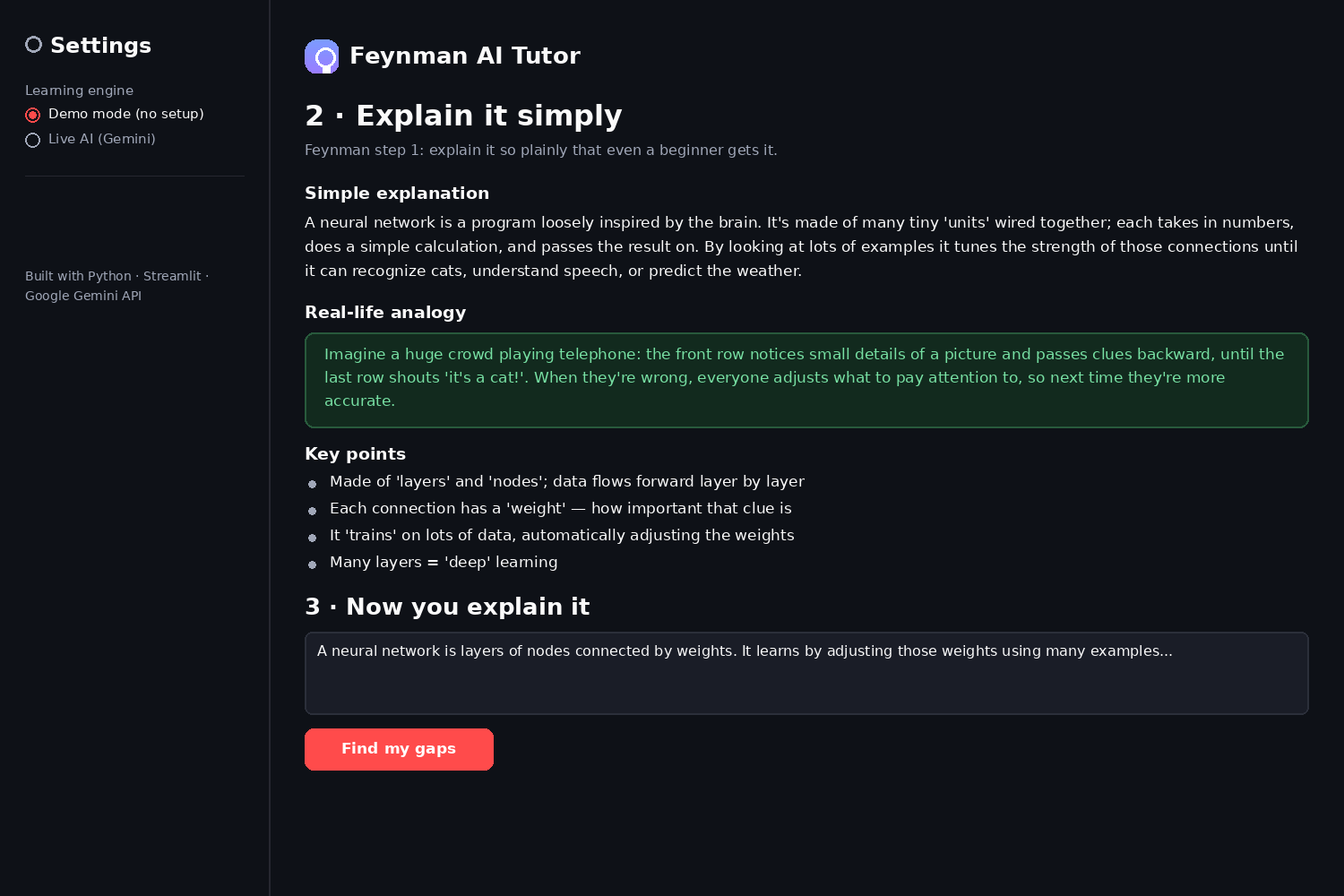
- Explain it simply — pick any topic and a depth; it returns a plain-language explanation, a real-life analogy, and the key points.
- Teach it back — you explain the topic in your own words.
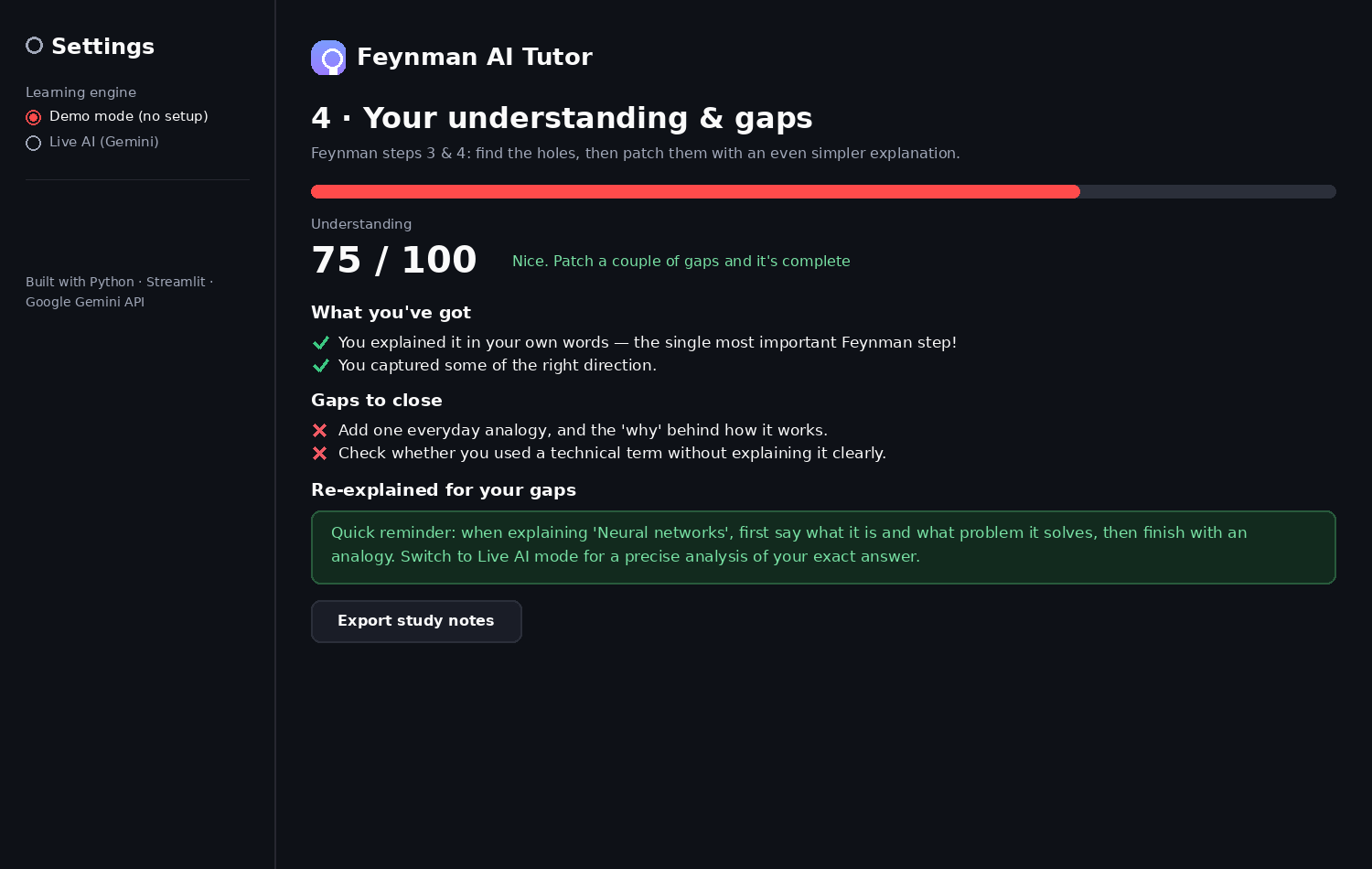
- Find the gaps — it scores your understanding (0–100) and lists what you got right vs. what you missed.
- Re-simplify — it re-teaches only your gaps, even more simply.
Extras: comprehension questions, one-click export to a Markdown study note, light/dark theme, and a fully working Demo mode that runs with zero setup.
🐍 How I used Python
- Streamlit (pure Python) builds the entire UI and app logic — inputs, buttons, the progress bar, the score metric, the download button, and multi-step state via
st.session_state. I wrote no HTML/JS by hand. requestscalls the Google Gemini REST API and requests structured JSON (responseMimeType: application/json); a small Python parser (_parse_json) defensively strips code fences and recovers the JSON object so the UI never breaks on a messy response.- The Feynman prompts and the Demo-mode content + grading are plain Python functions, so the whole 4-step flow works even with no API key.
- ~300 lines of Python in a single
app.py; deploys as-is on Streamlit Community Cloud.
🧗 Challenges I ran into
- Reliable AI output: I switched to structured JSON + defensive Python parsing so a stray code-fence never crashes the app.
- Try-it-with-no-key: built a full Demo mode with hand-written samples and a templated fallback for any topic.
- Streamlit's rerun model: used
st.session_stateso each step persists across reruns instead of resetting.
🏆 Accomplishments that I'm proud of
- A complete, genuinely useful learning loop in ~300 lines of Python, deployed live.
- Works with or without an API key, so anyone can try it instantly.
- Turns a decades-old learning principle into something usable in 30 seconds.
📚 What I learned
- Designing prompts for structured, reliable AI output instead of hoping for good prose.
- How Streamlit's session state and rerun model actually work.
- The Feynman Technique itself — building this made me a better learner.
🔭 What's next for Feynman AI Tutor
- Spaced repetition that re-quizzes you on past gaps.
- Voice input so you can literally talk your explanation.
- A "diagram explanation" mode and multi-language support.
▶️ Try it in 30 seconds (for judges)
- Open the live app — it starts in Demo mode (no setup).
- Click an example like Neural networks → press Teach me.
- Read the explanation + analogy → write a sentence under Now you explain it → Find my gaps to see your score and blind-spot analysis.
- For live AI on any topic: paste a free Google AI Studio key in the sidebar and switch to Live AI (Gemini).

Log in or sign up for Devpost to join the conversation.