💡 Inspiration
Good tutors are expensive, and most study tools just hand you an explanation to read. But the real problem isn't reading — it's that we think we understand something until we try to explain it and freeze. Physicist Richard Feynman's technique nails this: if you can't explain it simply, you don't really understand it. I wanted to turn that timeless method into a free tool any student could use.
🚀 What it does
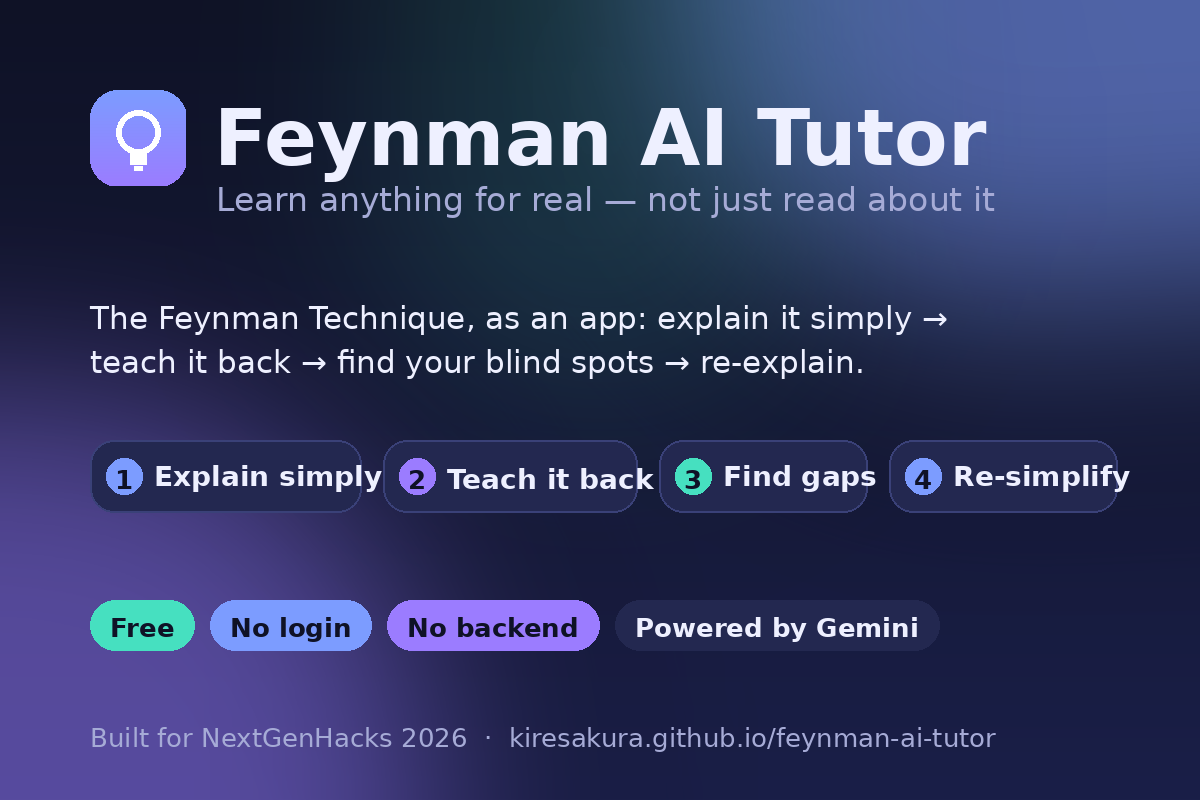
Feynman AI Tutor walks you through the 4 steps of the Feynman Technique:
- Explain it simply — type any topic and pick a depth (from "explain like I'm in elementary school" up to university level). The AI returns a plain-language explanation, a real-life analogy, and the key points — no jargon dumping.
- Teach it back — the app asks you to explain the topic in your own words. This is where real learning happens.
- Find the gaps — the AI reads your explanation, scores your understanding (0–100), shows what you got right, and honestly flags your blind spots and misconceptions.
- Re-simplify — it re-teaches only the parts you missed, even more simply, closing the loop.
Extra touches: 🔊 read-aloud (Web Speech API) for accessibility, 📄 one-click export of your session as a Markdown study note, 🌙 light/dark mode, example topics, and a fully working Demo mode so anyone can try the whole flow with zero setup.
🌍 Why it matters
Effective tutoring is expensive and often locked behind logins and paywalls. Feynman AI Tutor is free, needs no account, and has no backend — your data and your API key never leave your browser. The Feynman Technique is one of the most effective ways to actually learn (not just memorize), and this puts it one click away for any student, anywhere.
🛠️ How I built it
- Frontend: a single self-contained
index.html— vanilla HTML, CSS, and JavaScript, no frameworks and no build step. It runs anywhere and loads instantly. - AI: Google Gemini API (gemini-2.0-flash), called directly from the browser. I use structured JSON output (
responseMimeType: application/json) so each step's data renders cleanly and reliably. - Prompt design: custom Feynman-style prompts — one to generate the simple explanation / analogy / key points / check-questions, and one to grade the user's own explanation and surface their specific gaps.
- Accessibility & UX: Web Speech API read-aloud, keyboard support, ARIA labels, responsive layout, light/dark themes.
- Privacy by design: no backend server. The API key never leaves your browser (optional local-only storage). No tracking, no accounts.
🧗 Challenges I ran into
- Making AI output reliable: free-text answers were inconsistent to render, so I switched to structured JSON output and wrote defensive parsing (stripping code fences, recovering the JSON object) so the UI never breaks on a messy response.
- Letting judges try it without an API key: I built a full Demo mode with hand-written sample content and a graceful templated fallback for unknown topics, so the entire 4-step experience works with zero setup.
- Honest, not just flattering: tuning the grading prompt to be encouraging and genuinely point out blind spots — the whole value depends on catching what you don't know.
🏆 Accomplishments that I'm proud of
- A complete, genuinely useful learning loop in a single file with no backend — easy to host, easy to trust.
- It works with or without an API key, so anyone can experience it immediately.
- It turns a decades-old learning principle into something usable in 30 seconds.
📚 What I learned
- How to design prompts for structured, reliable AI output instead of hoping for good prose.
- That a client-side-only architecture can be a feature (privacy, simplicity), not a limitation.
- The Feynman Technique itself — building this made me a better learner.
🔭 What's next for Feynman AI Tutor
- Spaced repetition: save your gaps and re-quiz you days later.
- An "explain with a diagram" step and shareable study cards.
- Voice input so you can literally talk your explanation.
- Multi-language support so learners can use it in their native language.
▶️ Try it in 30 seconds (for judges)
- Open the app — it starts in Demo mode (no setup needed).
- Click an example like
#Neural networks→ press Teach me. - Read the simple explanation + analogy → click Next: my turn → type a sentence → Find my gaps to see your score and blind-spot analysis.
- For live AI on any topic: paste a free Google AI Studio key in Settings (⚙️) and switch to Live AI / Gemini.


Log in or sign up for Devpost to join the conversation.