-
-

App icon
-
-
-
-
-
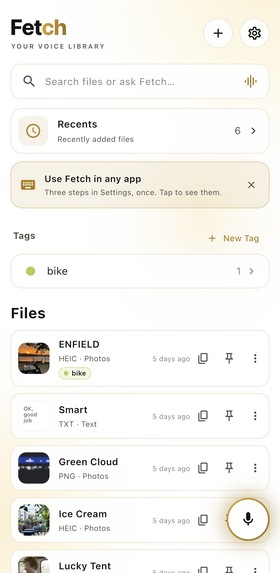
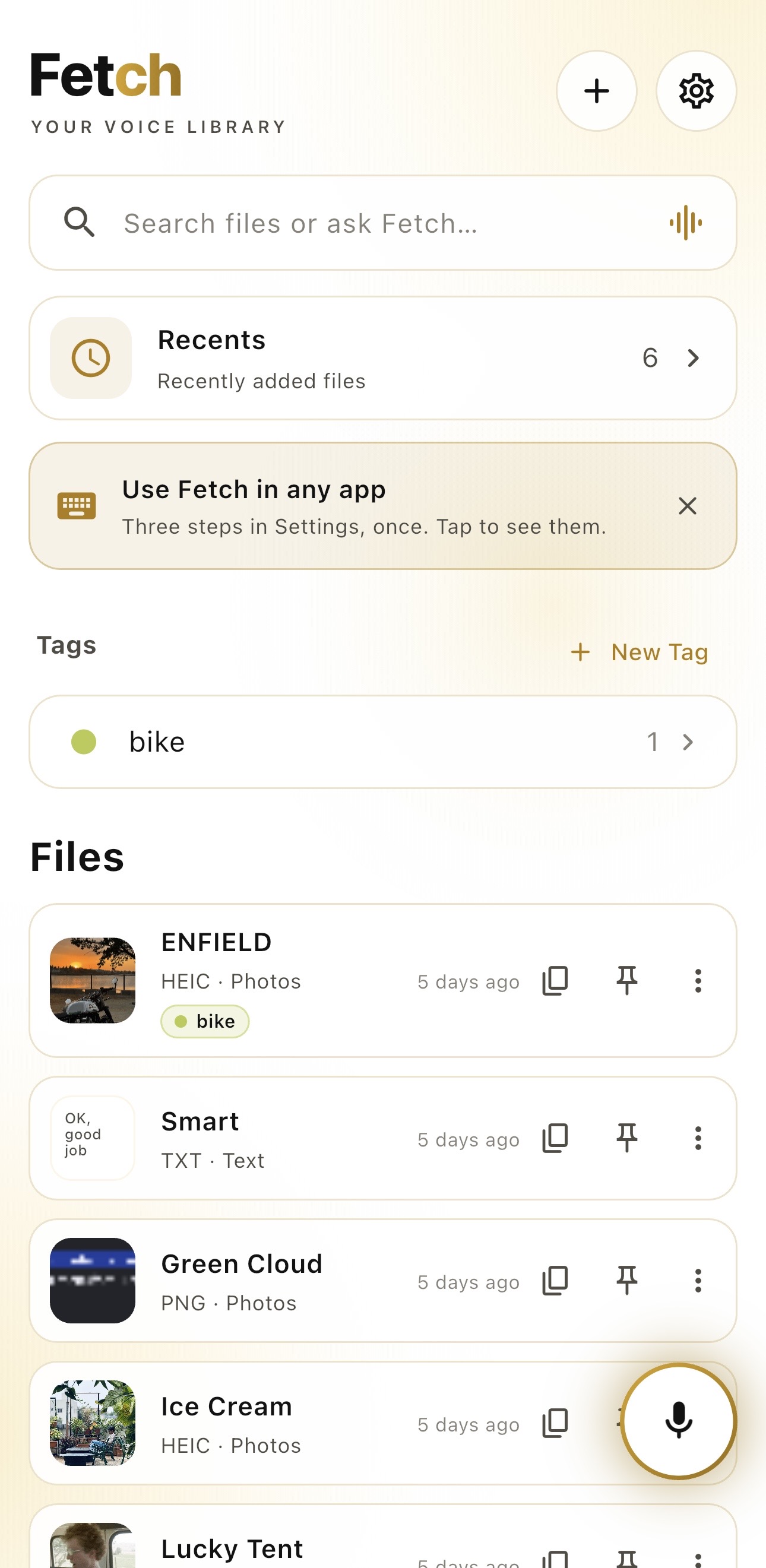
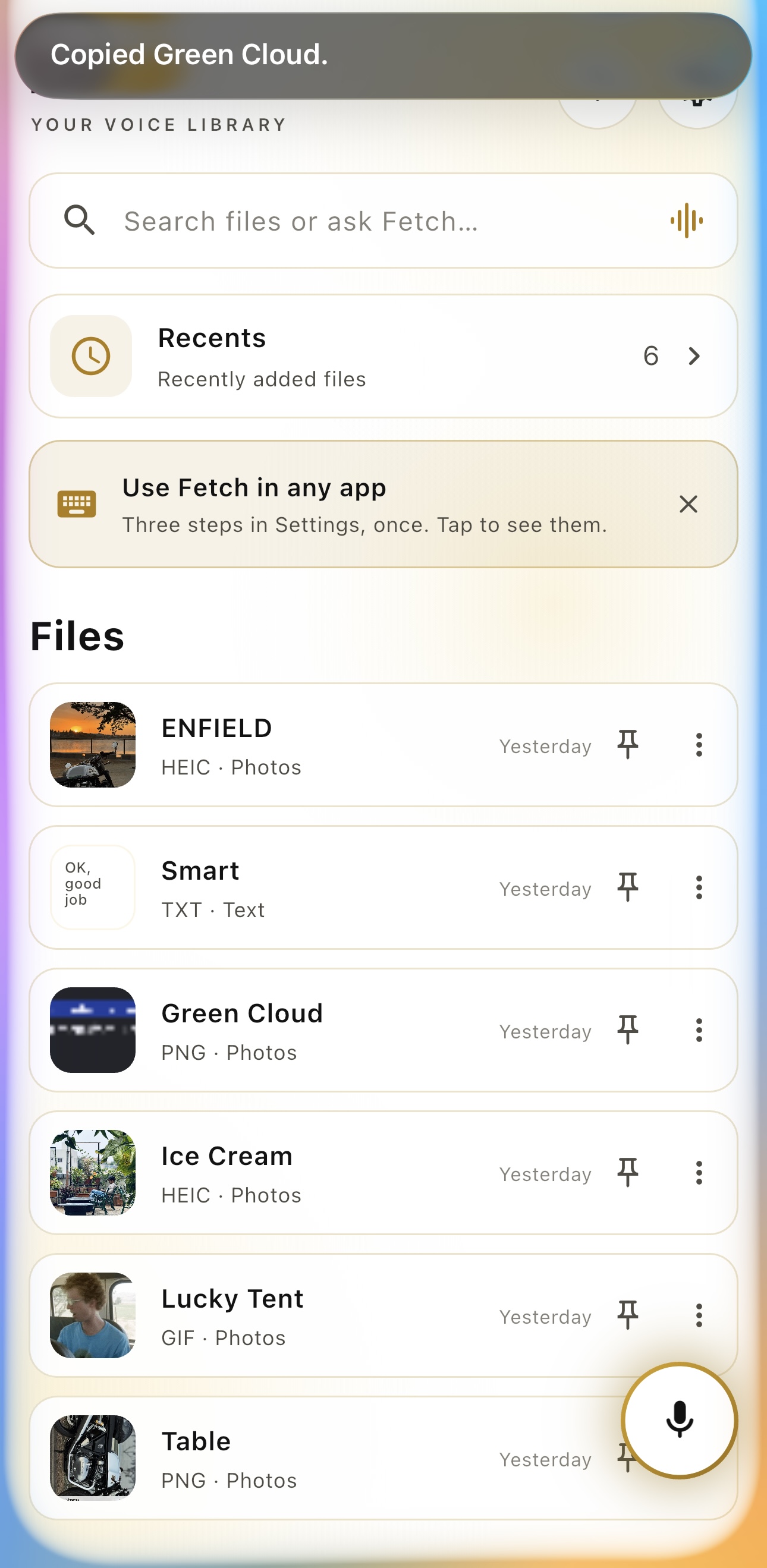
Home Page
-
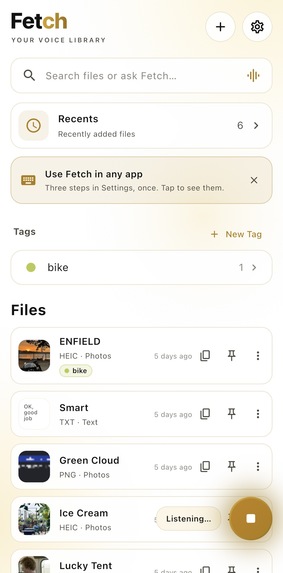
-
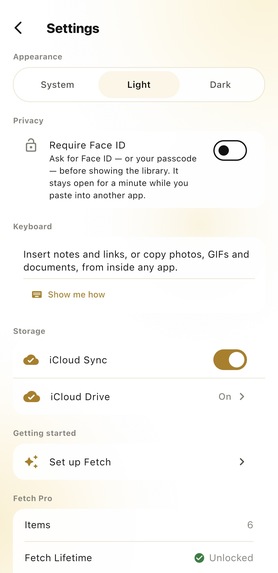
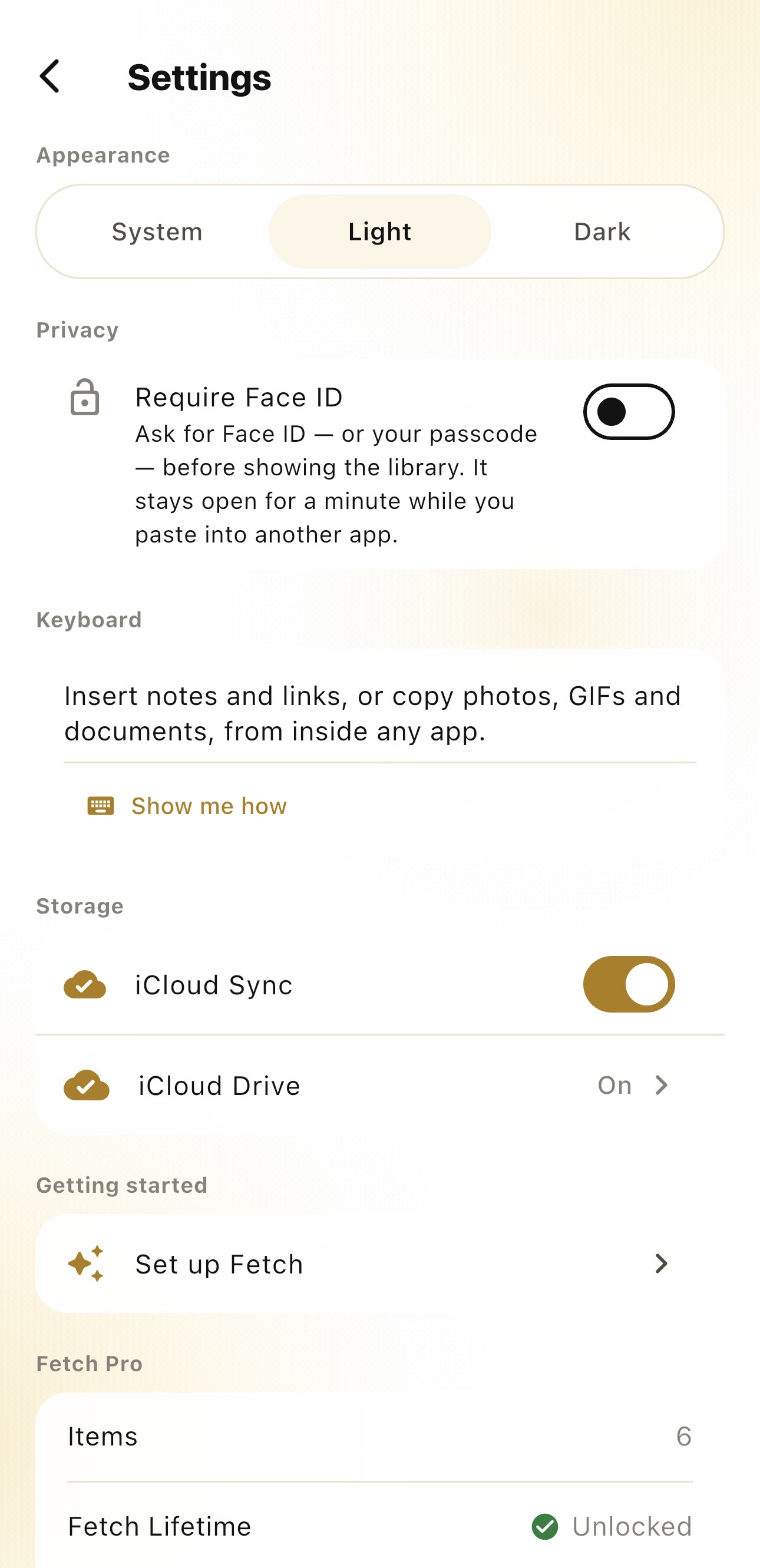
Settings
-
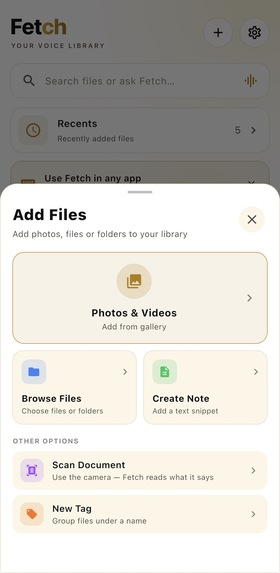
Browse Through Files
-
-
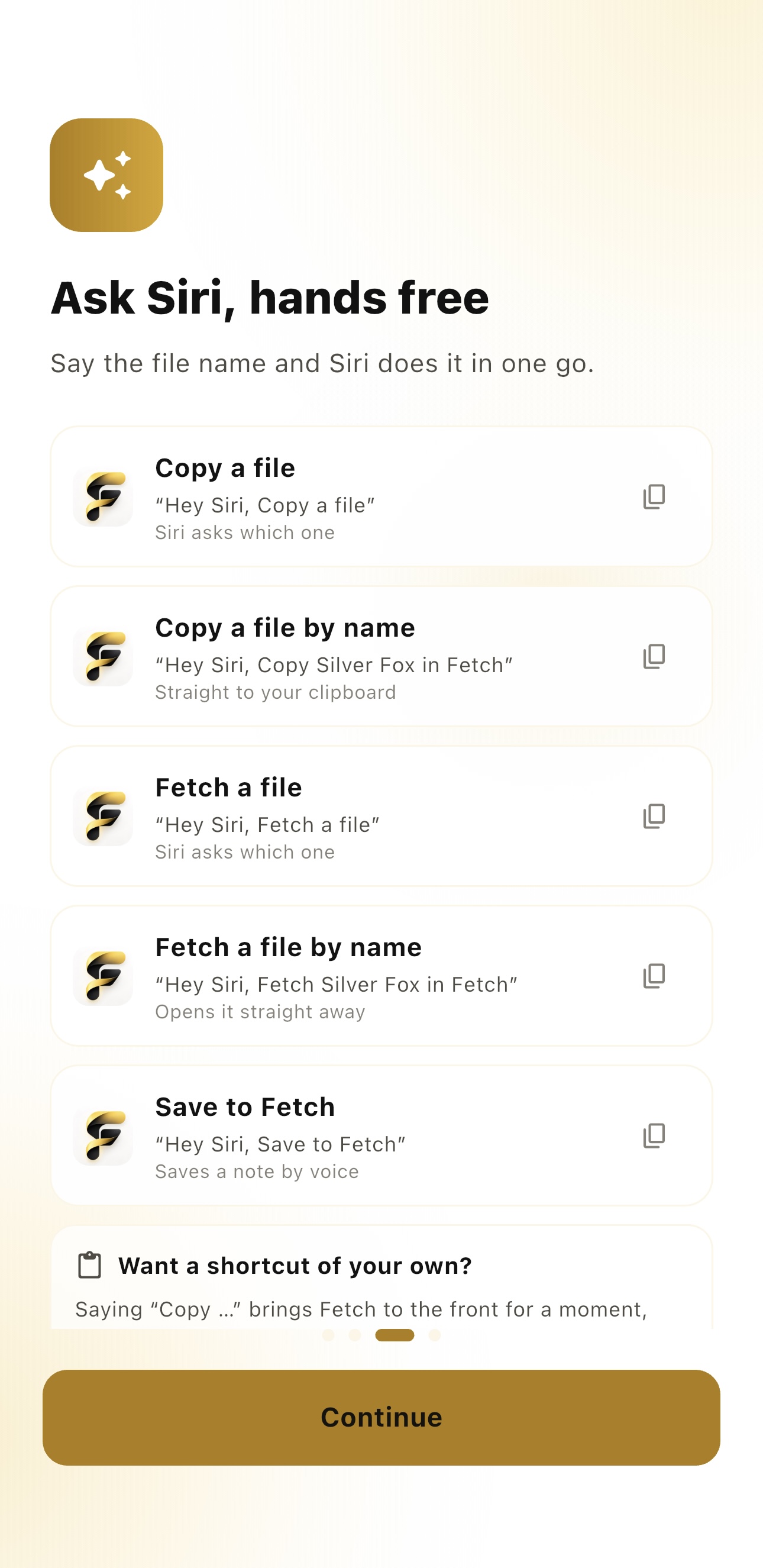
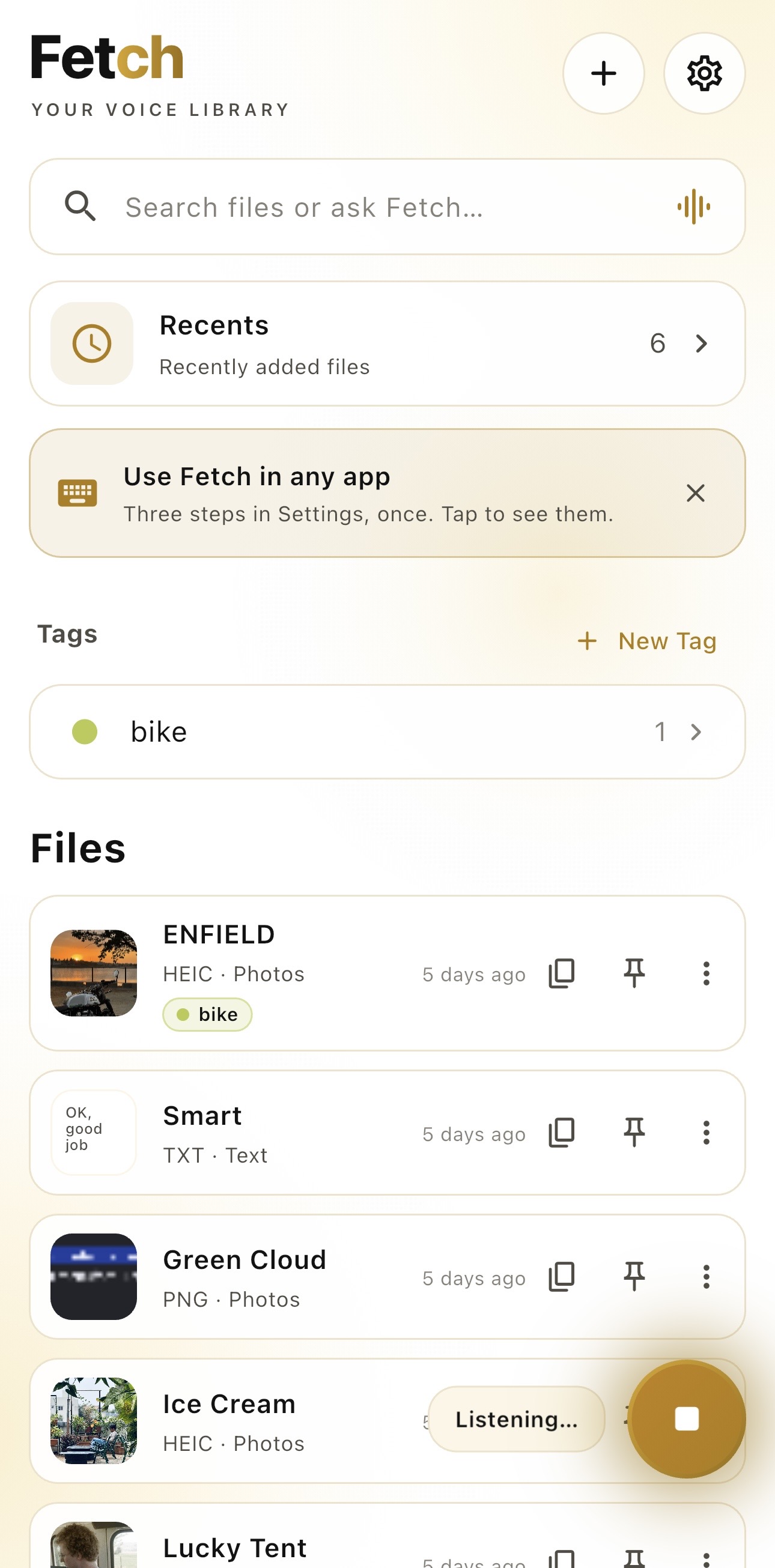
Action Via Siri
-
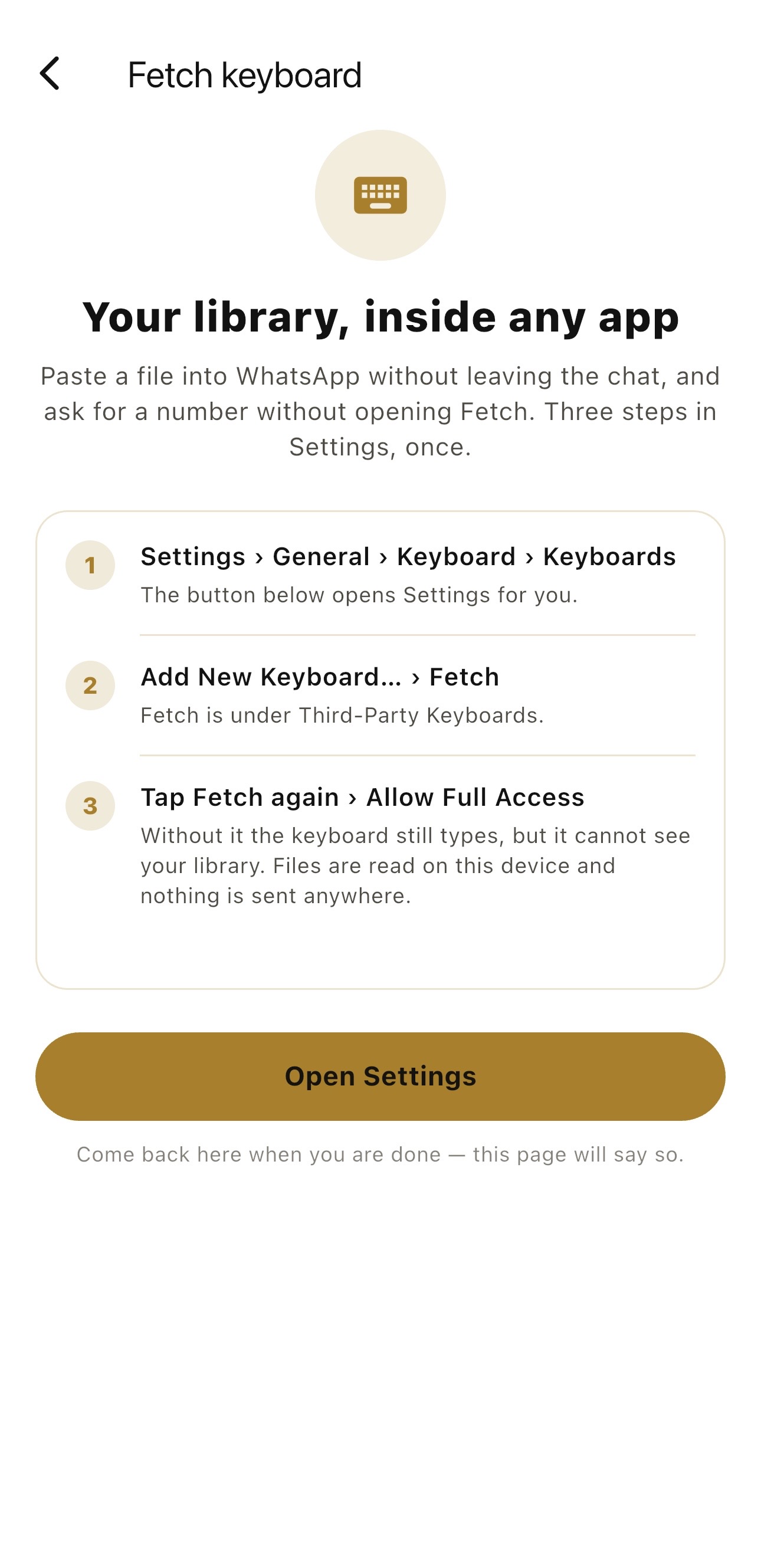
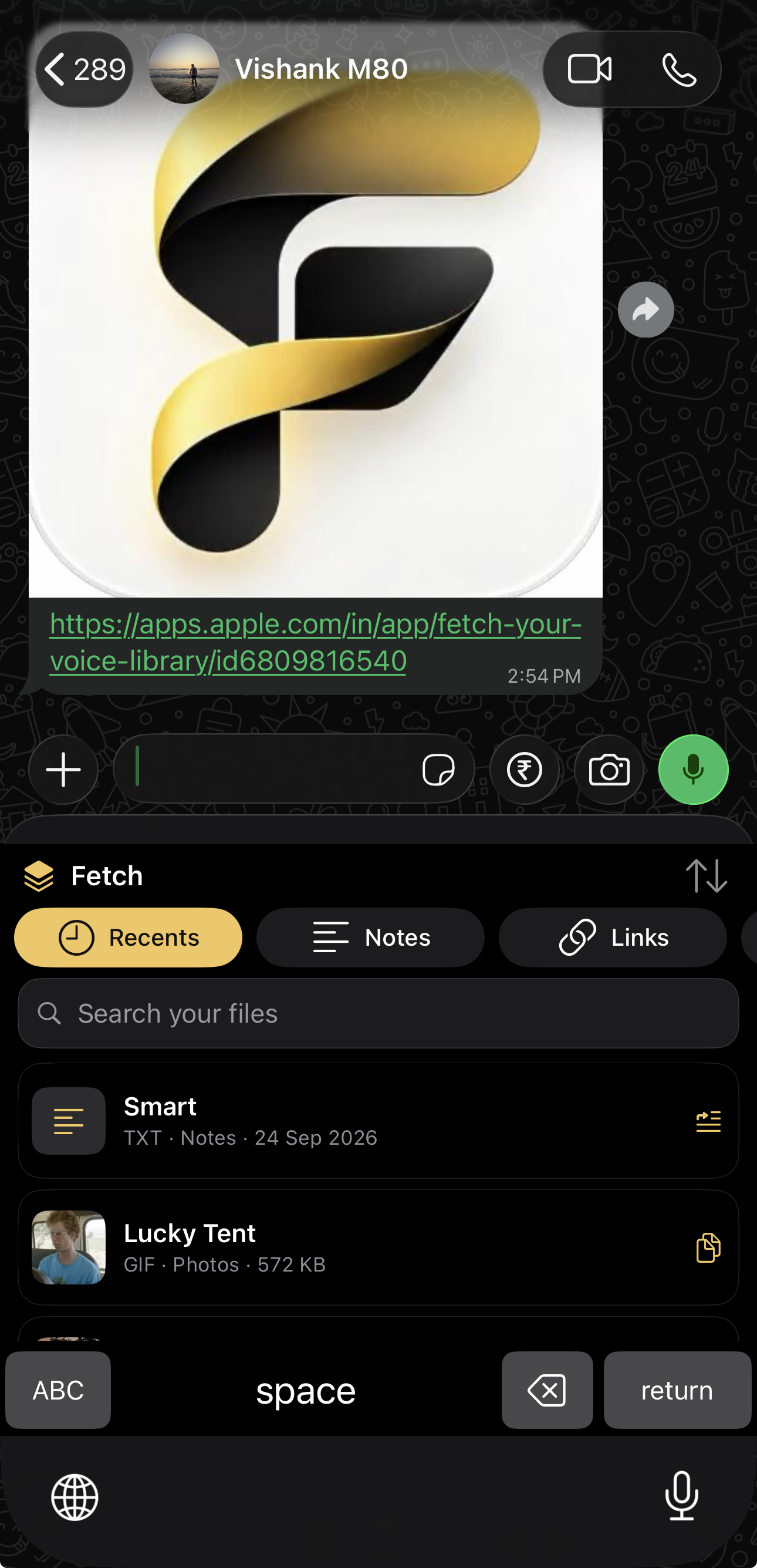
Via Keyboard Access
-
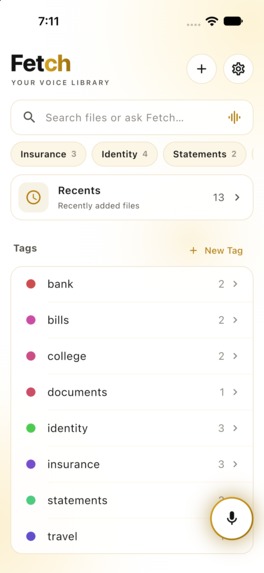
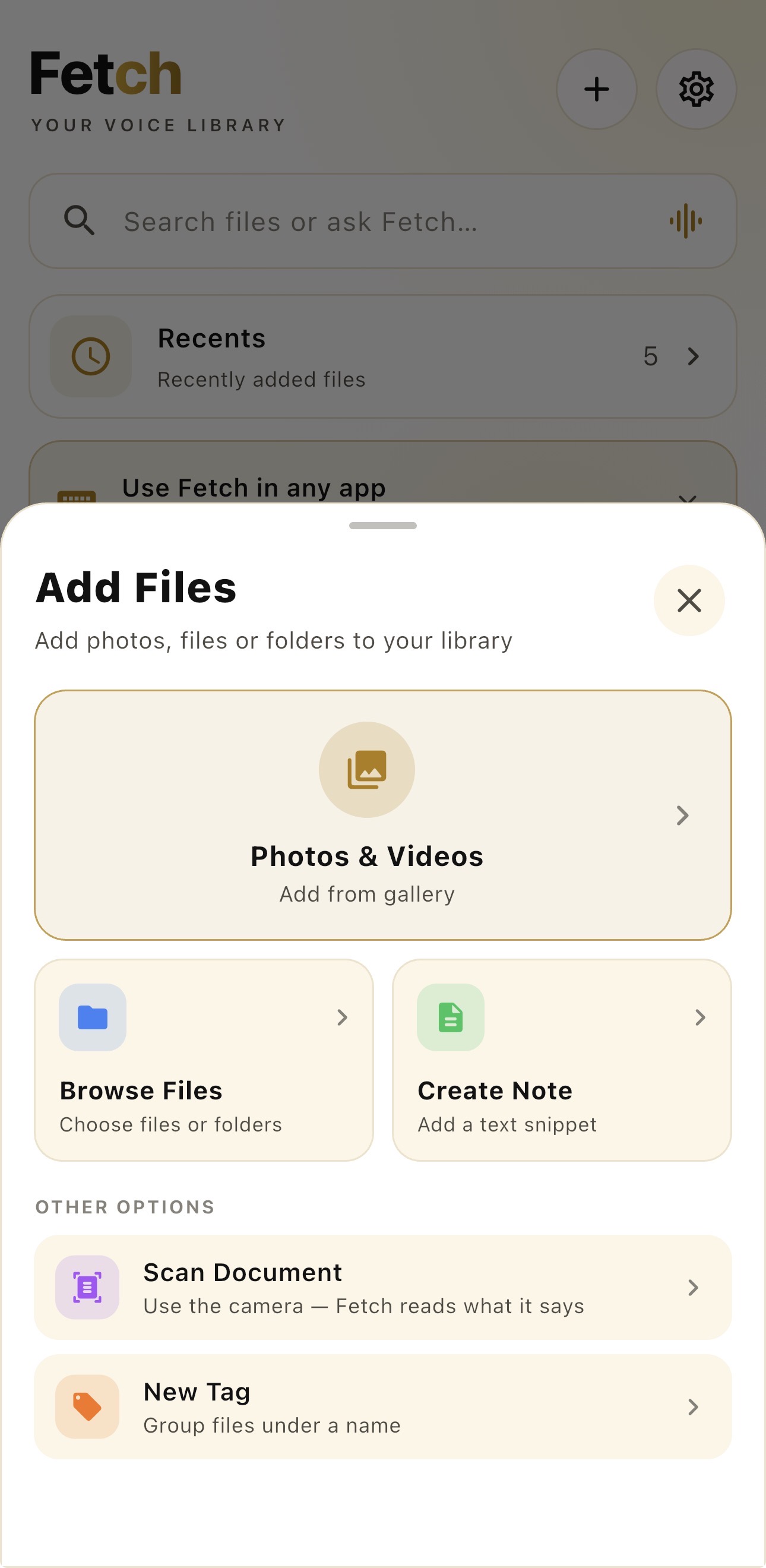
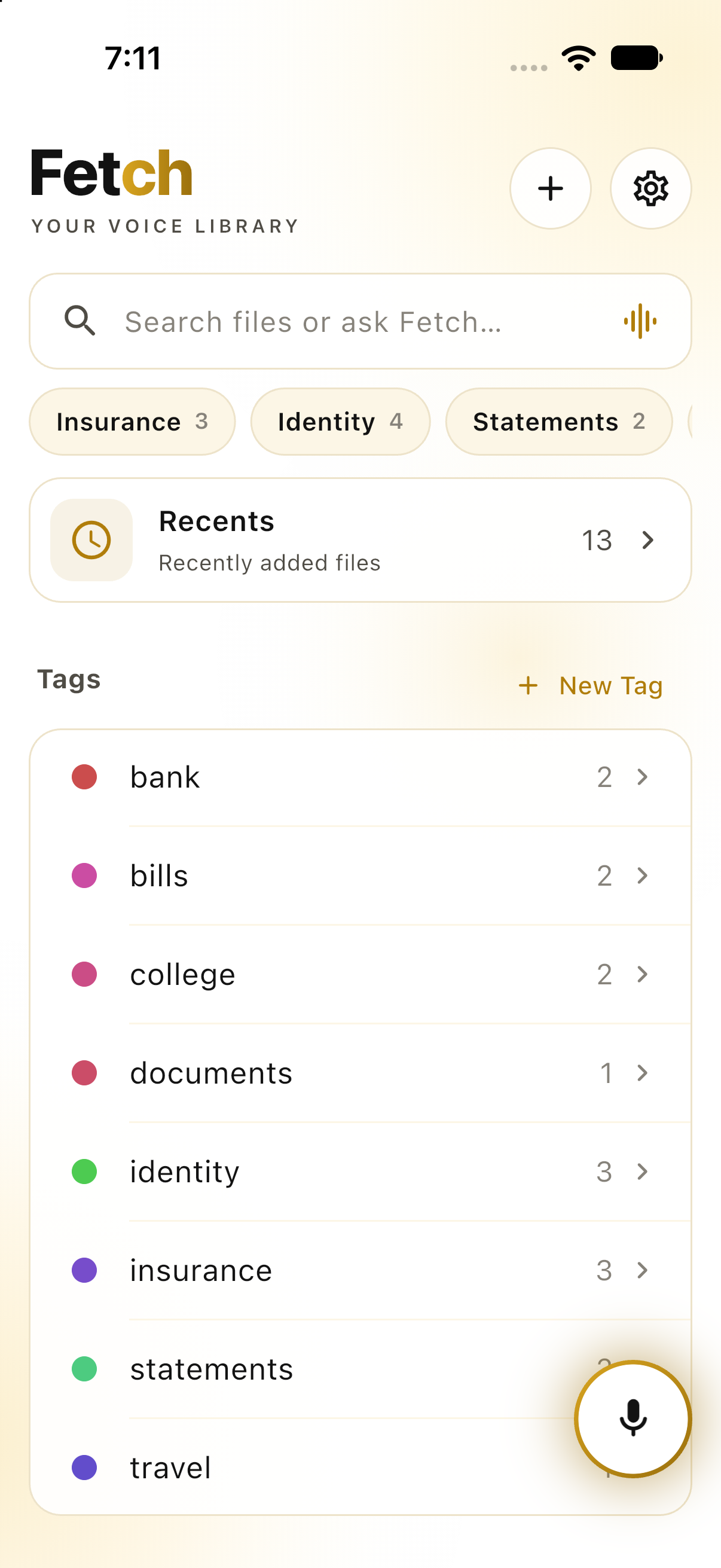
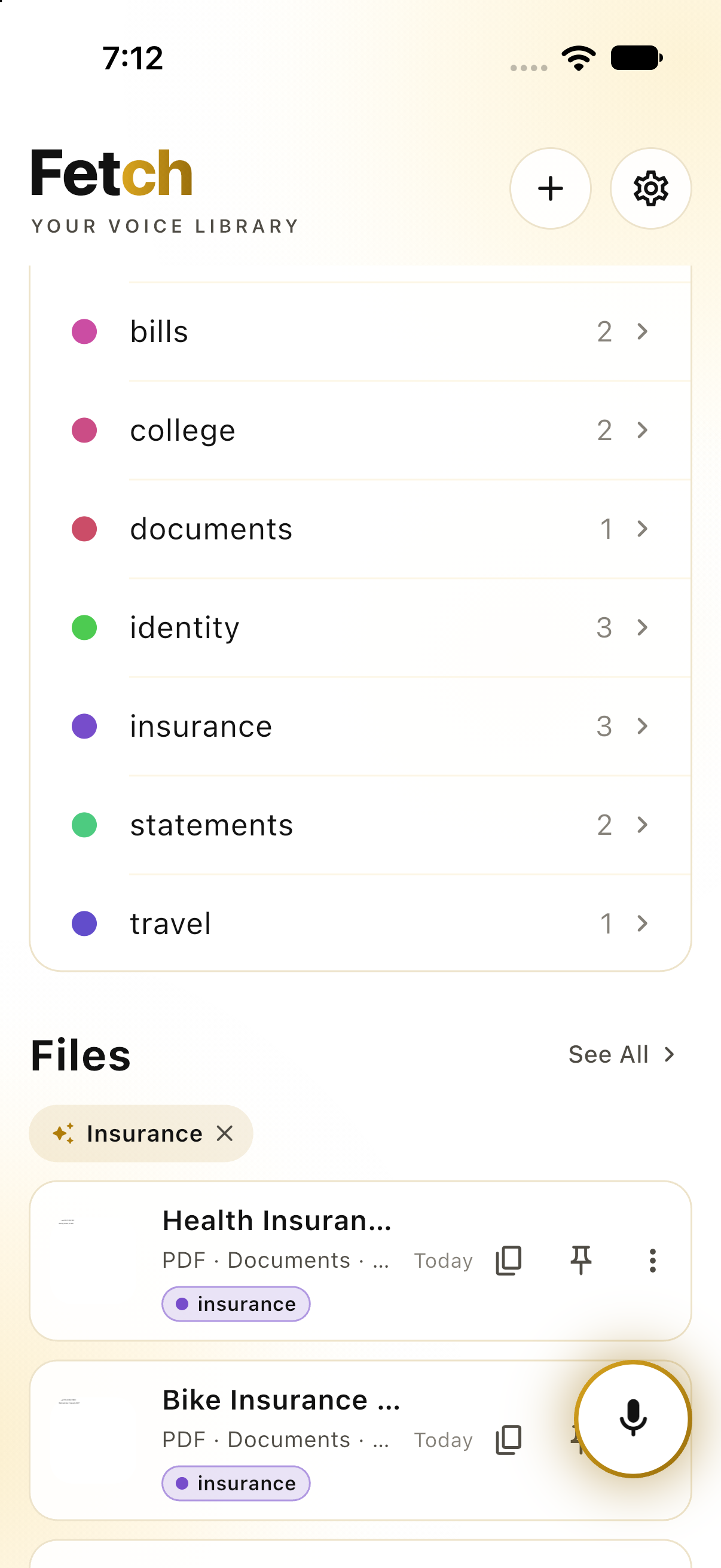
Shelves — a saved question, not a folder. Each one re-answers itself as files arrive.
-
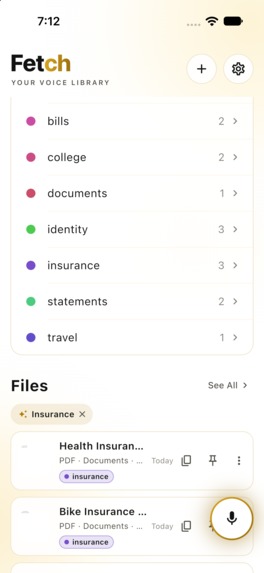
Tap a shelf and it filters the library — nothing was moved or copied.

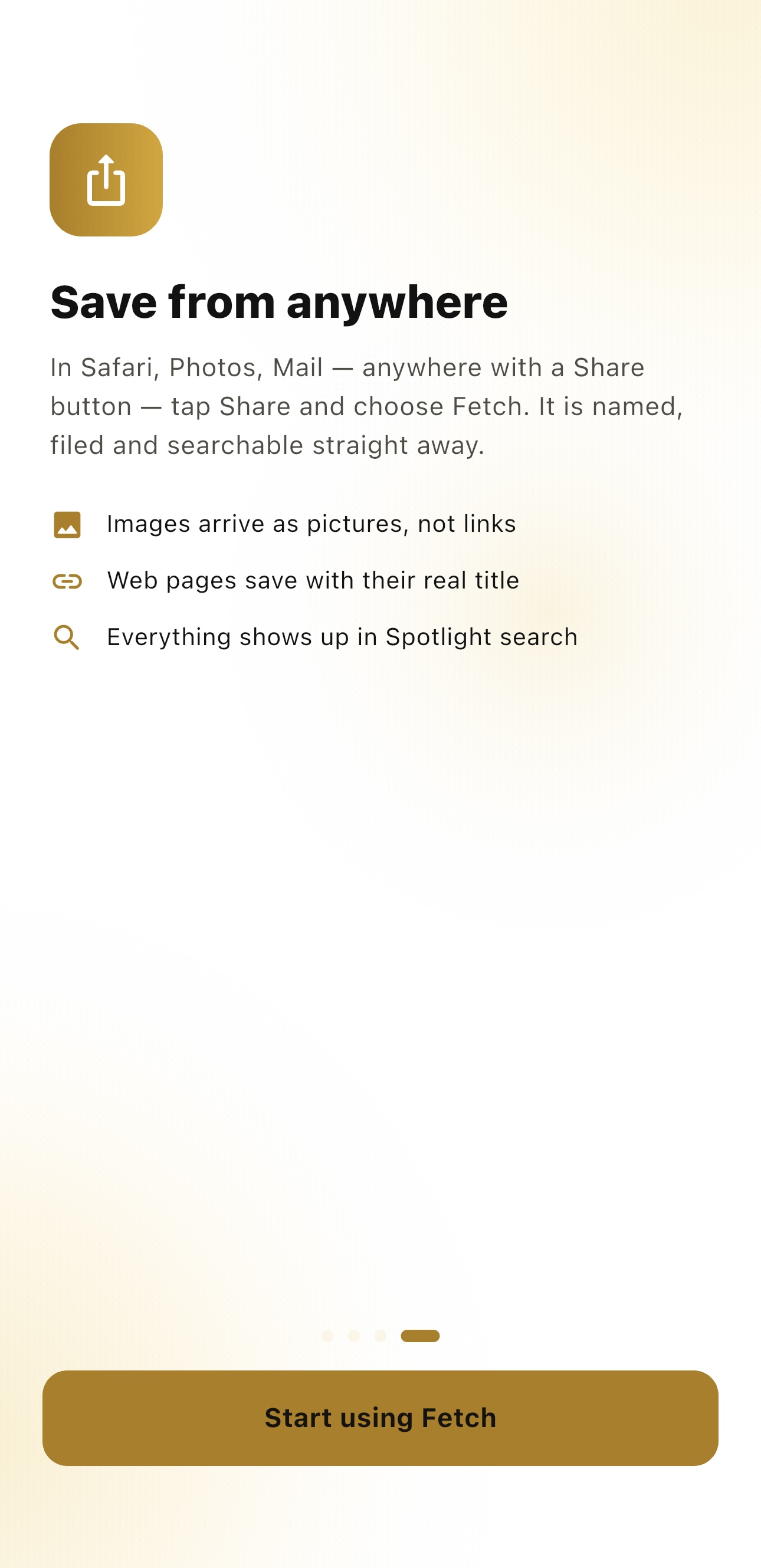
Inspiration
Everybody has the same folder. It is called Documents, or Scans, or WhatsApp Images, and somewhere inside it is the PDF of your Aadhaar card, the invoice from March, the policy number you need right now while somebody waits on the phone.
You did save it. You know it is in there. That was never the hard part. Finding it in the eleven seconds before the other person gets impatient is the hard part.
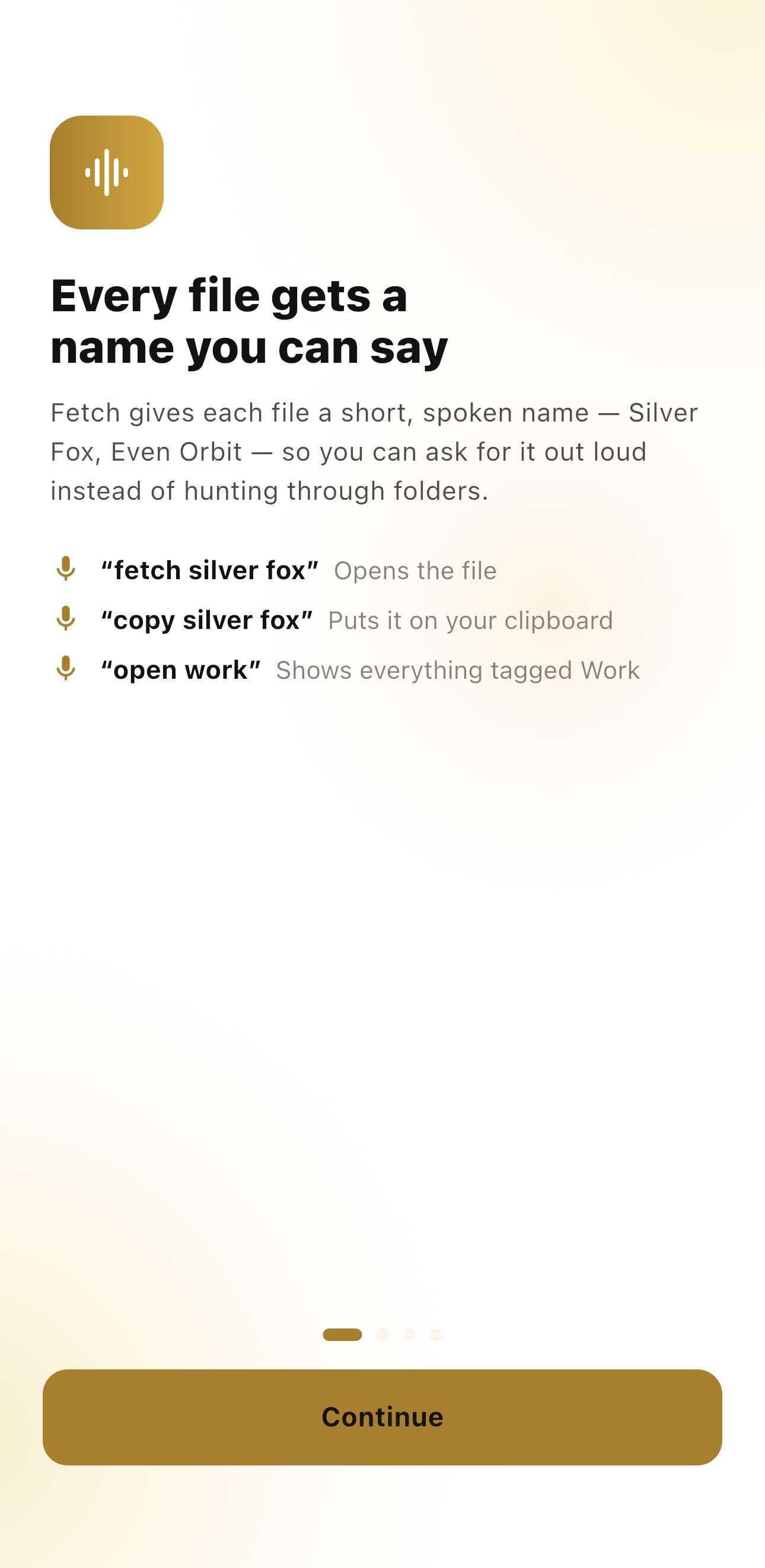
Fetch started from one observation: you remember what a file is long before you remember what you called it. Nobody thinks "HDFC statement Aug 2026 final(2).pdf". They think my bank statement from August. So Fetch lets you say that, out loud, and hands you the file.
Getting things back
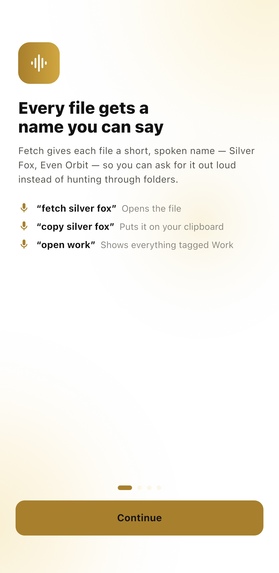
- Say what it is — "fetch my passport", "copy the invoice from March"
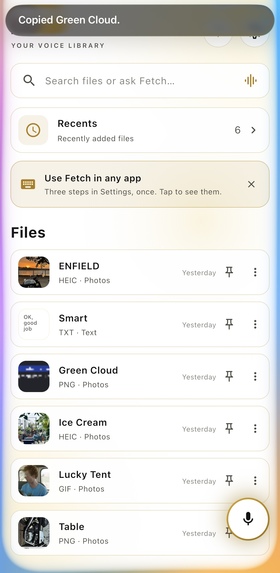
- Ask a question — "what is my policy number" returns the number, on your clipboard, with the document it came from underneath. Not a list of files to go and open
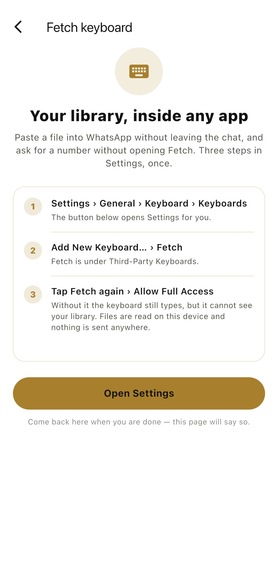
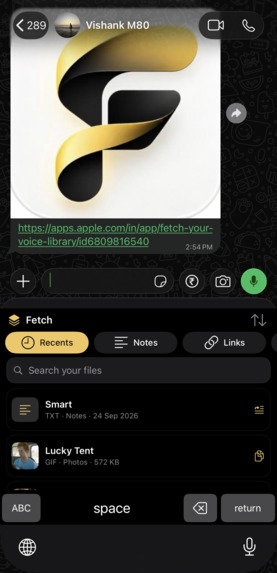
- A custom keyboard on iPhone and iPad — search your library and type the result straight into any app without leaving the conversation
- A Mac menu bar panel on Control Option F, with Fetch by Voice: click, say a name, it opens
- Spotlight, widgets on iOS and macOS, the share sheet, and Finder quick actions
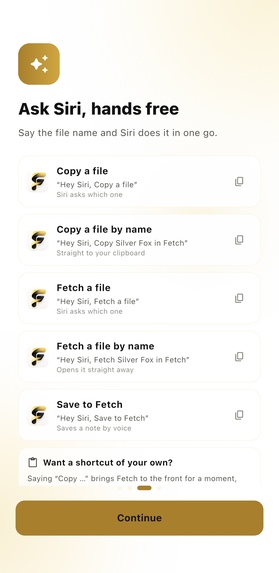
- Siri, 17 App Intents, and five downloadable Shortcuts that import with one tap — no "Allow Untrusted Shortcuts"
- Drag a file out of the keyboard or the Mac panel straight into Mail, Finder or a message
Fast enough to stop thinking about
A search across a 5,046-item library returns in 20 ms — release build, median of 60 runs, on an M1. Voice retrieval went from 717 ms to 6.4 ms.
Neither fix was the framework. Every file's text was being lowercased again on every keystroke; it is lowercased once and kept. And the expensive fallbacks — edit distance, sound-alike matching — ran against every file that didn't match, even on searches about to succeed. They run only when the plain words find nothing.
Search by meaning
"The thing about the car" finds an insurance policy that never says "car". Apple's sentence model, on the device — nothing downloaded, nothing uploaded, works in flight mode.
It runs only when the words find nothing, never instead of them, and has a confidence floor: a model will happily claim every document is a bit like every other, and a search that always returns something is a search you stop trusting.
Keeping things
- Shelves — a folder is filed once and maintained by hand forever. A shelf is the question instead: "marks card", "insurance", asked again every time you look. A file you add tomorrow is already on it. A passport sits on Identity and Travel at once. Removing a shelf removes the question; the files stay
- Shelves suggest themselves from what is already in your library — the tags you keep, the kinds Fetch has recognised, the words that keep turning up in your own file names. Nothing is offered that finds fewer than two files, because a shelf of one is just that file
- Tags, tags inside tags, pins and favourites
- Recently Deleted — deleted files wait there until you empty it, and restore in a tap
- Face ID or Touch ID on individual files — the ones you would least like read off an unlocked phone
- Private iCloud sync — your files, tags, shelves and pins, in your own iCloud
- Ranking by what you actually reach for, so the thing you use most comes first
Putting things in
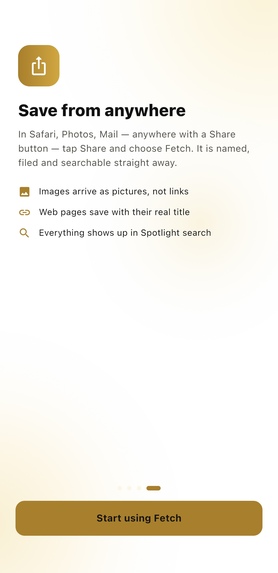
- Share sheet from any app, drag onto the Mac window, or right-click in Finder → Assign to Fetch
- Camera scanner — point it at a document
- Fifteen items free. Not a trial: a countdown measures how long you have had an app, not whether it has been useful. Every feature works on the free tier, and nothing you saved is ever locked away. After that, $19.99 once for Lifetime, or $3.99 a month if you would rather not commit to something you have not lived with yet. The one-time price is shown first, because it is the one we would choose — you should not have to keep paying rent on your own documents
Snippets that finish themselves
A reusable reply is rarely reusable word for word. It has a name, a date or an amount in it:
Hi {name}, your order {order id} shipped on {today}.
Fetch asks for what it cannot know and fills in what it can. {today}, {now}, {time}, {date} and {clipboard} answer themselves — typing today's date into a box on your own phone is exactly the work a template was meant to save. Names you have used before come back as chips to tap; offered, never filled in for you, because the same note usually goes to somebody different this time.
Half the world writes the day first and half writes the month, and guessing wrong puts the wrong date on an invoice. So the format is chosen once, and the app and the keyboard then write it identically.
One note, several people, each by name
A share sheet hands the same words to everybody picked in it and never tells the app who they were. iOS does not pass that back, and should not — otherwise every app would quietly learn who you message. Which means "Hi {name}" going to five people is either five times wrong, or left blank.
So Fetch asks who first. Pick the people, pick the app, and each conversation opens with that person's own name already in the message — WhatsApp, Messages, Telegram or Mail. Instagram and the rest have no link that opens a message to a named person, so those go to the share sheet with the words still written for that one person.
Contacts are read while you are choosing and never kept. And it stops at written, in every case: no app can press send for you, and none should.
It reads your documents so you don't have to name them
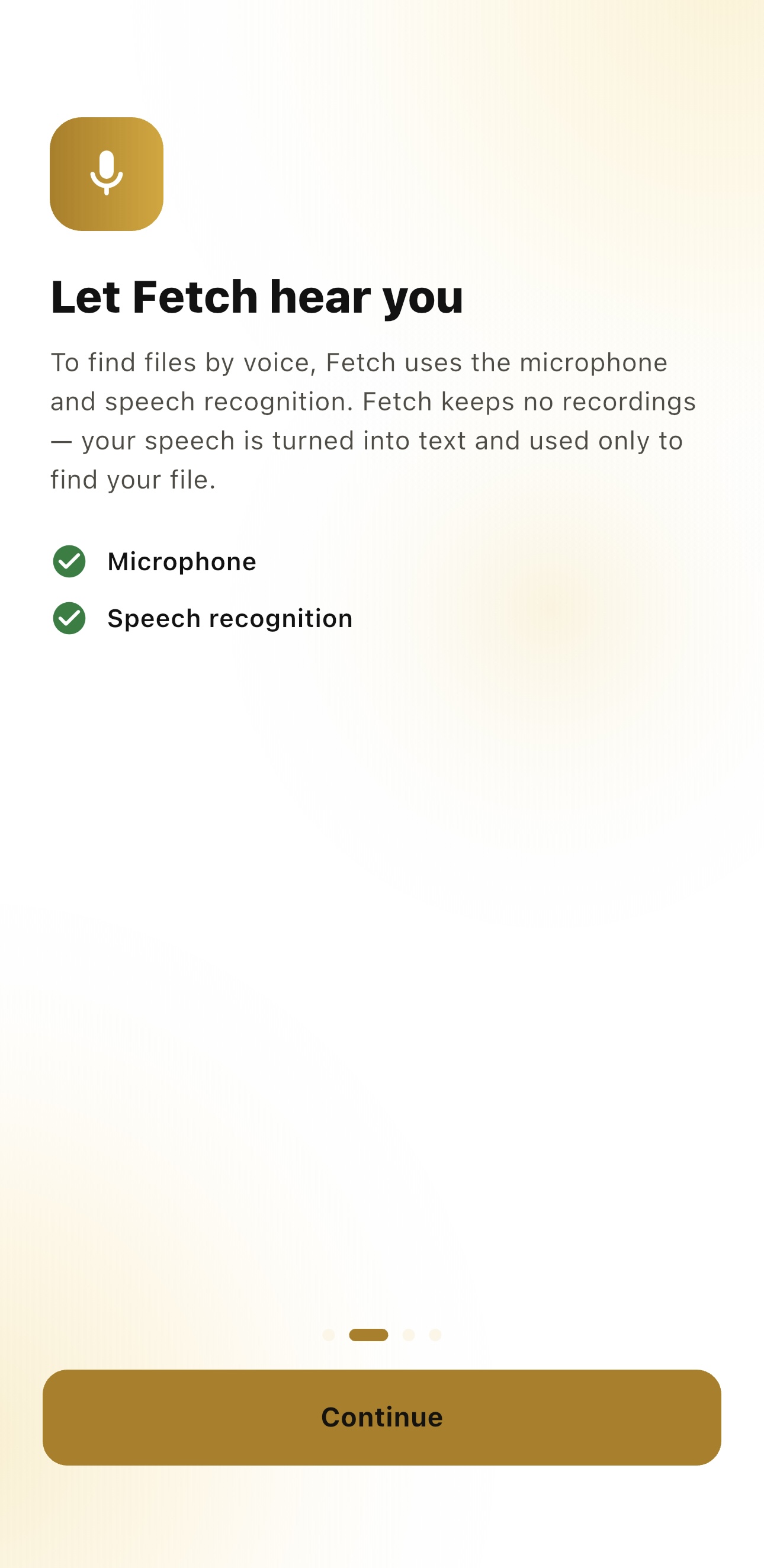
Recognition runs on device, through Apple's Vision and PDFKit. Nothing leaves the phone.
The machine-readable zone at the foot of a passport is an international treaty, so Fetch reads a passport or national ID from any country. Beyond that it only claims a format carrying a check digit or a shape nothing else shares: IBAN, CPF, CURP, NRIC, EIN, ITIN, NPI, FIN, VIN, Aadhaar, PAN, GST. It names the document — bank statement, driving licence, marks card, insurance policy — and keeps the details it read as labelled fields. Photos with no text at all are classified by what they show.
That rule is deliberate. A nine-digit run is not a social insurance number just because it is nine digits long. We would rather label something "Document" than label it confidently and wrongly, because guessing wrong puts a stranger's number on somebody's card.
On an iPad
⌘F to search, ⌘N for a note, ⌘, for settings. Split View and Stage Manager, so Fetch is somewhere to drag things out of. A wide layout that shows a file and its details at once.
Designed to disappear
Every screen is one surface. No tab bar, no chrome, no settings three taps down — the library, the answer and the document are in the same place, because that is where you were already looking.
The surfaces that have to be native are native. The keyboard is a real input extension, not a web view in a trench coat. The Mac panel is a real NSPanel on a real global hotkey. The widgets are WidgetKit. The scanner is Apple's own. And the same shelf, the same tags and the same search read identically on iPhone, iPad and Mac, because it is one library rather than three ports of one.
Dark and light are not two themes bolted on afterwards. Gold on black, black on white, or whatever the system is already doing — chosen once, then honoured by the app, the keyboard, the widgets and the Mac panel alike.
The test of the interface is the same as the test of the search: if you noticed it, it took too long.
How we built it
Flutter and Dart for the library, search and interface, so one codebase serves iPhone, iPad and Mac. Swift for everything that has to be native, because the surfaces that make it fast cannot be written any other way:
| Surface | Built as |
|---|---|
| Keyboard | UIInputViewController extension |
| Widgets | WidgetKit, iOS and macOS |
| Siri and Shortcuts | 17 App Intents with custom entity types |
| Mac panel | NSPanel with a Carbon global hotkey |
| OCR and classification | Apple Vision and PDFKit over a method channel |
| Search by meaning | NLEmbedding, on-device, works offline |
| Contacts | CNContactStore, read while choosing, never kept |
Purchases run through RevenueCat — fifteen items free, then a one-time $19.99 Lifetime unlock shown above the $3.99 monthly option. No trial, because a trial is a timer on a decision you have not been given enough to make yet.
636 automated tests.
What we learned
The slow thing is rarely the thing you blame. A second-long search looked like the cost of a cross-platform framework. Porting the engine to Swift proved otherwise — it ran at exactly the same speed until the algorithm changed, and then both languages hit 20 ms.
Two copies of one rule will always drift. The iOS keyboard is a separate process with its own Swift copy of the snippet parsing. We taught the app that {today} fills itself and forgot the keyboard, so the same note behaved one way in each. The only defence is a test that runs against both.
The bugs worth writing tests for are the quiet ones. Nothing crashed when an index callback got overwritten by the last of its three owners. The list just stopped updating — far harder to notice, and far more corrosive to trust, than a crash.
A feature nobody can see is a feature nobody has. Shelves shipped with four ready-made ones — Invoices, Identity, Bank, Tickets — and they were somebody else's filing system sitting in your library. Taking them out was right. But an empty shelf is no lesson either, so now they are suggested from your own files, your own tags and your own names, and only when they would actually find something.
Fetch — Your Voice Library on the App Store · iPhone · iPad · Mac


Log in or sign up for Devpost to join the conversation.