-
-

App Icon
-
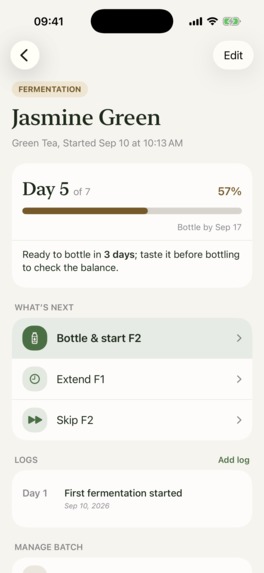
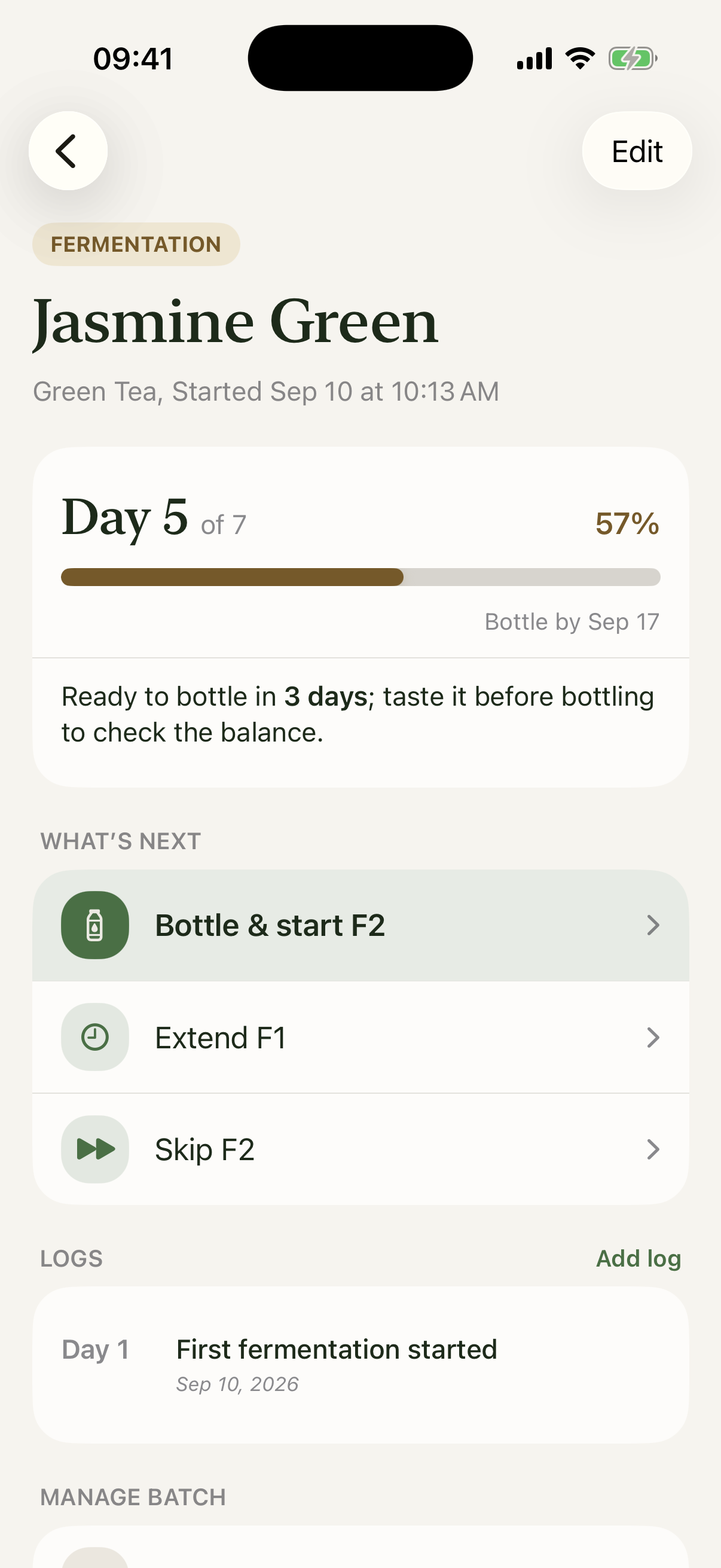
Brew detail
-
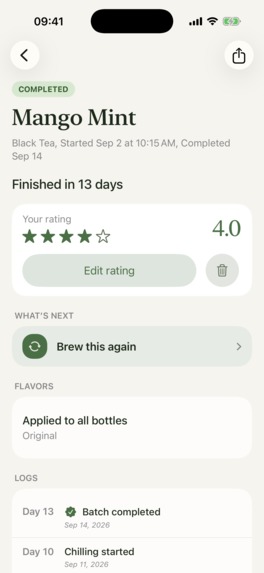
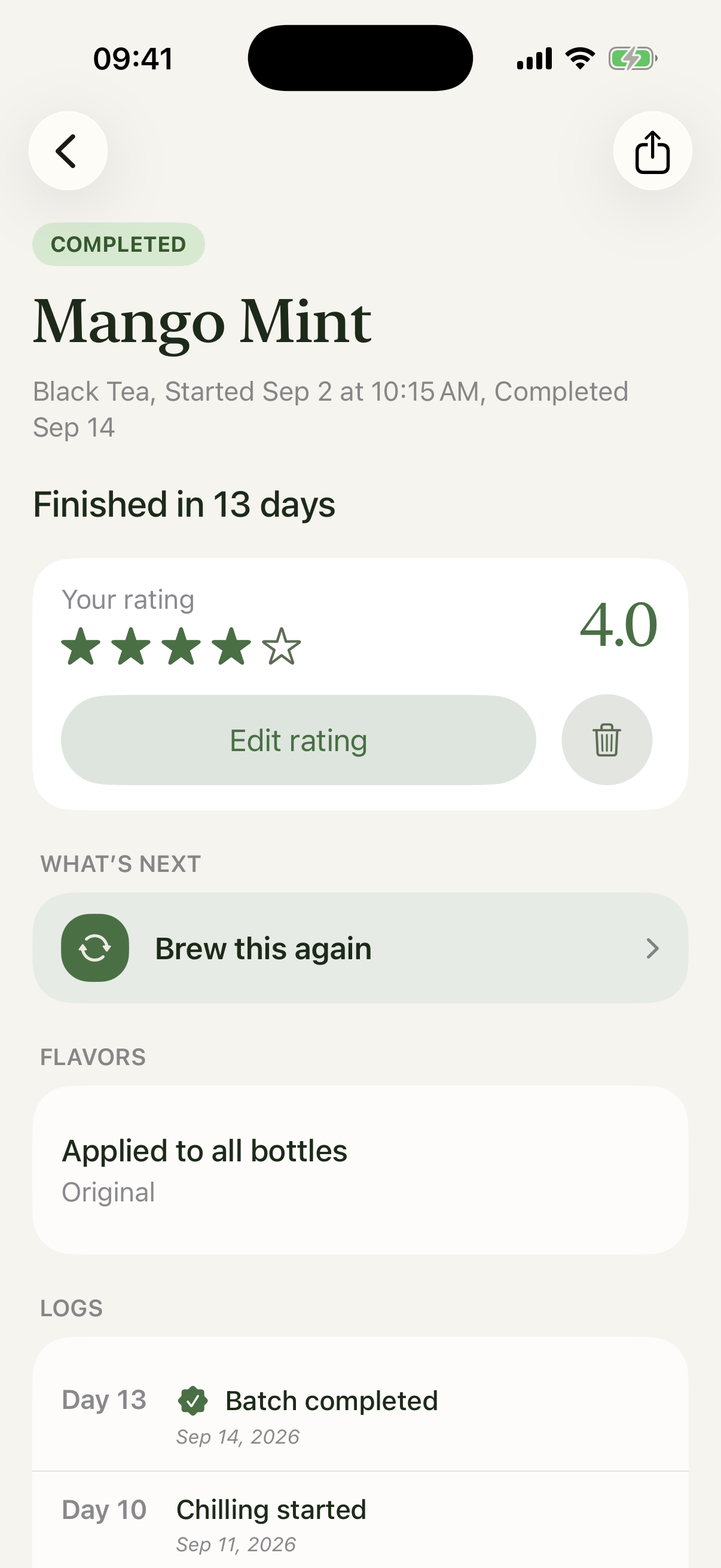
Completed brew + rating
-
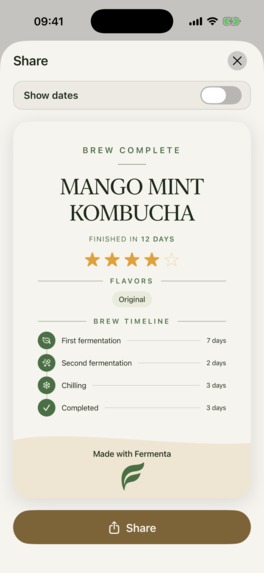
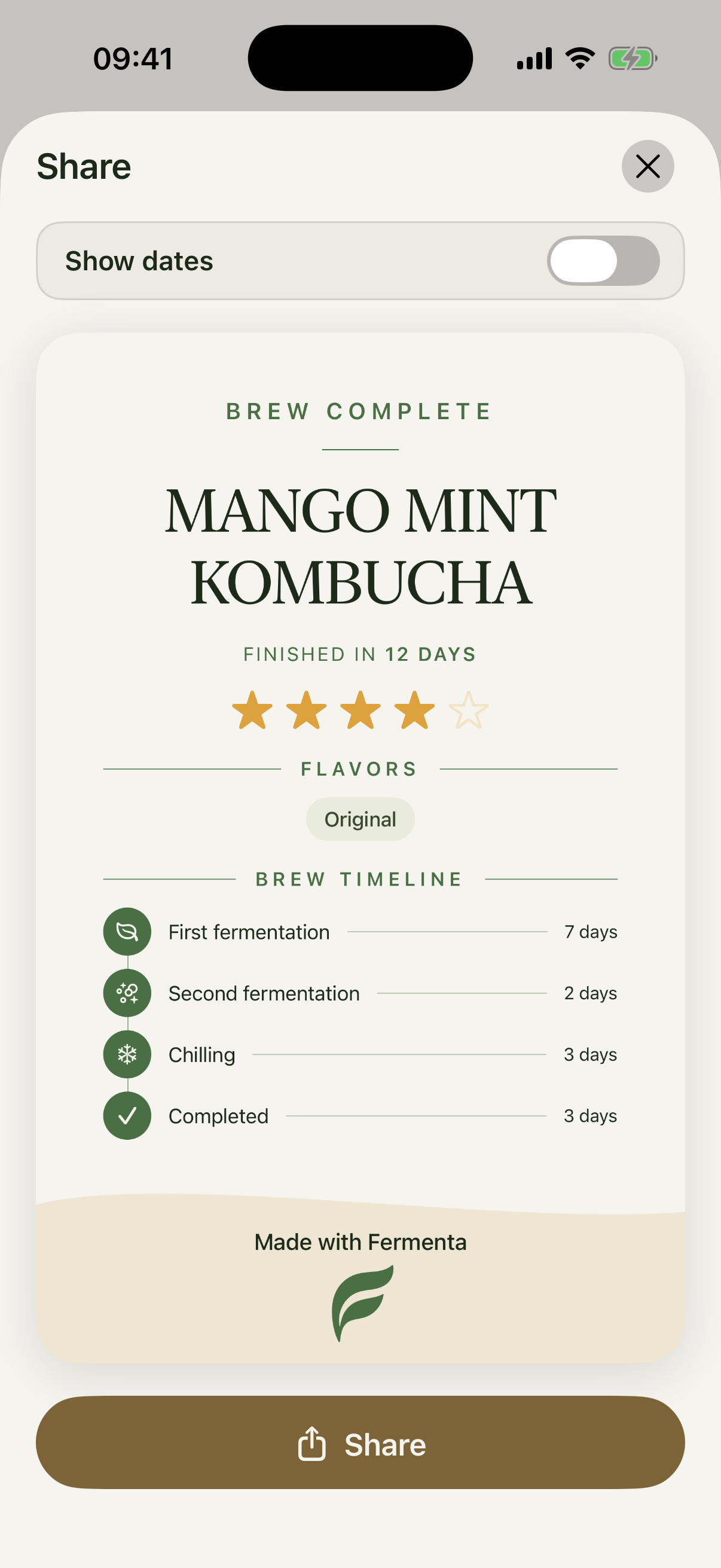
Completed brew sharing card
-
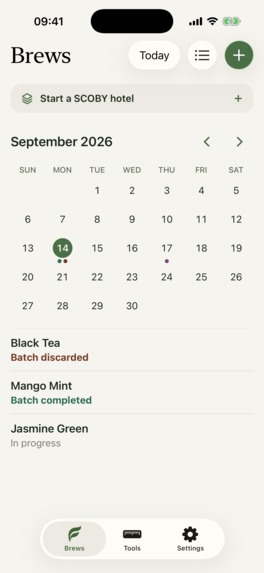
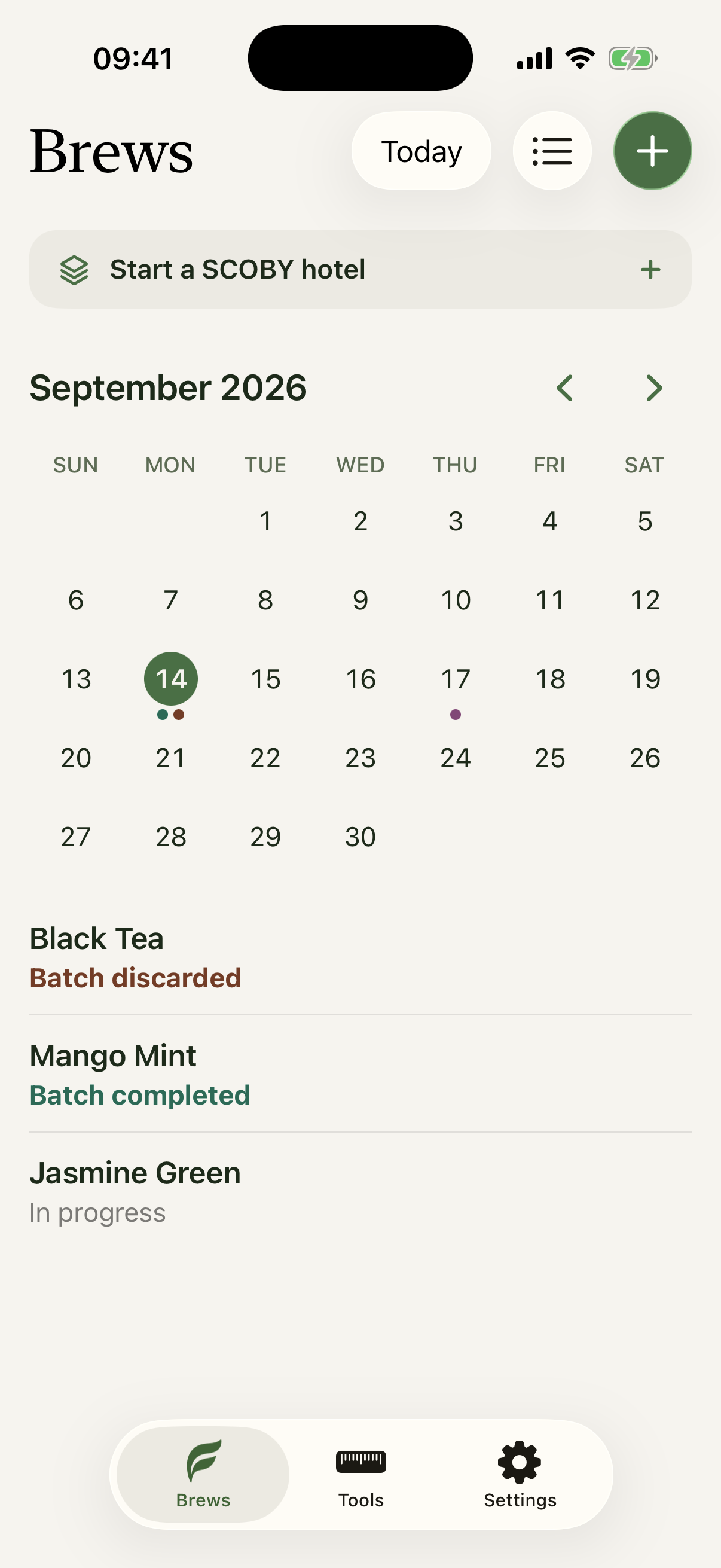
Brews list (in calendar mode)
-
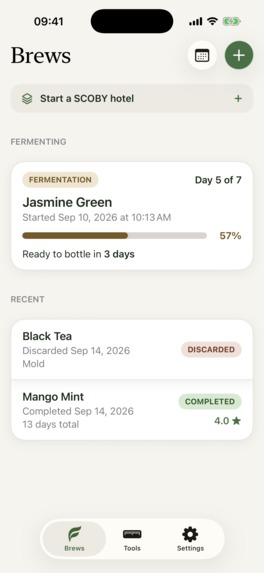
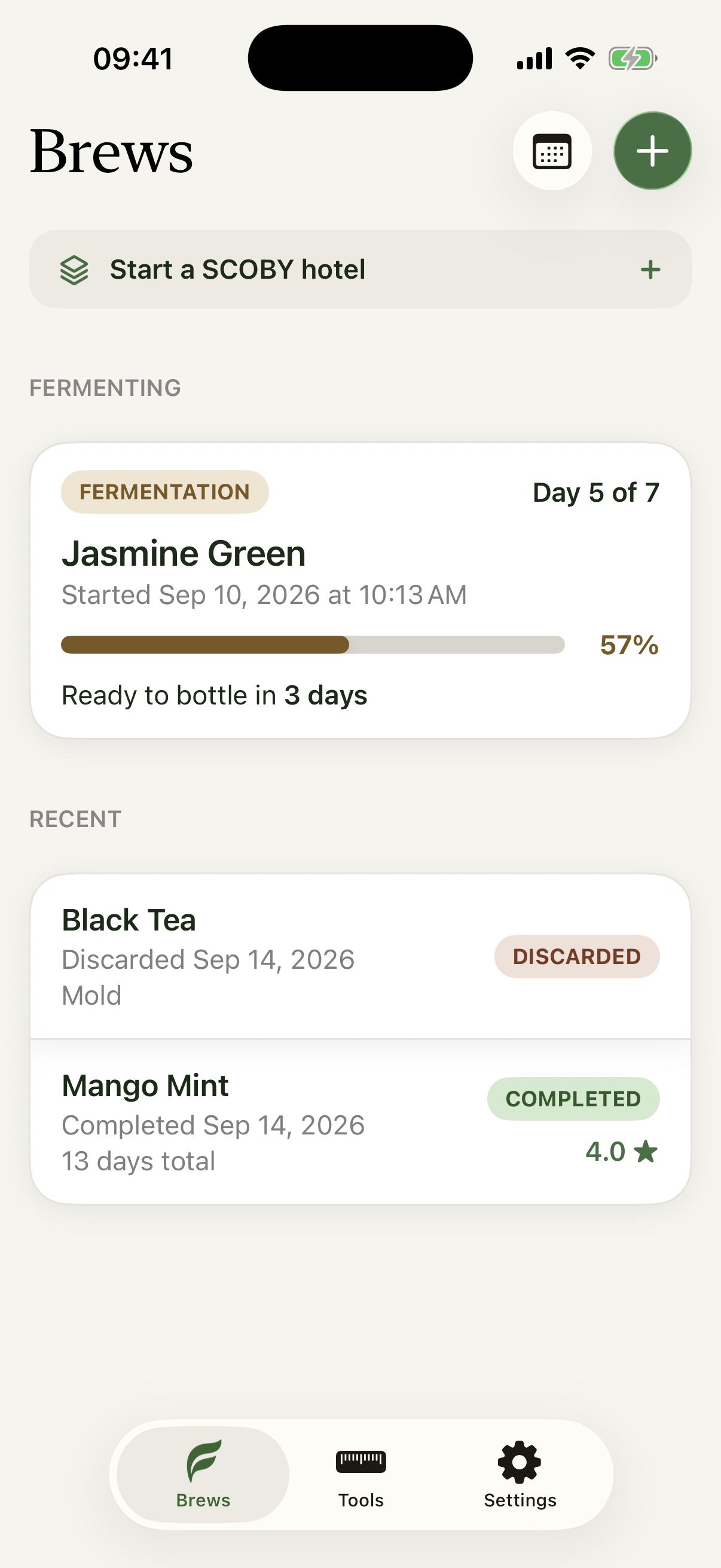
Brews list (main view)
-
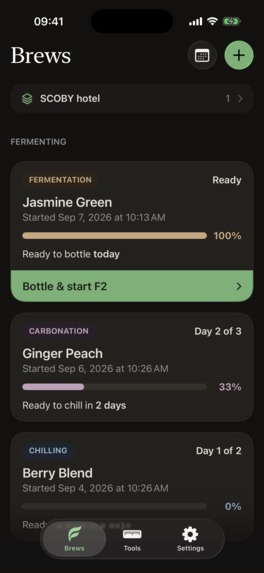
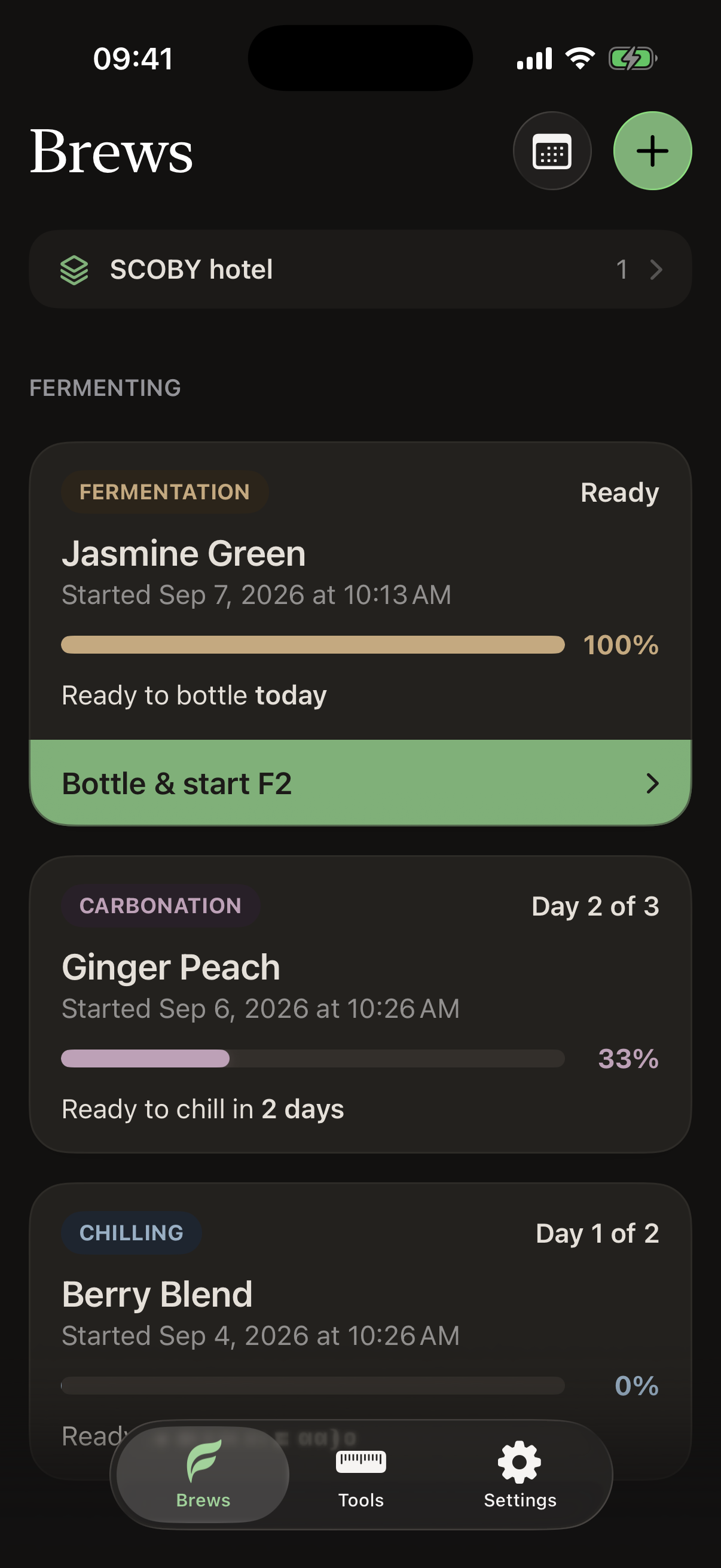
Brews list with "Pro" activated (unlimited brews and SCOBY hotel) + Dark mode
-
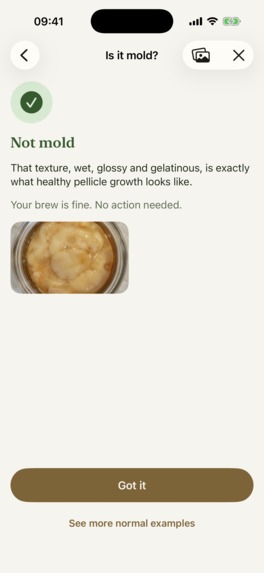
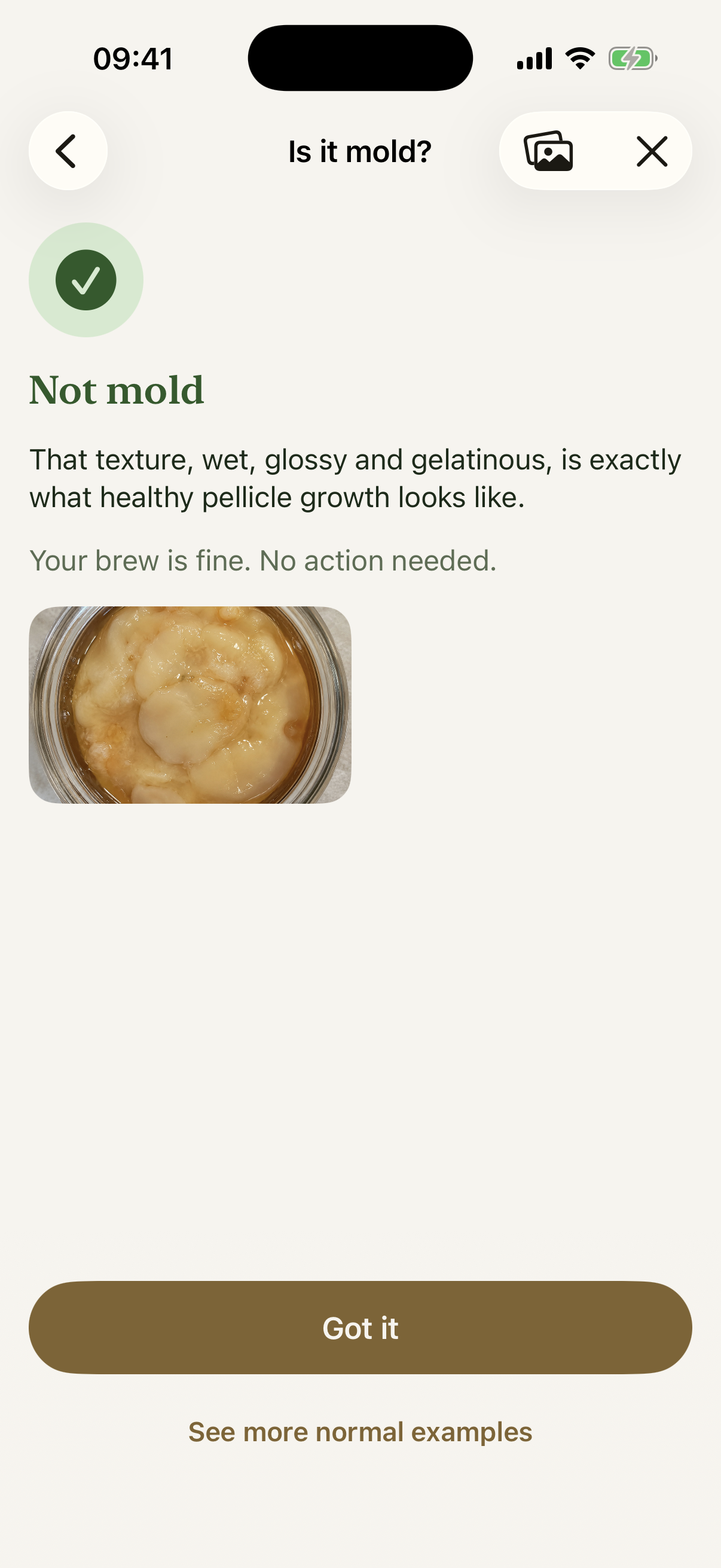
"Is it mold?" tool result
-
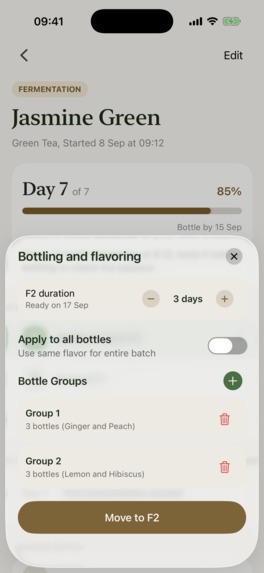
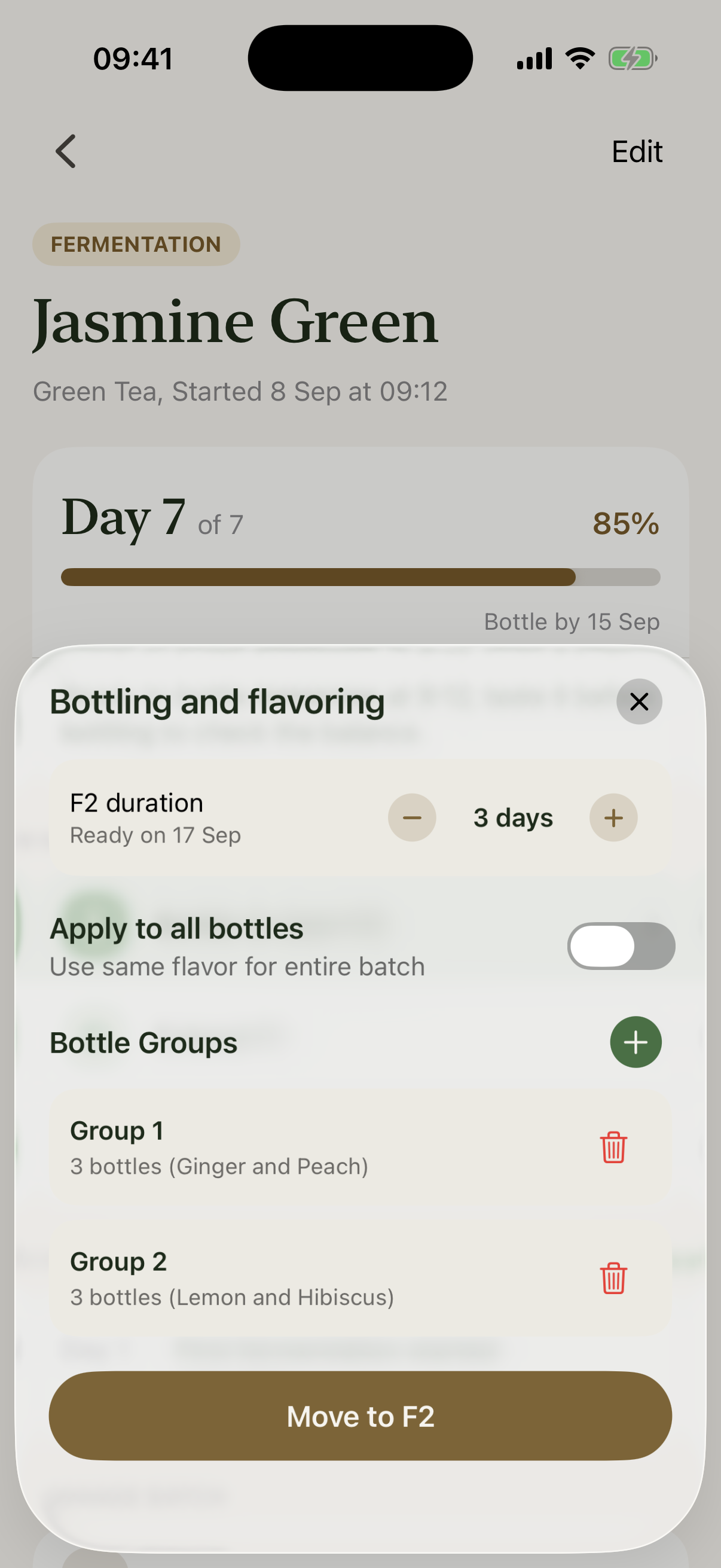
Brew bottles and flavours selection
-
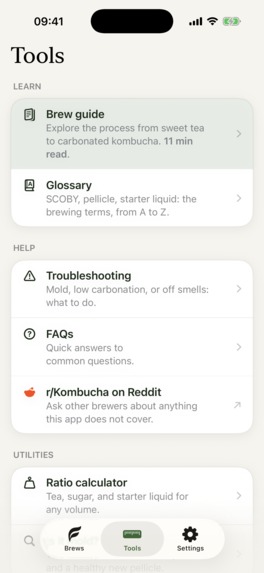
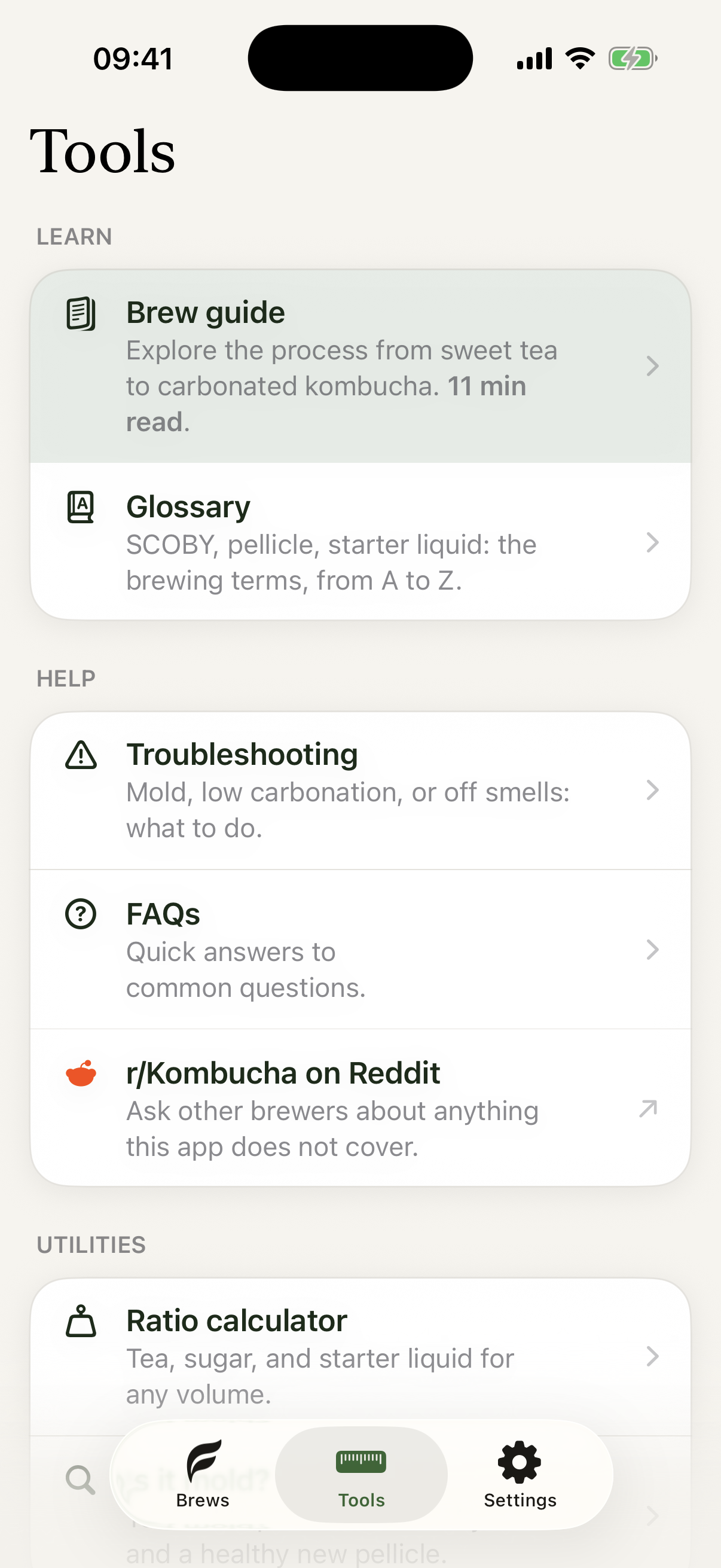
Tools section
-
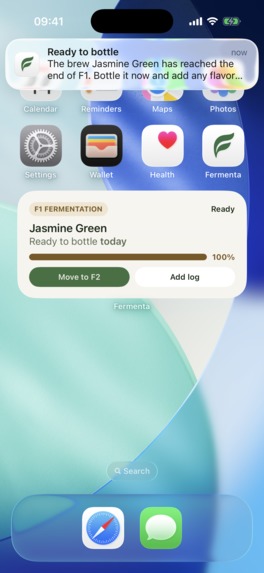
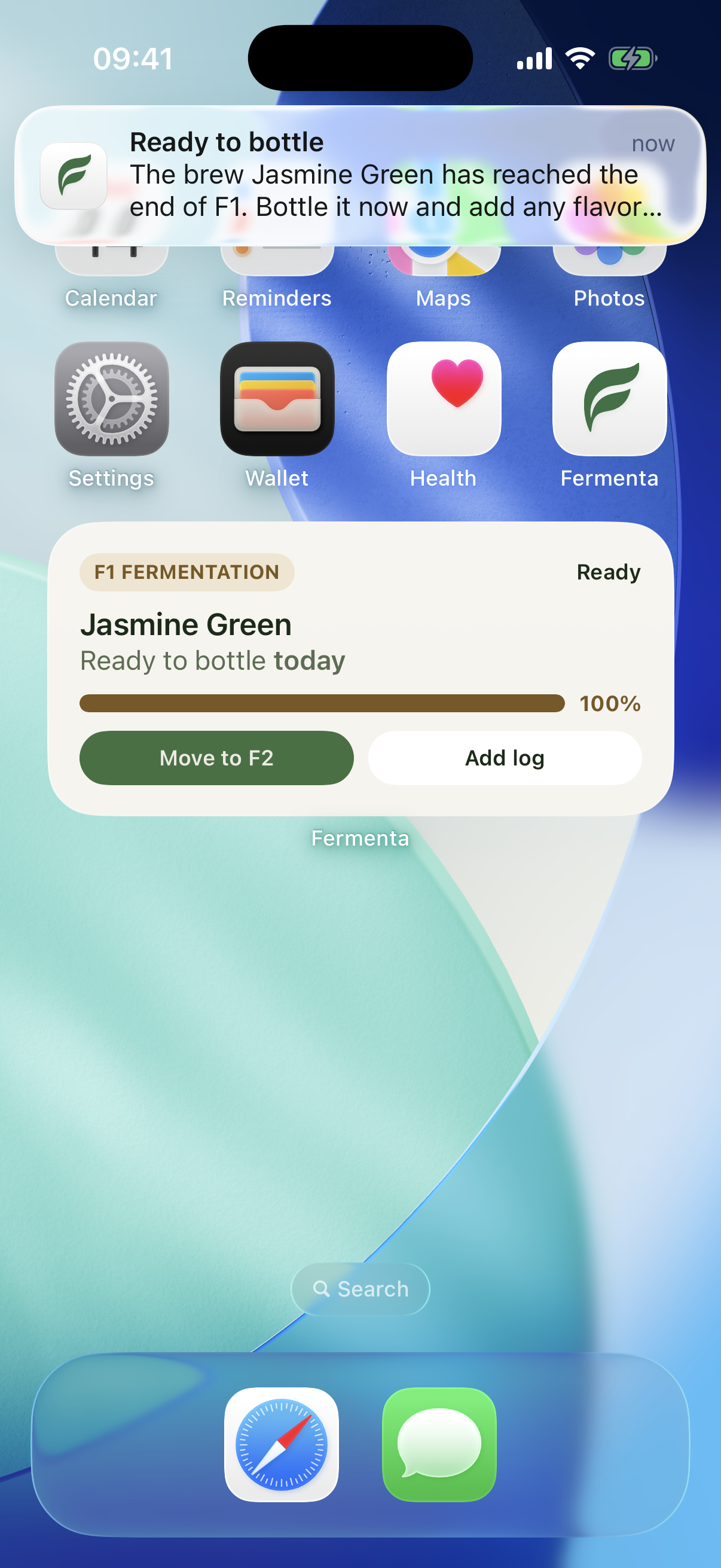
Brew widget + notification

Inspiration
I have been an iOS developer for more than ten years and have shipped many apps to the App Store for clients, but I had never released an app of my own. I have also been brewing kombucha at home for years, and I kept wishing for a tool that matched the way I actually manage a brew.
Fermenta brings those two goals together: it is the app I wanted for my own brewing process, and my first step toward publishing something useful for other kombucha brewers.
What it does
Fermenta is an iPhone app for tracking kombucha from first fermentation to bottling. It helps brewers keep the important details in one place: recipes, ingredients, fermentation progress, pH, temperature, carbonation, pressure, notes, bottle groups, flavors, and SCOBY hotel records.
The app is designed to make a detailed hobby feel manageable, without turning every brew into a spreadsheet.
Building Fermenta
The hardest part was deciding what belonged in version one and what should wait. Kombucha brewing has many useful details to track, but including everything at once could easily make the app feel overwhelming.
I focused on the features that make a real difference during a normal brew, then shaped them into a simple, approachable flow. The goal was to include the essential tools without making the app feel complex, and I think the result strikes that balance.
RevenueCat and the path to launch
Fermenta uses RevenueCat for its one-time Fermenta Pro purchase. Pro unlocks the ability to keep more than one batch fermenting at a time and access the SCOBY hotel.
At first, the amount of information to configure across RevenueCat and Apple can feel intimidating. Once I worked through the setup, though, the concepts became much clearer and the process felt straightforward. RevenueCat makes it much easier to build a clean purchase and restore flow while keeping the app focused on the brewing experience.


Log in or sign up for Devpost to join the conversation.