-
-
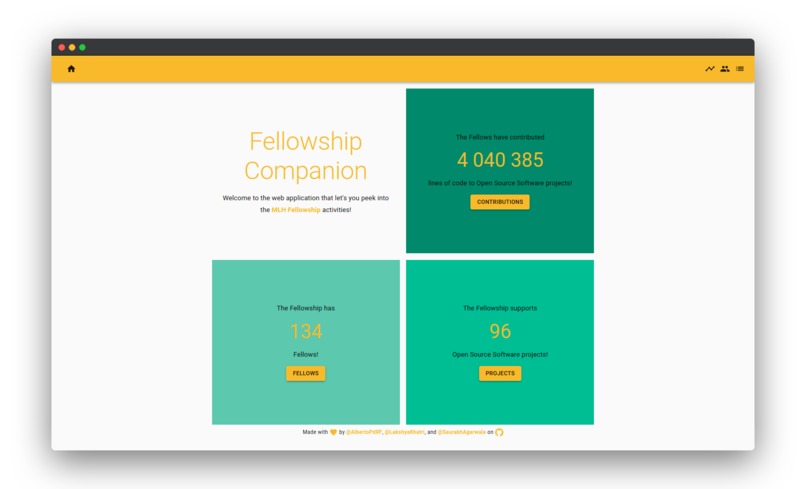
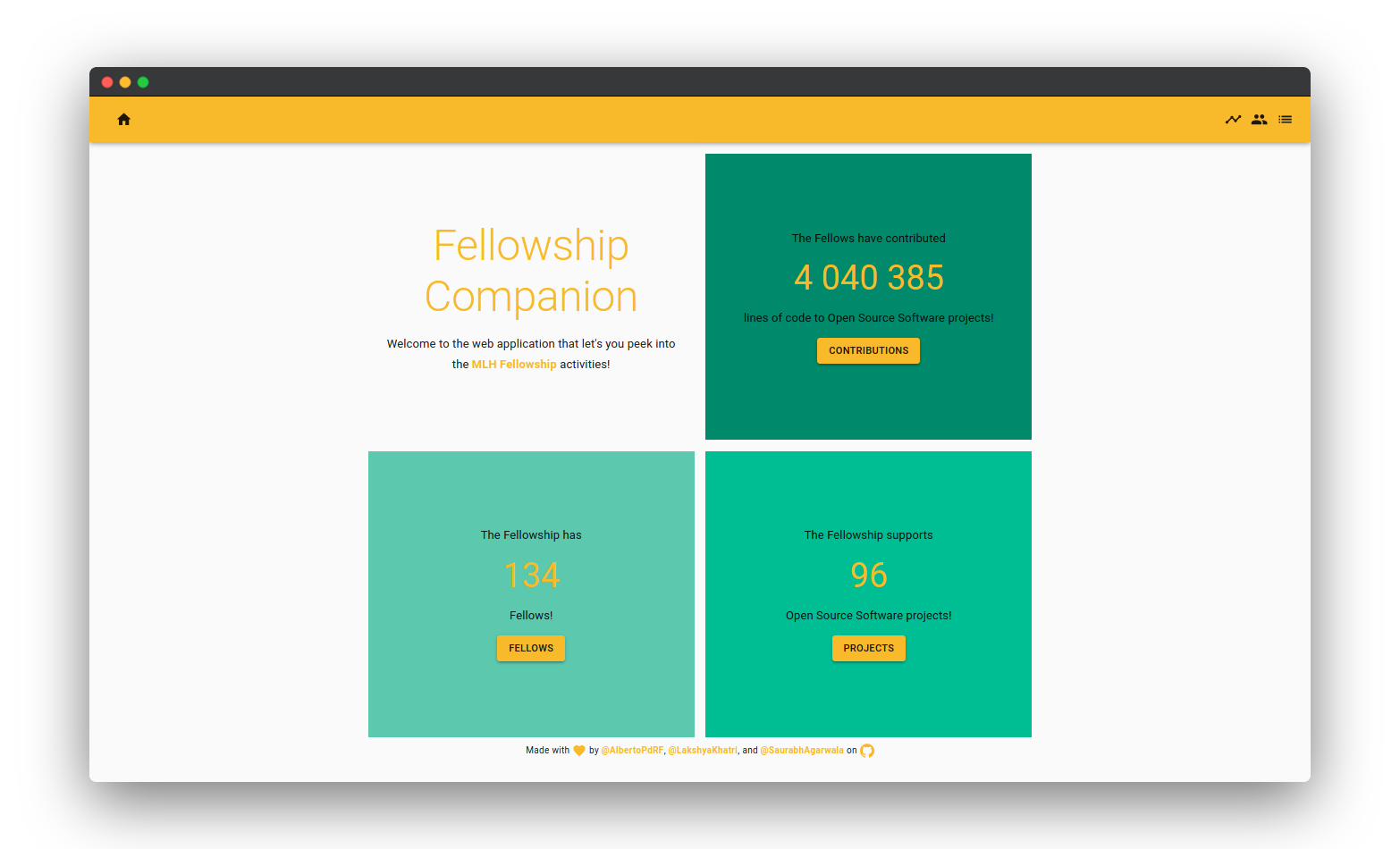
Fellowship Companion Landing Page
Inspiration
While working on open-source projects in MLH Fellowship we saw people being curious about their progress, their contributions and also about the progress that other fellows are making. So, we came up with an idea of making a web app that can track every single step of MLH Fellowship and let everyone see what's going on inside the Fellowship.
What it does
Fellowship Companion is a web app that will help you peek into MLH Fellowship activities. This will contain day-to-day activities of fellows. It offers the following features (everything can be filtered by individual Fellow, Repository, Team, or overall MLH Fellowship Organization):
- Total Lines of Code (LOC) contributed
- Number of PRs opened
- Number of PRs merged
- Number of Issues Opened
- Number of Issues Resolved
- Who is contributing to which repository
- The activity of Issues, PRS, forks (for repositories forked under MLH organization)
How we built it
We used the Django Framework Django Rest Framework to set up a backend that fetches the latest information from each Repository that is forked under MLH Fellowship Organization using GitHub API and processed the data according to the need. Then we used the Django REST Framework to create REST API endpoints for our processed data and show it using a beautiful web app.
The frontend part is developed using React framework and Material UI to keep the UX minimal. Using Material UI also allowed us to speed up our development process without compromising with the look and feel of the web app.
We then used Ngnix and Gunicorn to setup our Django backend on Google Cloud Platform, unfortunately, we were not allowed for the https:// domains in the free tier and hence we moved our deployment to pythonanywhere.com. We used Netlify to setup our frontend application quickly.
We will be setting up the cronjobs to keep updating the latest information in the application
Challenges we ran into
- Problem: The main challenge that we ran into was working with backend and frontend simultaneously. The team member who was working on the frontend has to wait for the API endpoints to get ready before he can actually start building the UI.
- Solution: To solve this problem we created demo API endpoints and their responses. Then we kept working on the functionality when the frontend was building up parallelly.
- Problem: Another problem we faced was with the Github API. GitHub allows limited requests for and we need a lot of data for calculating everything.
- Solution: We used the data we already had and cleverly derived the extra information we needed. This also resolved the issue of big queries from GitHub API
- Problem: We spend a lot of time on generating the accurate data that we didn't get enough time to present it on the UI.
Accomplishments that we're proud of
- Learned using continuous deployment on a GitHub repository
- Counting total lines of code that each individual has contributed
- The way we tried our hands on different technologies
What we learned
- How to use different frameworks to speed up the development
- How to work with Github API
- How to set up and use CD on GitHub
- How material UI works
What's next for Fellowship Companion
- Show all the available data on UI
- Made data to be updated on an hourly basis (or faster if possible).
- Issue Suggestions
- UI for top contributors
- Map for showing country-wise contributions
- UI for Popular Languages and Repositories
- UI improvements
Final notes
All the data is smartly calculated (except the fellow count) and not directly fetched from the GitHub API. So things like the loc (we tracked down each PR and went through the changes that are made in each of them), total projects, PRs and issues are calculated up to the most accuracy. We still have to set up the cronjobs to keep the data updated.
Built With
- django
- djangorf
- javascript
- python
- react


Log in or sign up for Devpost to join the conversation.