-
-
FeatureGuard: Baseline Web Dev Tool Integration
FeatureGuard: Baseline Web Dev Tool Integration
Inspiration
The idea for FeatureGuard emerged from the frustration that web developers face when adopting new web standards. Modern web technologies evolve rapidly: new HTML tags, CSS properties, and JavaScript APIs are released frequently, but developers often hesitate to use them because support across browsers and environments is inconsistent.
Even experienced developers spend hours jumping between MDN documentation, caniuse.com, blogs, and GitHub discussions just to verify whether a feature is safe for production. This slows down development, introduces uncertainty, and ultimately reduces productivity.
We realized there was a clear need for a tool that could integrate Baseline data directly into developer workflows, giving instant, reliable feedback on feature support. Our inspiration came from:
- Developer Productivity: Eliminating repetitive research tasks to save time.
- Baseline Initiative: Google’s Baseline dataset provides curated, structured web feature data that is perfect for integration into real-world tools.
- Modern IDEs & DevOps Pipelines: Developers increasingly rely on automation—why not automate feature safety checks too?
With this motivation, we envisioned FeatureGuard, a multi-layered tool that integrates Baseline data into IDEs, CLI tools, and dashboards, giving developers actionable insights while coding or reviewing projects.
What it does
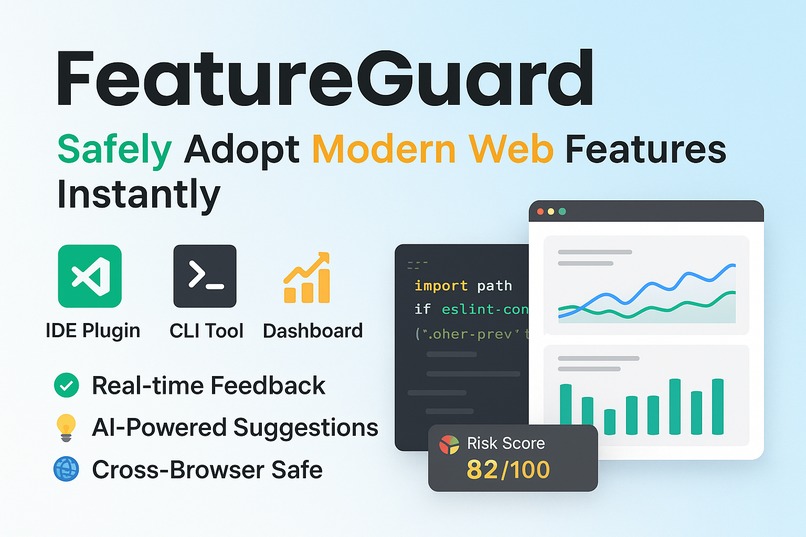
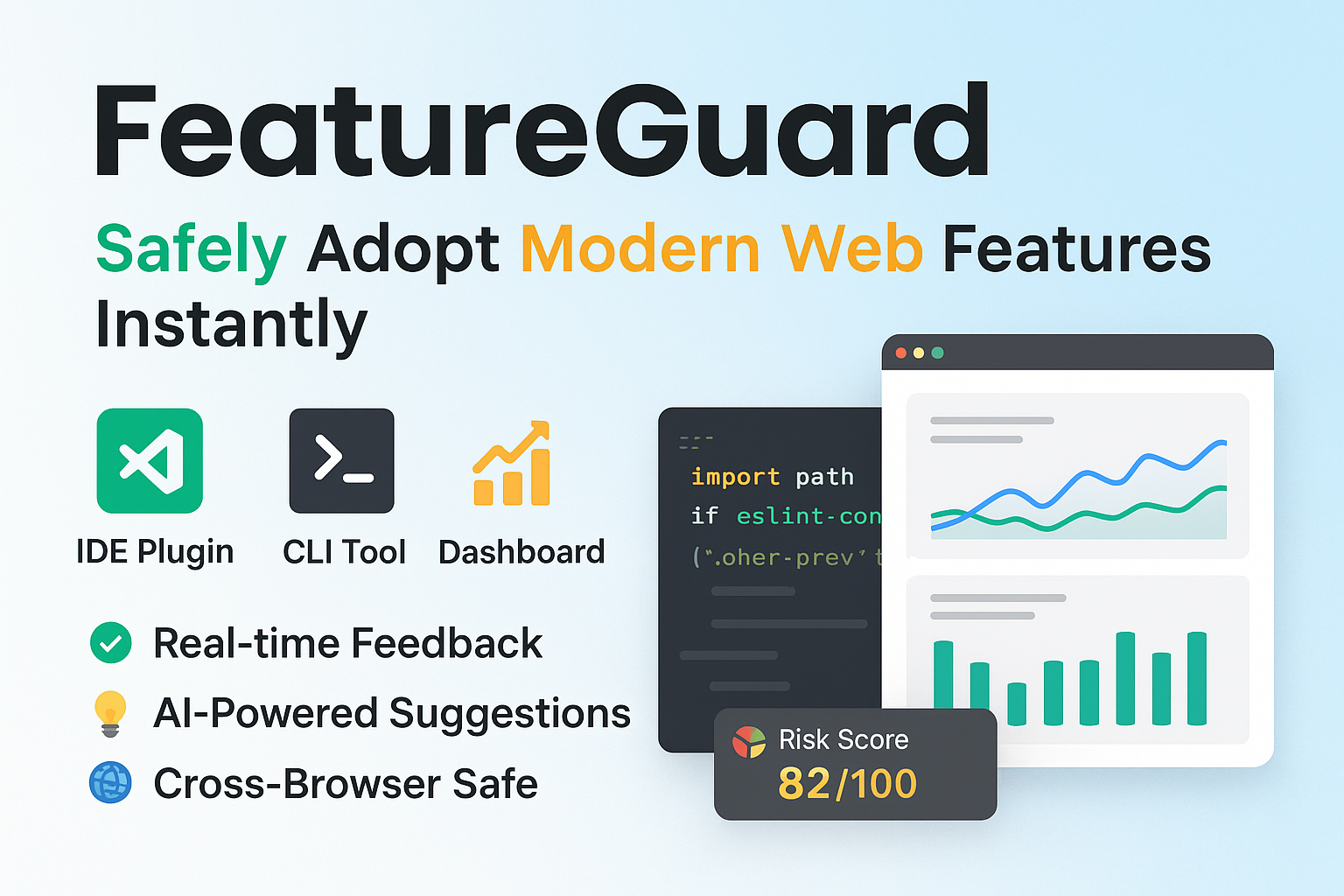
FeatureGuard is designed to bridge the gap between new web features and developer confidence. It operates on three levels:
IDE Integration
- Real-time feedback as you write code.
- Highlights unsupported features in HTML, CSS, or JavaScript.
- Suggests polyfills or alternative approaches where possible.
- Real-time feedback as you write code.
CLI Tool
- Project-wide scan for modern web feature usage.
- Generates comprehensive reports: compatibility scores, risky features, and browser support summaries.
- Helps teams make informed decisions during code reviews.
- Project-wide scan for modern web feature usage.
Dashboard / Analytics
- Visualizes feature usage across projects.
- Displays charts for feature support, adoption trends, and risk levels.
- Can integrate into team dashboards for continuous monitoring.
- Visualizes feature usage across projects.
FeatureGuard reduces developer uncertainty, ensures safer adoption of modern web standards, and increases productivity by automating the research process.
How we built it
Building FeatureGuard required integrating Baseline data sources and developing tools that could interact seamlessly with developers’ existing workflows. The architecture has three main components:
1. IDE Plugin
- Developed using VS Code Extension API.
- Written in TypeScript, enabling type-safe code analysis.
- Uses web-features npm package to check feature support.
- Implements real-time linting: as developers type, unsupported features are flagged with inline warnings.
Example:
- typescript
import { getFeatureSupport } from 'web-features';
const feature = 'CSS:gap';
const support = getFeatureSupport(feature);
if (!support.isUniversal) {
- vscode.window.showWarningMessage(
${feature} is not fully supported);
- vscode.window.showWarningMessage(
}
Achieved instant feedback in the editor without slowing down typing performance
2. CLI Tool
- Developed with Node.js for cross-platform compatibility.
- Scans all HTML, CSS, and JS files in a project.
- Uses web-features to generate a compatibility report:
- Browser support percentages
- Risk level of each feature
- Recommended polyfills
- Browser support percentages
Example CLI output:
- FeatureGuard Report:
- CSS:gap — 92% support (partial fallback suggested)
- HTML:dialog — 85% support (use polyfill)
JS:fetch — 99% support (safe)
Integrates easily with CI/CD pipelines, enabling automated checks during pull requests.
3. Dashboard / Analytics
- Frontend built with React.js + Tailwind CSS, hosted on Vercel.
- Backend in Node.js + Express (optional) for live data aggregation.
Features interactive charts and graphs:
- Feature usage heatmaps
- Risk scoring visualizations
- Adoption trend tracking
- Feature usage heatmaps
Provides teams with project-wide insights, helping them prioritize updates or refactoring.
Tech Stack Summary
| Component | Technology |
|---|---|
| IDE Plugin | VS Code API, TypeScript |
| CLI Tool | Node.js, web-features npm |
| Dashboard | React.js, Tailwind CSS, Vite.js |
| Backend | Node.js, Express (optional) |
| Hosting | Vercel / Netlify |
| Data | web-features npm package, Baseline datasets |
Challenges we ran into
Integrating Baseline Data Across Tools
- Different tools required different data formats.
- IDE linting needed fast, local access, while the dashboard could fetch asynchronously.
- Solution: Created a common JSON interface to normalize feature data.
Performance in IDEs
- Real-time linting can slow down typing if not optimized.
- Solution: Caching and incremental analysis for only modified lines/files.
Cross-browser Support Complexity
- Some web features have partial support or quirks in certain browsers.
- Solution: Developed support scoring, factoring universal vs partial support.
CLI Scalability
- Large projects with thousands of files caused slow scans.
- Solution: Parallelized file scanning and optimized data lookups.
Accomplishments that we're proud of
- Successfully integrated Baseline data into three developer tools: IDE plugin, CLI, and dashboard.
- Created a real-time linting system that doesn’t impact typing speed.
- Built a dashboard with visual analytics that provides actionable insights.
- Open-source and MIT licensed, making it accessible to the developer community.
- Demonstrated cross-browser support awareness, reducing adoption risks for modern web features.
What we learned
- The complexity of web feature adoption and browser inconsistencies.
- Importance of user experience in developer tools—feedback must be clear, instant, and non-intrusive.
- Handling large datasets efficiently for real-time applications.
- Integrating multiple layers of tooling (IDE + CLI + Dashboard) requires careful architecture planning.
- Open-source licensing encourages adoption and community contributions.
What's next for FeatureGuard: Baseline Web Dev Tool Integration
- Expand IDE support: Add support for JetBrains and Sublime Text editors.
- Enhanced analytics: Track team-level adoption trends over time.
- AI-driven recommendations: Suggest optimal polyfills and feature alternatives automatically.
- Integration with CI/CD pipelines: Provide pull-request warnings directly on GitHub Actions or GitLab pipelines.
- Community contributions: Open-source plugins and dashboards for community feedback and improvement.
- Localization & accessibility: Support multiple languages and ensure dashboard accessibility standards are met.
FeatureGuard is designed to evolve alongside the web ecosystem, helping developers confidently adopt modern web features and make informed coding decisions faster.
Built With
- baseline-datasets
- chart.js
- eslint
- express.js
- github
- javascript
- json
- netlify
- node.js
- prettier
- react.js
- tailwind-css
- typescript
- vercel
- vite.js
- vs-code-extension-api
- web-features-npm-package


Log in or sign up for Devpost to join the conversation.