-
-
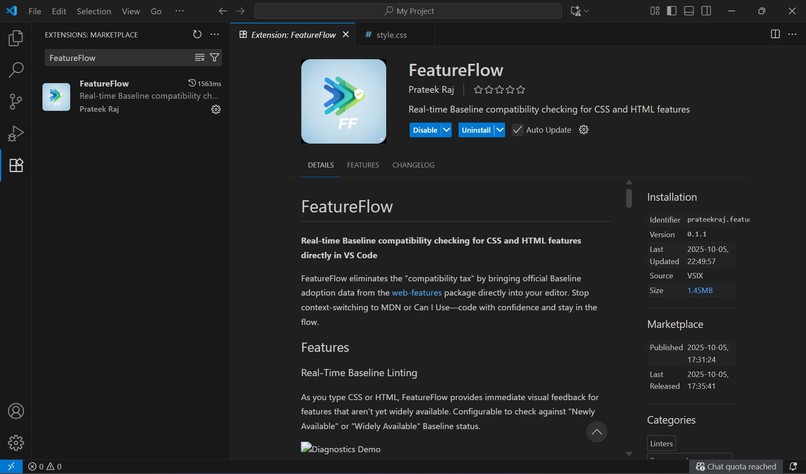
FeatureFlow In VS Code Extension Marketplace
-
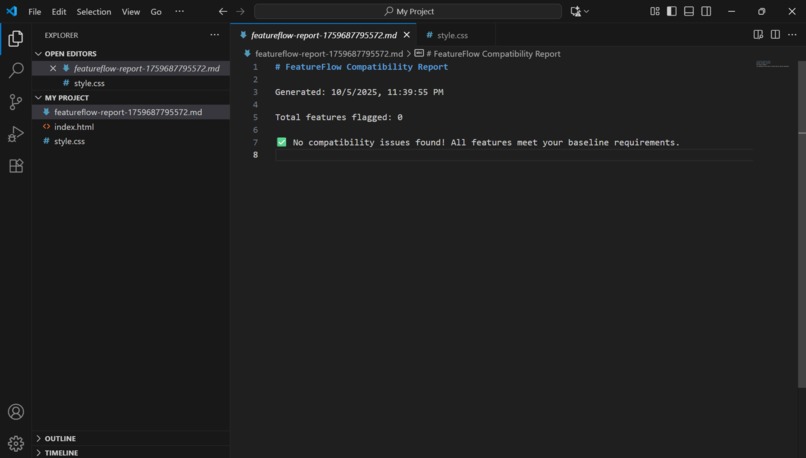
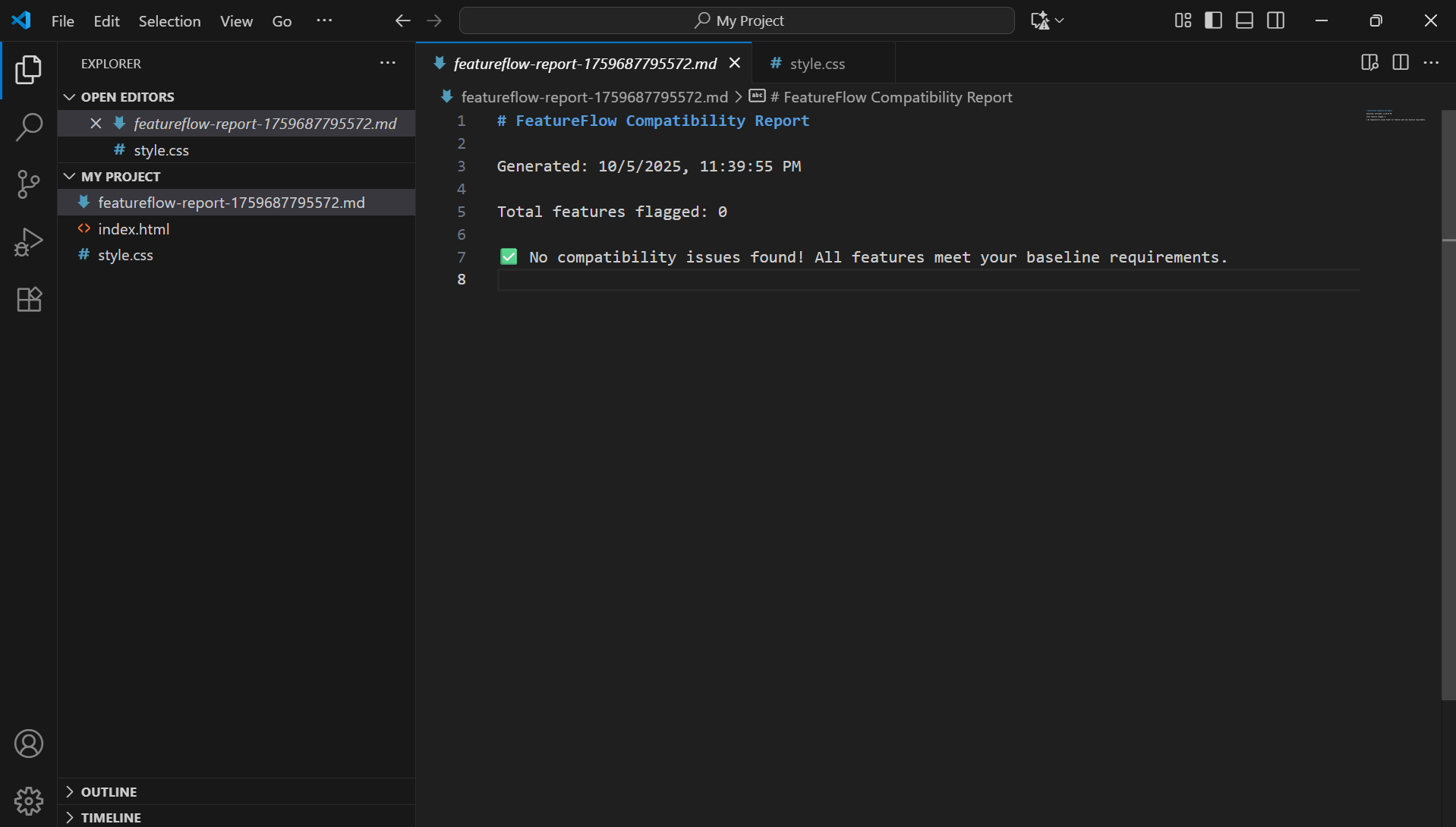
FeatureFlow Markdown Compatibility Report
-
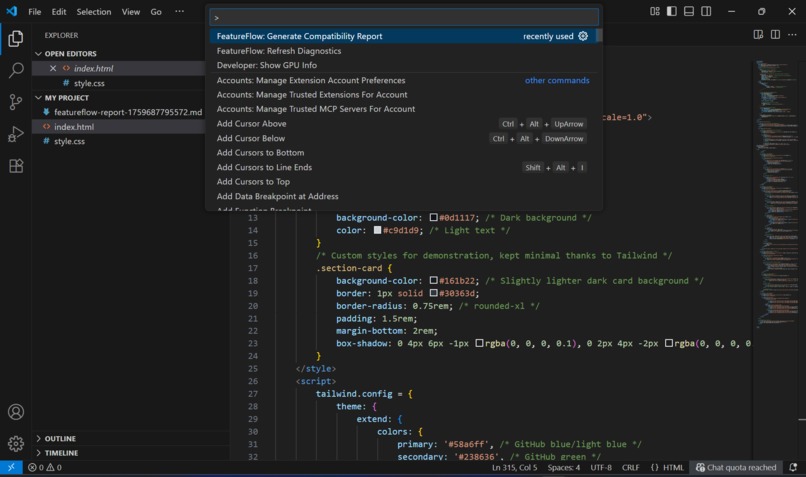
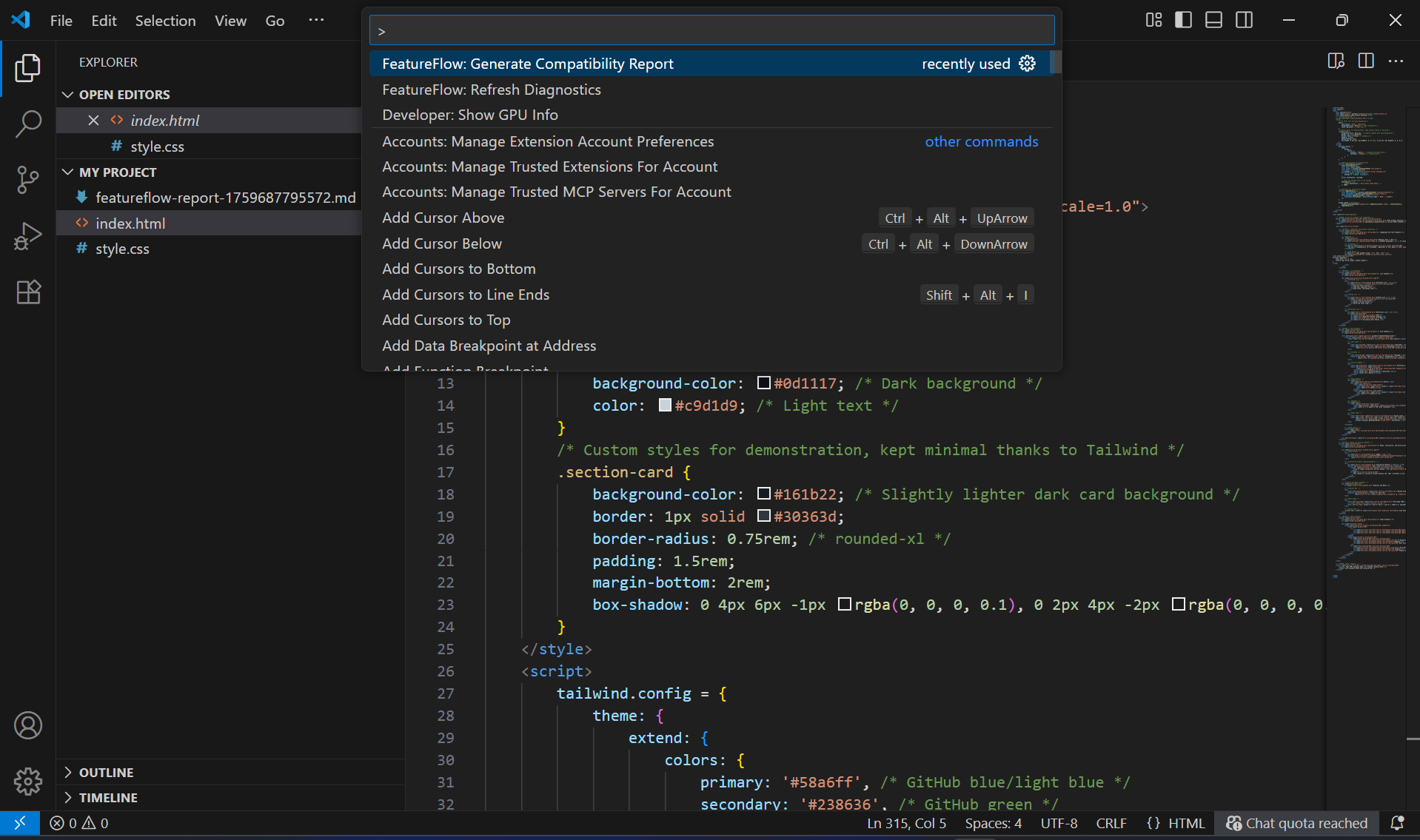
FeatureFlow Commands In Command Palette
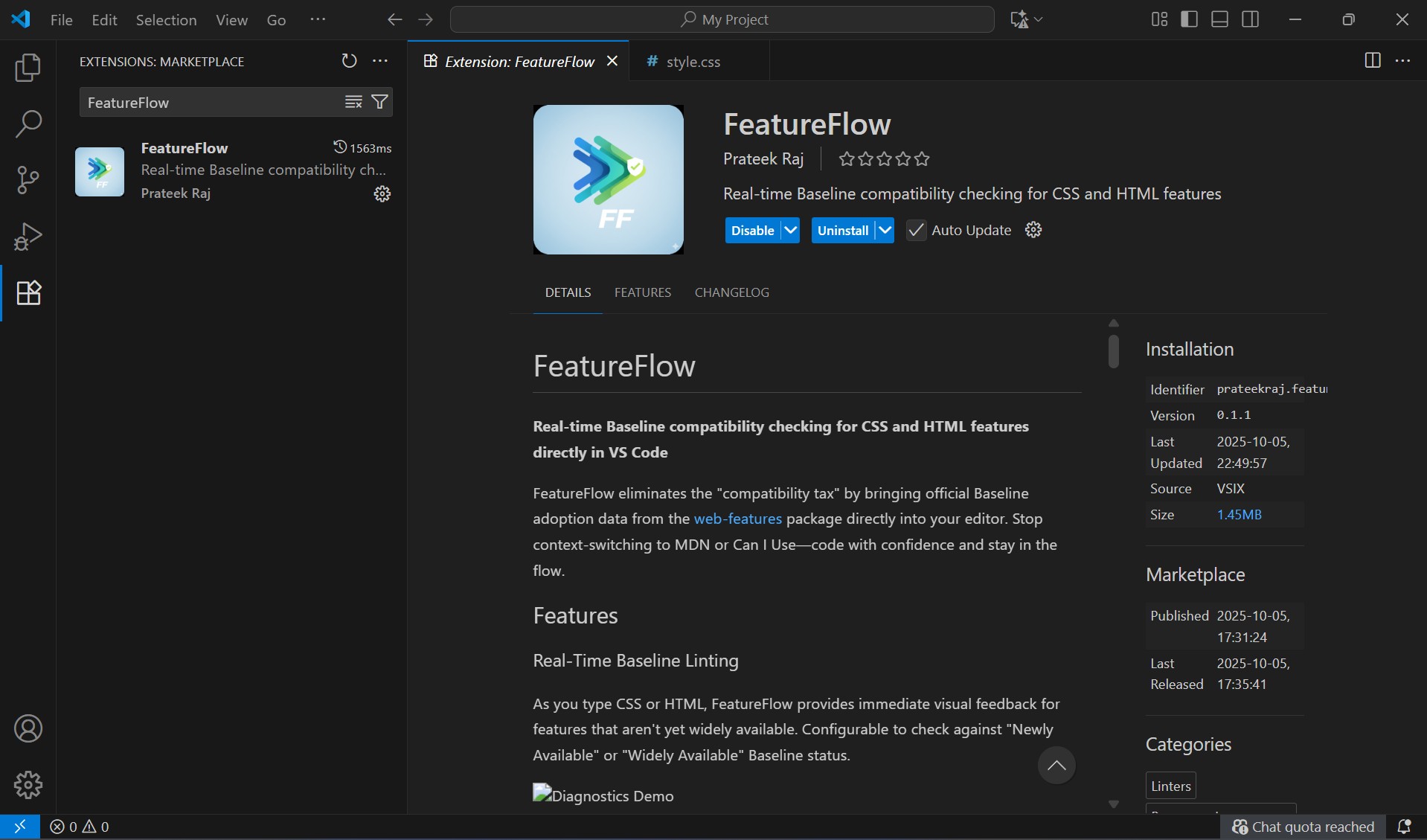
Inspiration: The Context-Switching Tax
Every front-end developer knows the drill: you start using a new CSS property like subgrid or a modern JavaScript API, and a nagging voice asks, "Is this safe yet?" This leads to the inevitable workflow detour: pause coding, open a browser, navigate to MDN or caniuse.com, search, analyze the compatibility tables, and finally, switch back to the IDE.
This repetitive task—the context-switching tax—is a silent killer of developer productivity. Our inspiration for FeatureFlow was simple: eliminate this friction entirely. If Baseline provides the definitive answer to "Is it safe?", then that answer should be instantly available right next to the code, allowing developers to maintain their flow and code with unshakable confidence.
What it does
🔍 Real-Time Baseline Linting As you type CSS or HTML, FeatureFlow provides immediate visual feedback for features that aren't yet widely available. Configurable to check against "Newly Available" or "Widely Available" Baseline status.
💡 On-Hover Compatibility Status Hover over any CSS property or HTML element to see:
Current Baseline status (Widely Available, Newly Available, or Limited) When the feature became available Direct links to MDN documentation and Can I Use data
📊 Project Compatibility Reports Generate comprehensive compatibility reports in Markdown or JSON format that scan your entire project and list all non-Baseline features with their locations.
Perfect for:
Technical debt assessments Planning feature adoption roadmaps Team audits before production releases
How we built it:
The architecture of FeatureFlow is centered on deeply integrating the authoritative Baseline data with the VS Code extension API:
Data Ingestion: The project's foundation is the official web-features NPM package. This package provides a structured, programmatically accessible data set for all features tracked by the Baseline initiative.
VS Code API Integration (TypeScript): I used TypeScript to build a robust extension. The core challenge was creating a Language Server Protocol (LSP)-like diagnostic system to scan the currently open file.
Real-Time Linting: I created a utility function that parses the text of the CSS or HTML file to identify feature names. It then cross-references each feature with the web-features data, specifically checking the status property for "Widely Available". If the status falls below the user's defined Baseline target, a real-time diagnostic error/warning is applied directly to the feature in the editor.
Hover Information: I leveraged the VS Code registerHoverProvider to serve up the full Baseline status, adoption date, and a helpful description whenever the user hovers over the feature name.
Challenges we ran into
Parsing Complexity: The initial challenge was accurately identifying and extracting CSS properties and HTML tags from arbitrary code blocks using the VS Code API. Relying on simple regular expressions was insufficient and brittle. The solution involved utilizing a lightweight, syntax-aware parsing library (similar to Stylelint/ESLint under the hood) to correctly map the feature name to its position in the document, ensuring the real-time linter was accurate.
Polyfill Suggestion Logic: Developing the polyfill suggestion logic for Feature 3 was an ambitious stretch goal. The core difficulty lies in mapping a detected non-Baseline feature to the correct, actively maintained polyfill package. For the hackathon, this was solved by hard-coding suggestions for a handful of popular features (e.g., suggesting Babel and a specific polyfill package for modern JS features), setting the stage for a more comprehensive community-driven mapping post-event.
Accomplishments that we're proud of
Seamless Integration of Authoritative Data We successfully integrated the authoritative Baseline data (via the web-features package) directly into the VS Code environment. This achieves the core goal of the hackathon: transforming a static web resource into a dynamic, development-accelerating tool.
Achieving "Flow State" Development Our primary technical accomplishment is the creation of a real-time, non-blocking linter that provides compatibility feedback without forcing the developer to leave the editor. We successfully solved the "context-switching tax," keeping the developer in their flow state and maximizing productivity.
Robust Diagnostic System We overcame the complexity of parsing and analyzing code to build an accurate and performant diagnostic system. This includes:
Accurate Feature Mapping: Ensuring the linter correctly maps a line of code to the exact feature status in the Baseline dataset.
Performance Optimization: Implementing caching and debouncing to ensure the linting is instantaneous and does not slow down the VS Code experience.
Actionable Insights (Beyond Warnings) We went beyond simply flagging incompatible code by implementing the Project Compatibility Report Generator and the Automatic Polyfill Suggestions (Stretch Goal). These features turn simple warnings into clear, actionable steps for teams to manage and mitigate their technical debt effectively.
Open Source & Extensible Foundation The entire extension is built on a clean TypeScript architecture, ready for immediate open-sourcing. We built a project structure designed for future growth, making it easy to integrate with other IDEs and extend support to JavaScript APIs and new Baseline features.
What we learned
The most significant takeaway was learning how to effectively transform a large, static data structure (the web-features JSON) into a real-time, performant diagnostic tool.
I learned:
Optimization is Key: Initially, the performance suffered from re-reading and processing the entire data set on every keystroke. I implemented a caching layer and debouncing on the document change event to ensure the linting remains instant and non-blocking.
The Nuance of Baseline: Baseline status is more than a simple "yes/no." Understanding the difference between "Newly Available" and "Widely Available" was crucial for allowing developers to configure the extension to fit their project's unique risk tolerance and user base.
What's next for FeatureFlow
We're just getting started! Here's what's on the roadmap:
🔌 Cross-IDE Support Bringing FeatureFlow to other popular development environments:
IntelliJ IDEA / WebStorm Sublime Text Atom Vim/Neovim plugins 🔷 JavaScript Feature Support Extending beyond CSS and HTML to cover:
Modern JavaScript syntax (optional chaining, nullish coalescing, etc.) Web APIs (Service Workers, WebRTC, Web Components) Browser-specific APIs with Baseline tracking ECMAScript proposal stages 🏗️ Build Tool Integration Enforce compatibility standards at build time:
Webpack Plugin: Fail builds when non-Baseline features are detected Rollup Plugin: Integrate baseline checks into your build pipeline Vite Plugin: Real-time compatibility validation during development ESLint Plugin: Add baseline checking to your linting workflow CI/CD integration for automated compatibility audits 🌍 Community-Driven Growth We believe in the power of open source:
Open Contribution Model: All features welcome, from bug fixes to major enhancements Community Feature Requests: Vote on and suggest new capabilities Plugin Ecosystem: Allow third-party extensions and custom rule sets Localization: Support for multiple languages and regional browser requirements Custom Baseline Profiles: Define your own compatibility targets (e.g., "IE11+", "Modern Evergreen") 🚀 Advanced Features AI-Powered Polyfill Suggestions: Automatically recommend and insert appropriate polyfills Performance Impact Analysis: Show the performance implications of using newer features Automatic Feature Fallbacks: Generate fallback code for unsupported browsers Team Collaboration: Share baseline profiles and reports across teams Historical Tracking: Monitor how your project's baseline coverage evolves over time
Built With
- api
- json
- markdown
- node.js
- npm
- stylelint
- typescript
- visual-studio
- vsce


Log in or sign up for Devpost to join the conversation.