Inspiration
The hackathon prompt pointed me toward WebMCP, and I wanted to know the performance rate of agents when giving MCP tools to create games in a 3D engine. I am a Unity game developer, so I know firsthand how much manual work goes into coordinates, physics, and object placement. I wanted to see how much of that an agent could just take over.
What It Does
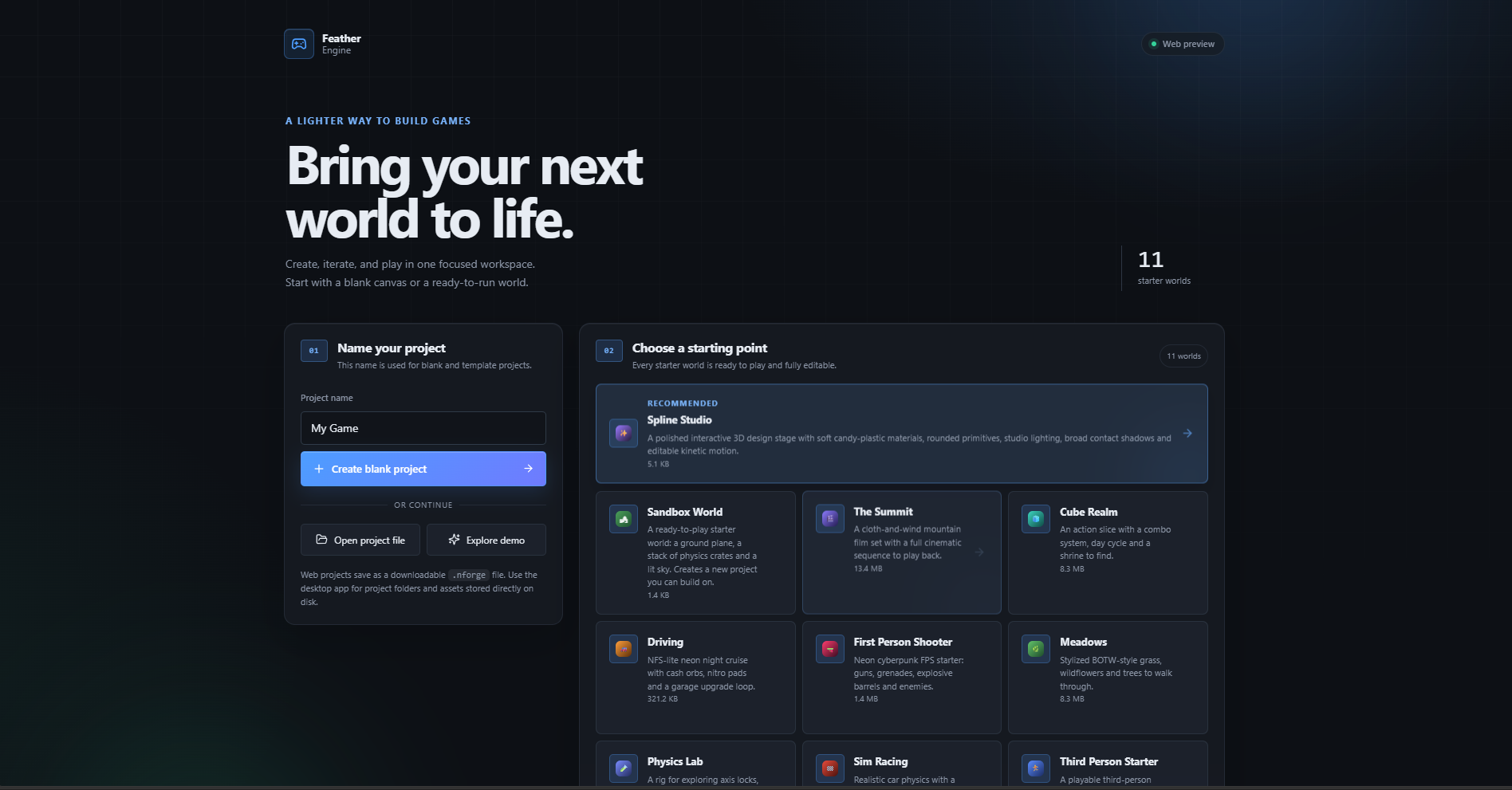
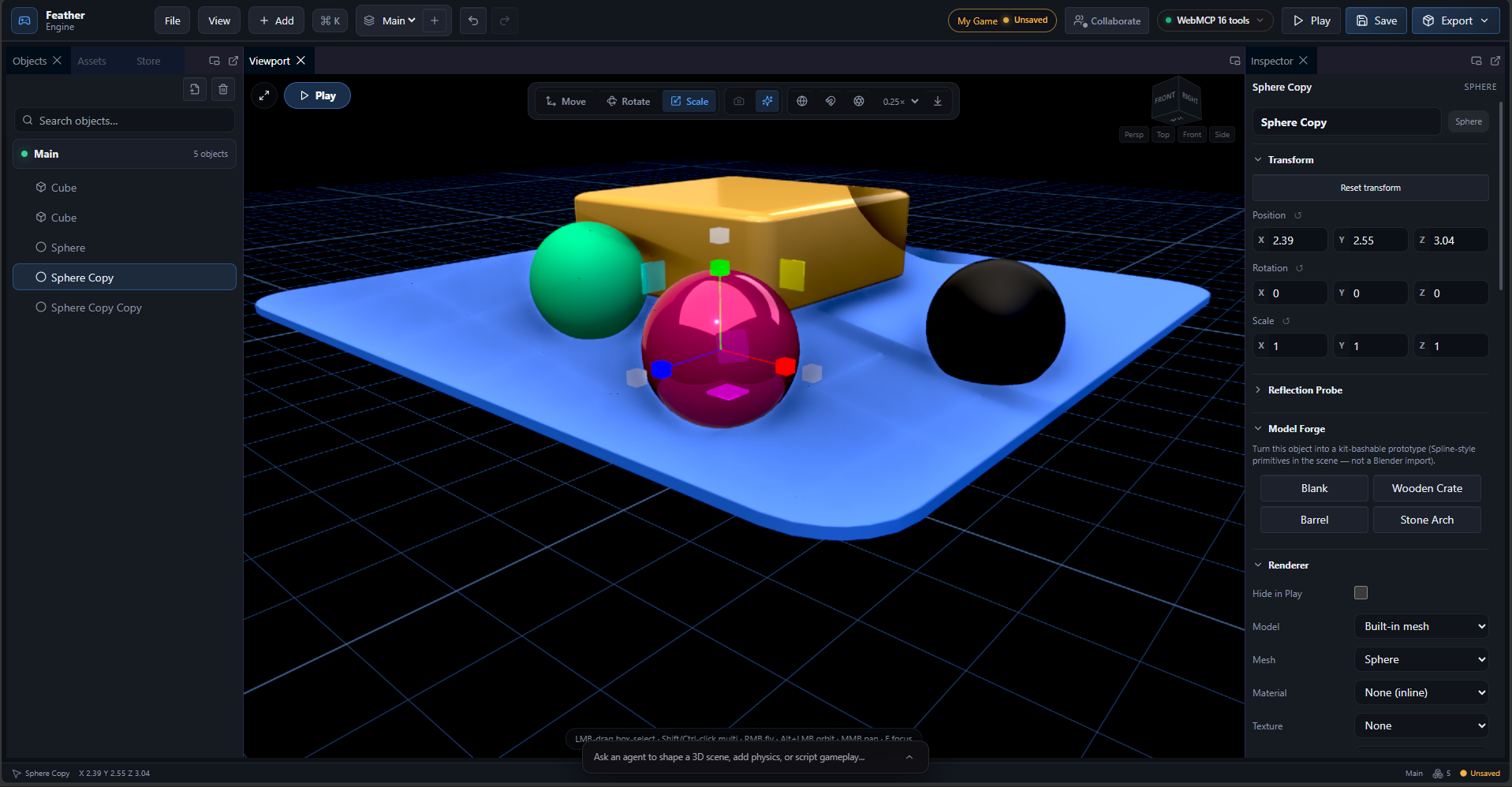
Feather Engine WebMCP connects browser-native AI agents directly to Feather Engine (React 18, Three.js, Rapier physics) using the W3C WebMCP standard (document.modelContext).
- Browser-native agent control: Agents auto-discover engine tools through
document.modelContext. Zero plugins, zero CLI setup. - Full 3D world building: Agents can spawn objects, sculpt terrain, generate wind, create water volumes, set lighting presets (cyberpunk, sunset), and tune rigid-body physics.
- Gameplay and controllers: Third-person character controllers, vehicle handling, and live Play mode to test games in place.
- Live agent HUD: A floating status bar shows real-time agent activity so you always know what it is doing.
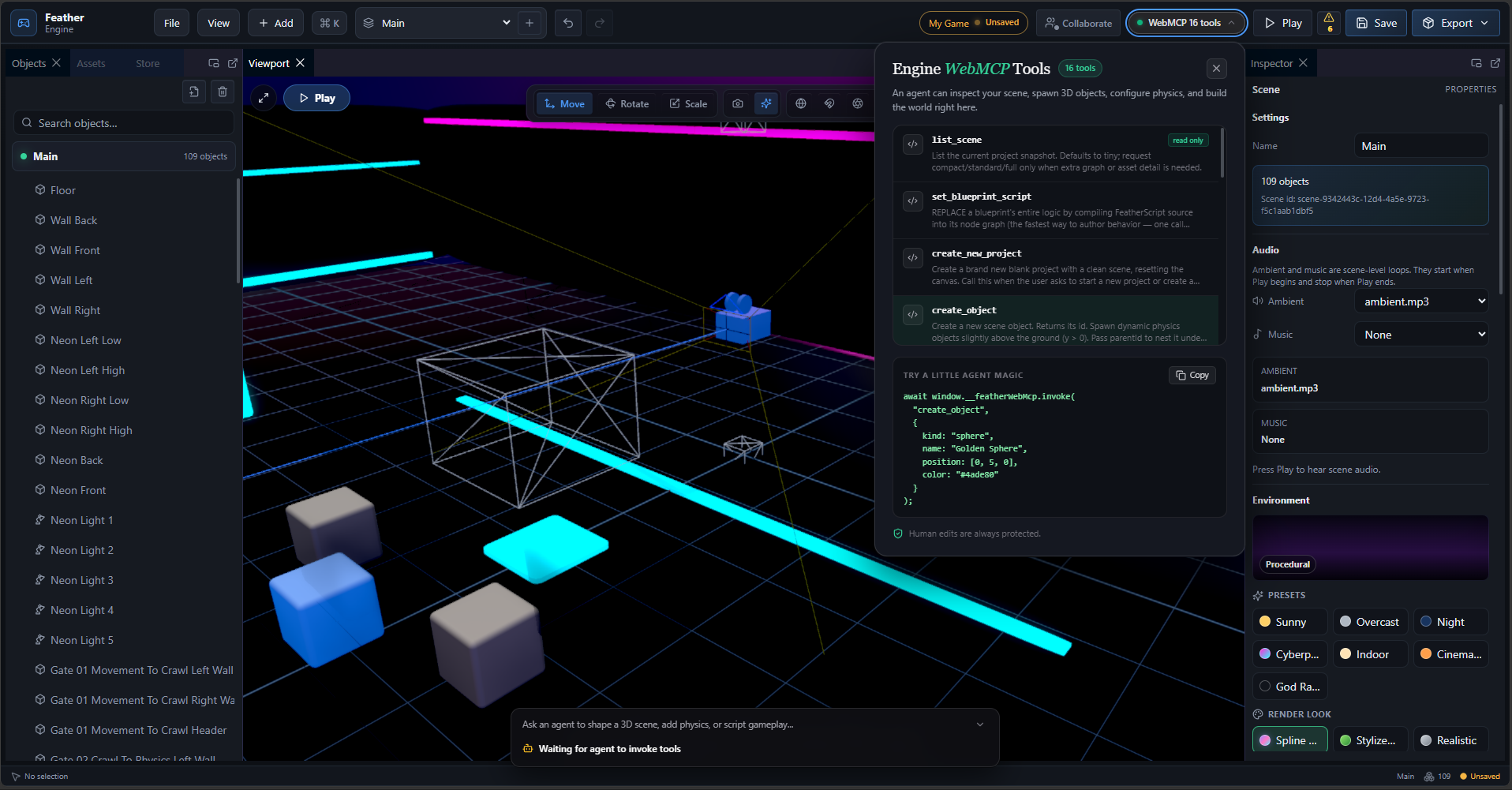
- Tool inspector: A WebMCP modal lets developers explore tools, view input schemas, and copy executable snippets to test directly in DevTools.
- Human-in-the-loop: Every agent action goes through the engine's undo/redo history. You can tweak or roll back anything the agent does.
How I Built It
I registered tools onto document.modelContext.registerTool with fallback emulation and a global window.__featherWebMcp debug handle.
The architecture runs on two tiers:
- 14 direct core tools covering high-leverage actions:
create_new_project,create_object,set_physics,create_meadow,set_character_controller,set_vehicle, and more. - 2 gateway tools (
search_engine_toolsandexecute_engine_tool) that give agents on-demand access to the full 200+ tool catalog without loading it upfront.
All tool parameters run through a Zod validation pipeline compiled to JSON Schema, preventing runtime crashes. Tool calls mutate the Zustand store directly, which triggers Three.js rendering and Rapier physics updates at 60 FPS.
Challenges
I did not plan the two-tier architecture upfront.
I registered the full 200+ tool catalog and ChatGPT's browser agent rejected it outright. The schema payload came in over 150 KB and hit an undocumented size limit. I had to step back and redesign on the fly: strip the initial payload down to 14 core tools (about 7 KB), then build the gateway layer so agents could still reach the full catalog on demand. It worked, but it was not the plan going in.
Everything else, including physics sync and history integration, held up through the demo without major issues.
Accomplishments I Am Proud Of
- A visiting browser agent can take a high-level prompt, query the scene, build an environment, add physics, and start gameplay without human intervention.
- A web app with 200+ tools can operate within browser agent constraints using a dynamic gateway. That is a real architectural pattern other projects can use.
What I Learned
Browser agents have hard payload constraints most web apps are not designed around. If your application has a large tool catalog, dynamic gateway discovery is not optional. It is the only way to scale within browser limits.
Exposing your app's core logic through WebMCP also changes how the tool feels to use. The engine stopped feeling like something you operate and started feeling like something you collaborate with.
What's Next
- Visual blueprint generation: Agents inspect and wire visual scripting node graphs to create custom game logic.
- Multi-agent co-creation: Specialized agents (level designer, environment artist, gameplay scripter) working the same scene at the same time.
- WebRTC multiplayer + AI: Remote human teams and agents building 3D worlds together, live.

Log in or sign up for Devpost to join the conversation.