-
-
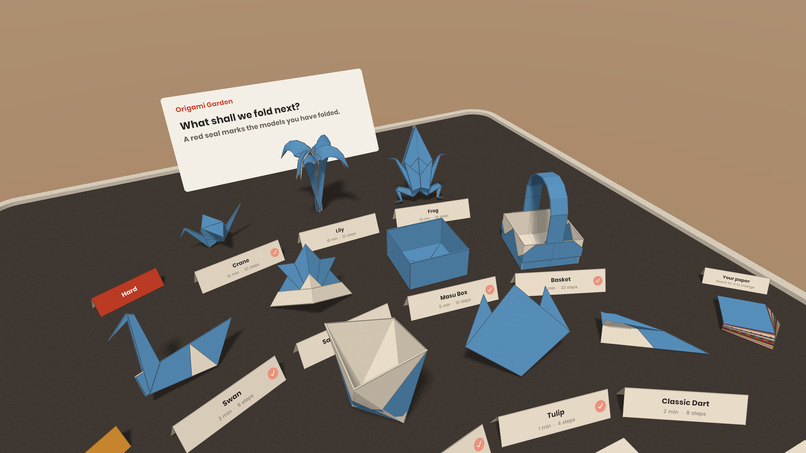
Main menu
-
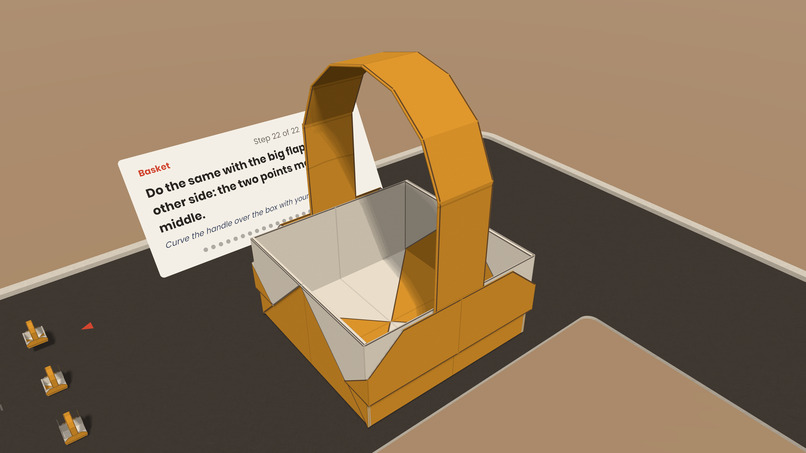
Complex two-paper models
-
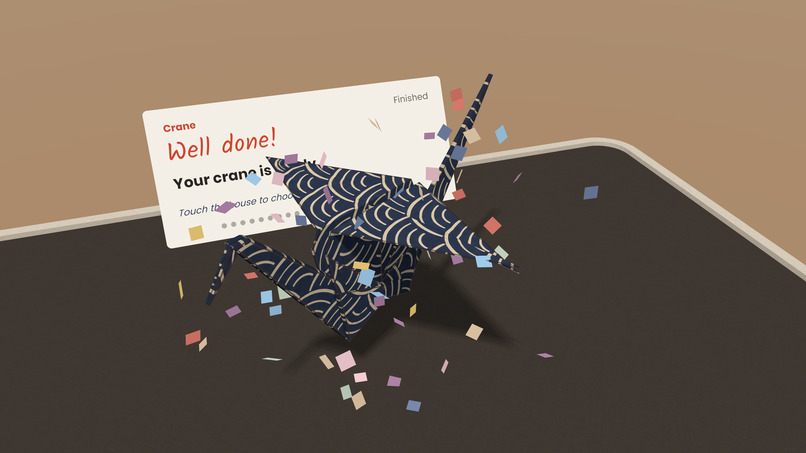
Success!
-
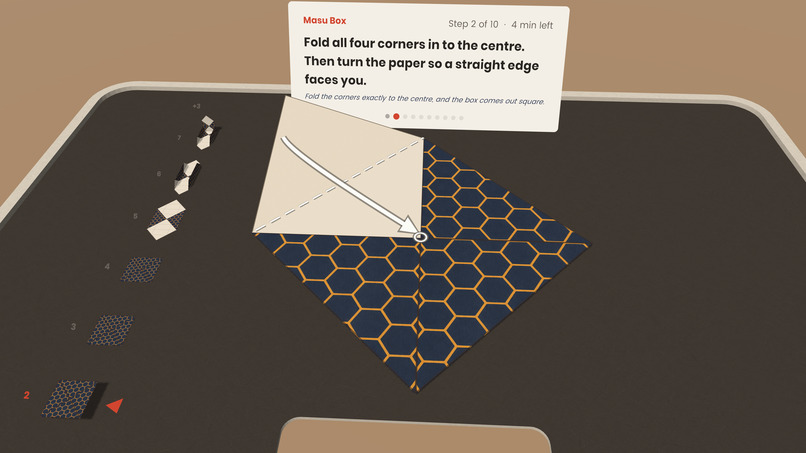
Detailed folding animations
-
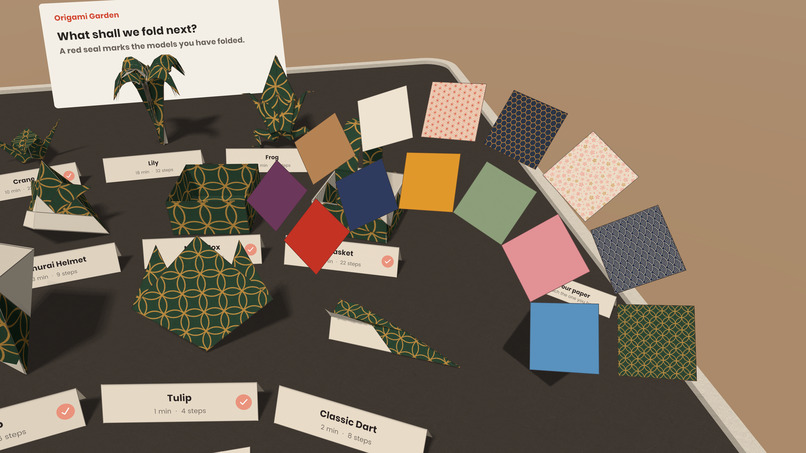
Paper selection
Inspiration
I've always enjoyed Origami ever since I was a kid. I wanted to bring this into the modern age with a great hands-free experience, show the movement in high-quality and three dimensions, while someone folds along. Mixed reality makes that possible while keeping the real paper, my hands and my room in view. Also, I posted a development preview on Reddit and it instantly got more than 800 likes which shows there is real enthusiasm around the topic.
What it does
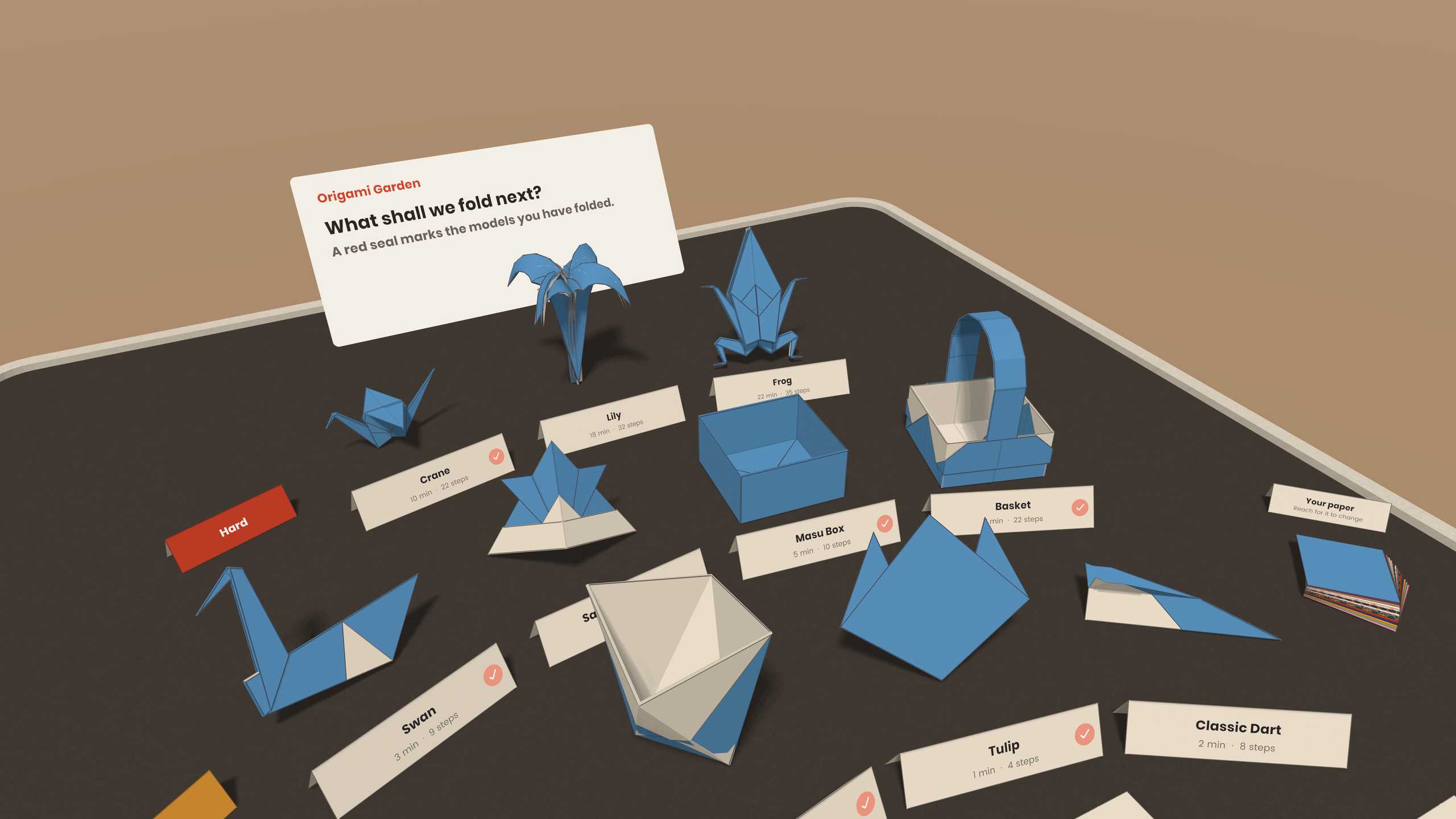
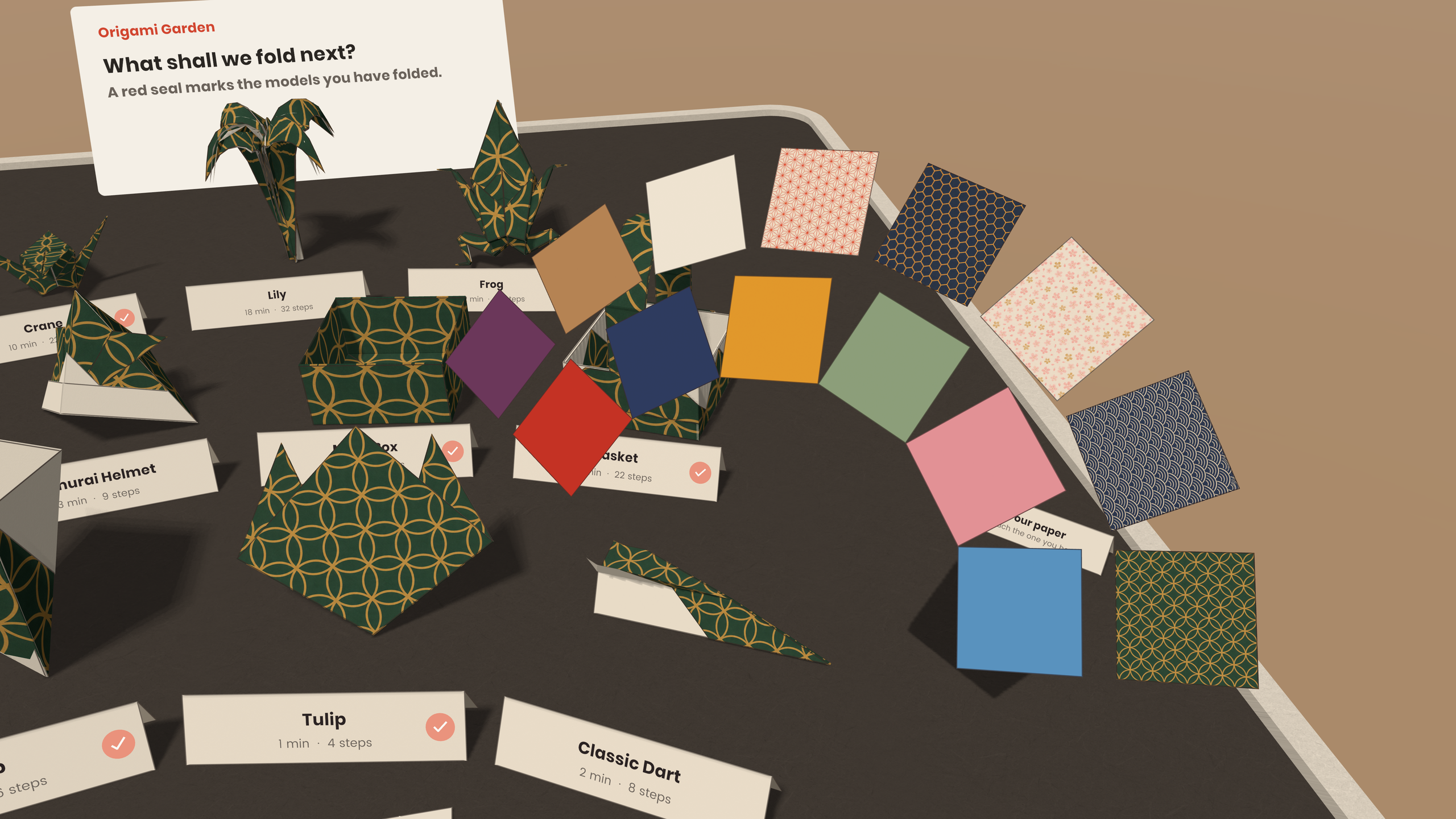
Origami Garden brings animated Origami onto your own table. Choose a model from a little garden of folded creations, pick a paper color, and follow the lesson with a real sheet of paper.
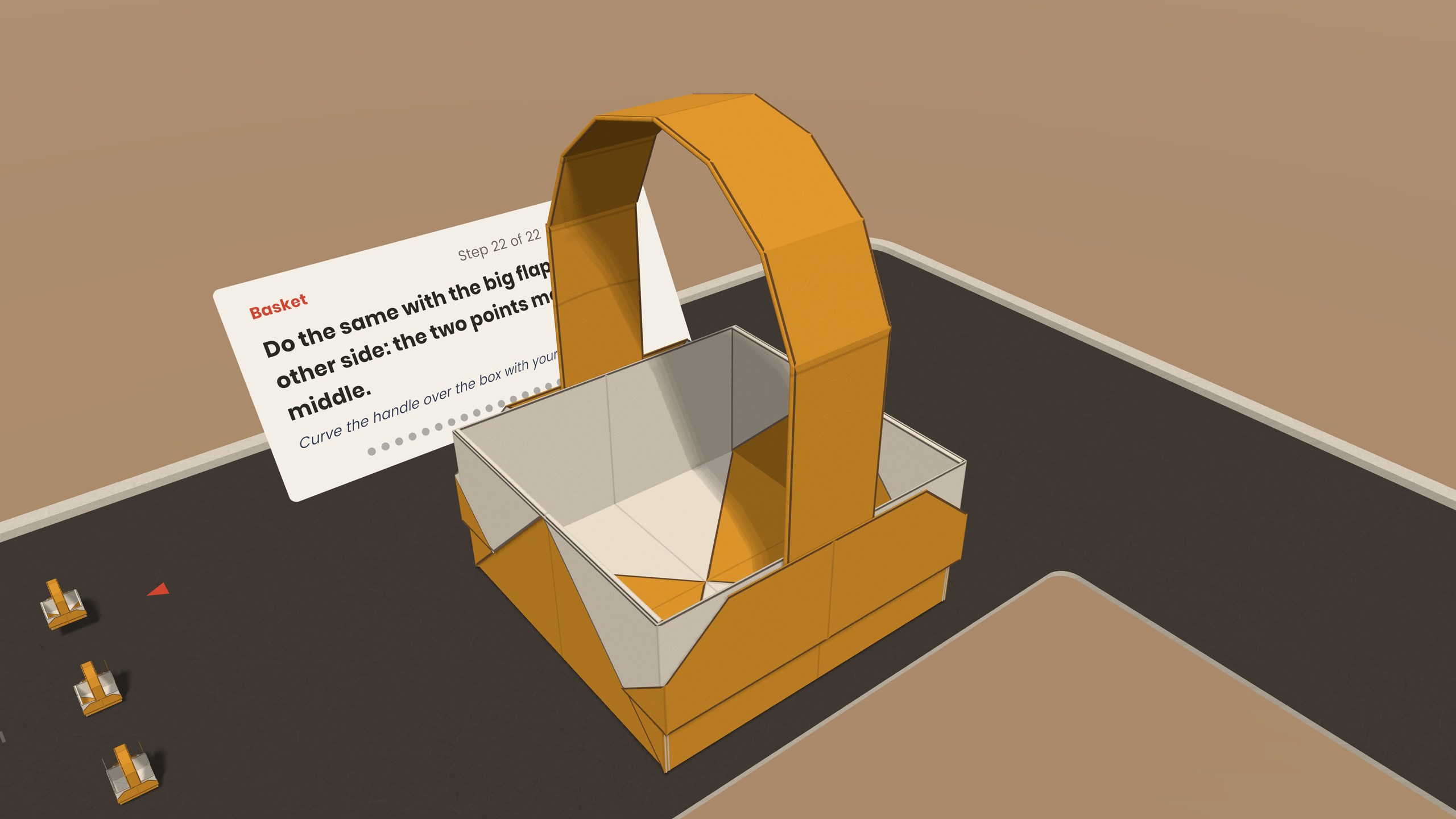
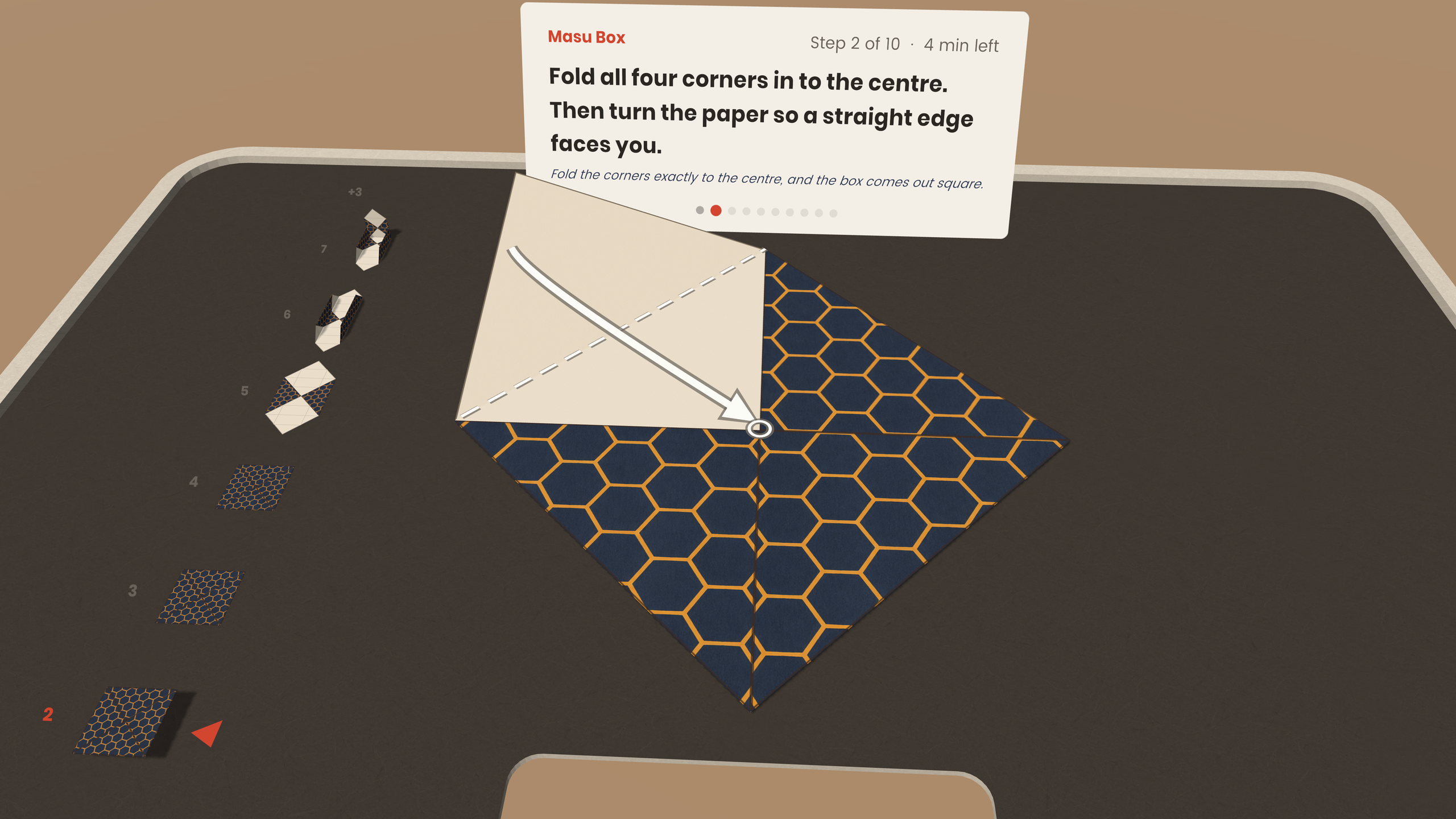
Each step repeats at your pace. Crease lines, moving flaps, reference points and arrows show how the paper changes shape. Short instructions and a visual step overview help you succeed.
The experience works without controllers. You can touch tabletop controls, rest a hand over Next, or briefly look towards it to continue while holding your paper. Completed models receive a little seal in the garden.
How I built it
The project grew from a small folding prototype into a guided mixed reality experience built in Unity and C#.
At its heart is a custom folding engine that represents the sheet through its faces, creases and layer relationships. It actually calculates folded states and the movements between them with intricate detail. Procedural meshes and custom shaders give the paper its color, texture, creases and shadows.
Meta XR provides passthrough and hand tracking, while MR Utility Kit uses the room's scanned surfaces to place the workspace on a nearby table. I developed and checked the experience through automated geometry checks, desktop previews, the Meta XR Simulator and testing on Quest.
Challenges I ran into
Paper is surprisingly complicated. A simple fold becomes much harder once several layers overlap, a flap turns inside out, or a flat model opens into a three-dimensional shape. Getting the final shape right is only part of the problem: the movement also needs to make sense to someone learning it.
The goal was not to have pre-animated folds, but actually an engine that can represent folding, so arbitrary models can be created in the future!
Interaction brought another challenge: the user's hands are already busy. Controls needed to be reachable and deliberate without requiring people to put their paper down.
Keeping detailed paper, animated models and shadows running smoothly on a standalone headset required careful optimization too.
Accomplishments that we're proud of
I'm proud of bringing the folding engine, teaching and interaction together into a complete experience where you can follow a lesson and finish with something you made yourself. And all that incredibly easy to use and highly performant.
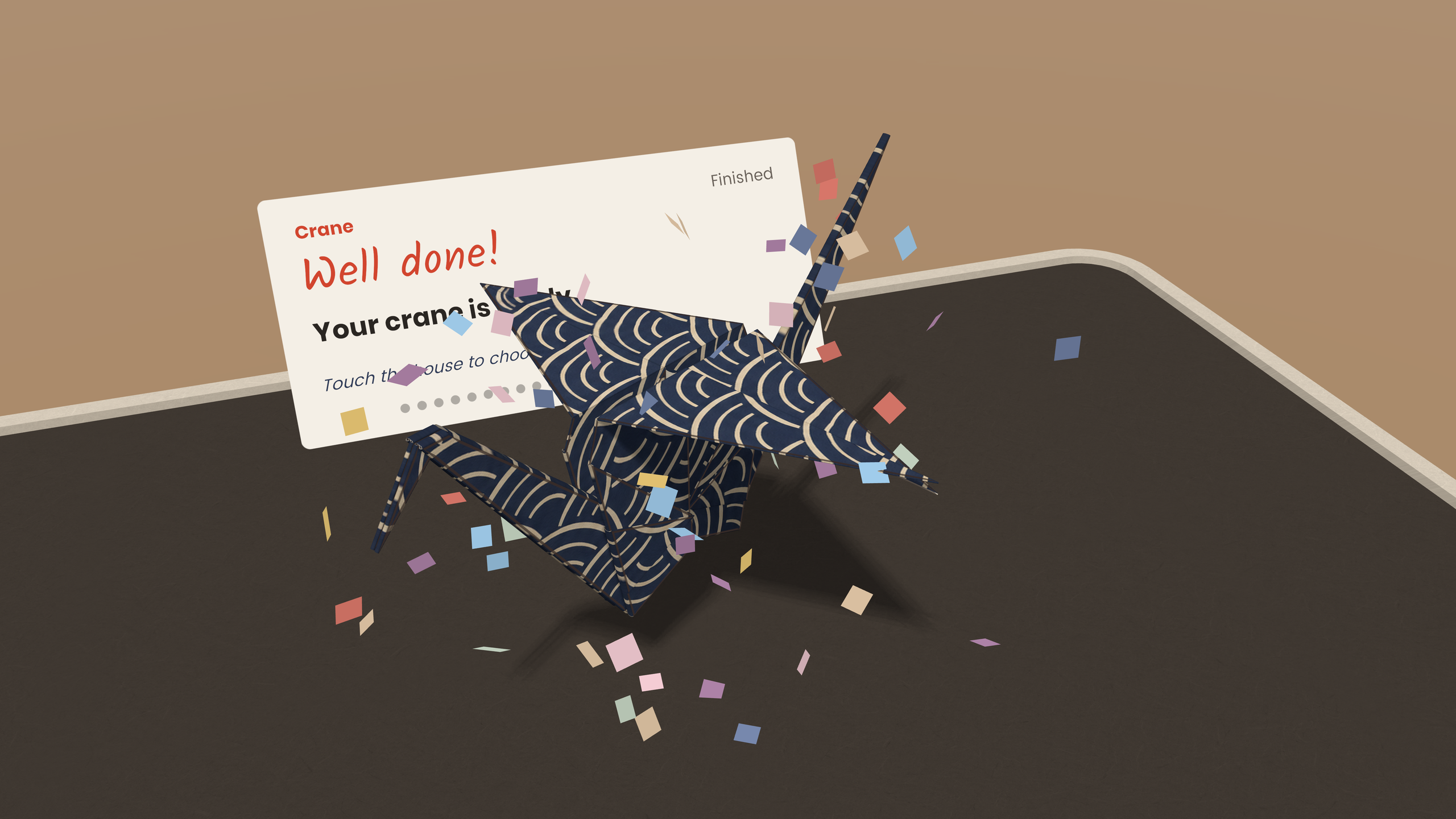
The smaller details matter too: models folding themselves into the garden, paper samples fanning out as you reach towards them, and a little celebration when you finish. They give learning Origami a calm, playful setting.
What we learned
A correct animation is not automatically a good explanation. The viewing angle, timing, highlighted layer and moment when the paper turns over can make a difficult fold much easier to understand.
I also learned how much interaction design changes when someone is working with a real object. A quick tap, a resting hand or a brief look can fit naturally into the activity. I had multiple people playtest to really find all the issues. Nearly all were absolutely amazed.
Building Origami Garden reinforced what interests me about Mixed Reality: digital guidance can help you make something real.


