-
-
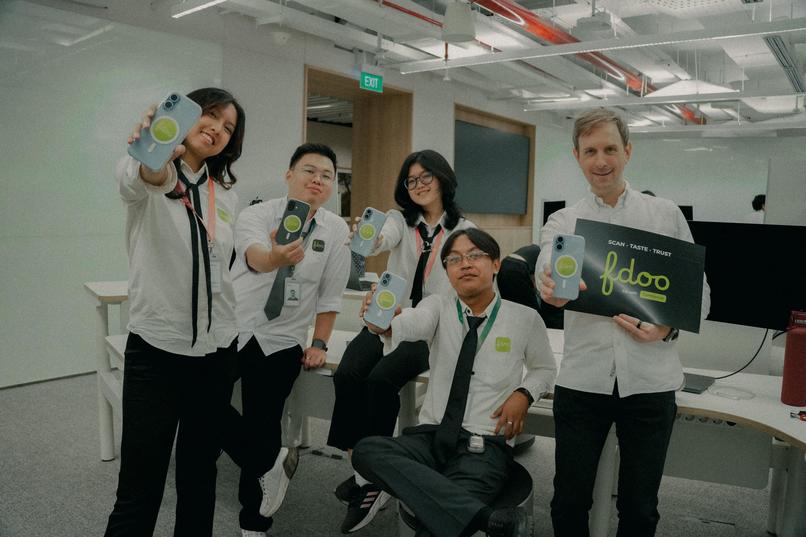
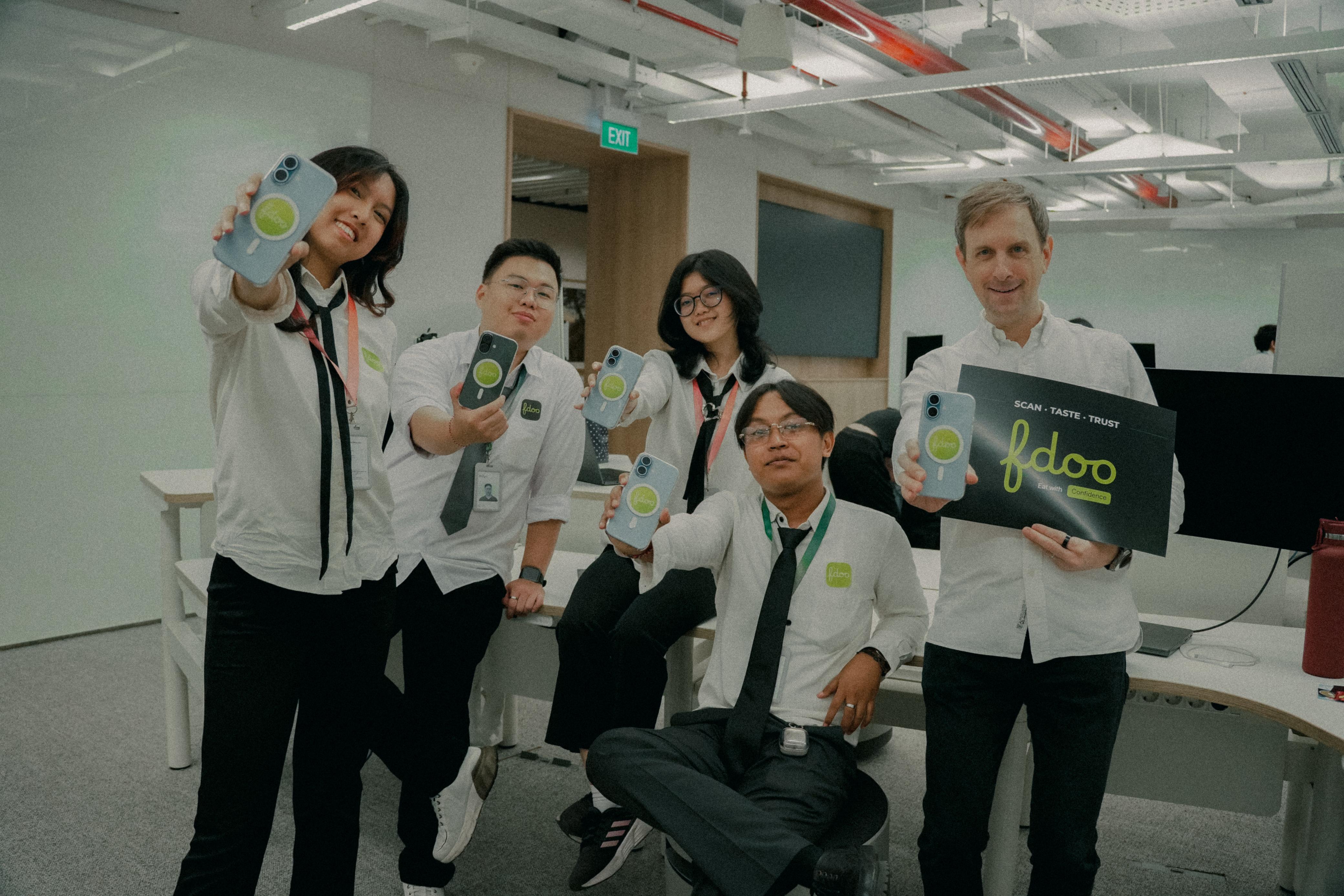
The Fdoo team dressed as waiters at the expo
-
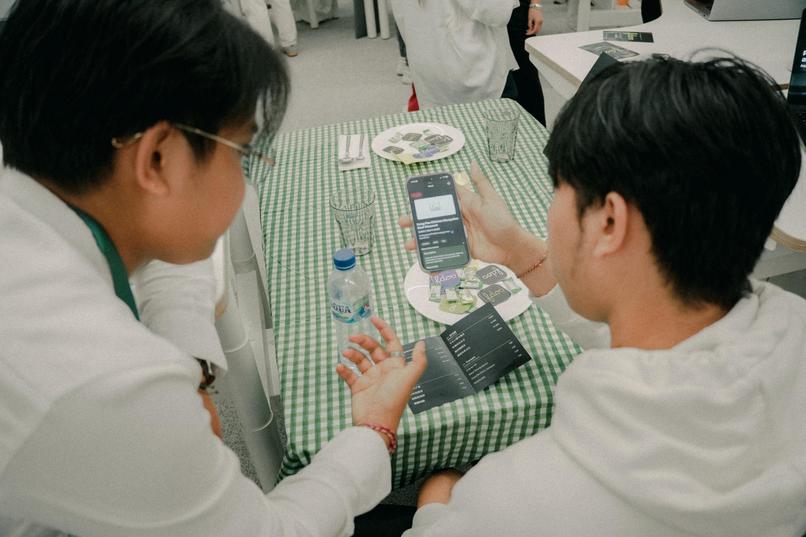
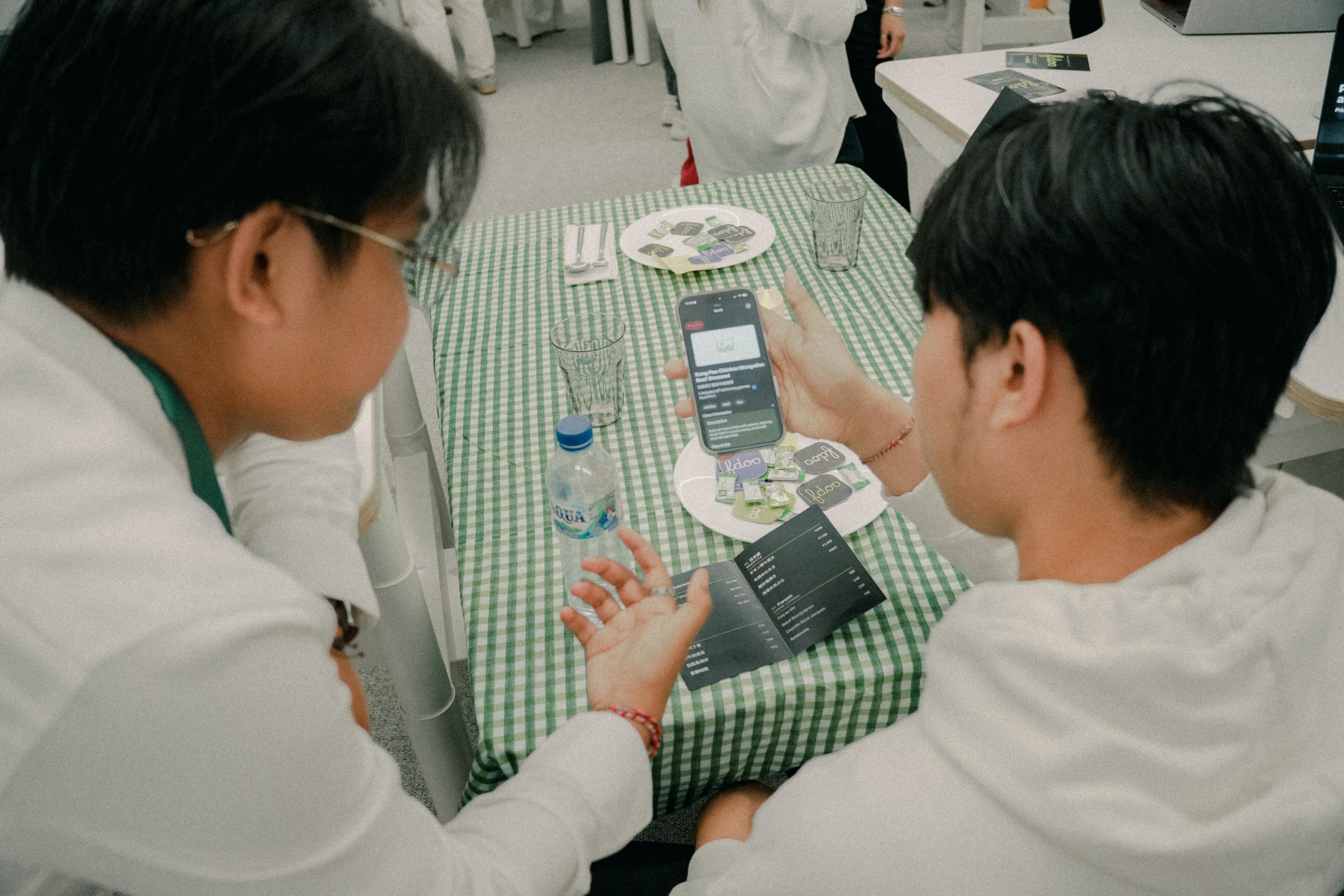
Simulated a restaurant and watched users use the app
-
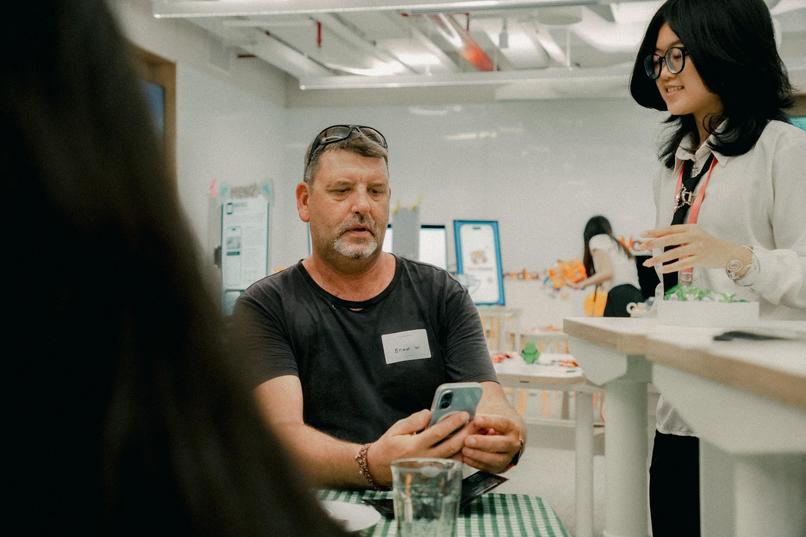
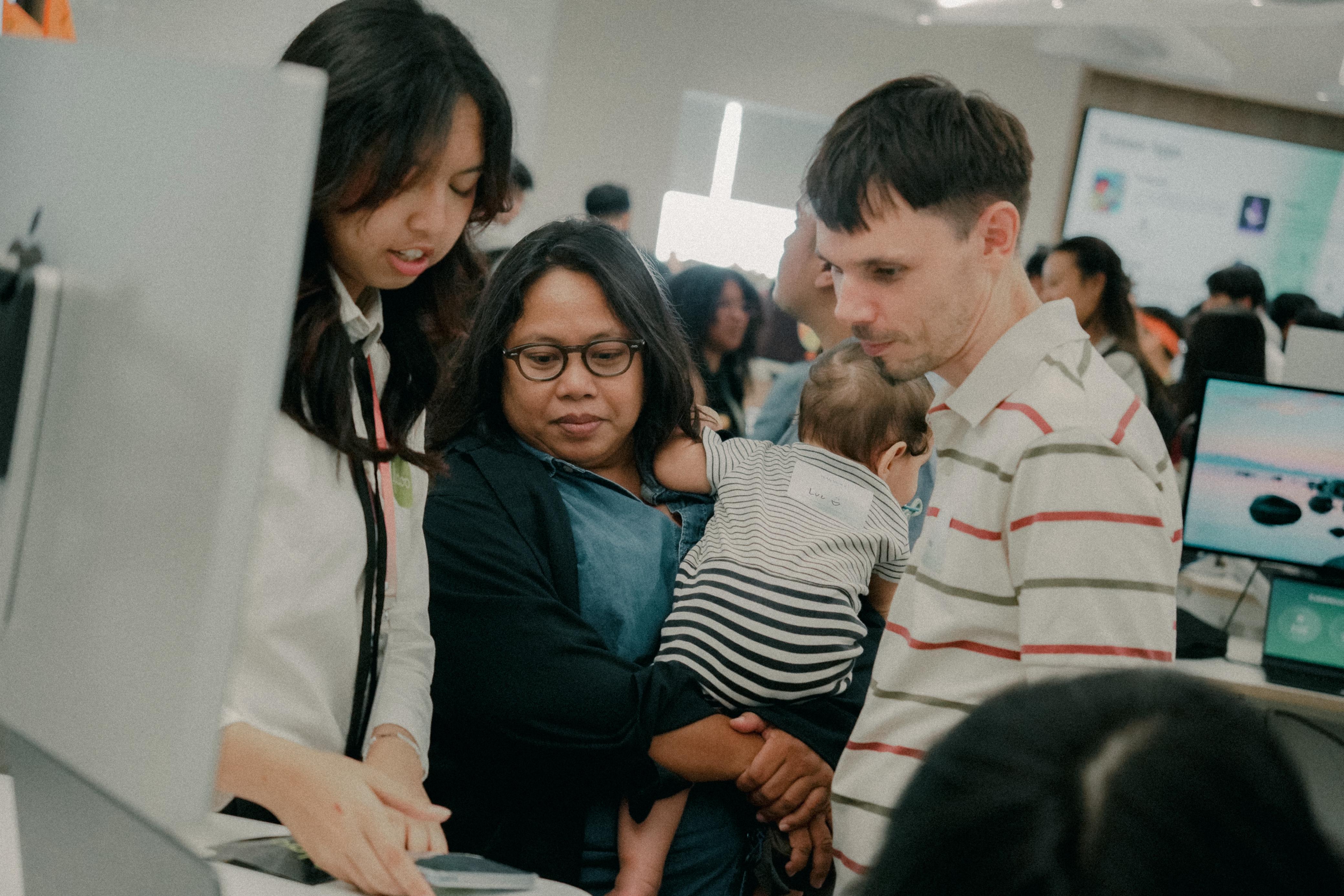
Expo of over 200 people trying the Fdoo App
-
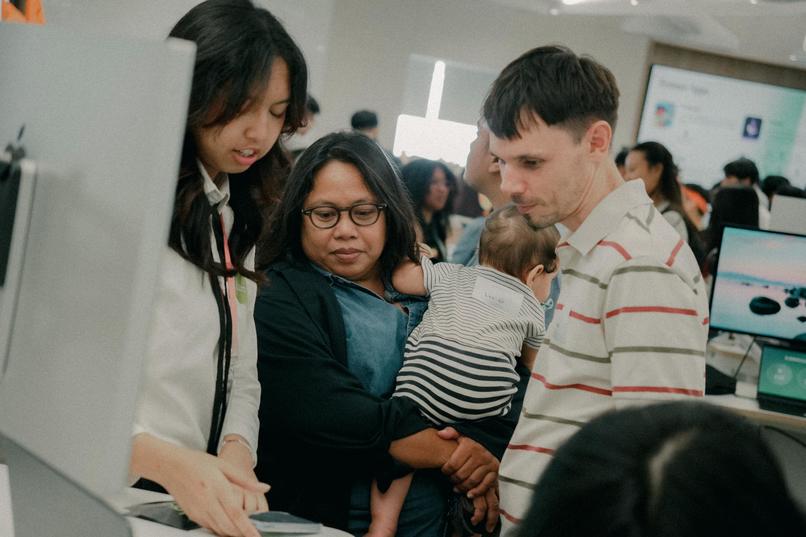
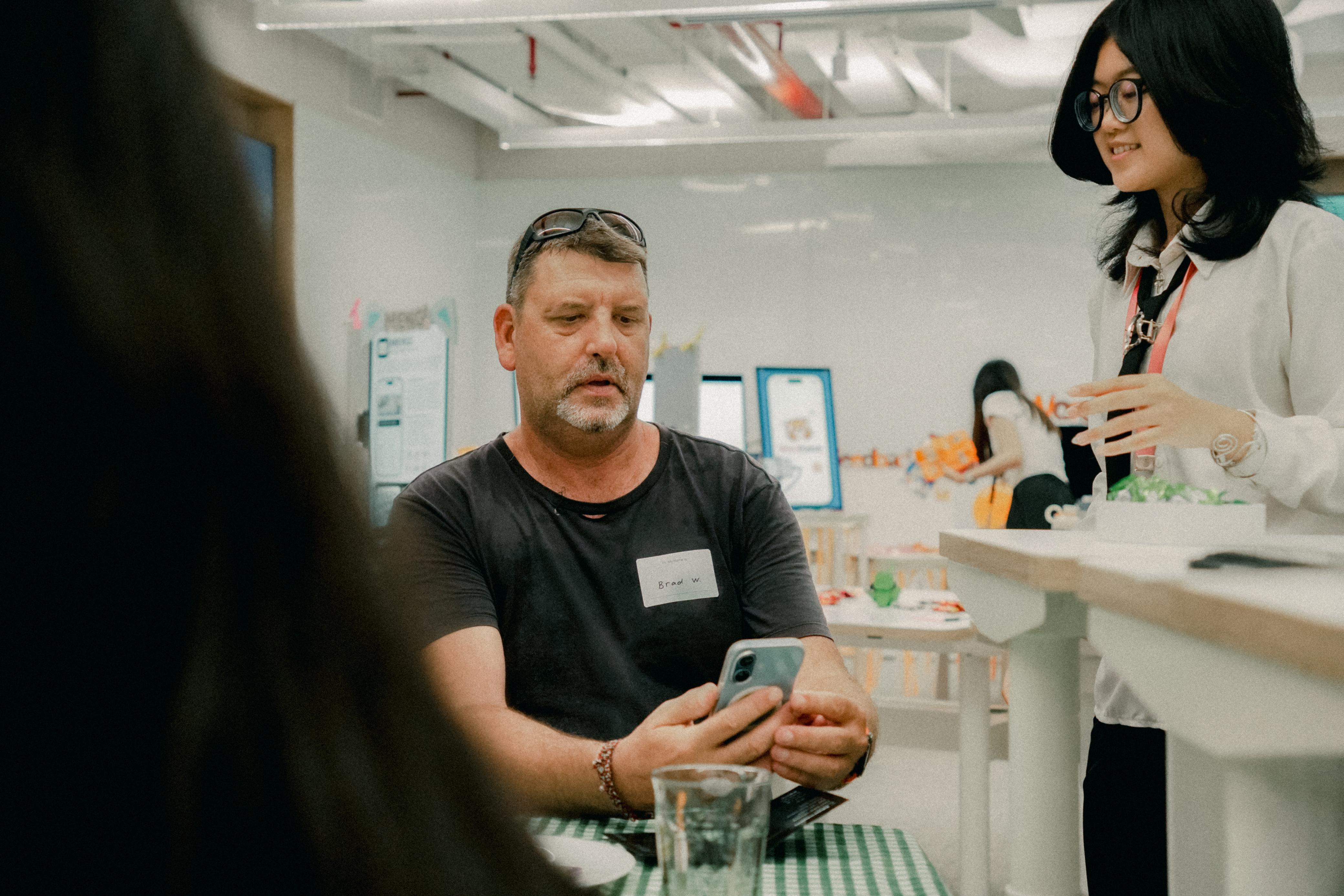
Expo participants gave feedback and suggestions on the app
-
Empowering expats and travelers to dine at local restaruants
-
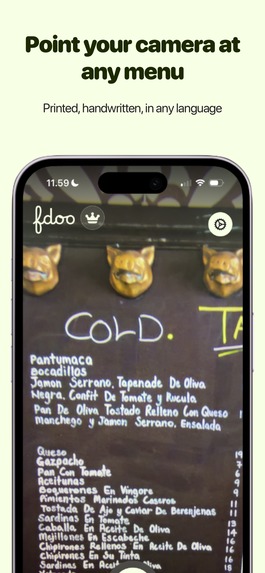
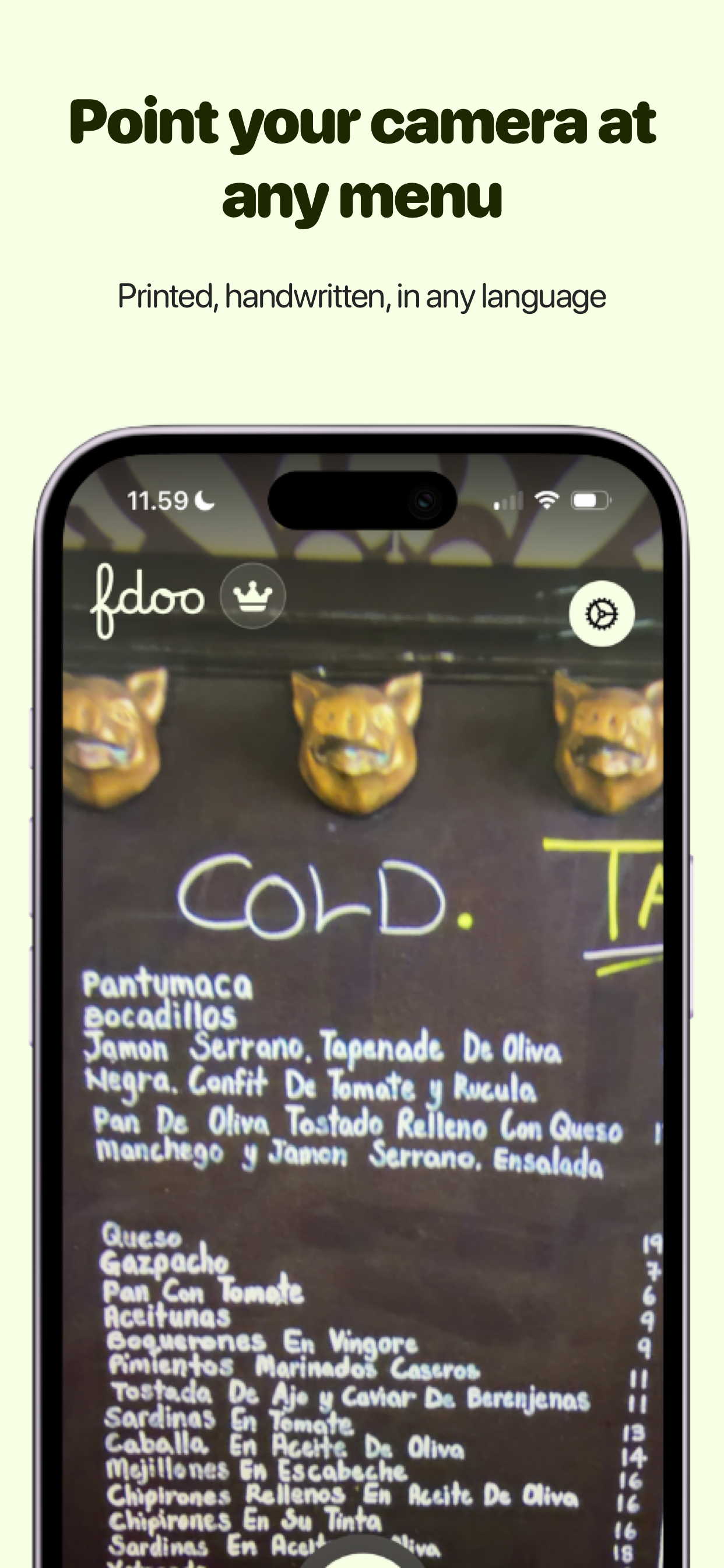
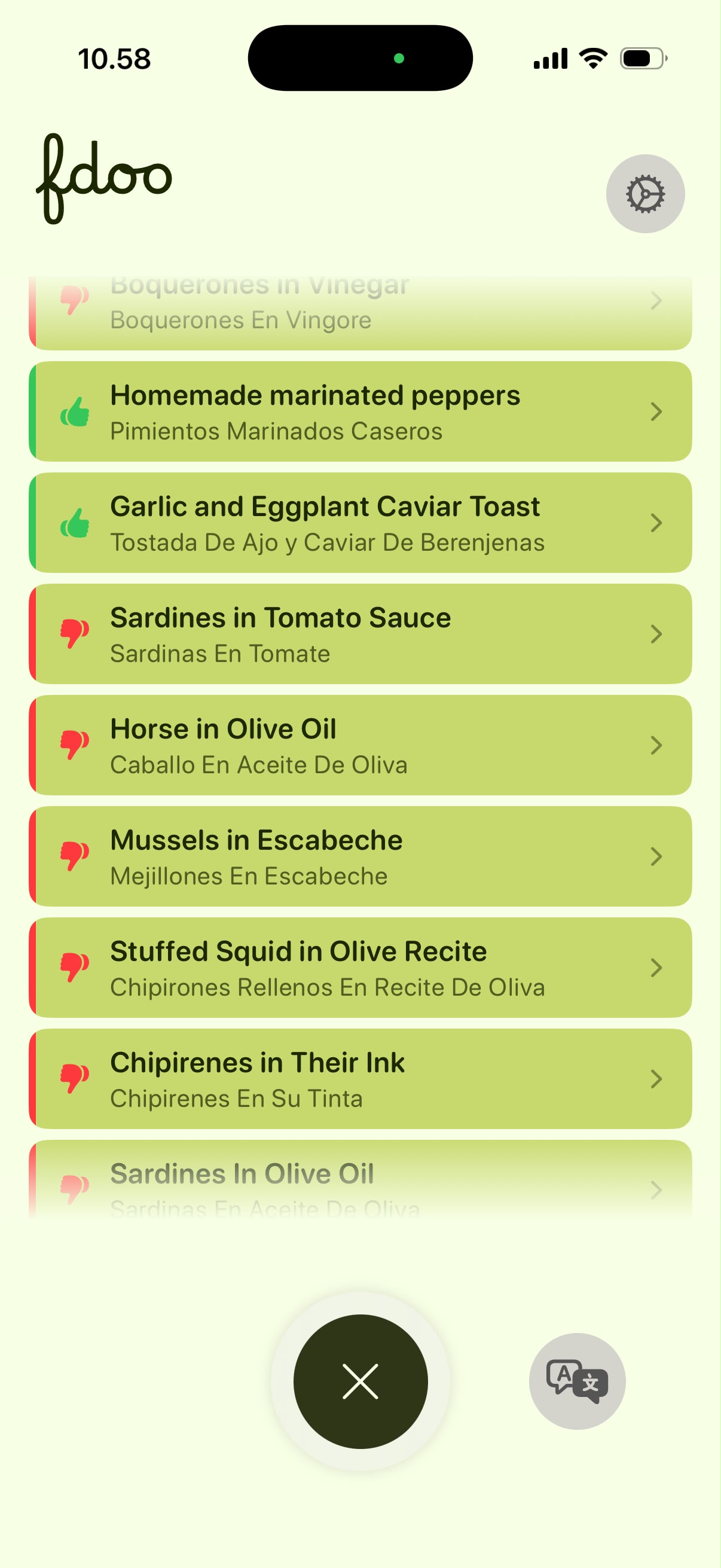
Point your camera at any menu
-
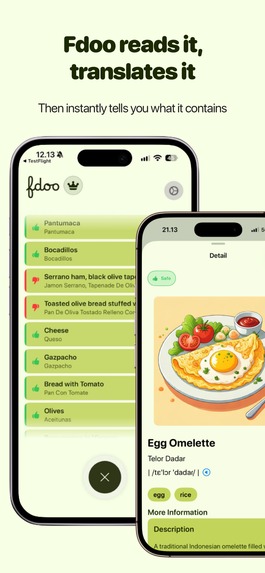
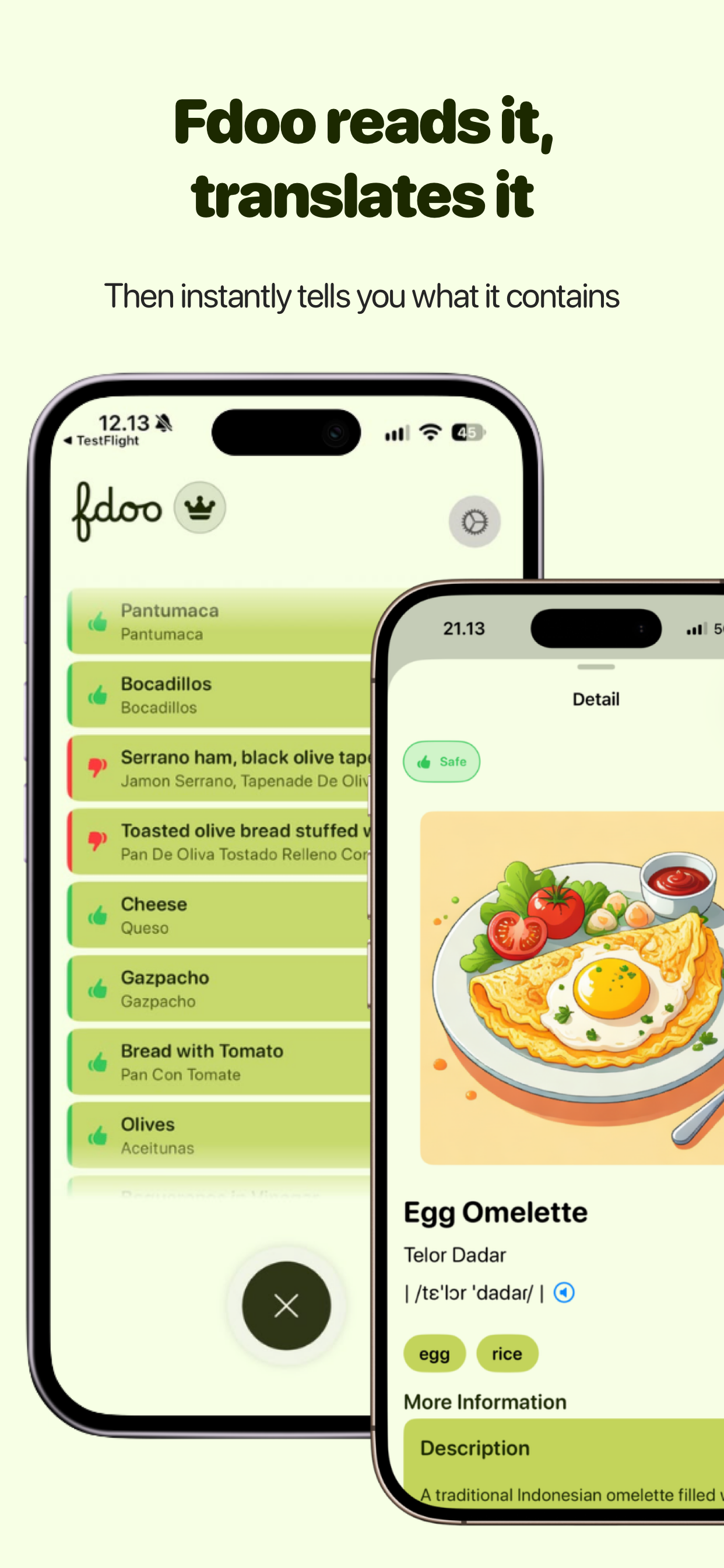
Fdoo reads it, translates it
-
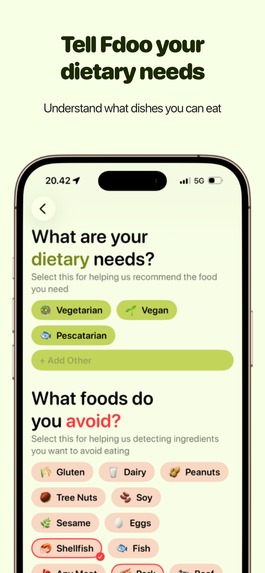
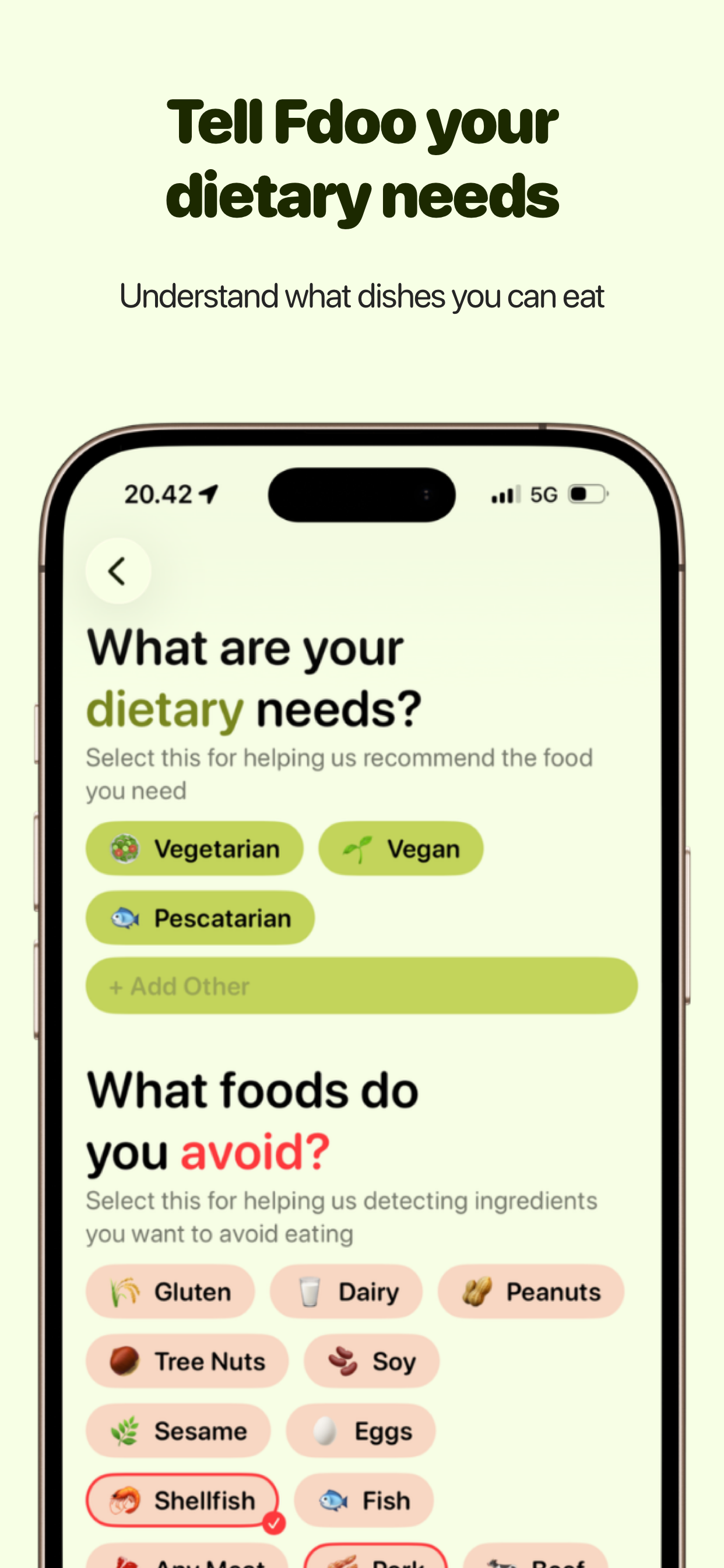
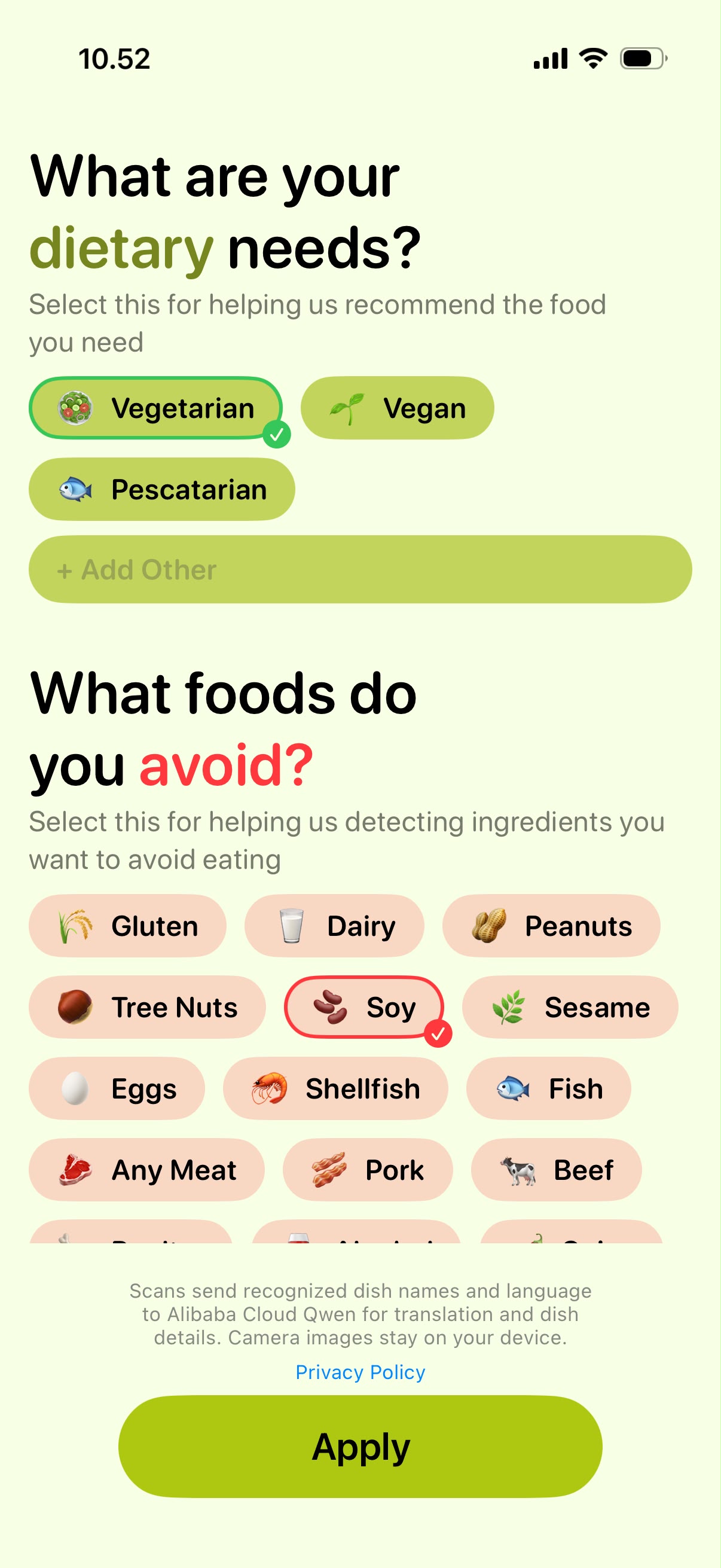
Tell Fdoo your dietary needs
-
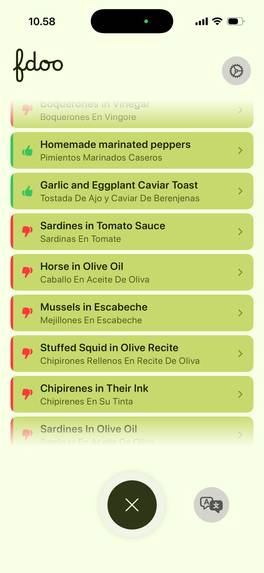
Understand your menu
-
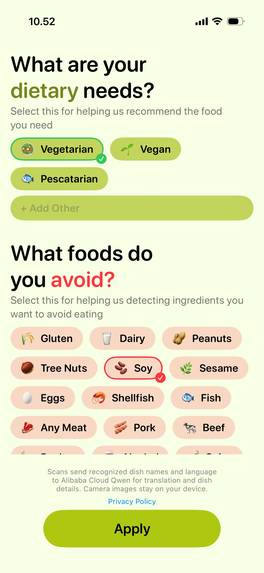
Set your preferences
-
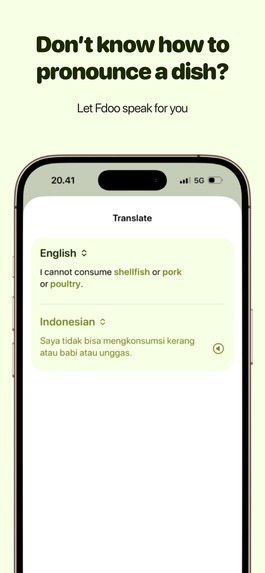
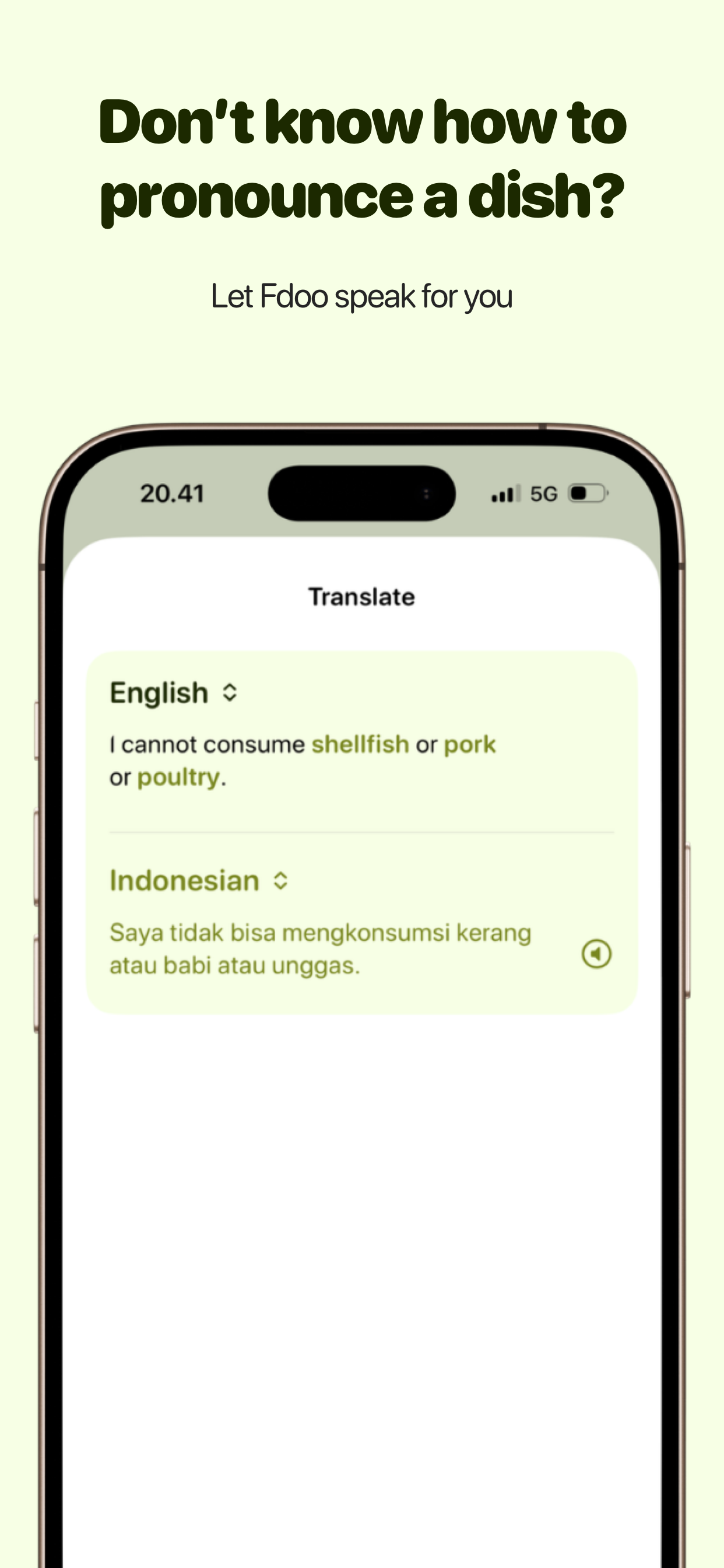
Don’t know how to pronounce a dish?
-
Fdoo Logo

Inspiration
You’re traveling in Japan and walking by a restaurant that smells good, but the menu is all in Japanese. Do you go in, or is there too much friction? With Fdoo, we eliminate the friction.
Our team followed a line of curiosity that is "how does a foreigner get to try local food when the menus are written in a local language?" As we interviewed travelers, we discovered a common friction point: it's hard to make a choice when you don't even understand your options. This friction further heightens with the addition of food allergies, dietary restrictions, and preferences.
What it does
Fdoo scans the menu, gives a translation with cultural context and pronunciation, removing friction when ordering. The app layers over dietary information and food preferences, empowering travelers to stick to their diet while trying new things. When faced with a foreign menu, Fdoo is able to translate and enrich the menu, empowering travelers to pronounce dishes in the local language.
How we built it
The Food team was put together randomly for an Apple Developer Academy project and chose the topic travel. We explored by research and most importantly interviews with people that frequently travel to other countries. We found that there is friction when it comes to ordering food in a foreign menu, especially when they have dietary restrictions such as vegans and food preferences such as disliking offal. Travelers also wanted to find some food items that use familiar ingredients to them in their home country.
Challenges we ran into
Our initial idea was to use AR to scan the menu in real time and make it tapable to see more details of the dish, but we couldn't get the AR UX to work well; it glitched when moving the camera around, making the user experience frustrating. We pivoted to snapping a picture, and Fdoo returns a list of the translated menu instead, which was clearer after testing with users.
Performance was a problem; however, we built multiple layers of caching to try to ensure the dish results are returned quickly.
While developing, we got feedback talking about the requirements to identify dishes as halal, but that also takes into account how the food is processed, which is out of our control. Fdoo is only able to tell if the dish is likely to contain certain ingredients.
Accomplishments that we're proud of
- Tested by hundreds of people in a public exhibition and received feedback which we are bringing into the app.
- Gained feedback from a UX designer working for Apple
- Got to the pre-ordering phase of launching on App Store
What we learned
We learned to build with empathy to make a meaningful app. Talking with the people and really trying to connect and gain insight from them made us realize the importance of listening to your user.
What's next for Fdoo.app
- Launching on Appstore and adding RevenueCat payments
- Supporting more languages


Log in or sign up for Devpost to join the conversation.