-
-
Fbx2VRM Title Image
-
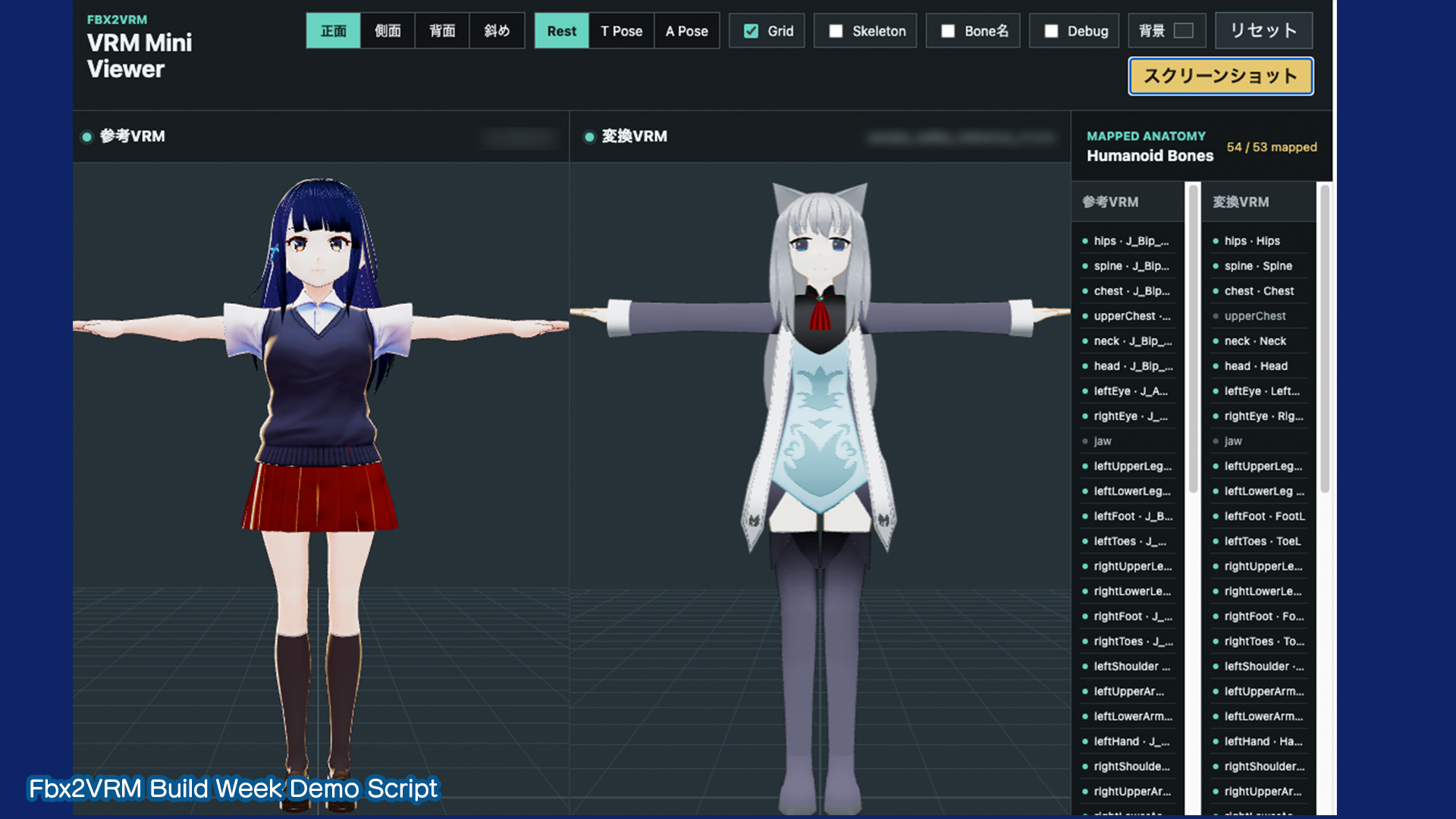
Fbx2VRM MiniViewer
-
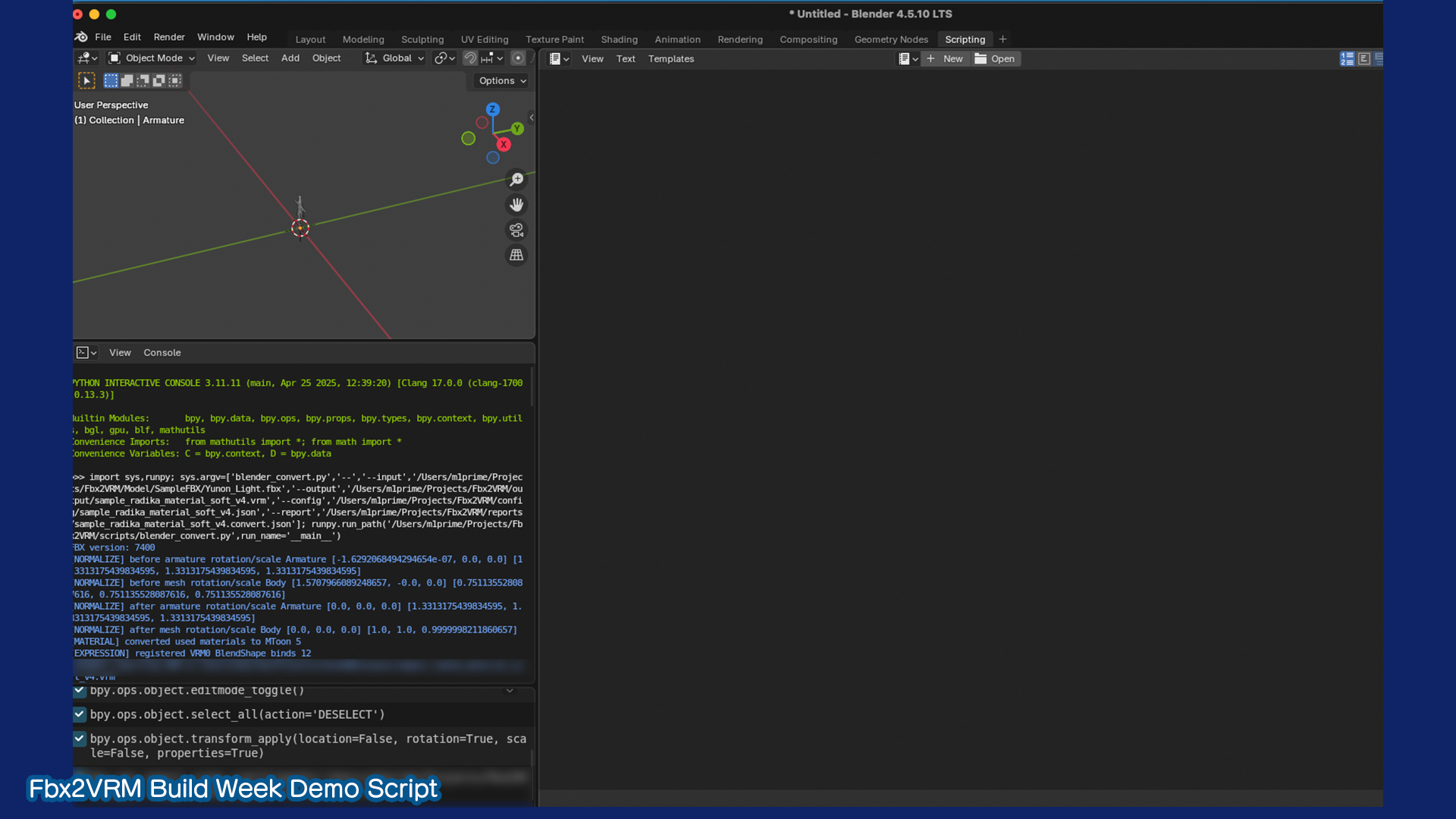
Blender Conversion Workflow
Inspiration
Fbx2VRM began shortly before OpenAI Build Week when I needed to convert a humanoid FBX character model into VRM format for use in VTuber-related applications.
Although Blender and the VRM Add-on for Blender provide the basic tools required for conversion, preserving the original character's rigging, materials, facial expressions, scale, and visual identity required extensive investigation and repeated testing.
I decided to explore whether OpenAI Codex could help analyze the FBX and VRM structures, diagnose conversion problems, generate inspection tools, and improve the workflow.
What it does
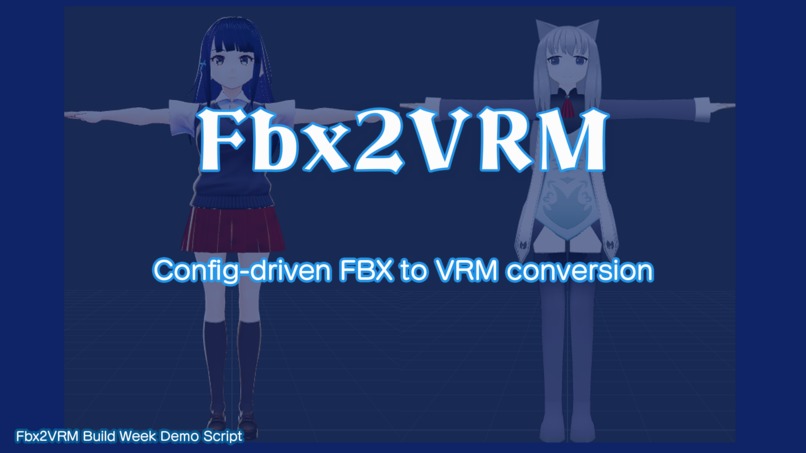
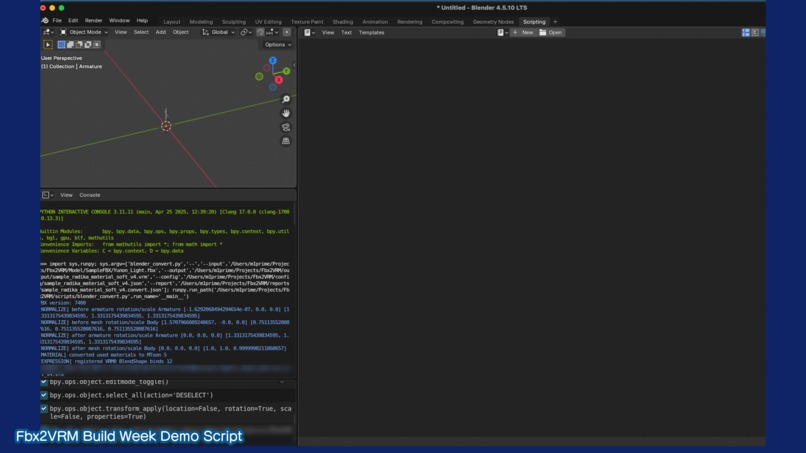
Fbx2VRM is a functional proof of concept for converting humanoid FBX character models into VRM format using Blender and the VRM Add-on for Blender.
The project focuses on preserving and validating:
• Humanoid rig and skinning structure. • Model scale and bone transforms. • Materials and textures. • Facial expressions and blinking. • Left and right eye-closing expressions. • Anime-style eye highlights. • Structural differences between source and converted models.
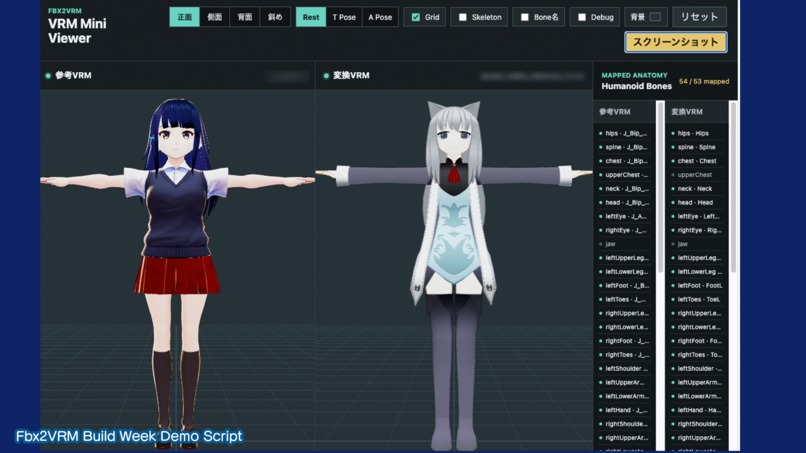
The project also includes command-line utilities for inspecting models, running the conversion workflow, generating reports, and performing simplified structural comparisons.
How we built it
The conversion workflow was developed primarily with Python, Blender, the Blender Python API, and the VRM Add-on for Blender.
OpenAI Codex was used throughout development to:
• Analyze FBX and VRM model structures. • Generate diagnostic and comparison scripts. • Investigate bone hierarchies, transforms, skinning, and inverse bind matrices. • Identify scale and root-transform problems. • Test material-conversion strategies. • Restore facial-expression bindings. • Diagnose the anime-style eye-highlight issue. • Organize verification reports and development records.
One of the most important fixes was identifying that the FBX import scale should not be applied again to the armature and mesh. Removing the duplicated scale correction resolved a major root-offset problem that caused the model's arms and legs to stretch or separate.
The eye highlights required a separate material investigation. In the source model, the white highlights were stored as a dedicated polygon subset inside the eye mesh. During early conversions, those polygons were assigned to the same shaded material as the iris, causing the highlights to appear dark. By preserving a separate bright material assignment, the converted VRM was able to reproduce the intended anime-style appearance.
Challenges we ran into
The largest challenge was that a model could appear correct in one pose while still breaking during rotation, animation, or facial-expression playback.
The investigation included:
• Bone hierarchy differences. • Local and world transforms. • Rest-pose interpretation. • Skinning and inverse bind matrices. • Auxiliary bones for hair and accessories. • Material assignments. • Expression and morph-target bindings. • Differences between VRM viewers.
Another challenge was distinguishing converter problems from Blender, Metal, viewer, or model-specific behavior. This required generating intermediate files, reports, and comparison data rather than relying only on visual inspection.
The public repository represents the documented and reusable scope of the Build Week proof of concept. Some internal model-specific Blender conversion scripts, the full semantic comparison system, the dedicated verification viewer, and development-only debugging utilities are not included in the public release.
Accomplishments that we're proud of
During Build Week, the project achieved several major improvements:
• Resolved the severe arm and leg stretching caused by duplicated scale handling. • Restored blinking and separate left/right eye-closing expressions. • Improved the stability of converted materials. • Reproduced the anime-style white eye highlights. • Created repeatable model-inspection and reporting workflows. • Documented successful and unsuccessful conversion approaches. • Produced a working VRM result that could be demonstrated in multiple viewers. • Used Codex not only to generate code, but also to support technical investigation, comparison, validation, and decision-making.
What we learned
The project showed that FBX-to-VRM conversion is not simply a file-format translation problem.
A reliable conversion must account for differences in:
• Coordinate systems. • Import scale. • Rest poses. • Bone transforms. • Skinning data. • Material models. • Expression definitions. • Viewer implementations.
We also learned that Codex is especially useful when it is given access to structured diagnostic outputs, comparison reports, and clearly defined verification goals. It was most effective as an engineering partner for investigation and iteration rather than as a one-command automatic converter.
What's next for Fbx2VRM
Fbx2VRM is currently a functional proof of concept rather than a production-ready universal converter.
Future development may include:
• Packaging the full conversion pipeline for additional character models. • Improving automatic material classification. • Expanding expression and spring-bone support. • Supporting more Blender and operating-system environments. • Adding stronger binary GLB and semantic VRM comparison. • Integrating file selection, conversion, diagnostics, and preview into a desktop application. • Using Codex App Server as the execution layer behind a conventional desktop interface.
The long-term goal is to make complex FBX-to-VRM conversion and diagnosis accessible through a normal application interface, while Codex performs the technical analysis and workflow orchestration behind the scenes.
