


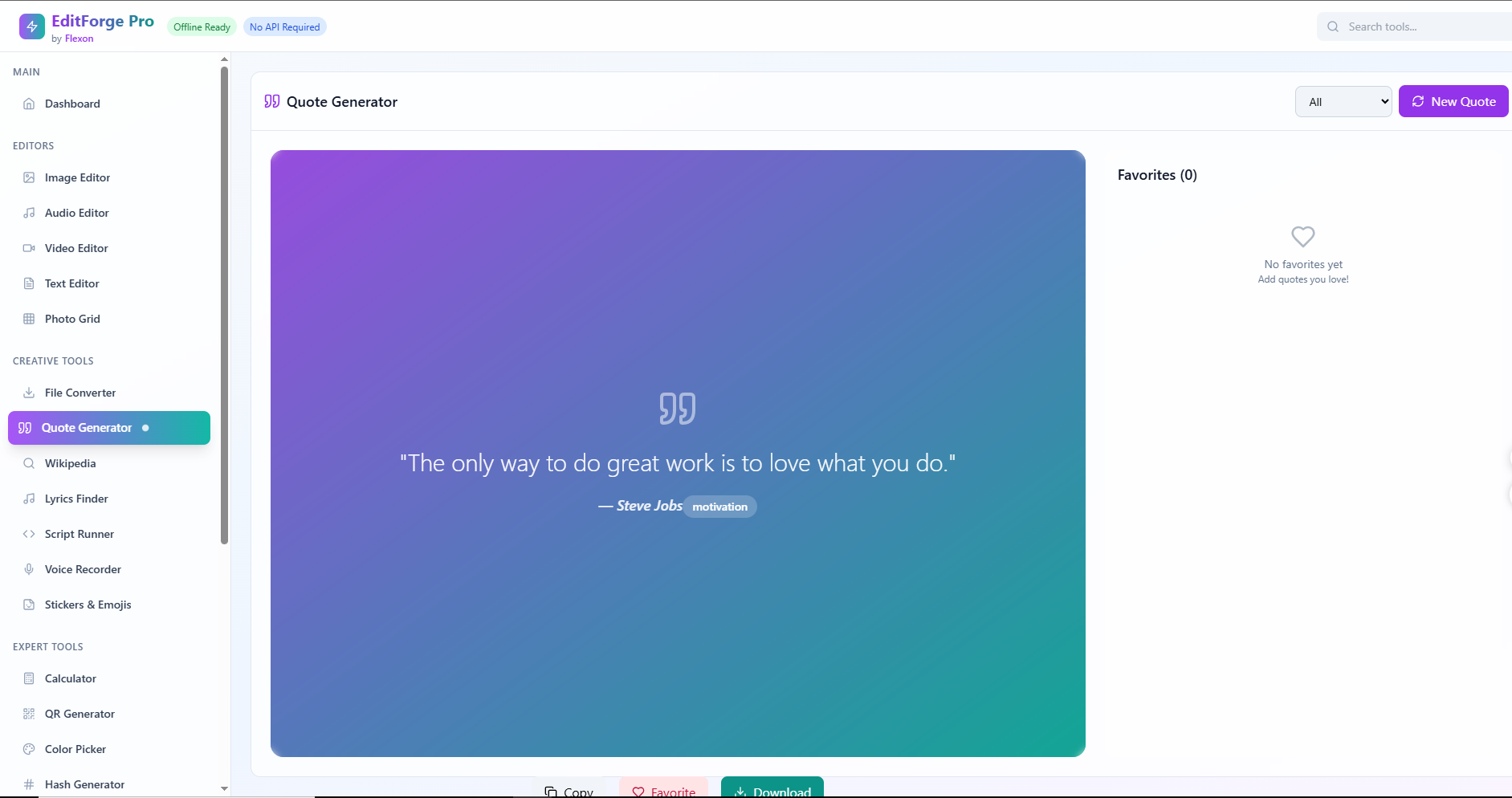
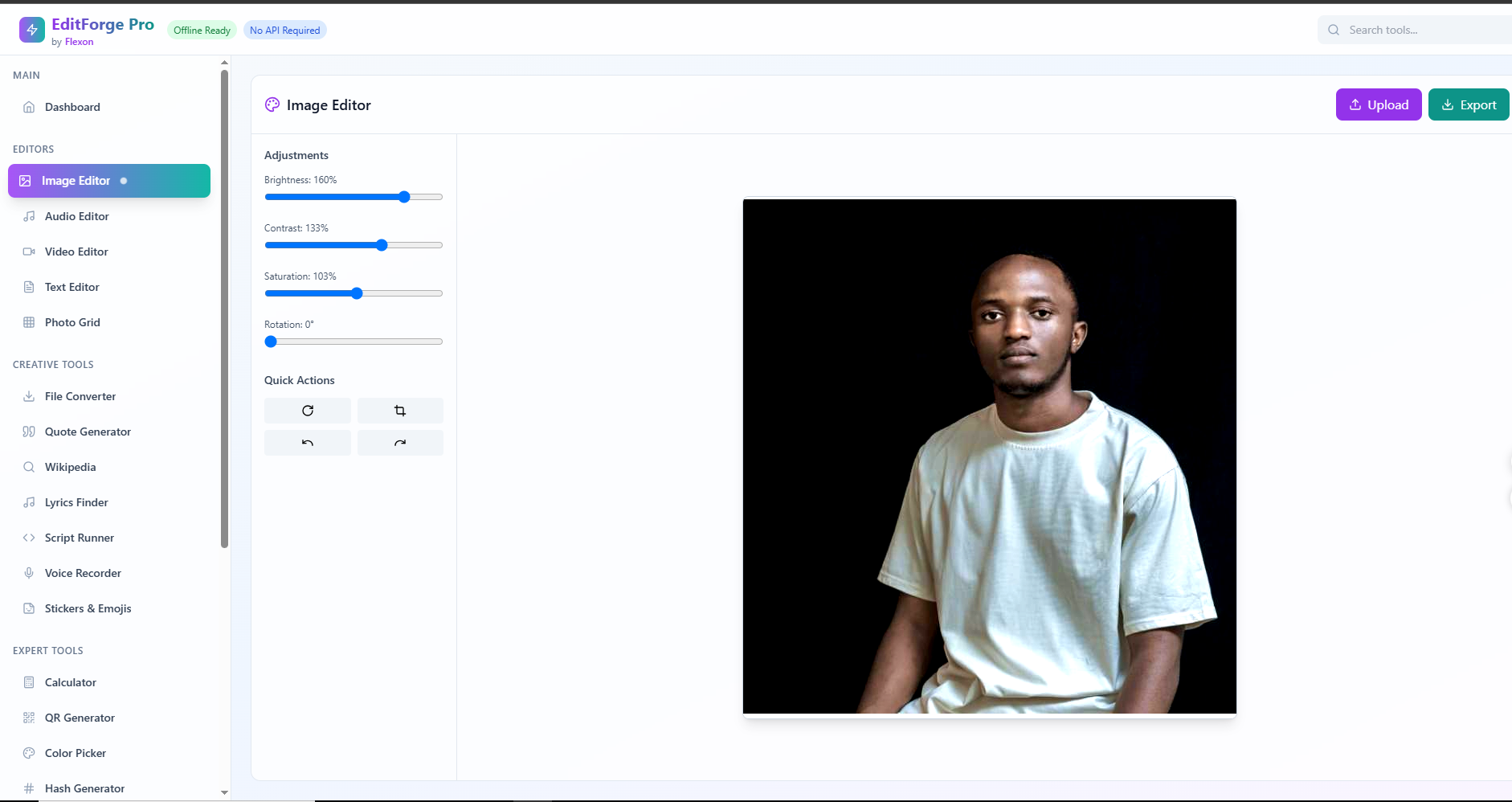
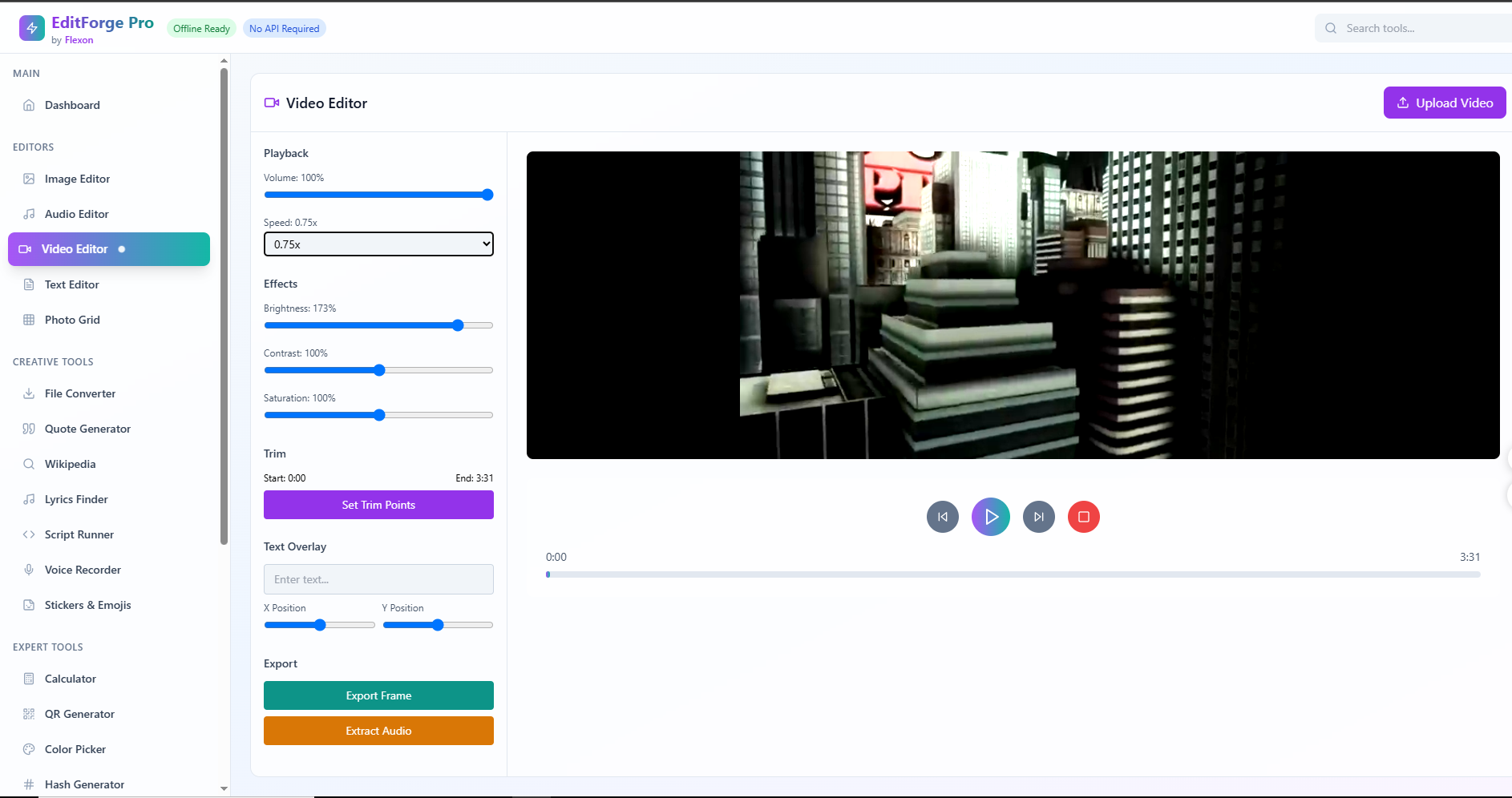
Inspiration: Growing up in Rwanda and working closely with students, cyber cafés, and self-taught developers, I noticed a common limitation: most creative and developer tools require constant internet access, subscriptions, or powerful devices. That left many talented people without access to basic tools they needed.
We asked ourselves ,what if creativity didn’t depend on any of that? What if someone could edit videos, compress images, test APIs, write code, convert files, or create documents, all in the browser, completely offline?
That’s what inspired EditForge Pro — an all-in-one creative and developer suite designed to run entirely in the browser, with zero setup, zero sign-up, and complete privacy.
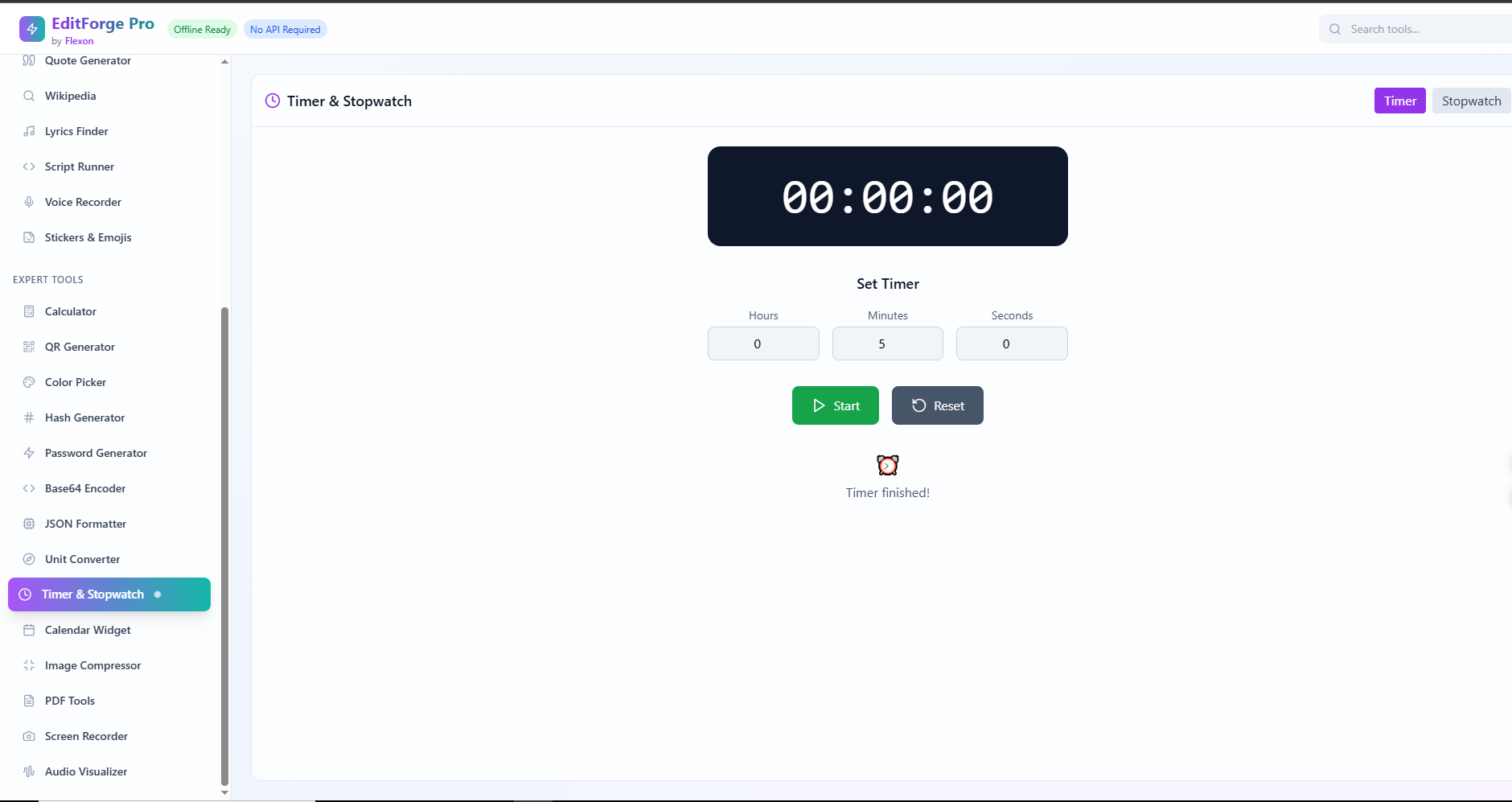
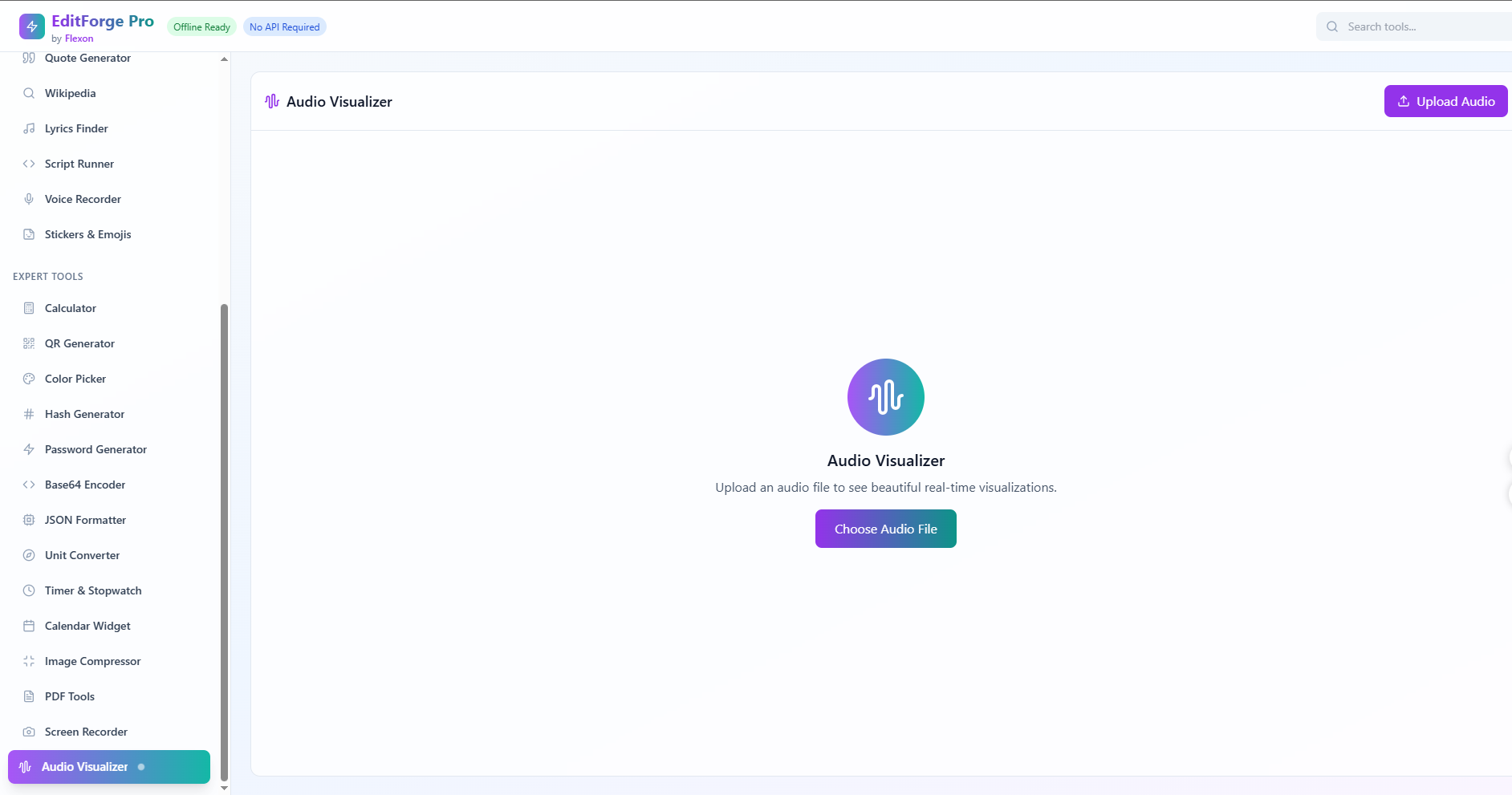
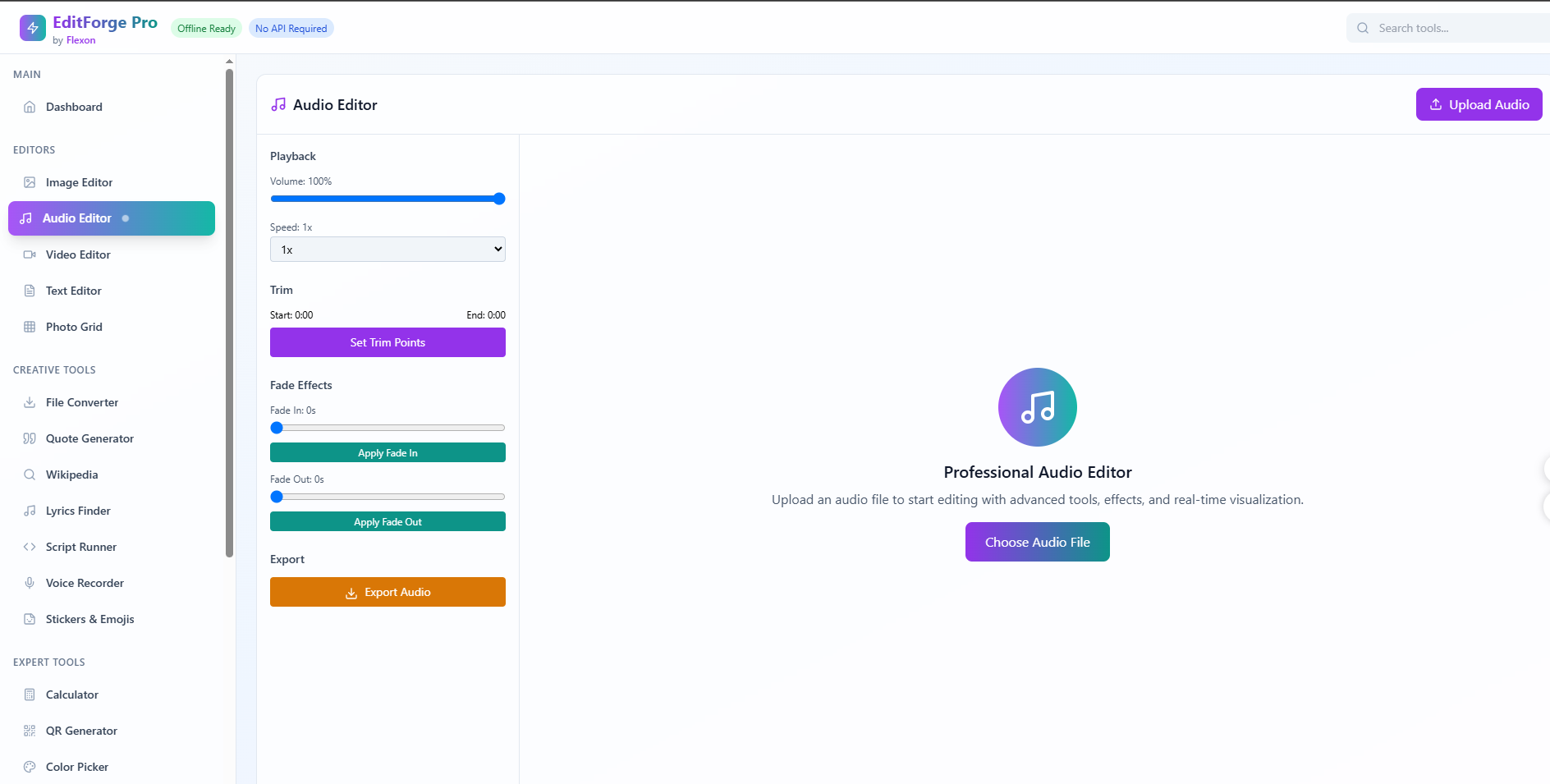
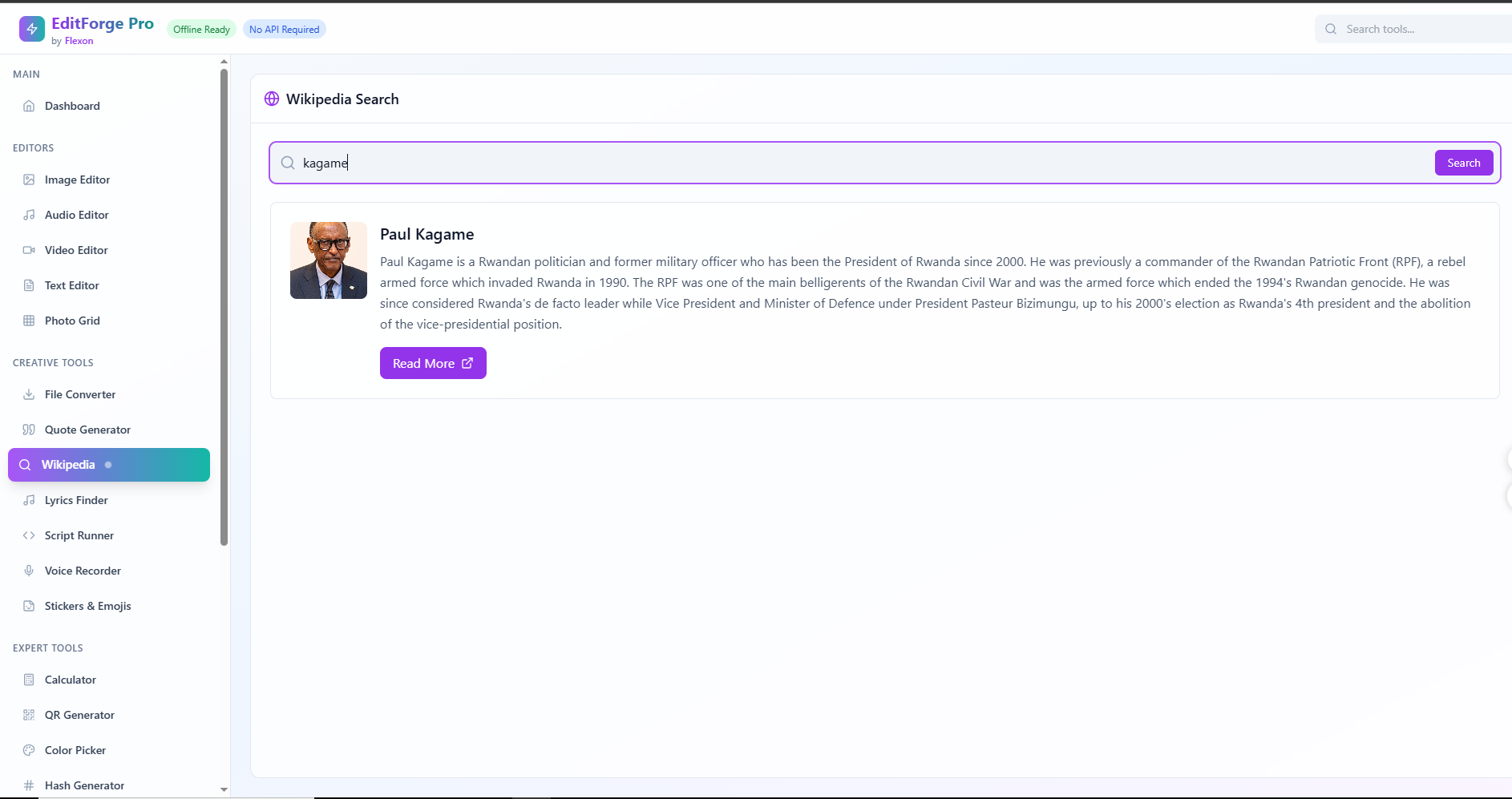
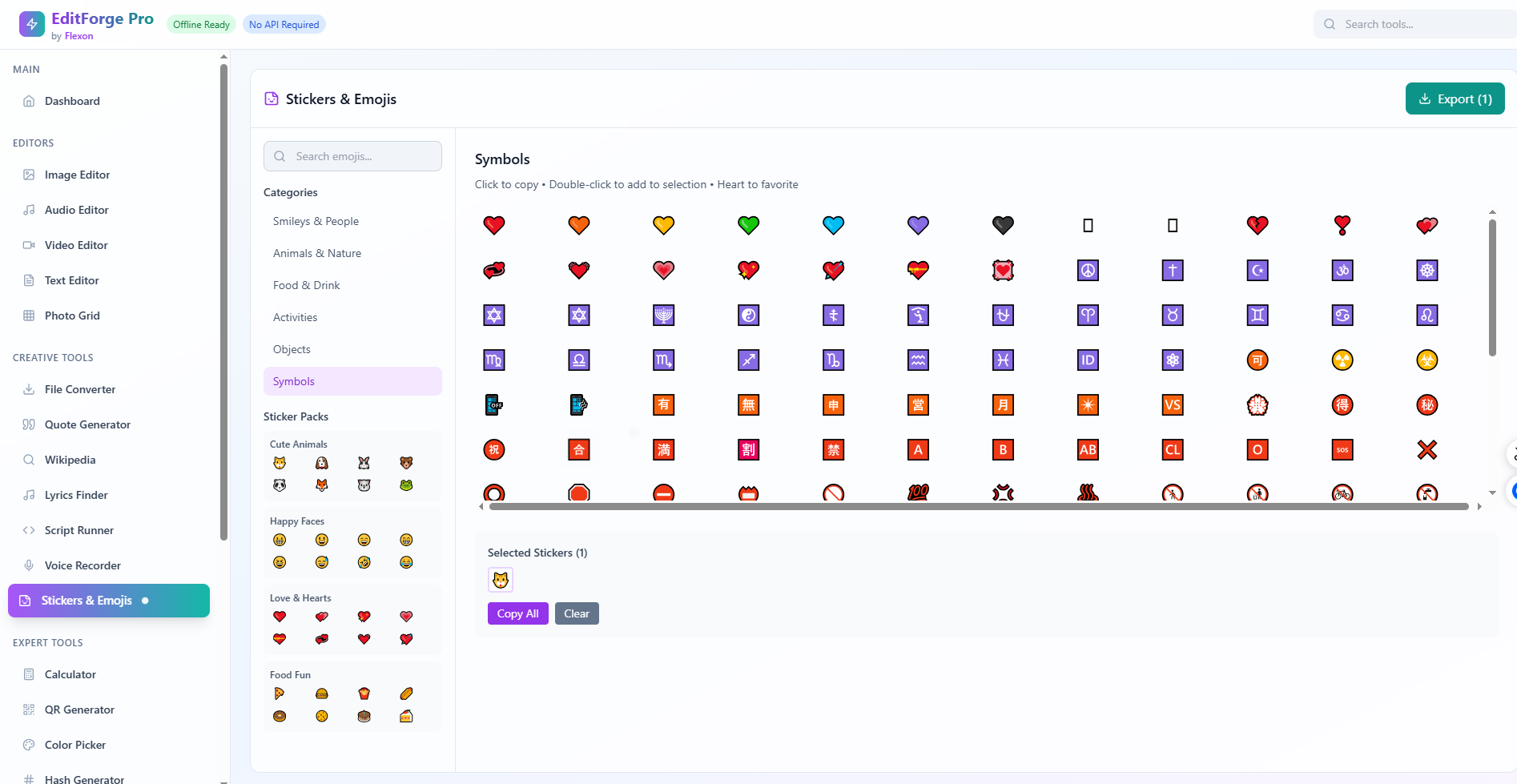
What it does EditForge Pro is a browser-based suite of over 25 tools that work completely offline. It covers a wide range of needs:
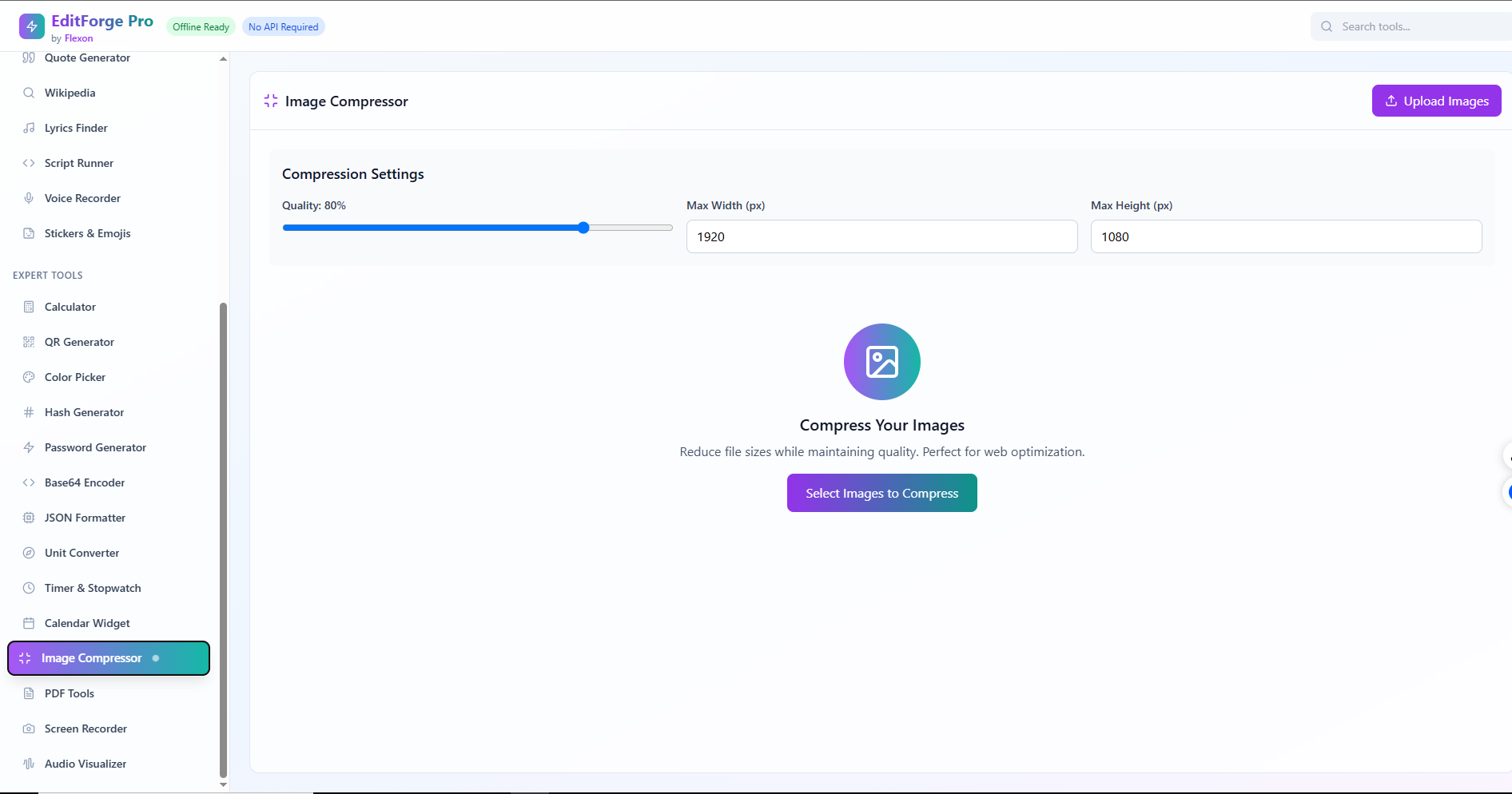
For creatives: video, audio, image editors, PDF tools, quote generators, and more
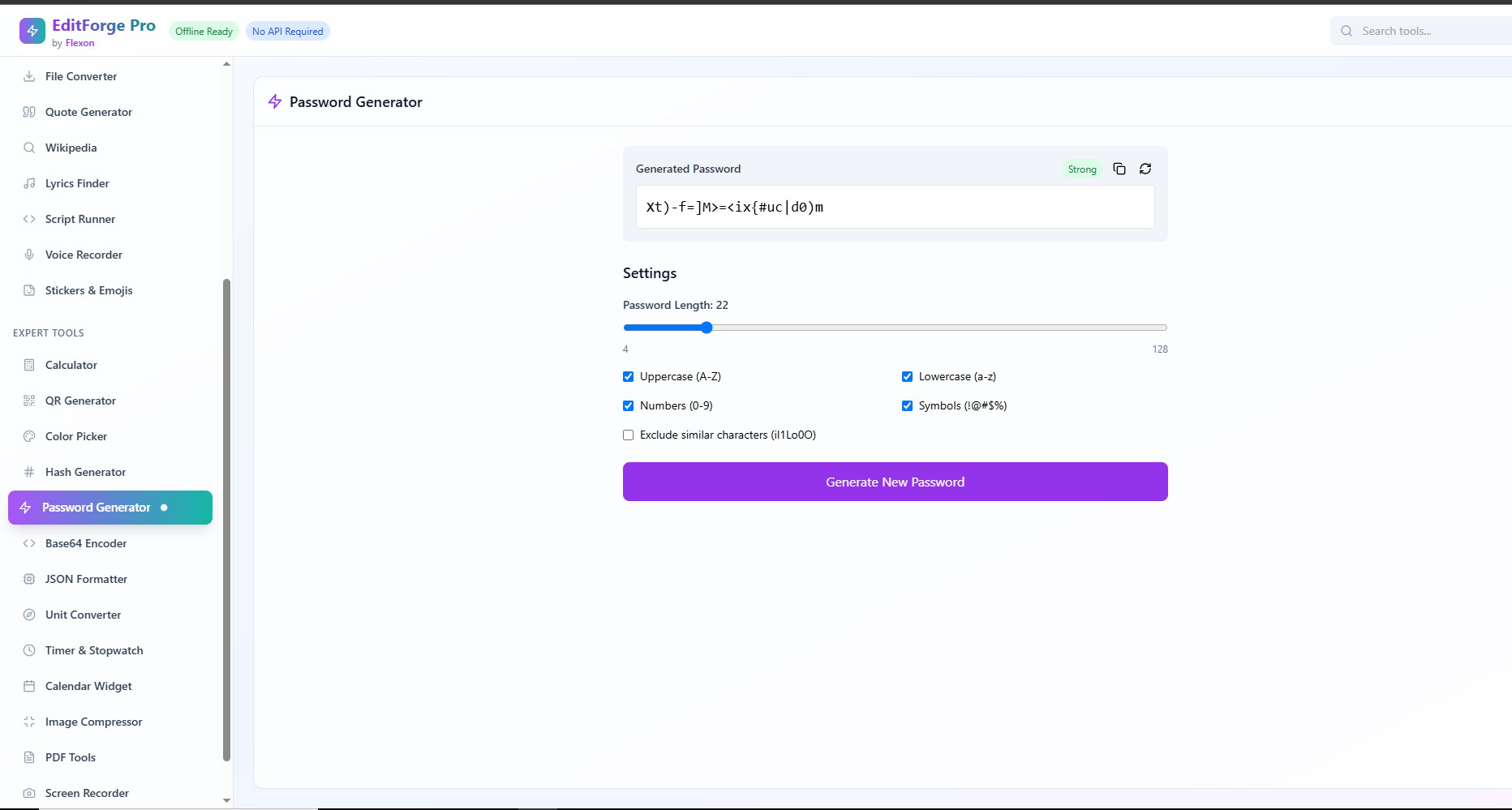
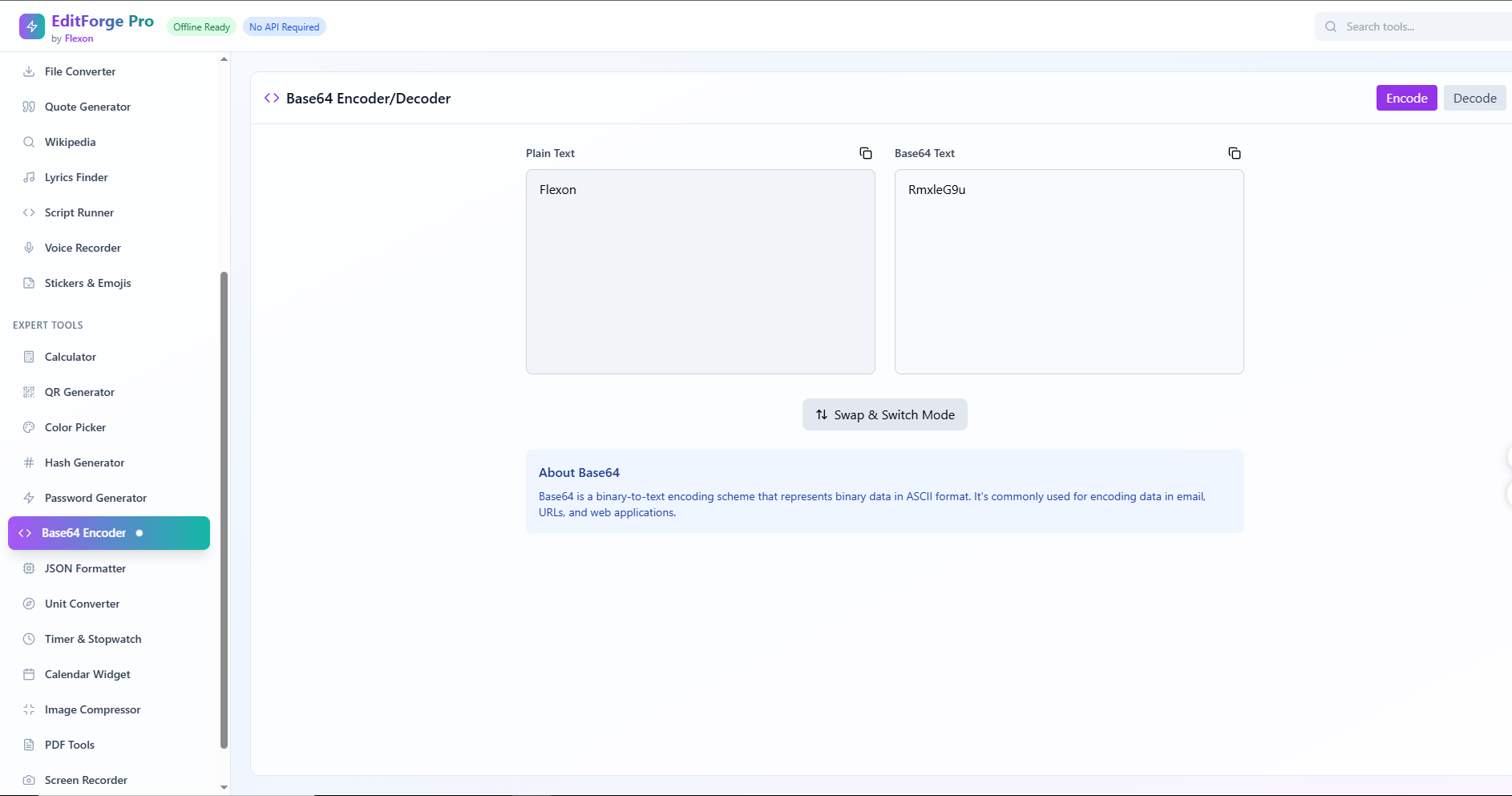
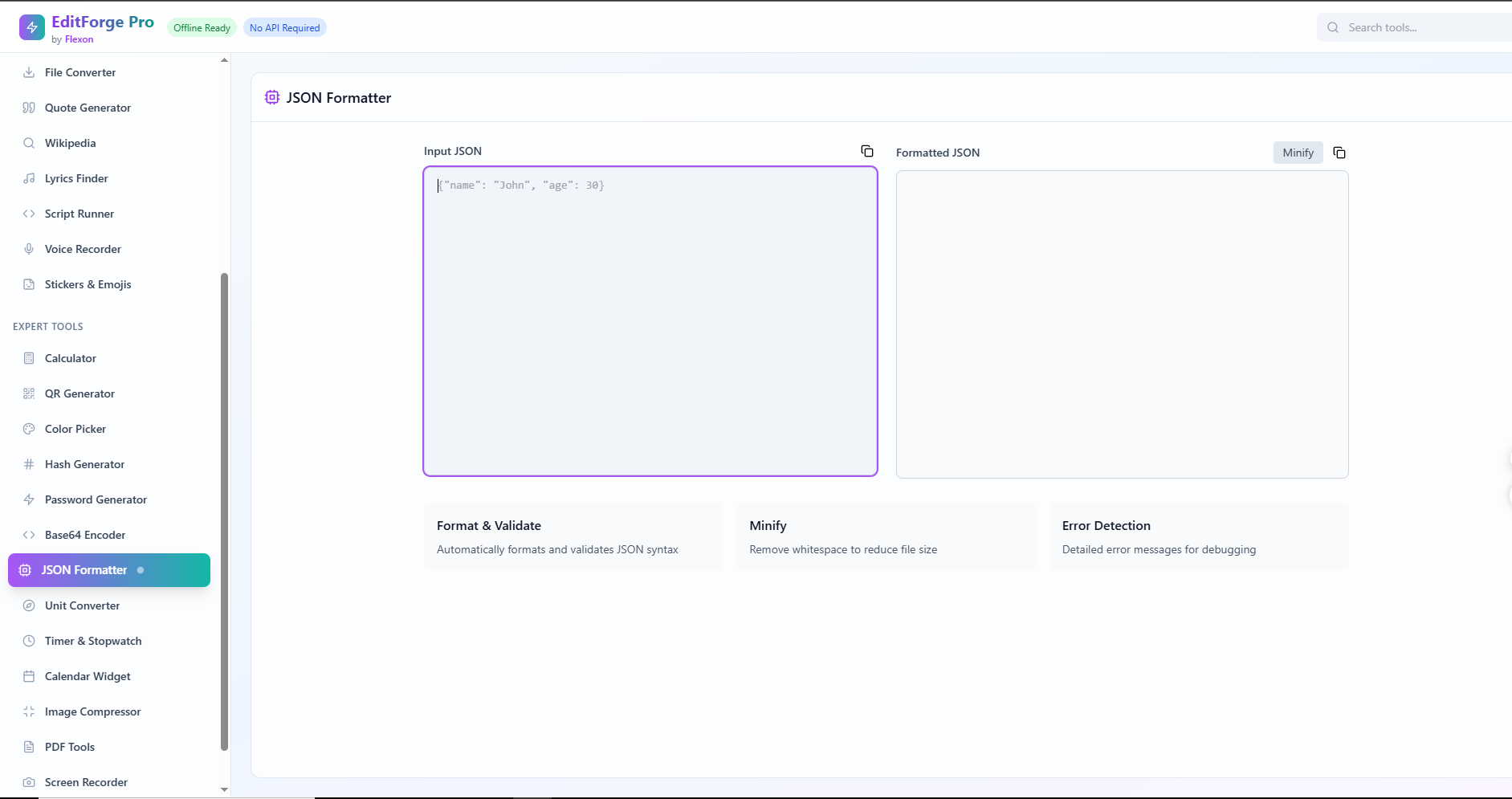
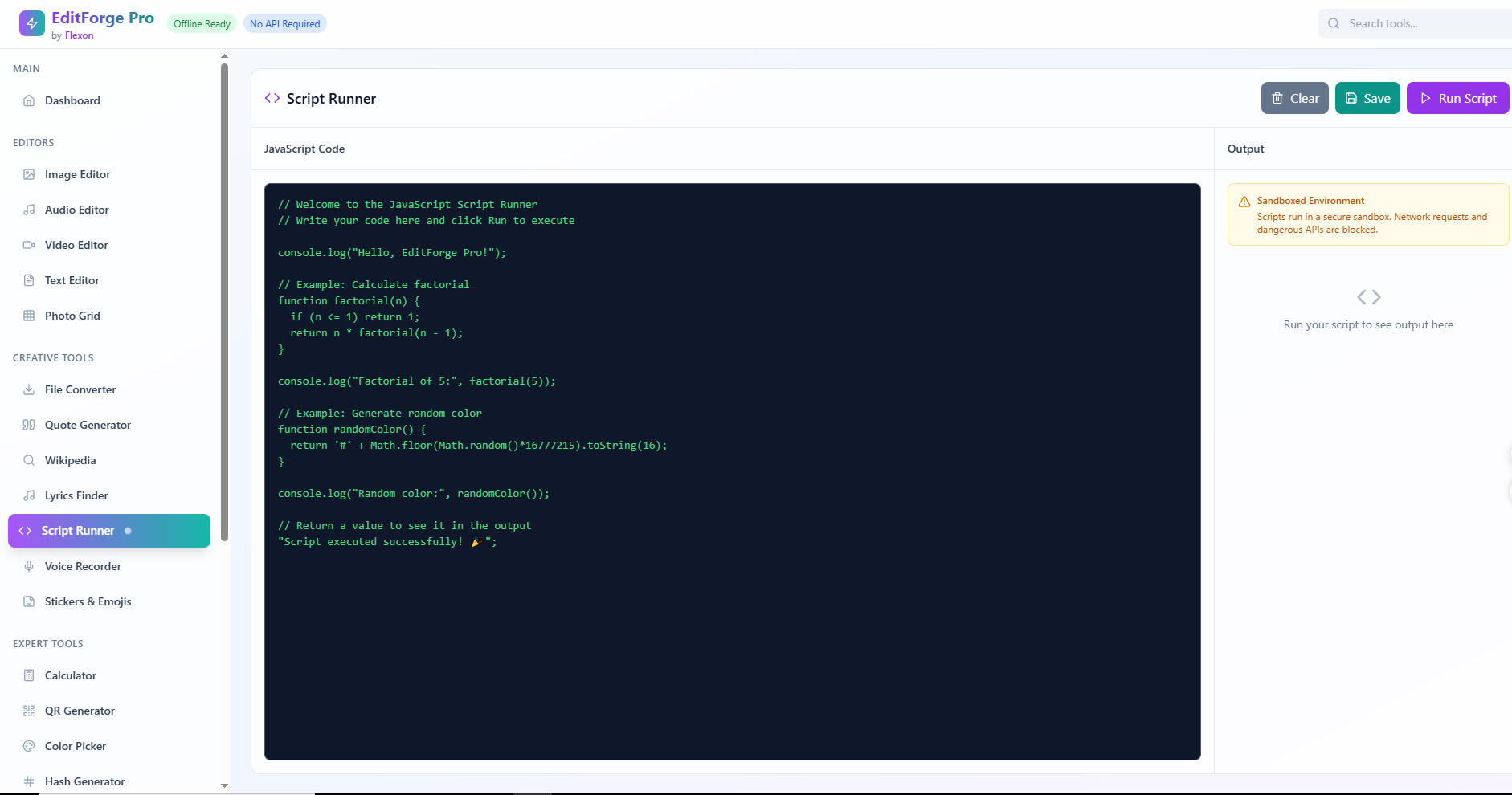
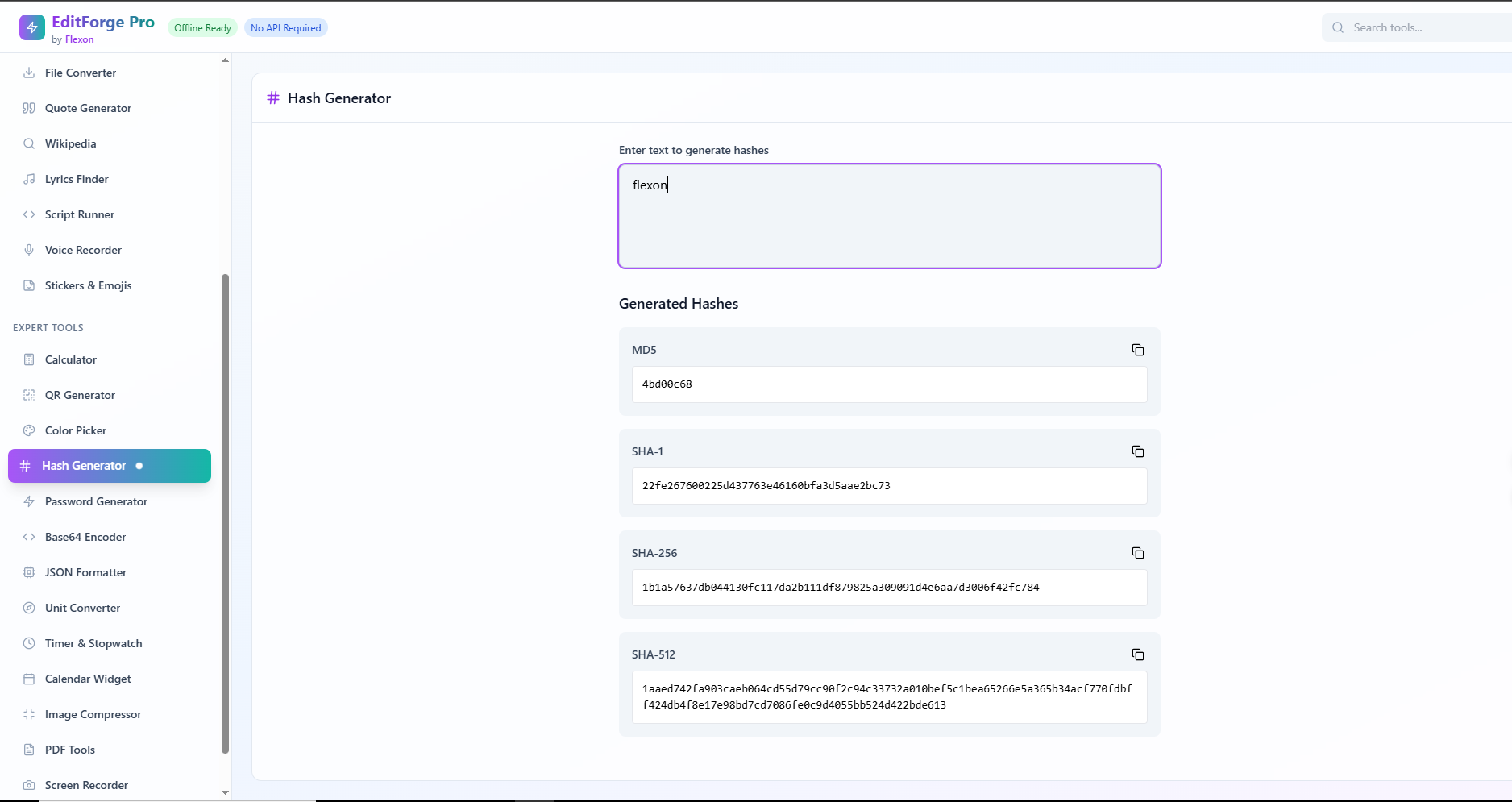
For developers: code editor, API tester, JSON formatter, hash and password tools
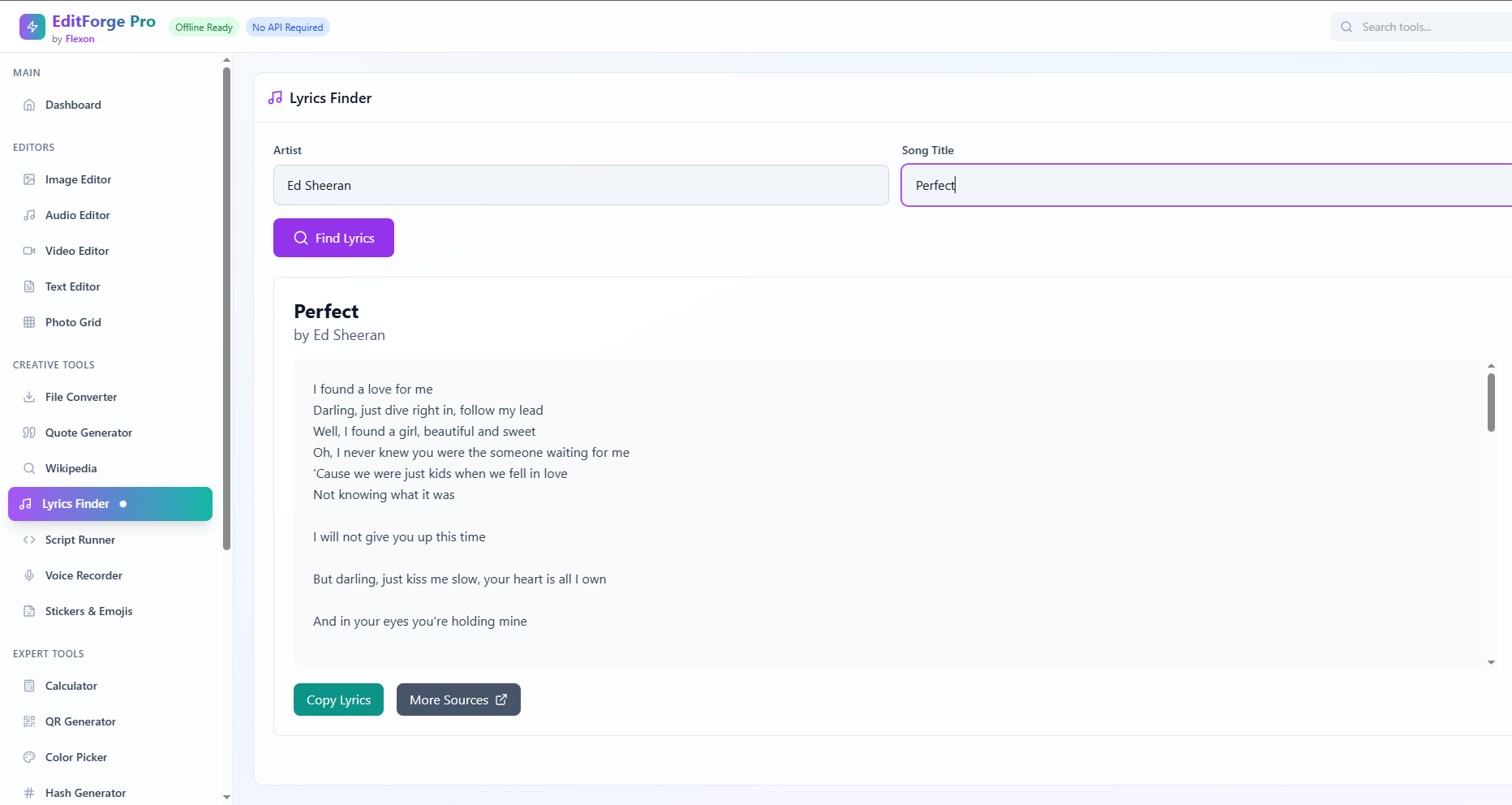
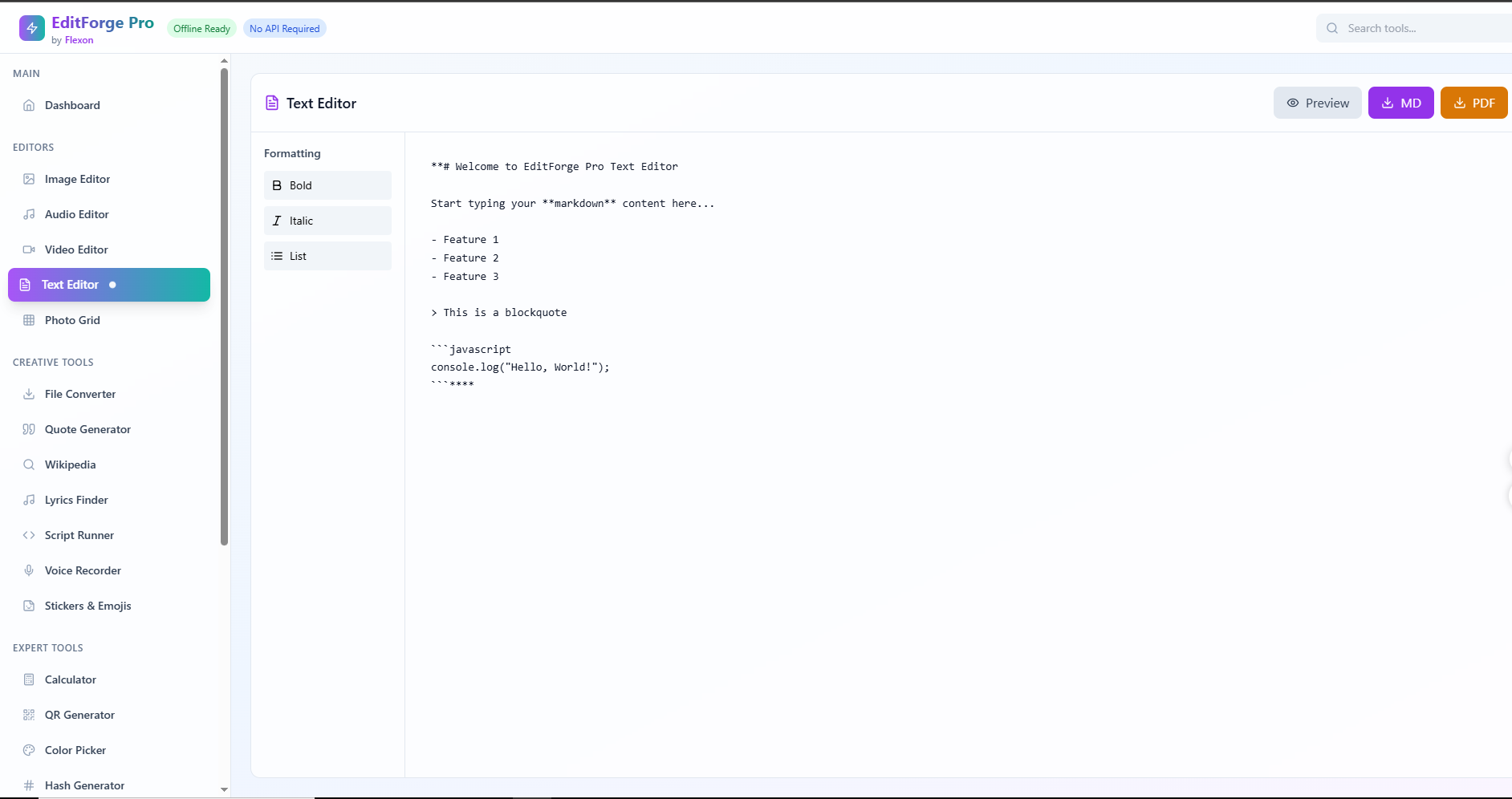
For students and researchers: text editor, lyrics finder, Wikipedia search
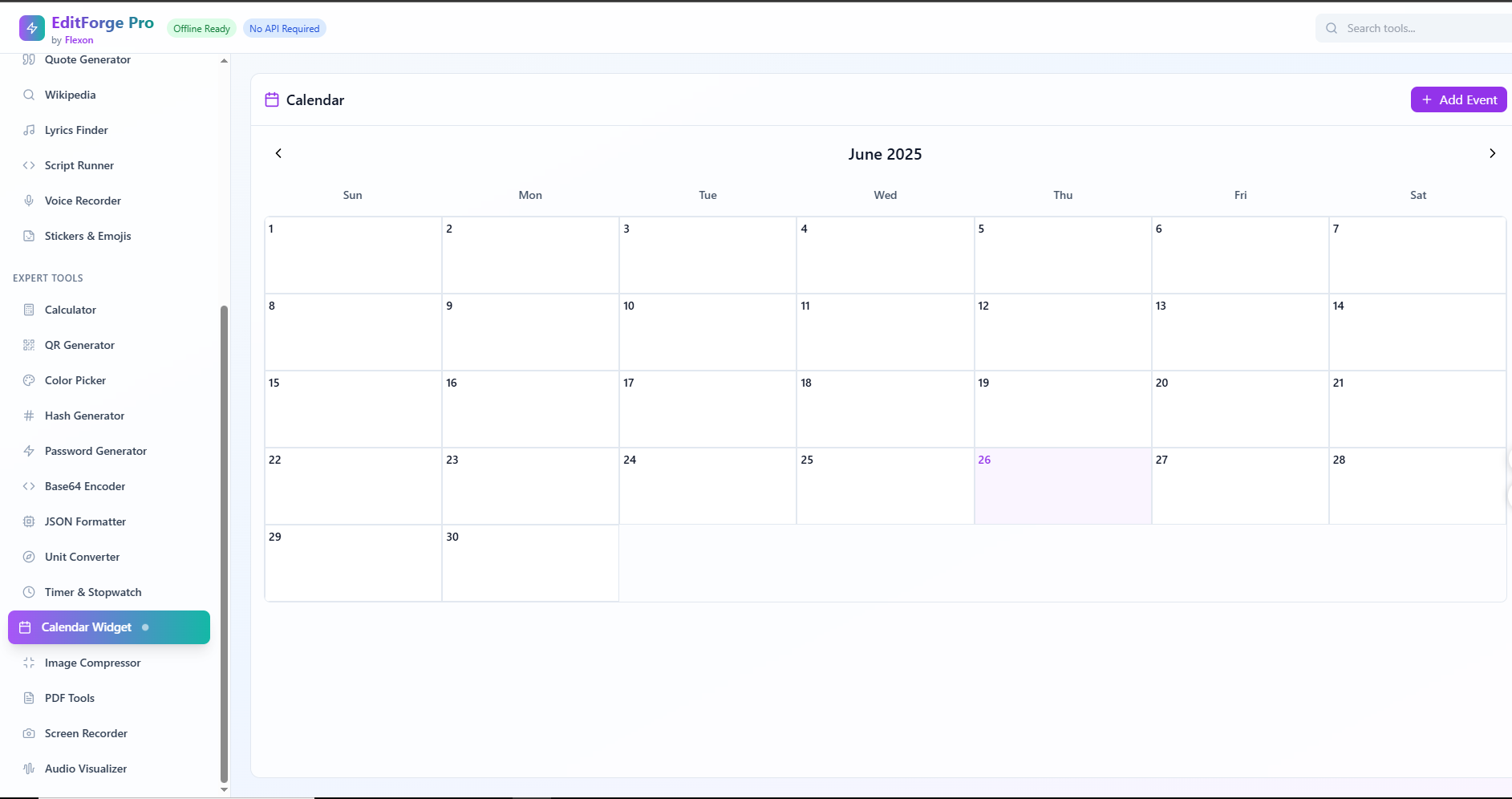
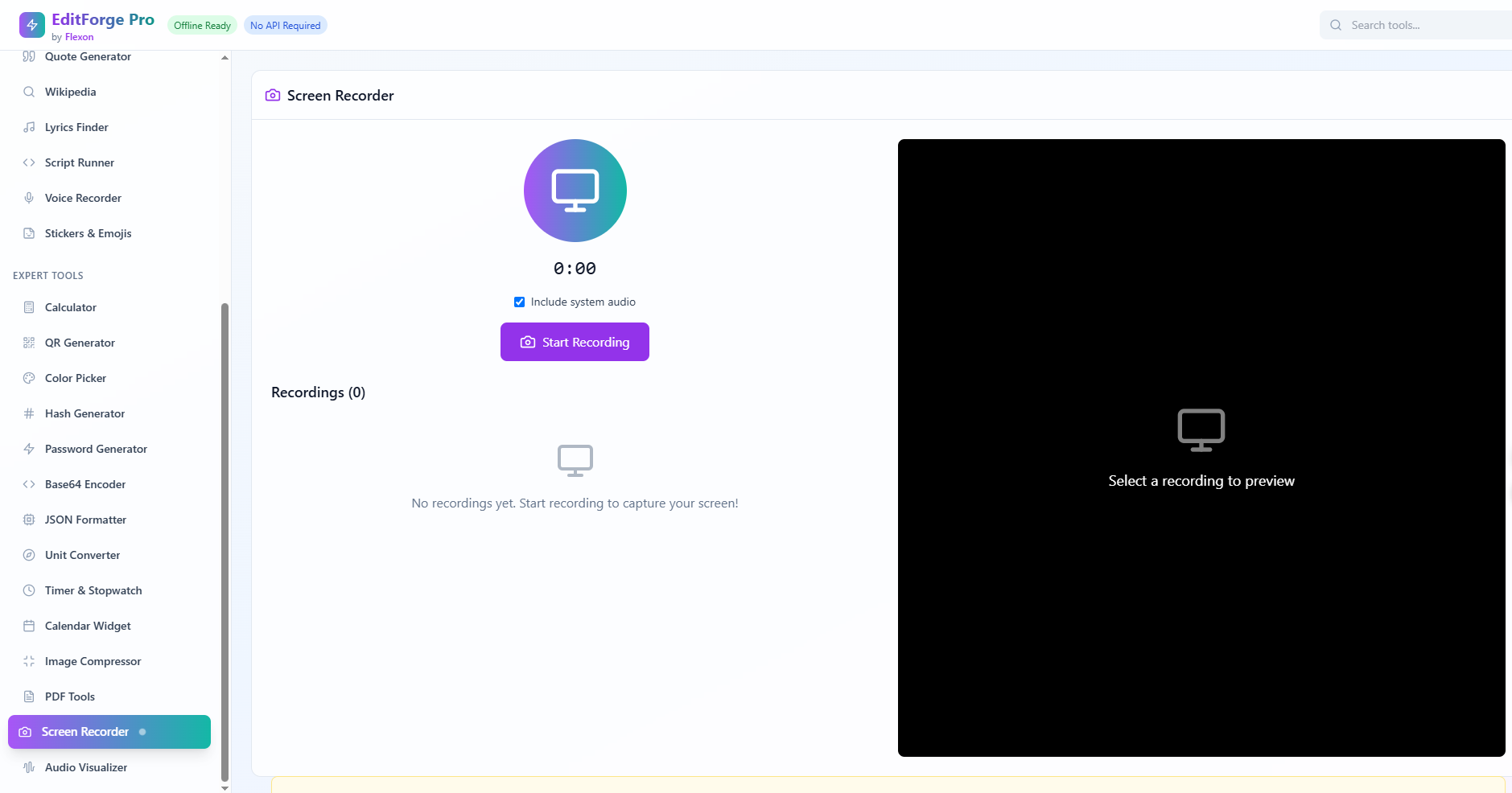
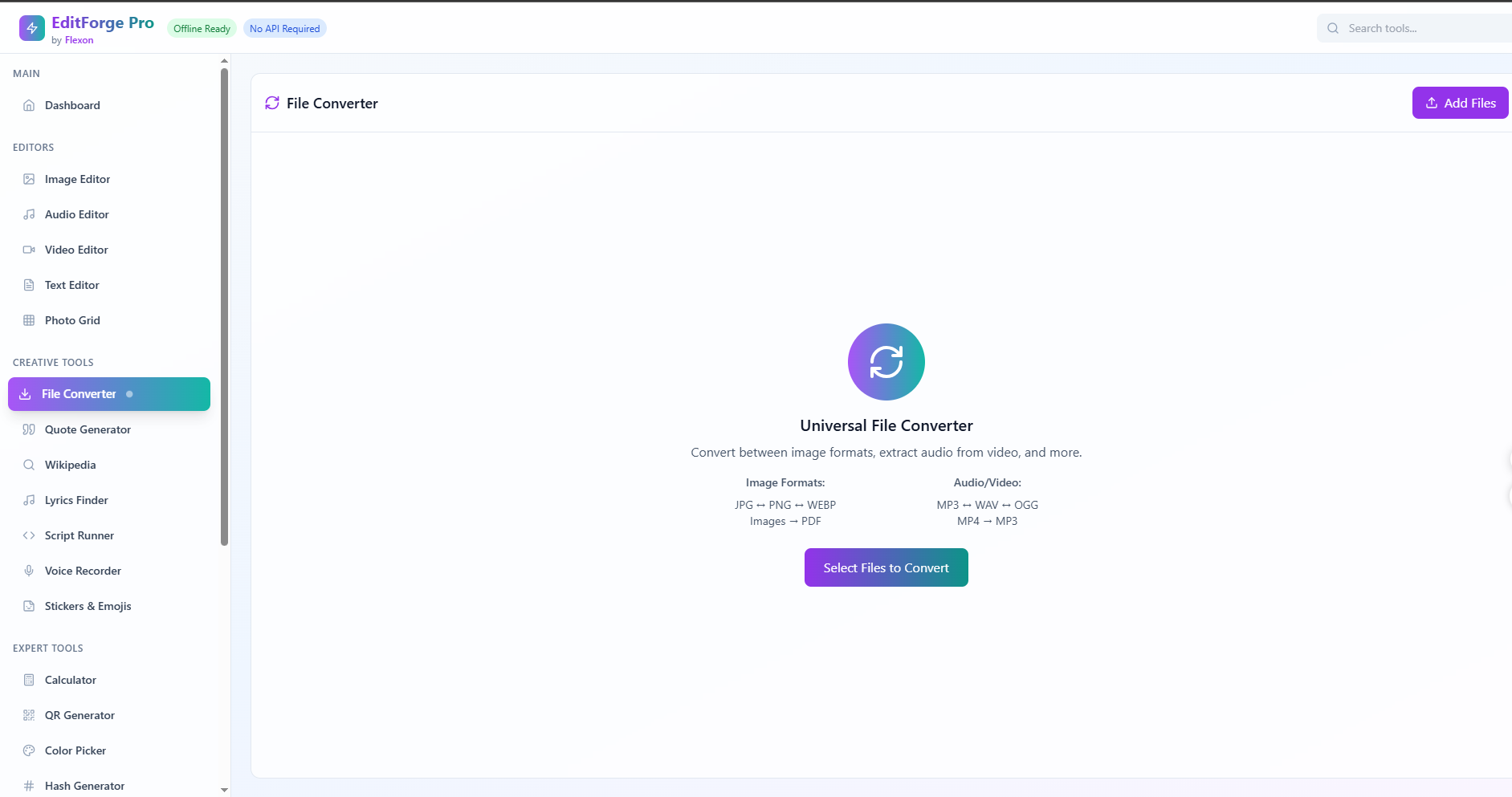
For everyday users: file converters, QR and calendar generators, screen recorder, unit converter, and more
All tools are designed to work without relying on APIs, external services, or user accounts. Everything runs locally, offering privacy and reliability.
How we built it EditForge Pro was developed using:
HTML, CSS (with Tailwind) for the user interface
Vanilla JavaScript modules for logic and tool isolation
Vite.js as the bundler and development environment
IndexedDB and LocalStorage to store preferences and process files locally
Service Workers for offline-first behavior
Netlify for free and fast global deployment
Each tool was built modularly, allowing them to work independently while sharing a consistent design and experience.
Challenges we ran into One of the biggest challenges was building offline-first tools that typically rely on APIs or cloud infrastructure. Features like Wikipedia search, lyrics lookup, or PDF editing usually require third-party services, so we had to reimagine how they could work entirely within the browser.
Another challenge was unifying over 25 tools under one interface, while keeping the user experience clean and intuitive. Performance optimization was also key — especially when dealing with large media files, encoding, and compression.
Accomplishments that we're proud of We successfully built and deployed a real, working tool that functions across devices with no installation or internet needed. That includes tools that handle media, development, productivity, and education, all within a consistent interface.
We’re especially proud of how this tool can be used in low-connectivity environments, classrooms without resources, or by independent creators who want privacy and speed without compromise.
What we learned Throughout this project, I gained a deep understanding of modern browser APIs like FileReader, Canvas, MediaRecorder, and Service Workers. I learned how to design modular systems that scale well, how to maintain a consistent UI across dozens of tools, and most importantly — how to keep the user experience at the center of the design process.
I also learned how much is truly possible with just the browser, without relying on backends or cloud services.
What’s next for EditForge Pro In the next stages, I plan to:
Add support for saving and loading local projects
Enable better drag-and-drop file support across all editors
Package EditForge Pro as a full Progressive Web App (PWA)
Introduce lightweight AI-powered features that work offline
Open-source the project on GitHub with a plug-in architecture so others can contribute or build on top of it
Optimize the interface for mobile usability to support phone and tablet users


Log in or sign up for Devpost to join the conversation.