-
-
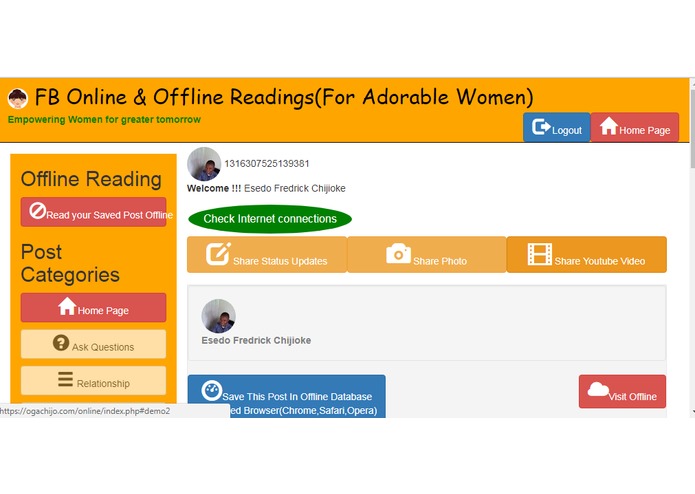
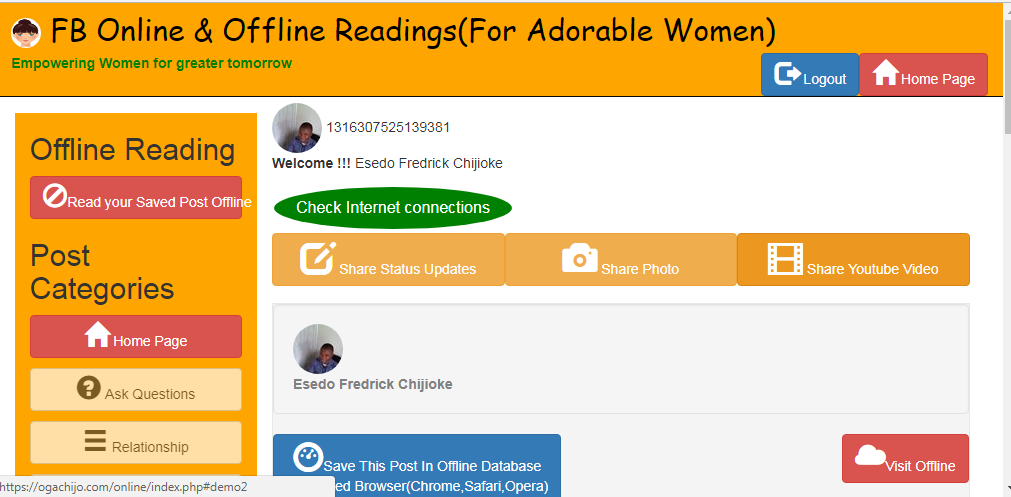
Screenshot showing Sharing of informations using Status Updates, Photo and Video Updates
-
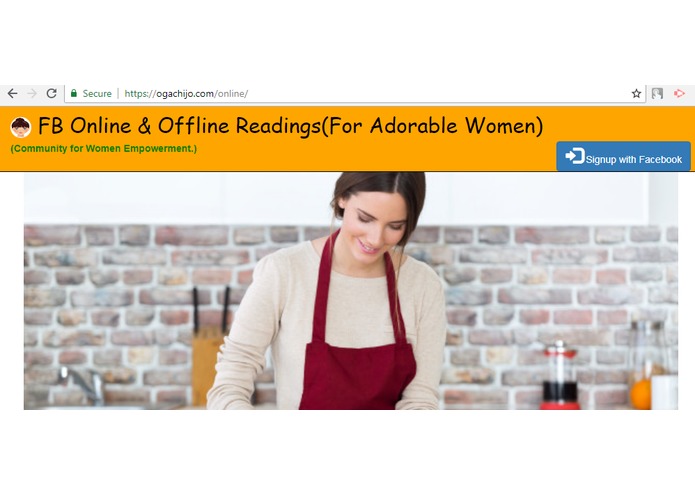
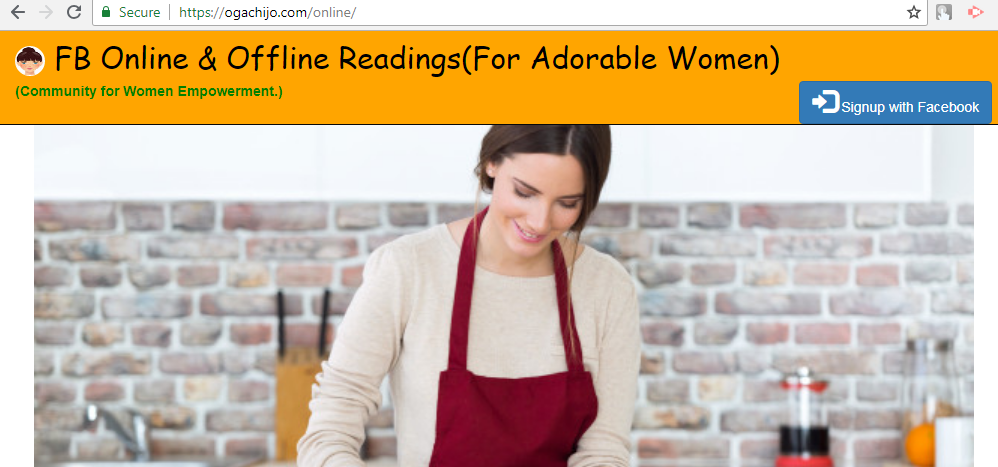
Introduction Page showing Login by Facebook
-
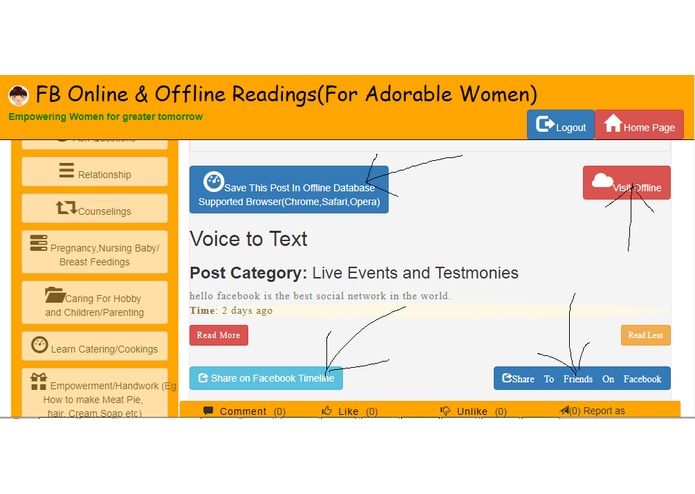
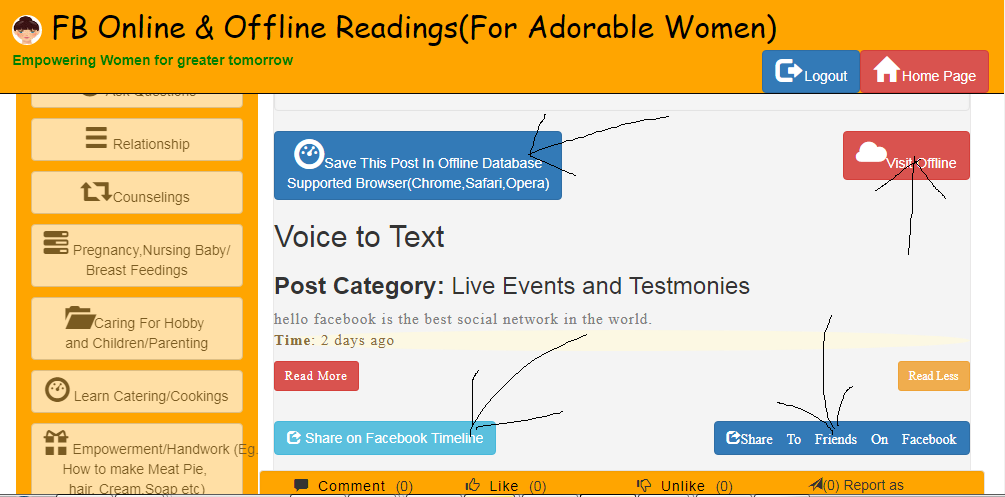
Screenshot showing how you can save and access content online and Offline and how you can share it on Facebook
-
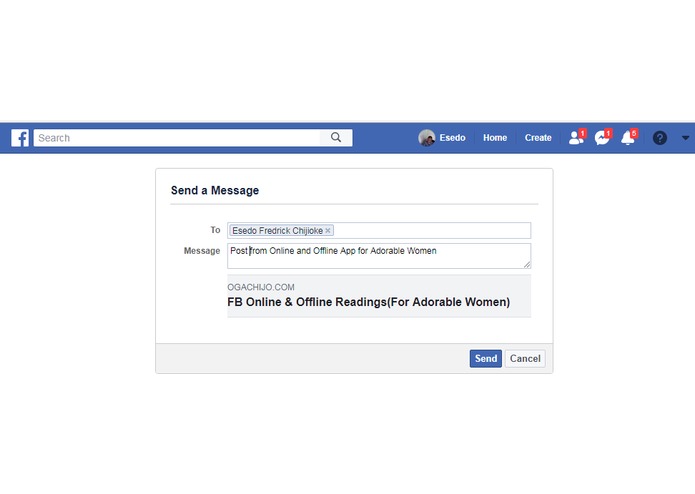
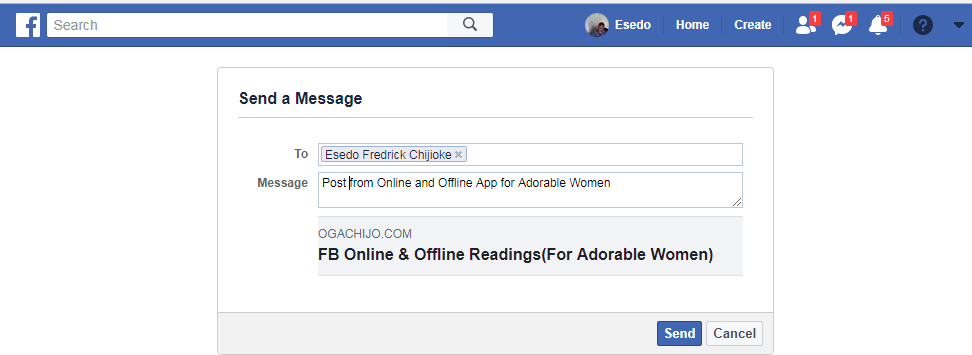
Screenshot showing how you can share content directly on Facebook
-
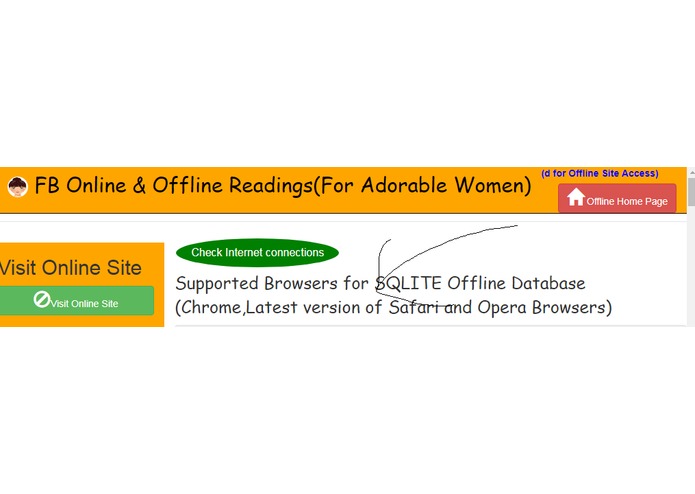
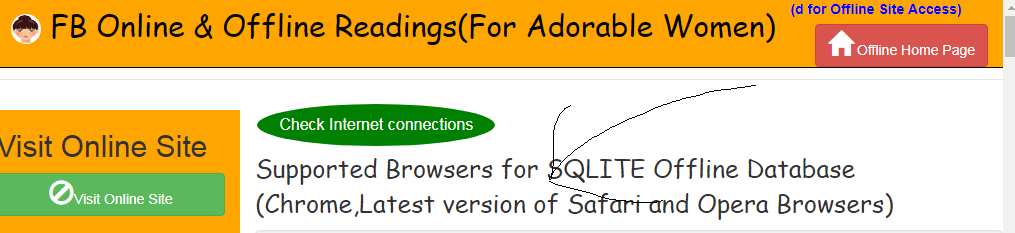
Screenshot showing Supported Browsers for offline Access
-
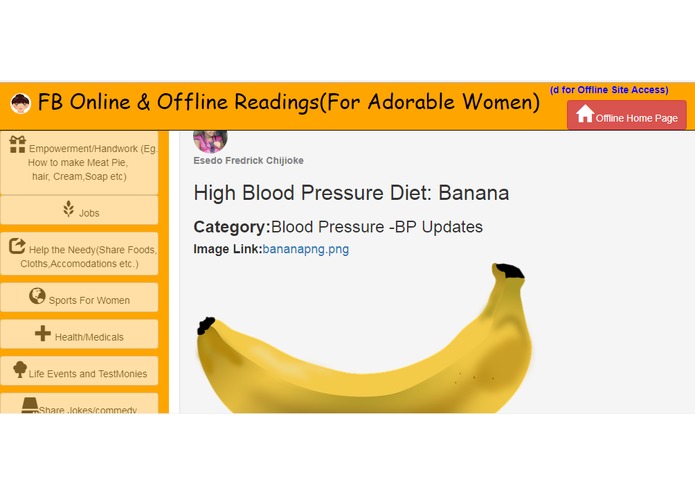
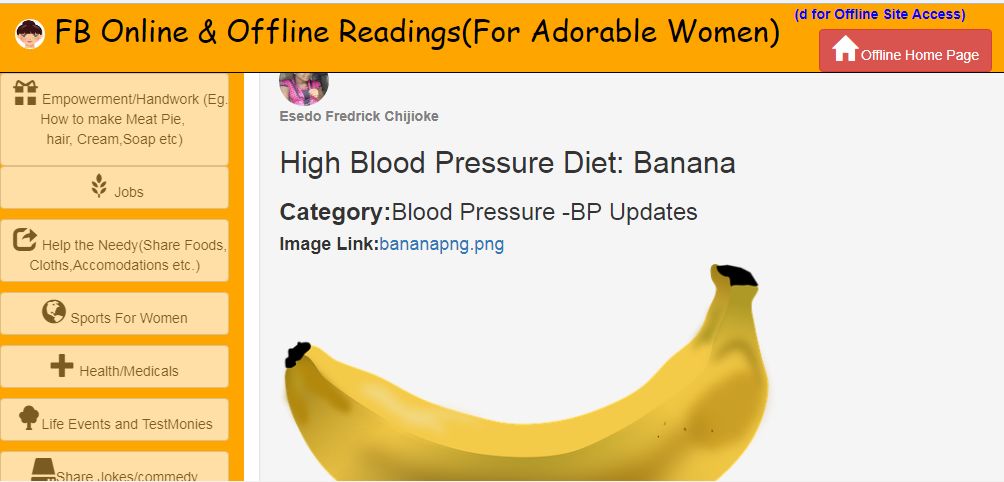
Screenshot showing content shared within the Platform
Inspiration about Online and Offline Integration
Introducing an Online and Offline Post Status Updates and Readings on Facebook.
Okay You don't have Internet Access. Facebook gets you covered.
Accessing Facebook Status Update both Online and Offline would be an emerging new updates for Facebbok.
Sometimes Facebook Users might see an interesting Post and Bookmark it but they might find themselves in a remote
area where there is no Internet Access.How do we engage them then on Facebook. The Offline Part of this application
is an answer to that.
Both Online and Offline Applications are designed with the same look and Feel such that one cannot easily know when
He or She is Online and Offline.
Both Online and Offline Components where designed with their own different Databases for data storage.
This App uses Mysql Database For Online Storage and WEBSQL Database for Offline Database Storage.
To this effect, WEBSQL Database is Only Supported on Browsers like Chrome, Latest Safari and Opera.
Please Use any of this above mentioned Browser to access this applications).
Supported Browsers For Offline Access(WEBSQL Offline Database)
1.) Chrome (Preferable and Recommended)
2.) Latest Version of Safari and Opera Browsers
Site Access:
Online Site: https://ogachijo.com/online/
offline Site: https://ogachijo.com/offline/index.html
Who do we Build this App For:
An FB Online and Offline For Adorable Women was design for Women empowerment.
It allows Girls, Ladies, Women to use Post Status Updates, Photo Updates and Video Updates to educate and Share information's, knowledge on Marital Relationships,
Counselings,right discussions on Pregnacy, Nursing and Breast Feeding of a Baby, how to take care of the Family, Husband and Children. etc
Women will also Learn how to Cook Foods/Catering from Fellow Women, Learn how to make Soap, Bread, Hair Dressing,Cakes etc. all from info share by their Fellow Women through Post Updates within the platform In Realtime.
The App has the ability to allow Users to Save Post Information's for Offline Readings. So in absence of Internet, FB Users can
still be able to access informations that was Posted within the Platform.
If the User wants to Like, Comment or Shared the Offline Post, The User has to come Online....
FaceBook Technology Used:
1.)Facebook Login Graph API: Used to authenticate Users
2.)Facebook Shared Button: used to allow user to share content to her Facebook Timeline
3.)Facebook Send Dialog Button: used to allow user to share content to a specific user in HIPAA Compliance Mode.
How to use It.
1.) Call up Chrome Browser and Login using Facebook.
You will first need to login into the online app first via this link https://ogachijo.com/online/
2.) User Can Share Updates inform of Text Status Posts, Photos and Videos
3.) I use WebSQL to store Posted Data offline.
4.) Every Post on the Platform has "Save Post Offline Button" link to it.
When a User sees a Post He/She Like, She can click on the Save Post Offline button
for that Post to save the content offline.
User can save as many post as possible to WEBSQL Offline Database in her Ssyetm for example using. Chrome Browser.
5.)If the User wants to Like, Comment or Shared the Offline Post, The User has to come Online....
6.) The User can Share any Post to her FaceBook Timeline as well as to her specified Facebook Friends in HIPAA
Compliance Mode.
7.) Once The Post are saved offline, For just once(one time only),You will need to access offline site with internet so that required css files will be downloaded and saved on your chrome browser. On subsequent access, User can disconnect Internet, logon to the offline site(https://ogachijo.com/offline/index.html) and enjoy... You can now browse the offline Site without Internet connection for ever..Since your data are saved in an offline database(WEBSQL) you can use the delete button to delete the offline content any time any day
Site Access:
Online Site: https://ogachijo.com/online/
offline Site: https://ogachijo.com/offline/index.html
You will need to first access the online site then save post offline before access the offline site.
What Next?
Addition of Offline Digital Wallets that will allow user to .................. More Features coming up in the second round..

Log in or sign up for Devpost to join the conversation.