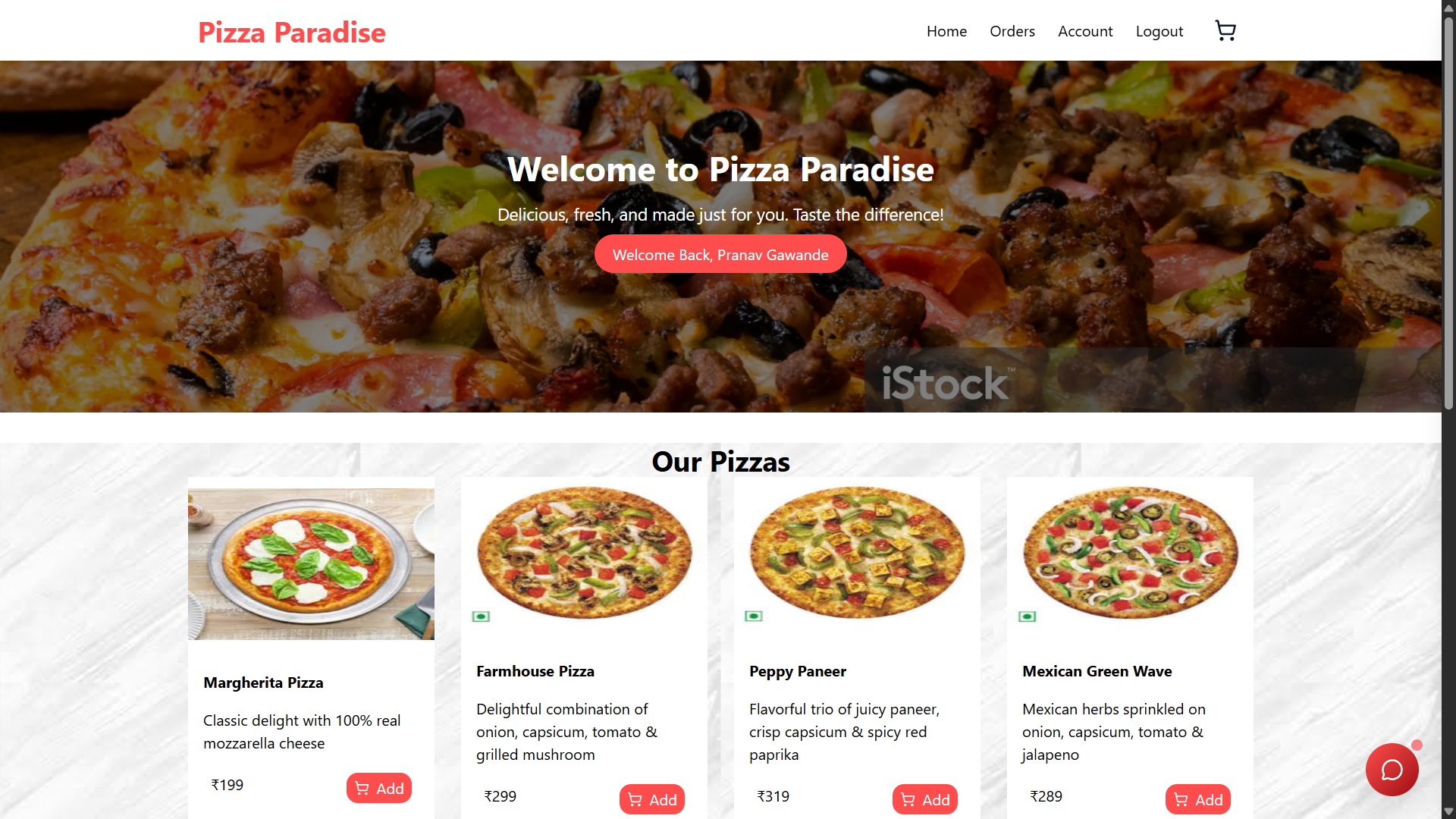
Pizza Paradise
Overview
Welcome to Pizza Paradise, a full-stack order management system designed to provide a seamless pizza ordering experience for users. Built with a modern tech stack, this application features a React/Vite frontend and an Express/Node.js backend, all powered by a MongoDB database.
Features
- User Authentication: Secure user registration and login through JWT (JSON Web Token) to protect user accounts and manage sessions.
- Pizza Management: Admin users can add, update, or remove pizza items from the menu, ensuring customers always have access to the latest offerings.
- Order Tracking: Users can view their order history and track the status of their current orders in real-time.
Tech Stack
- Frontend: React with Vite for a fast and dynamic single-page application experience.
- Backend: Express.js and Node.js for handling server-side logic and API requests, ensuring efficient data processing and handling.
- Database: MongoDB for a flexible and scalable data storage solution.
Installation
Follow these steps to set up the project locally:
- Clone the repository:
bash git clone https://github.com/Pran-bot/FastAPI.git cd FastAPI - Navigate to the backend folder and install dependencies:
bash cd backend npm install - Start the backend server:
bash npm start - In another terminal, navigate to the frontend folder and install dependencies:
bash cd frontend npm install - Start the frontend application:
bash
npm run dev
Usage
Once the application is running, visit http://localhost:3000 to explore the Pizza Paradise application. Create an account or log in to manage your pizza orders!
Contributing
We welcome contributions from the community! To contribute to this project:
- Fork the repository.
- Create a new branch (
git checkout -b feature-branch). - Make your changes and commit them (
git commit -m 'Add new feature'). - Push to the branch (
git push origin feature-branch). - Open a pull request.
License
This project is licensed under the MIT License - see the LICENSE file for details.
Acknowledgements
- Special thanks to the contributors of the open-source libraries used in this project.
For more details, check the documentation and feel free to reach out with any questions or suggestions!


Log in or sign up for Devpost to join the conversation.