-
-
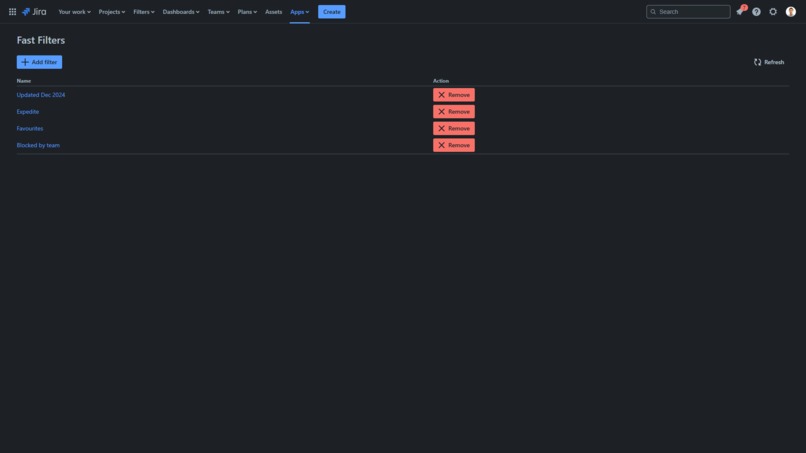
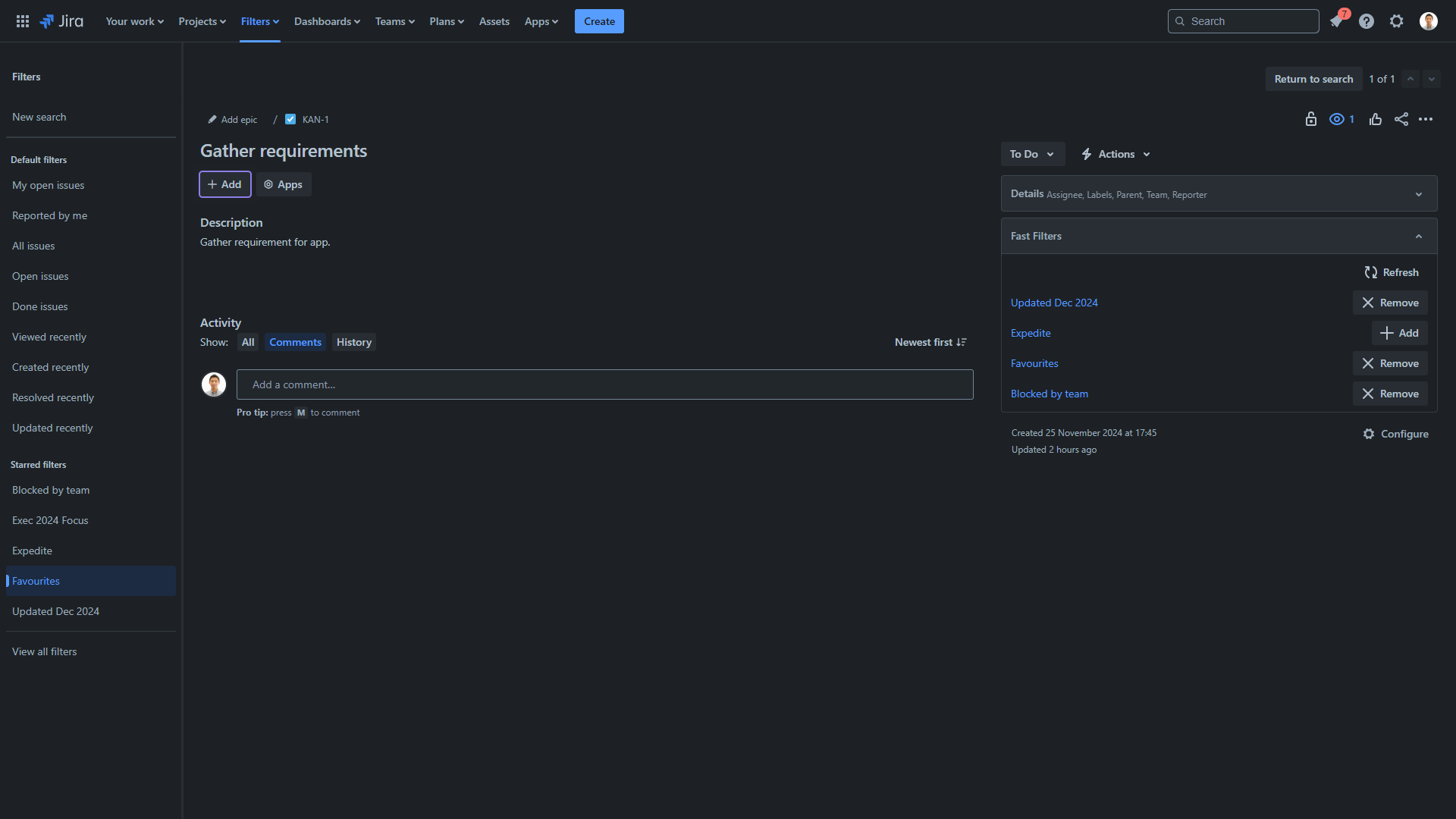
Fast Filters page
-
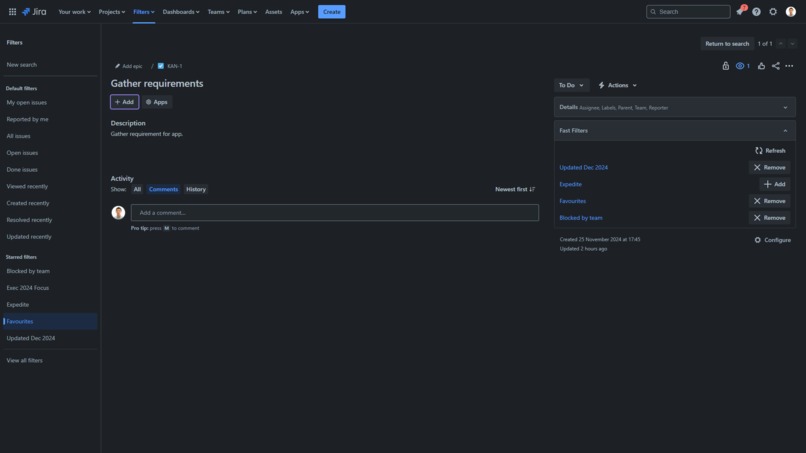
Fast Filters issue panel
-
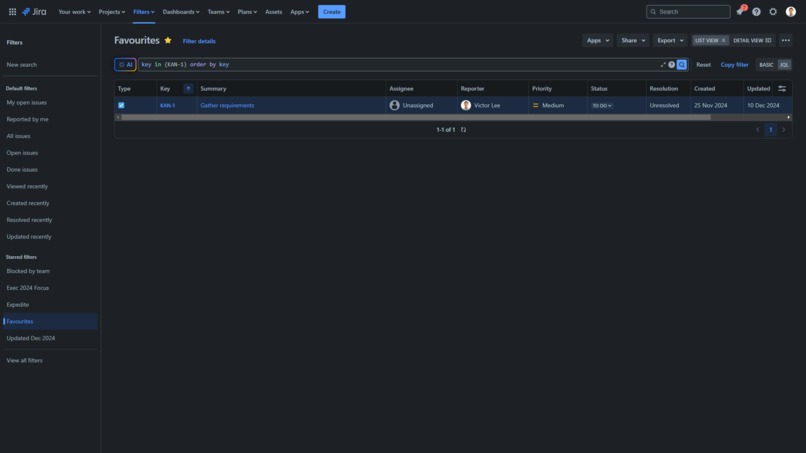
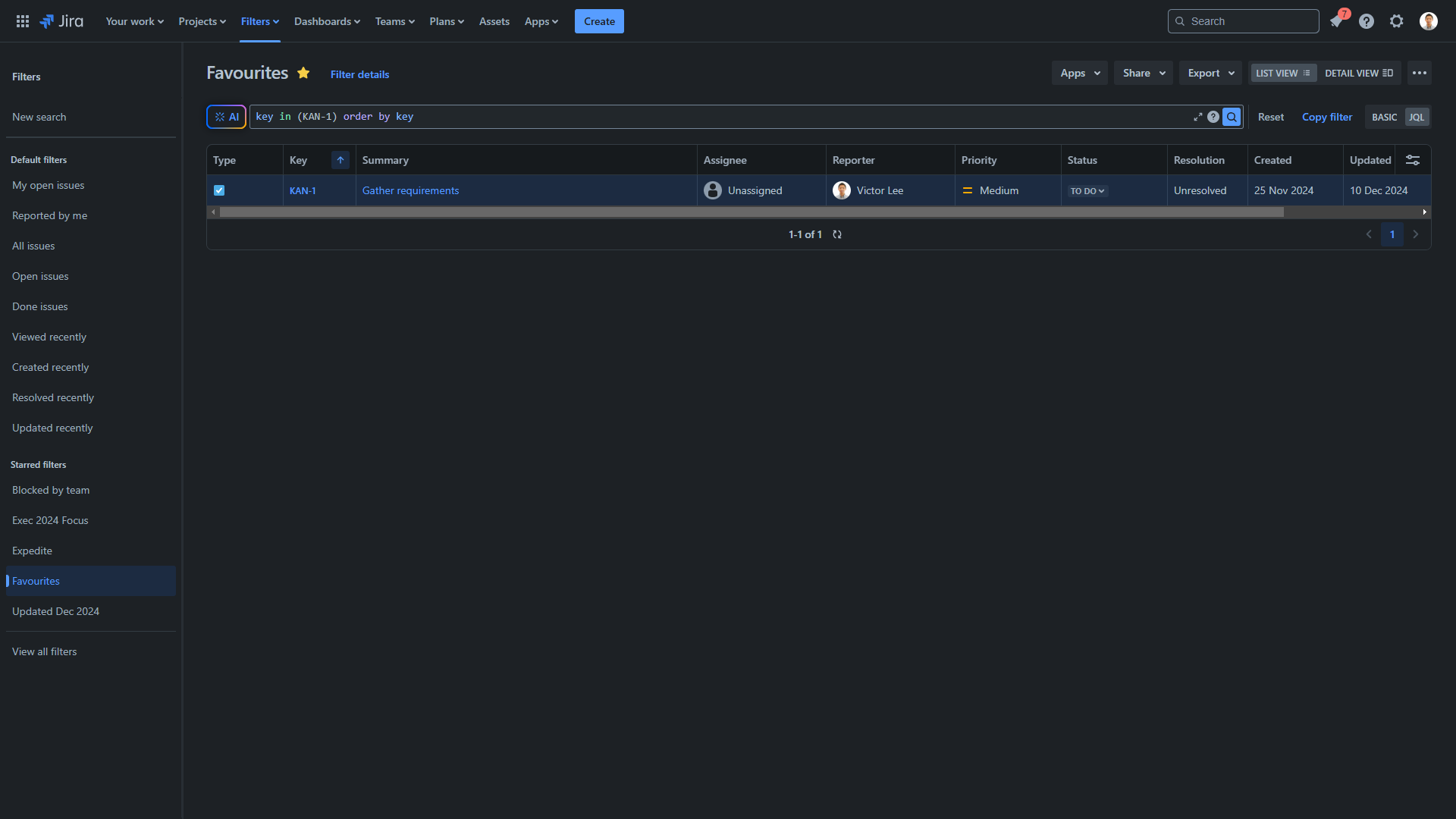
Fast Filters filter
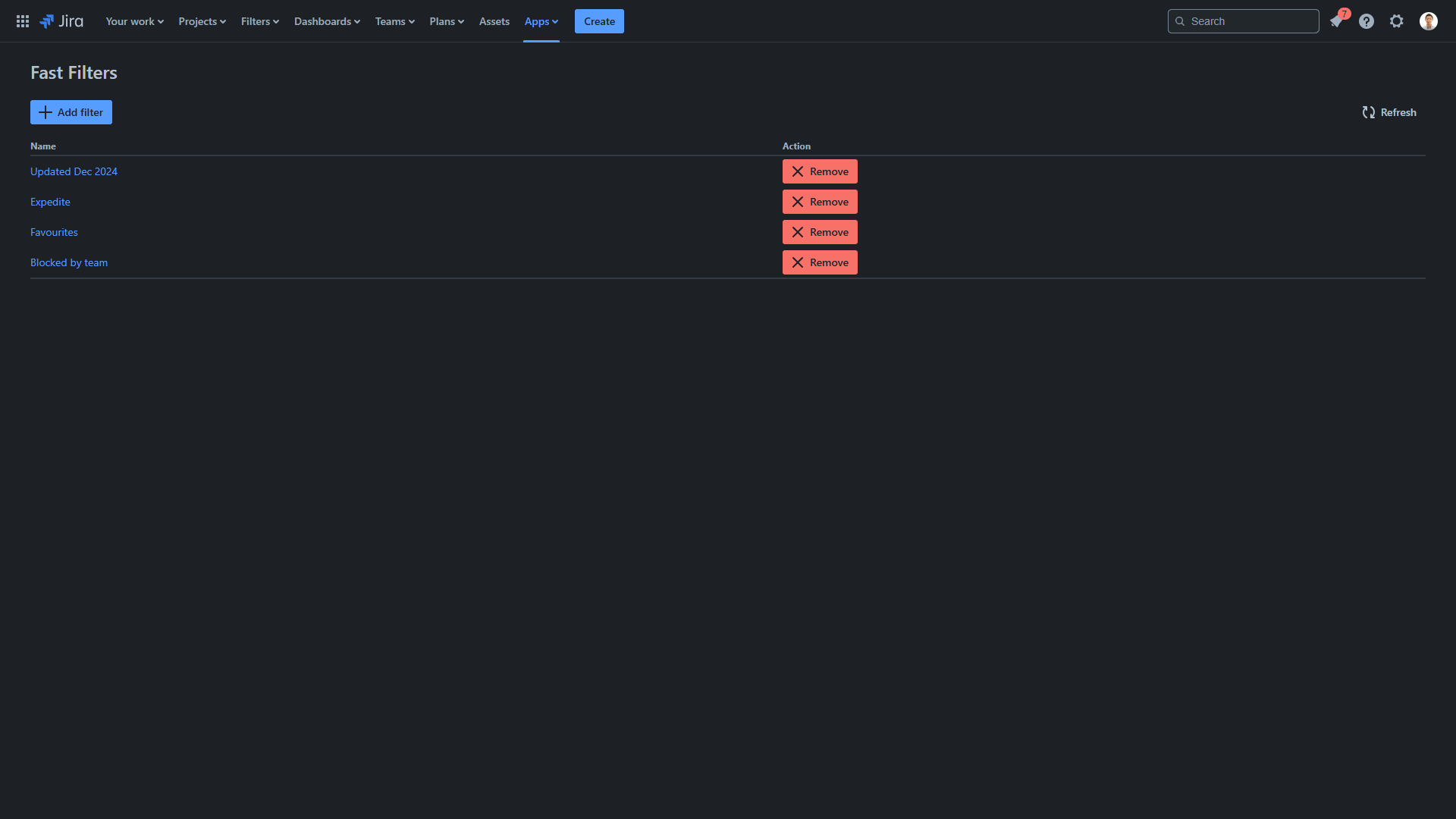
Inspiration
Have you ever found that as organizations grow larger, it becomes easier to get lost among all the issues?
What it does
With Fast Filters, you can quickly add issues to filters. The app comes with the following tools:
- Add issue to filter directly from an issue
- Remove issue from a filter directly from an issue
- Add filters to add issues to
- Use existing filters
- Remove fast filters from the list
- Re-order filters
- Bulk add issues to a filter
- Bulk remove issues from a filter
How we built it
The app was built fully with Forge and UI Kit. It uses 3 type of modules:
- Issue context
- Global page
- Issue navigator action
Challenges we ran into
The following challenges were met during implementation:
- JQL editing - The app makes attempts to modify the filter JQL. There were a lot of edge cases and the regular expressions had to go through multiple interations.
- User experience - we tried to fit most of the functionality in the issue panel, but this ended up with worse user experience as there were too many actions a user could take.
Accomplishments that we're proud of
Ideation was the hardest step, some market research was performed to identify similar apps, we originally decided on this method as it seemed the cleanest implementation while extending most of Jira's own capabilities.
Re-ordering filters using ranking on dynamic tables was an accomplishment. The original idea was to embed buttons in the table, but the drag and drop was quicker to implement and more intuitive for users.
What we learned
The following were lesson's learned:
- Modules are a bit restrictive such as the inability to display modal from the issue view.
- The issue navigator action did not include all the issue keys in the UI Kit API. The app had to make separate fetch calls to obtain the issue keys.
What's next for Fast Filters
- Improve the user experience of managing many fast filters.
- More functionality within the issue itself.


Log in or sign up for Devpost to join the conversation.