Inspiration
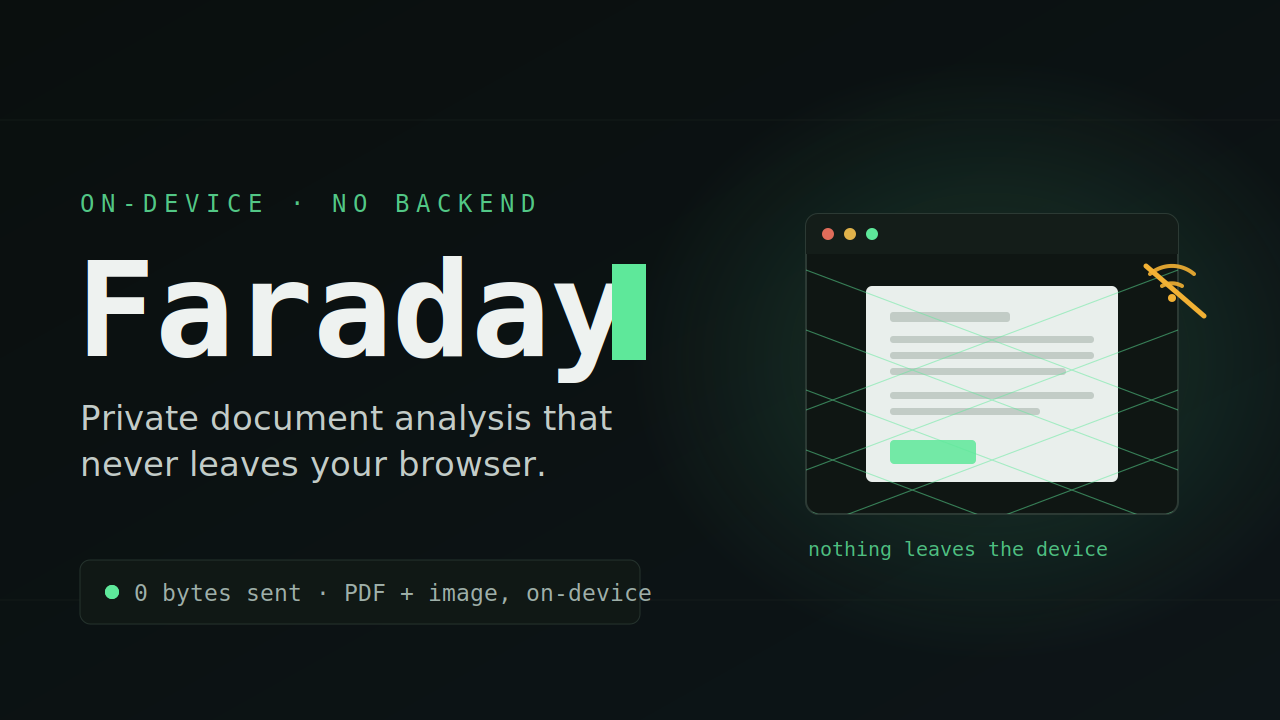
The documents people most need help understanding are the ones they least want to hand to a stranger: lab results, medical intake forms, insurance statements, financial records. Yet every mainstream AI document assistant works by uploading your file to a cloud model. For patients, for clinics with poor connectivity, and for anyone handling private or regulated data, that tradeoff is a dealbreaker. I wanted to prove you can get real AI document analysis without your data ever leaving your machine.
What it does
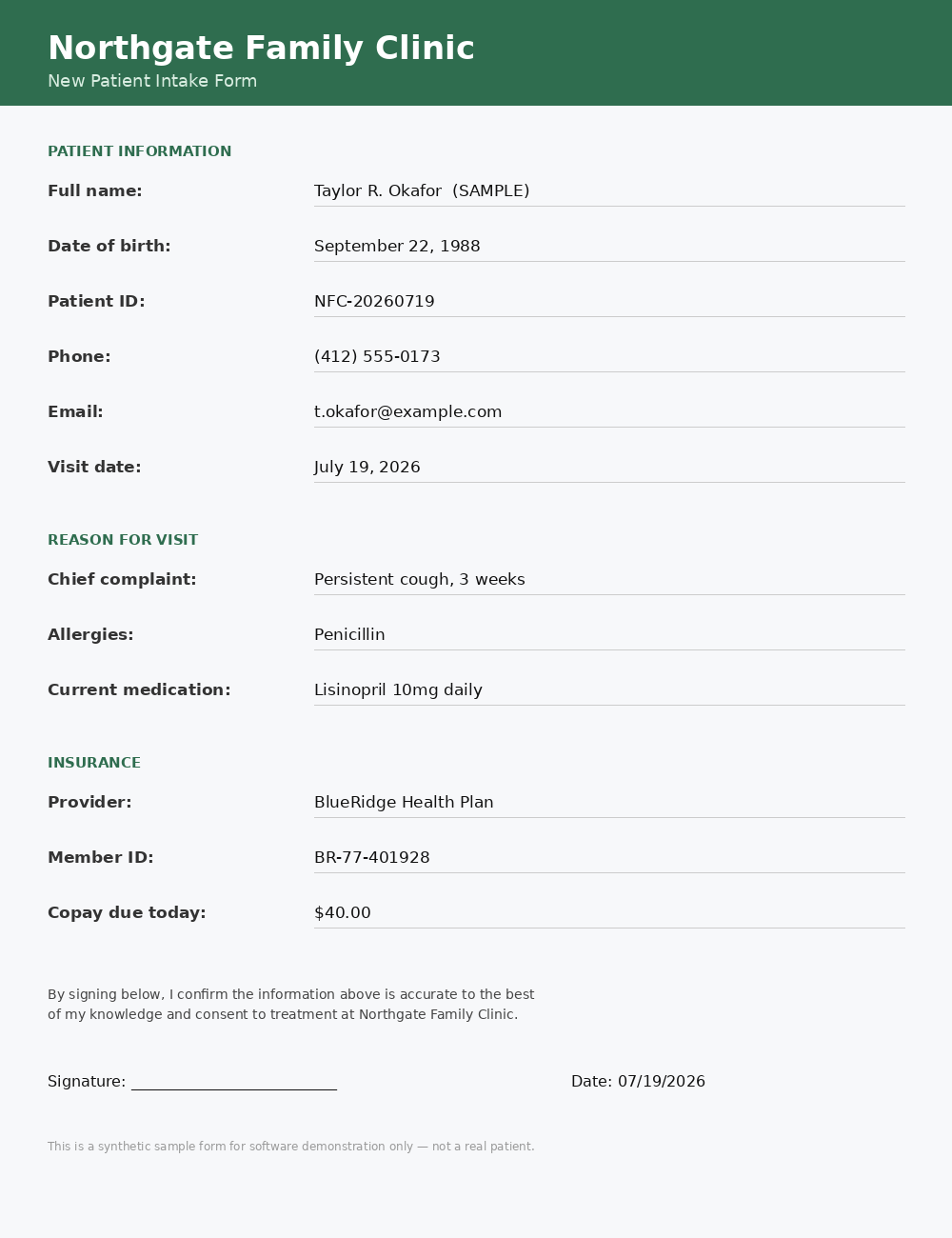
Faraday runs a language model directly in the browser and uses it to summarize any document in plain language, extract key fields (dates, totals, IDs, amounts, contacts), and flag what matters. It reads both PDFs (via pdf.js) and images or scans (via on-device OCR with Tesseract.js). It works fully offline — once the model is cached, you can disconnect the network entirely and it keeps analyzing. And it proves its own privacy claim with a live network monitor: after the model loads, analyzing a document sends zero bytes, which you can watch stay at zero.
How we built it
Faraday is a single static HTML file with no backend and no build step. It loads Qwen2.5-0.5B into the browser via transformers.js, running on WebGPU with an automatic fallback to CPU so it works on any machine. pdf.js handles PDF text extraction and Tesseract.js handles OCR — both entirely client-side. A small network-interception layer wraps fetch and XHR to count and display every outbound request, turning the privacy guarantee into something you can watch rather than something you have to trust.
Challenges we ran into
The hardest part was making a small, in-browser model behave reliably. Early versions leaked raw JSON into the interface, truncated summaries mid-sentence, and hit a WebGPU generation bug. I solved these by switching to a clean chat-messages format that eliminated a prompt-slicing bug, extracting structured fields with deterministic pattern-matching instead of trusting the model to emit them, and adding an automatic CPU fallback for the WebGPU edge case. The result is robust across documents and hardware.
Accomplishments that we're proud of
A genuinely private AI tool that provably sends zero bytes — demonstrated live by turning off Wi-Fi mid-demo — while still producing useful summaries and field extraction on real-world documents like lab reports and intake forms.
What we learned
The real design constraint of on-device AI isn't accuracy, it's the tradeoff triangle: private, fast, and polished — you can only pick two on consumer hardware. Faraday deliberately chooses private, and treats the resulting slowness as an honest, visible feature rather than something to hide.
What's next for Faraday
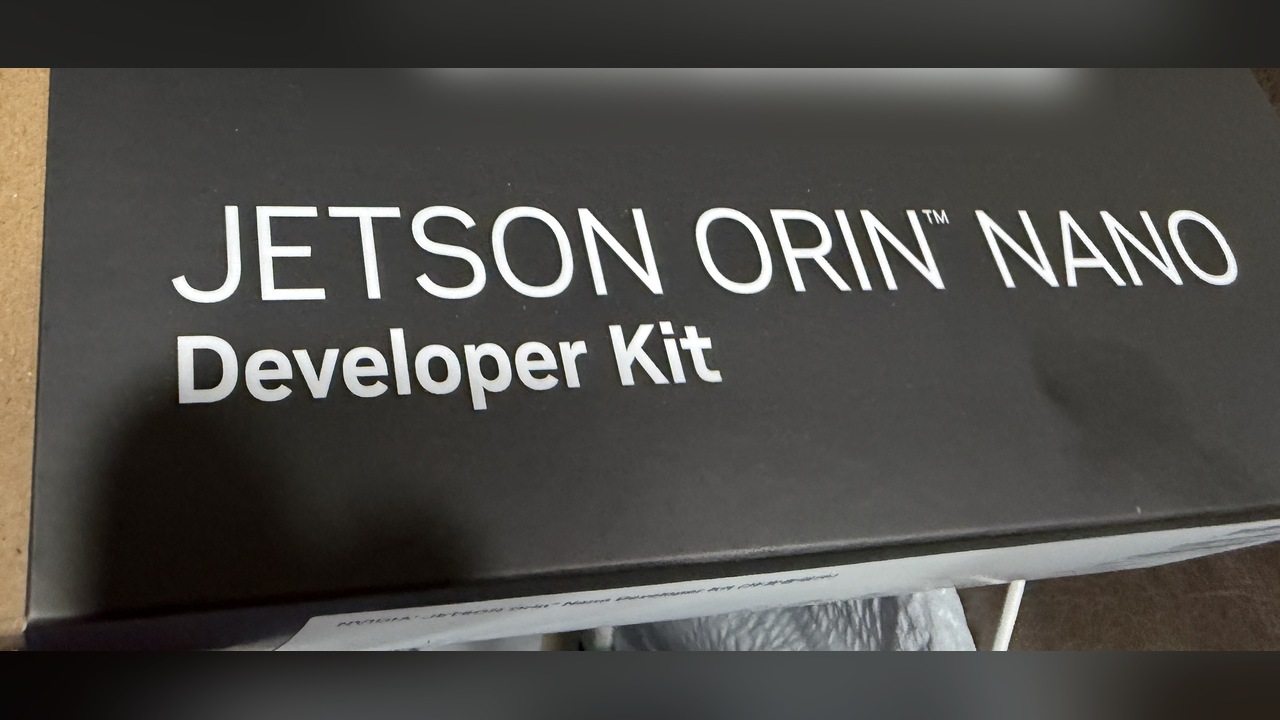
On-device multimodal understanding — interpreting charts, X-rays, and diagrams with a small vision model, not just OCR text. Deploying the same pipeline to an NVIDIA Jetson Orin Nano for faster, appliance-style local inference. And larger local models where the user's hardware allows, for richer summaries without giving up the privacy guarantee.
Built With
- css
- html
- javascript
- onnx
- pdf.js
- qwen2.5
- tesseract.js
- transformers.js
- webgpu

Log in or sign up for Devpost to join the conversation.