
Inspiration
Design work is often trapped in opaque files. Fanta makes a design a folder of readable source so visual changes can be reviewed in Git and edited by an agent or a person.
What it does
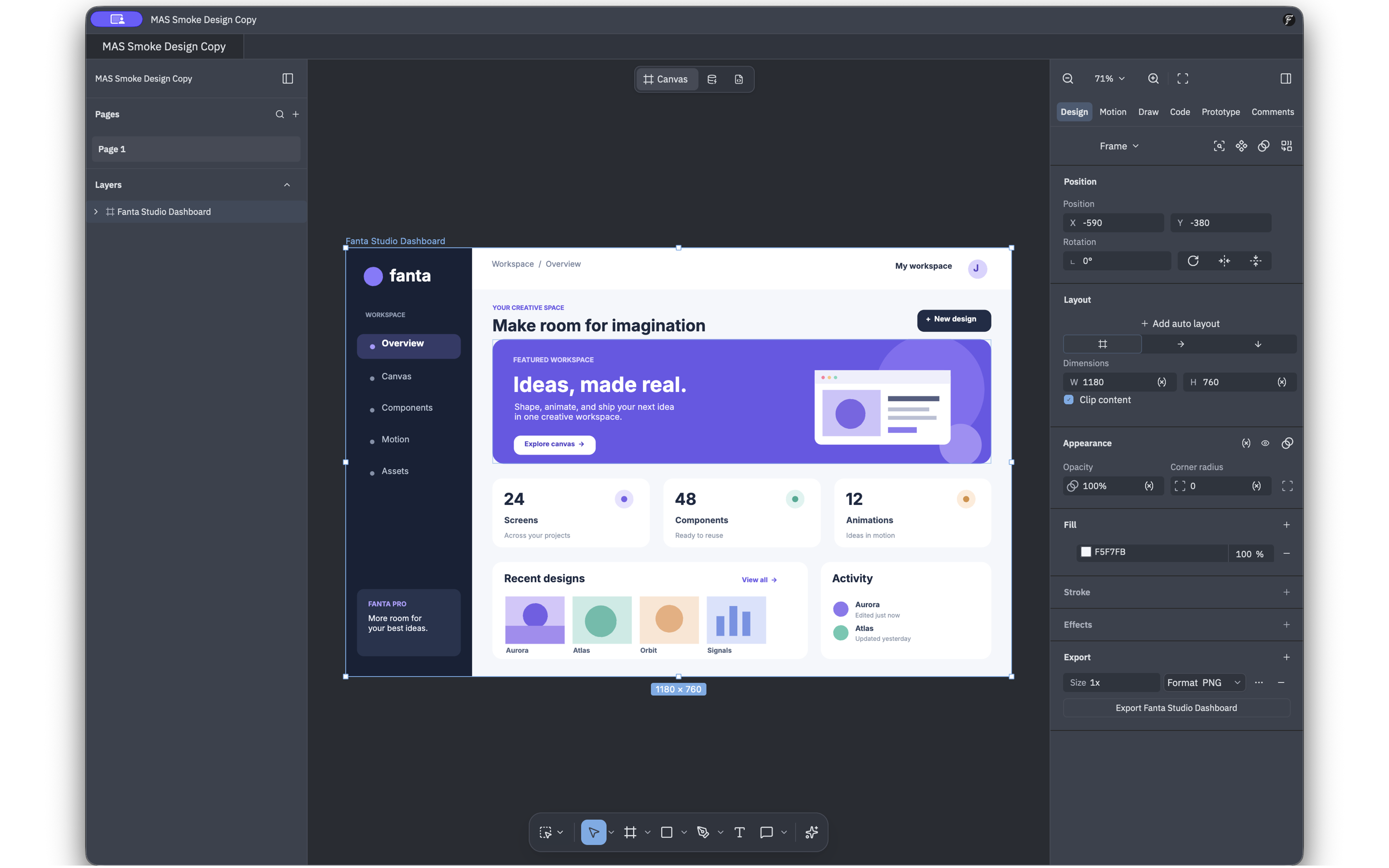
Fanta is a native macOS design editor. Start a design or open a Figma .fig file, edit shapes, text, layers and layout on the canvas, and save it as a Fanta project with .fnx page source. The Code workspace edits that source inside Fanta: saving validates the change and refreshes the canvas. The file tree, Git panel, Threads rail, and Agent panel put source review and AI assistance beside the canvas. Agents can inspect design state, make structured canvas edits, verify screenshots, edit files, and place generated media. Fanta exports PNG, SVG and PDF. Local editing is free; signed-in users can spend credits on hosted generation.
How we built it
The desktop app uses Rust and GPUI, with Fanta's canvas, renderer, Figma import, and FNX source format. A local MCP server exposes structured design operations to agents, while Fanta's backend routes managed AI and generation requests. Production sign-in uses Clerk. The signed Mac App Store build embeds the RevenueCat SDK through a Swift bridge for Apple in-app purchases: a monthly Pro subscription with 3,000 credits and a one-time 500-credit pack. Purchases are linked to the signed-in Fanta account.
Challenges and what we learned
Keeping canvas edits, editable source, and Git history in sync required a validated save path that preserves the last good design when source is invalid or changes during a save. App Store sandboxing required user-selected file access and signed distribution assets. RevenueCat purchases must map to the correct Fanta account before server-side credits are granted.
What's next
Verify purchase and credit fulfillment end to end, complete App Review, publish the first Mac App Store version, and improve the editor from real user feedback.

Log in or sign up for Devpost to join the conversation.