-
-
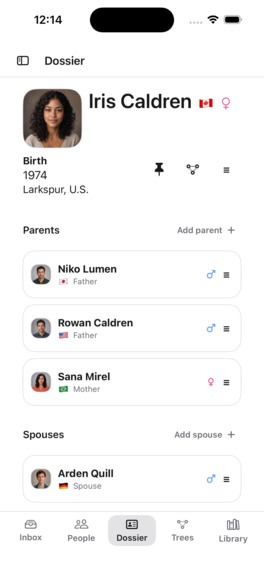
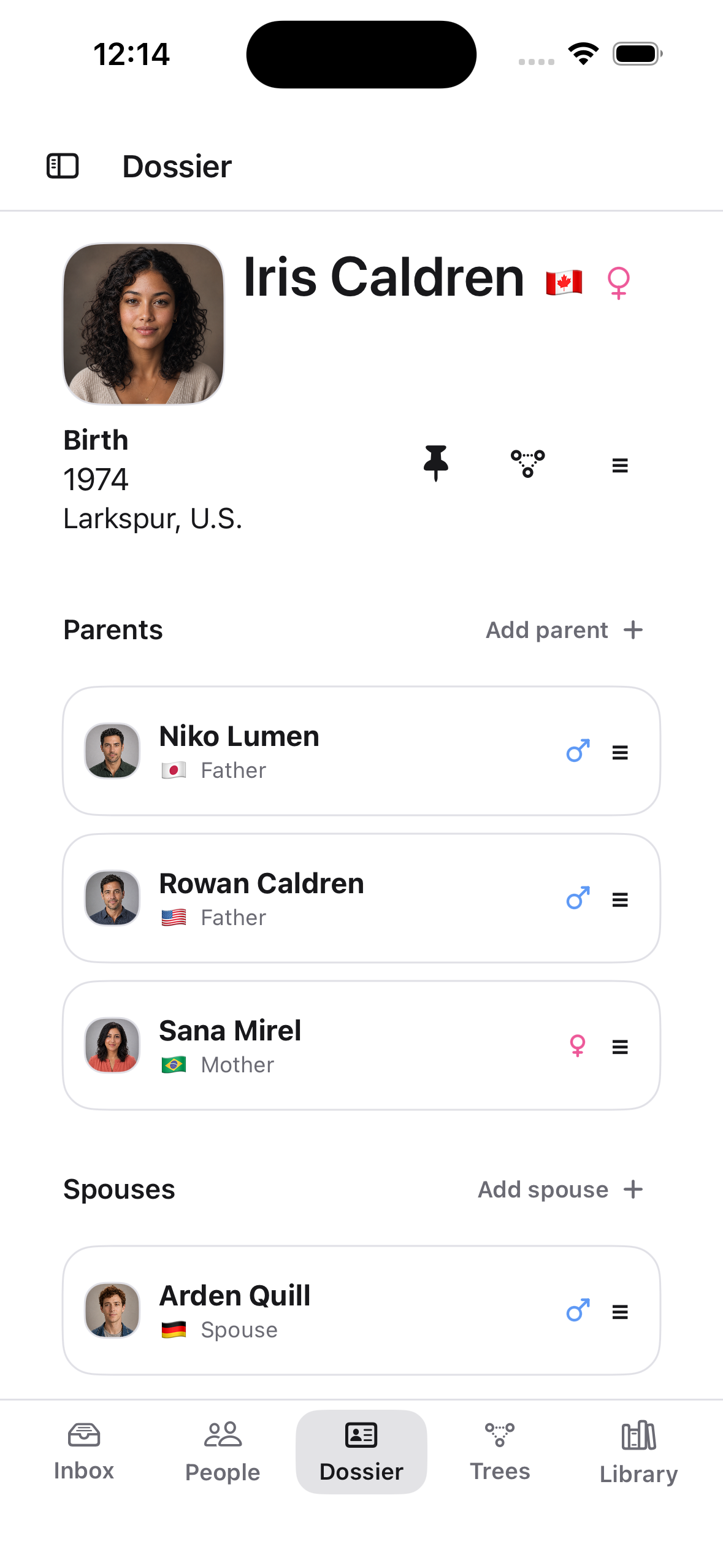
Native iPhone Dossier with sourced facts, relationships, and synthetic records.
-
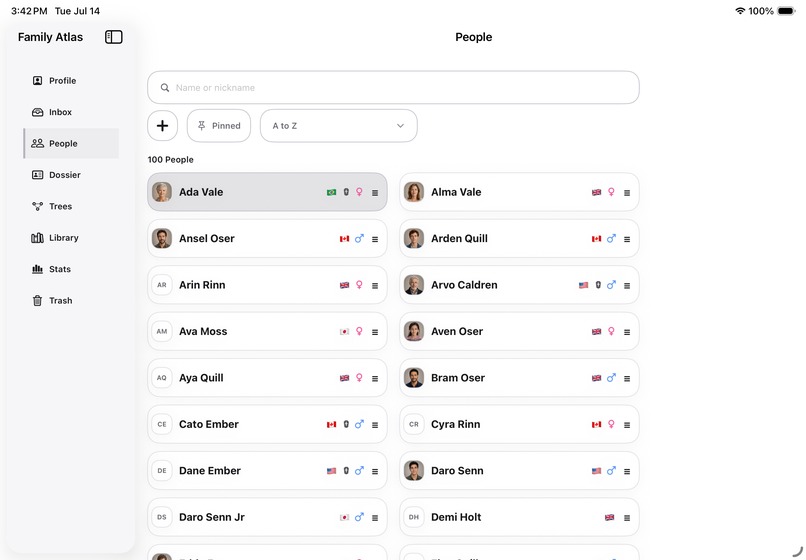
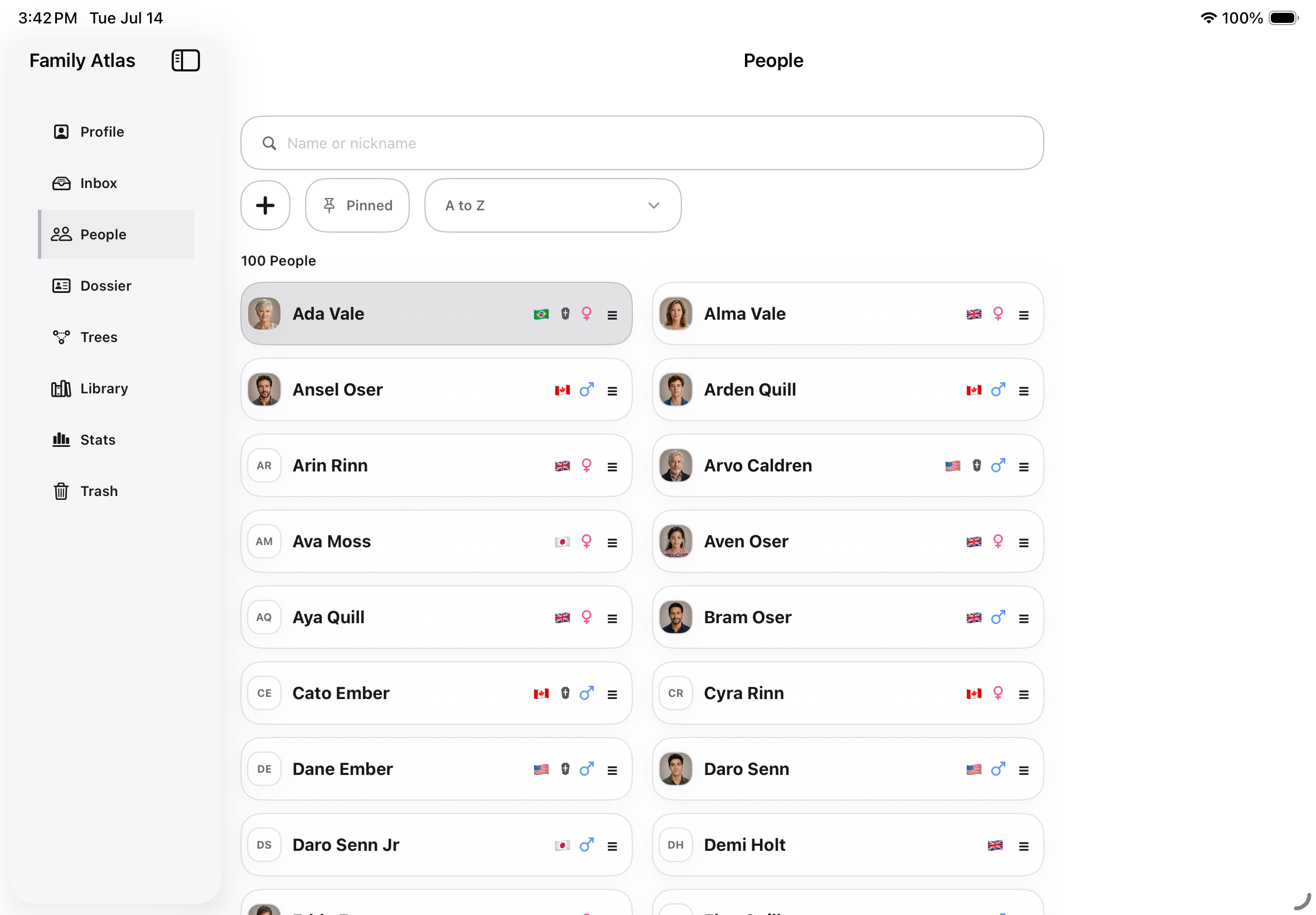
Adaptive iPad People directory using a deterministic synthetic family library.
Family Atlas
Inspiration - A True Story
Family Atlas began with a paper family tree my grandfather gave me before he passed away in 2009. He had created it by hand over years of painstaking work by calling relatives around the world, comparing what they knew, and mapping our large extended family.
I had always been curious about how our relatives were connected and who was related to whom. My grandfather noticed that curiosity. When he gave me his family tree, he told me that if I remained interested in knowing our relatives better, I could continue maintaining it. I still have that paper copy today.
When Codex became available, I thought about my grandfather's family tree and what it could become with today’s technology - not a document maintained by one person, but a private, living archive that relatives could build together.
That idea became Family Atlas. A family can share one library across Mac, iPhone, and iPad. Each relative can contribute what they know about their own branch, and the shared history syncs and becomes richer for everyone. Codex made it possible for me to turn something deeply personal and handmade into a native, collaborative application that families can continue growing across generations.
What it does
Family Atlas gives families one workspace across Mac, iPhone, and iPad to:
- Create and edit people, relationships, facts, sources, and photos.
- Keep Residence and Education histories in clear timelines.
- Search people and work through a source-backed review Inbox.
- Explore Dossier, Pedigree, Descendant, Compact, Full Tree, and Stats views.
- Export family-tree views as PDF.
- Import selected Contacts details and photos only when the user chooses.
- Keep a library locally or optionally sync and privately share it through the user's iCloud.
The app is designed around private, invitation-only family libraries rather than public profiles or feeds.
How we built it
Family Atlas is a native Swift and SwiftUI application for macOS and iOS/iPadOS. A shared Swift package owns the core family model, persistence, graph projections, review workflows, and cross-platform presentation semantics. Thin native shells provide platform-specific Mac, iPhone, and iPad experiences.
Libraries use Core Data backed by SQLite inside a structured bundle containing manifests, imports, backups, Trash, sync state, and photo-asset metadata. Optional synchronization and private sharing use CloudKit. The app also integrates with Apple's Contacts, Photos, StoreKit, and native PDF-rendering frameworks.
We use XcodeGen, deterministic synthetic fixtures, unit and UI tests, exact visual snapshots, clean-build checks, and paired-revision provenance to keep the two platform repositories aligned.
Challenges
The hardest work lived at the seams:
- Showing complex relationships clearly on Mac, iPhone, and iPad without creating separate product semantics for each platform.
- Making multi-file library operations recover safely after interruption rather than leaving partly updated data.
- Processing photos with bounded memory and byte limits while preserving privacy and deterministic output.
- Keeping optional collaboration useful while enforcing role-aware destructive actions.
- Distinguishing verified, accepted work from work that merely passed an early test.
Because Family Atlas had started before Build Week, we also maintained a timestamped commit and acceptance trail so the work completed during the event is explicit and independently reviewable.
Accomplishments that we're proud of
During Build Week, we completed and pushed 47 owner-accepted commits across the shared/macOS and iOS repositories.
Highlights include:
- Self-contained, privacy-safe validation fixtures and exact paired-revision provenance.
- More useful iPad layouts for Inbox, People, Dossier, Library, Trees, and editors.
- A source-backed Stats experience that removes approximate or fabricated metrics.
- Role-aware restore safeguards and consolidated private-library sharing controls.
- Recoverable transactions around library creation, rename, import, archive, restore, local backup packages, manifests, and sync sidecars.
- A source-verified person-photo path covering bounded ingestion, transactional local publication, deterministic history merge, bounded CloudKit transfer, macOS and iOS sync adapters, deterministic synthetic fixtures, and native CloudKit-record parity.
- A deterministic verification pipeline.
The accepted macOS photo-sync integration checkpoint passed 939 shared tests across 80 suites, all 28 accepted visual snapshots with zero changed pixels, generated-project no-drift, and macOS Debug and Release builds. Later accepted iOS integration, fixture-delivery, and CloudKit-record-parity checkpoints passed their focused shared, iPhone, and iPad regression gates.
These results verify the implementation and deterministic adapters. They do not claim a completed signed live multi-account CloudKit session, revocation test, current TestFlight build, or App Store release.
What we learned
We learned that reliability comes from designing shared contracts, not from adding isolated fixes. The most valuable improvements often came from treating UI behavior, persistence, privacy, and recovery as one system.
We also learned to treat AI output as a candidate, not as authority. Source code, focused tests, exact diffs, runtime evidence, and human product decisions remained the acceptance gates.
What's next for Family Atlas
Next we plan to complete signed live owner, editor, viewer, and revocation validation for cross-device photo sync; make private iCloud photo backups self-contained; finish the remaining transaction-closure gaps; continue hardening complex Full Tree connector routing; add an editable synthetic sample-library experience; explore owner-protected data scopes for collaboration; and complete release validation.
Build Week scope
Family Atlas started before Build Week. This submission is limited to the frozen, owner-accepted, pushed source pair: shared/macOS 50b91d3 and iOS/iPadOS ca788b9. Later backlog work is not included.

Log in or sign up for Devpost to join the conversation.