-
-

fAMIEly is a Slack app that enriches virtual communities by encouraging participation and supportive communication in your workspace.
-
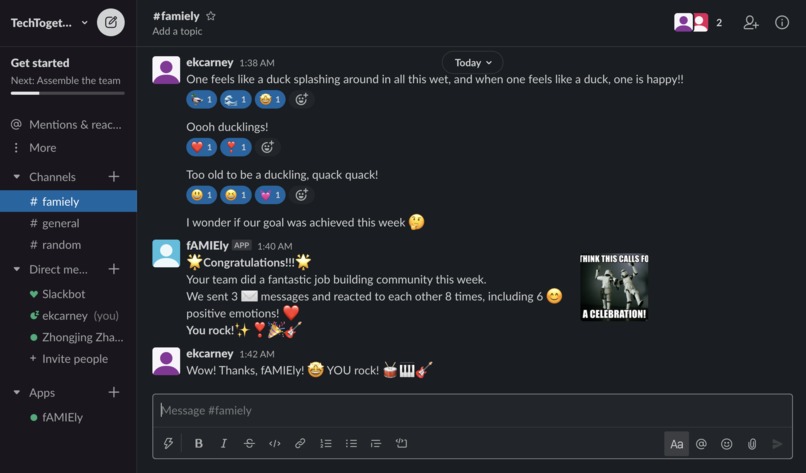
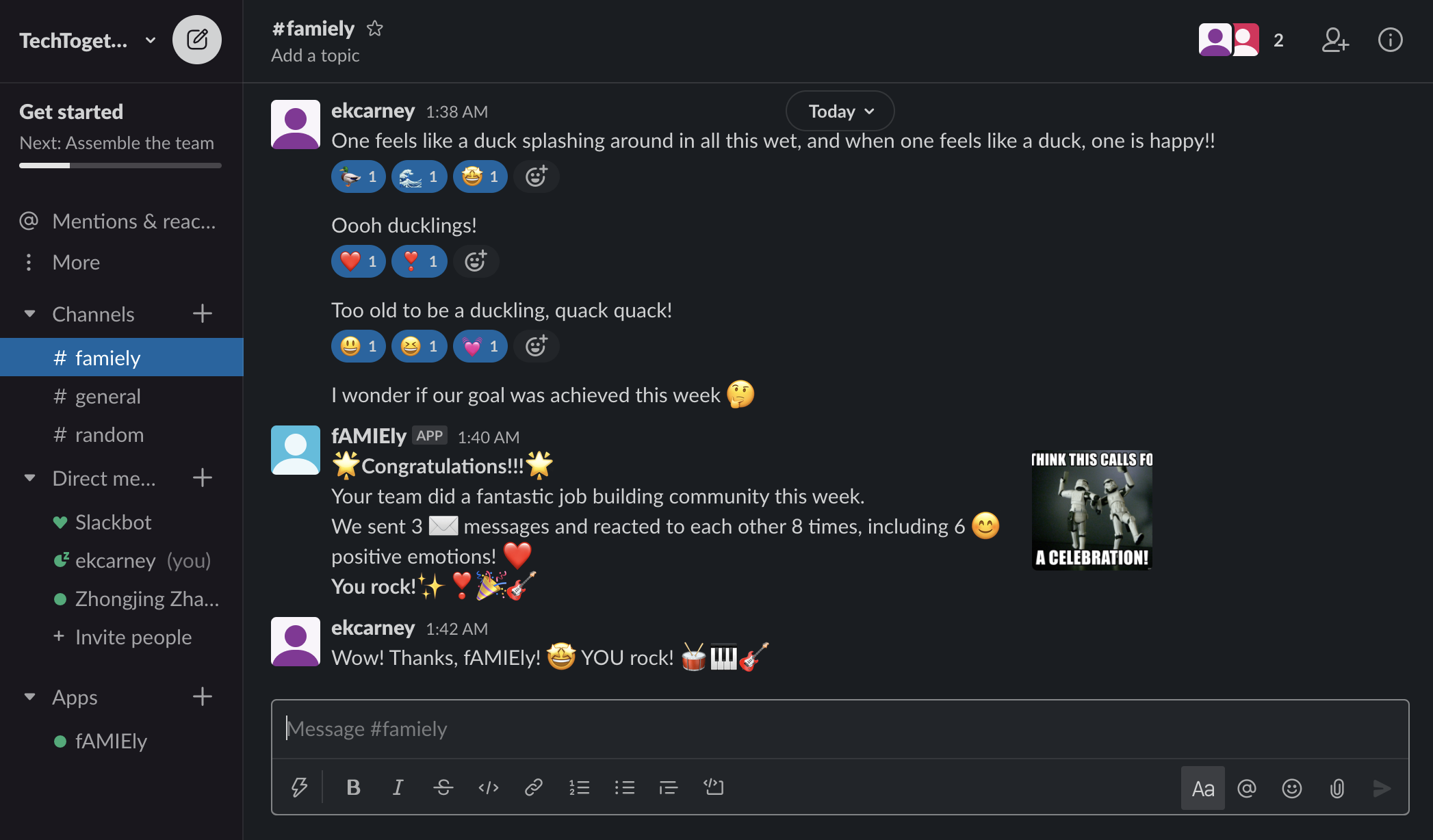
A congratulations message for meeting the team's goals!
Welcome to the fAMIEly!
Inspiration
Feeling like we’re part of a family is hugely important to our happiness and mental health. Without a strong sense of community, people often feel less motivated and their work becomes less meaningful. But this year, a Cigna study found that over “three in five Americans consider themselves lonely.” Especially now that we’ve been quarantining and social distancing for so long, we all feel pretty isolated and alone. Reaching out is really hard, and going to college remotely doesn’t help with finding a social life. Both of us are in several classes and clubs that use Slack workspaces, but we noticed that hardly anyone uses them to communicate, much less form a virtual community—it actually feels too awkward to post sometimes. In our research, we learned that the best ways to build community are socializing with team members, communicating frequently, and collaborating to achieve a common goal. So, we built fAMIEly!
What it does
fAMIEly actively encourages participation and supportive communication in your Slack workspace. First, we help you choose goals for how many messages and reactions your team should send to each other each week. At the beginning of the week, we post a fun prompt to your Slack workspace to get the conversation going. During the week, we count up how many messages your team sends and how they react to other people’s messages. Bonus points for using emojis with positive vibes! And don’t worry—if things get quiet, we’ll remind you to keep reaching out. At the end of the week, we’ll let you know whether your team hit it out of the park or still has a little ways to go. fAMIEly can be used to build up a sense of community within any team: virtual classrooms, workplaces, or groups of friends!
How we built it
Our Slack Apps bot is written in JavaScript and built with the Botkit toolkit (https://botkit.ai/). We built a Node.js image of it and Docker-ized it so that all of its dependencies are bundled up with it, then uploaded it to Google Cloud Platform. The app is stateless and runs on Google Cloud Run. More details:
- The Slack app subscribes to bot events that are triggered by messages and reactions, and has specific OAuth scopes for viewing information about the workspace’s users and message history.
- The weekly messages are scheduled by spawning an instance of the bot using Cron, which allows us to trigger bot actions on certain days at certain times.
- To write nicely-formatted bot messages, we used Slack’s Block Kit Builder (https://api.slack.com/block-kit) to create different components and nice layouts, then exported the JSON and sent it as the payload in our bot’s response.
- We also used Inkscape to design our logo.
Challenges we ran into
We ran into some trouble trying to sort out the various authentication tokens and signing keys that we needed in order to make our bot receive Slack events. We got things connected on one of our machines but not the other, so we just worked together!
Accomplishments that we're proud of
We’re incredibly proud that we got our Slack app up and running with Google Cloud! Funnily enough, the setup might’ve been the hardest part of the project.
What we learned
We learned so many new things this weekend! The main one was how bots work with HTTP requests to interact with the Slack APIs. We also learned how to schedule messages, how to use Docker to containerize projects (and what containerizing is), and how to use Google Cloud to create a serverless project that only uses the computing power it requires. We also gained a deeper understanding of the syntax and usage of Javascript.
What's next for fAMIEly
In the future, we could make fAMIEly even more impactful by adding team goals that span multiple weeks, or adding a simple machine learning algorithm to analyze whether people are using positive or negative language in their interactions. It would be great to have a whole bunch of questions the bot can ask at the beginning of the week and choose between them randomly, too.
Built With
- botkit
- cron
- docker
- gcp
- javascript
- node.js
- slack-api


Log in or sign up for Devpost to join the conversation.