-
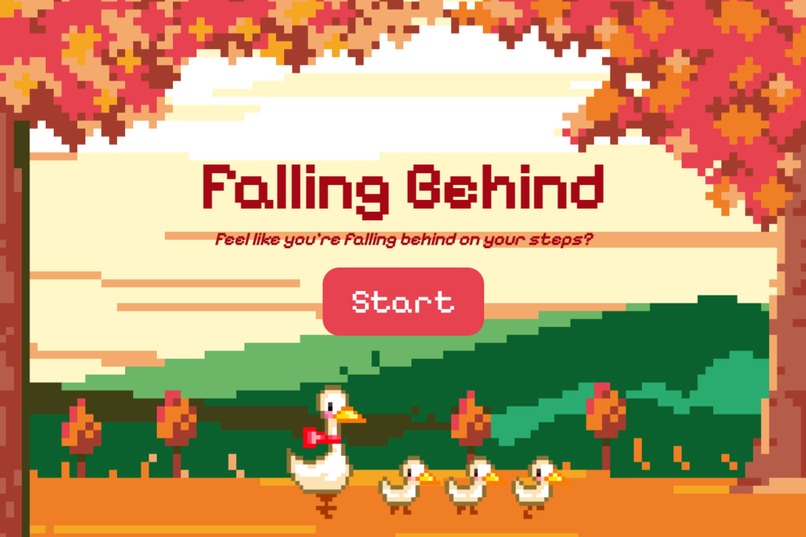
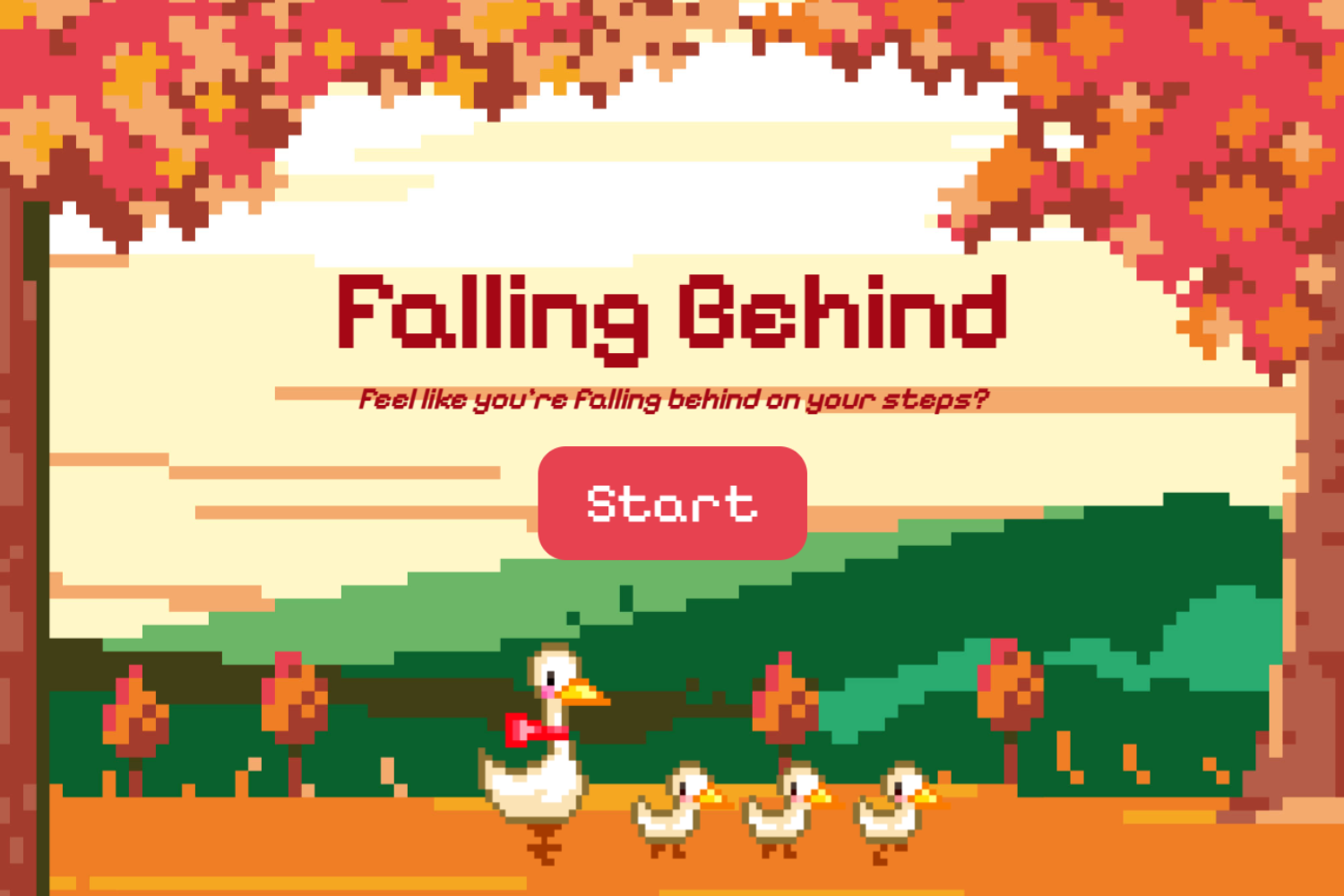
Home Page
-
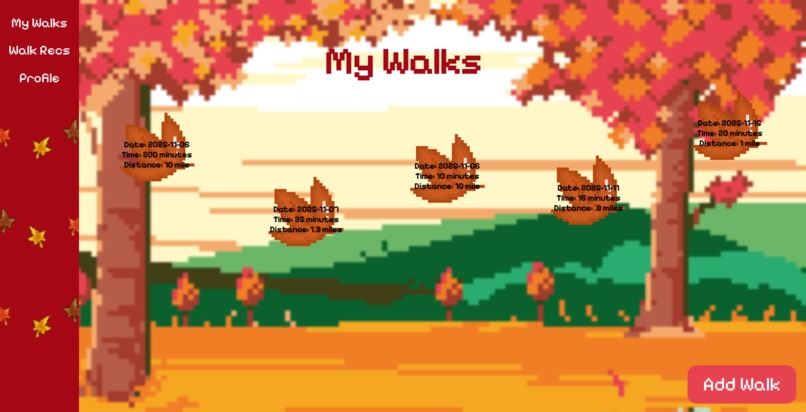
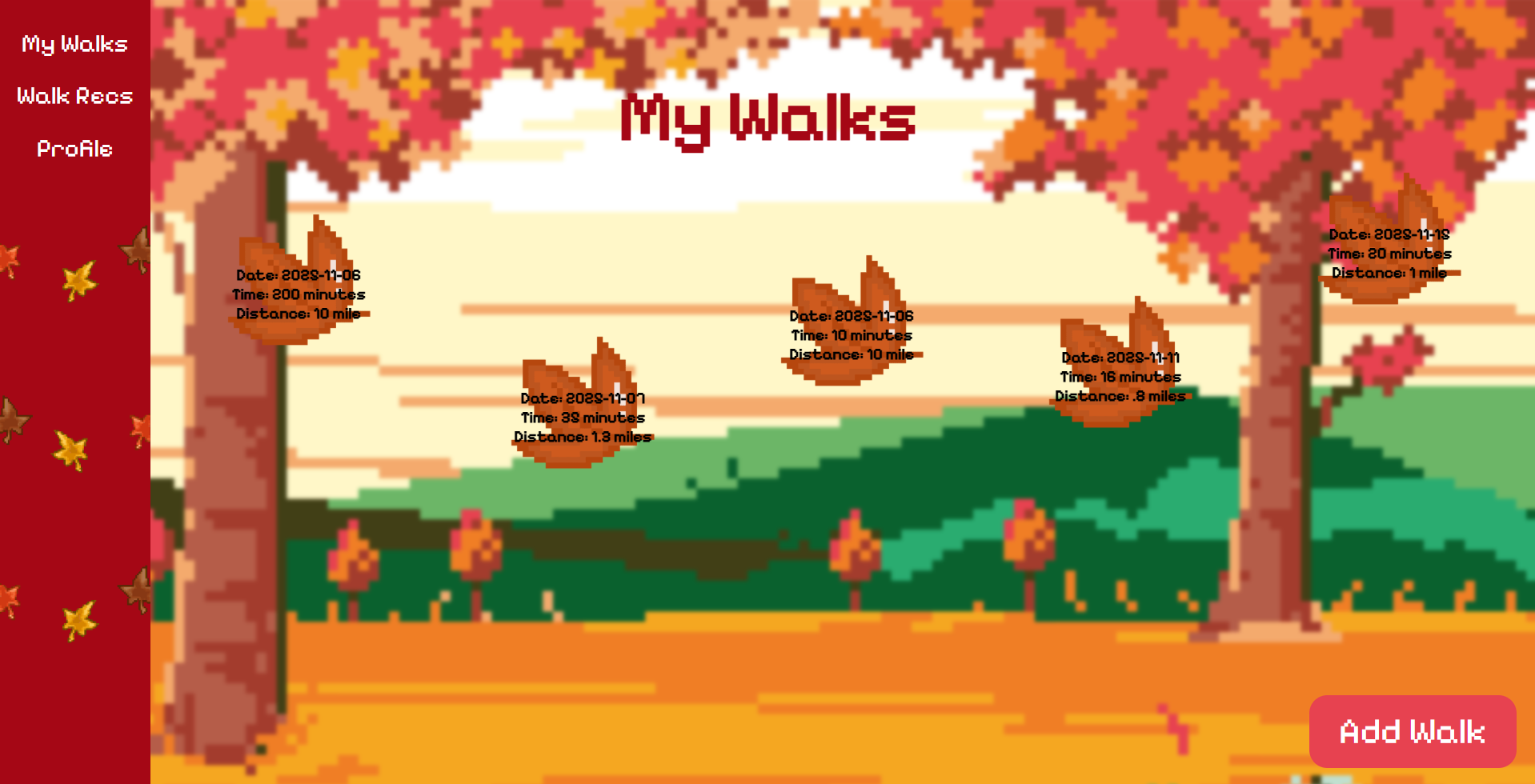
My Walks
-
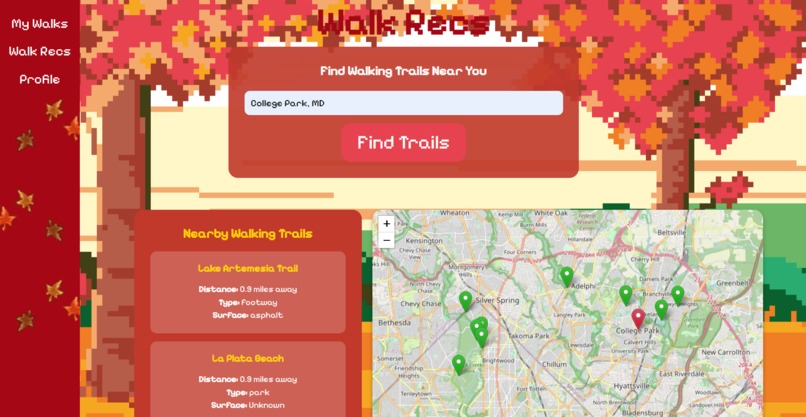
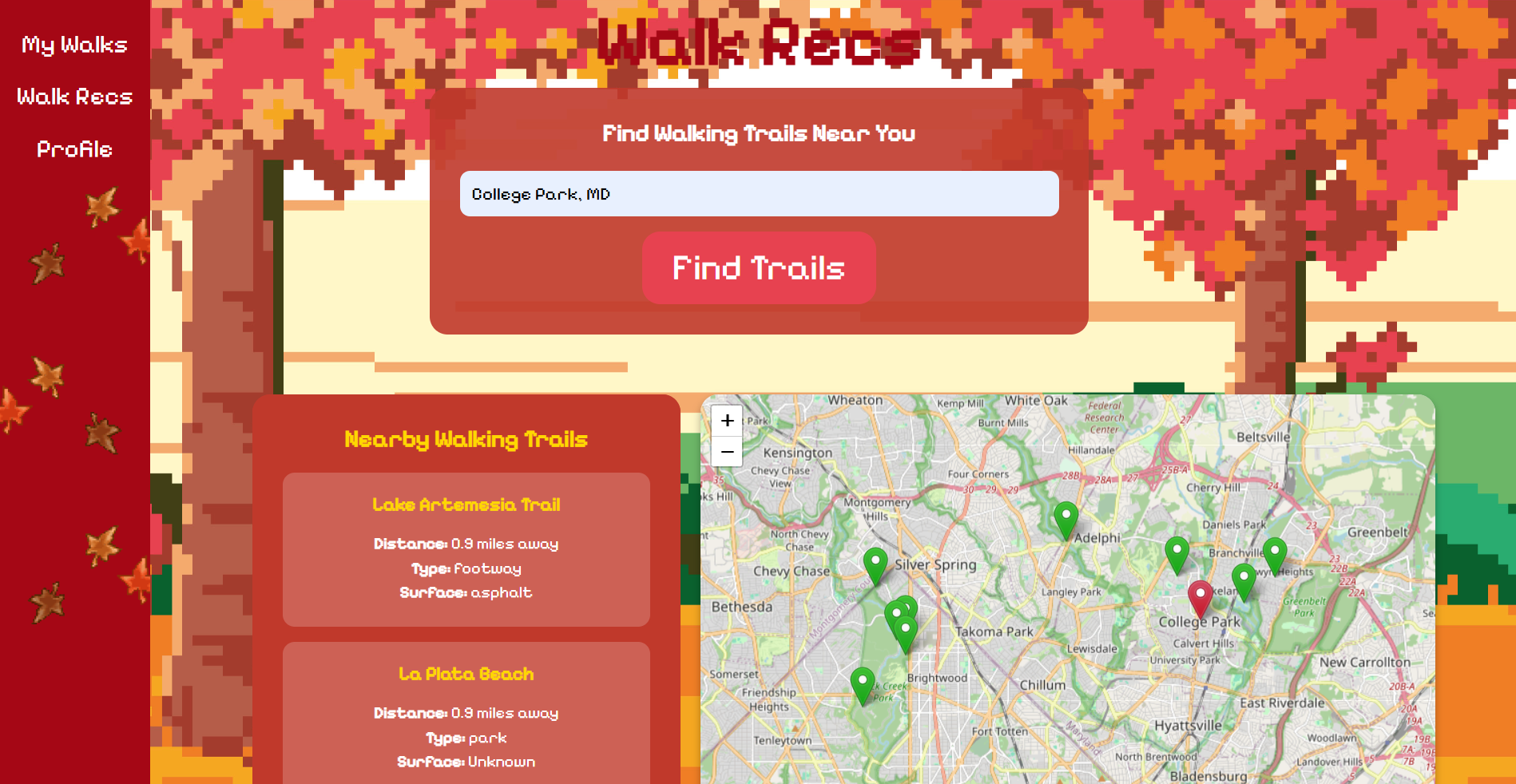
Walk Recs
-
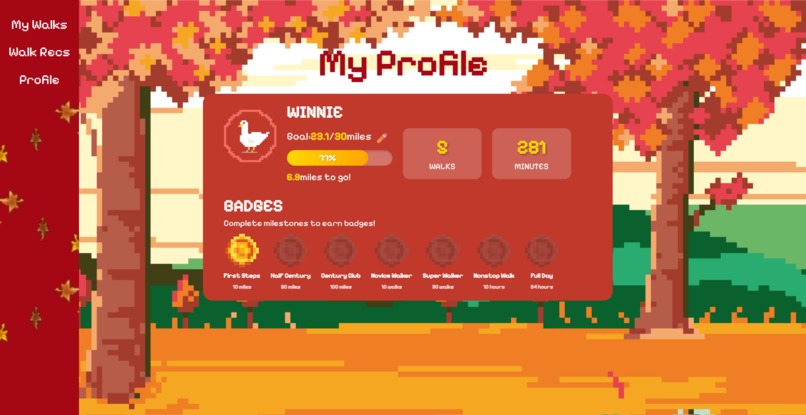
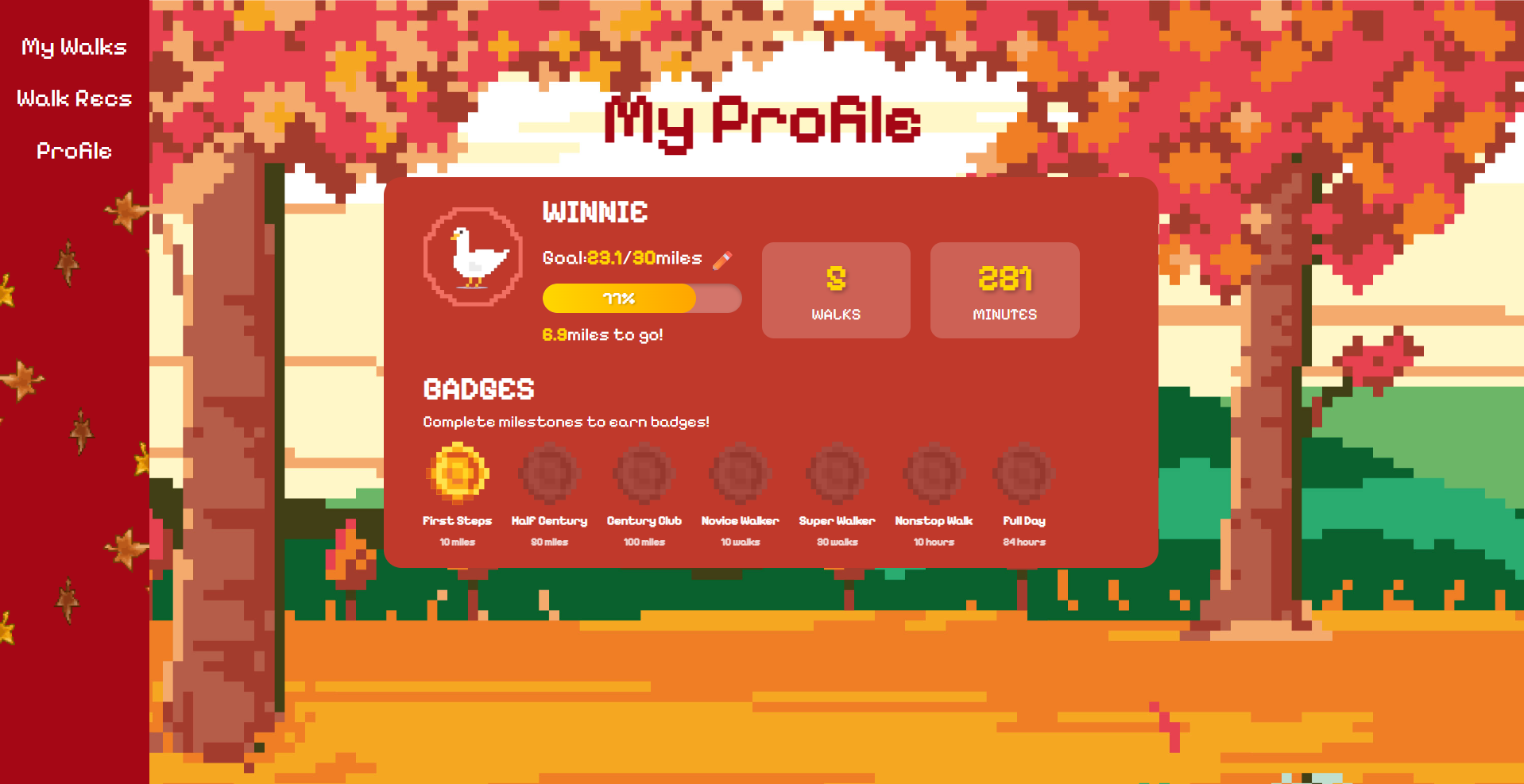
My Profile
Inspiration
The weather lately has been getting colder and we as a team noticed that we tend to stay indoors and avoid going outside because of this. So, we decided to create a website that can help promote more walking for not only us but also for others. Additionally, we decided to have our website fall-themed because why not.
What it does
The website will first obtain the user's name and goal in terms of how many miles they wish to walk in total. After the user enters this information, the website will create a customized profile with a distance tracker to help users see how much more they will need to walk before reaching this goal as well as a time tracker for how long they have walked in total. As the user makes progress in their walking journey, there are badges that they can earn when they reach a new milestone. Users are also able to edit their goal accordingly, even after setting the initial goal at the start of using the website. A feature that the website has is a page dedicated to finding places to go on a walk. All the user has to do is enter their city & state and the page will automatically search for nearby places they can go on a walk at, with a list of the place names as well as a map view of where they are. Lastly, the user has a page dedicated to the list of walks that they have recorded, which will include information such as the date, how long the walk was, and the distance they walked. The "Add Walk" button can be seen at the bottom right corner of this page and will have a pop up appear to help record the information pertaining to the walk. Each walk taken will appear as a leaf on the screen with the intention of the screen appearing as leaves falling as the user scrolls back and forth on the page.
How we built it
We built this website using the programming languages HTML, CSS, and JavaScript as well as Github for assistance with merging code and Figma to visualize the screens. We started this project with styling the UI in Figma, creating the individual wireframes of each page and the assets needed for them. Then, we worked on replicating the Figma pages into HTML and CSS files. Afterwards, we implemented the necessary backend code for smooth operations, such as the code needed for leading one page to another when clicking on a button. Finally, we polished the project by ensuring seamless transitions, adding supplementary assets, and countless project testing.
Challenges we ran into
We ran into many logic errors, such as how to store the data the user has entered and how to properly retrieve the data back or how to add the blur effect on only a certain part of the page. Another common challenge that we faced was how to properly use APIs.
Accomplishments that we're proud of
We are very proud to implement the map view and search in the Walk Recs page in addition to how we made the UI very aesthetically pleasing. Other accomplishments include smooth user experience in general and having a functional profile page.
What we learned
We learned how to do full stack, starting from creating wireframes to developing the code used for implementing the backend logic. We also learned many small additional features in CSS, such as the blur effect and how to create a progress bar.
What's next for Falling Behind
We hope to include more features for Falling Behind users such as setting and reminders to users to go on a walk during a time of the day of their choosing. Moreover, we can try to refresh the "My Walks" page whenever a new user tries to create a new profile and make it so that the list of walks shown on the page matches with the correct user (User A's list of walks only appears when user A is logged in, user B's list of walks does not include user A's walks, and vice versa).
Built With
- canva
- css
- figma
- html
- javascript
- leaflet.js
- nominatim
- overpass


Log in or sign up for Devpost to join the conversation.