Inspiration
What it does
How we built it
Challenges we ran into
Inspiration
QR codes make everyday tasks fast, but they also hide the destination until it is too late. We were inspired to build a simple safety layer that helps users check a QR code before opening a potentially harmful link, payment page, or phishing website.
What it does
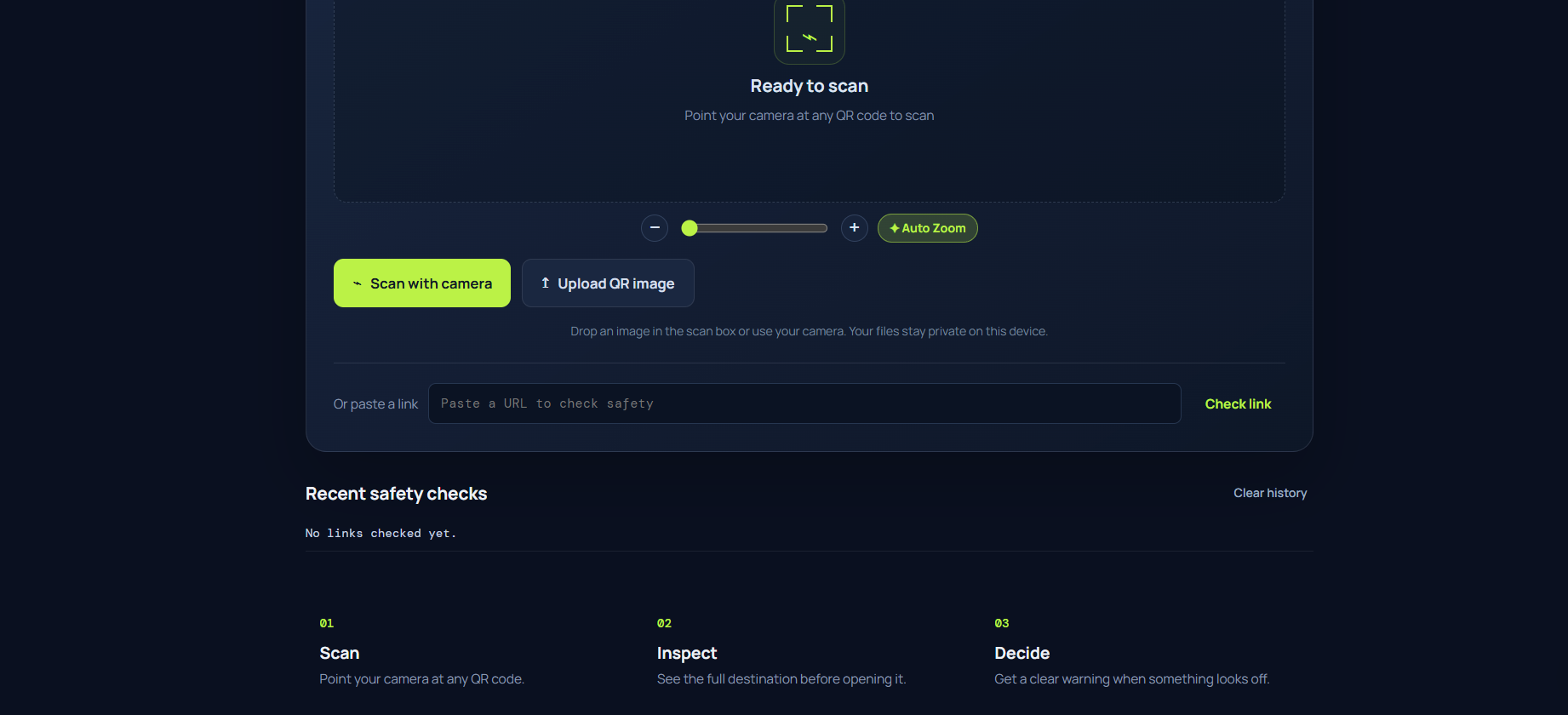
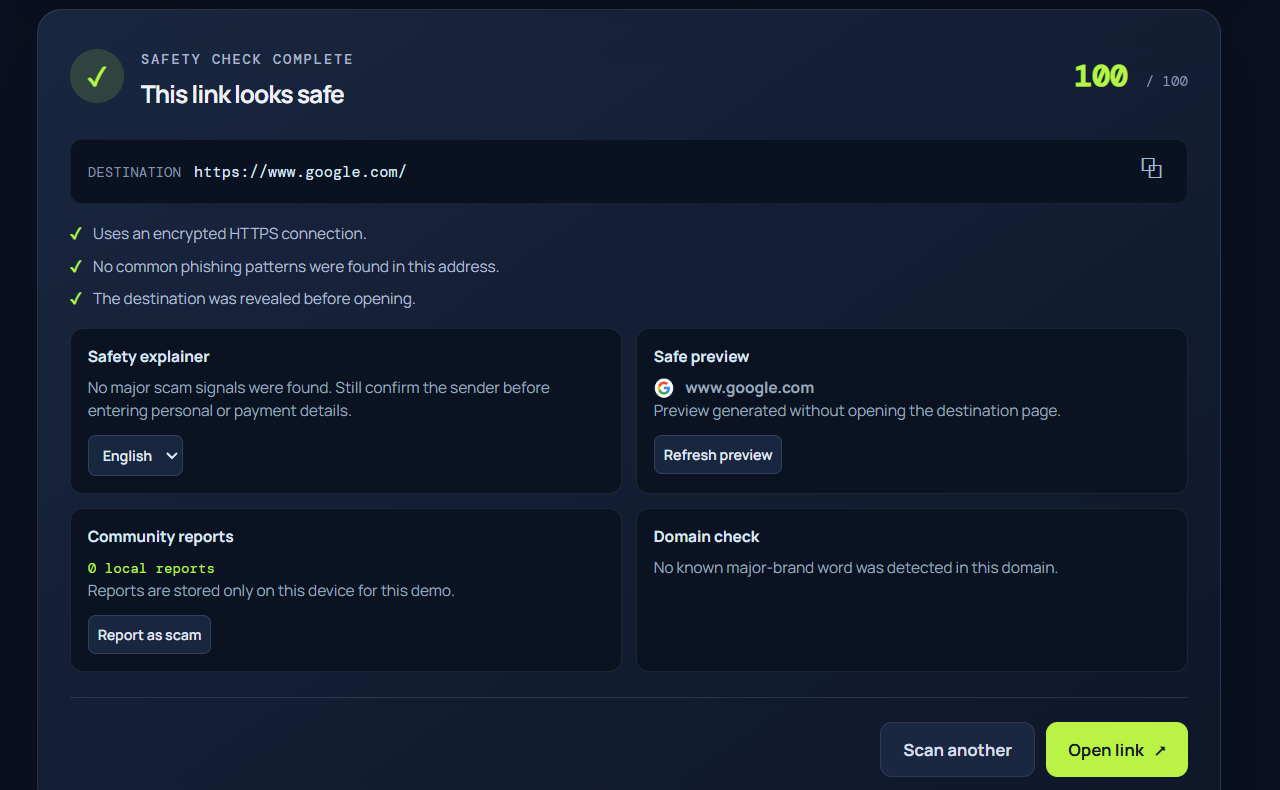
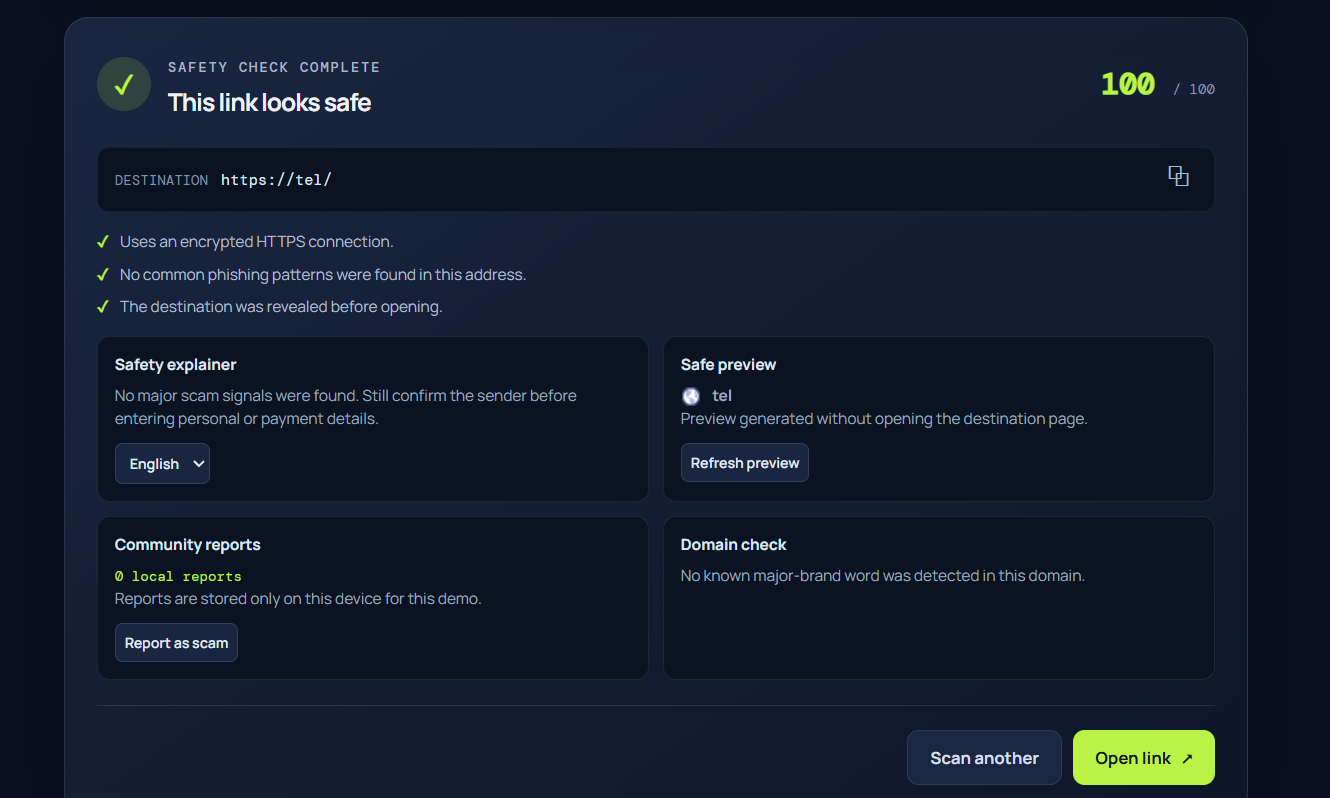
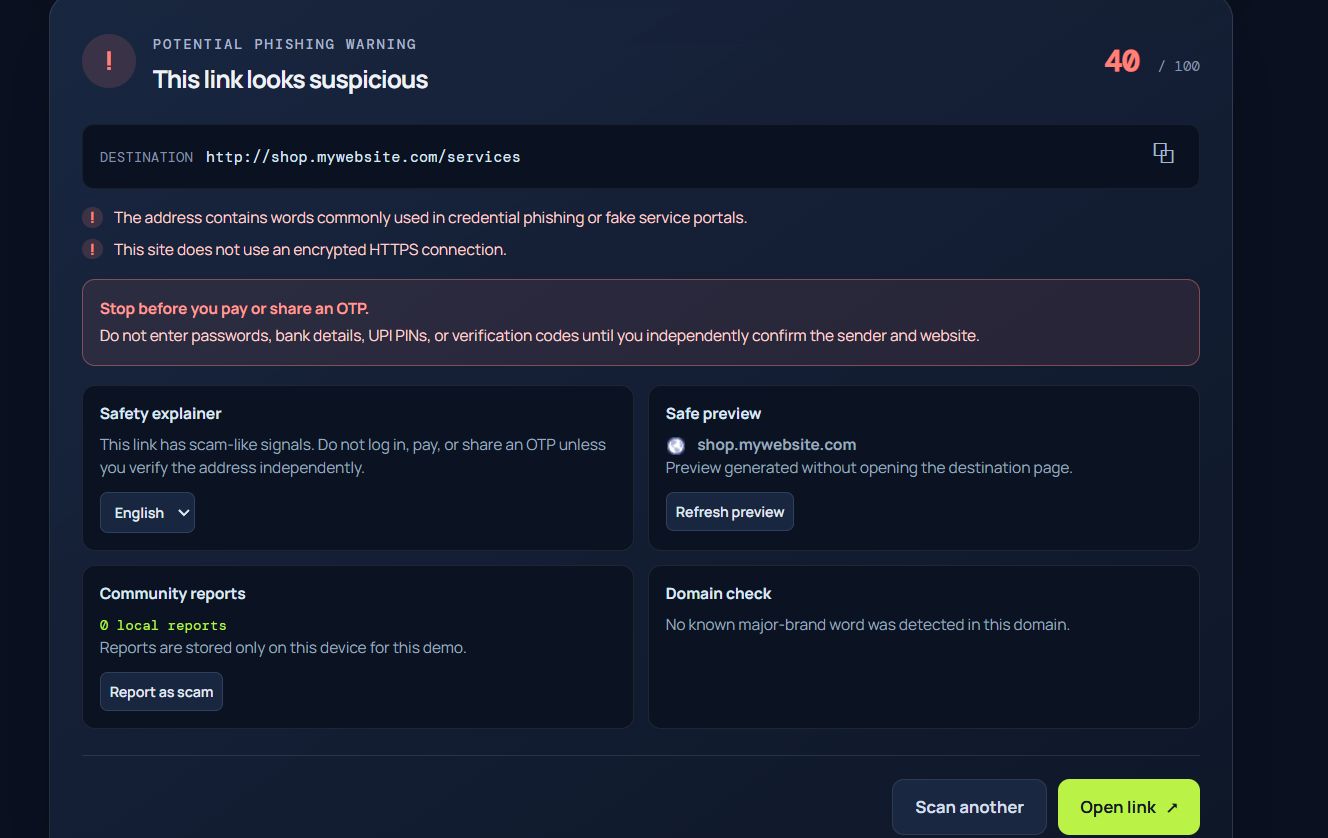
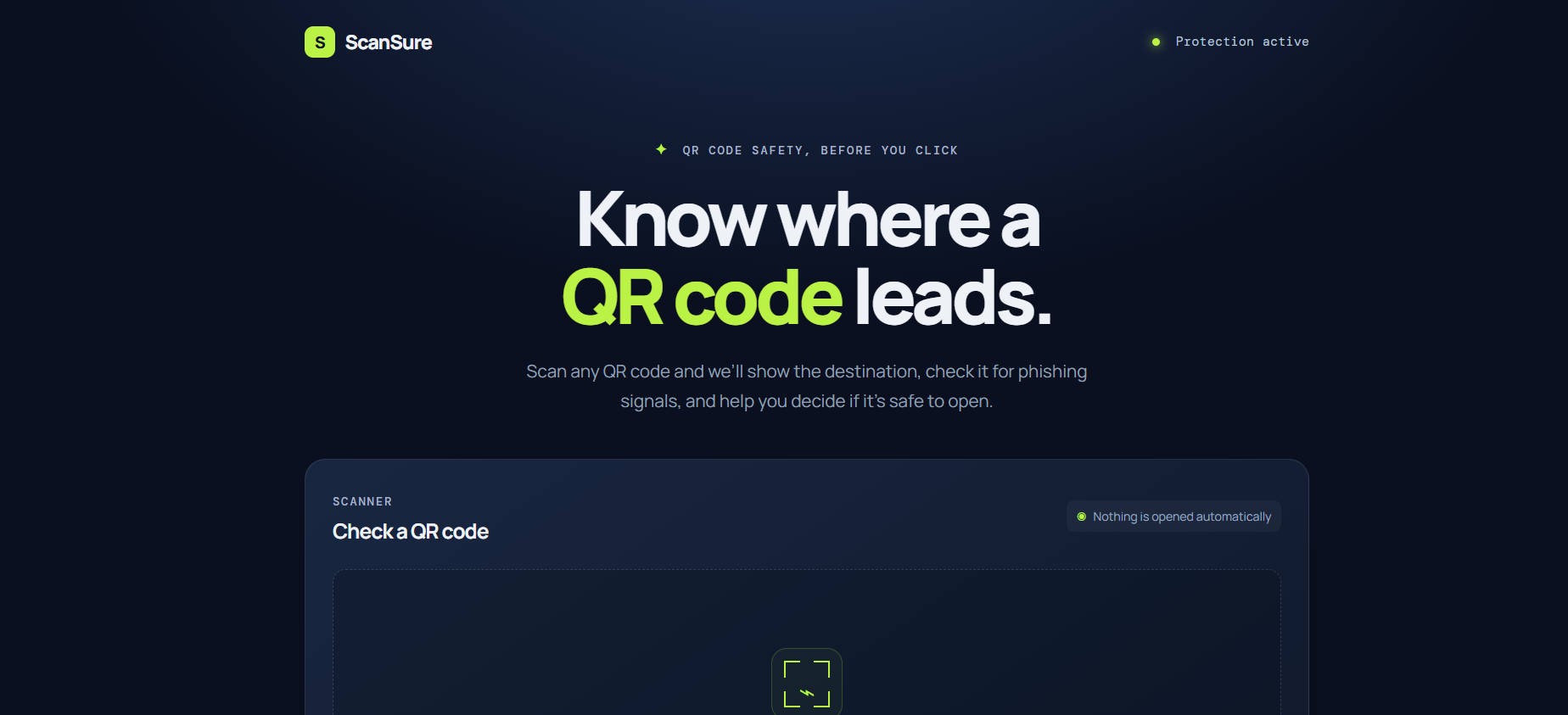
ScanSure scans a QR code through the camera, uploaded image, or pasted link and reveals the full destination before it opens. It assigns a safety score and explains suspicious signals such as insecure HTTP links, IP-address destinations, risky domain endings, phishing keywords, unusually long URLs, and look-alike brand domains.
For higher-risk links, it shows an emergency reminder not to share OTPs, passwords, UPI PINs, or payment details. It also includes a safe domain preview, multi-language safety explanations, local scan history, and local scam-report counts.
How we built it
We built ScanSure as a responsive web application using HTML, CSS, and JavaScript. Camera access uses the browser MediaDevices API. QR decoding uses the BarcodeDetector API where available, with a jsQR fallback for broader browser support.
The risk engine analyzes the decoded URL locally using rule-based checks. Scan history and demo reports are stored in the browser using local storage, keeping user data on the device. We also created safe, reserved-domain QR test cases to test suspicious-link detection without pointing users to real scam pages.
Challenges we ran into
The biggest challenge was browser support for live camera scanning. Different phones and browsers expose different camera features, and not all support BarcodeDetector or hardware zoom. We solved this by adding a QR-decoding fallback, rear-camera fallback, software zoom, and clearer camera-permission guidance.
Another challenge was balancing strong scam warnings with privacy. We chose local analysis and local history for the prototype, rather than sending scanned links to a server.
Accomplishments that we're proud of
We are proud that ScanSure makes an invisible QR destination visible before a user clicks it. The project combines practical QR scanning with understandable scam warnings, look-alike domain detection, emergency payment guidance, and an accessible interface.
What we learned
We learned about browser camera permissions, QR decoding across different devices, URL-security heuristics, and the limitations of web-based camera controls. Most importantly, we learned that security tools need to explain risk in simple language, not just show a technical warning.
What's next for Fake QR Code Detector
Next, we want to add a real community-reporting backend, threat-intelligence APIs, better domain-age and reputation checks, multilingual voice warnings, and an Android app. We also want to improve the AI explanation system so users receive personalized, easy-to-understand guidance before opening risky links.
Accomplishments that we're proud of
What we learned
What's next for fake qr code detector
Built With
- camera-api
- cybersecurity
- digital-safety
- fintech
- fraud-detection
- impact
- javascript
- phishing-detection
- privacy
- qr-code
- scam-prevention
- social
- url-safety
- web-app


Log in or sign up for Devpost to join the conversation.