-
-
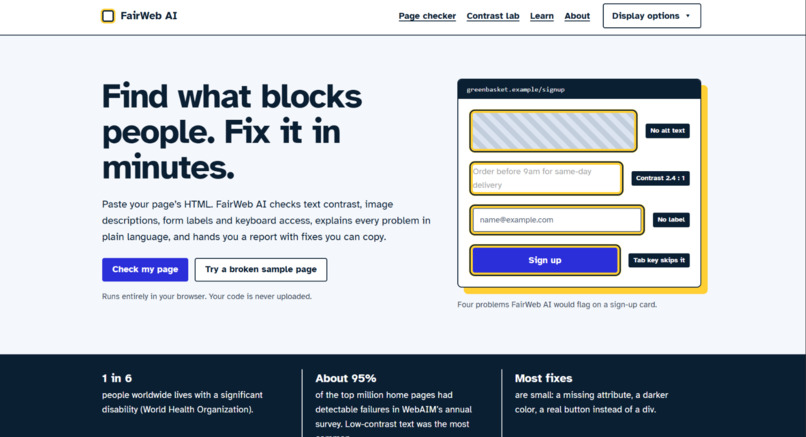
starting interface
-
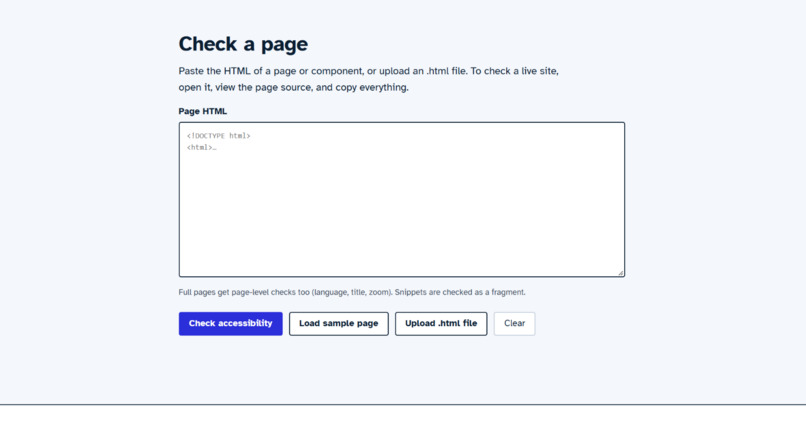
check your code
-
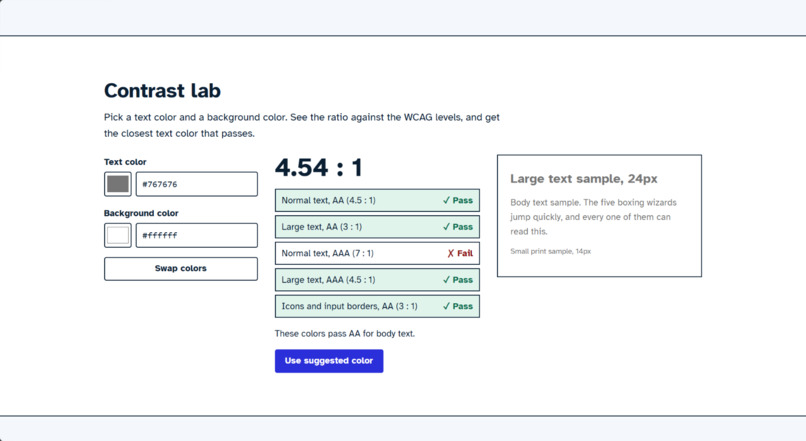
see the errors
-
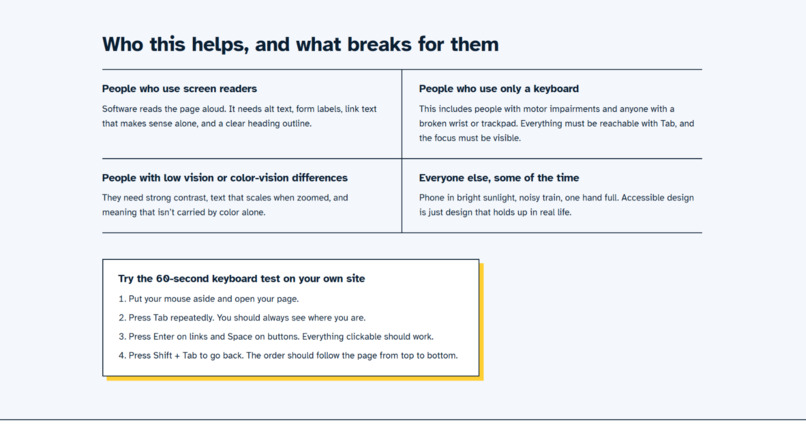
about this website
-
Inspiration
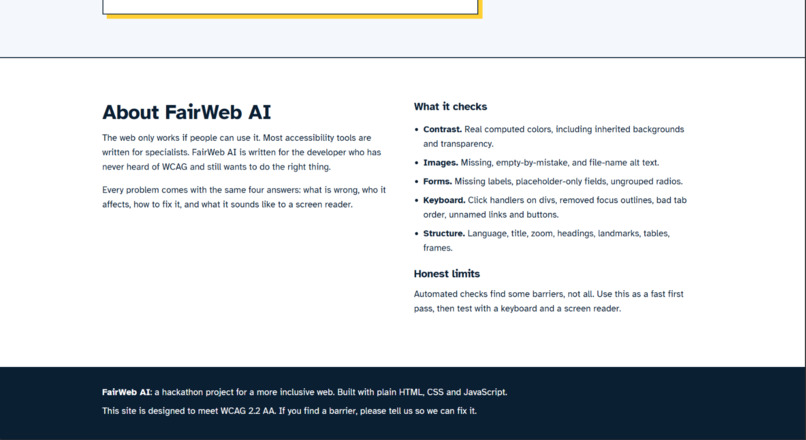
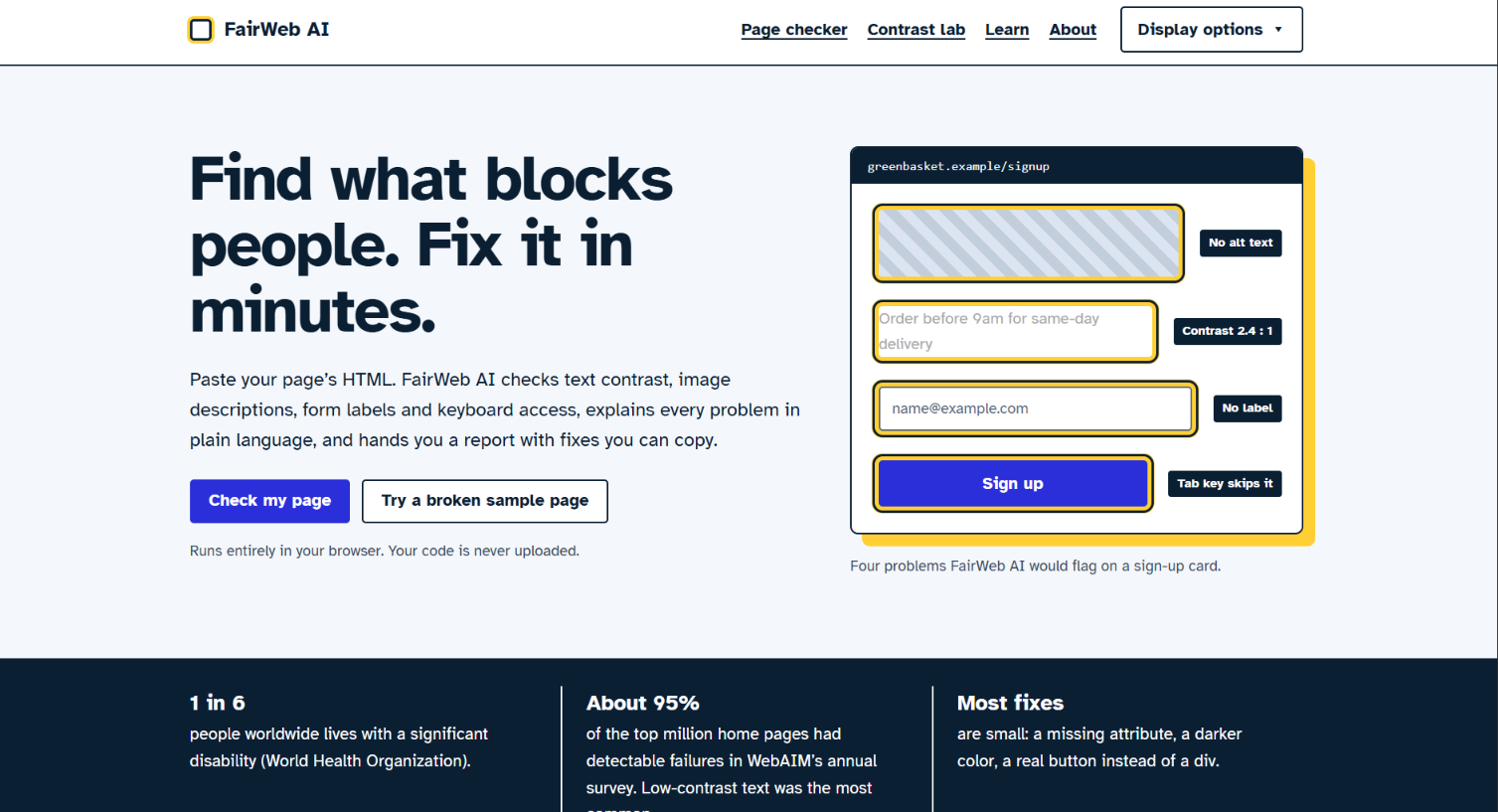
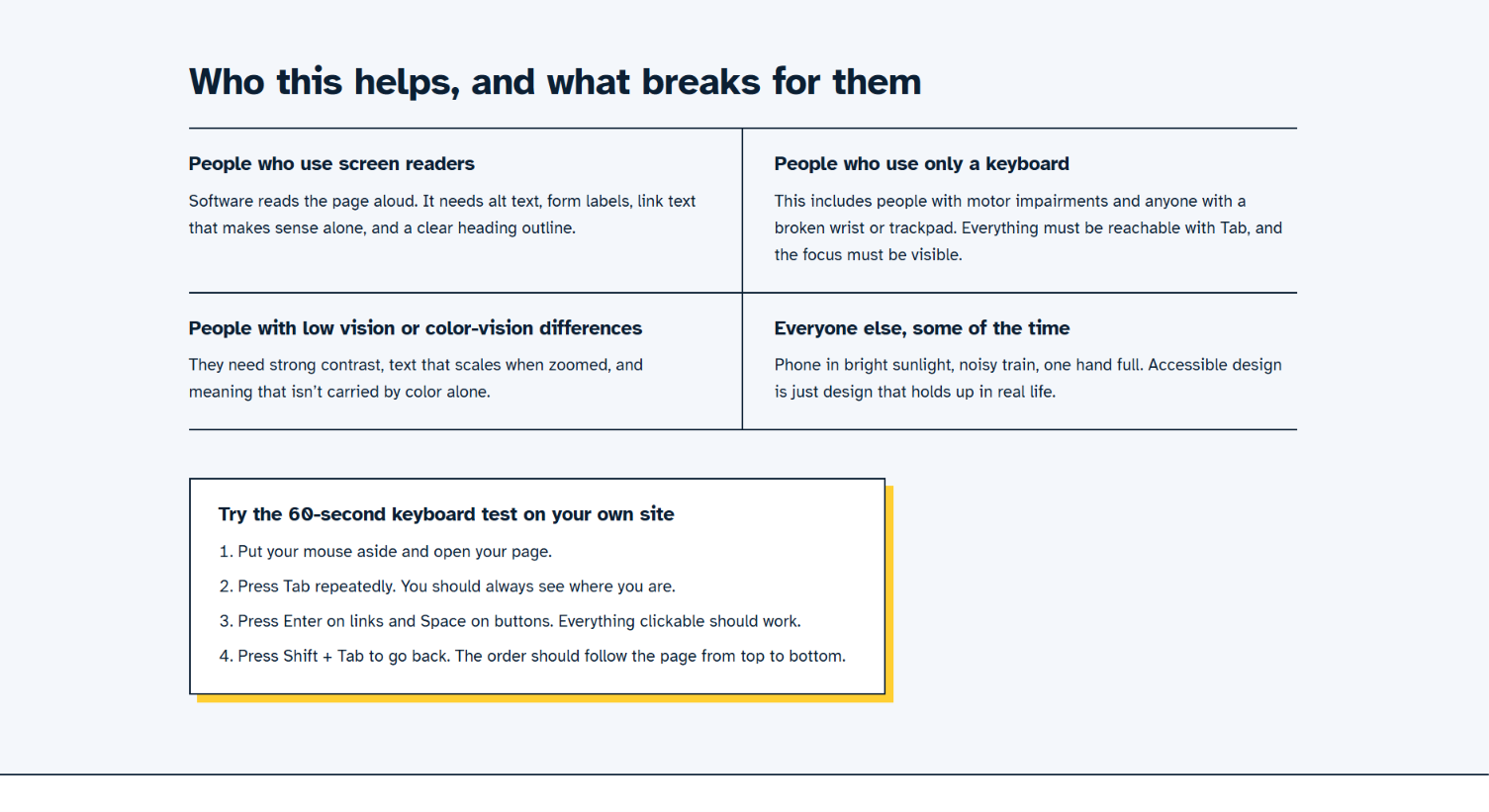
About 1 in 6 people worldwide lives with a disability, yet most websites still have basic barriers: images with no description, faint text, form fields with no labels, buttons the keyboard can't reach. Existing accessibility tools report in WCAG codes that beginners don't understand. We wanted a tool for the developer who has never heard of WCAG but still wants to build something everyone can use.
What it does
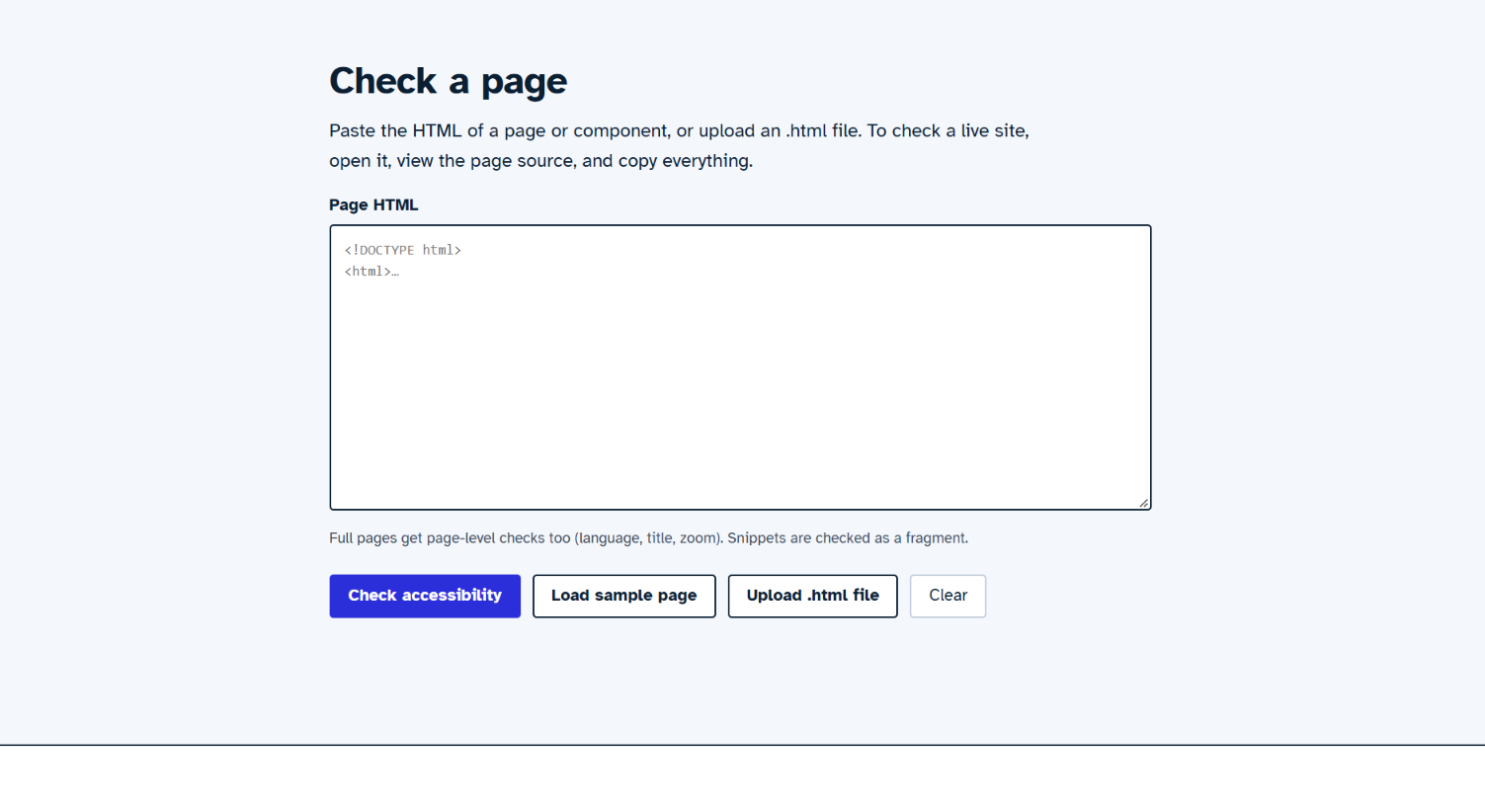
FairWeb AI helps developers find accessibility problems in a web page and learn how to fix them.
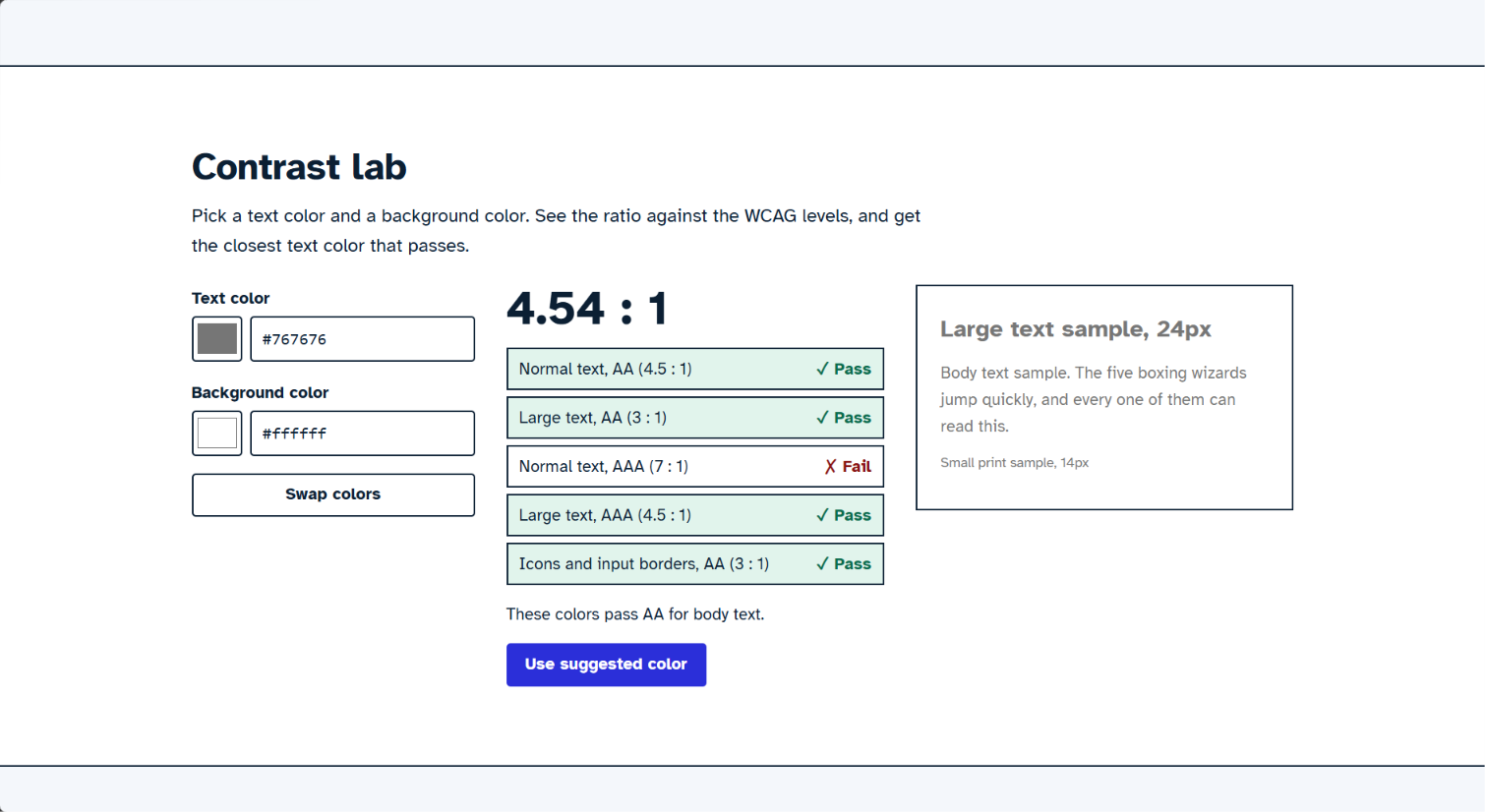
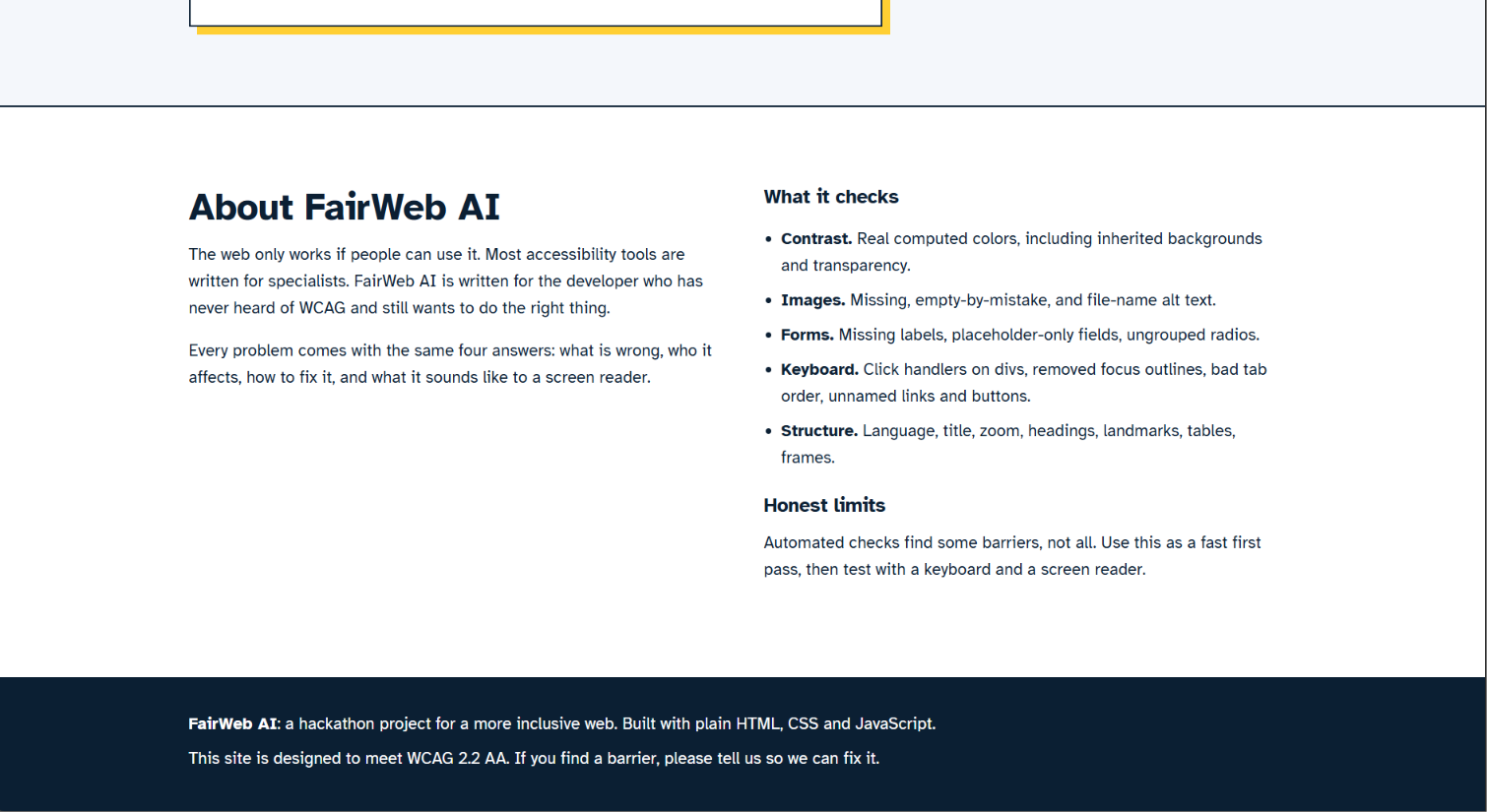
- Checks text contrast using the page's real colors, and suggests the closest color that passes
- Finds missing or useless image descriptions (alt text)
- Detects form problems: fields with no labels, placeholder-only fields, ungrouped radio buttons
- Spots keyboard problems: clickable divs, removed focus outlines, bad tab order, unnamed links and buttons
- Checks page structure: language, title, headings, tables, frames and zoom blocking
- Explains every issue in plain language: what's wrong, who it affects, how to fix it, copy-ready code, and what a screen reader says before and after the fix
- Scores the page out of 100 and sorts problems by severity
- Generates a report to download as HTML or Markdown, copy as a summary, or print to PDF
- Includes a Contrast Lab for testing any two colors against WCAG AA and AAA
How we built it
FairWeb AI is built with plain HTML, CSS and JavaScript. The pasted page is rendered in a hidden, sandboxed iframe with scripts disabled, so we can read real computed styles. A rule engine of 32 checks then runs against the page's DOM. Each rule carries its own plain-language explanation, a fix and a code example. Everything runs in the browser, so your code is never uploaded.
The site itself is built to be accessible: skip link, visible focus ring, high-contrast mode, larger-text mode, reduced-motion mode, and the Atkinson Hyperlegible font, which was designed for readability.
Challenges we ran into
- Measuring contrast honestly: inherited backgrounds, transparency, and text over images (which we flag for a manual check instead of guessing)
- Avoiding false alarms, for example not flagging a removed focus outline when a better
:focus-visiblestyle exists - Making the tool accessible itself. We ran it on our own page and it caught a real bug: link colors in high-contrast mode
Accomplishments that we're proud of
- 32 rules across contrast, images, forms, keyboard and structure
- Every problem is explained for beginners, with a "what a screen reader hears" before and after
- A working report generator and a Contrast Lab with automatic color suggestions
What we learned
Most accessibility fixes are tiny: one attribute, one darker color, one real button instead of a div. The hard part is knowing they exist and why they matter. Explaining the "why" in plain language matters as much as detecting the problem.
What's next for FairWeb AI
- Scan a live URL, not just pasted HTML
- A browser extension
- A CI check that fails a build when critical issues appear
- LLM-written explanations and one-click fix suggestions
- More rules: color-only meaning, touch target size, text spacing, ARIA misuse
Built With
- accessibility
- atkinson-hyperlegible
- canvas-api
- css3
- dom-api
- html5
- iframe-sandbox
- javascript
- wcag


Log in or sign up for Devpost to join the conversation.