-
-
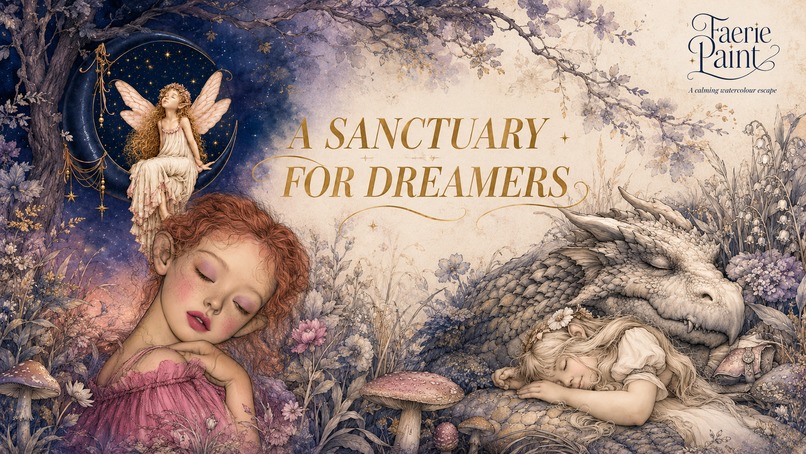
FaeriePaint.com
-
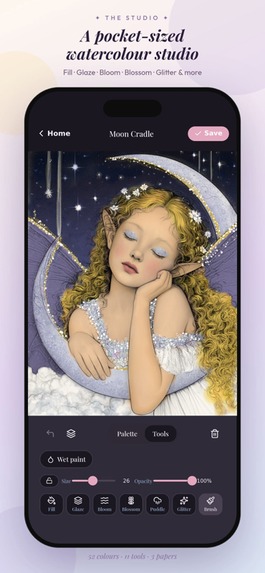
Watercolor Coloring Book
-
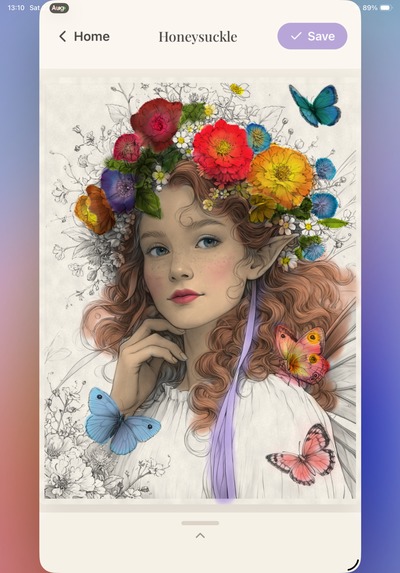
Flower Crowns
-
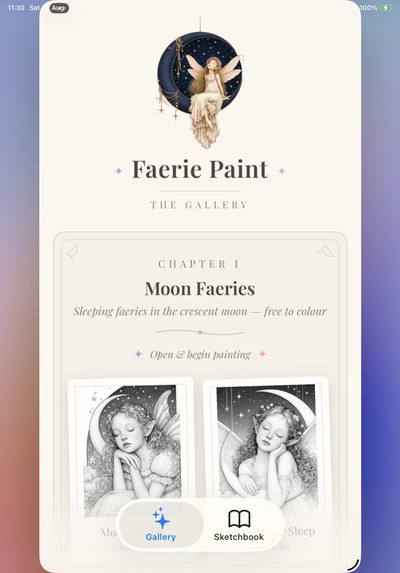
Image Packs Page
-
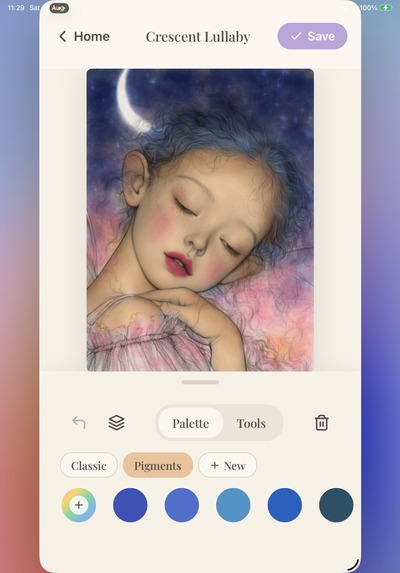
Palette Page
-
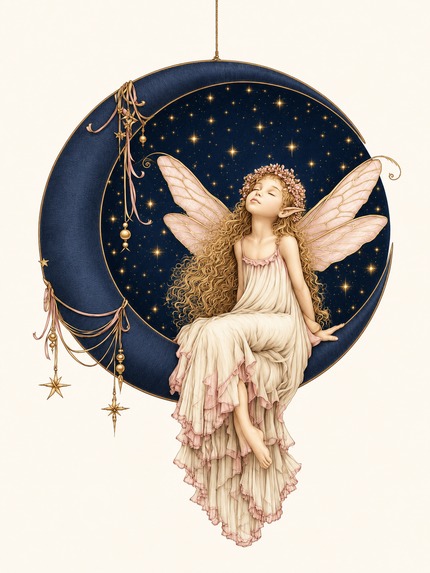
App icon
-
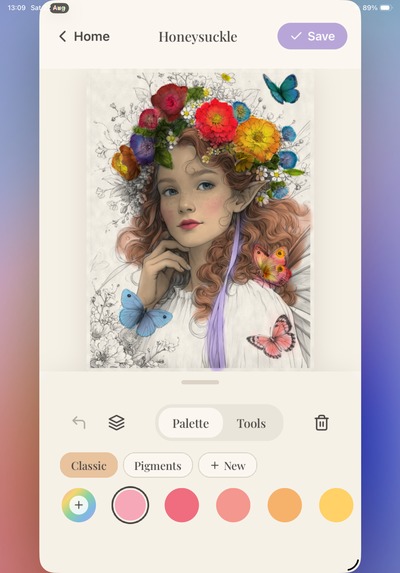
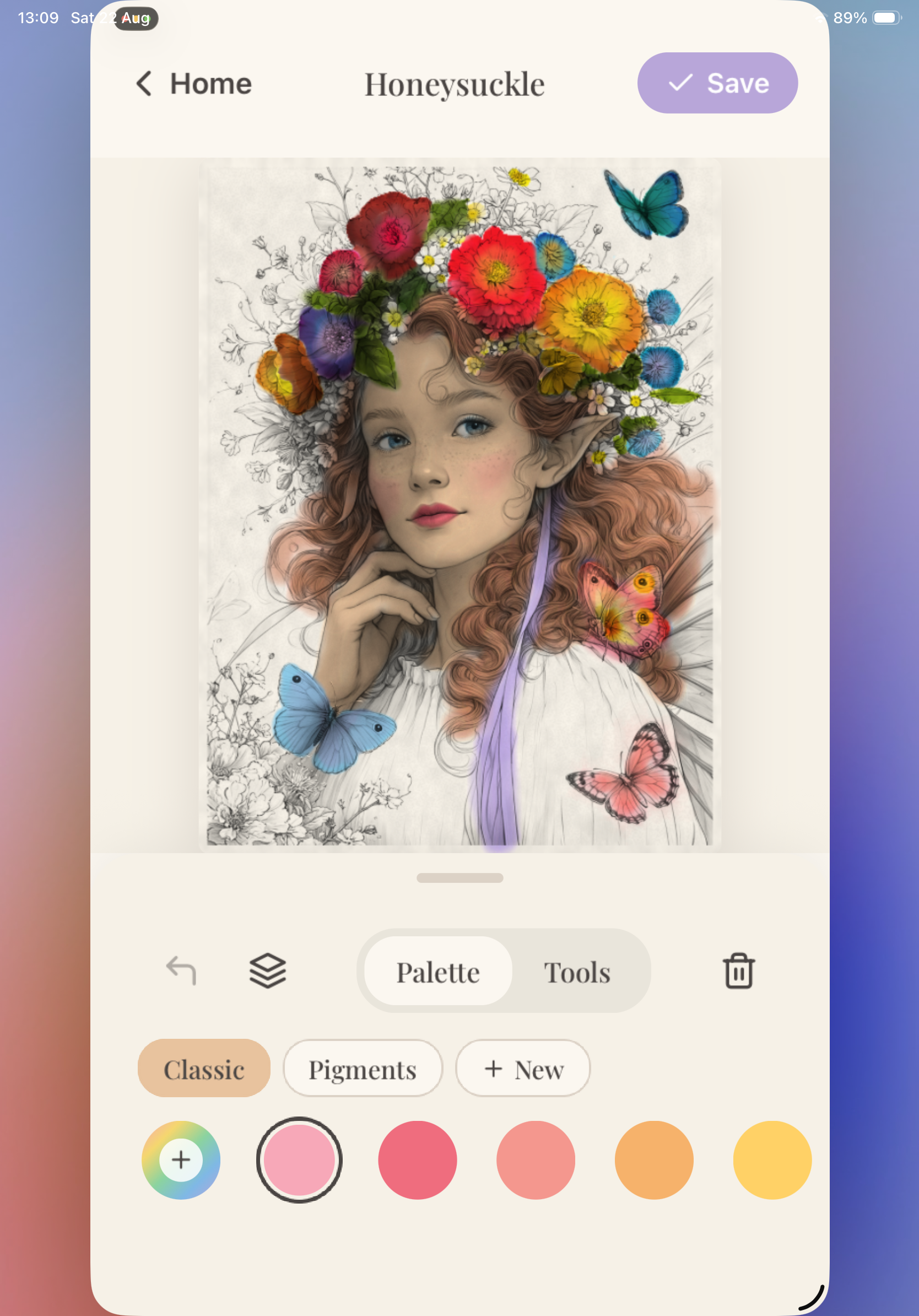
Inside the coloring book page
-
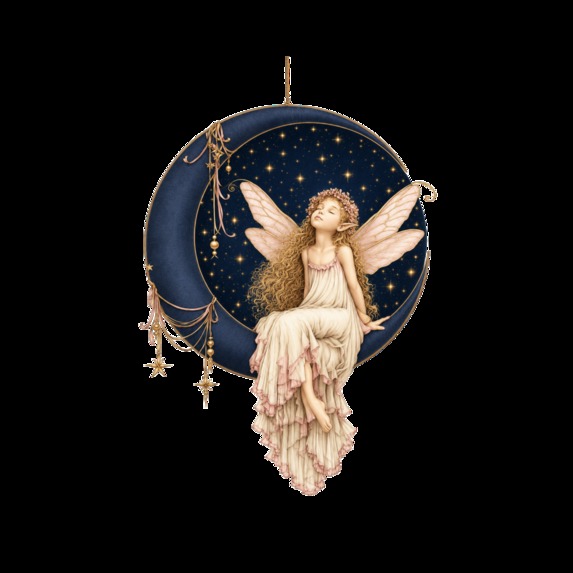
App icon
-
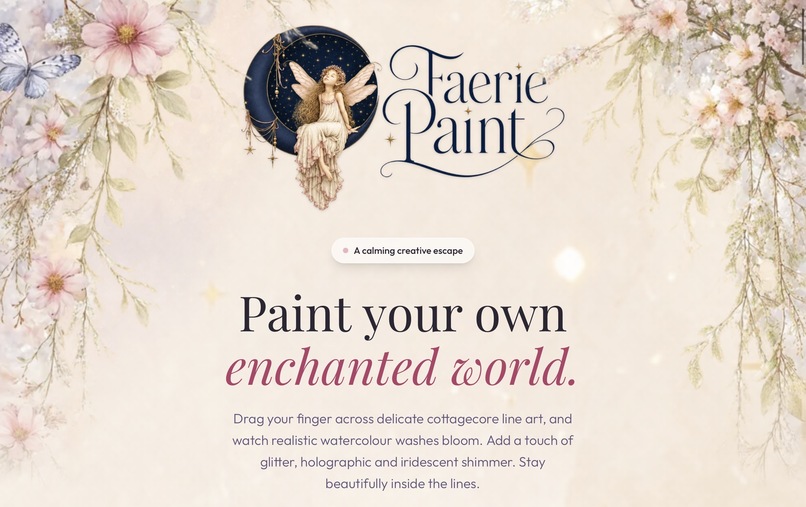
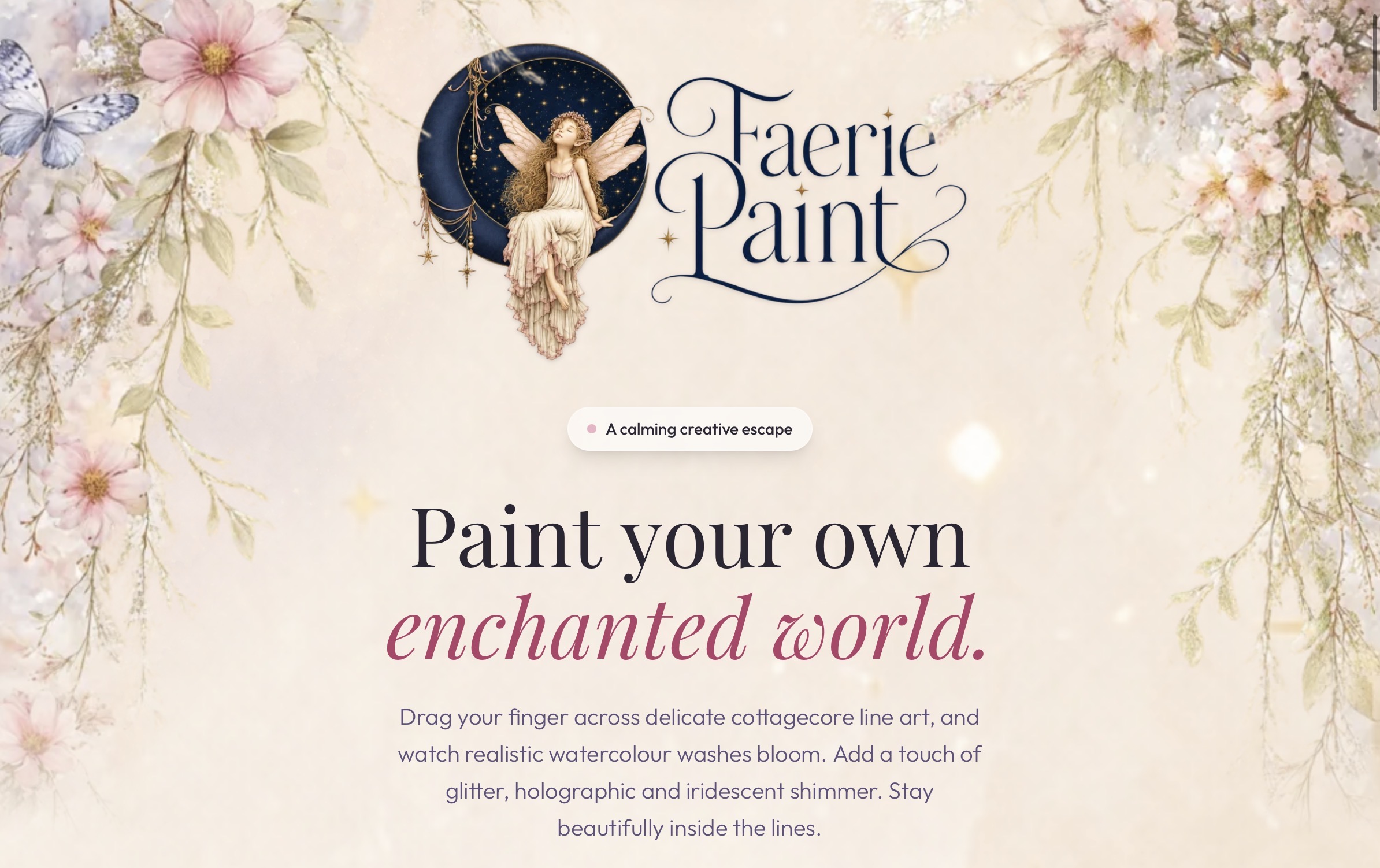
https://faeriepaint.com web site
-
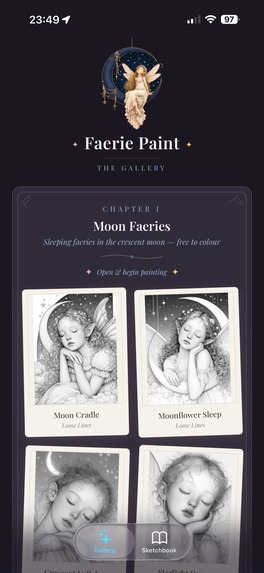
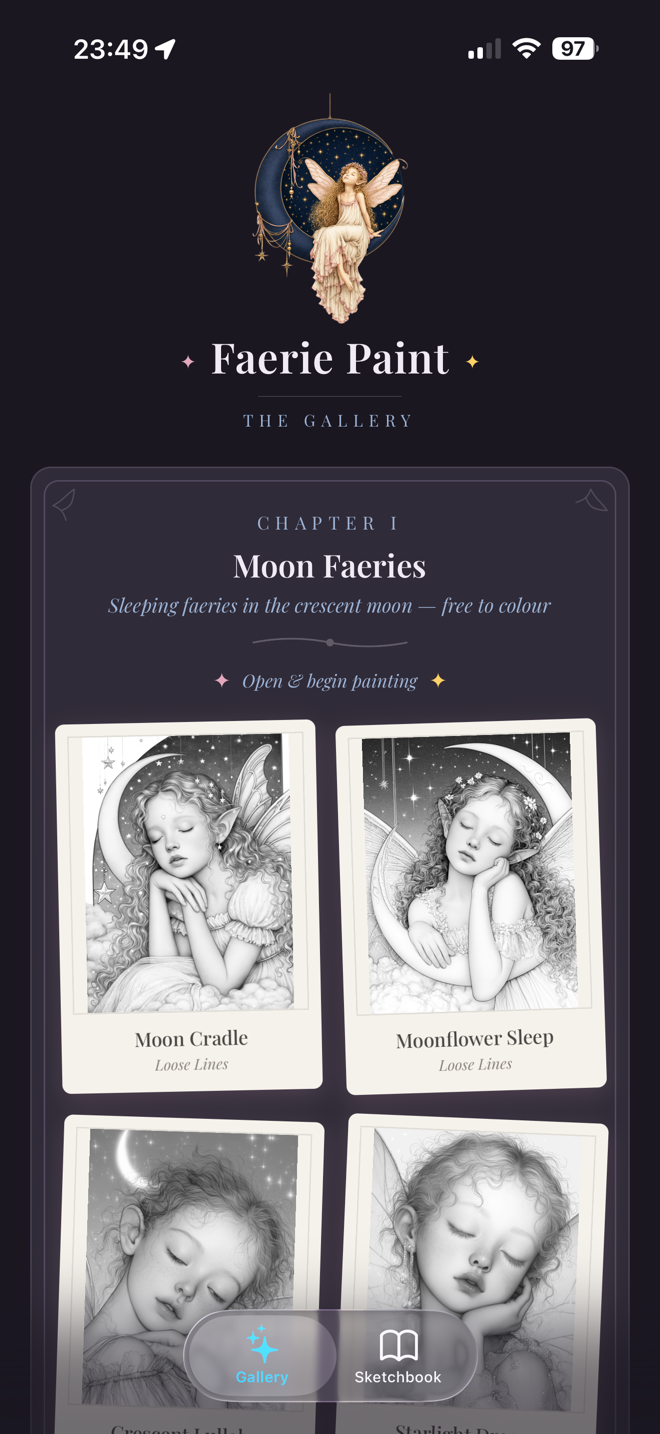
Images Page Faerie Paint App
-
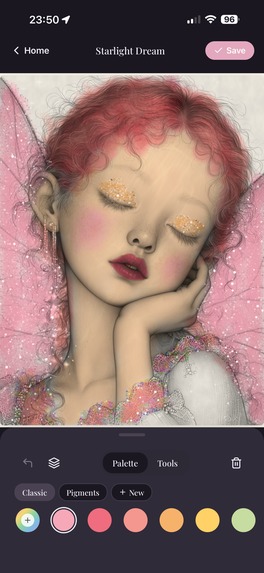
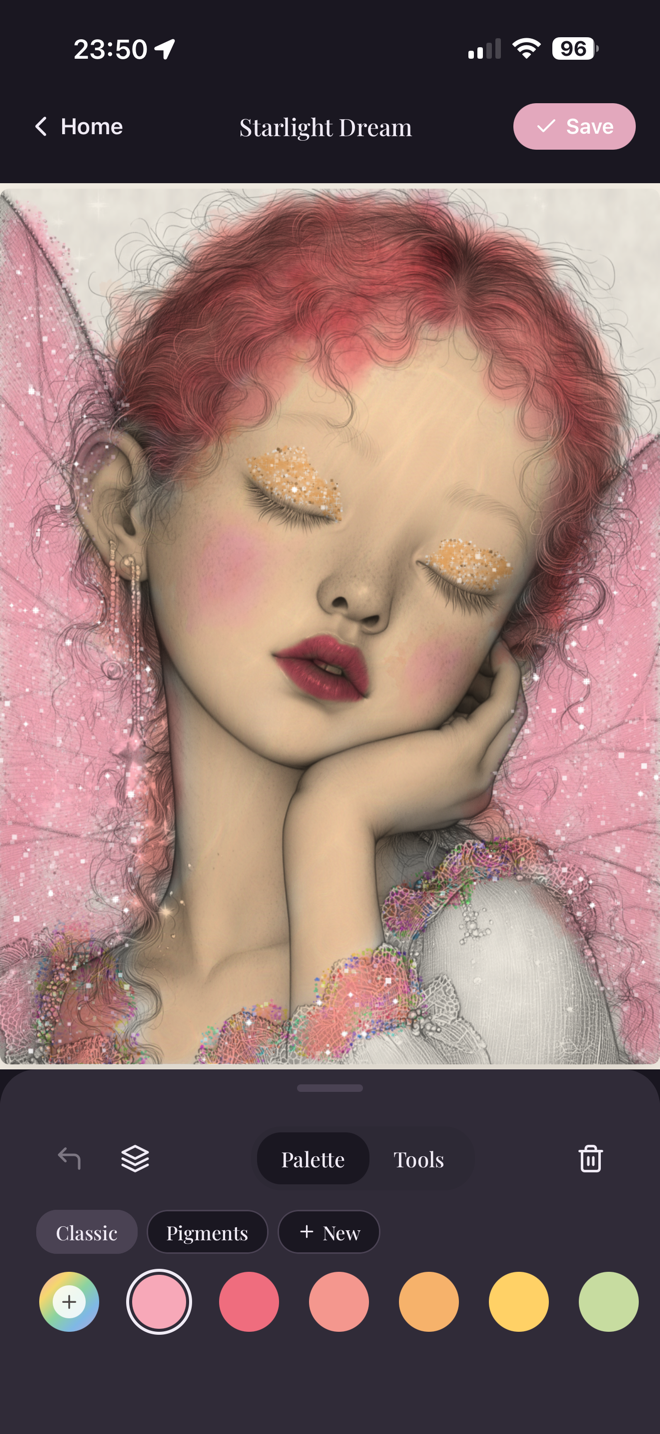
Palette Page Faerie Paint App
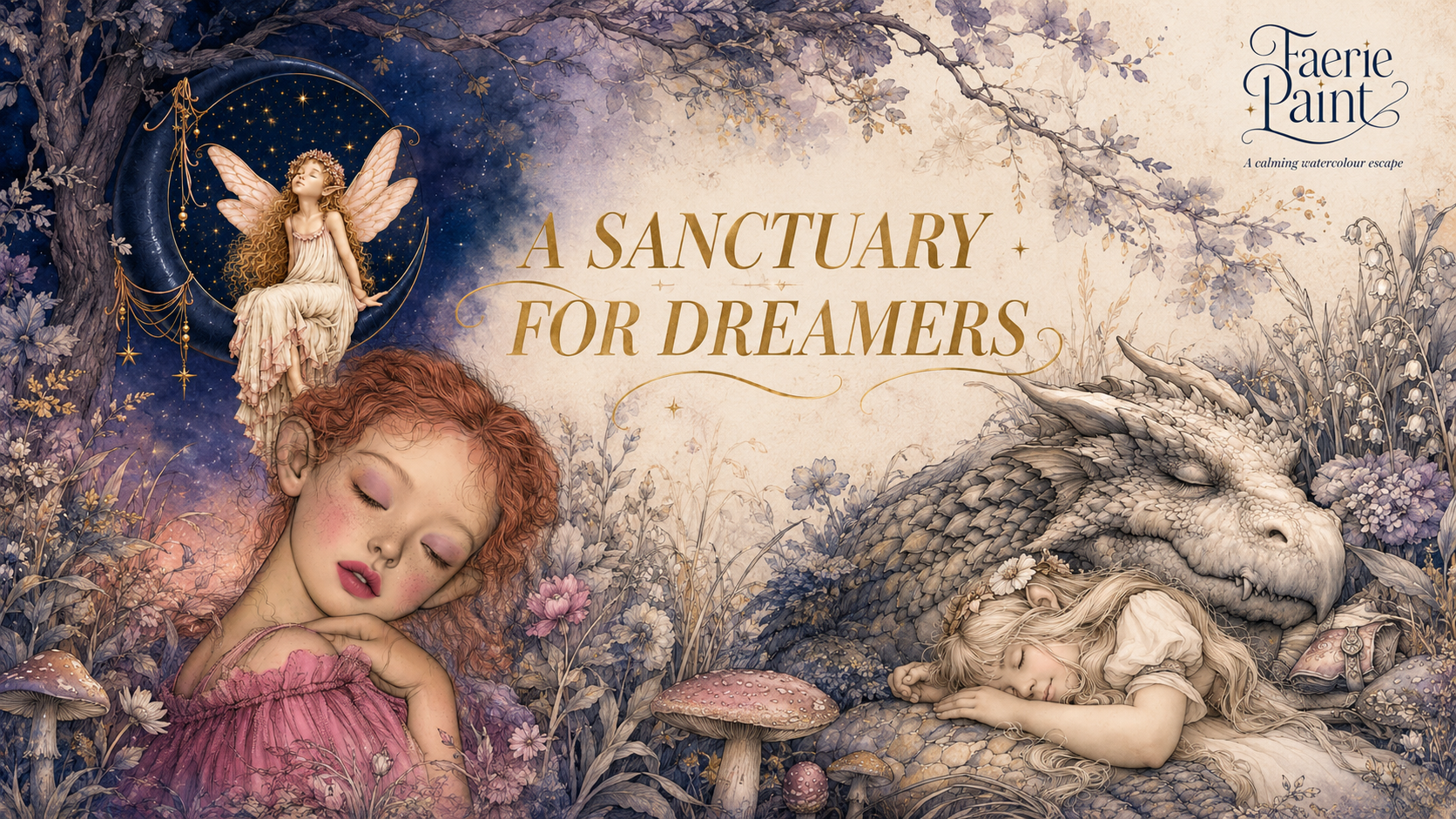
Faerie Paint — Project Story
Inspiration
Faerie Paint was inspired by the quiet, absorbing pleasure of traditional colouring and the unpredictable beauty of real watercolour.
I wanted to create something that felt more like a small enchanted art studio than a standard colouring app. Watercolour is never completely flat or mechanical: it pools, spreads, overlaps and becomes richer with repeated brush strokes. The aim was to capture that feeling on a phone or tablet while keeping the experience simple enough to pick up for a few minutes at a time.
I was also inspired by the idea that digital art should feel personal and calming rather than demanding attention. Faerie Paint has no advertising, no social feed and no account requirement. The focus is simply on choosing an image, experimenting with colour and making something beautiful.
What it does
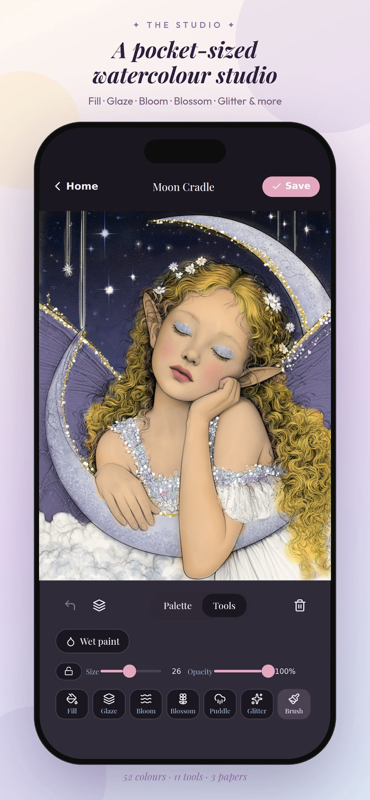
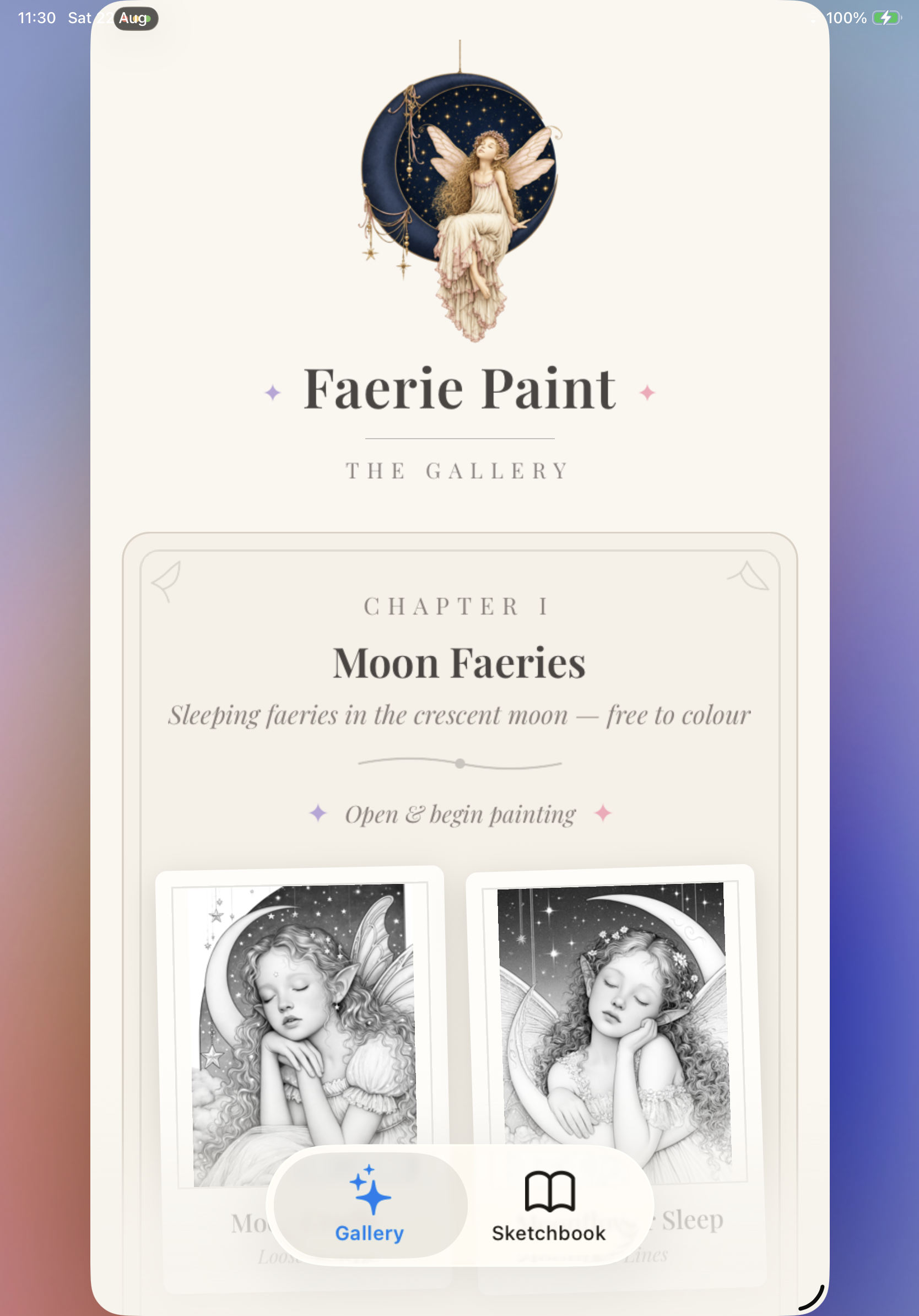
Faerie Paint is a watercolour colouring book for adults, filled with enchanted illustrations of faeries, moonlit scenes, flowers, animals and magical details.
Users can:
- Choose from 100 enchanted illustrations
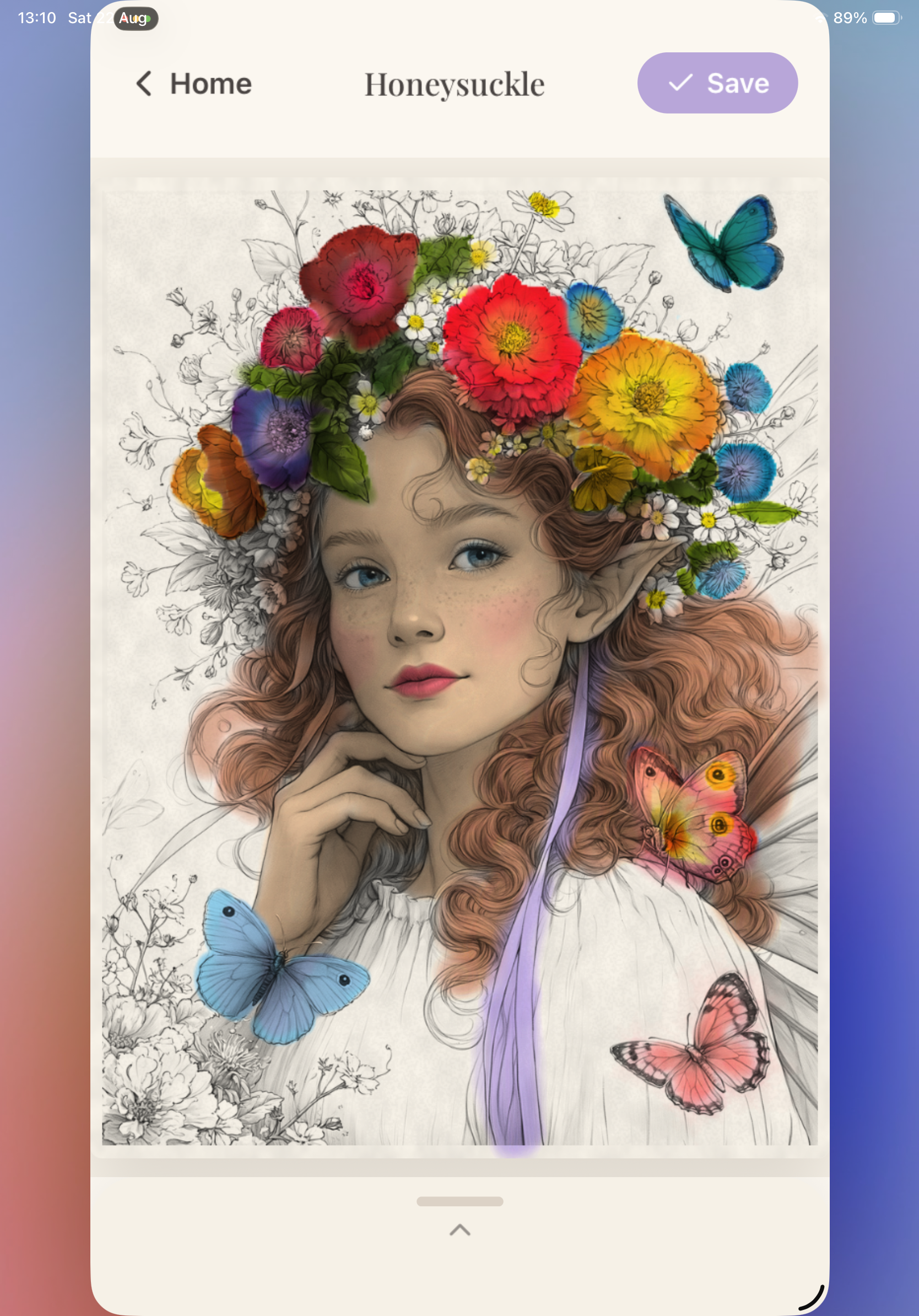
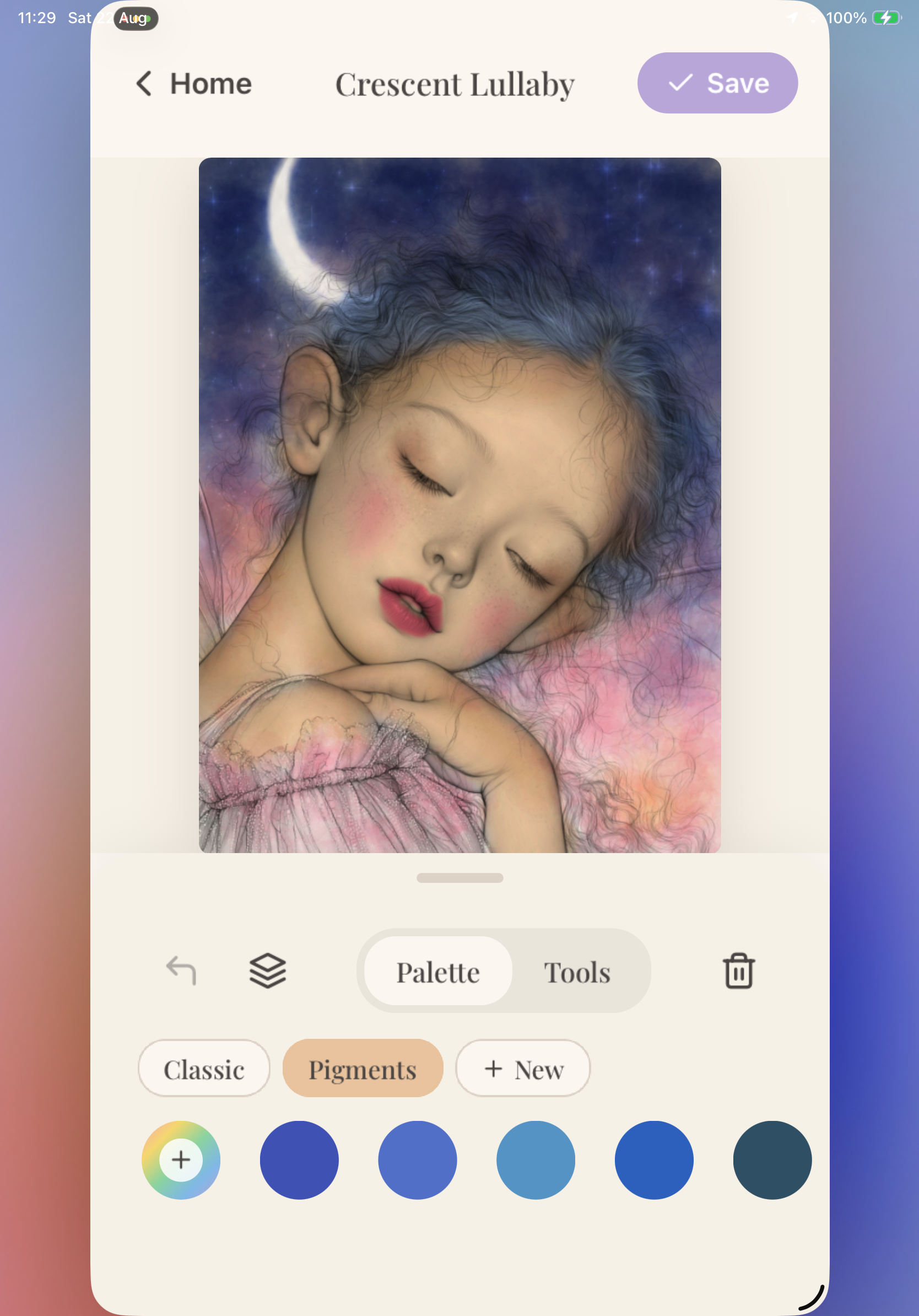
- Paint with layered watercolour brushes
- Build up translucent colour with repeated strokes
- Create soft blooms and pooling effects
- Use blossom, glitter and sparkle brushes
- Use glitter and holographic glitter brushes whose sparkle responds to gyroscope movement
- Fill larger areas with a flood-fill tool
- Save finished paintings locally on their device
- Purchase additional themed art packs through in-app purchases
The app is designed to work offline for painting, so the creative experience does not depend on an internet connection.
How I built it
Faerie Paint was built with Expo and React Native in Replit, using a custom canvas-based painting engine designed specifically for the app.
The engine uses a stroke ledger and layered rendering to reproduce the character of watercolour while keeping painting responsive on mobile devices. Colour is layered gradually rather than appearing as a solid digital fill. Different brushes have different behaviours, including translucent washes, soft blooms, blossoms and glitter.
Getting the main watercolour brush right involved going beyond visual imitation. I studied maths papers describing how pigments and water spread through paper, including ideas around diffusion, accumulation and fluid-like transport. I translated those principles into a lightweight brush model that could run interactively on a mobile canvas. The result is not a full scientific simulation, but a carefully tuned approximation: colour builds with each pass, gathers more strongly in some areas and softens at the edges instead of behaving like a flat digital marker.
The artwork is supplied as carefully prepared grayscale line art. The app combines the illustration, paper texture and paint layers, using offscreen canvases and baked snapshots where appropriate to keep the interface responsive and reduce unnecessary work on every frame.
Paintings are stored locally on the device. RevenueCat handles the purchase and entitlement layer for the additional art packs, keeping the store logic separate from the painting engine and allowing the app to restore a user's purchases reliably.
The promotional landing page was built separately with React and Vite. It includes artwork previews, themed pack information, App Store links and a QR code that points directly to the live app listing.
Challenges we ran into
Making a digital brush feel like watercolour
The first challenge was that a technically smooth digital brush could still feel completely wrong. Simple opacity changes looked more like an airbrush than paint. The brush behaviour needed careful tuning around opacity, accumulation, edge softness, stroke spacing, drying and colour overlap.
We used maths papers as part of that process, studying models of diffusion and fluid movement to understand why real watercolour creates soft edges, pooled pigment and uneven layers. The challenge was then reducing those ideas to something lightweight enough for a responsive mobile brush. The papers gave us useful principles, but the final settings still needed extensive visual testing: a mathematically plausible result is not automatically a brush that feels good to use.
The glitter brushes required another round of iteration. It was not enough to place glitter on the canvas: the sparkle needed to feel connected to the physical movement of the device. We tuned the glitter and holographic glitter brushes so their highlights respond to gyroscope movement, creating a shifting, light-catching effect as the user tilts the phone or tablet. We also had to refine the density and coverage so the effect felt rewarding and magical without leaving patchy gaps or overwhelming the artwork.
Keeping the app responsive
A painting app can involve large images, multiple layers, animated effects and frequent touch events at the same time. Rendering everything from scratch on every frame quickly becomes expensive, particularly on mobile devices. The engine therefore needed a balance between live effects, committed strokes, offscreen rendering and baked image snapshots.
Handling touch input reliably
Touch input needs to feel immediate, especially when a user is making small or detailed strokes. Pointer and gesture state had to be handled carefully so that interrupted strokes, multitouch and embedded previews did not cause lost or corrupted input.
Dealing with imperfect line art
Closed-looking artwork is not always mathematically closed. Anti-aliased edges can contain tiny gaps, which meant the flood-fill and line-containment tools needed carefully tuned image processing rather than assuming every boundary was perfect.
Adding purchases without interrupting creativity
The art packs needed to feel like a natural extension of the creative experience rather than an interruption. RevenueCat made it possible to manage purchases and entitlements while keeping the core painting experience independent from payment logic.
Accomplishments that I’m proud of
- I shipped a complete mobile colouring app rather than stopping at a visual prototype.
- I built a custom watercolour engine instead of relying on a generic solid-colour fill.
- I created a catalogue of 100 enchanted illustrations with themed expansion packs.
- I made the main painting experience local-first and usable without an internet connection.
- I integrated RevenueCat to support purchase-based content and entitlement restoration.
- I launched Faerie Paint on the App Store.
- I built a promotional website with a working App Store link and scannable QR code.
- I created a before-and-after reveal experience to show how an illustration transforms from line art into a finished painting.
What I learned
The biggest lesson was that the feeling of a creative tool matters as much as its technical correctness. A brush can produce valid pixels and still not feel satisfying. Small changes to the way colour accumulates or spreads can make the difference between a sterile digital tool and something that feels alive.
I also learned that tactile effects need both a convincing physical connection and satisfying visual coverage. The glitter and holographic glitter brushes only started to feel right once the sparkle reacted naturally to gyroscope movement and appeared densely enough across the stroke to reward the user's input. That balance took repeated testing and iteration rather than a single technical implementation.
The watercolour brush taught me the value of using research as a starting point rather than a substitute for judgement. Mathematical models of diffusion and pigment movement helped us understand the behaviour I was trying to recreate, but I had to simplify and tune them for mobile performance and for the subjective feeling of a satisfying brush.
I also learned that mobile performance has to be considered from the beginning. Large canvases and animated paint effects require a clear rendering strategy, not just incremental optimisation after the interface is complete.
The project also reinforced the value of separating systems with different responsibilities. The painting engine owns the creative experience, while RevenueCat owns purchase and entitlement state. That separation makes both areas easier to test, maintain and evolve.
Finally, I learned that the last details matter: image formats affect line detection, offscreen canvases need to be resized with the rest of the engine, and purchase products need complete store configuration before they can be reviewed successfully.
What's next for Faerie Paint
The next step is to continue expanding the enchanted world with more themed illustration packs and new brush effects.
I also want to keep refining the watercolour simulation so washes, blooms and colour interactions feel even more natural, while continuing to improve performance on a wider range of devices.
Other areas I would like to explore include:
- More brush types and paper textures
- Additional animated watercolour effects
- Sharing finished paintings directly from the app
- A community space where users can discover and celebrate each other's work
- Optional community prompts, seasonal events and themed colouring challenges
- More before-and-after promotional reveals
- Continued usability improvements for detailed illustrations
- Further testing of the painting experience across different devices
Faerie Paint is intended to remain a gentle creative escape: a place users can return to when they want to slow down, make something colourful and spend time in an imaginative world.
Built With
- app
- book
- coloring
- expo.io
- mobile
- painting
- react-native
- replit


Log in or sign up for Devpost to join the conversation.