


Inspiration
Every day, we scroll through hundreds of posts, articles, and claims online. The problem is that misinformation can spread much faster than people can verify it.
We were inspired to build FactSnap to make fact-checking a natural part of browsing. Instead of opening multiple tabs and searching for sources every time we see a questionable claim, we wanted users to be able to quickly check it where they encounter it.
What We Learned
Building FactSnap taught us that creating an AI-powered product involves much more than connecting an AI model to an application.
We learned how to:
- Build and publish a Chrome extension
- Integrate AI APIs into a real-world application
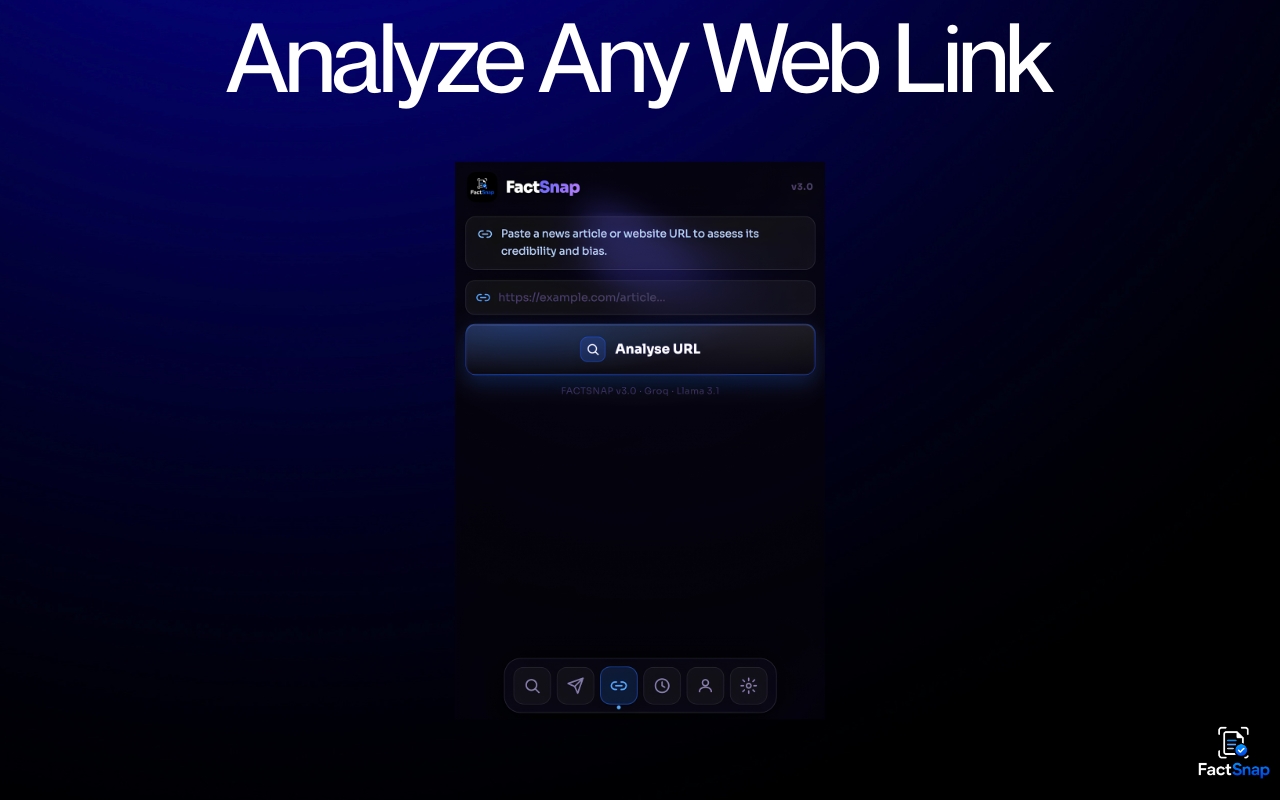
- Extract and process information from webpages
- Design a simple interface around AI-generated results
- Handle API requests and errors
- Think about privacy, permissions, and responsible use of AI
- Turn an idea into a functional product rather than just a prototype
One of our biggest takeaways was that speed and usability matter just as much as the AI itself. If checking a claim takes too long or requires too many steps, users are less likely to do it.
How We Built It
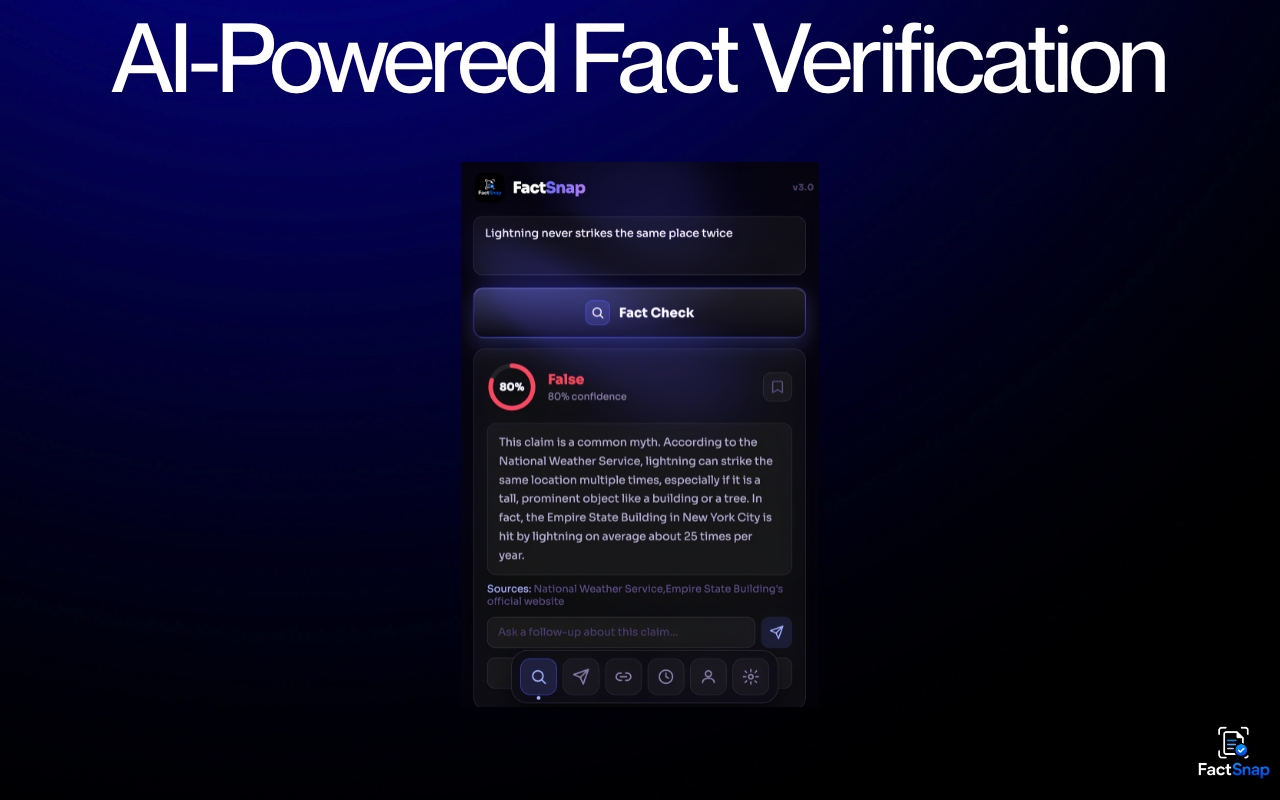
FactSnap is an AI-powered Chrome extension that helps users evaluate information while browsing.
The extension is built using HTML, CSS, and JavaScript, with AI APIs handling the analysis of claims and information.
The general workflow is:
- The user encounters information they want to verify.
- FactSnap collects the relevant content.
- The information is sent for AI-powered analysis.
- FactSnap evaluates the claim and provides an easy-to-understand result.
- The user can make a more informed decision before trusting or sharing the information.
We designed the experience to be as quick and simple as possible, with our target being an analysis in under two seconds whenever the required information and network conditions allow it.
Challenges We Faced
One of our biggest challenges was balancing accuracy, speed, and simplicity.
AI-generated results can be useful, but misinformation detection requires careful handling because information found online can be incomplete, misleading, or constantly changing. We had to think about how to present AI results without making the interface unnecessarily complicated.
We also faced technical challenges with API integration, webpage content extraction, extension permissions, error handling, and testing the extension across different types of online content.
Another challenge was taking FactSnap from an idea to something that could actually be distributed as a browser extension. This meant learning about extension packaging, publishing requirements, privacy considerations, and the practical issues involved in releasing a real product.
Why FactSnap?
Fact-checking should not require users to become researchers every time they encounter a questionable claim.
FactSnap brings verification directly into the browsing experience, reducing the friction between seeing a claim and checking it.
Our goal is simple: make people pause, verify, and think before they share.


Log in or sign up for Devpost to join the conversation.