-
-

Logo
-
Purpose
-
Example usage
-
UI
-
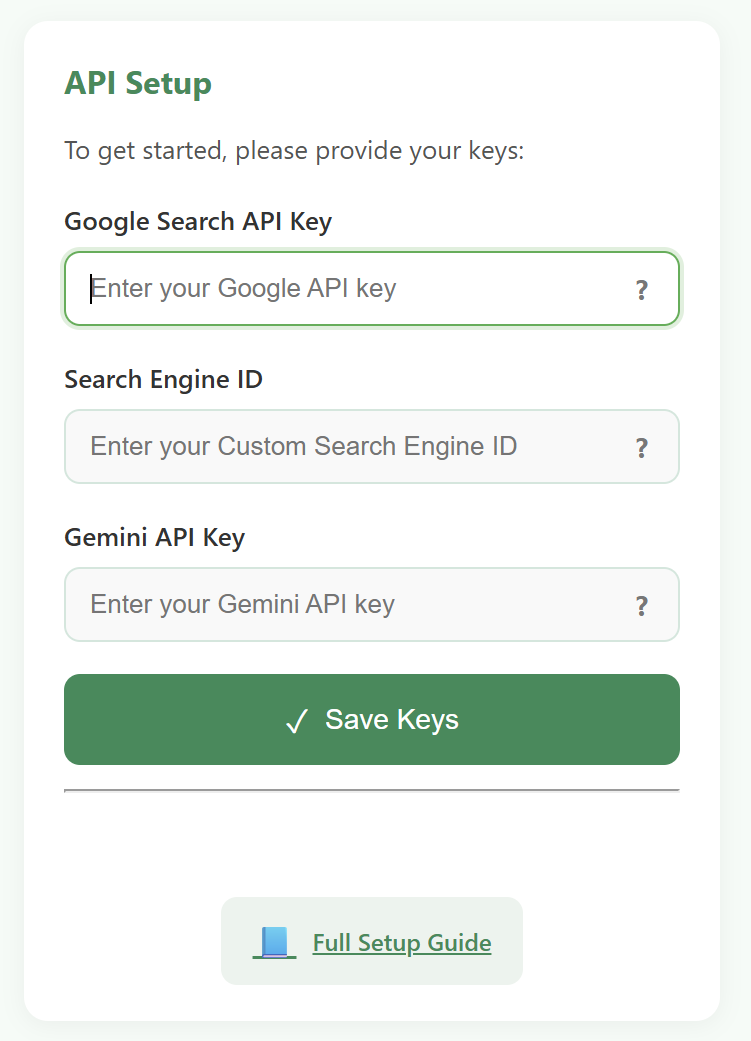
Setup page
-
Mission



Inspiration
Facter was inspired by a growing challenge I noticed in my own life and among peers: The overwhelming flood of information students encounter every day. We live in an era where news, facts, opinions, and AI-generated content circulate at an unprecedented speed. With only limited time and energy, it’s easy to accept or reject information based on bias, convenience, or incomplete knowledge. This issue is compounded by the lack of personalization in fact-checking resources, most tools do not adapt to the specific topics, sources, or domains that an individual cares about. As a result, critical thinking suffers, and misinformation spreads unchecked.
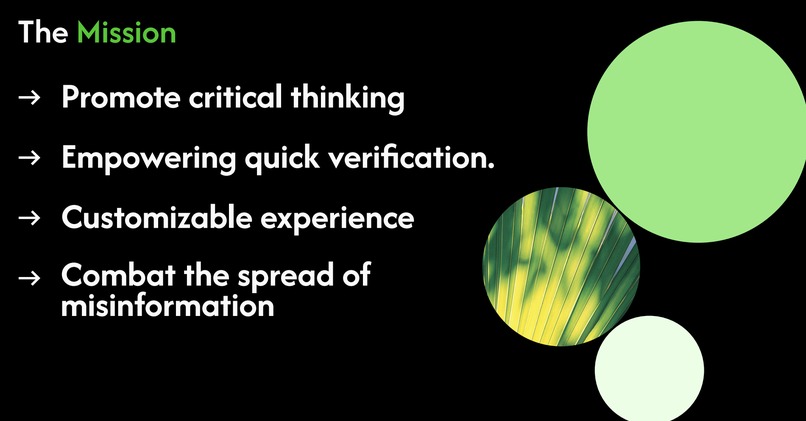
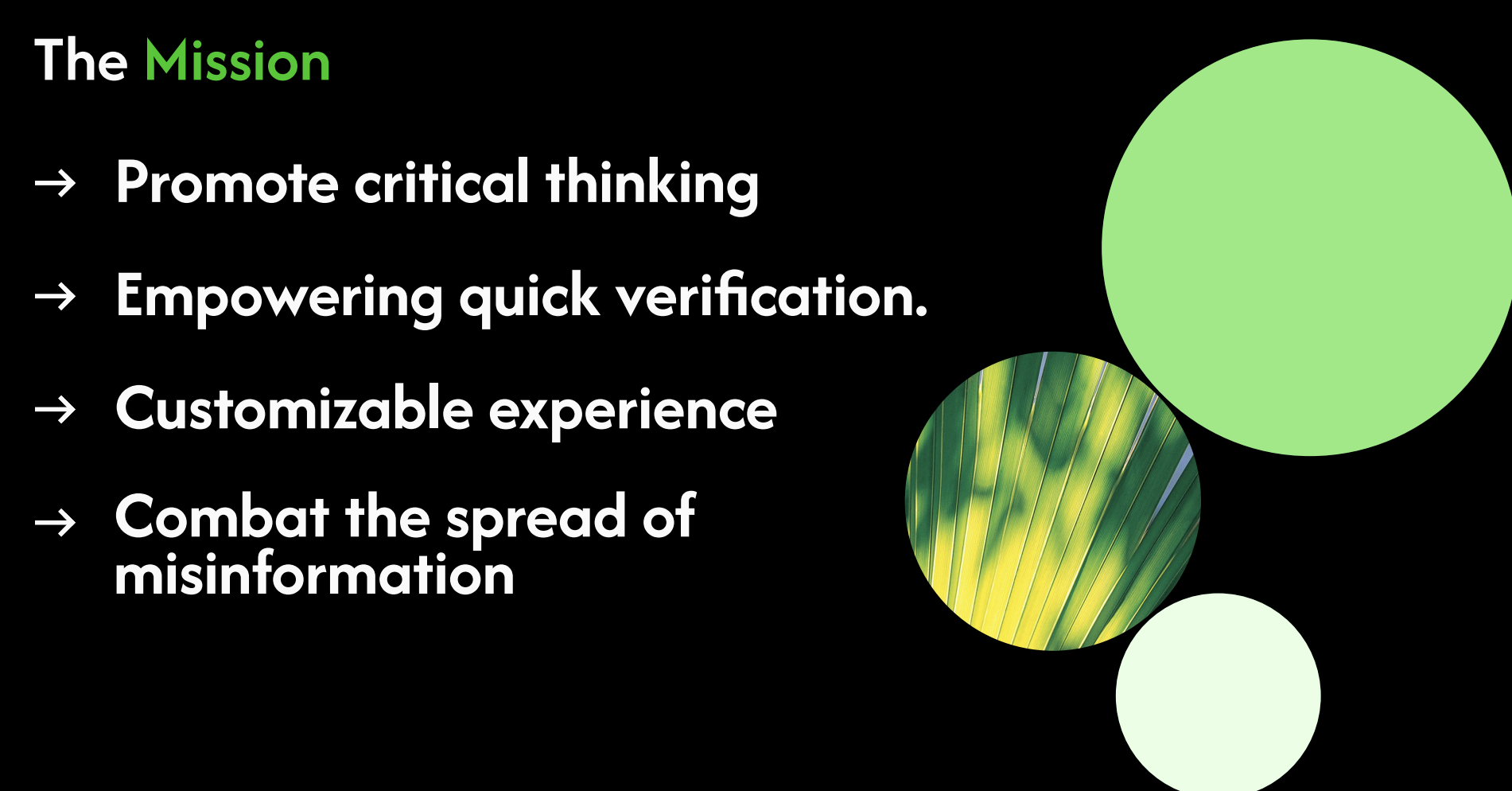
My mission with Facter is to make critical thinking practical and accessible. This project aims to empower quick verification of claims without disrupting a person’s workflow. Whether you’re checking a historical statement, a piece of scientific data, or a trending claim on social media, Facter helps you cross-check it instantly using your own curated knowledge base. The core idea is simple: by allowing users to configure their own search engine sources, they can adapt Facter for any field like academia, specialized research, or general use with trusted public resources like Wikipedia.
The full description is at: https://github.com/RoyArkh/Facter?tab=readme-ov-file#facter
What it does
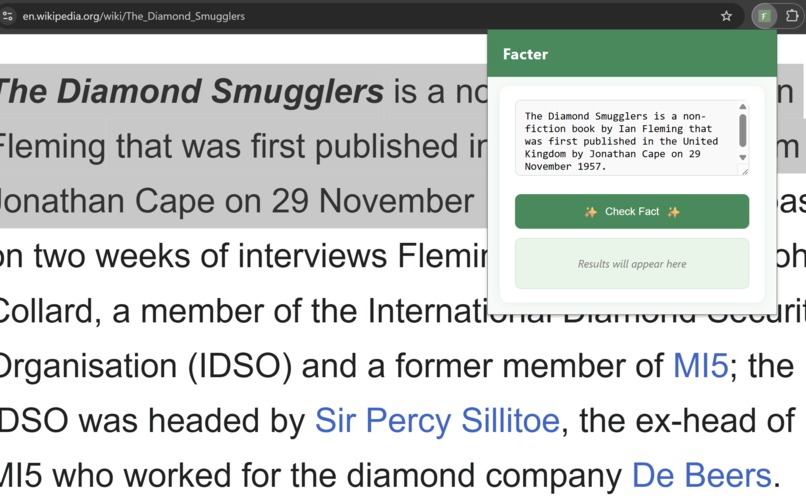
Facter is a customizable Chrome extension that enables instant fact-checking directly in your browser. Users can:
- Paste or type any claim into the popup interface.
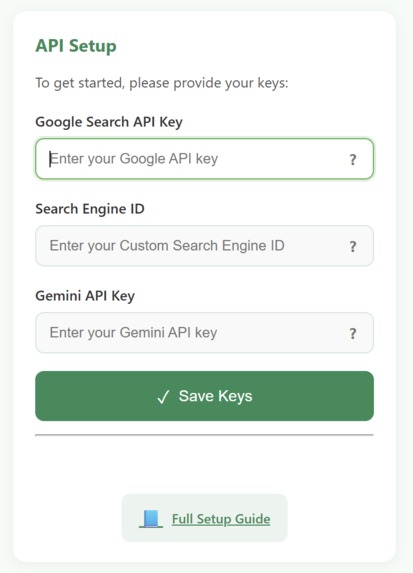
- Automatically run that claim through Google Programmable Search Engine with sources they select.
- Have Gemini AI process the search snippets, evaluate their reliability, and return a clear verdict: True, - - False, or Disputed.
- View top relevant sources that contributed to the verdict for full transparency.
Because the search sources are fully configurable, Facter works equally well for:
- General fact-checking.
- Domain-specific verification for research or academic work.
- Tracking truthfulness in niche topics by focusing on curated websites.
How we built it
I built Facter as a Chrome extension using HTML, CSS, and JavaScript. The extension integrates:
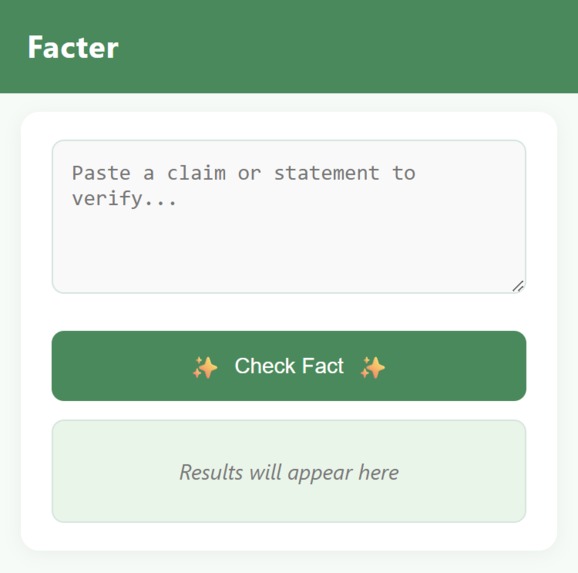
Google Programmable Search Engine (CSE) for customizable, source-specific search queries. Gemini API to analyze search snippets and return a clear verdict: True, False, or Disputed. A minimal, intuitive UI that lives in the browser popup, so the tool is always one click away.
From a development perspective, the main tasks were:
- Designing a clean UI that is fast to use but visually appealing.
- Integrating two APIs (search + AI reasoning) efficiently.
- Ensuring that the tool remains lightweight, open-source, and easy to customize.
Challenges we ran into
Getting Gemini API to respond consistently and parsing the output into a structured format. Handling API errors without breaking the user experience. Designing a source-matching system so that Facter can list the top relevant sources that influenced the final verdict. Making the UI feel modern and coherent while keeping it minimal, as the popup space in Chrome extensions is small. Ensuring that user-defined search sources are correctly incorporated and linked with the verdict results.
Accomplishments that we're proud of
One of the most rewarding parts of building Facter was watching the idea evolve from a simple concept into a fully functional, AI-powered fact-checking tool that anyone can use. Seeing it come to life as a polished Chrome extension. Creating a clean, responsive popup interface that feels effortless to interact with, was a huge milestone. I’m proud that it’s not just functional, but also approachable for both casual users and serious researchers.
Another accomplishment that stands out is the addition of source traceability. It was important to me that users not only receive a verdict but also understand where that verdict comes from. Implementing a system that shows the top sources influencing the AI’s decision brought a sense of transparency that I believe is essential in any fact-checking tool. It turned Facter from a “black box” into something users can trust and verify.
Perhaps most of all, I’m proud that Facter is open-source and documented in a way that makes it easy for others to adopt, customize, and learn from. This wasn’t just about solving my own problem, it was about building something that could grow, adapt, and inspire others. Keeping it lightweight, privacy-conscious, and accessible has been a guiding principle from the start, and seeing it all come together has been an incredibly satisfying journey.
What we learned
How to design and package a Chrome extension from scratch. Working with Google Programmable Search Engine and Gemini AI API in a client-side environment. Balancing automation with user control in fact-checking workflows. The importance of UI clarity when dealing with small interface spaces. Strategies for parsing and aligning AI output with actual data sources.
What's next for Facter
Highlight matching sentences from the top sources directly in the UI for even more transparency. Add an offline mode for using pre-downloaded datasets in restricted environments. Expand to other browsers. Improve natural language prompts for Gemini to make verdict explanations even more concise and user-friendly. Allow one-click saving of fact-check results into a local or cloud-based research log. Allow several projects at once and switching between those while saving history and progress.

Log in or sign up for Devpost to join the conversation.