-
-

SummaCheck Icon
-
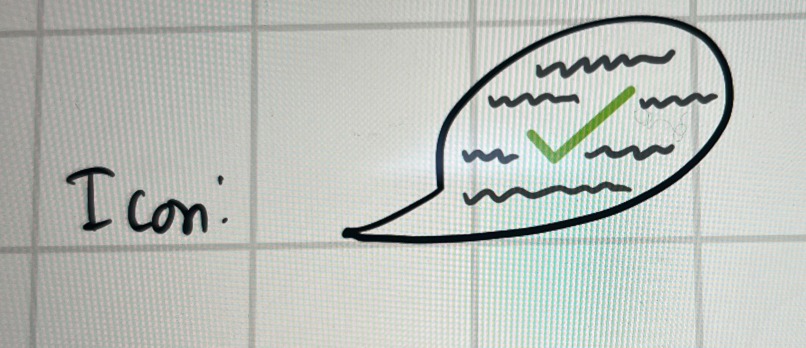
SummaCheck Icon Prototype

Inspiration:
The importance of staying informed amidst busy schedules inspired the "Summarize" in 200 words or less feature. Misinformation and contradictory statements on the Internet inspired the "Fact Check" feature. Dense articles containing jargon inspired the "Child Mode" feature.
What it does: Chrome extension that summarizes and fact checks information on a web page in 3 clicks (or more) using ChatGPT.
- "Summarize" feature: summarizes highlighted information or entire web pages in 200 words or less using ChatGPT.
- "Fact Check" feature: verifies the validity of highlighted information in 200 words or less.
- "Response Word Limit" Setting: enables users to enter a max number of words for ChatGPT's reponse. The default input is 200 words or less.
- "Highlighted Text" Setting: indicates if a user highlighted information. The default input is considering the entire web page.
- "Child Mode" Setting: prompts ChatGPT to provide an easy-to-understand response, as if it were explaining to a child.
How we built it:
We formatted and stylized the extension pop-up using html and css. We used Figma for the icon design. Entirely client-side app that uses Fetch API to send ChatGPT prompt requests. Prompts are sent and responses received using the OpenAI API.
Challenges we ran into:
- Accessing OpenAI's API required linking a new account to an unused phone number, which forced us to purchase a $5 API key.
- Our extension relies on ChatGPT to verify facts, but the system is not the most reliable and may provide incorrect information.
- Getting the OpenAI API to work in JavaScript took a lot of trial and error in terms of fiddling with the POST request. There were also minimal and non-descriptive error messages in the console, making debugging more challenging
- Highlighting text outside of the extension required the application of chrome scripting because the extension itself does not have the necessary permissions to run functions directly on tabs
Accomplishments that we're proud of:
- It works!!
- We actually found a way to read previous chats from ChatGPT without needing an API key which was really cool, but unfortunately that method did not work with sending prompts, so we had to purchase the key in order to do both
What we learned how to...
- Make a Chrome extension
- Program in new languages: html, css, javascript
- Design icons in Figma
- Using GitHub, creating and merging branches
- Incorporate an API key
- Working collaboratively on a project.
What's next for SummaCheck
- Make it readily installable from the chrome store and usable for recreational purposes!
- Add server functionality to maintain security of API key
- Server can also save user's settings so they don't have to input every time
- ChatGPT itself is not 100% accurate, so maybe cross-verify answers between it and another sources like Google Bard


Log in or sign up for Devpost to join the conversation.