-
-
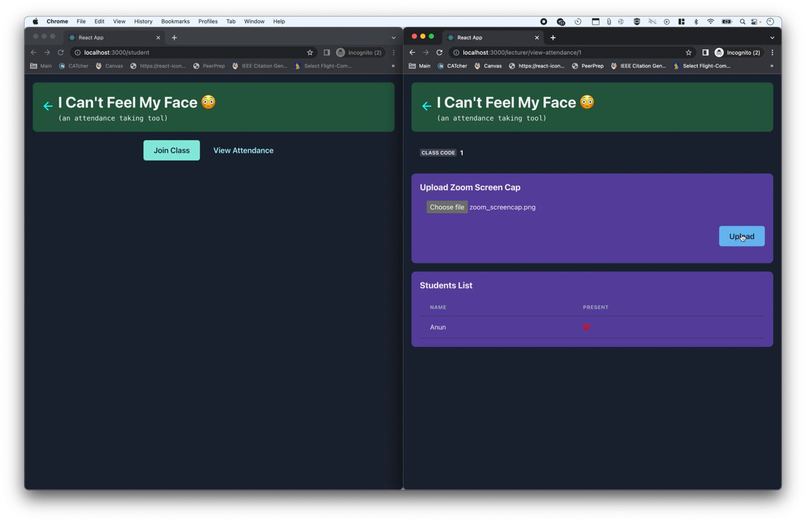
Initially loading which students are in the class
-
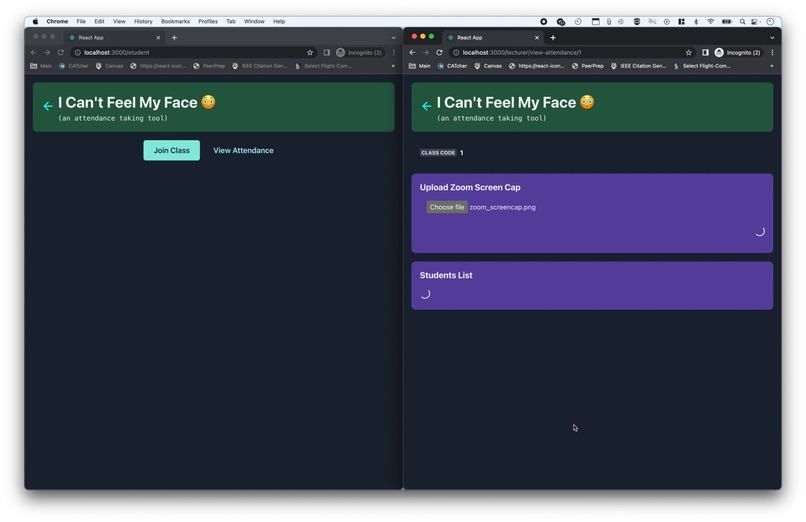
Uploading the zoom screenshot to the platform
-
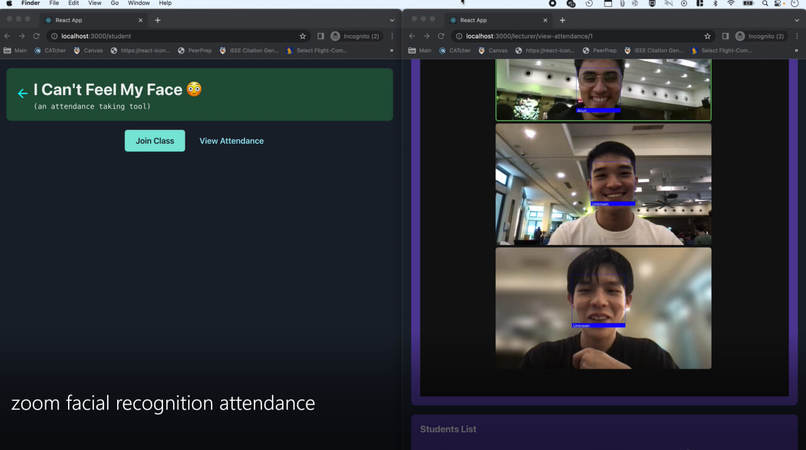
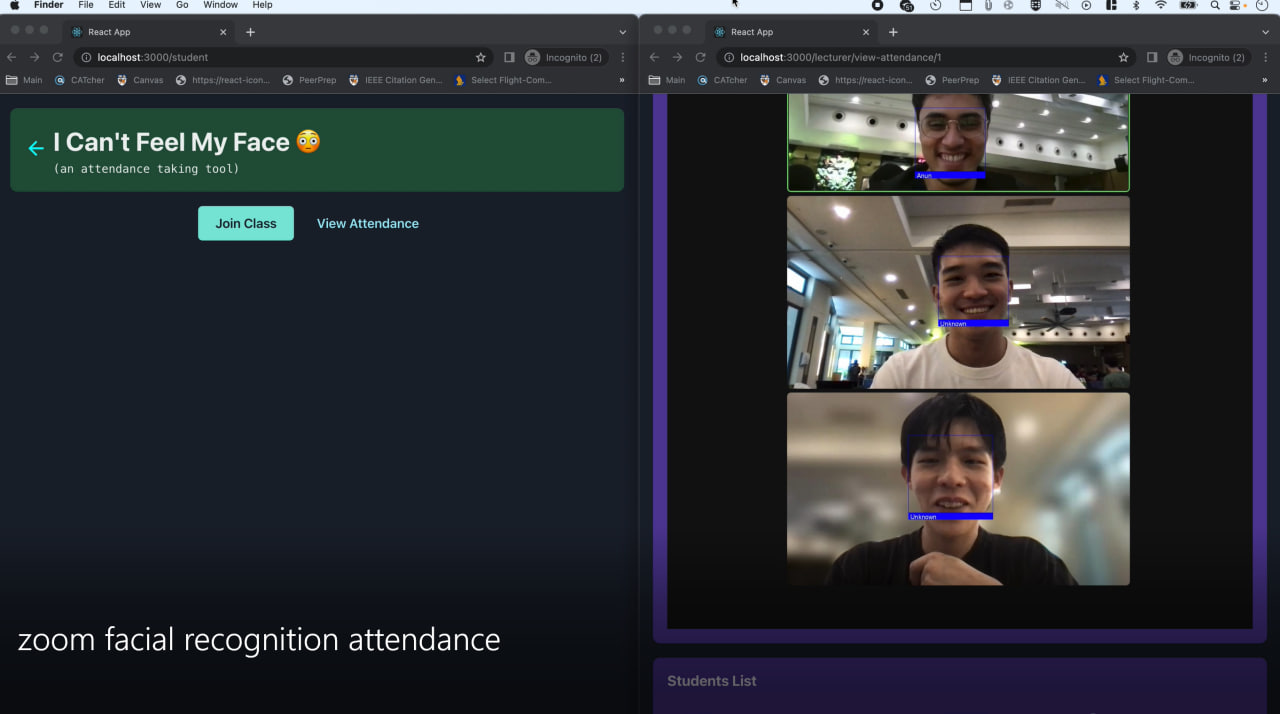
Using the facial-recognition AI model
-
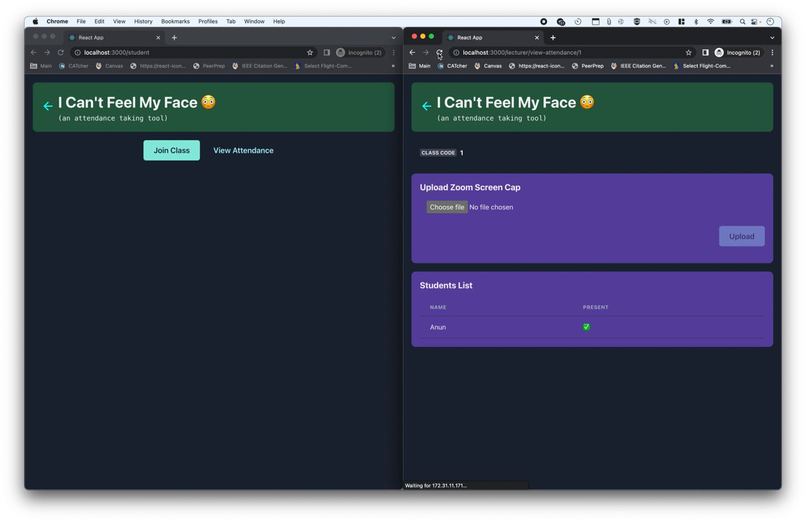
Marking the student as present based on the facial recognition



Inspiration
We have had to take part in many zoom sessions where attendance had to be taken, especially examinations, which was time-consuming and inefficient for both parties. We decided to make a automated zoom attendance taker using facial-recognition.
What it does
Lecturers can first create a class-code which can be used throughout the semester for their class. Students can join the class-codes created, as well as upload image(s) of themselves to identify themselves. During class, the lecturer can then take a zoom screenshot, and upload it to our platform, which will use our AI facial recognition model to identify the faces in the screenshot and mark their attendance. The lecturer will be able to see who has enrolled in their class, and who is present in their class. Students can also access their attendance records.
How we built it
It was our first time using facial-recognition in a project, and it took a lot of time to configure and tweak parameters for the AI model, but we managed to find values which gave us consistent results and a f-score of 87.7.
Challenges we ran into
File upload posed a significant challenge to us, with how to send images together with json data It was difficult collaborating across Windows and mac, and some of the packages weren't accessible on both platforms, so WSL was used. But also led to the issue of not being able to port forward and had to find other workarounds to share our local server. The need for a database was also debated but we implemented the backend and the functionality regardless.
Accomplishments that we're proud of
We managed to achieve the facial recognition functionality, as well as the backend so that our values are not hard-coded.
What we learned
We managed to pick up new skills with facial-recognition as well as developing a full stack application as a team as it was our first/second time taking part in a hackathon. The problem of images and json data together was very interesting and perplexed us for a while.
What's next for Facial Recognition Zoom Attendance - I Can't Feel My Face
We are excited to keep developing new features as we have plans to continue working on it and making hardware for classroom sessions. We also want to figure out a way to use NUS Student card photos as training data for the facial recognition so that the students do not need to upload images.


Log in or sign up for Devpost to join the conversation.