-
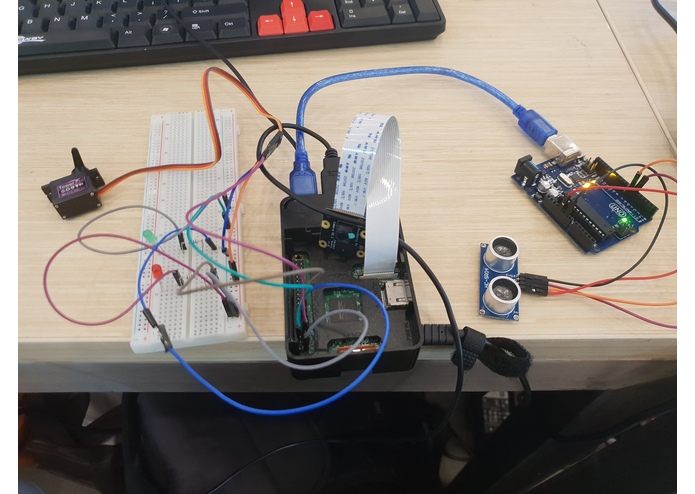
Raspberry Pi setup
-
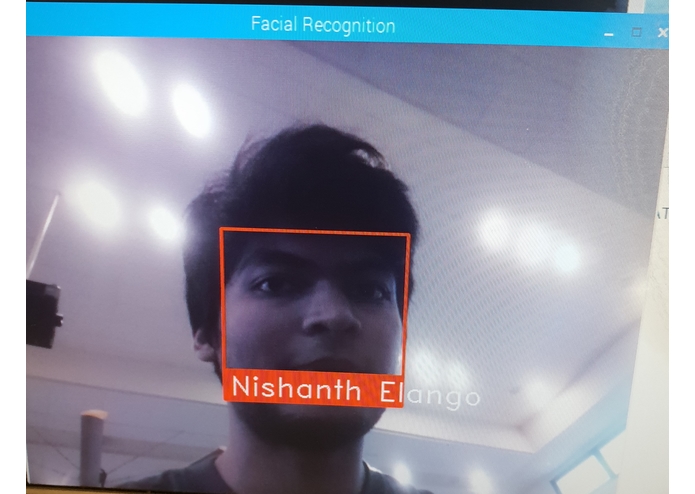
Facial recognition at work

Team members: Nishanth Elango: 705 Ng Jing Kiat: 776
Inspiration
We were interested in using facial recognition, and wanted to apply it to a security related project. We realized that the facial recognition might not be a 100% accurate, so we came up with the idea of randomly generating QR codes for 2 factor authentication.
What it does
It uses an ultrasonic sensor as a proximity sensor. It then uses the raspberry pi camera to verify the user. Once verified, a randomly generated QR code is sent to the user's email, which can be then displayed to the camera to open the lock.
How we built it
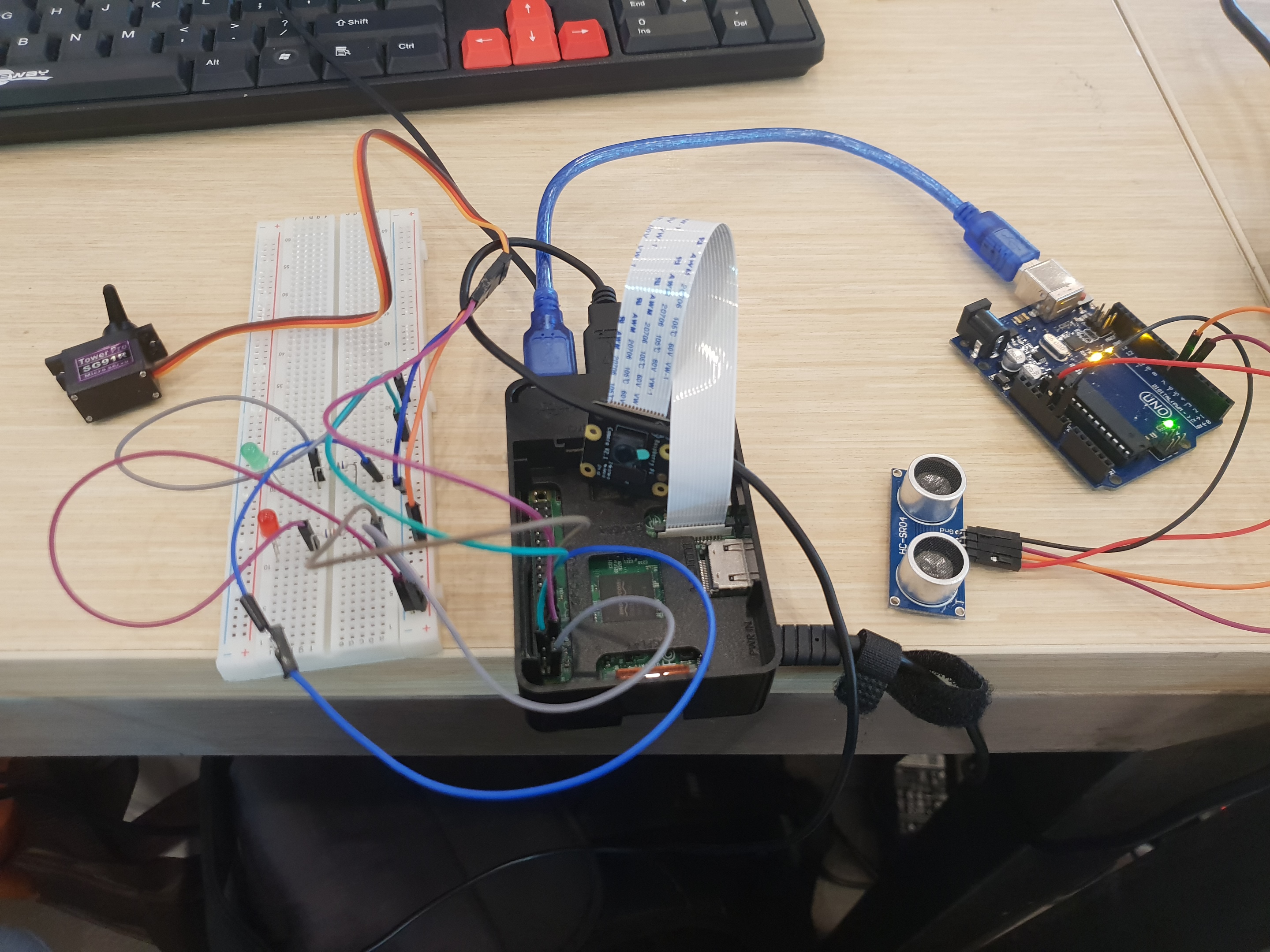
We imported python facial recognition libraries. We connected up the raspberry pi with a camera used for facial recognition and QR code scanning, an ultrasonic sensor used to detect the user's proximity, and a servo used to simulate the lock. We also made an LED set up on a breadboard to indicate green when the lock is open, and red when the lock is closed.
Challenges I ran into
There were several challenges we ran into, including setting up the raspberry pi camera, wifi connectivity issues, and the ultrasonic sensor not detecting objects properly.
Accomplishments that we're proud of
We're proud that we managed to combine the QR code generator and the facial recognition successfully to create a secure set up.
What I learned
Our understanding of python improved greatly. We also learned about sending emails using python, setting up a raspberry pi camera, how facial recognition works, and how to randomly generate QR codes.
What's next for Facial recognition door lock
We could explore deep learning in facial recognition to increase accuracy.
Built With
- facial-recognition
- python
- python-package-index
- raspberry-pi


Log in or sign up for Devpost to join the conversation.