-
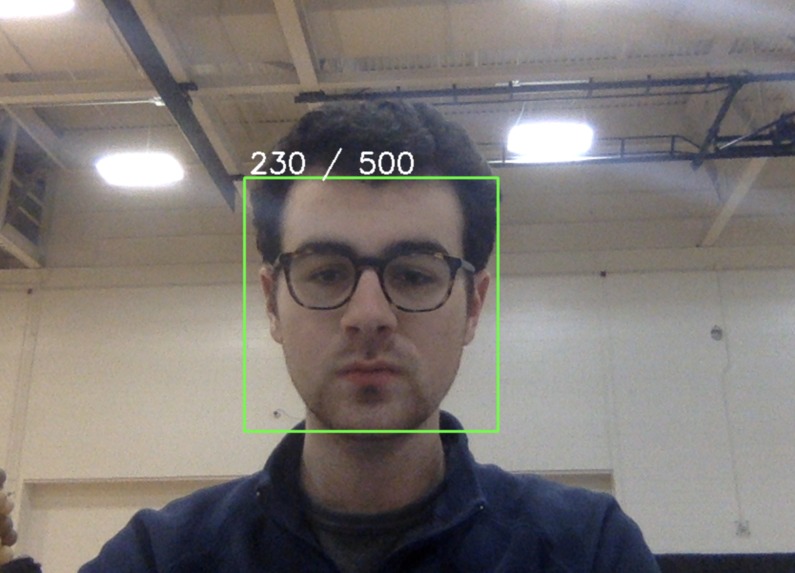
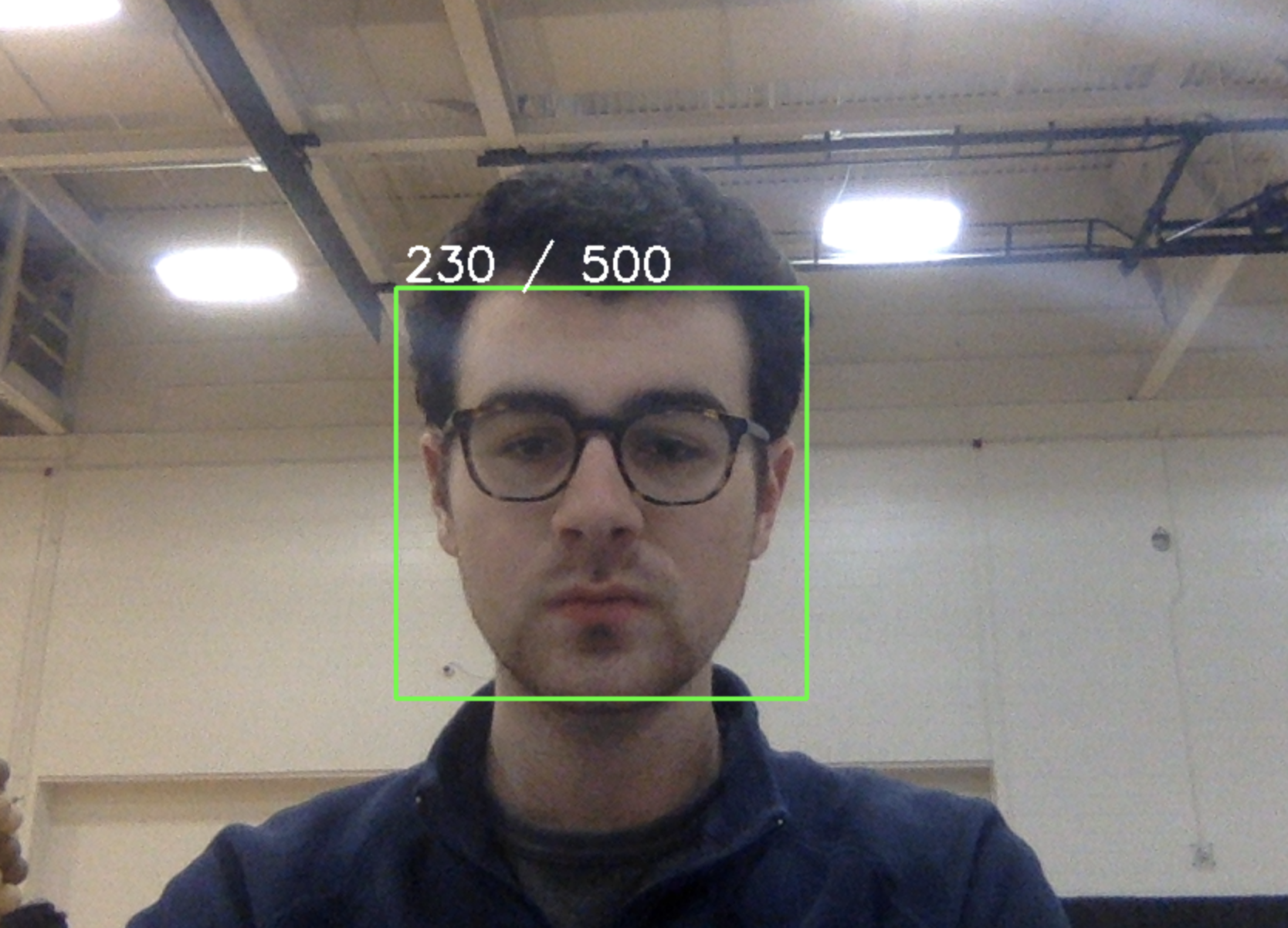
Program collects 500 photos of your face. These will then be used for the neural network.
Inspiration
The inspiration for this project is ensuring security. If you don't even know your password, it's much more difficult to reuse it or have it be stolen.
What it does
When creating a new account for a website, this project will analyze your face and create and store a password in a Django database. Then, if you wish to sign back into the website, the program will analyze your face, match it with the existing face, and autofill the password section with your password.
How we built it
Python was the foundation of the project and used exclusively for the GUI and autofilling the password on an existing web browser. Opencv was used to capture the face of the user. Tensorflow was used to create a four-layer neural network with binary classification. Django was used for managing our database.
Modeling
A four-layer convolutional neural network that performs binary classification is developed with the help of Tensorflow. The main task of our model is to verify whether the user trying to log in is a valid user registered in the system. The 90:10 ratio is used for our training-testing split while class balancing is performed on both training and testing sets to reduce bias.
Challenges we ran into
We ran into challenges with setting up the Django server, as neither of us has had experience with it. Additionally, we had issues initially with creating accurate facial recognition.
Accomplishments that we're proud of
We are proud of the accurate facial recognition and easy setup and use of the program.
What we learned
We learned much more about using neural networks, Django and Opencv.

Log in or sign up for Devpost to join the conversation.