-
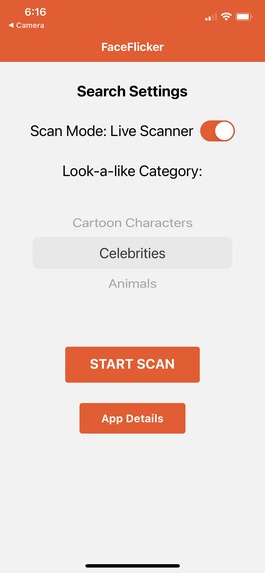
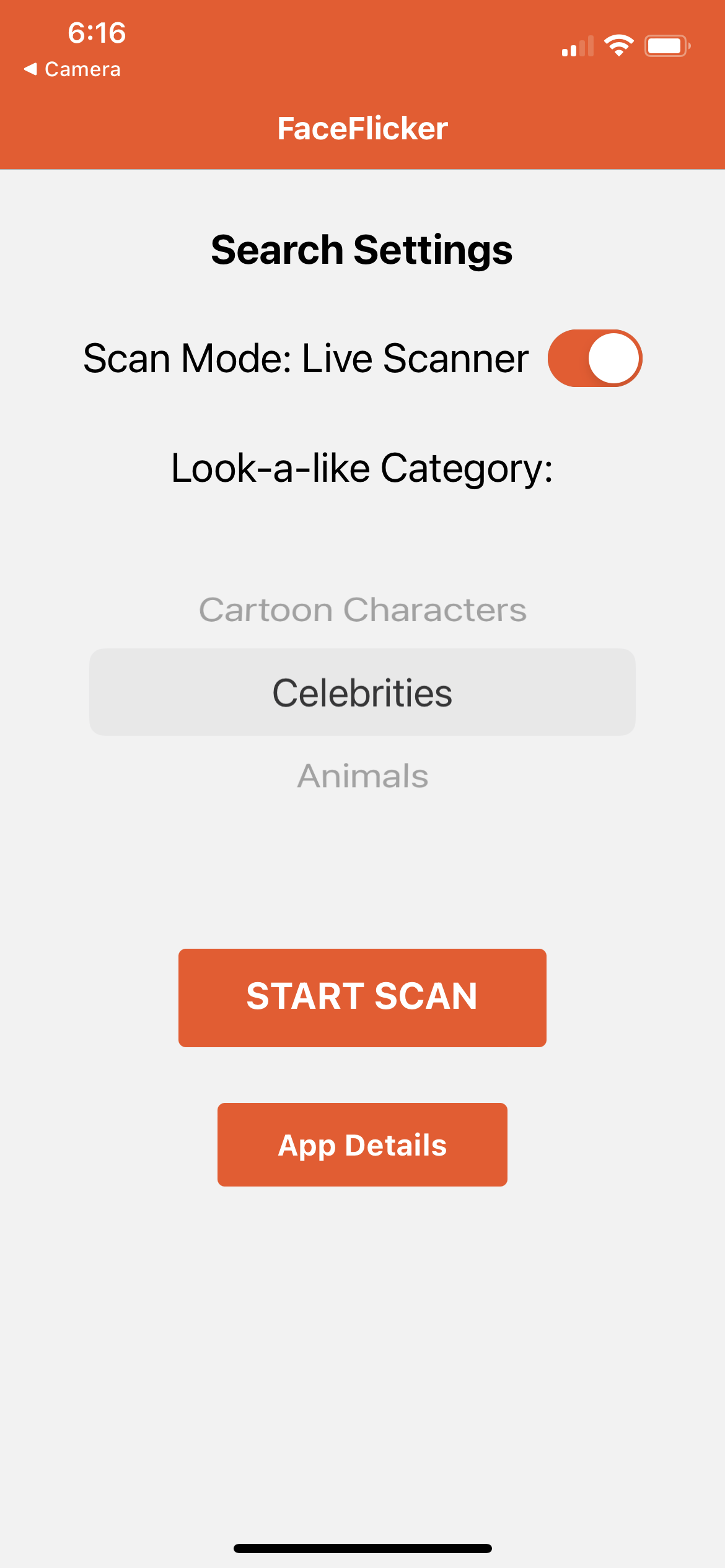
App home screen. Select doppelgänger search category, camera mode (manual/static and automated/live), and begin!
-
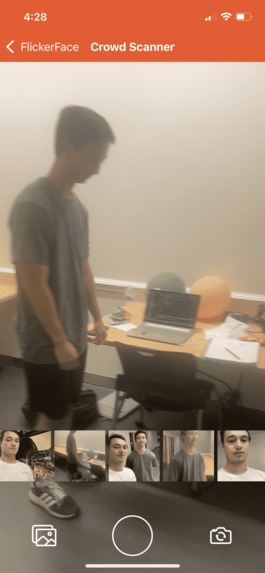
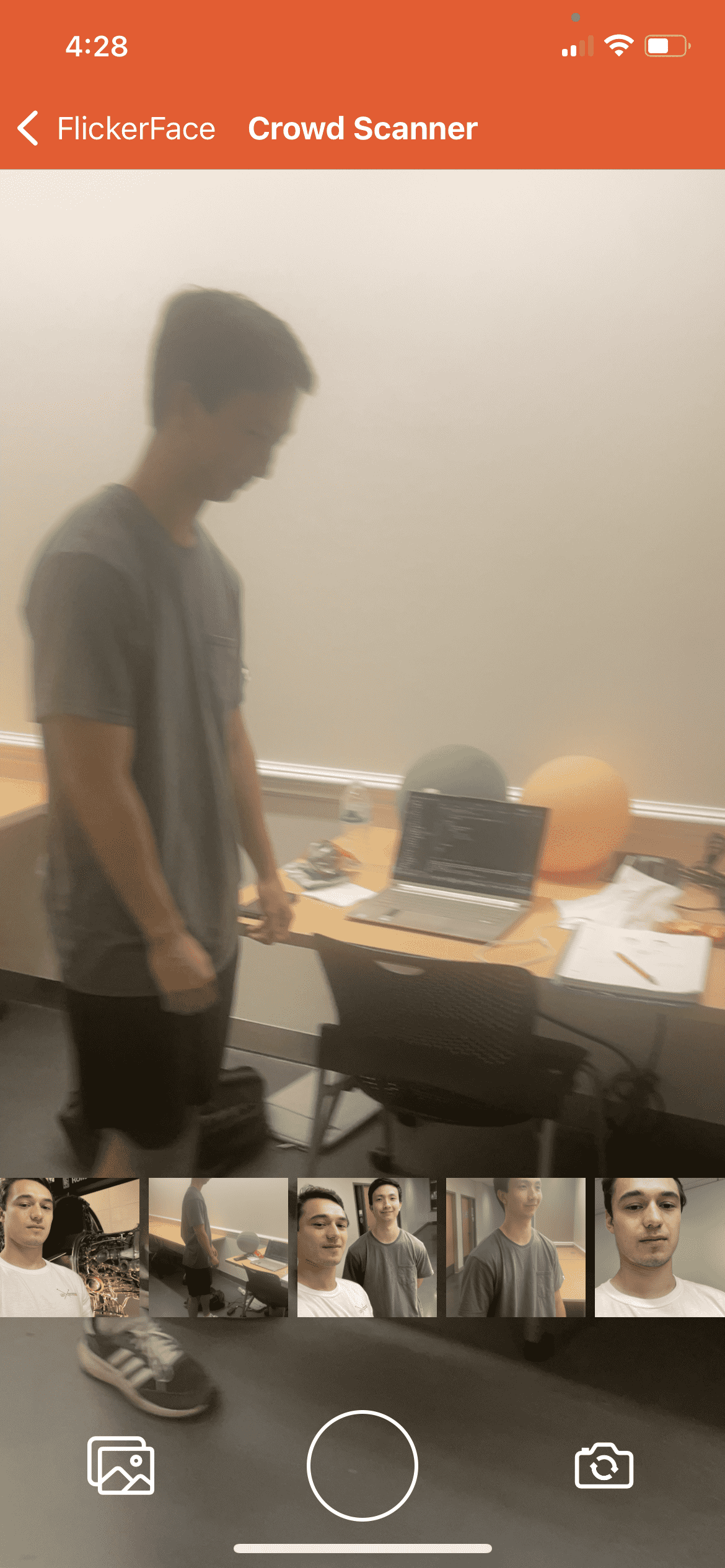
Camera screen in manual mode; to manually take static image of person. Toolbar to swap front/back cam, take pic, or view gallery
-
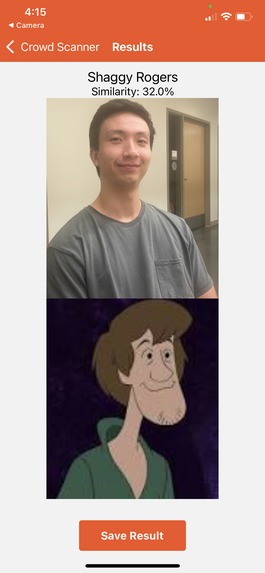
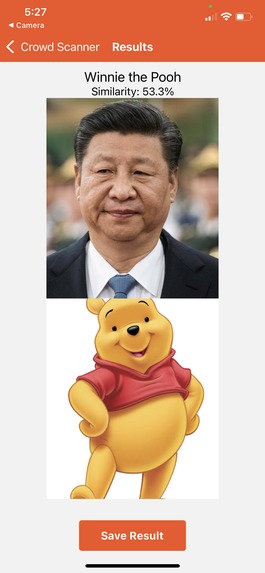
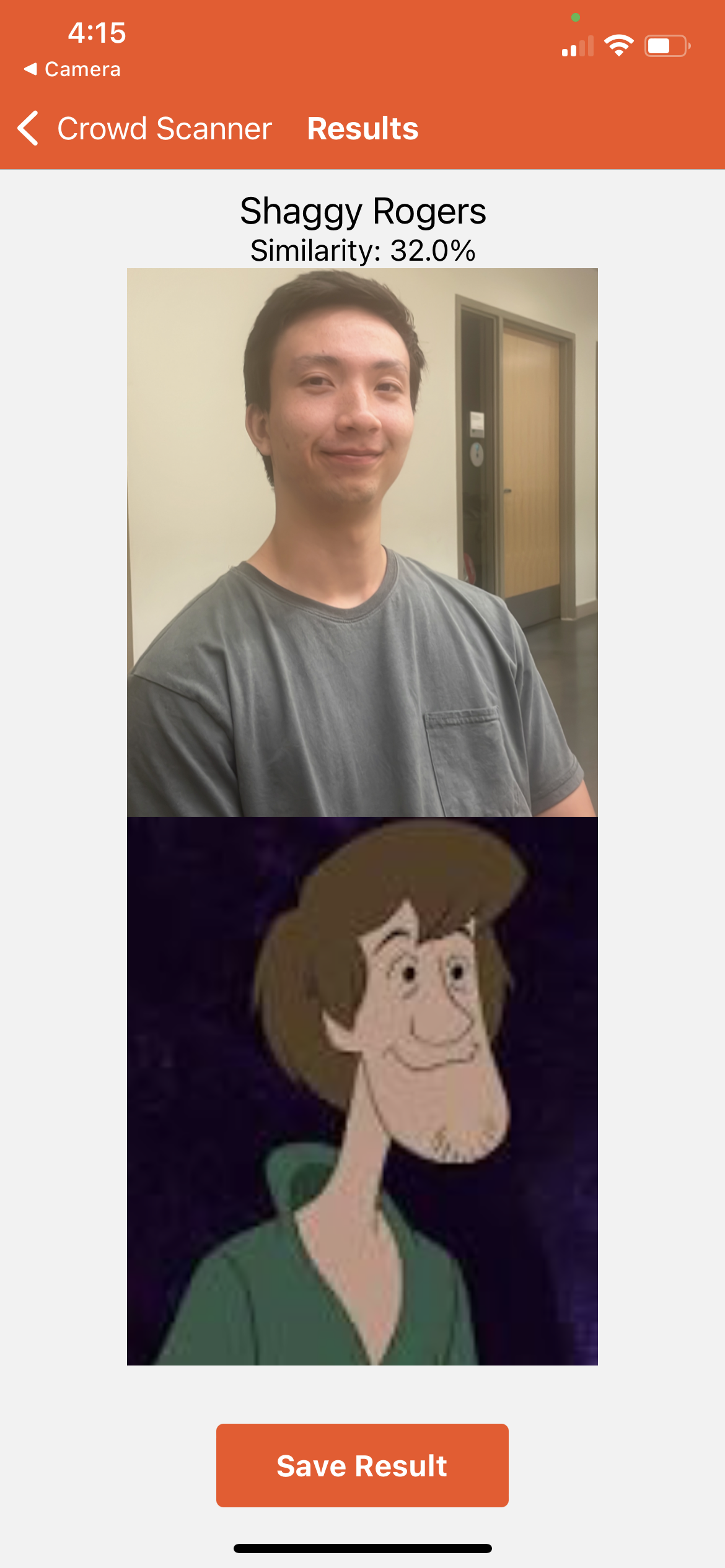
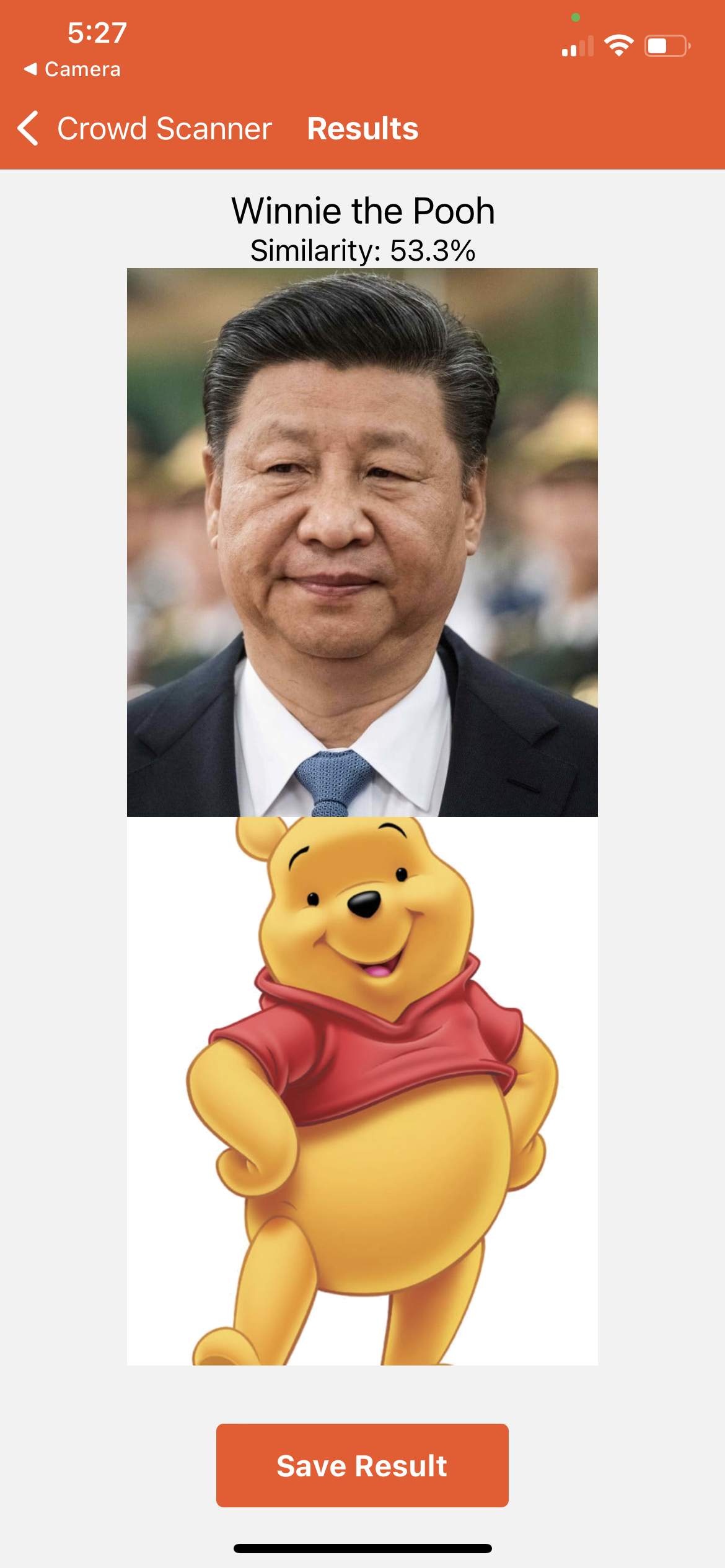
Search result page for search category: cartoon. Can return to camera for more photos and save comparison img
-
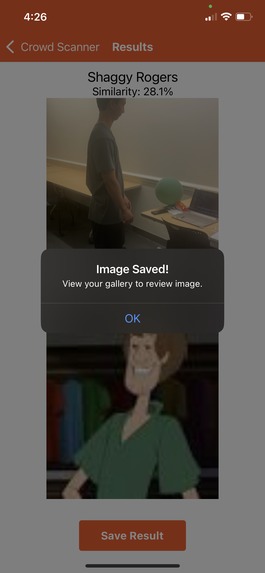
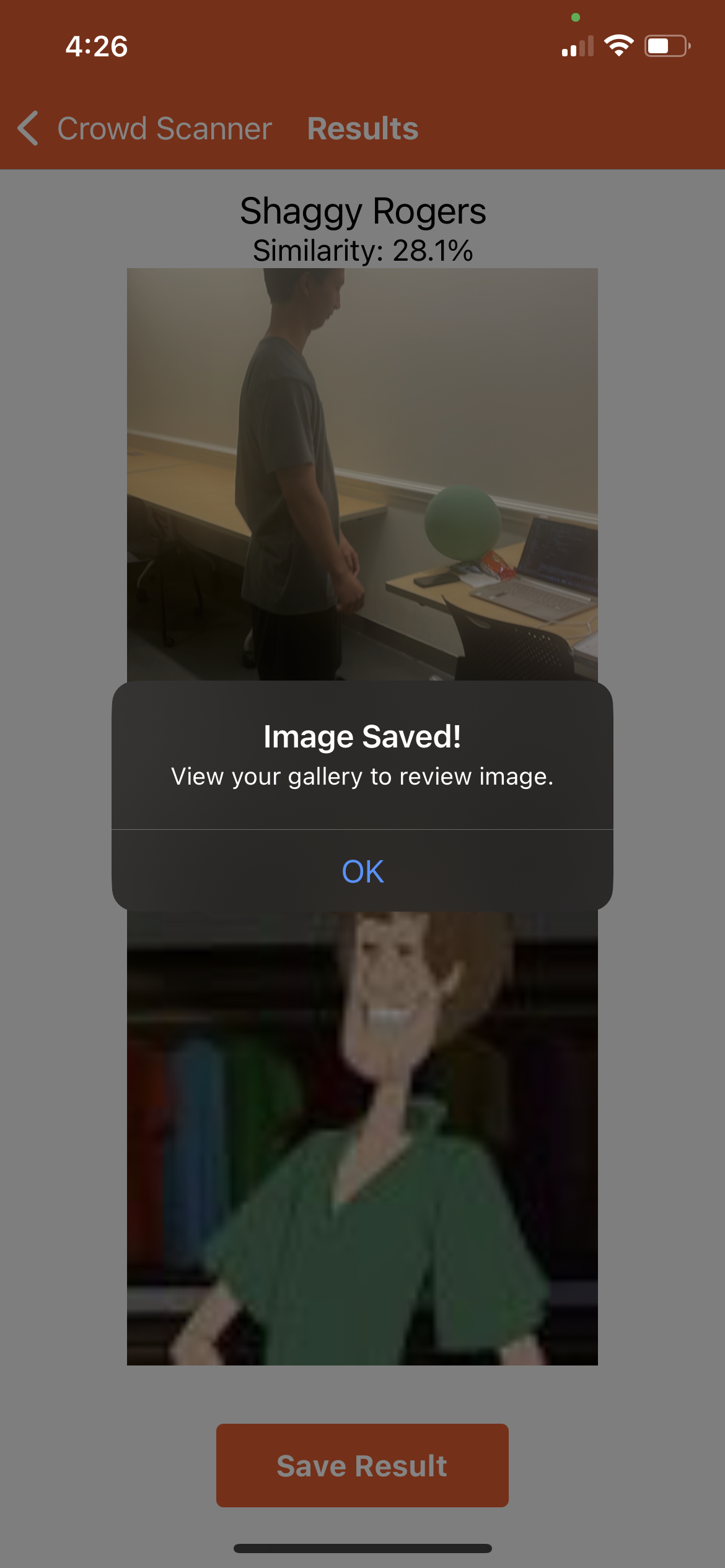
Example modal alert (notifying user of successful save)
-
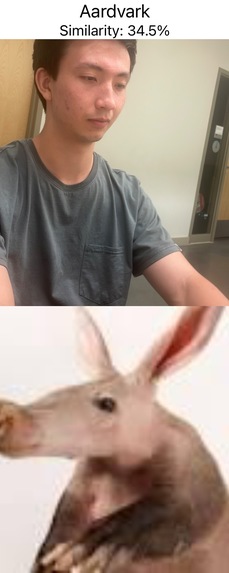
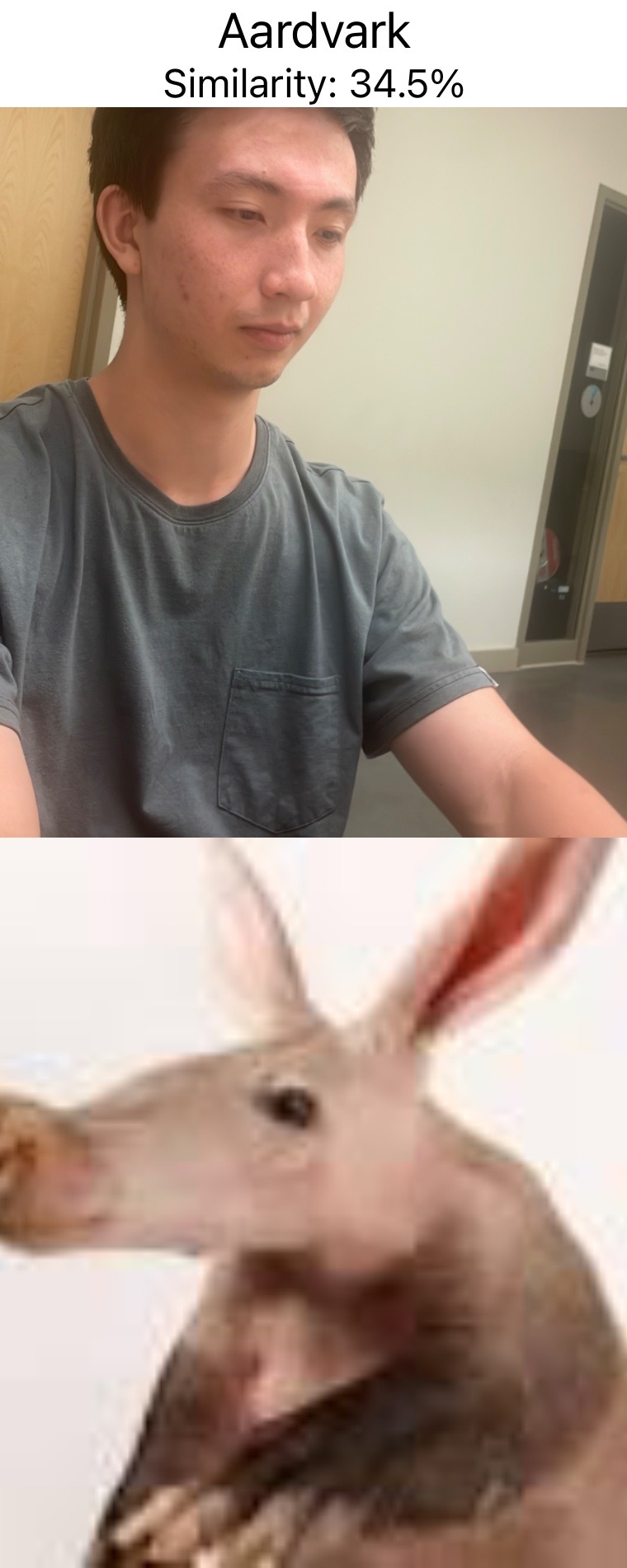
Example of saved comparison image, from clicking button on results page. (Category: animal)
-
Inspiration
The spark for the FaceFlicker project ignited from a desire to create an inclusive and enjoyable experience for all. We wanted to bridge the entertainment gap between sports stadium lookalike cams and fans watching at home by enabling users to effortlessly find their celebrity lookalikes, embracing the diversity and beauty present in every face.
What it does
FaceFlicker is a mobile app that brings the magic of finding your celebrity doppelgänger to your fingertips. In manual mode, users simply snap a picture, and our AI-powered app matches them with similar-looking celebrities, cartoon characters, or animals. In doing so, we celebrate the uniqueness of each individual while fostering a sense of connection and fun. In 'live scan' mode, the user can pan the camera around a crowd of people, like in a stadium, and snapshots of the feed will automatically be analyzed. After a certain period, the app will go to the results page and display the best matching doppelgänger found.
How we built it
We constructed FaceFlicker using a React Native frontend, a Flask backend, and Weaviate as our vector database. We stored vector representations of various images in our database, and used Weaviate's img2vec functionality to perform image similarity searches between the user's image and the images in the database. We stored the database locally in a Docker container, which performed image similarity searches by accessing a second local Docker container that ran the AI model. We ran our Flask backend locally on a computer, which was reachable by our React Native frontend, which ran on a mobile device. The frontend encoded images and sent them via post requests to the backend, which used CV to process the image, then ran the image similarity search, then returned the results to the frontend.
Challenges we ran into
Ensuring the AI model could accurately recognize similarities among diverse faces required meticulous adjustments. By using Computer Vision to separate a person's face and body from the background of the image, we were able to more accurately compare the users to their celebrity lookalikes. Another challenge we had was establishing communication between our frontend and backend, due to the difficulty of debugging network issues between our local computer and mobile devices. We had minimal previous experience making mobile apps, so we had difficulty figuring out how the frontend and backend, which were both running locally on separate devices, could communicate with each other.
Accomplishments that we're proud of
We're immensely proud of creating a fun tool that brings joy and laughter to users while supporting Diversity, Equity, and Inclusion initiatives. FaceFlicker celebrates the beauty of diversity by showcasing a diverse range of matches, reinforcing the idea that everyone has a unique charm worth celebrating.
What we learned
Through the journey of creating FaceFlicker, we deepened our understanding of AI, image analysis, and mobile app development. We specifically gained first-time experience with react native, and learned more about vector databases in ML. More importantly, we gained insights into the importance of promoting diversity and inclusivity in technology. This project has reinforced our commitment to building tools that uplift and unite people from all walks of life.
What's next for FaceFlicker
Due to the limited timeframe of a hackathon, we naturally had stretch goals which we didn't get working in time. One technical improvement we didn't get to include in the final product is using CV to crop each person in a given image into their own image for better analysis when using the live scan/panning mode. Additionally, we are interested in adding other stadium-screen types of entertainment using CV, for example tracking body position and movement, and rigging 3d models to move with people in the camera, for example animating a helmet on someone in real time. We hope to deploy our app in the future, allowing us to offer an inclusive, entertaining experience that brings smiles to faces worldwide.


Log in or sign up for Devpost to join the conversation.