Inspiration
We were disappointed by the lack of accessible aid technologies made for those with reduced motor skills. Although we found a few products that improved hands free accessibility, such as Dragon Naturally Speaking and HeadMouse they were incredibly expensive (upwards of $900), and limited in the environment in which their products could be used. This inspired us to create a project that was readily available and did not require any pricey external hardware, other than a built in webcam.
What it does
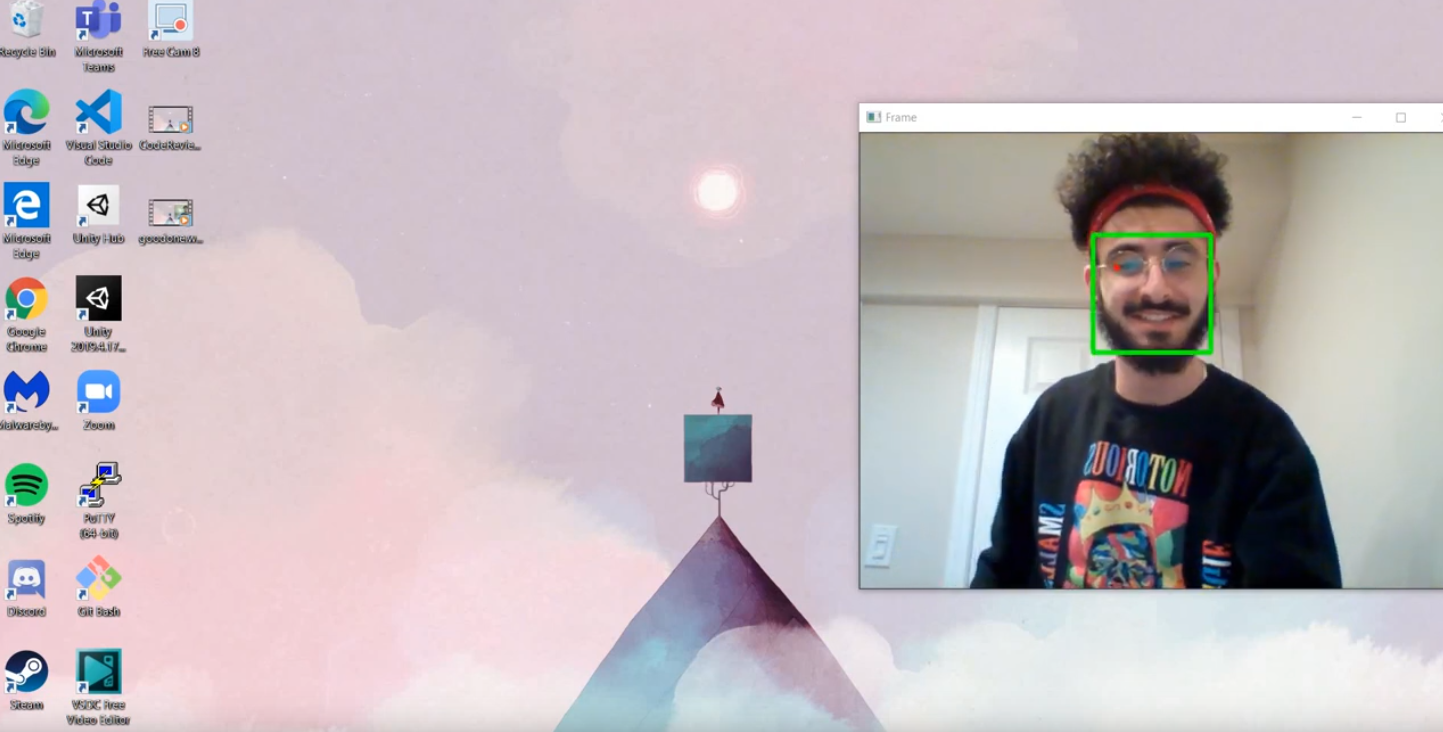
FACE allows you to interact with a computer - without the need for a keyboard or mouse! All you need is a bright room, a face, two eyes, and a mouth :)
How we built it
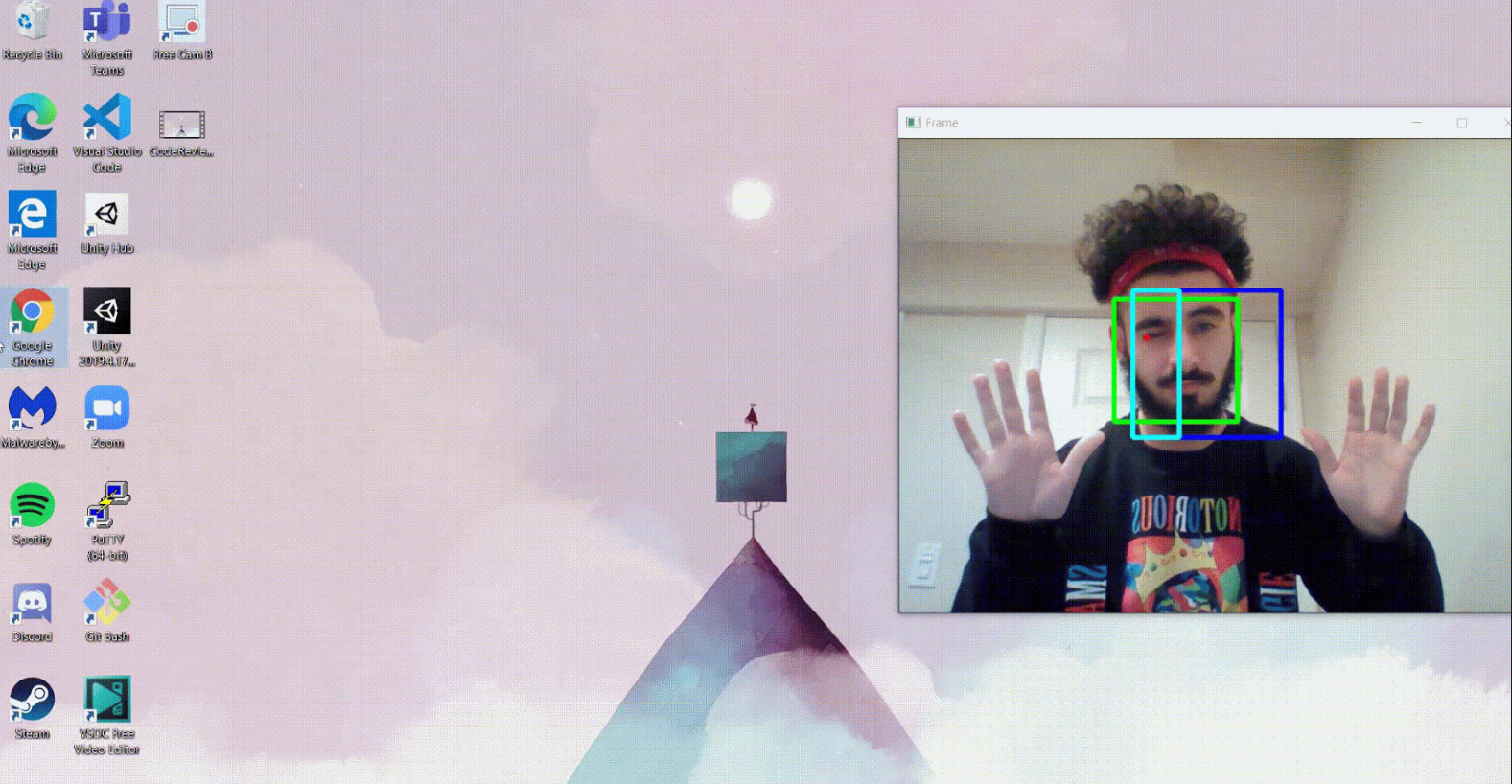
We used the OpenCV, and dlib libraries to detect a face in the camera feed. We then used the shape predicting capabilities of dlib to determine 68 points that depict facial landmarks. Using Euclidean geometry we calculated the distance the eyelids would need to be apart from each other to count as a blink. We then mapped the blinks and offset from the calibrated initial position to mouse input using the pynput library.
In order to replace the keyboard input, we used the PyAudio package to stream in live audio from the microphone and used the speech_recognition package to convert speech to text in real time, which is then passed through pynput to the keyboard input.
Challenges we ran into
We had some struggles with the stability of detecting winking and blinking for mouse input, as well as distinguishing them from natural blinking. To overcome this, instead of triggering a click when one wink was detected, we used a running sum to get the average of all previous readings - i.e. a left wink gave a value of -1, so when the sum leaned far enough on the negative side a left click was registered.
The second challenge we encountered was implementing double clicks with such limited controls. We chose to solve this issue by dedicating a small section of the calibration box to "special actions", such that when the left eye was detected to have winked while in the special actions box a double click was registered, instead of a single click.
Accomplishments that we're proud of
This was our team's first time working with most of the libraries we used. Although there was a lot of new information for us to learn, in a short amount of time, by working together and finding a balance between our respective strengths and weaknesses we were able to create an alluring end product.
What we learned
With FACE, we learned that there are an abundance of applications with computer vision, anything from more accessible technology, to road detection, to games, there is no limit. We learned that documentation is an integral part of the software development process and that learning to read the instructions for libraries (especially when using so many) is incredibly important. And last, but not least, we learned that patience and winking are key.
What's next for FACE - Fully Accessible Controller Emulator
We hope to continue expanding accessibility for our controller emulator by further improving stability of facial landmarks, and adding more functionality to the available gestures. We'd also like to explore containerization as a method of managing the hassle of installing the many dependencies that FACE requires.
Acknowledgements
We would like to thank the contributors to the libraries we used:
(and Shreya, for keeping us fed and healthy. thank you.)


Log in or sign up for Devpost to join the conversation.