-
-
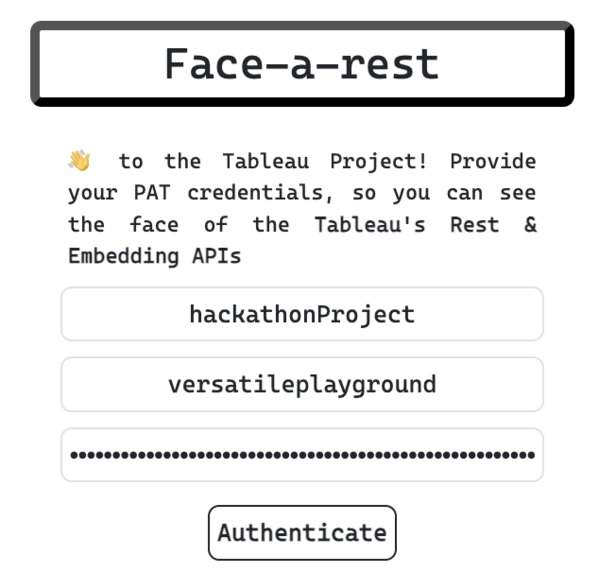
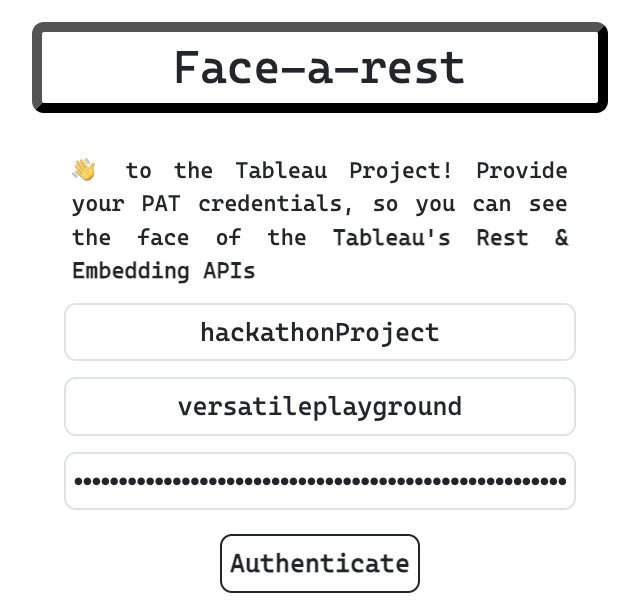
Click on Authenticate to enter the main part of the extension
-
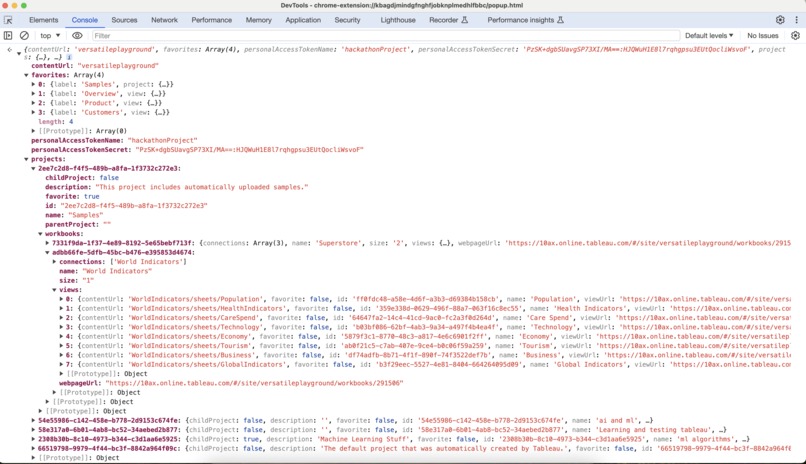
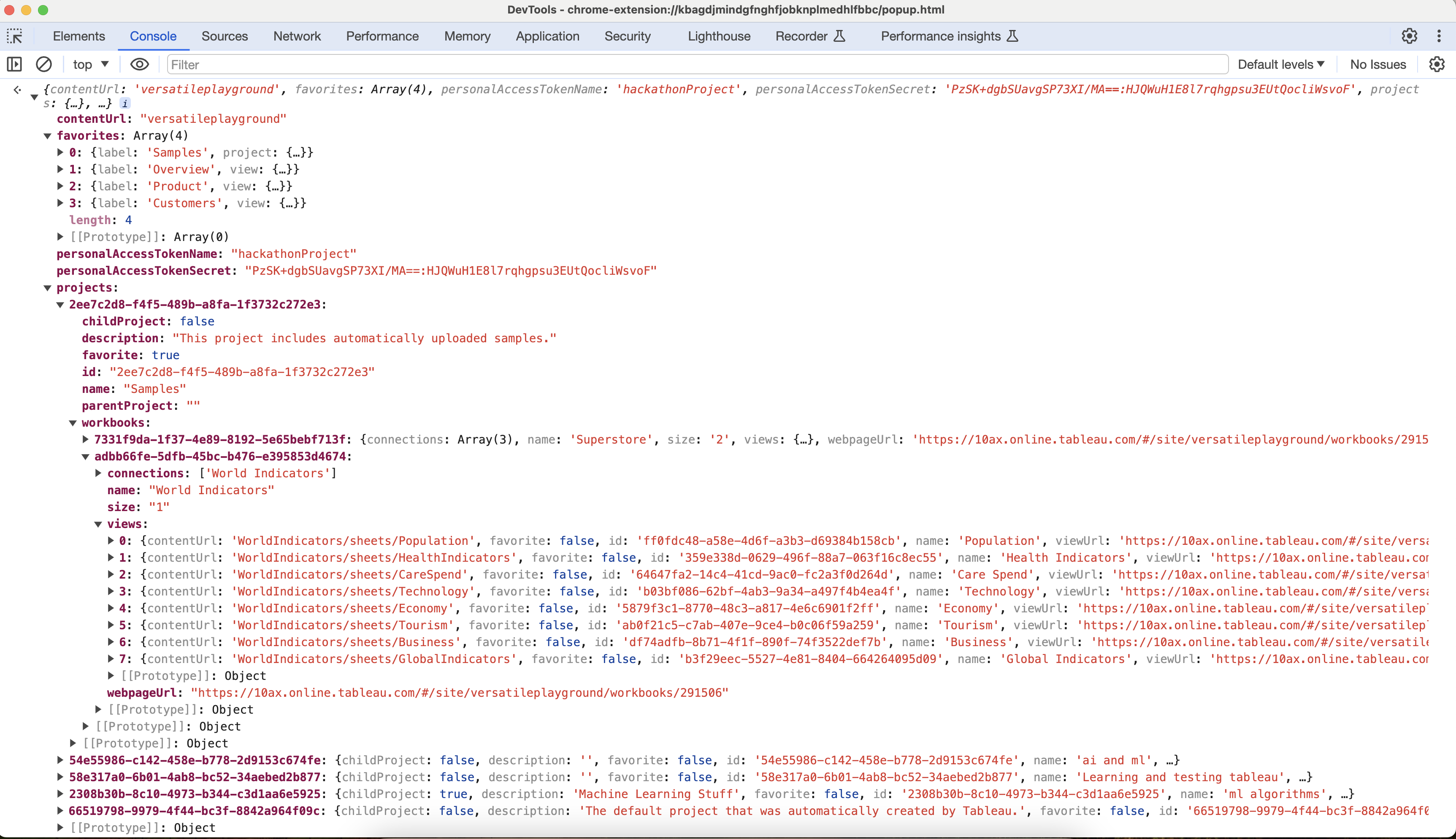
Structured data for the extension
-
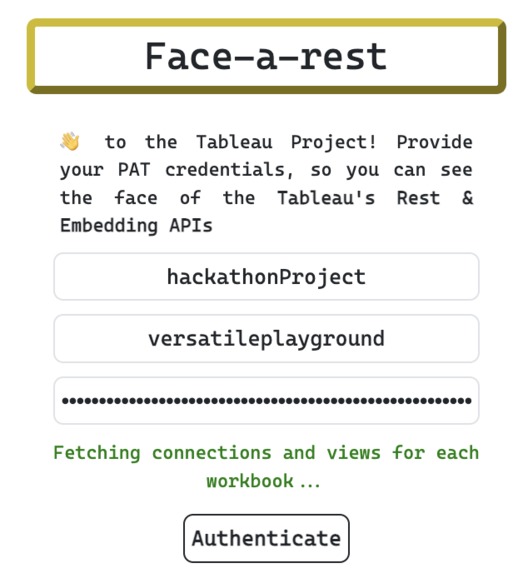
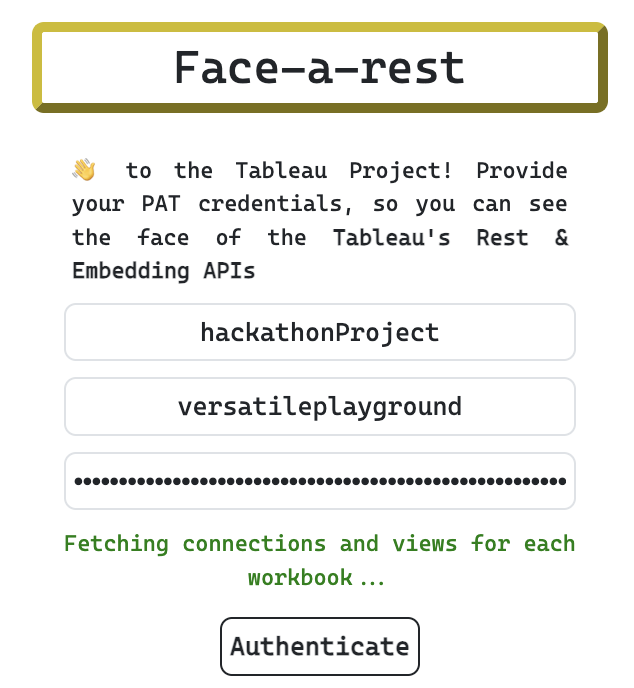
Fetching the data to populate the UI
-
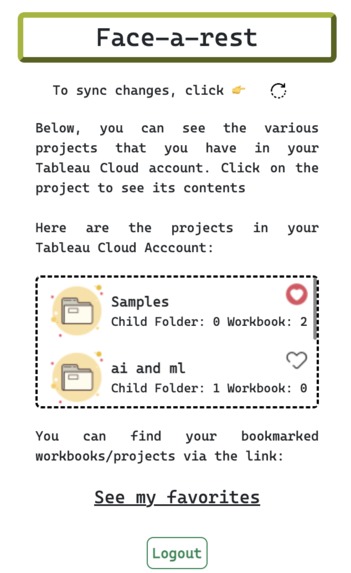
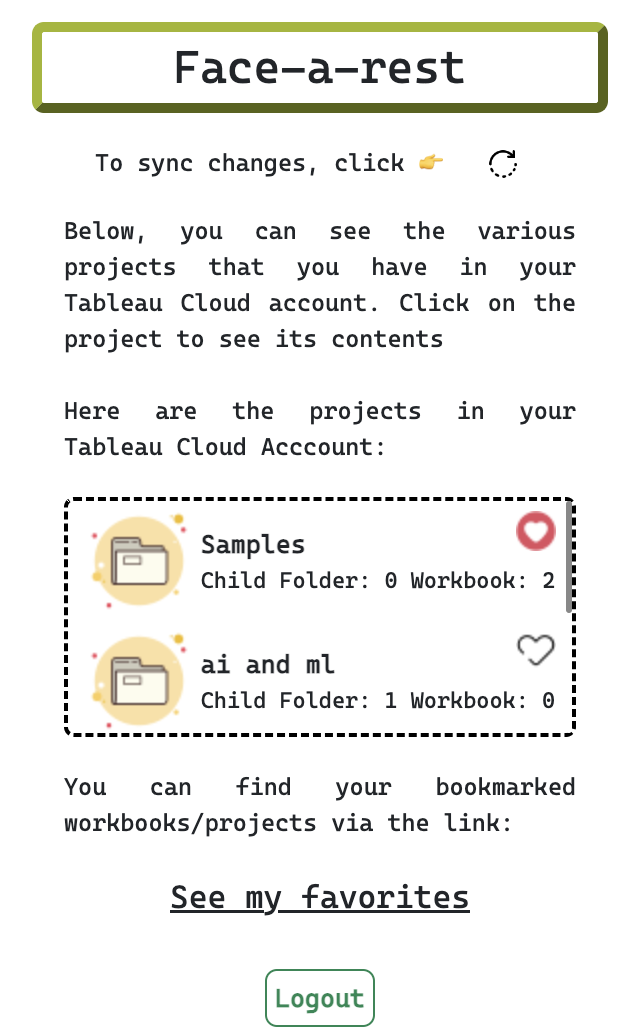
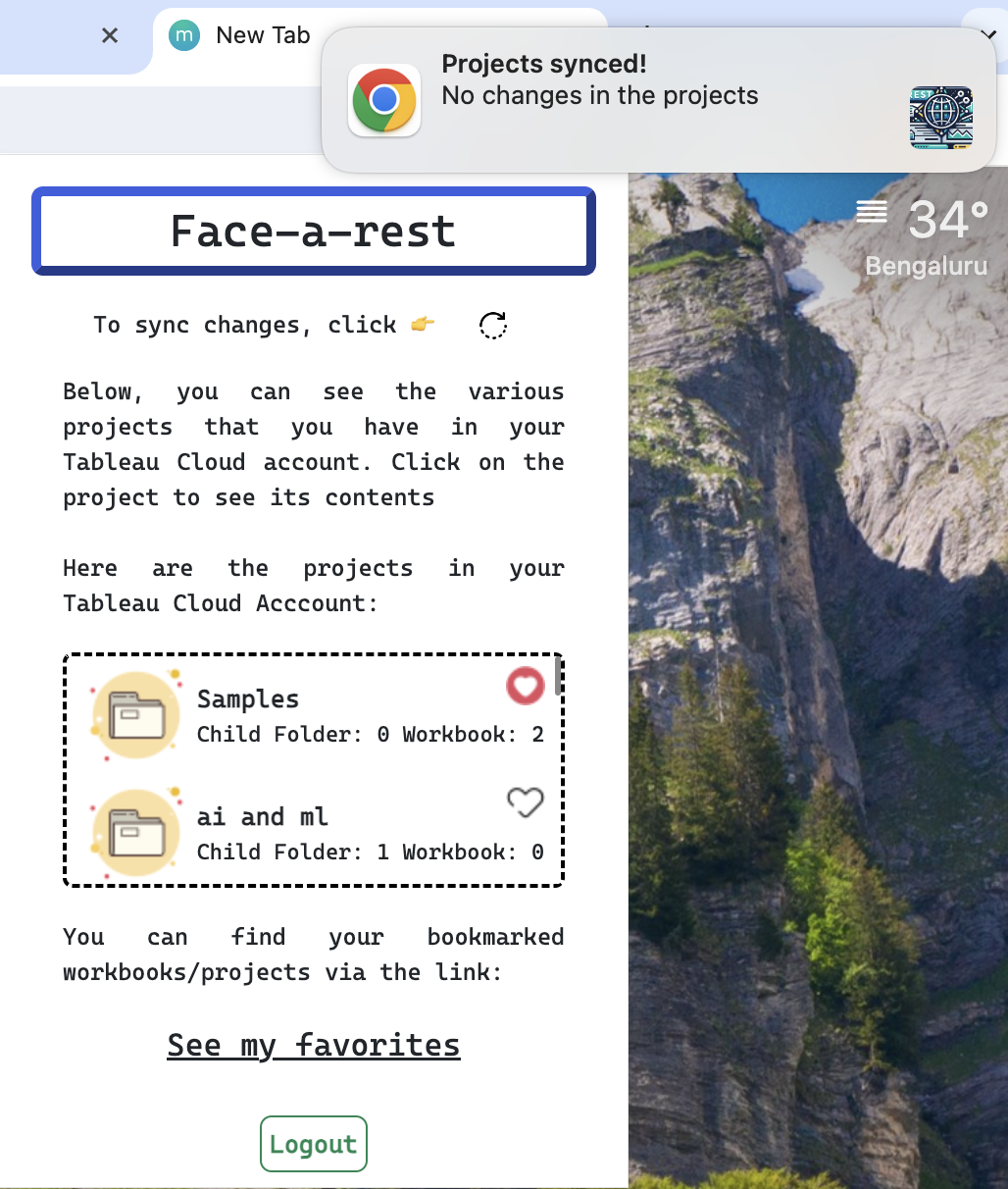
Showing projects in your account
-
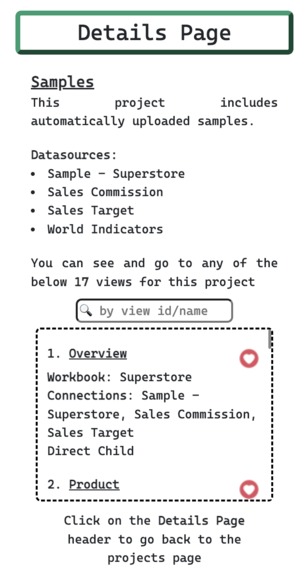
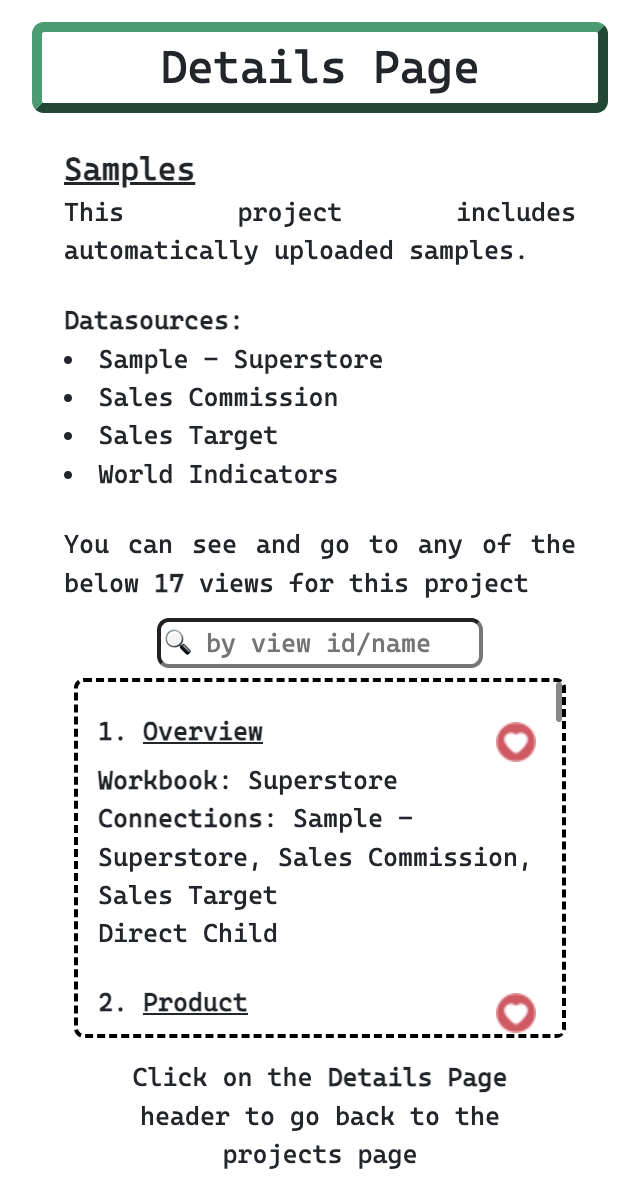
Views in a specific project
-
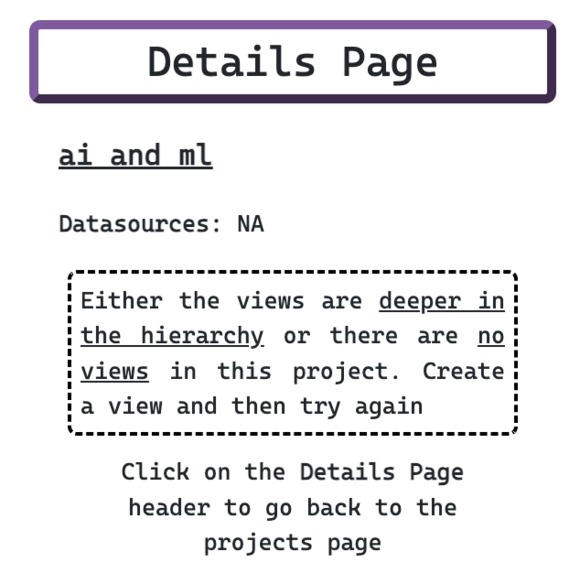
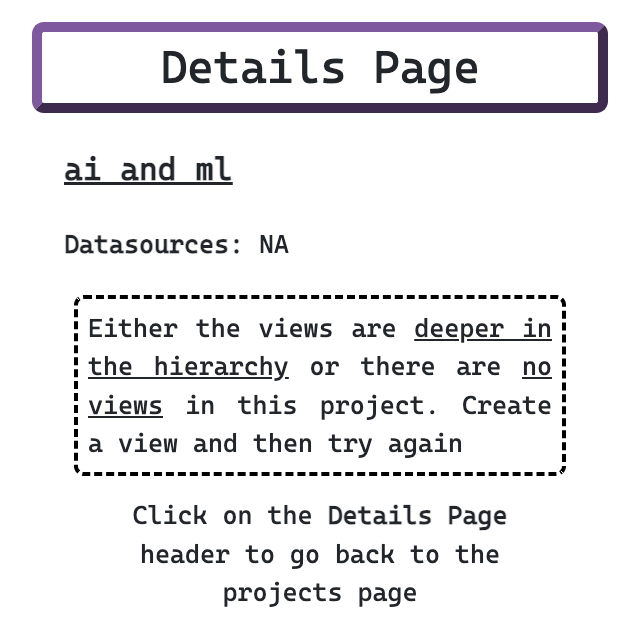
Views page in case there is no view
-
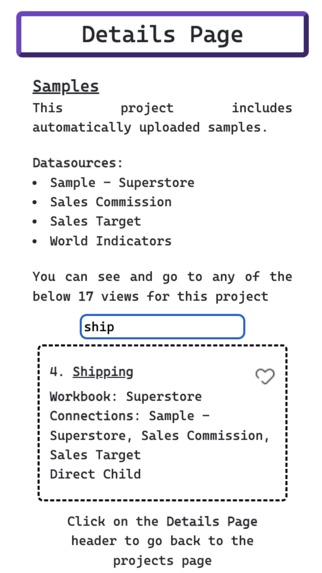
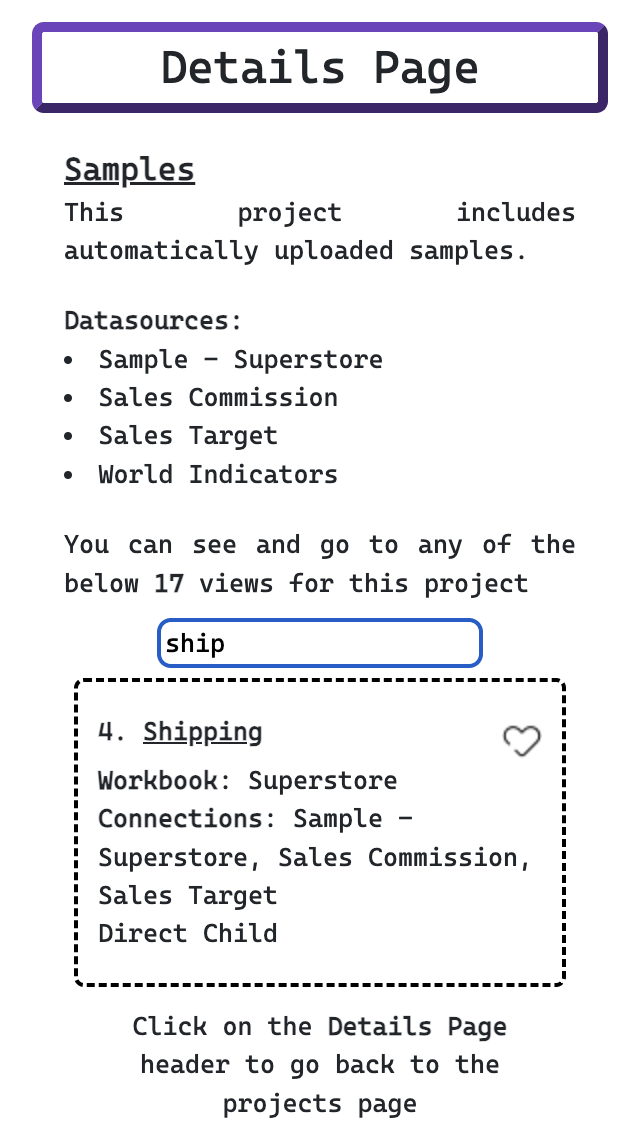
Find & search from multiple views in a project
-
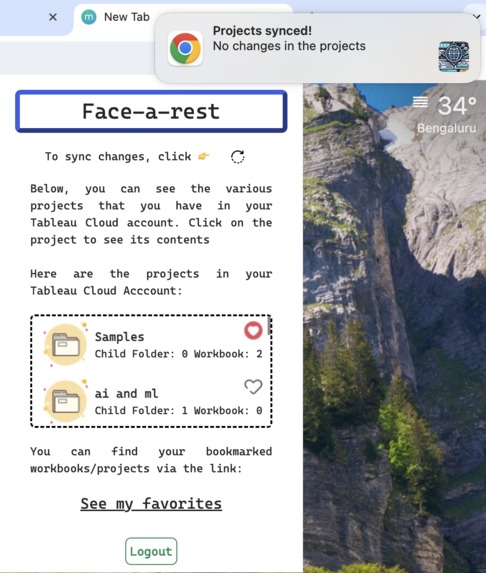
Notification for data sync feature
Inspiration
We all know the MFA feature of Tableau (proud of the fact that the security aspect is never compromised). It becomes tedious sometimes when you have to open the website (Tableau Cloud Dashboard) to go through the views you created or any other read-only stuff. Tableau is already a great collaborative platform for visualising any problem that could be broken down with the help of data (that covers everything). And providing another UI to do the same thing is of no use.
That led us to start with our project Face-a-Rest, which is an extension. This project helps the users to view all the projects, and visualizations, that they have in their Tableau Cloud account. It beautifully uses Tableau Rest API so that the data can be fetched and then arranged properly to facilitate the user in the best manner possible.
You can access the extension through the Chrome web store link provided in the "Try it out" section at the bottom of the page. Use it just like shown in the video
⚠️ Oops! It seems like we forgot to showcase the sync feature of the extension because of the time limit, but do not worry as we have explained in detail in this documentation so you can grab each of the important stuff
🗒️ The extension can be used only on Google Chrome & Edge browser.
What it does
It acts as the perfect hub for you to interact with your Tableau projects/visualizations in the minimal UI space and also eats the least amount of hardware resources in the process. Not only read-only things, but you can manipulate and access various things that will come in handy in daily use.
1️⃣ After entering your PAT credentials and content URL, a token will be fetched so that further Rest API calls can be made (for the judges to quickly start accessing the project, we have filled in our credentials, so they can just tap and access the extension). Then several API calls will be made to fetch the account details (projects, workbooks, connections, views, and favourites).
2️⃣ Then comes the real part, the data is modelled and structured in a way so that the extension could use it. You can see the same from the screenshots that we provided at the top. We spent days on this thing because a remote-based AI model was not doing things for us. Structuring the data and linking the stuff with each other, makes the extension process it and present the data in the UI
3️⃣ After the UI is populated, you can see the projects, visualizations, their data sources, and your favourites, and can access your dashboard right from this small dynamite.
4️⃣ Data Sync Feature:
As the data-retrieval part is slightly longer, we didn't want to do/fetch the same data again and again (on each reload), so we provided a sync icon 🔃 at the top right corner of the extension. The data is fetched at the time of login only, and in case you do some modifications to your dashboard via the Tableau cloud console and want to reflect the changes in the extension also, you can just click on the icon and it will re-paint the UI so that the new changes can be seen. Not only this, you will be able to see the exact amount of project(s)/view(s) added/removed via a notification coming from your browser. Isn't that great :)
5️⃣ You can access the dashboard link for any view by just clicking on the view name and in case you want to see the favorites, you can see them by clicking on See My favorites button. If you want to add/remove any favorite, then you can tap on the cute-little 💖 and the rest will be taken care of by the extension
How we built it
The reason behind making an extension is the fact that we wanted to enable/empower the user to access or view the Tableau-related data at any point in time, even without visiting it. You can just type in an email and simultaneously see the Tableau-related views/projects right from that tab. Extension barely takes up any pixels/space on the device and thus you can see the exact tableau stuff in the most beautiful and machine-friendly way.
And you know what, plain scripting languages are used to make it. No fancy AI model or technology is used in this project. It's just a huge amount of code written in HTML, JS, and CSS. No database or third-party dependency is there. As long as you have a browser and a Tableau account, you are good to go.
Challenges we ran into
As we have already mentioned, making the API calls to various REST endpoints and then populating the final data object was very very difficult. Not only do we have to structure it, we have to find ways so we can extract the data back whenever the UI needs it. Apart from this huge roadblock, there were many hurdles in the way (accessing the extension-specific functionalities and utilizing them asynchronously with the UI)
Accomplishments that we're proud of
Coming up with an idea that will help leverage the existing features and elegantly show them, is something that our team is proud of. Rather than developing a new UI for the same things that the product provides, or utilizing an AI model to generate output, we used, managed, handled, and modified the REST API to present things in the most neat manner ever possible.
What we learned
We are not sure about Tableau in general (as learning it takes a huge amount of time), but we are proud of the fact that we explored the REST API thoroughly and utilized it in the best manner. You know, we spent hours understanding the relationship between the data that was returned from the API calls. After we got a hold of that, we integrated it with the Chrome extension and the result is awesome. Even making up the links from the API data (favourites page link, view-link for the views) challenged us. But we finally overcame all of those hurdles and learned a lot about Tableau in this period and we are grateful for the opportunity.
What's next for Face-a-rest
We wanted to add other functionalities of the REST API into the extension, but we thought that would compromise the user's account. So, we just stopped on these many features. But we are sure of the fact that, if we had more time, we would have integrated the Role-assigning feature of Tableau in the extension so that the user can manage the access right from the extension.
But still, we are more than happy with what we presented for this challenge and have our fingers crossed 🤞


Log in or sign up for Devpost to join the conversation.